
Better Reply: Text Assistant
AI keyboard & fast replies
Designed for iPhone, iPad
Free · In-app purchases
- Age rating4+
- CategoryProductivity
- DeveloperKok Keong
- LanguagesEnglish+ 23 more
- Size19.0 MB
Links to the official App Store page
Download.org hosts no file of Better Reply: Text Assistant. The button opens its official App Store page, published by Kok Keong. Listing last checked on Nov 15, 2026.
Screenshots
About
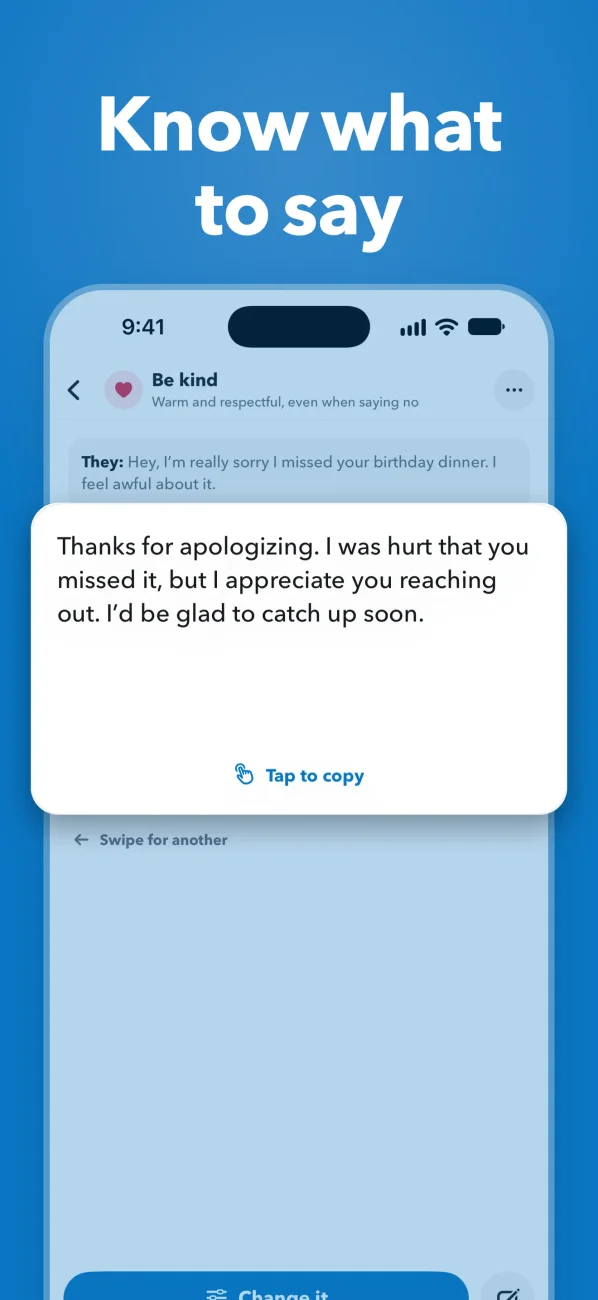
Not sure what to say? Paste their message, pick a style, and Better Reply writes three replies you can send. Answer texts, emails and chats in seconds, or rewrite what you've typed so it sounds right.
HOW IT WORKS
• Paste a message or email, or add a screenshot of the chat
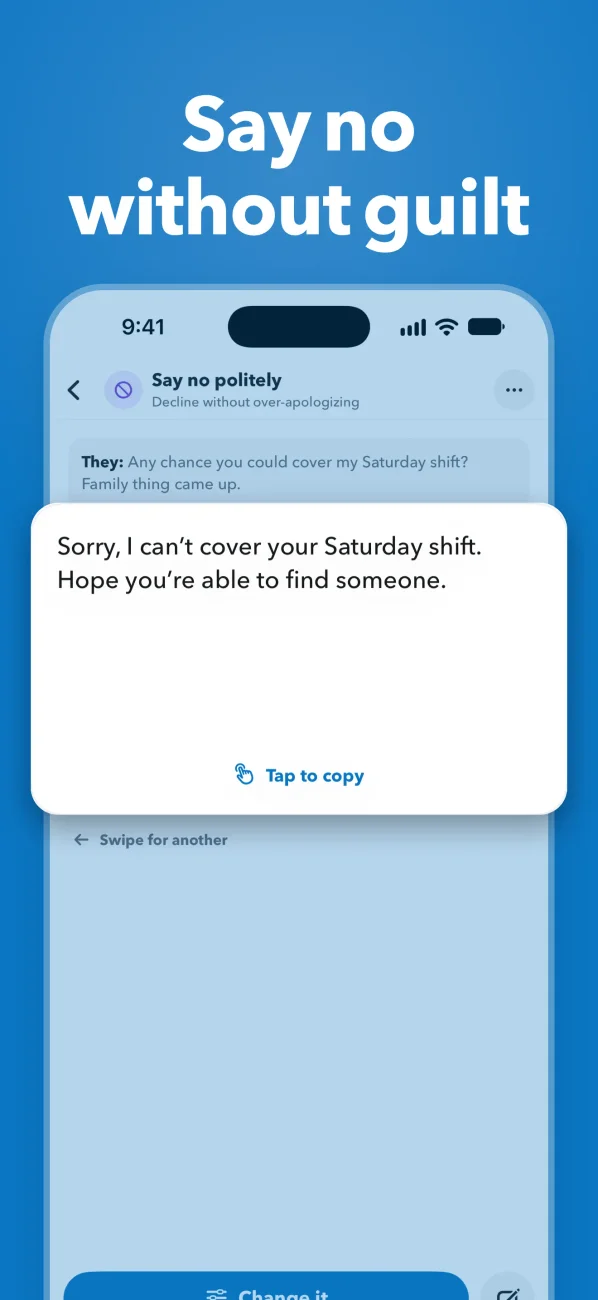
• Pick a style, like Be kind, Say no politely or Formal email
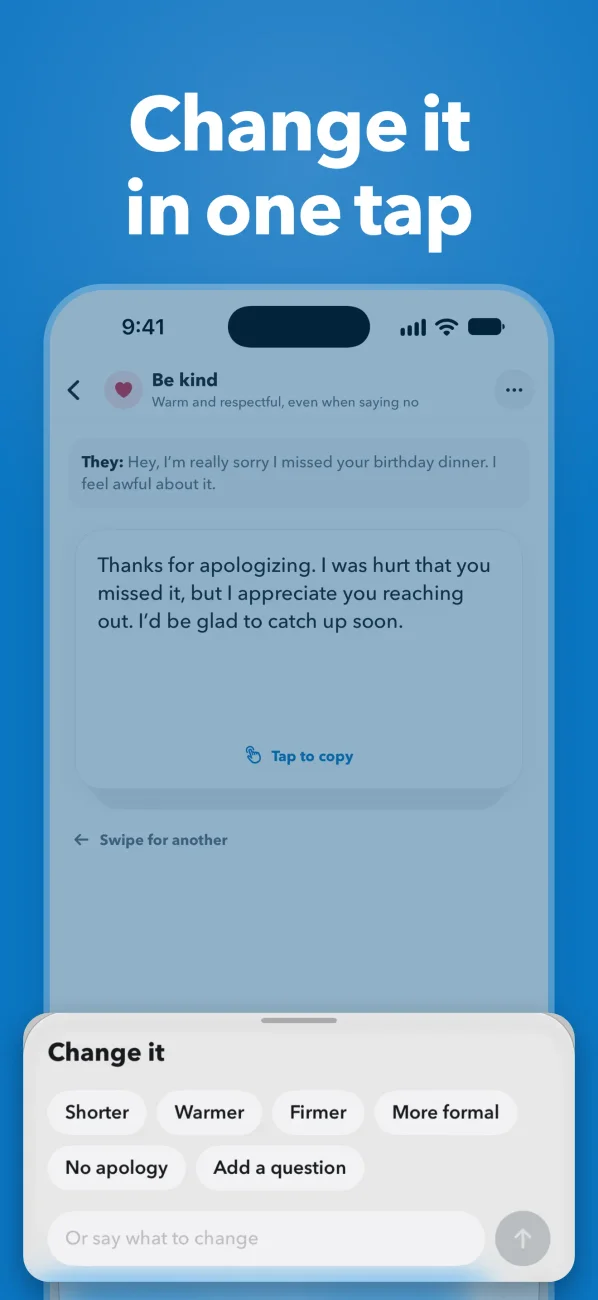
• Get a reply. Swipe for another, tap Change it to adjust it, and tap to copy.
60 REPLY STYLES
Kind, short, formal, funny or firm: pick from 60 styles for everyday life, work, friends, fun and tricky moments. Search the library and add the ones you use to your list.
YOUR OWN TEMPLATES
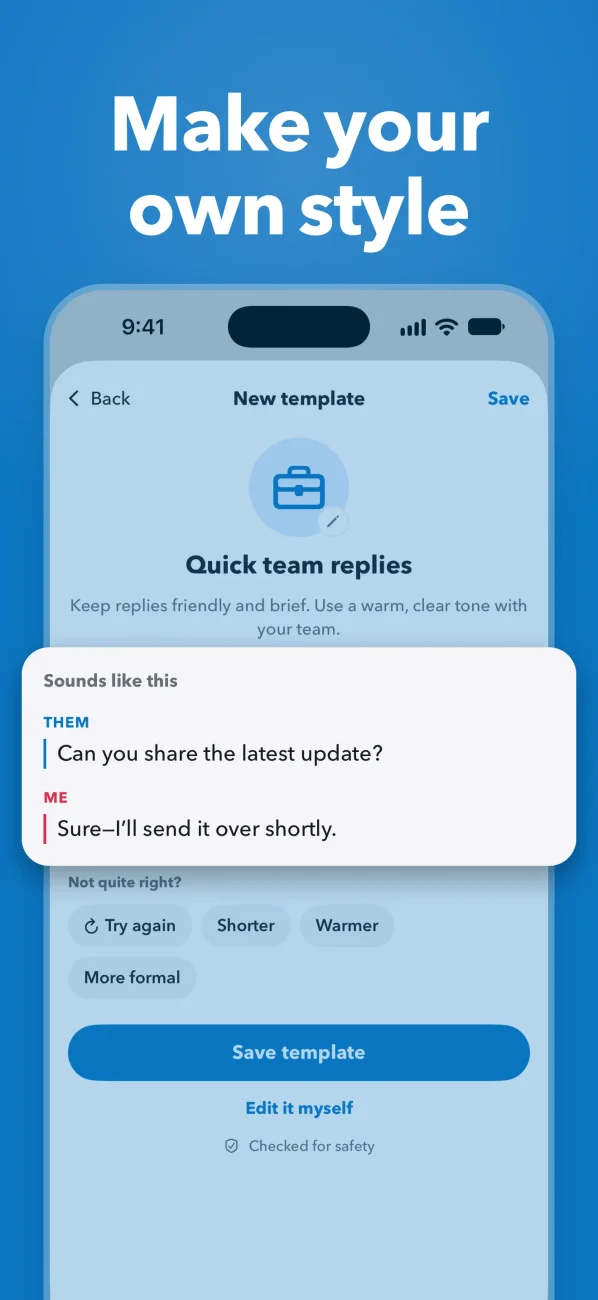
Describe how you want to sound and Better Reply writes the template for you, with a sample reply to try. Or write it yourself. Every template is checked for safety before it's saved.
REPLY FROM ANY APP
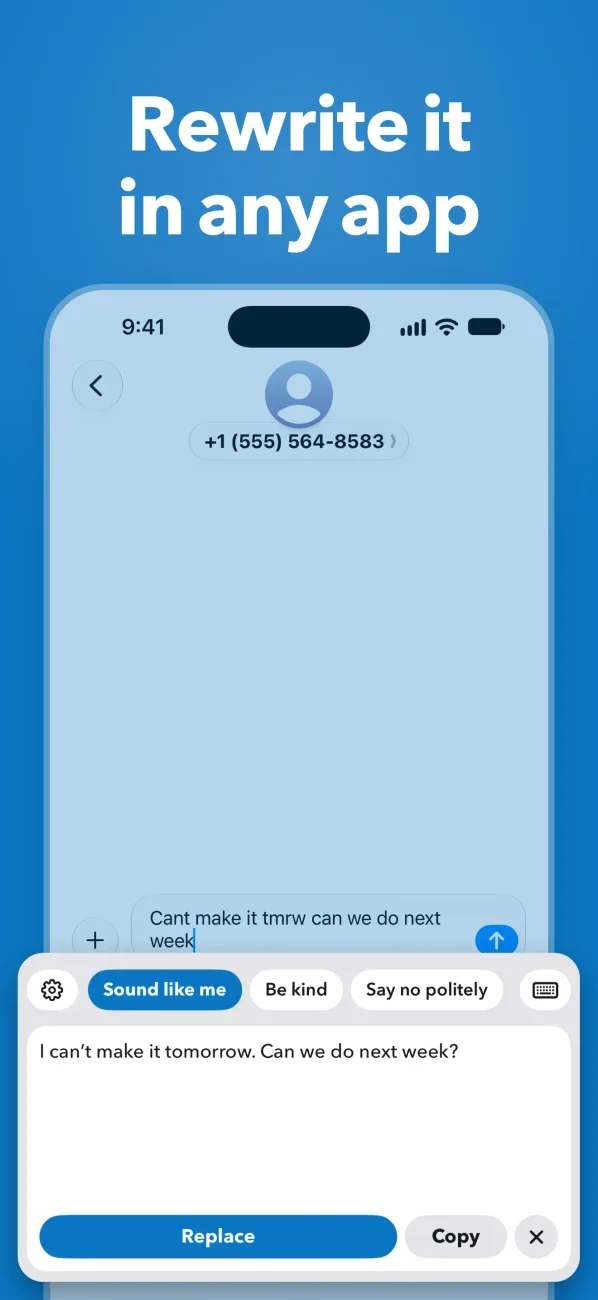
• Keyboard: turn on the Better Reply keyboard and use Reply to copied or Rewrite mine in your chat, email and work apps
• Share: share a message or a screenshot from any app and pick a reply
• Reply to Copied: copy a message, then open it from Siri, Spotlight, the Action button or Control Center
The keyboard always types like a normal keyboard. Full Access is only needed for replies and rewrites, and text is only sent when you tap one of them. Nothing is sent to the AI service until you agree.
BETTER REPLY PRO
300 replies a day and as many custom templates as you like, plus every Pro style, in the app and the keyboard. Pro is an auto-renewing subscription charged to your Apple ID. It renews unless canceled at least 24 hours before the end of the current period. Manage or cancel it in your App Store account settings.
Terms of Use: https://www.apple.com/legal/internet-services/itunes/dev/stdeula/
Privacy Policy: https://docs.google.com/document/d/1kxuDHZfgGMmNlM_PXZwSsvDplzwwETltYcxxS4j1zxY/edit?usp=sharing
What’s new
Version 1.2.9 · Nov 3, 2026
Better Reply now speaks your language.
• Use the app in 25 languages, and get replies in the language you choose
• Share a message or screenshot from any app to get replies
• Reply to Copied from Control Center, the Lock Screen, the Action button or Siri
• One reply at a time: swipe for another, tap to copy, or tap Change it to make it shorter, warmer or more formal
• A library of 60 reply styles to add to your home screen
• Describe a template in a few taps and Better Reply writes it for you
App privacy
What Kok Keong declares on the App Store about how this app handles data.
-
Data linked to you
May be collected and linked to your identity.
- Purchases
- User content
- Identifiers
-
Data not linked to you
May be collected but is not linked to your identity.
- Location
- Identifiers
- Usage data
Privacy practices may vary, for example with the features you use or your age.
Information
- Seller
- Kok Keong
- Category
- Productivity
- Version
- 1.2.9
- Updated
- Nov 3, 2026
- Released
- Jan 20, 2023
- Size
- 19.0 MB
- Requires
- iOS 16.6 or later
- Age rating
- 4+
- Price
- Free
- In-app purchases
- Yes
- Languages
- English, Arabic, Catalan, Croatian, Czech, Danish, Dutch, Finnish, French, German, Greek, Hebrew + 12 more
- Copyright
- © Robin
You might also like
-
 Paraphrasing Tool: RewriterParaphraser for Better Writing
-
 Paraphrase Tool: ReWordyAI Humanizer & Detector, Essay
-
 Paraphrase Tool - RephraserReword and rewrite text
-
 Paraphrase Tool: RephraserAI Humanizer & Turnitin Bypass
-
 Paraphrase: Rewording ToolRephrase text in seconds
-
 Paraphrase: Reword & RewriteAI Humanizer, Grammar Fixer
-
 Paraphrase AI: Paraphrase ToolAI Rewrite & Paraphrasing Tool
-
 Paraphrase - Reword Tool AIRephrase, Rewrite Text
-
 Paraphrase Tool: Rewrite TextAI Rewriter, Reword, Proofread
-
 AI Essay Writer - ParaWriterHelper, Checker, Generator