Between: Workout Timer
Lifting Sets & Intervals
Designed for iPhone
Free · In-app purchases
- Age rating4+
- CategoryHealth & Fitness
- DeveloperAnthony Frigo
- LanguagesEnglish
- Size21.1 MB
Links to the official App Store page
Download.org hosts no file of Between: Workout Timer. The button opens its official App Store page, published by Anthony Frigo. Listing last checked on Nov 13, 2026.
Screenshots

About
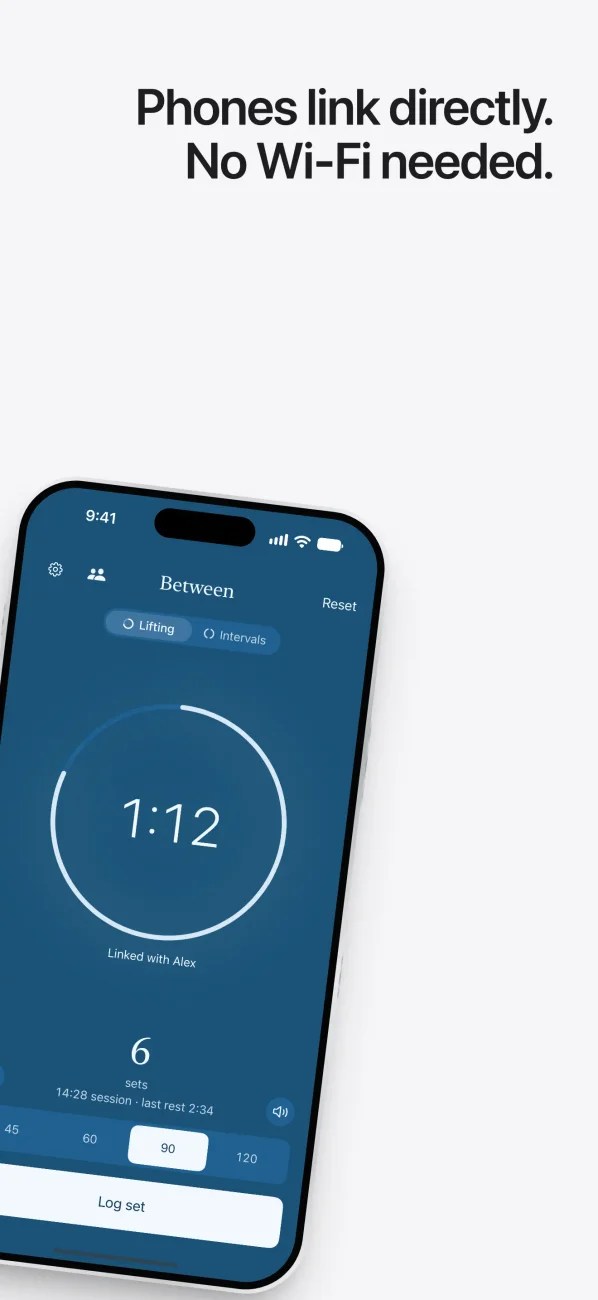
Between is the easiest way to time your workout. Log a set and keep track of your rest time automatically. Prefer intervals? Pick your work and rest times, then let the rounds run. No setup, no account, no learning curve.
LIFTING, ONE TAP AT A TIME
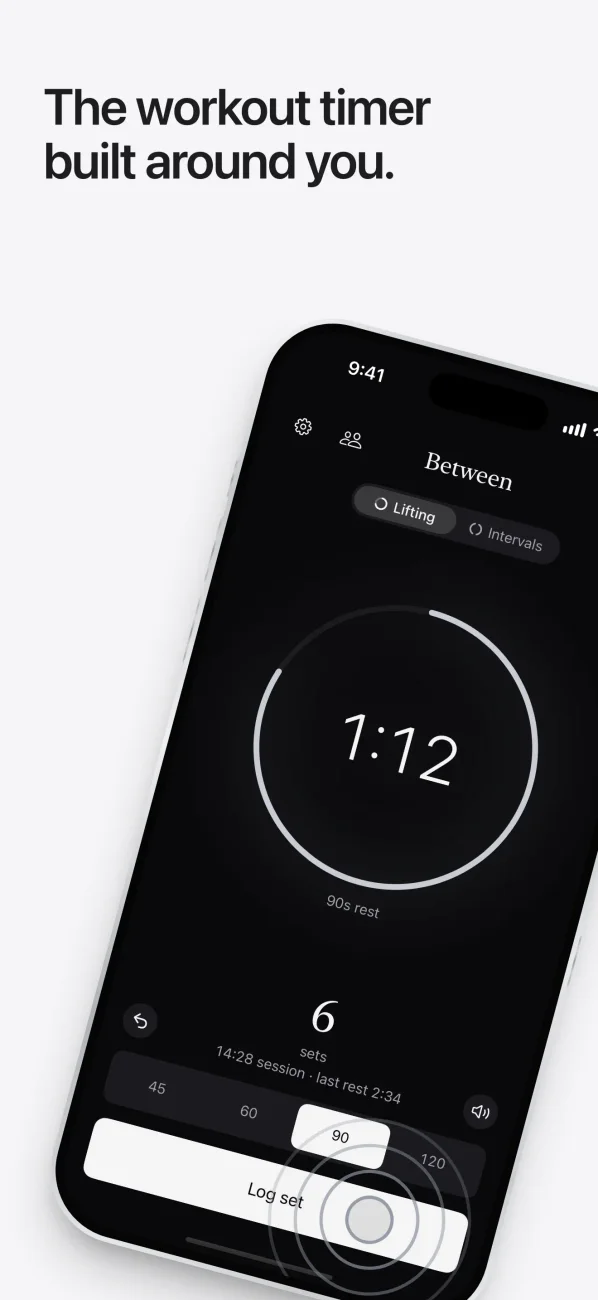
• Tap log set when you rack the weight. Your rest timer countdown starts, with your set count right underneath.
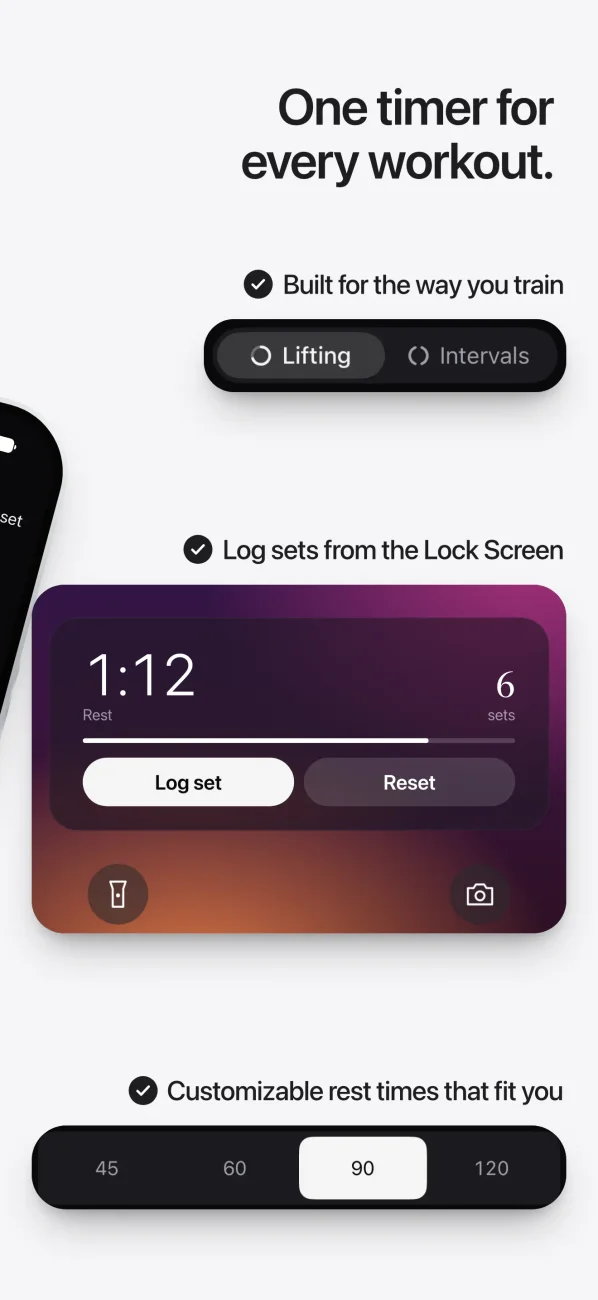
• Choose a rest length with one tap: 45, 60, 90, or 120 seconds or create custom lengths that match best for your workouts.
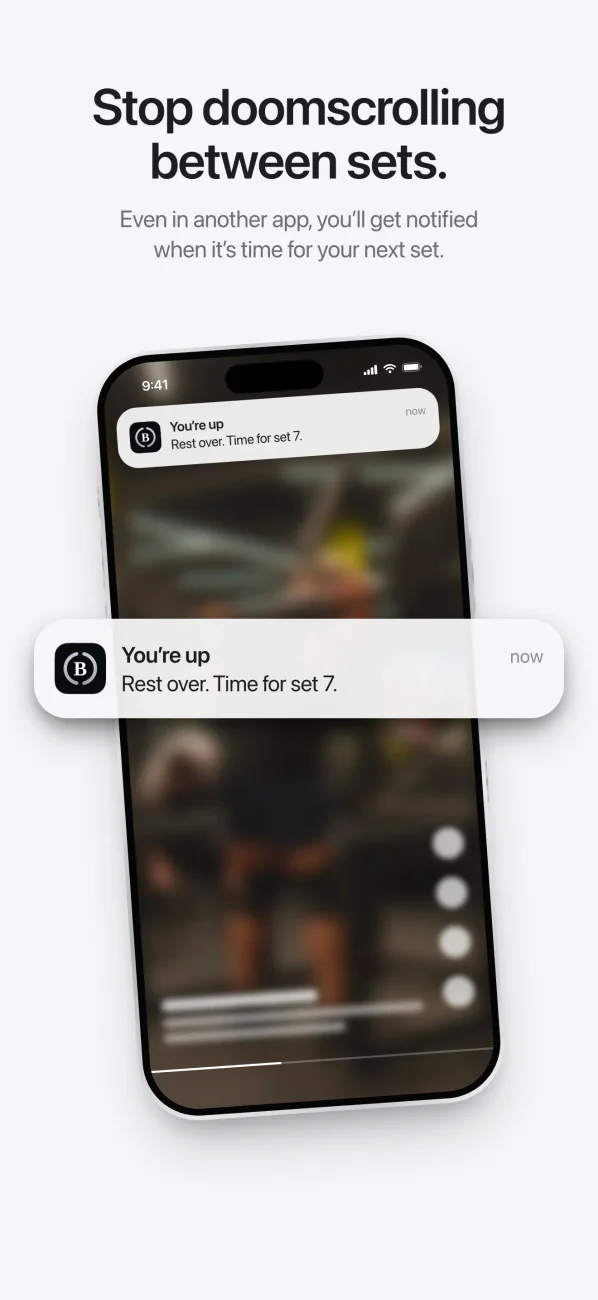
• A chime plays when it's time to lift again. It plays over your music instead of pausing it.
• When your rest runs out, the clock starts counting your set from 0:00, so you always know where you are.
• One calm screen that stays put as you log. Nothing to dig through mid-workout.
INTERVALS THAT RUN THEMSELVES
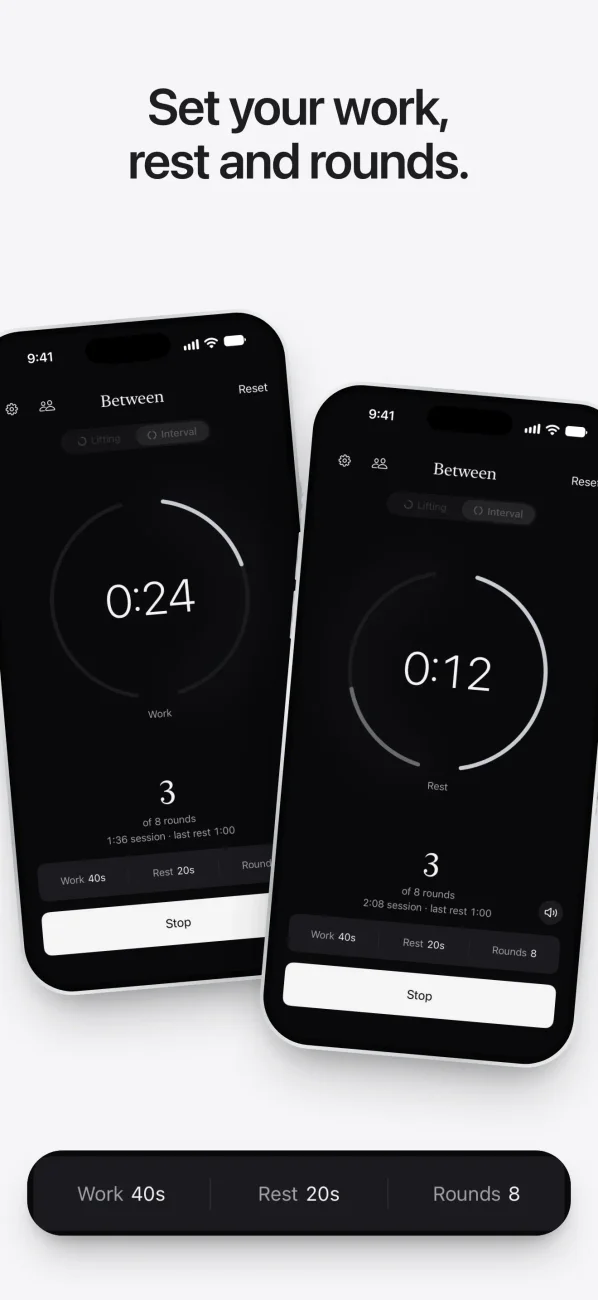
• Set your work time, rest time, and number of rounds, then press start.
• Everything runs on one ring: work, rest, round after round, from Tabata-style 20/10 to longer circuits of up to 50 rounds.
• A chime and a gentle tap mark every change, even with your phone locked, so you never need to look down.
ON YOUR LOCK SCREEN AND WRIST
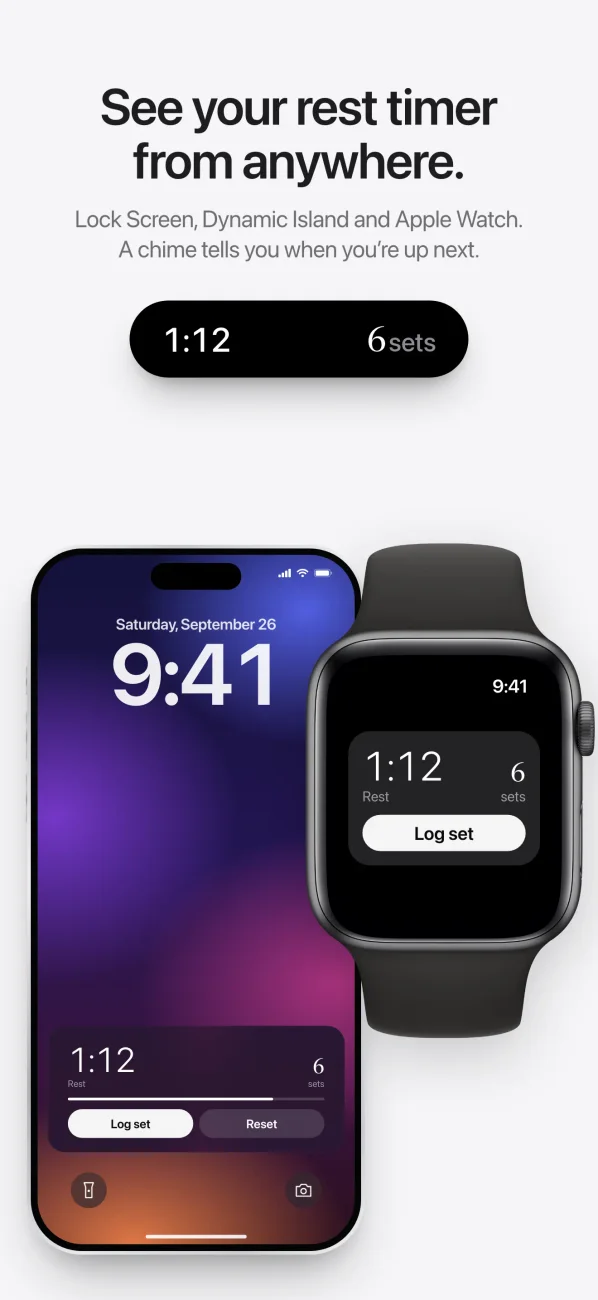
• The countdown stays on your Lock Screen and in the Dynamic Island, with logging your set just one tap away. No need to unlock.
• Your rest shows in the Apple Watch Smart Stack, so you can log the next set right from your wrist. In vibration mode, the watch buzzes 10 seconds before your rest ends and again at zero. No watch app to open.
STAYS OUT OF YOUR WAY
• The rest counter keeps you on track, even when your phone is locked or you switch apps.
• Sound, haptics only, or silent: whatever suits your gym.
• No account, no sign-up. Open it and go.
TRAIN TOGETHER
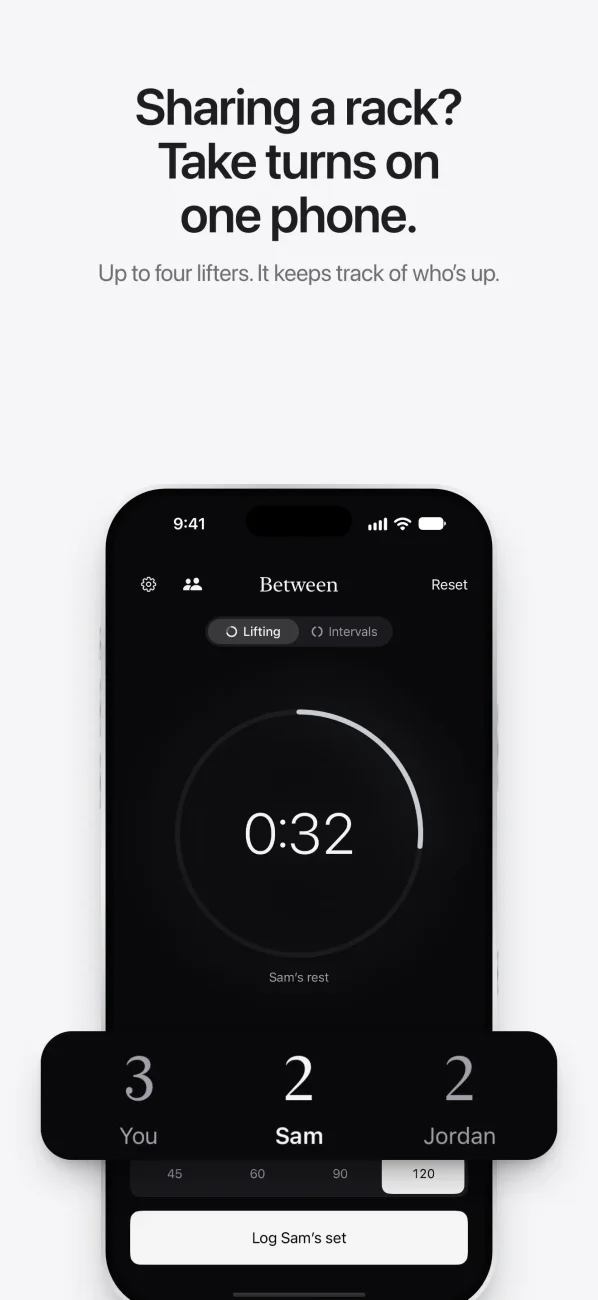
• Sharing equipment? Log up to four lifters on one phone. Between keeps everyone's count and shows whose rest is running.
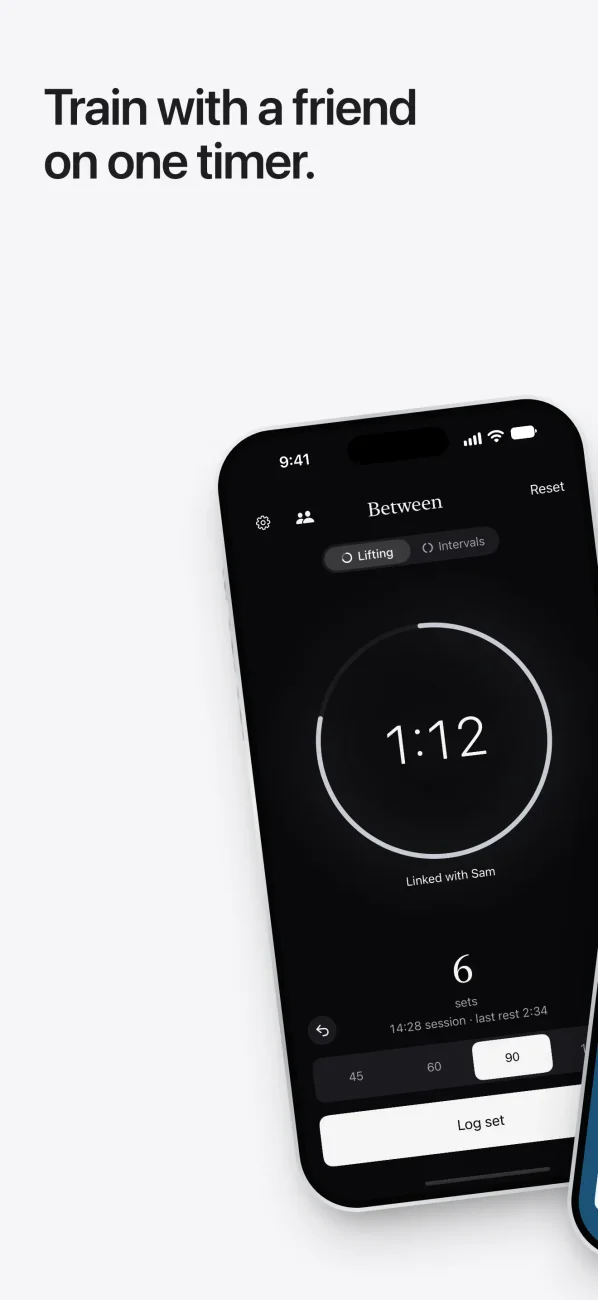
• Training side by side? Link phones with friends doing the same sets. Anyone's Log set starts the same rest on every phone. Phones connect directly, the way AirDrop does, so it works in a basement gym with no Wi-Fi or signal.
HANDS-FREE WITH SIRI
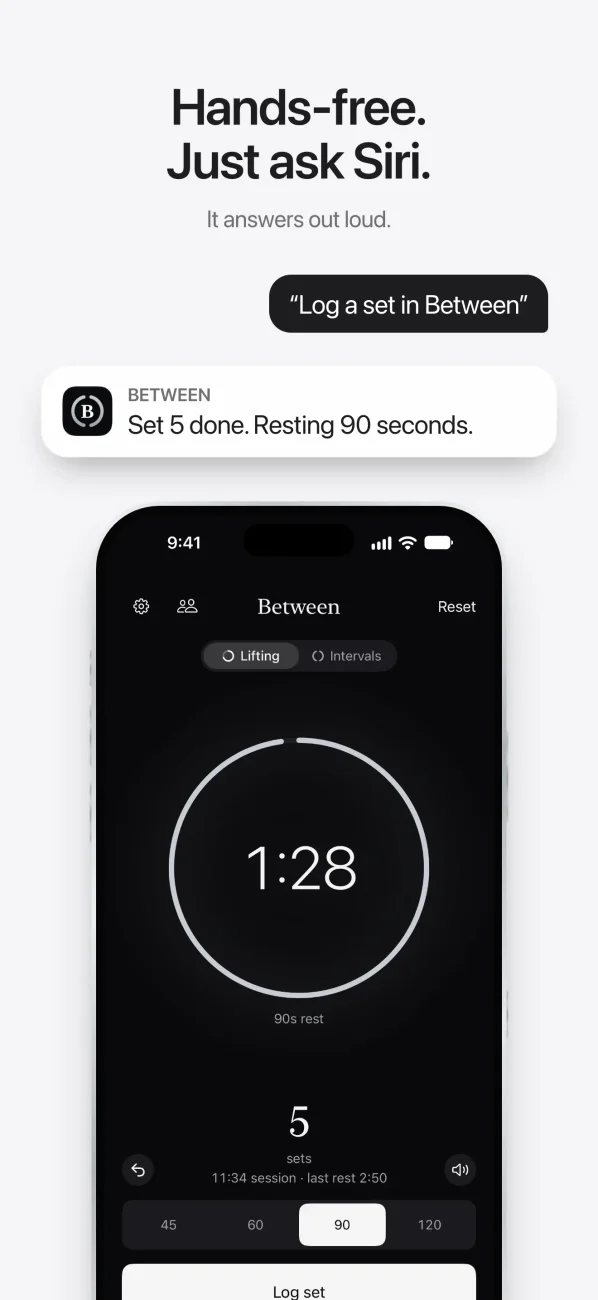
Say "Log a set in Between," "Check my rest in Between," or "Rest 2 minutes in Between." Every answer is spoken, so your phone can stay in your pocket with AirPods in. The same actions work in Shortcuts, Spotlight, and on the Action Button.
MAKE IT YOURS
Four themes to match your mood: Night, Day, Navy, and Moss.
Terms of Use: https://www.apple.com/legal/internet-services/itunes/dev/stdeula/
What’s new
Version 1.0.3 · Oct 23, 2026
When another app shares the Dynamic Island, Between now shows just your rest countdown, so the time is easy to read.
Small improvements behind the scenes.
App privacy
What Anthony Frigo declares on the App Store about how this app handles data.
-
Data not linked to you
May be collected but is not linked to your identity.
- Purchases
- Location
- Identifiers
- Usage data
- Diagnostics
Privacy practices may vary, for example with the features you use or your age.
Information
- Seller
- Anthony Frigo
- Category
- Health & Fitness
- Version
- 1.0.3
- Updated
- Oct 23, 2026
- Released
- Oct 12, 2026
- Size
- 21.1 MB
- Requires
- iOS 18.0 or later
- Age rating
- 4+
- Price
- Free
- In-app purchases
- Yes
- Languages
- English
- Copyright
- © Anthony Frigo 2026
You might also like
-
 Dose To Data: Med InsightsSee patterns in how you feel
-
 Adept Physique Workout PlannerPersonalized gym training
-
 Mialight: Calm & ConfidenceAffirmations & Daily Self-Care
-
 Velvet: Migraine TrackerHeadache diary, trigger log
-
 NursiviaMedical
-
 Treoq: Running & Tri CoachMarathon & triathlon plans
-
 MoveMatch: Workout BuddyGym Partner & Fitness Planner
-
 Metryc AI: Nutrition & FitnessTrack Calories & Plan Workouts
-
 Idea Space: Meditation & SleepPersonalized Calm, Focus, Joy
-
 BioIntakeAI calorie & macro tracker