Bezier Pro
Draw Smoothly
Designed for iPhone, iPad, iPod touch
Free · In-app purchases
- Age rating4+
- CategoryGraphics & Design
- DeveloperChristina Daniel
- LanguagesEnglish
- Size4.5 MB
Links to the official App Store page
Download.org hosts no file of Bezier Pro. The button opens its official App Store page, published by Christina Daniel. Listing last checked on Nov 12, 2026.
Screenshots

About
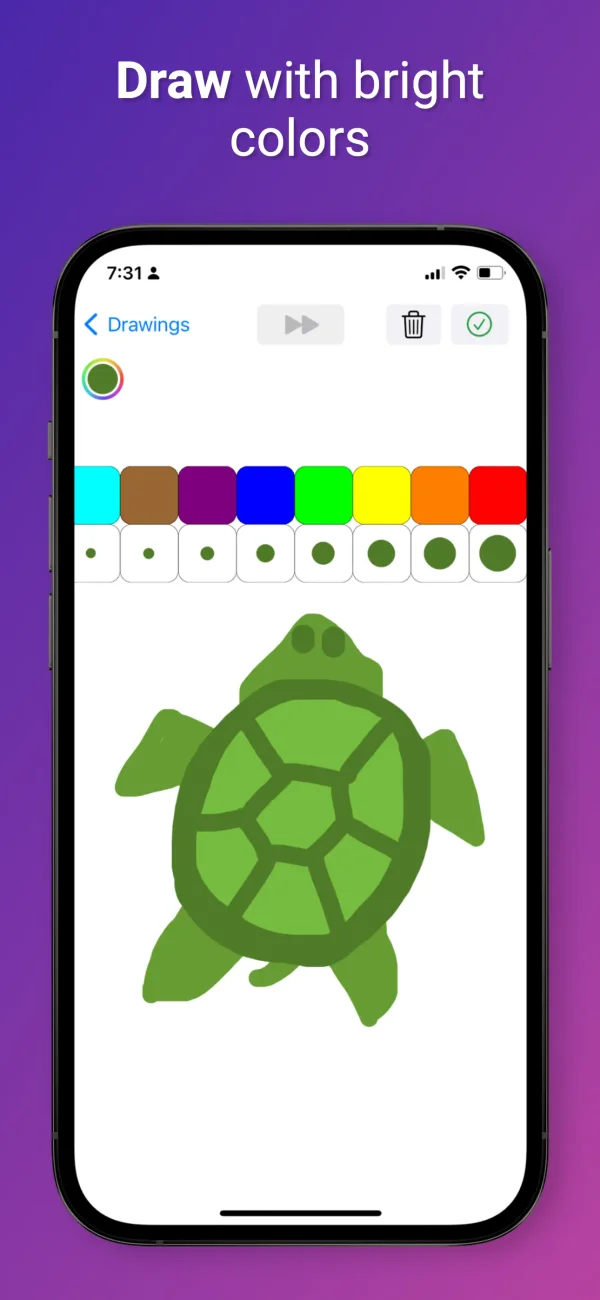
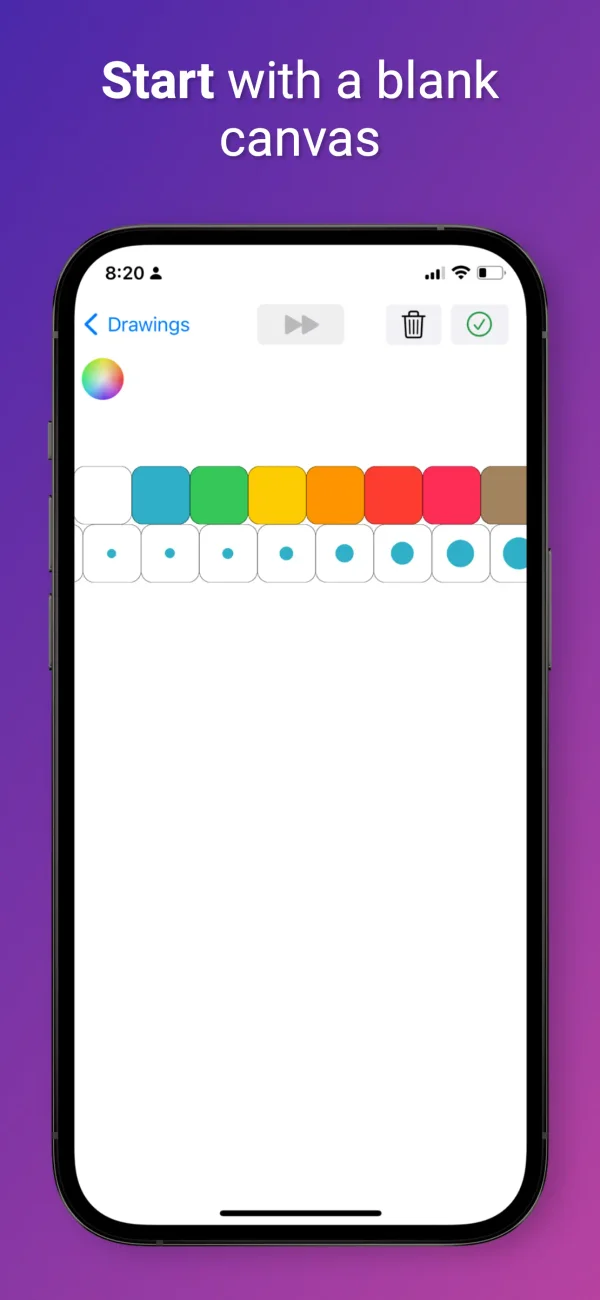
This is a simple drawing application.
Tips:
- To start a new drawing, press the '+' button.
- To erase part of a drawing, select the color white.
- To save the current drawing, press the 'Check Mark' button.
- To delete the current drawing, press the 'Trash Can' button.
- To access an existing drawing, select it in the table.
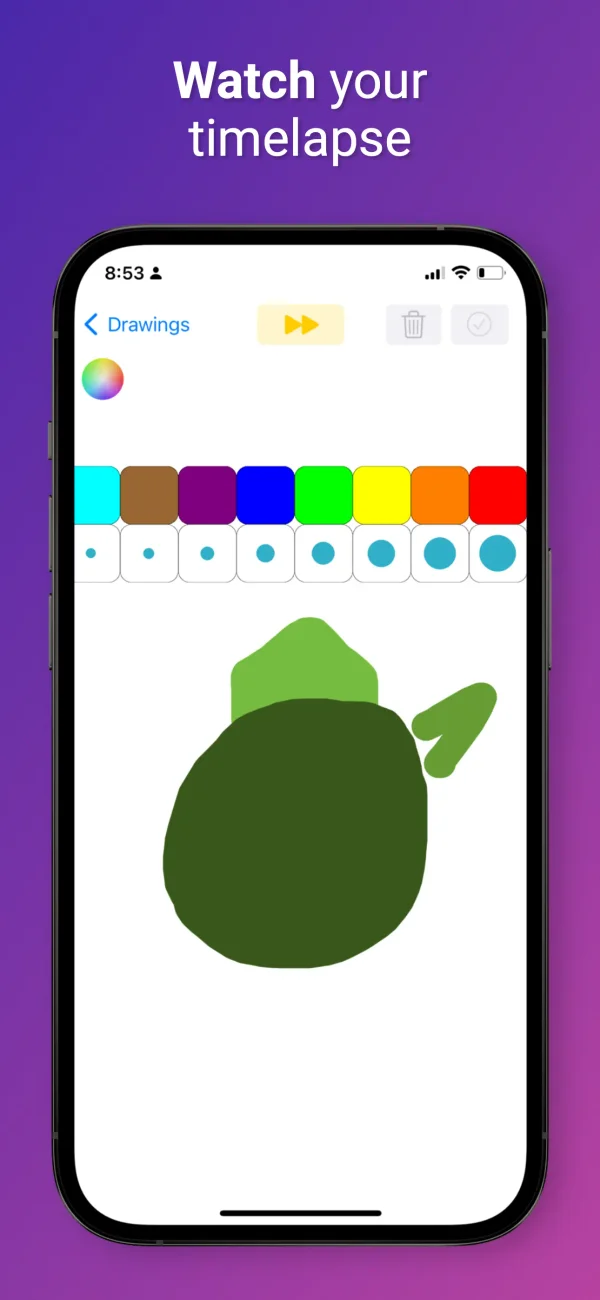
- Then press the 'Timelapse' button, at the top. You should see a timelapse.
- To edit an existing drawing, ensure that the timelapse is complete.
What’s new
Version 2.0 · Nov 24, 2023
Fixed a bug.
App privacy
What Christina Daniel declares on the App Store about how this app handles data.
-
Data used to track you
May be used to track you across apps and websites owned by other companies.
- Usage data
-
Data not linked to you
May be collected but is not linked to your identity.
- Purchases
- Usage data
Privacy practices may vary, for example with the features you use or your age.
Information
- Seller
- Christina Daniel
- Category
- Graphics & Design
- Version
- 2.0
- Updated
- Nov 24, 2023
- Released
- Nov 20, 2023
- Size
- 4.5 MB
- Requires
- iOS 15.0 or later
- Age rating
- 4+
- Price
- Free
- In-app purchases
- Yes
- Languages
- English
- Copyright
- © 2023 Christina Daniel
You might also like
-
 ARStainColouring augmented reality.
-
 hashColorFree your colors.
-
 Sketch Tree Pro - My Art PadPencil draw board canva paint
-
 Kitchen Editor 3D: Design AppDesign, planning, modeling
-
 SizeSnap: Dimensions on PhotosMeasurement Notes & PDF Export
-
 Resize Photos·Picture Resizer, Image Size
-
 Resume Maker: CV MakerCover Letter Creator
-
 Passport Photo+ID Passport Photo Maker
-
 Everzoom: Infinite Zoom & ArtDraw on an endless canvas
-
 Drawing Vibe: Learn to drawHow to draw painting art games