
BFM - Metering Suite
Full (Big) Metering Suite
Designed for iPhone, iPad, iPod touch
$4.99
- Age rating9+
- CategoryMusic
- DeveloperOSC Audio
- Size157.7 MB
Links to the official App Store page
Download.org hosts no file of BFM - Metering Suite. The button opens its official App Store page, published by OSC Audio. Listing last checked on Nov 12, 2026.
Screenshots


About
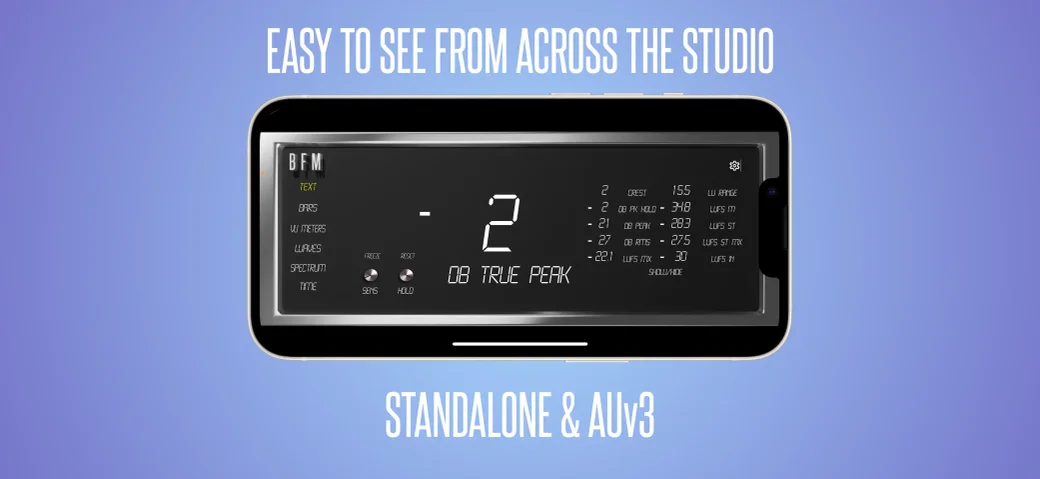
BFM or Big F*ing Meters is a macOS, Windows, and soon to be iOS compatible Metering plug-in designed exactly how the name sounds... really f*ing big. With the main goal of readability we wanted to bring a meter that you can see from across the studio and keep your records clip-free.
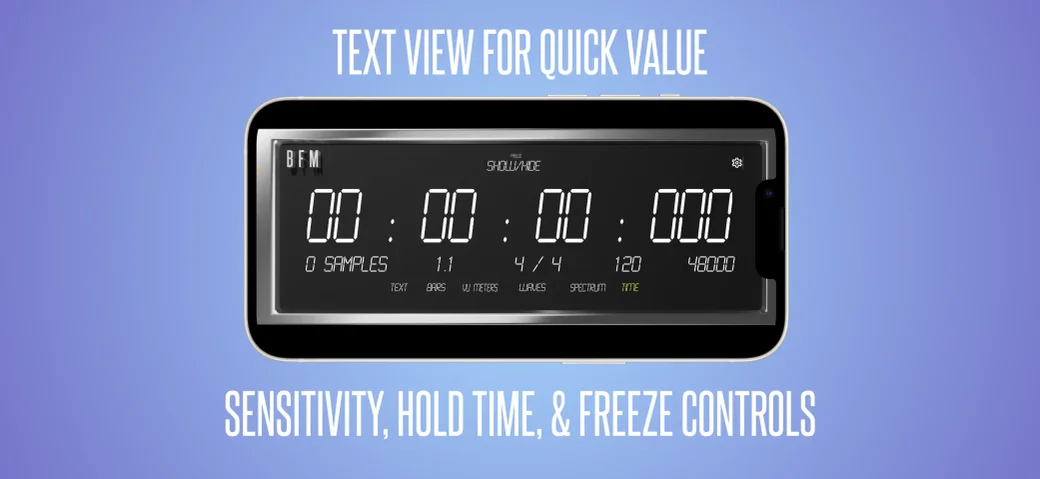
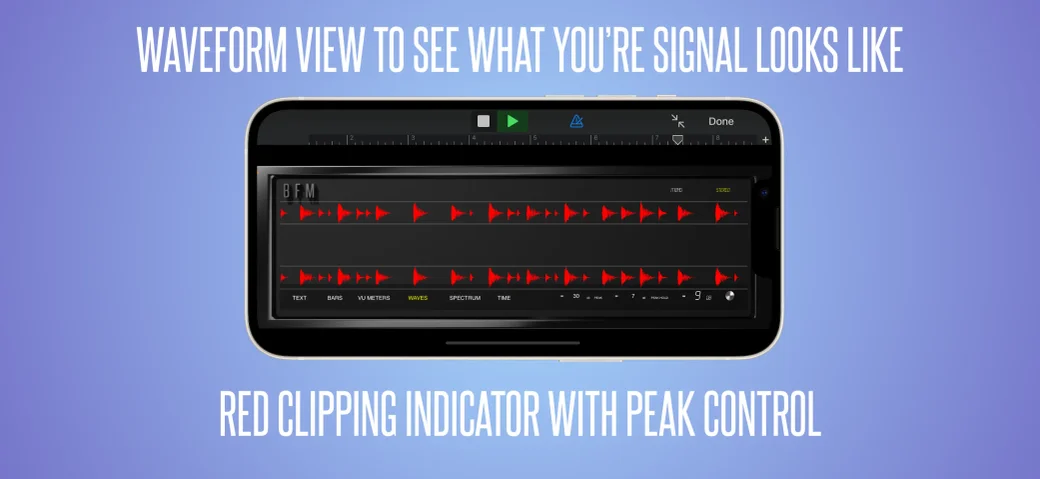
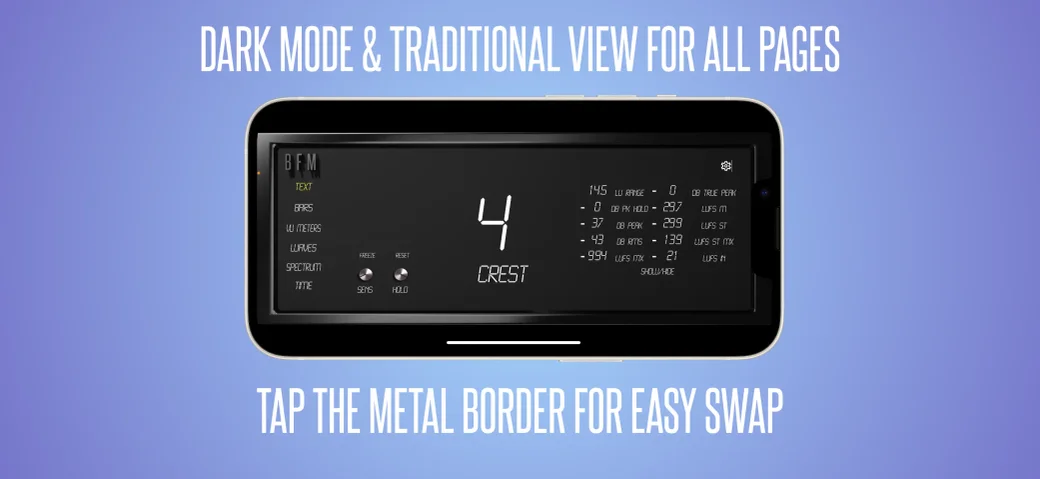
BFM currently offers 6 Modes with RMS, LUFs, Peak, and Peak Hold values, to give you a variety of views to keep your signal under control. The Text, Bars, Waves, VU Meters, Spectrum, & Time let you decide how you want to keep track of your signal with multiple fonts/formats to view them in.
Text gives you a quick look at just the values easy to see from across the room. This view offers the most values with RMS, Peak, Peak Hold, and LUFs (Short Term & Momentary with Maximum values and LUFS range) values available. Controllable sensitivity & peak hold time for all pages. Reset Peak Hold with a click off the value.
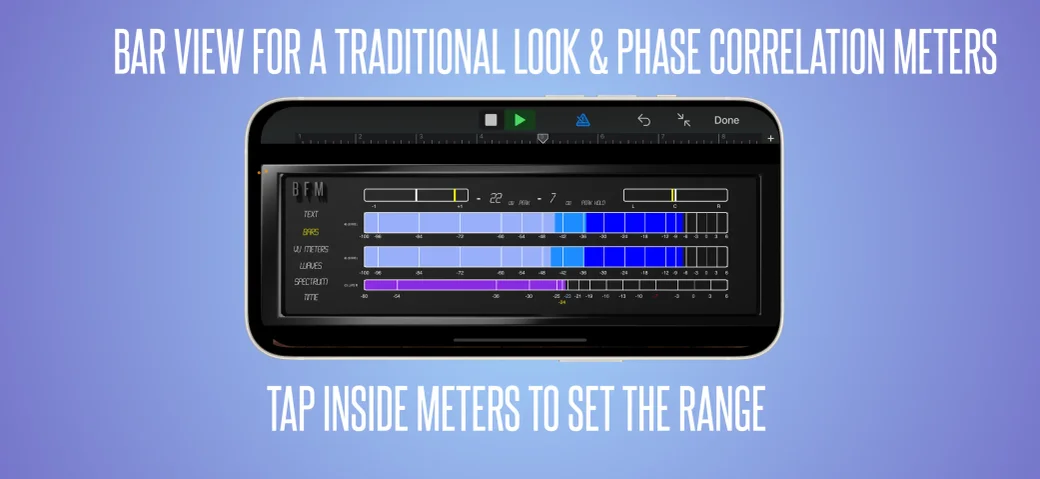
Bar offers a more traditional meter for seeing the range of values showing RMS, Peak, Peak Hold, and LUFS. Correlation & Balance meters included to set your stereo image and phase response. Peak Hold resets on value click. Sensitivity changes on bar click. LUFS readings select on click. Included reference points for -24 (EBU), -16 (Apple Music), & -7 as a suggested maximum for most genres.
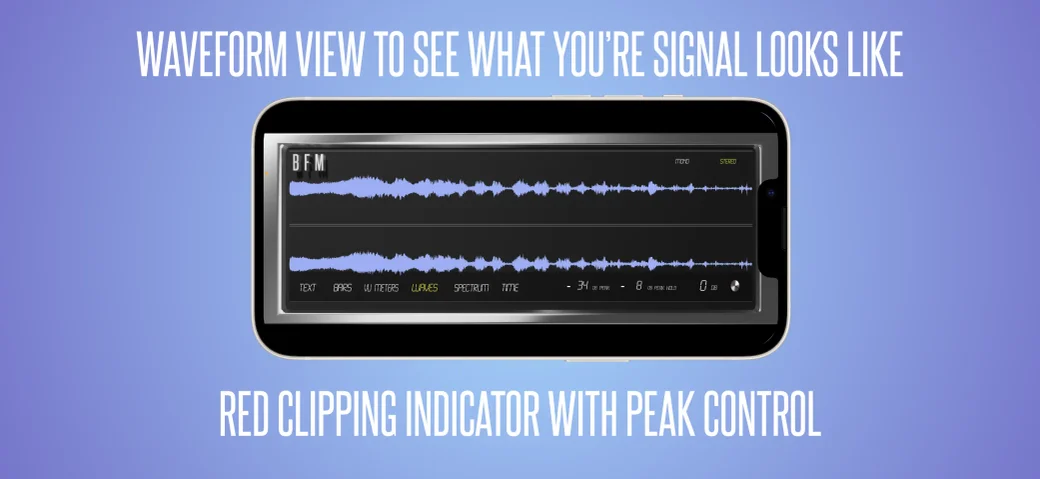
Wave view gives you a look at your waveform after your channel effects with the ability to quickly mark in dB where you want to see your signals peak. To freeze click the waveform. To reset Peak Hold click the value.
VU Meter Designed for a quick look at your overall levels. Featuring controllable Attack, Release, Minimum, and Maximum value control. Left/Right, Mid/Side, PPM, and LUFS options available. Click VU to enter dark mode.
Spectrum is a simplified frequency spectrum view with 3 quality modes. Great for getting an overall look at where your frequencies are when mixing or editing. Tap to freeze and inspect. There is also the PEAK value displayed on this page. To reset Peak Hold click the value.
What’s new
Version 1.6.2 · Dec 27, 2025
Just a quick fix for AUM users who may have experienced a mute.
App privacy
What OSC Audio declares on the App Store about how this app handles data.
-
Data not collected
The developer does not collect any data from this app.
Privacy practices may vary, for example with the features you use or your age.
Information
- Seller
- OSC Audio LLC
- Category
- Music
- Version
- 1.6.2
- Updated
- Dec 27, 2025
- Released
- Jul 6, 2023
- Size
- 157.7 MB
- Requires
- iOS 12.0 or later
- Age rating
- 9+
- Price
- $4.99
- Copyright
- © 2025 OSC Audio LLC
You might also like
-
 Apogee Soft LimitMusic
-
 L2 Aura - Leveling AmplifierClassic vintage compressor
-
 TB MorphitHeadphones correction plug-in
-
 WoodValvetTube Saturator
-
 FuncBud Math Sequencer & SynthGenerative AUv3 MIDI
-
 Secta : amplitude sculptorMusic
-
 WoodScaperguitar effects
-
 AK476 - FET CompressorThe Legendary FET Compressor
-
 SpatializerStereo widening Audio Unit
-
 Speakers - Mics & LoudspeakersRadios, telephones, TVs, ...