
Bible Authorized Version
KJB · Search · Study · Save
Designed for iPhone, iPad
Free · In-app purchases
- Age rating4+
- CategoryReference
- DeveloperWith dot LLC
- LanguagesEnglish
- Size37.3 MB
Links to the official App Store page
Download.org hosts no file of Bible Authorized Version. The button opens its official App Store page, published by With dot LLC. Listing last checked on Nov 15, 2026.
Screenshots

About
Read everywhere and daily with Bible Authorized Version, the King James Bible app built for reading, searching, saving, and studying Scripture entirely offline, by grace from the KJB Pure Cambridge Edition 1900. Anyone interested in supporting app development may "Tip" from opening Bookcase, and selecting the ⓘ .
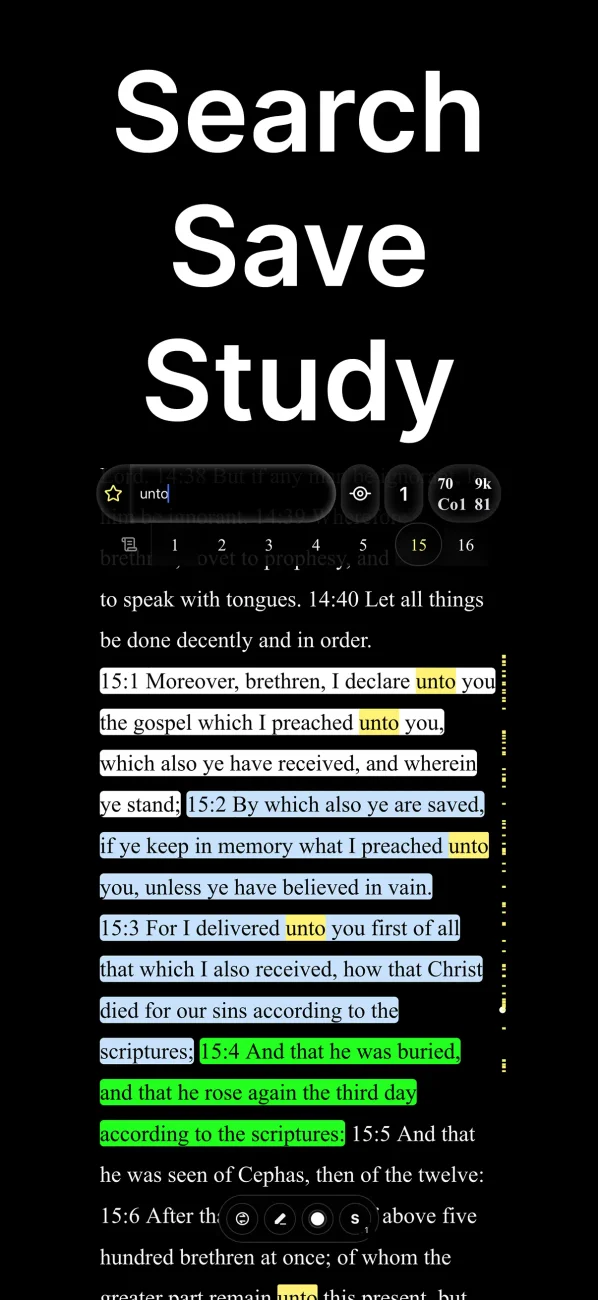
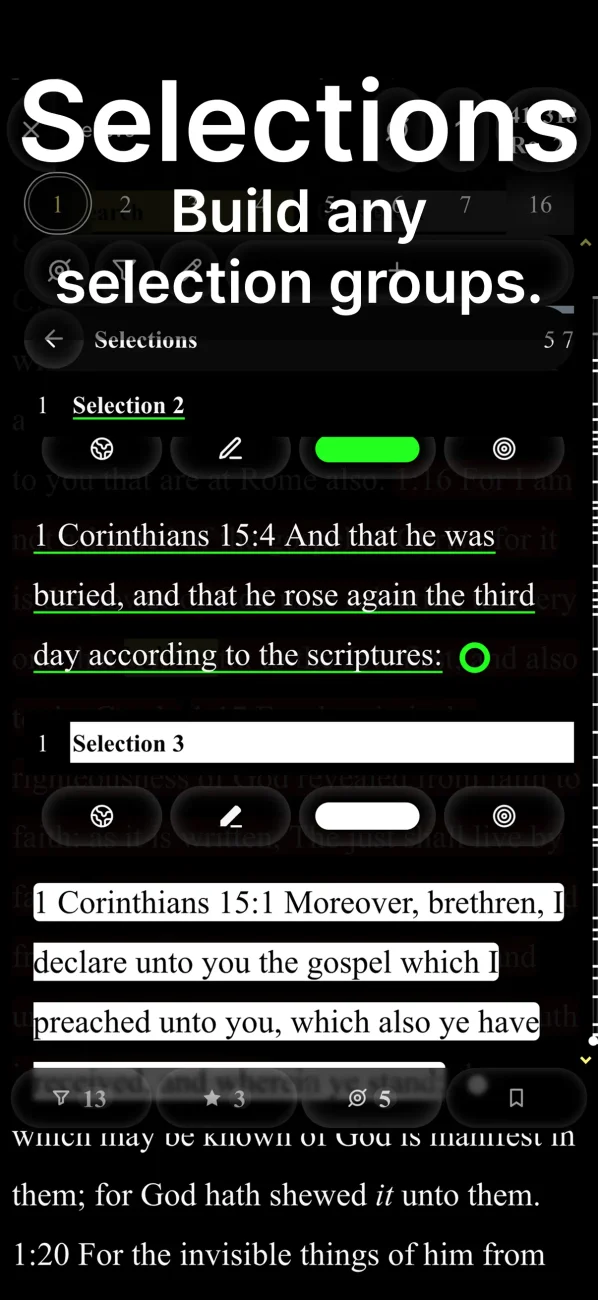
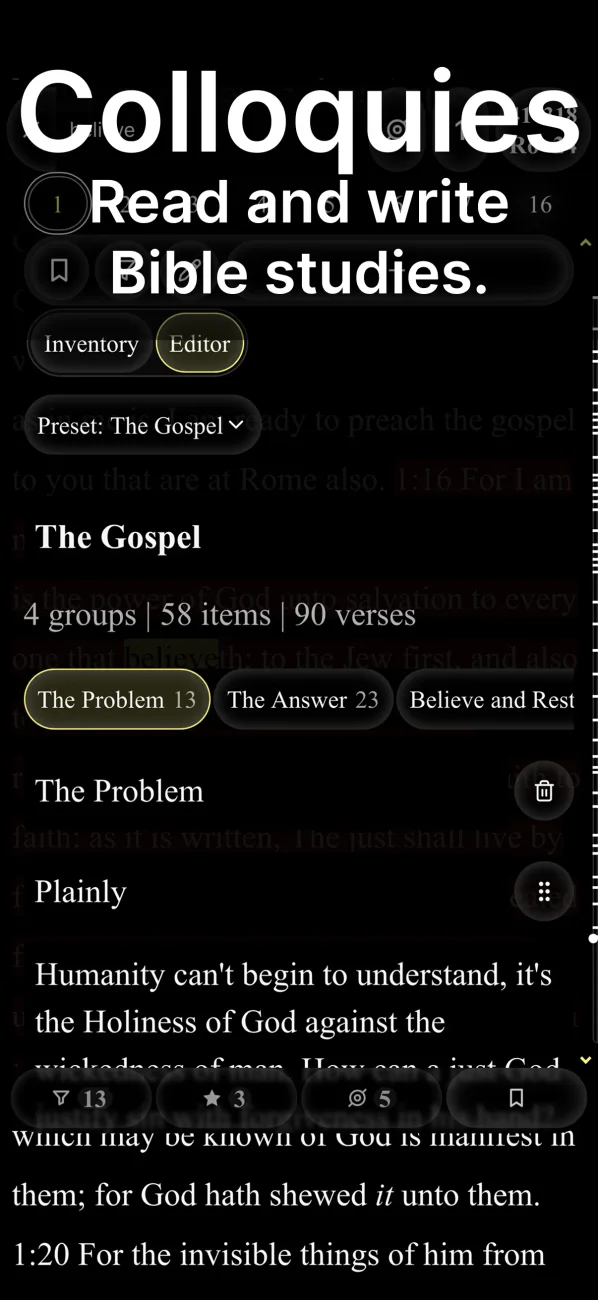
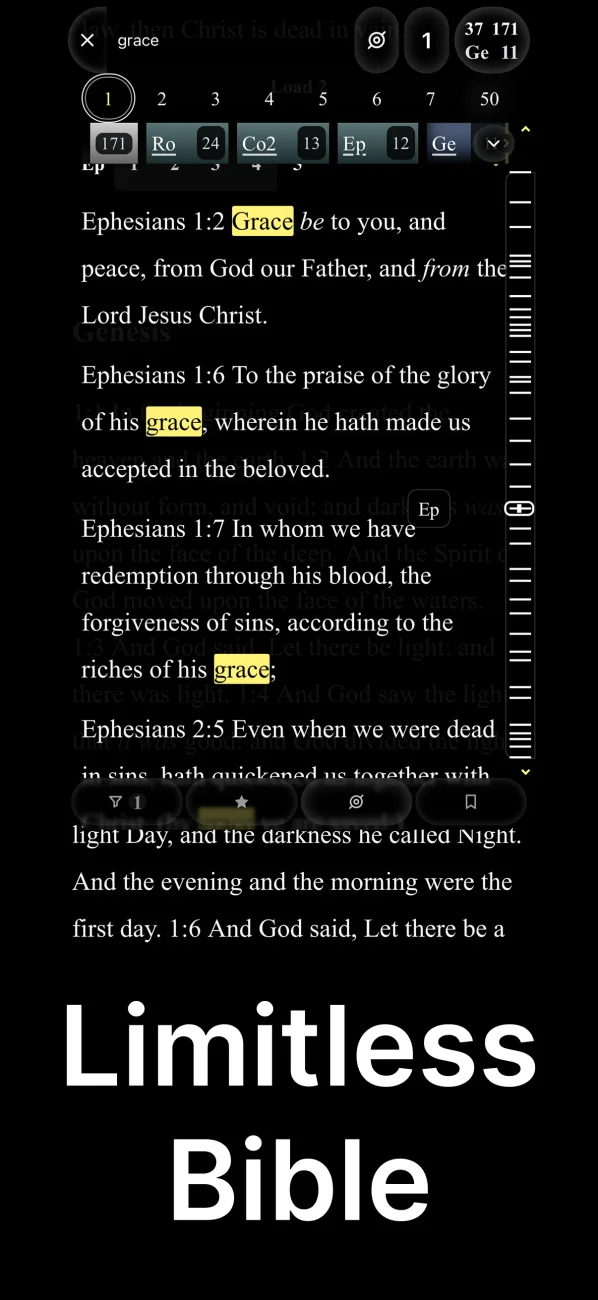
The objective of BAV is to hide obtrusive distractions while providing advanced tools to learn the source text at a glance. Search the Bible by word or phrase, see where words appear, and compare how often they occur across the whole Bible or within a specific book. Select text naturally, save searches, save verses, and create Selection Groups for deeper study with Colloquies. The Bible is its own dictionary!
0. King James Bible is the infallible word! KJB is 100% free, and for $19.99, Source Text unlock allows USFM imports, or choose to download from available non-copyrighted versions.
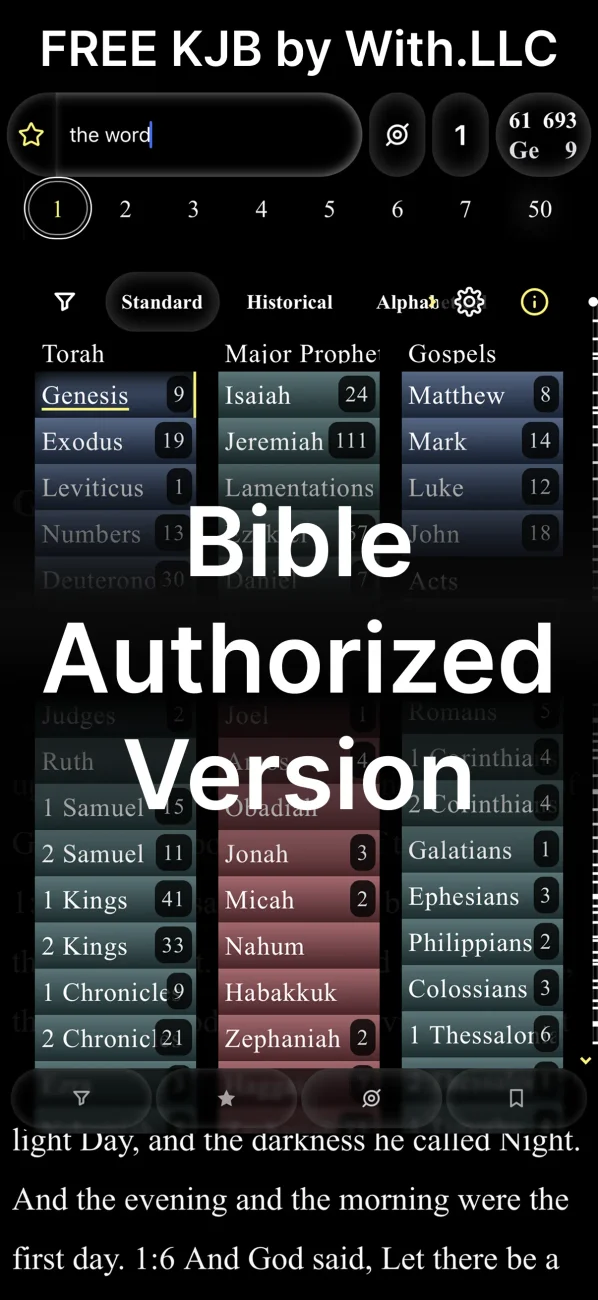
1. Choose how you browse: Standard, Historical, or Alphabetical Bookshelves.
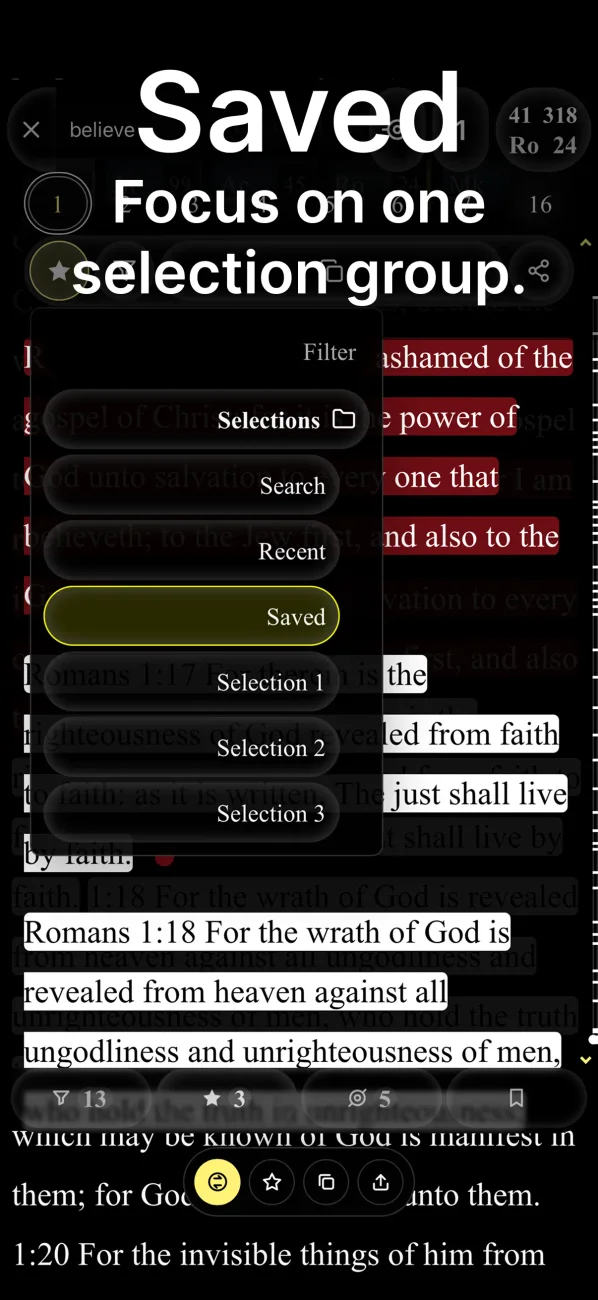
2. Decide your focus: Searches will display similar searches and wording, Saved is a primary quick-access selection group, Selections gives specific control over order and grouping of verses, and Colloquies is where you may write and build your own studies now that you have organized selections and can easily track where you were in the Bible from saved searches.
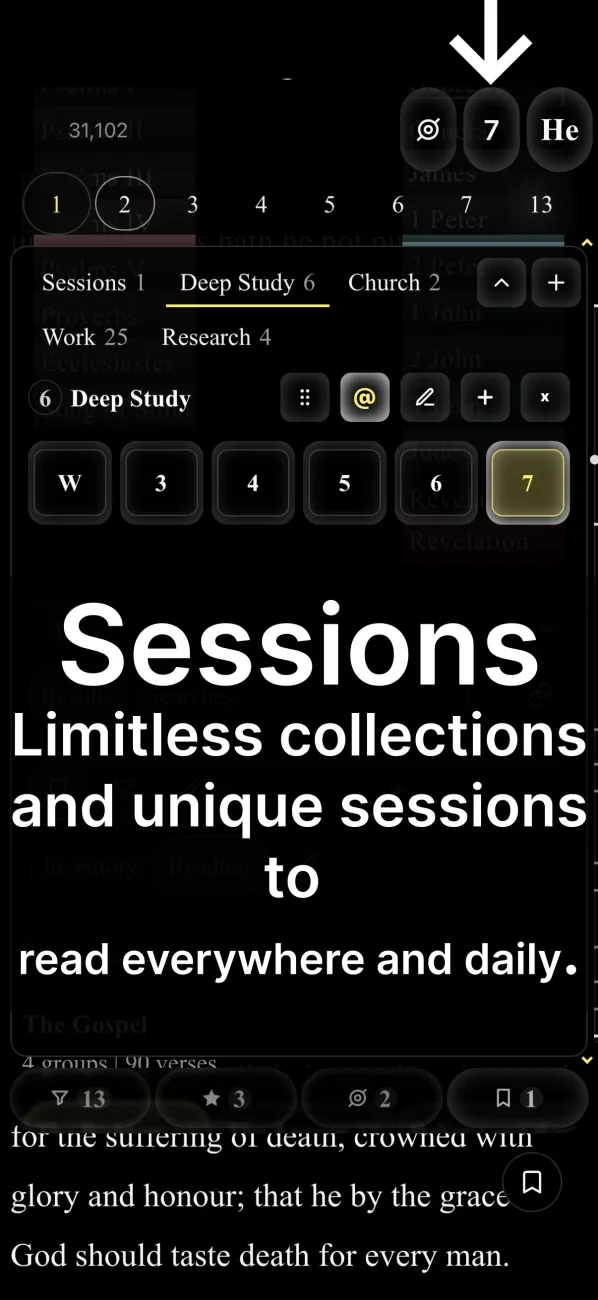
3. Take your focus to a whole new level by pausing where you're at and coming back to it later. Keep studies completely separate, or use each session for one spot in the Bible. So not only can you have unlimited Bibles, you can group each set so if resuming where you left off isn't enough, then you can resume "where you left off where you left off", because each Collection of Sessions has its own "active" Session.
4. Wrap everything together with Gestures and Settings Profiles. Each Settings Profile can have its own Gestures Profile, or all your Settings Profiles can have one Gesture Profile. Gesture between Sessions, Books, Chapters, and Verses depending on your preferred setup.
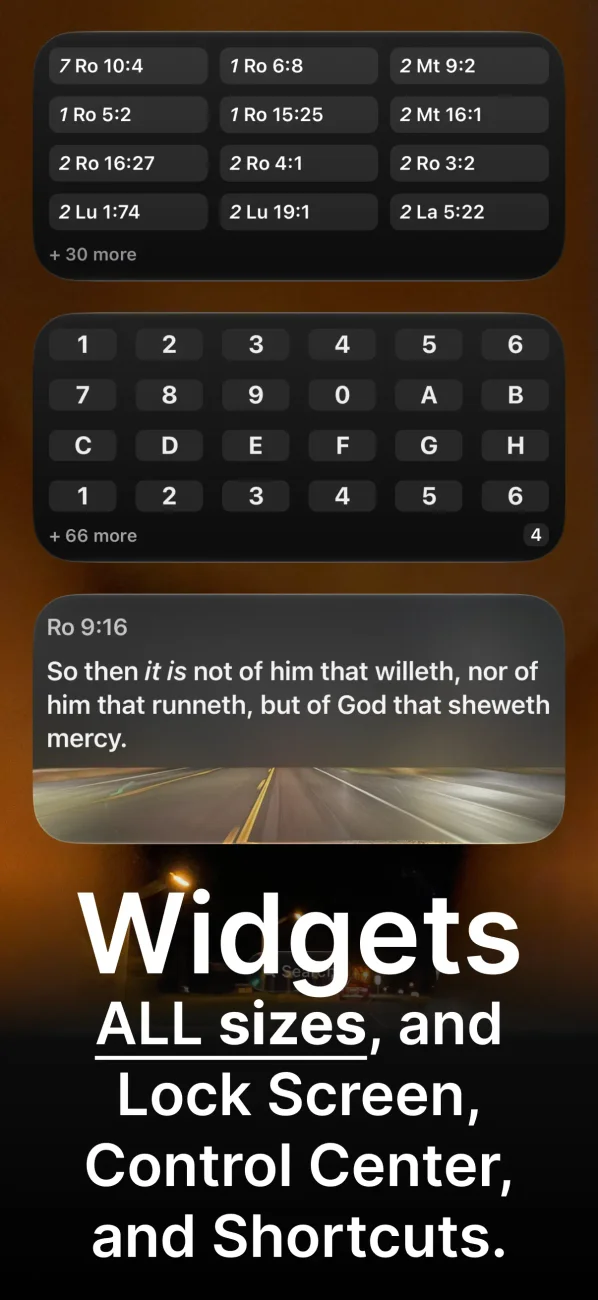
Bible Authorized Version is designed to stay out of your way. Hide or show the interface with one tap, focus on the text, and use widgets (Verse over Photo widget or Sessions widget), notifications, and selections as a study tool for learning scripture.
Features:
· Sessions and Session Collections: group sessions and maintain separation of concerns as needed to strengthen your focus.
· Bookcase and Bookshelves: browse books by order and expand search results.
· Reader: customize font display and size settings for comfortable reading.
· Search: space-sensitive word and phrase searching by 'match' and 'broad'.
· Save, Star, Select, Study: read everywhere and daily - save searches, star your focused verses, select in groups and place groups into collections, and create your own Colloquies.
· Local use: works completely on your own device.
· Optional online use: chat integration allows you to text and share Selections, Colloquies, and Verses with friends and family. Must be enabled through "Settings" in the "Chat" tab. Parental controls may disable Chat.
· Design: intended primarily for Dark Mode use.
Specifications:
· No opinionated commentary, red letters, or pilcrows (App Presets can be hidden from the Manage Presets option when selecting a Colloquy preset).
· Contains italics.
· Pure Cambridge.
· Customizable Reader: font family, spacing, and all-chapters or single-chapter view.
For more information:
* Contact: [1611@With.LLC](mailto:1611@With.LLC)
What’s new
Version 1.5 · Nov 1, 2026
· Connect and chat with friends and family! Share Selections, Colloquies, and Verses to each other individually or in groups.
App privacy
What With dot LLC declares on the App Store about how this app handles data.
-
Data linked to you
May be collected and linked to your identity.
- Contact info
- Contacts
- User content
- Identifiers
Privacy practices may vary, for example with the features you use or your age.
Information
- Seller
- With dot LLC
- Category
- Reference
- Version
- 1.5
- Updated
- Nov 1, 2026
- Released
- Apr 20, 2026
- Size
- 37.3 MB
- Requires
- iOS 18.6 or later
- Age rating
- 4+
- Price
- Free
- In-app purchases
- Yes
- Languages
- English
- Copyright
- © 2020 With dot LLC
You might also like
-
 VerseLifeFaith Tools for Daily Life
-
 BibleBible: Read & ReflectMultilingual Bible with Audio
-
 Dynamic BibleStudy Bible with Strong's
-
 Moedim: Feasts & ShabbatMessianic calendar and siddur
-
 Congregate DailyThe Bible. One day at a time.
-
 Bible Audio by OCCThe whole Bible, read aloud
-
 Wisdom: Daily Hadith ReminderIslamic Quotes & Salaf Sayings
-
 Dead Sea ScrollingHebrew & Greek Bible Study
-
 Crimson Bible: Offline StudyAudio Bible, KJV & Strong's
-
 Speak Filipino - NowFluencySpeak, Shadow & Learn with AI