
Bible Notebook
Holy Bible and Devotional
Designed for iPhone, iPad, iPod touch
Free · In-app purchases
- Age rating4+
- CategoryReference
- DeveloperBenicio Sparapani Junior
- LanguagesEnglish+ 3 more
- Size78.7 MB
Links to the official App Store page
Download.org hosts no file of Bible Notebook. The button opens its official App Store page, published by Benicio Sparapani Junior. Listing last checked on Nov 24, 2026.
Screenshots

About
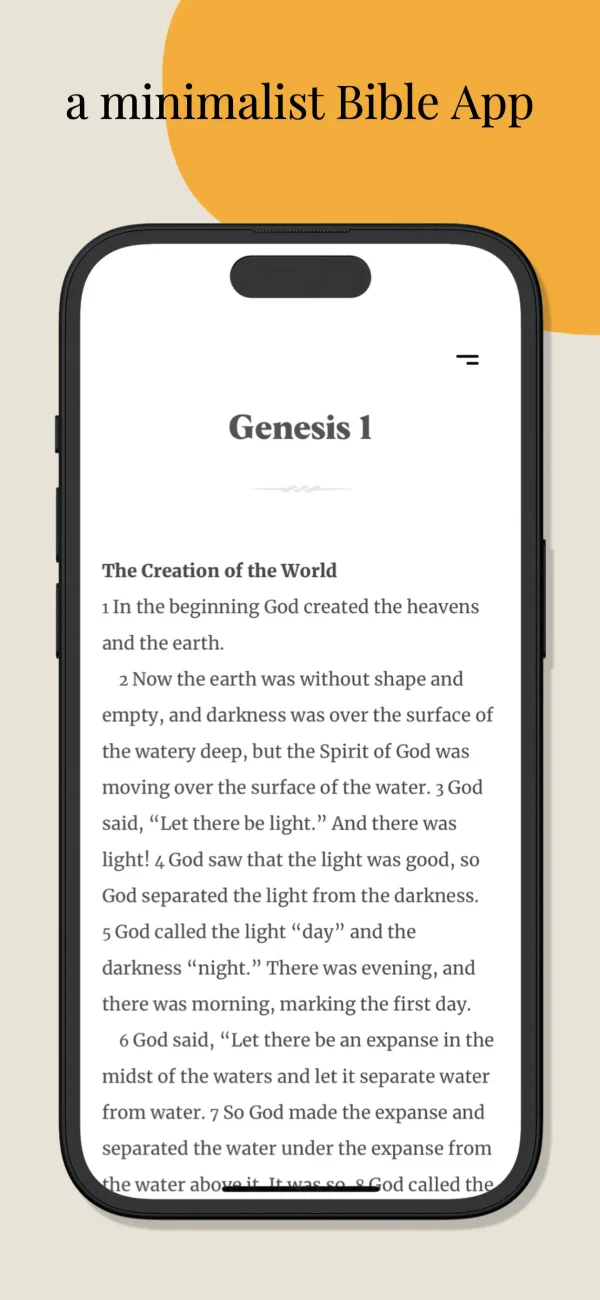
Experience a new level of interaction with Scripture with our app! Easily visualize your notes directly from the text, add reactions to your favorite verses, and navigate with ease through our clean design.
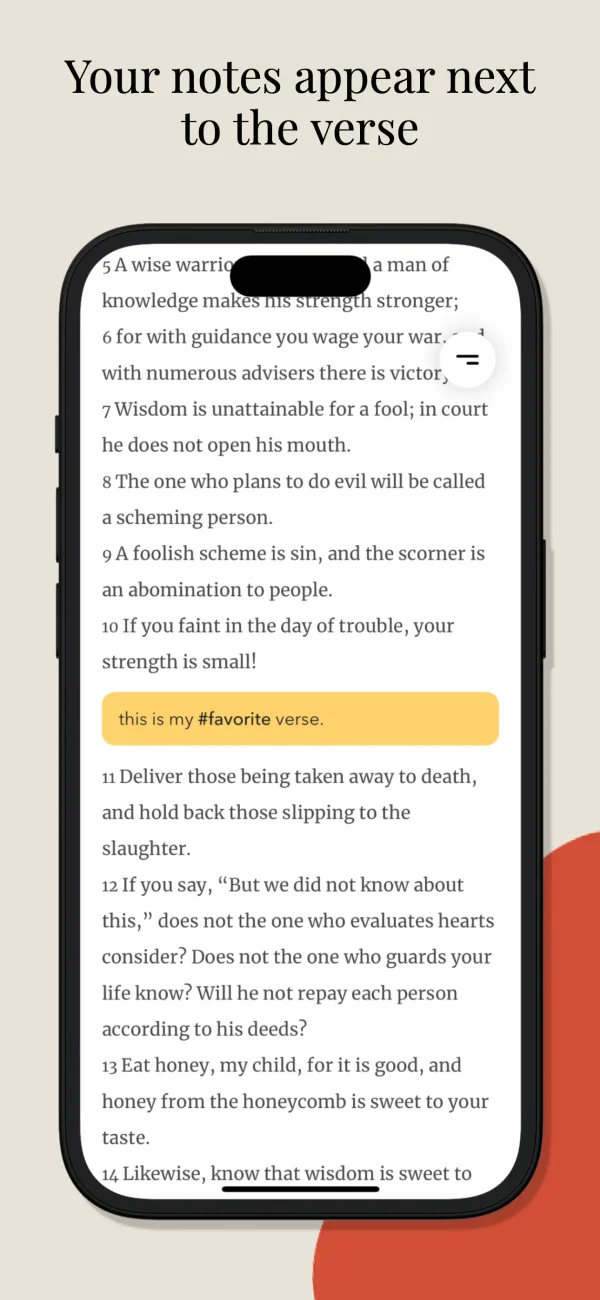
Adding notes has never been more practical. All notes added will appear directly below the corresponding verse. If you prefer not to see them, simply hide them with just one click.
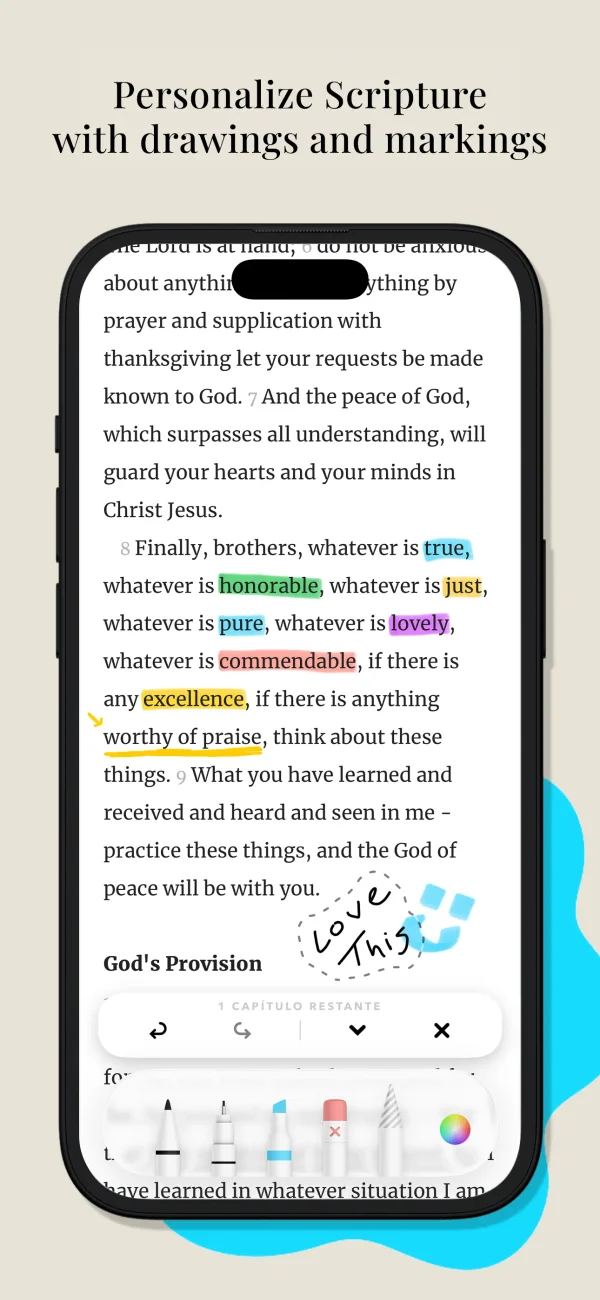
Customize your content to your liking! Personalize your notes and highlights with your favorite colors and express yourself by adding reactions using emojis. You can also choose your favorite theme for the app to make your experience even more enjoyable.
Never worry about losing your notes or highlights again. Our app automatically syncs all your notes, highlights, and reactions via iCloud. Whether you use different devices with the same iCloud account, or switch between them, your content will be seamlessly synchronized between all your devices.
Try our app today and elevate your Scripture study experience! Read our Terms of Use at https://www.apple.com/legal/internet-services/itunes/dev/stdeula/.
What’s new
Version 2.10.0 · Oct 25, 2026
• iPhone Duo: every screen in the app has been fully redesigned for Duo. Plus, a new reading mode built around Duo's form: your Bible open like a book, with more room to read, write and study.
• Drawings stay in place: we fixed an issue where drawings and stickers moved out of place when rotating the iPad, using Split View or opening them on another device. If an older drawing looks shifted, tap the alert in the canvas bar and choose whether it was drawn in portrait or landscape.
• Minor improvements and fixes.
App privacy
What Benicio Sparapani Junior declares on the App Store about how this app handles data.
-
Data linked to you
May be collected and linked to your identity.
- Purchases
- Contact info
- User content
- Identifiers
- Usage data
-
Data not linked to you
May be collected but is not linked to your identity.
- Diagnostics
Privacy practices may vary, for example with the features you use or your age.
Information
- Seller
- Benicio Sparapani Junior
- Category
- Reference
- Version
- 2.10.0
- Updated
- Oct 25, 2026
- Released
- Nov 12, 2021
- Size
- 78.7 MB
- Requires
- iOS 15.0 or later
- Age rating
- 4+
- Price
- Free
- In-app purchases
- Yes
- Languages
- English, Korean, Portuguese, Spanish
- Copyright
- © 2021 Benicio Sparapani Junior
You might also like
-
 Pencil Bible: Journal & StudySermon Notes, Study & Drawing
-
 Digible: Digital Bible JournalWrite, Draw & Study Scripture
-
 Spirit Notes: Sermon & BibleChurch Study, Prayer, Devotion
-
 Bible Tiles: Draw & Type NotesBible: Read, Draw, Type
-
 Sermon Scribe: Bible NotetakerRecord, Transcribe, Summarize
-
 EmanuEstudos bíblicos e devocional
-
 Hebrew Bible Study - TorahCommentary & Translation
-
 Bible Study App by Olive TreeDaily Tools, Audio & Widget
-
 Bible PlanBible Study Guide
-
 Pão Diário - Devocional DiárioReference