
Bible Reading Plan: Pace
Daily portion, verse-weighted
Designed for iPhone, iPad
Free
- Age rating4+
- CategoryReference
- DeveloperJinwan Kim
- LanguagesEnglish+ 6 more
- Size5.1 MB
Links to the official App Store page
Download.org hosts no file of Bible Reading Plan: Pace. The button opens its official App Store page, published by Jinwan Kim. Listing last checked on Nov 17, 2026.
Screenshots

About
Most reading plans hand you someone else's schedule.
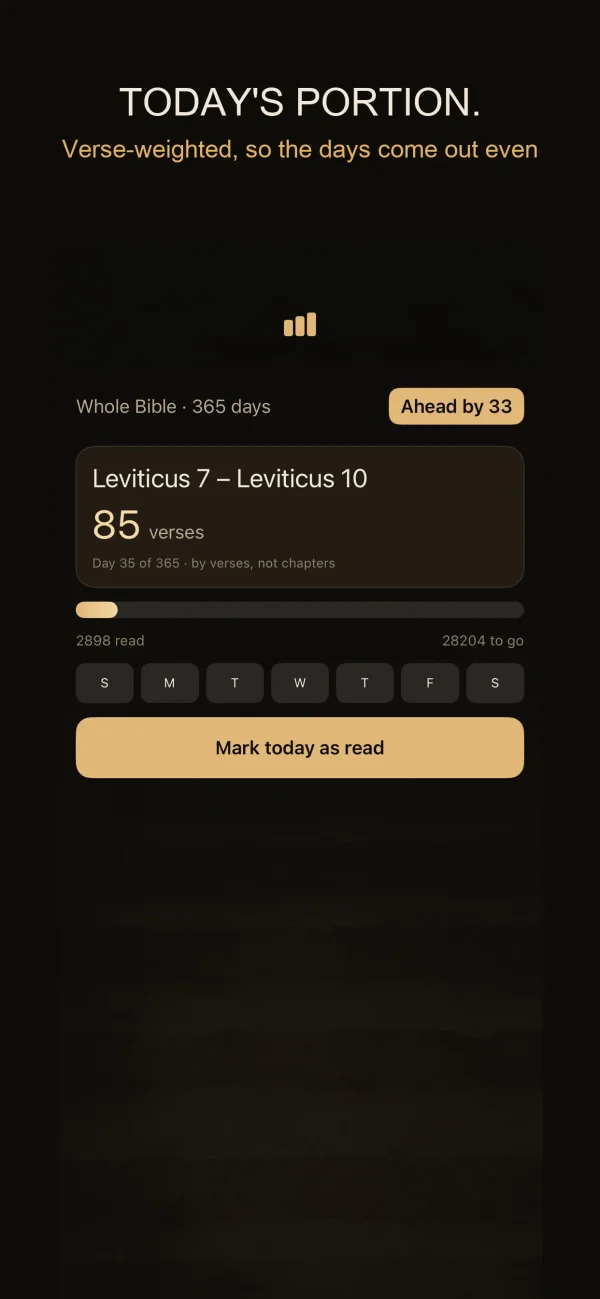
This one starts from what you want to read and when you want to be done. Pick the books — the whole Bible, one testament, or a selection you make yourself — set a start and a finish date, mark the days you do not read, and the plan follows.
Pick the books.
All 66, the Old Testament, the New Testament, or a grid where you tap the ones you want. Sixteen books for a season, or four gospels over Lent. The plan is rebuilt the moment you change the selection.
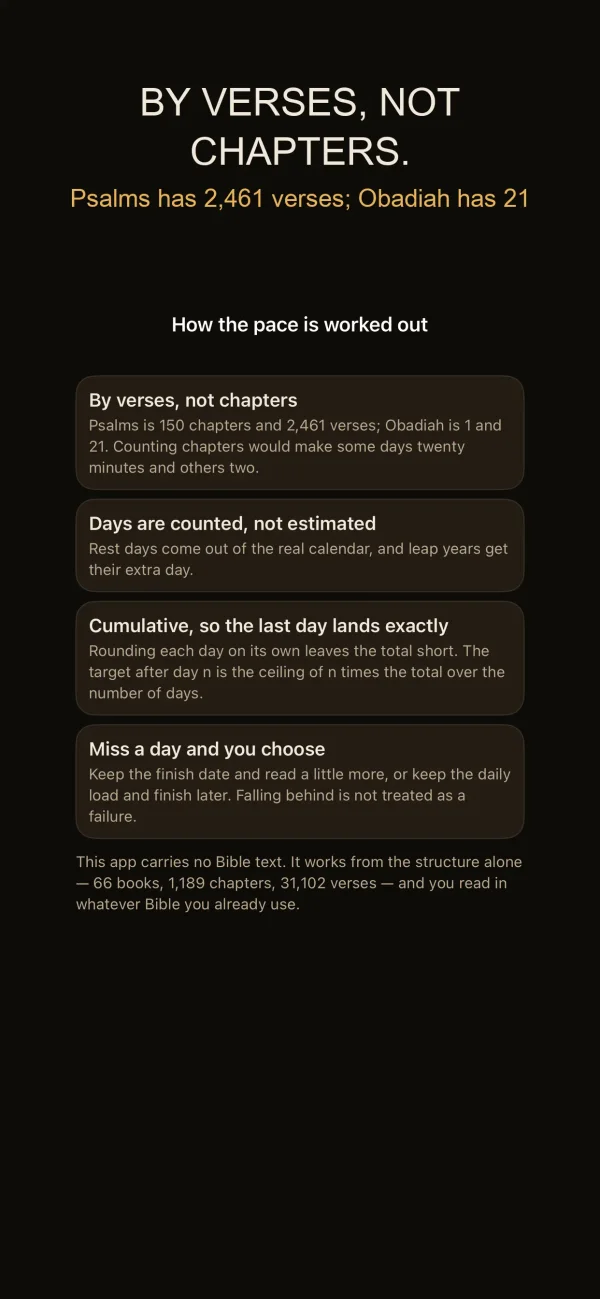
By verses, not chapters.
Psalms has 150 chapters and 2,461 verses. Obadiah has one chapter and 21. A plan that counts chapters gives you a twenty minute day and a two minute day and calls them equal. This one is verse-weighted, so the days come out even.
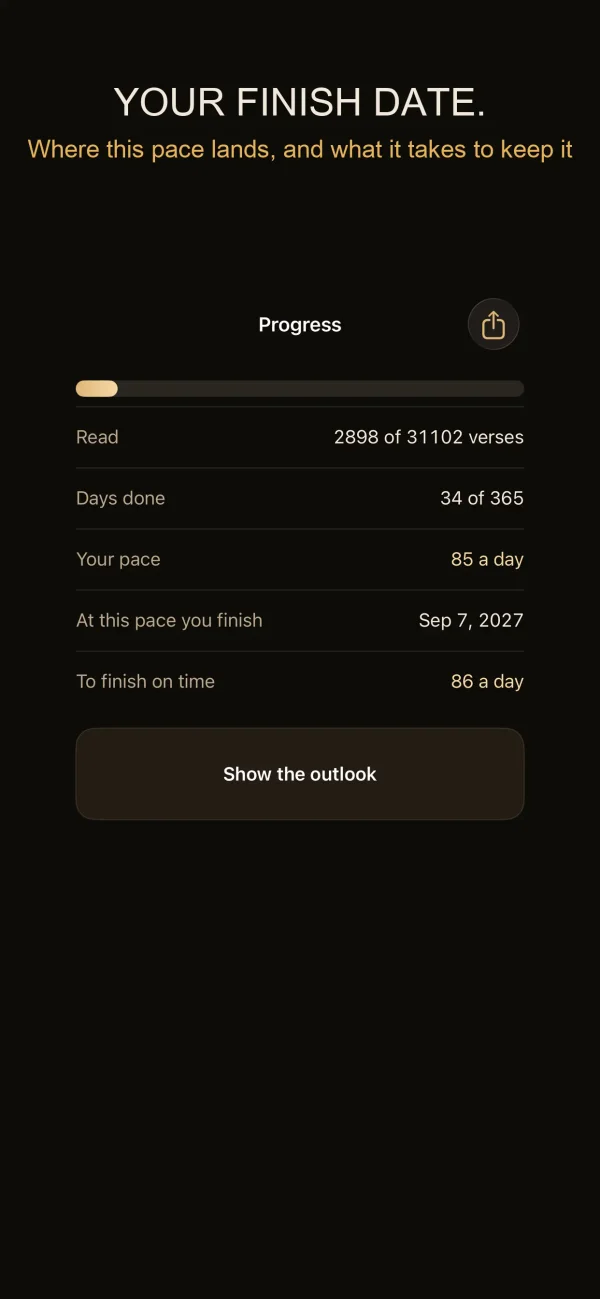
Your finish date is a date, not a guess.
Rest days come out of the real calendar and leap years get their extra day. The target after any day is cumulative, so rounding never leaves the total short — the last day lands exactly on the last verse.
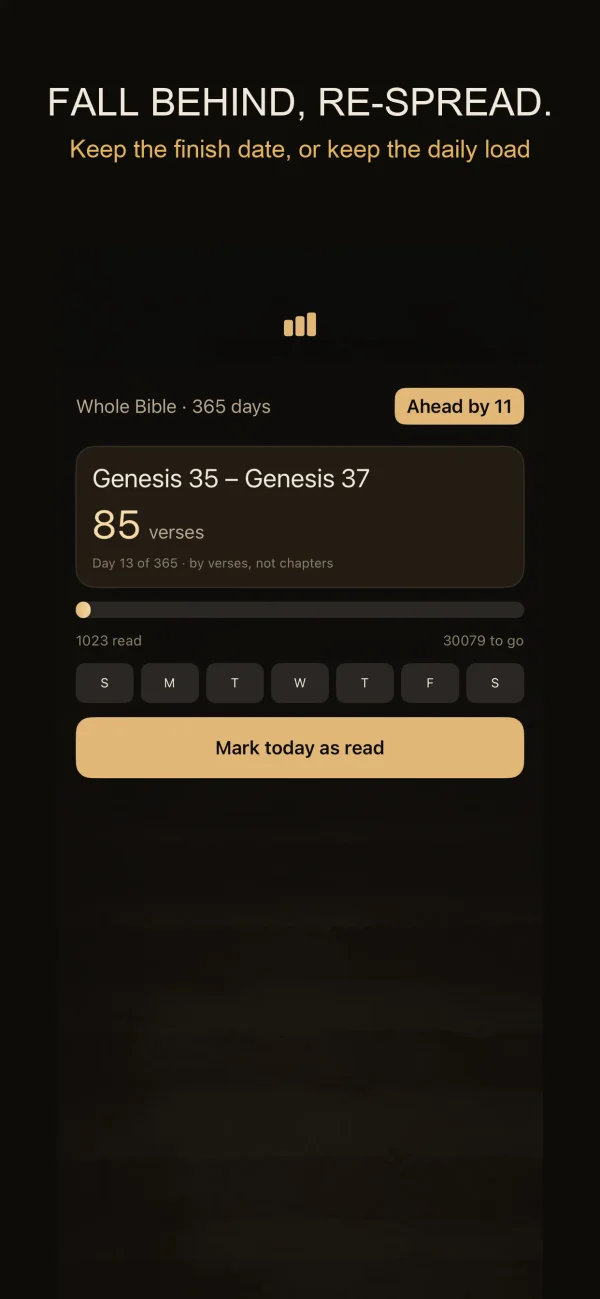
Fall behind, and you choose how to re-spread.
Keep the finish date and read a little more each day, or keep the daily load and finish later. Both are shown with the numbers before you pick. Missing days is not treated as a failure and nothing is taken away from you for it.
It carries no Bible text, only the structure of 66 books.
There is no translation inside this app, no recorded reading, and no devotional writing. It works from the structure alone — 66 books, 1,189 chapters, 31,102 verses — and tells you which chapters and verses today's portion covers. You read them in whatever Bible you already use, on paper or in the app you already have.
Share your progress as a card.
The plan lives on this phone and nowhere else.
There is no server behind it, so there is no sign-up, no password to lose, and no reason for the app to ask you for anything. Airplane mode changes nothing except that the optional ad stops loading.
Languages: English, 한국어, 日本語, 繁體中文, Deutsch, Français, Español
App privacy
What Jinwan Kim declares on the App Store about how this app handles data.
-
Data not linked to you
May be collected but is not linked to your identity.
- Location
- Identifiers
- Usage data
Privacy practices may vary, for example with the features you use or your age.
Information
- Seller
- Jinwan Kim
- Category
- Reference
- Version
- 1.0
- Updated
- Sep 10, 2026
- Released
- Sep 9, 2026
- Size
- 5.1 MB
- Requires
- iOS 17.0 or later
- Age rating
- 4+
- Price
- Free
- Languages
- English, French, German, Japanese, Korean, Spanish, Traditional Chinese
- Copyright
- © Kein Chronicle
You might also like
-
 Shepherd: Track Bible ReadingDaily Bible Reading Devotional
-
 Bible in a Year Reading PlanDaily Scripture Habit Tracker
-
 MannaLog – Bible TrackerYour Scripture Reading Journal
-
 Five and twoWhole Bible, five days a week
-
 Paced: Bible Reading PlanOffline KJV. No streaks.
-
 Movable Alphabet - CursiveMontessori Preschool Language
-
 Bible Streak: Progress TrackerTrack your Bible reading
-
 Chapter: The Bible, UnfoldedA quiet place for Scripture
-
 VerseKeeper: Scripture MemoryEducation
-
 SmartBaby - Baby VisionVisual Stimulation for Babies