
Bible Scroll: Chat & Study
Daily Verses & Christian Focus
Designed for iPhone, iPad
Free · In-app purchases
- Age rating4+
- CategoryReference
- DeveloperBickster LLC
- LanguagesEnglish
- Size122.9 MB
Links to the official App Store page
Download.org hosts no file of Bible Scroll: Chat & Study. The button opens its official App Store page, published by Bickster LLC. Listing last checked on Nov 23, 2026.
Screenshots


About
Discover Scripture one verse at a time. Understand what you read. Make time for God.
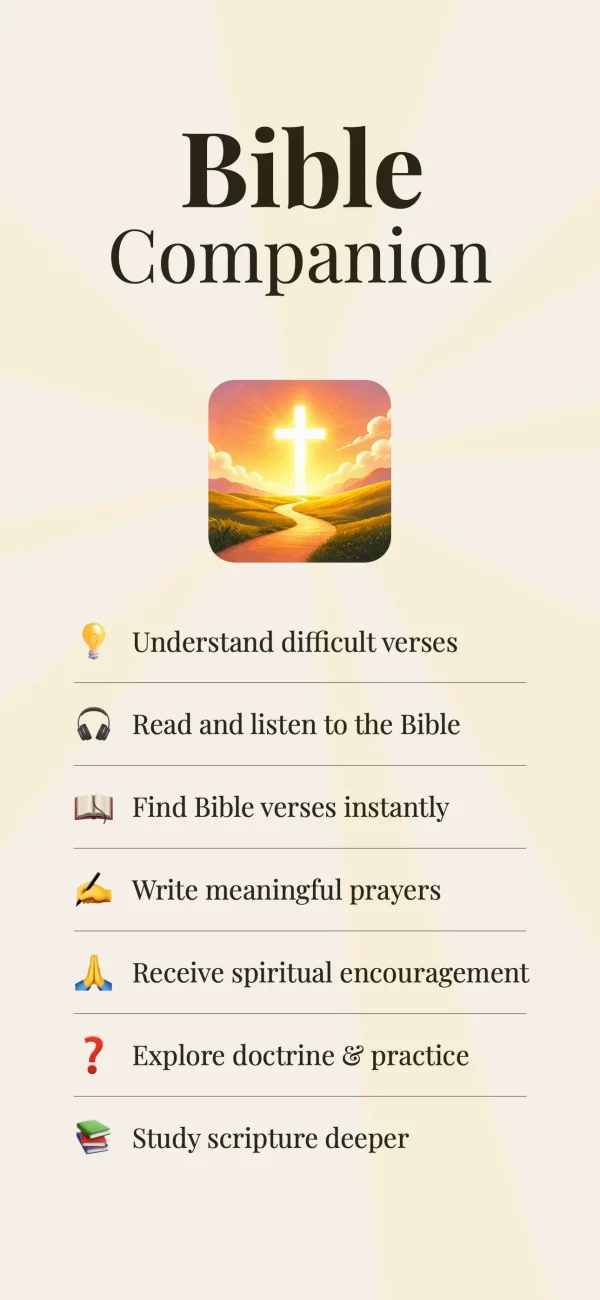
Bible Scroll: Chat & Study brings full-screen Bible verses, study tools, prayer, and App Pausing together. Explore God’s Word, follow its connections, and set aside time for Scripture before distractions.
BIBLE SCROLL: ONE VERSE AT A TIME
Open the Verse tab and swipe through Scripture in a full-screen view. Jump to any book and chapter, save a verse to Favorites, share it, or explore an AI explanation.
Tap a verse’s reference to read it in its chapter. Switch translations without losing your place, and move between the Verse and Bible tabs with your reading position shared.
BIBLE FOCUS: MAKE ROOM FOR SCRIPTURE
Choose distracting apps with App Pausing and set a reading timer for 5, 10, 15, or 20 minutes. Start it from Home or the reader. The timer counts elapsed time after you start it, and your selected apps become available when it ends.
Use Skip today when you need a break. App Pausing requires iOS 18 or later.
UNDERSTAND THE BIBLE AS YOU READ
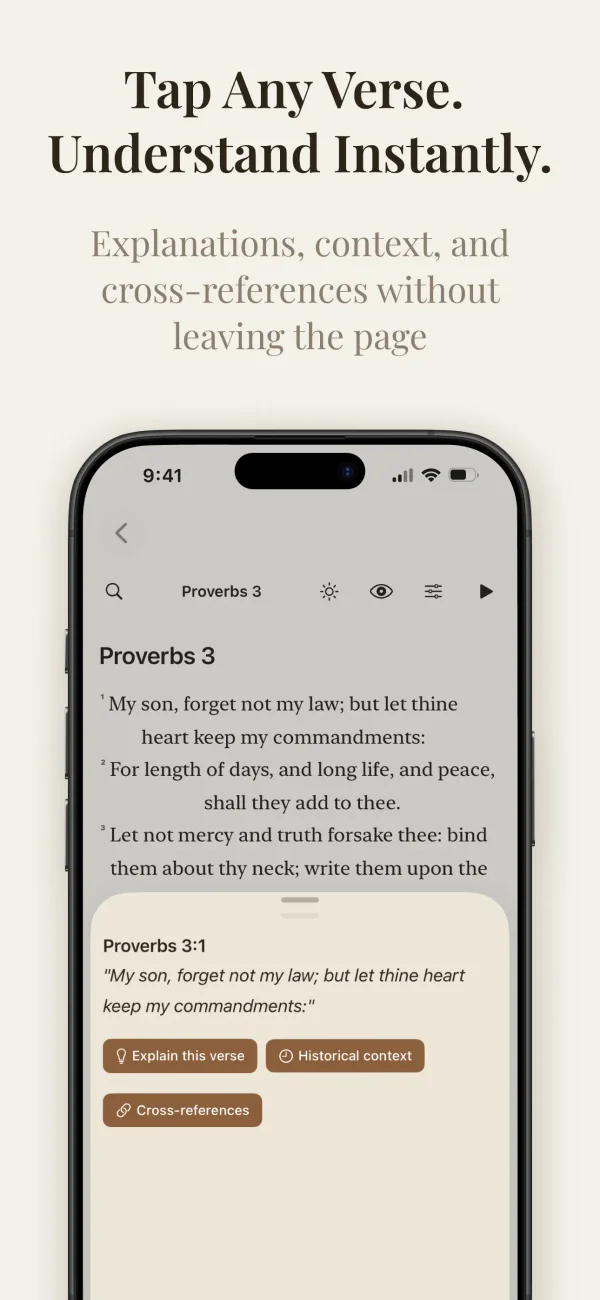
Explore clear verse explanations, historical context, and cross-references as you read. Follow related passages to see how Scripture connects.
Find verses by topic, question, or life situation. Ask follow-up questions in Bible chat and keep studying the passages that matter to you.
TURN SCRIPTURE INTO PRAYER
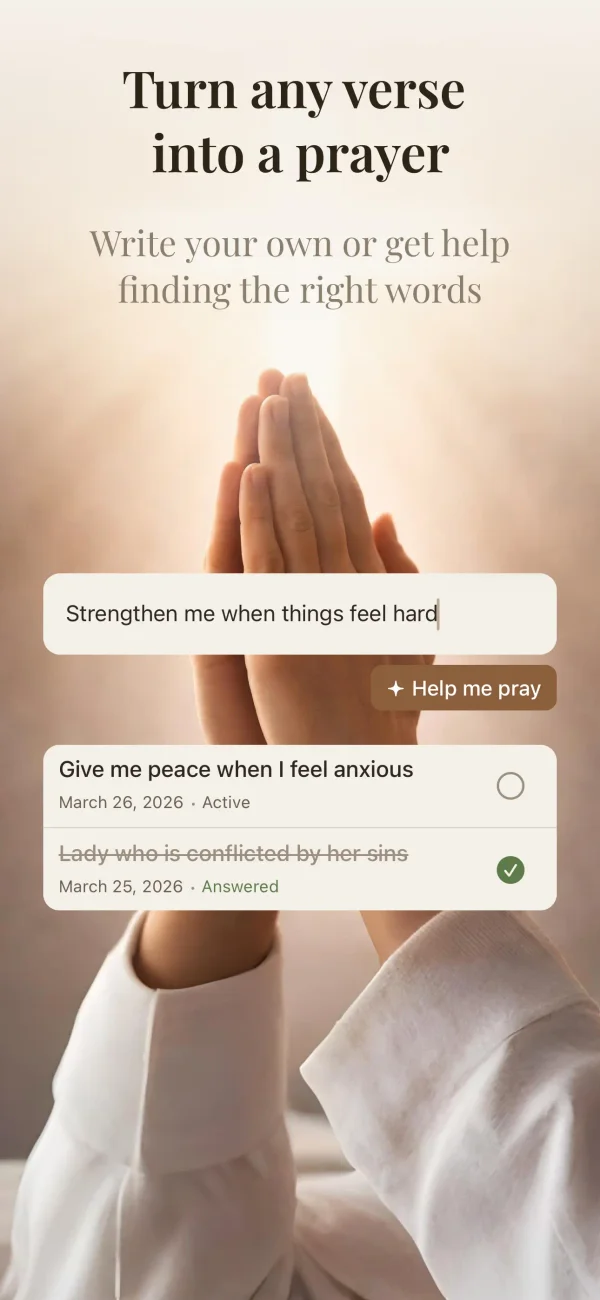
Turn a verse or passage into a personal prayer grounded in Scripture. Reflect on what you’ve read, give thanks, ask for guidance, or pray for someone you love. Let understanding lead naturally into prayer.
BUILD A HABIT THAT FITS YOUR LIFE
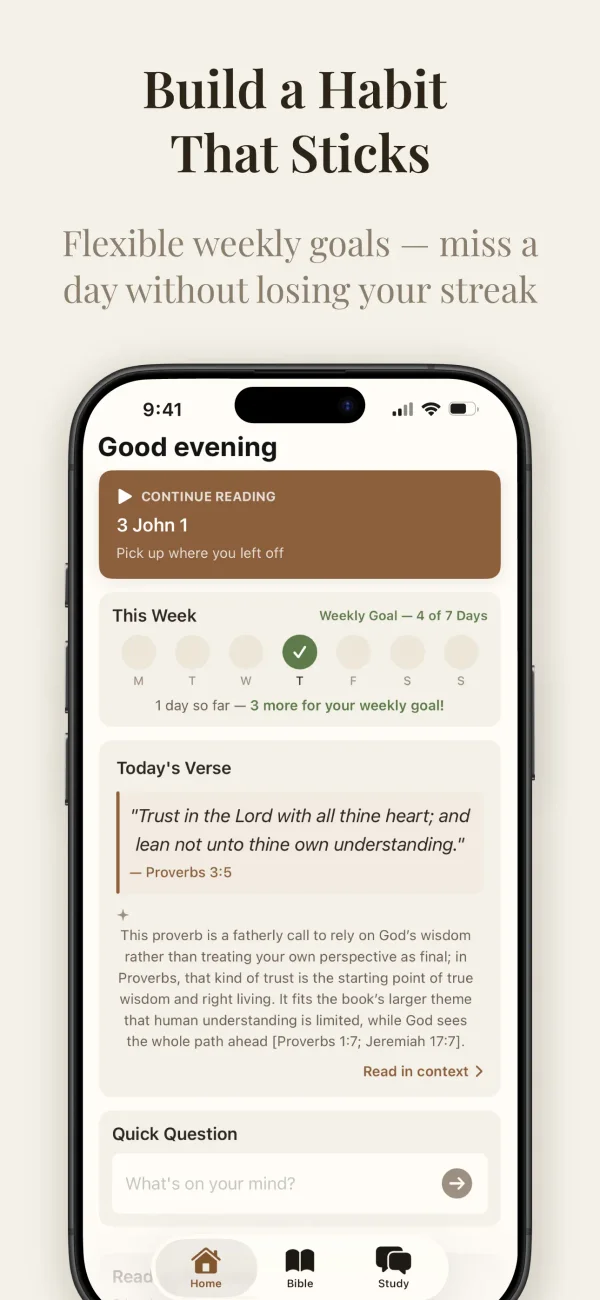
Build a reading habit with a flexible weekly rhythm. Meet your “Best 4 of 7” goal each week, with room to miss a day without losing your streak.
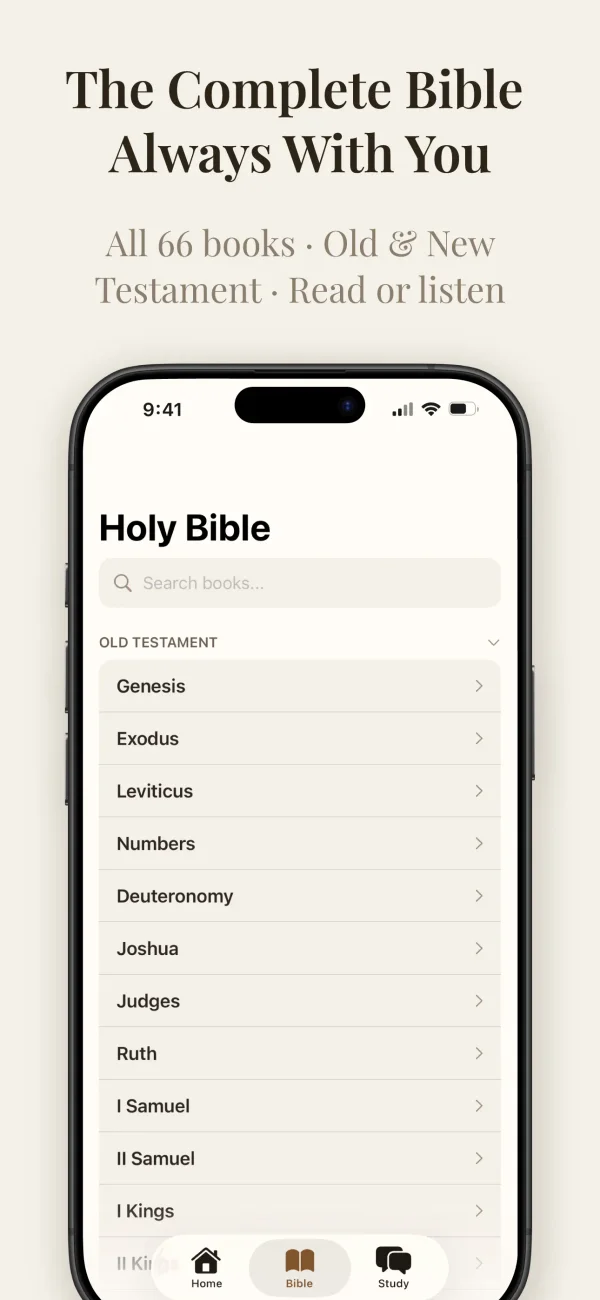
Highlight meaningful passages, add notes, and see your reading progress across all 66 books. Continue Reading on Home shows your progress and takes you back to your verse.
KEEP SCRIPTURE CLOSE EACH DAY
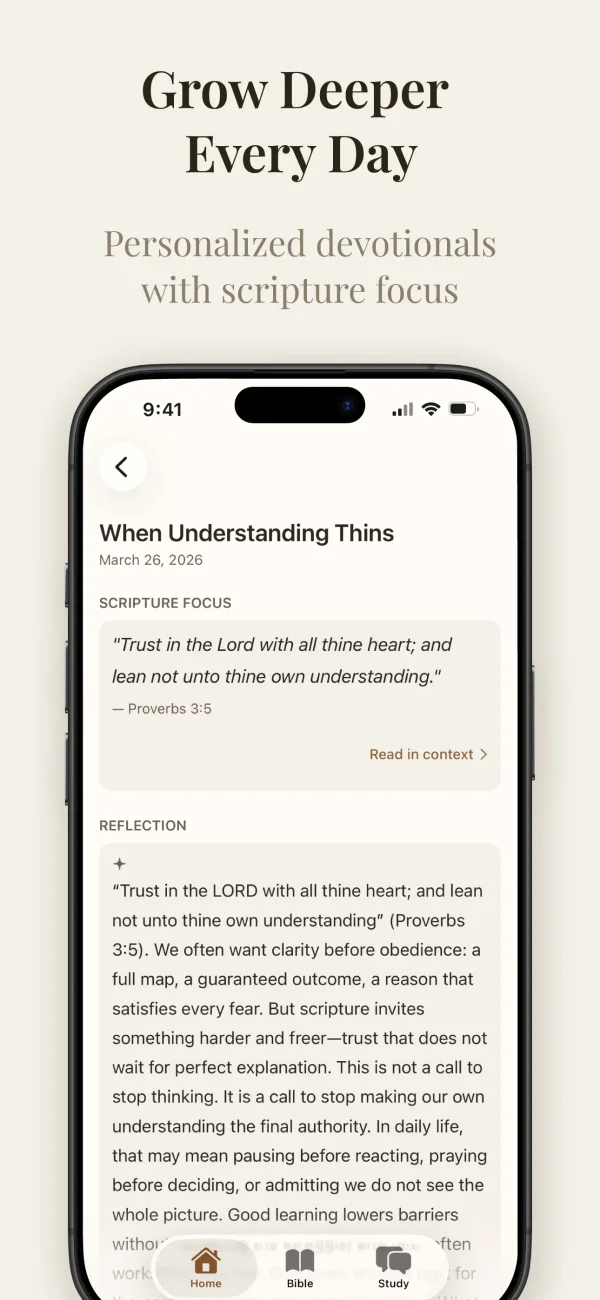
Add a Daily Verse Widget to your Lock Screen to keep God’s Word close. Turn Daily Verse reminders on or off and choose your reminder time in Settings.
Read in a clean, focused Bible reader or listen as chapter audio continues from one chapter to the next. Choose an End of chapter sleep timer and control chapter playback from the Lock Screen.
Download Bible Scroll: Chat & Study. Explore Scripture, understand what you read, and build a routine with God’s Word.
SUBSCRIPTION INFO
Payment will be charged to your Apple ID at confirmation of purchase. Subscription automatically renews unless canceled at least 24 hours before the end of the current period. Your account will be charged for renewal within 24 hours prior to the end of the current period. Manage and cancel subscriptions in Settings > Apple ID > Subscriptions.
Privacy Policy: https://www.bickster.com/privacy
Terms of Service: https://www.bickster.com/terms-of-use
What’s new
Version 1.3.4 · Nov 20, 2026
Swipe through Scripture. Make time for God.
NEW: VERSE TAB
Read the Bible one verse at a time in a full-screen view. Swipe between verses and go deeper whenever a passage speaks to you.
Jump to any book and chapter from the top of the screen.
Tap the heart to save a verse to Favorites.
Add notes, share a verse, or study it with an AI explanation.
Tap a verse’s reference to read it in its chapter.
Switch translations without losing your place.
Move between the Verse and Bible tabs with your reading position shared.
NEW: APP PAUSING
Choose distracting apps to pause each day, then pick 5, 10, 15, or 20 minutes for Scripture. Start the timer from Home or the reader. Your selected apps become available again when that time has elapsed. Use Skip today when you need a break.
App Pausing requires iOS 18 or later.
BETTER LISTENING
Chapter audio continues into the next chapter.
Choose End of chapter as a sleep timer option.
The sleep timer finishes the current verse before pausing; Play resumes from the next verse.
Drag the progress bar to jump to any verse.
Use next and previous chapter controls from the Lock Screen, with an accurate progress bar.
DAILY VERSE & CONTINUE READING
Turn Daily Verse reminders on or off and choose your reminder time in Settings.
Continue Reading on Home shows your progress and returns you to your verse, including where you stopped in the Verse tab.
Today’s Verse opens directly at the verse.
A SMOOTHER READING EXPERIENCE
Verse explanations open full size, with tappable verse references.
Improved formatting for AI replies in chat, prayers, and verse explanations.
Larger tap targets and clearer VoiceOver labels make the app easier to navigate.
Continue opens the next chapter at the top, fixing a blank-page issue.
Fixed a stall when starting chapter audio.
App privacy
What Bickster LLC declares on the App Store about how this app handles data.
-
Data not linked to you
May be collected but is not linked to your identity.
- Identifiers
- Usage data
- Diagnostics
Privacy practices may vary, for example with the features you use or your age.
Information
- Seller
- Bickster LLC
- Category
- Reference
- Version
- 1.3.4
- Updated
- Nov 20, 2026
- Released
- Apr 13, 2026
- Size
- 122.9 MB
- Requires
- iOS 18.0 or later
- Age rating
- 4+
- Price
- Free
- In-app purchases
- Yes
- Languages
- English
- Copyright
- © Bickster 2026
You might also like
-
 BibleWise: Live Your FaithDaily Wisdom from Scripture
-
 Vessel: Bible Study & NotesExplained Scripture & Sermons
-
 Rebind Study BibleAudio devotional & commentary
-
 KJV NotesNotes & Track Bible
-
 Gospel Partner: Daily BibleDaily Devo, Prayer & Journal
-
 BibleSpark-KJV & Bible QuizDaily Scripture & Quizzes
-
 Sermon Scribe: Bible NotetakerRecord, Transcribe, Summarize
-
 Bible Vod: Audio& Bible ChatListen, Study & Private Chat
-
 VerseTrail-KJV Bible StudyKJV & Bible Quiz & Word Puzzle
-
 Bible Voice: Audio&AbideAudio Bible