Bicamly: Dual Camera
Custom PiP Size, Layout & Mask
Designed for iPhone, iPad, Mac, iPod touch
Free · In-app purchases
- Age rating4+
- CategoryPhoto & Video
- Developer红梅 余
- LanguagesEnglish+ 17 more
- Size55.0 MB
Links to the official App Store page
Download.org hosts no file of Bicamly: Dual Camera. The button opens its official App Store page, published by 红梅 余. Listing last checked on Nov 27, 2026.
Screenshots
About
Bicamly is a dual-view creator camera designed for iPhone.
It helps you capture yourself and what you see at the same time, then combines both views live before you start recording. Whether you’re filming vlogs, food reviews, tutorials, product demos, reaction videos, travel moments, or everyday stories, Bicamly makes it easier to create ready-to-share videos and photos in one take.
Bicamly is more than a camera app, and it’s not a traditional video editor. It sits between shooting and editing: you compose your final shot before recording, preview the result in real time, and reduce extra editing later.
Key Features:
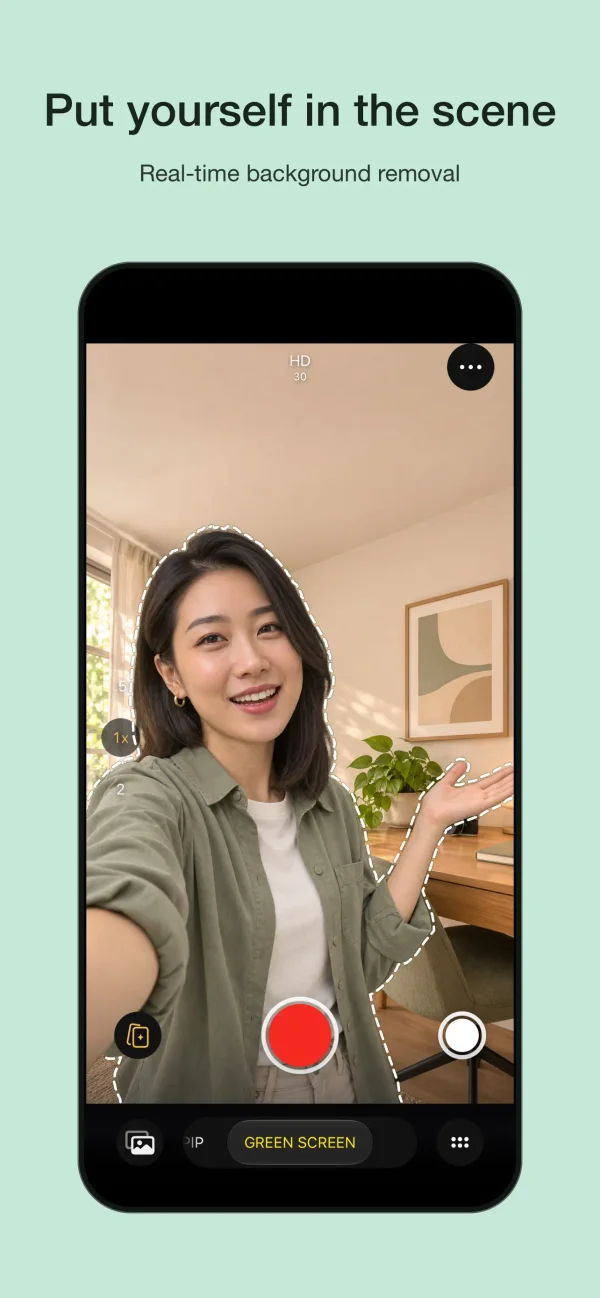
◽ Flexible Sources (Pro): Choose a supported lens for each view in picture-in-picture or split screen. Use the same camera in both views, or pair a live camera with a video from your photo library. In Green Screen mode, you can use a library video for the main view while keeping a live camera on the person.
◽ Apple Watch Remote: With Bicamly open on your iPhone, start, pause, resume or stop a recording and take photos from your wrist. During recording, switch between the composite and available camera or library-video views.
◽ Dual-Camera Recording: Record with the front and rear cameras at the same time. Capture yourself and your surroundings in one shot.
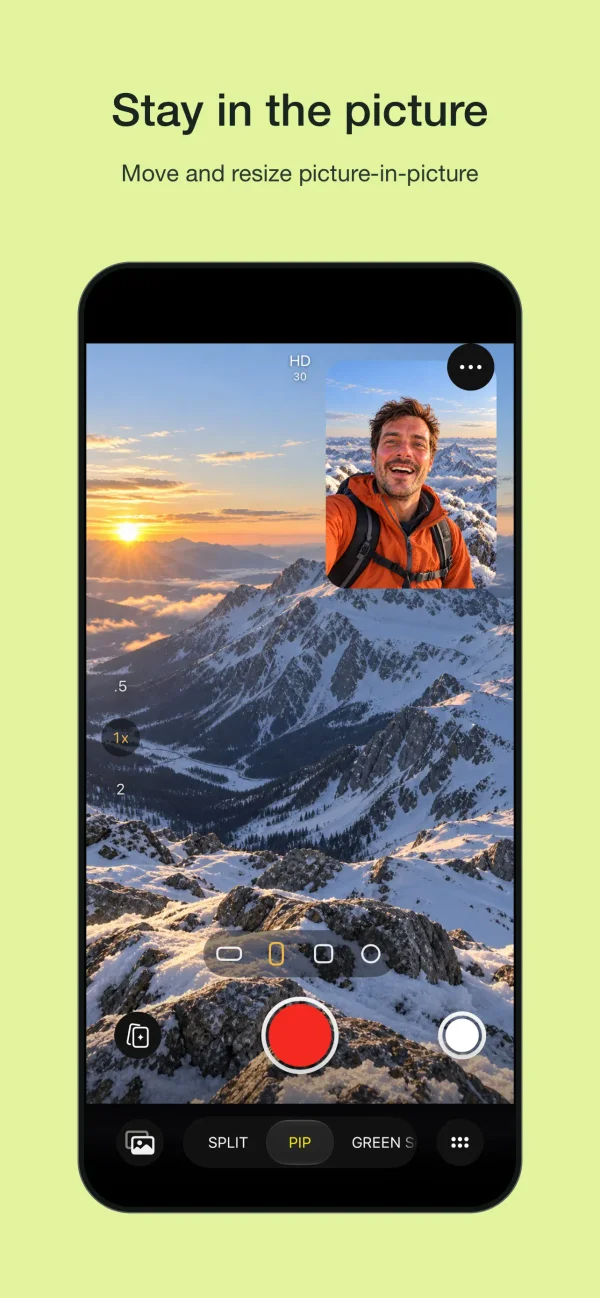
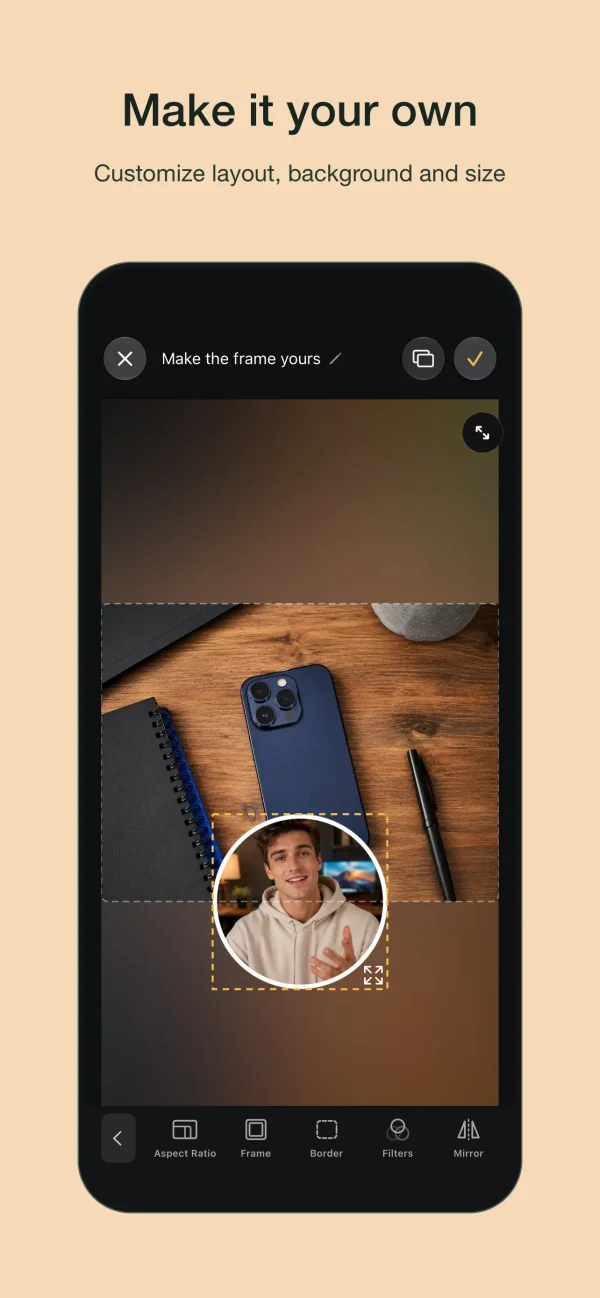
◽ Picture-in-Picture: Place your front camera view over the rear camera view. Perfect for vlogs, food reviews, reaction videos, travel videos, and live commentary.
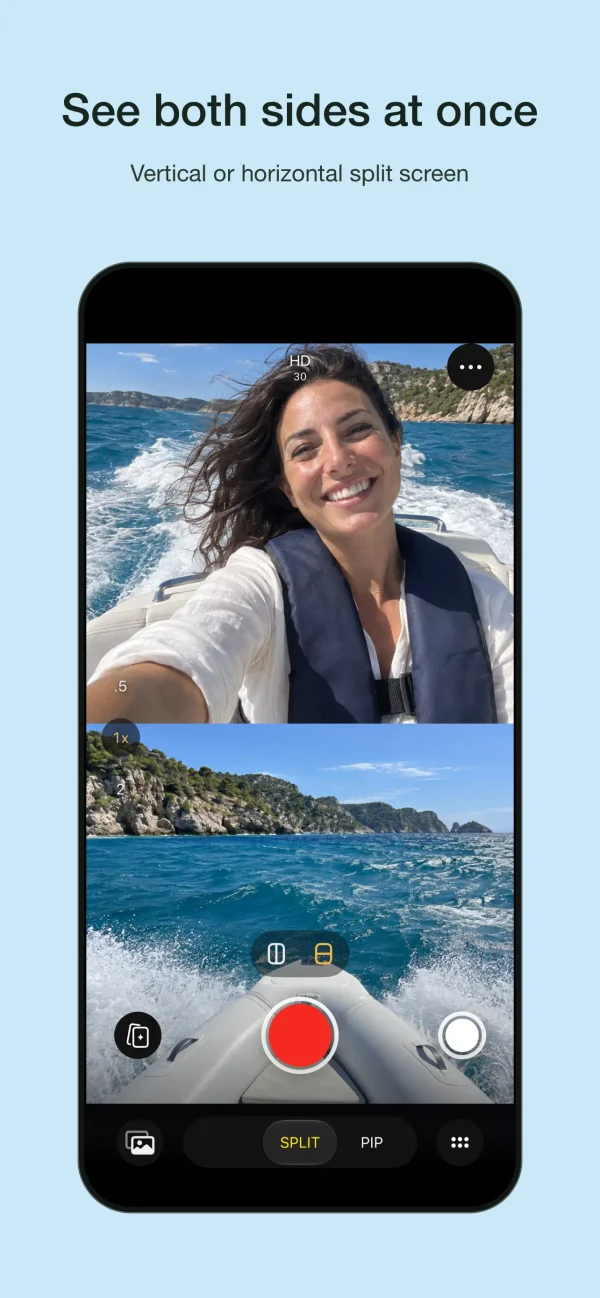
◽ Split-Screen Dual Camera: Show both camera views side by side or in a split layout. Great for tutorials, product reviews, unboxings, demos, and comparison videos.
◽ Fusion Mode: Blend two camera views into one creative composition. Create a more immersive dual-view shot when you want yourself and the scene to feel connected in the same frame.
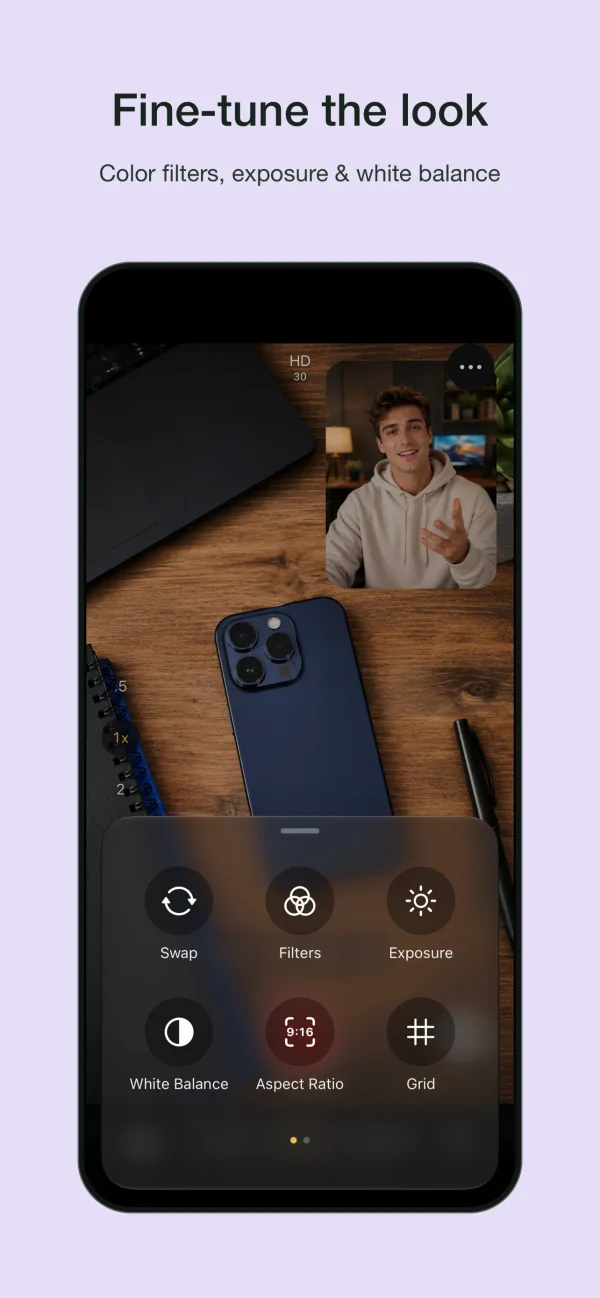
◽ Live Composition Preview: See the final composition before you start recording. Adjust your layout, framing, and camera view in real time.
Great for:
◽ Vlogs
◽ Food and cafe reviews
◽ Travel videos
◽ Tutorials
◽ Product reviews
◽ Reaction videos
◽ Live-style creator content
◽ Daily short videos
◽ Behind-the-scenes recording
◽ Creative dual-view storytelling
Bicamly helps you record both sides of the moment: you and the world in front of you.
Two views. One shot. More ways to compose.
Terms of Use: https://www.apple.com/legal/internet-services/itunes/dev/stdeula/
- The subscription fee will be charged to your account upon confirmation of purchase.
- Unless auto-renewal is turned off at least 24 hours before the end of the current subscription period, the subscription will automatically renew and the fee will be charged to your account.
What’s new
Version 1.2.0 · Nov 27, 2026
Improved camera controls, tool popups and template interactions.
App privacy
What 红梅 余 declares on the App Store about how this app handles data.
-
Data not collected
The developer does not collect any data from this app.
Privacy practices may vary, for example with the features you use or your age.
Information
- Seller
- 红梅 余
- Category
- Photo & Video
- Version
- 1.2.0
- Updated
- Nov 27, 2026
- Released
- Jun 18, 2026
- Size
- 55.0 MB
- Requires
- iOS 15.0 or later
- Age rating
- 4+
- Price
- Free
- In-app purchases
- Yes
- Languages
- English, Arabic, Dutch, French, German, Greek, Italian, Japanese, Korean, Polish, Portuguese, Russian + 6 more
- Copyright
- © 2026 96X STUDIO
You might also like
-
 SplitCam Dual Camera RecorderReaction PiP Front Back 4K
-
 2Cam Dual Shot Camera RecorderDualshot Double Capture Video
-
 Dual Camera: Ultra Double CamFront & Back PiP Vlog Recorder
-
 Dual Camera: Front & Back CamPiP & Split Screen Recorder
-
 Double Camera TakeFront and Back Dual Camera
-
 Dual Capture VideoFront & Back Camera Recording
-
 2Camera - Dual Capture VideoDouble Side Camera Dual Camera
-
 Selfie - Front and Back CameraShoot Dual Camera at Once
-
 BiCam - Front & Back CameraDual Cam Vlog & Reaction Video
-
 Dual Camera: Back & FrontFront & back in one video