Big LED Timer
Focus, intervals & routines
Designed for iPhone, iPad
Free · In-app purchases
- Age rating4+
- CategoryUtilities
- DeveloperSergio Lozano Garza
- Size6.3 MB
Links to the official App Store page
Download.org hosts no file of Big LED Timer. The button opens its official App Store page, published by Sergio Lozano Garza. Listing last checked on Nov 7, 2026.
Screenshots


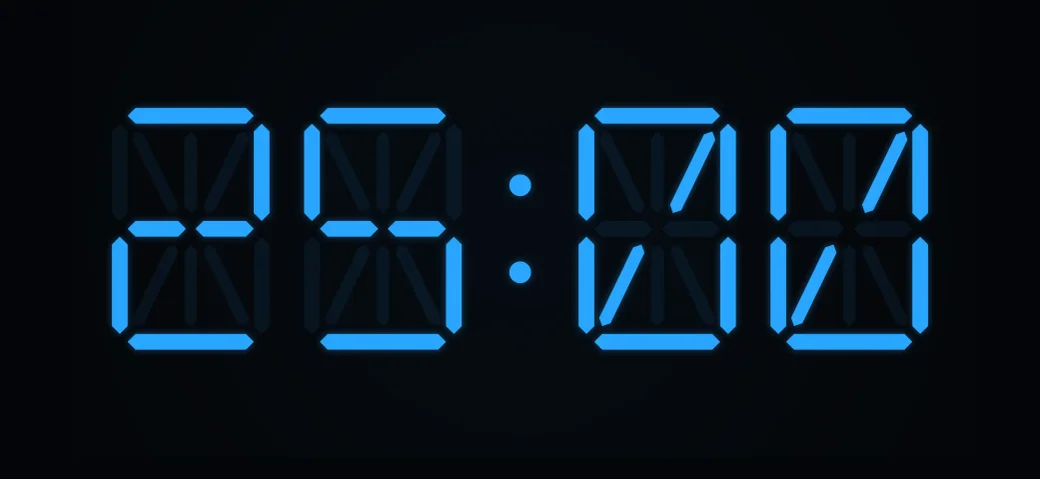

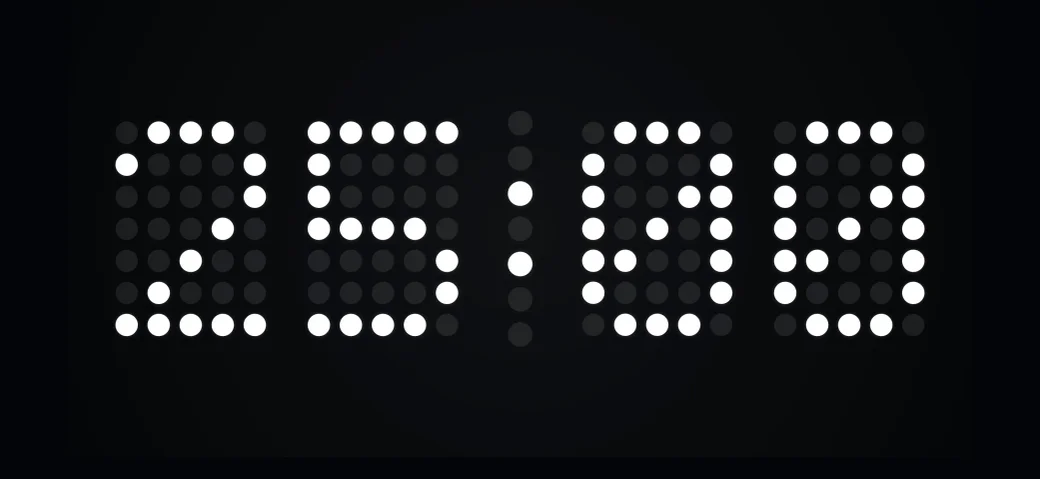
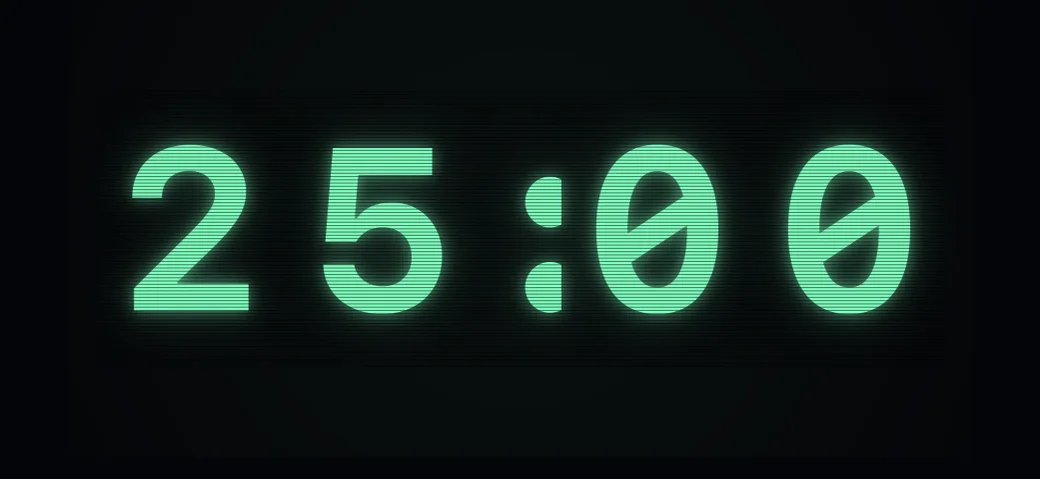
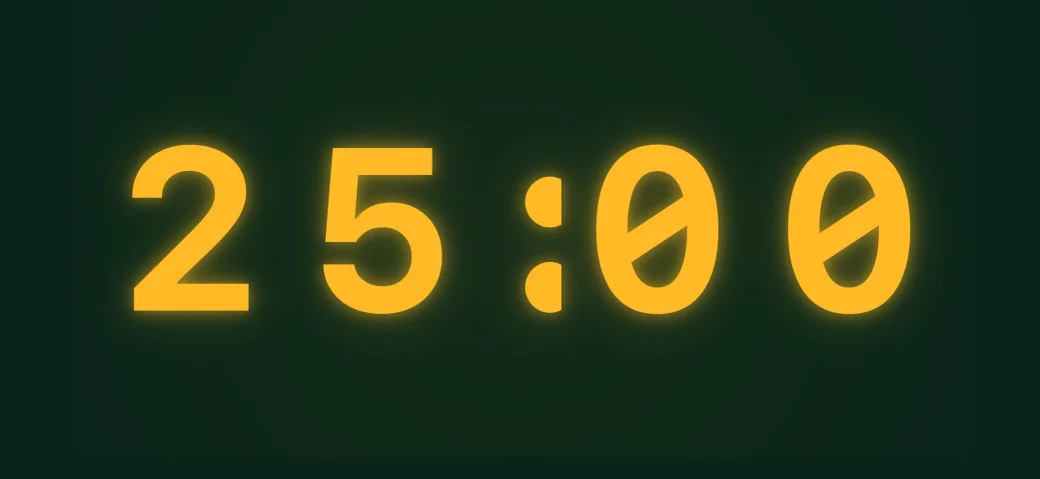
About
A clear view of your time. A plan for every step.
Big LED Timer brings large countdown displays and reusable routines together on iPhone and iPad. Plan a study session with breaks, alternate movement and recovery, or give every part of a presentation its own time. Save the plan, run it again, and keep a record of completed sessions.
BUILD YOUR ROUTINE
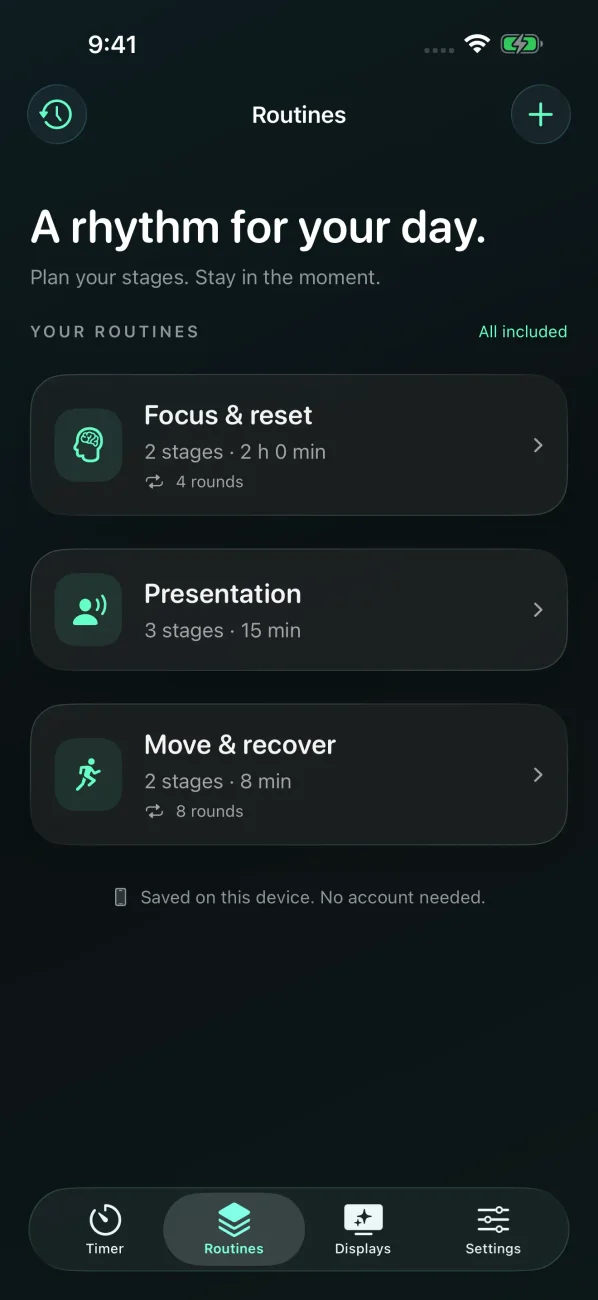
Create and name up to 12 stages, give each its own duration from 1 second to 24 hours, and repeat the sequence for up to 20 rounds. Reorder stages, edit a saved routine or duplicate it for another day. Start with Focus & reset, Move & recover or Presentation and make them yours.
KNOW WHAT COMES NEXT
Follow the current stage, next stage, round count and overall progress in one view. Stages advance automatically. Pause, resume or skip a stage when your plans change. Your active routine is saved on the device and catches up to its timeline when you return to the app.
A TIMER THAT FITS THE MOMENT
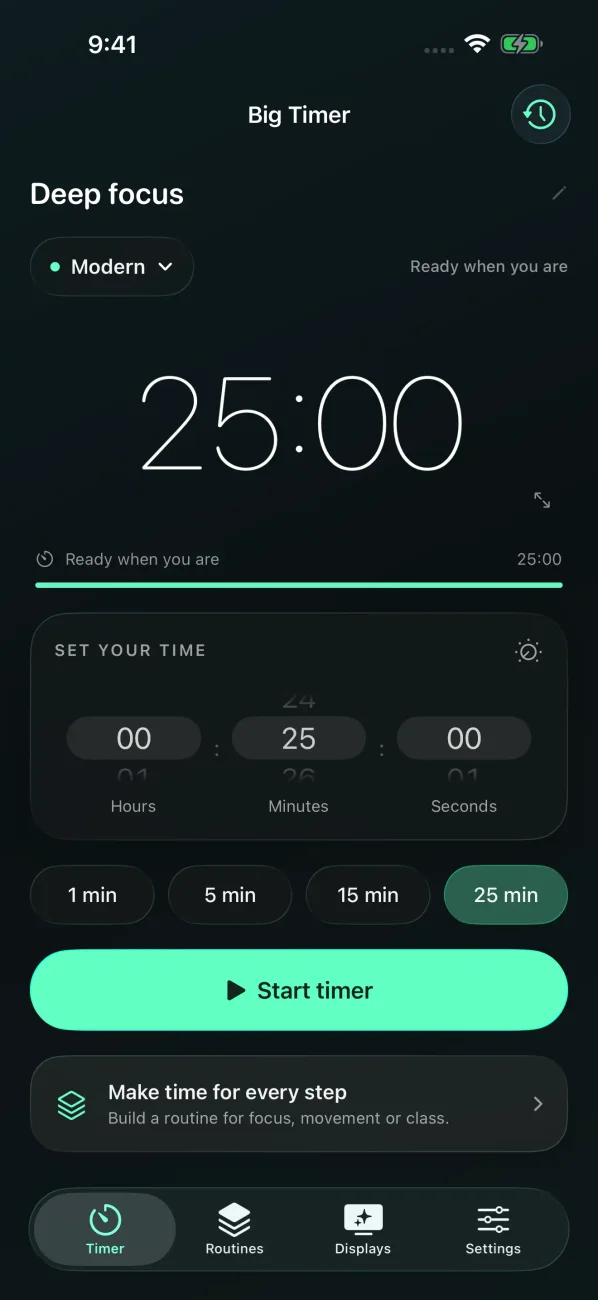
Name a countdown, use a preset or choose hours, minutes and seconds. Add a minute while running or paused. A visual presenter warning helps you wrap up with 10 seconds, 30 seconds or one minute remaining; you can also turn it off. Open the large display in portrait or landscape, or hide the controls for a clear full-screen view.
REMEMBER YOUR TIME
Completed timers and routines appear in a local history with recent session totals. Keep your latest 500 completed sessions, see skipped stages and export the history as a CSV file. Delete individual entries or clear the history whenever you choose.
GLASS, LIGHT AND GLOW
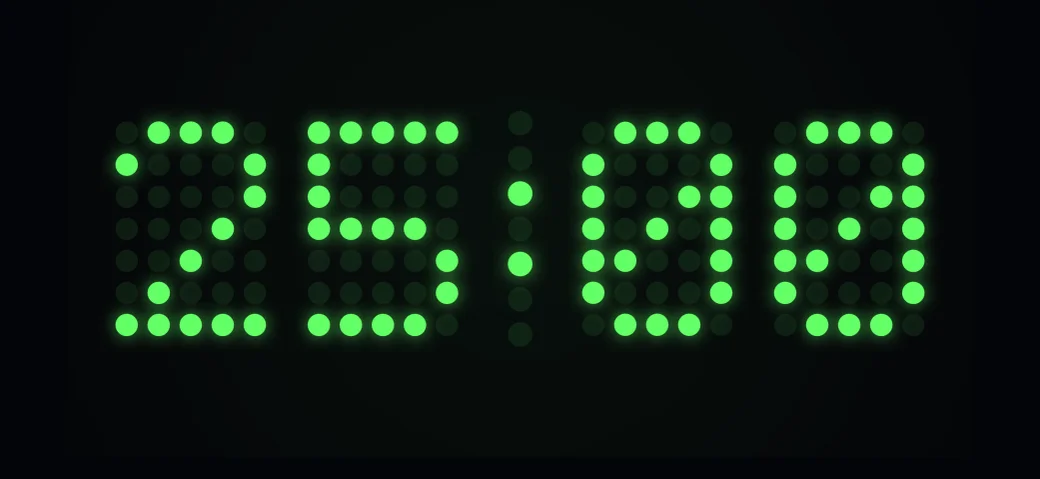
A clean glass interface supports light, dark and system appearance. Choose from eight displays, including crisp Modern digits, classic Red LED, Green Matrix and warm Nixie Tubes. Settings let you choose completion sound, haptic feedback and keeping the screen awake.
USEFUL FROM THE START
Timers, saved routines, stage controls, history, CSV export and presenter warnings are free. Modern, Red LED and Green Matrix are included. The free version includes ads. An optional rewarded video unlocks the other displays and advanced display controls until the app restarts. Video availability varies.
OPTIONAL PREMIUM
A one-time in-app purchase removes ads and permanently unlocks all eight displays and advanced controls: digit size, glow, custom color, mirror, hours, separator, progress bar and single-timer repeat. No subscription. Restore purchases in Settings with the same Apple Account.
No account is needed. Timers, routines and history work offline and stay on your device unless you export them. Ads and purchases require internet. Local alerts require notification permission. For long routines, reopen the app to refresh upcoming stage alerts; background repeat for a single timer provides one completion alert. iOS 17 or later.
App privacy
What Sergio Lozano Garza declares on the App Store about how this app handles data.
-
Data used to track you
May be used to track you across apps and websites owned by other companies.
- Identifiers
-
Data linked to you
May be collected and linked to your identity.
- Location
- Identifiers
- Usage data
-
Data not linked to you
May be collected but is not linked to your identity.
- Location
- Usage data
- Diagnostics
Privacy practices may vary, for example with the features you use or your age.
Information
- Seller
- Sergio Lozano Garza
- Category
- Utilities
- Version
- 1.0
- Updated
- Nov 2, 2026
- Released
- Nov 2, 2026
- Size
- 6.3 MB
- Requires
- iOS 17.0 or later
- Age rating
- 4+
- Price
- Free
- In-app purchases
- Yes
- Copyright
- © 2026 Sergio Lozano Garza