BigFont Display
Large text for any screen
Designed for iPhone, iPad
Free · In-app purchases
- Age rating4+
- CategoryUtilities
- DeveloperRichard Montoya
- LanguagesEnglish
- Size1.1 MB
Links to the official App Store page
Download.org hosts no file of BigFont Display. The button opens its official App Store page, published by Richard Montoya. Listing last checked on Nov 13, 2026.
Screenshots
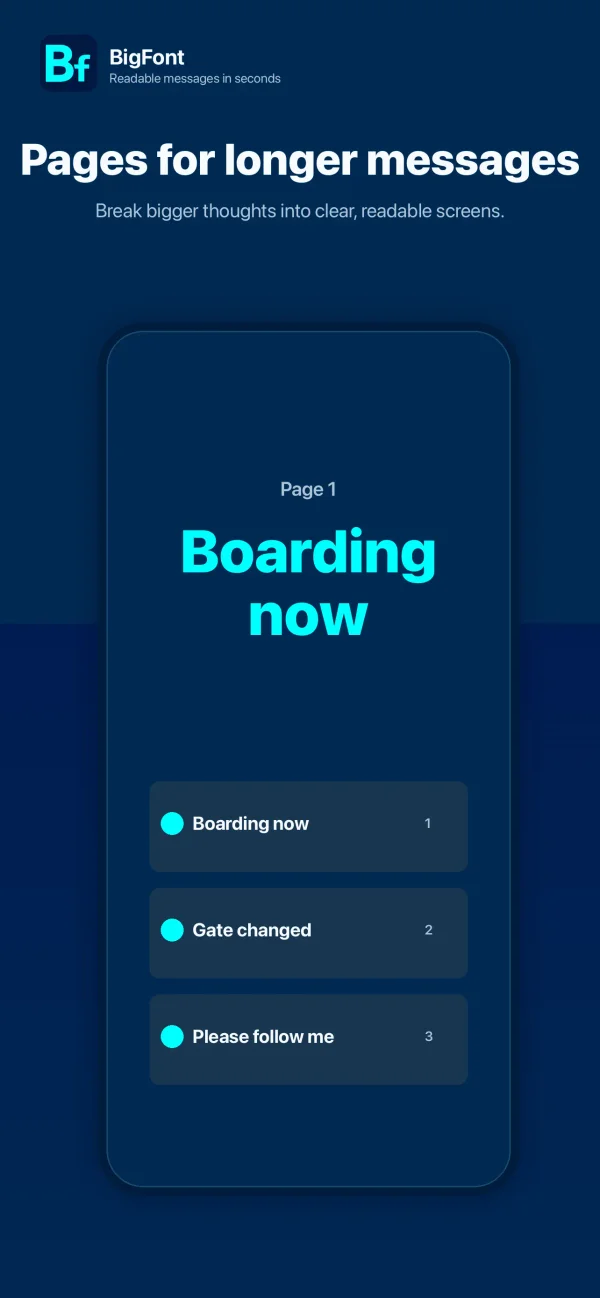
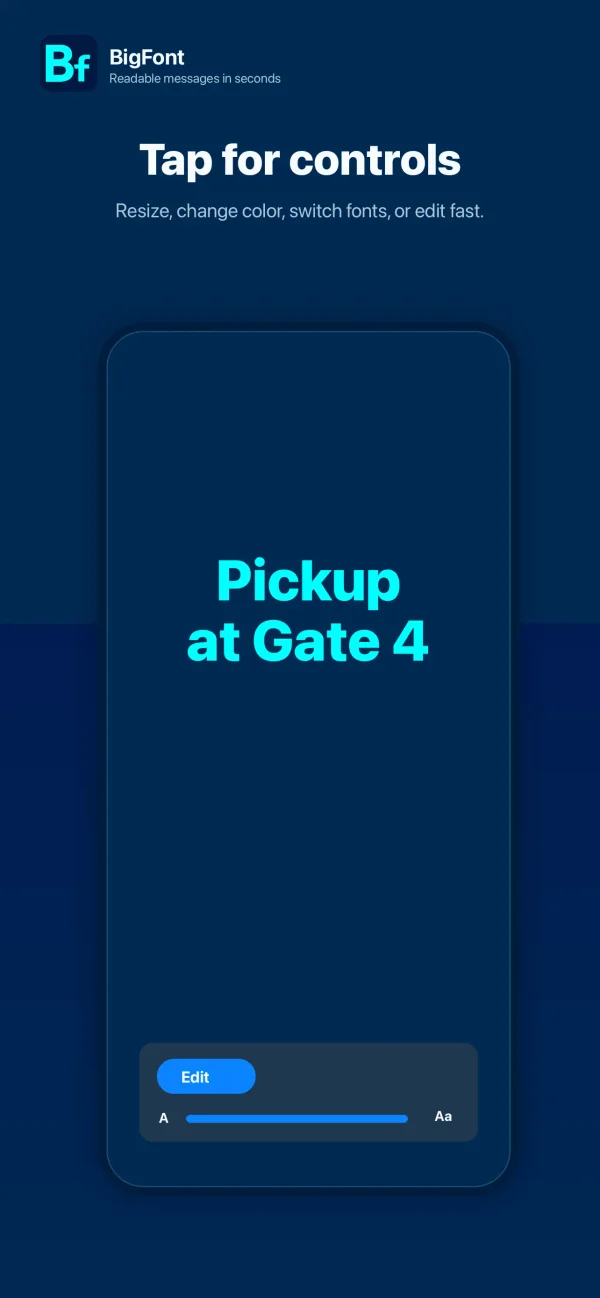
About
BigFont Display turns your iPhone or iPad into a clear, full-screen message display.
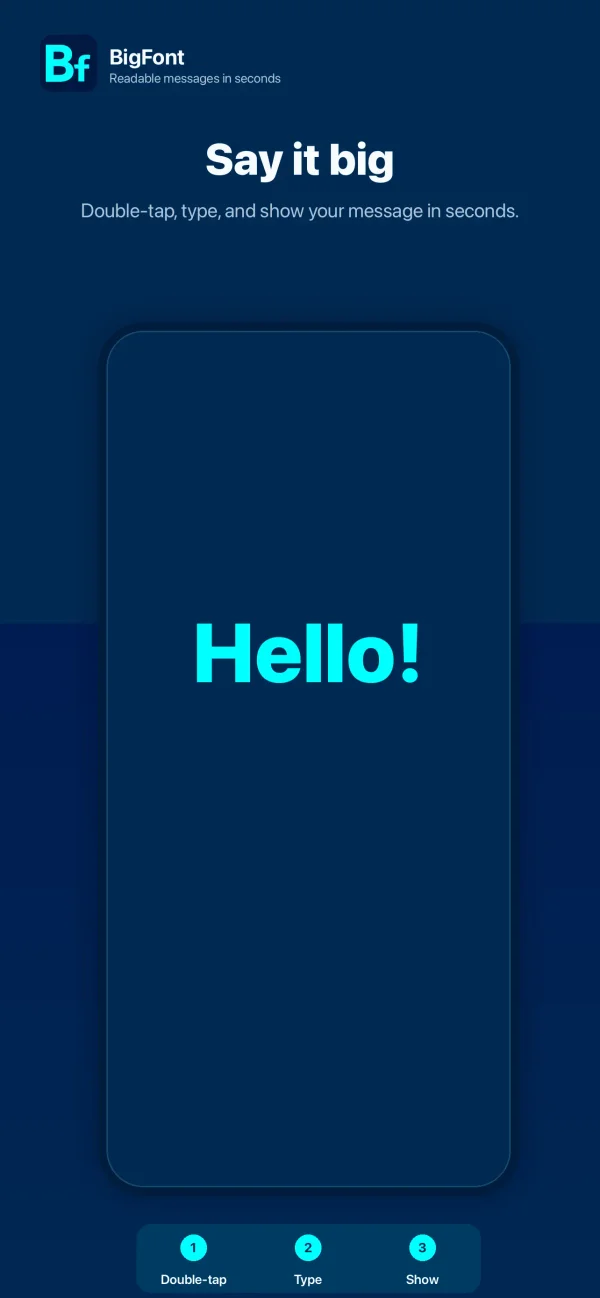
Type what you want to say. BigFont makes it large, bright, and easy to read from across a room, in a noisy place, through a window, or when speaking out loud is not practical.
Use it for quick notes, public spaces, classrooms, travel, accessibility, events, pickup signs, quiet rooms, or any moment when your screen needs to say something clearly.
Features:
• Huge full-screen messages
• Simple tap controls
• Double-tap to edit
• Pages for longer messages
• Custom fonts, colors, and alignment
• Keep screen awake while displaying
• Shake to flash for attention
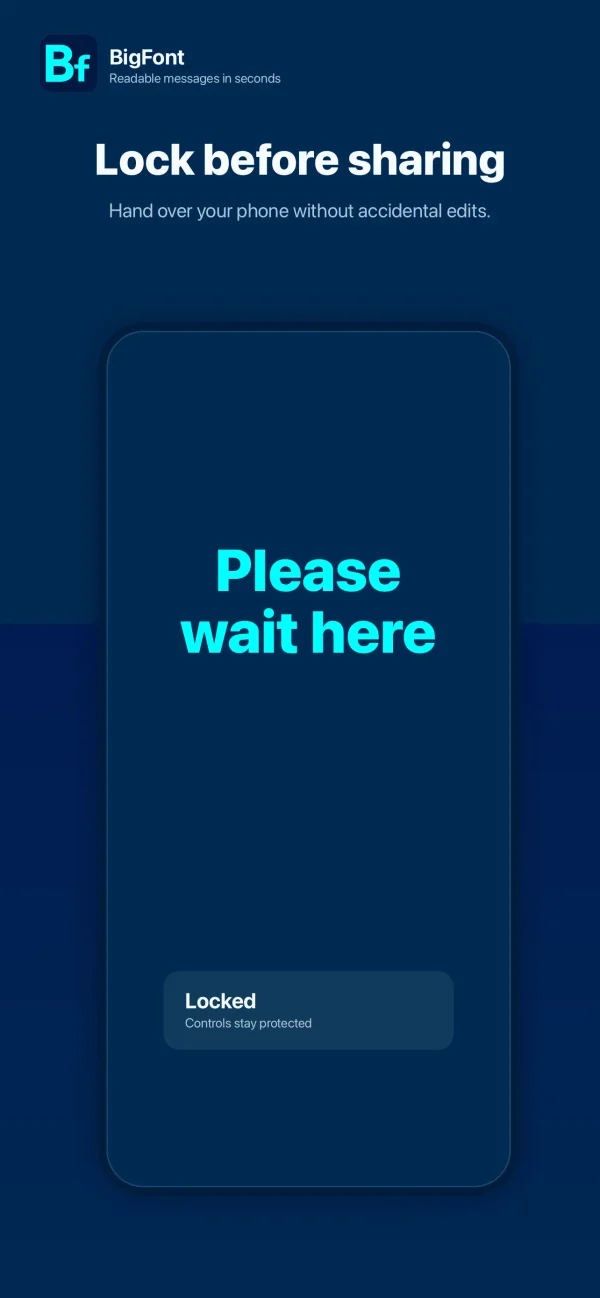
• Lock controls before handing over your device
• Works on iPhone and iPad
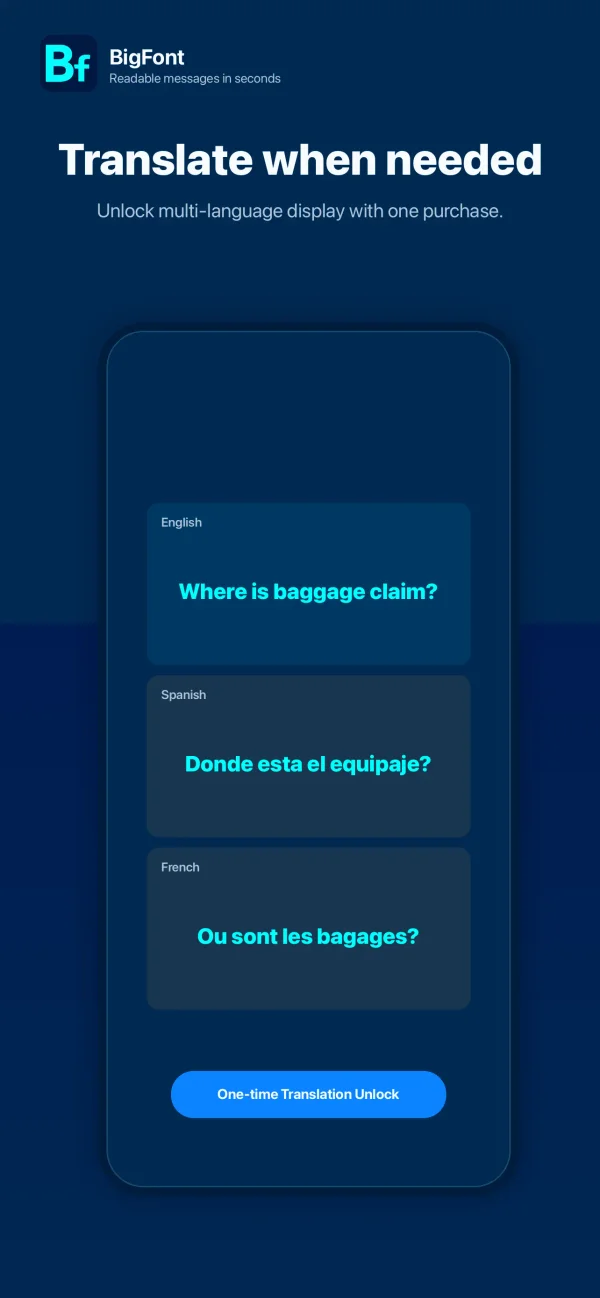
• Optional Translation unlock for multi-language display
How to use BigFont Display:
1. Open the app.
2. Double-tap to type your message.
3. Tap once to show controls.
4. Adjust size, color, font, pages, or lock.
5. Hold up your screen.
Translation Mode is available as a one-time in-app purchase.
What’s new
Version 1.0.1 · Aug 9, 2026
This update improves Translation purchase and restore reliability, adds smoother language downloads, and includes interface and accessibility refinements.
App privacy
What Richard Montoya declares on the App Store about how this app handles data.
-
Data not collected
The developer does not collect any data from this app.
Privacy practices may vary, for example with the features you use or your age.
Information
- Seller
- Richard Montoya
- Category
- Utilities
- Version
- 1.0.1
- Updated
- Aug 9, 2026
- Released
- Jul 13, 2026
- Size
- 1.1 MB
- Requires
- iOS 17.0 or later
- Age rating
- 4+
- Price
- Free
- In-app purchases
- Yes
- Languages
- English
- Copyright
- © 2026 Richard Montoya
You might also like
-
 Font Size Decrease for SafariDecrease the text size on web
-
 TouchCursorUtilities
-
 Just Show ThemWhen talking don't work
-
 Parked-Timerparking assistant and manager
-
 Freaky FontsYour Text to Freaky Text Fonts
-
 Secure Charging AnimationsCustom Battery Charge Screen
-
 Paranormal Spirit BoxGhost Box Evp Investigations
-
 BreathInOutBreathing Tracker
-
 TextGlowGlowing text & LED banners
-
 Texpress: Show Text, Skip TalkBig Text Display, QR & Signs