Binary Calculator & Converter
calc.Binary -> ,Dec -> ,Hex ->
Designed for iPhone, iPad, iPod touch
Free
- Age rating4+
- CategoryProductivity
- DeveloperMINERVA K.K.
- LanguagesEnglish+ 1 more
- Size29.7 MB
Links to the official App Store page
Download.org hosts no file of Binary Calculator & Converter. The button opens its official App Store page, published by MINERVA K.K. Listing last checked on Nov 15, 2026.
Screenshots

About
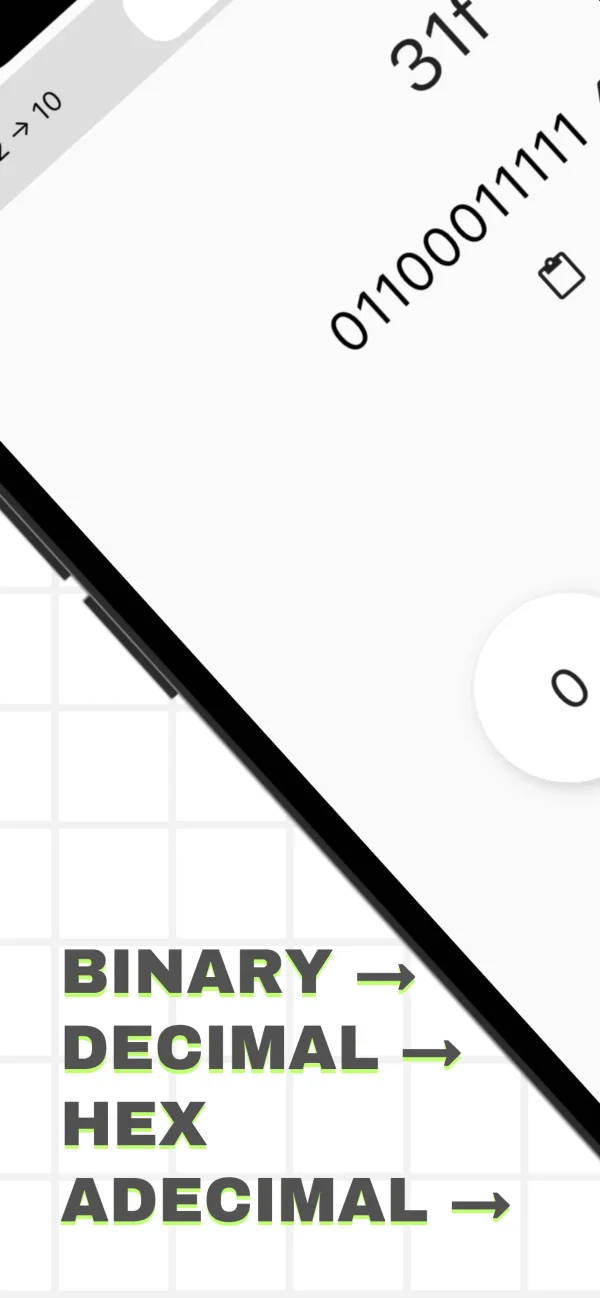
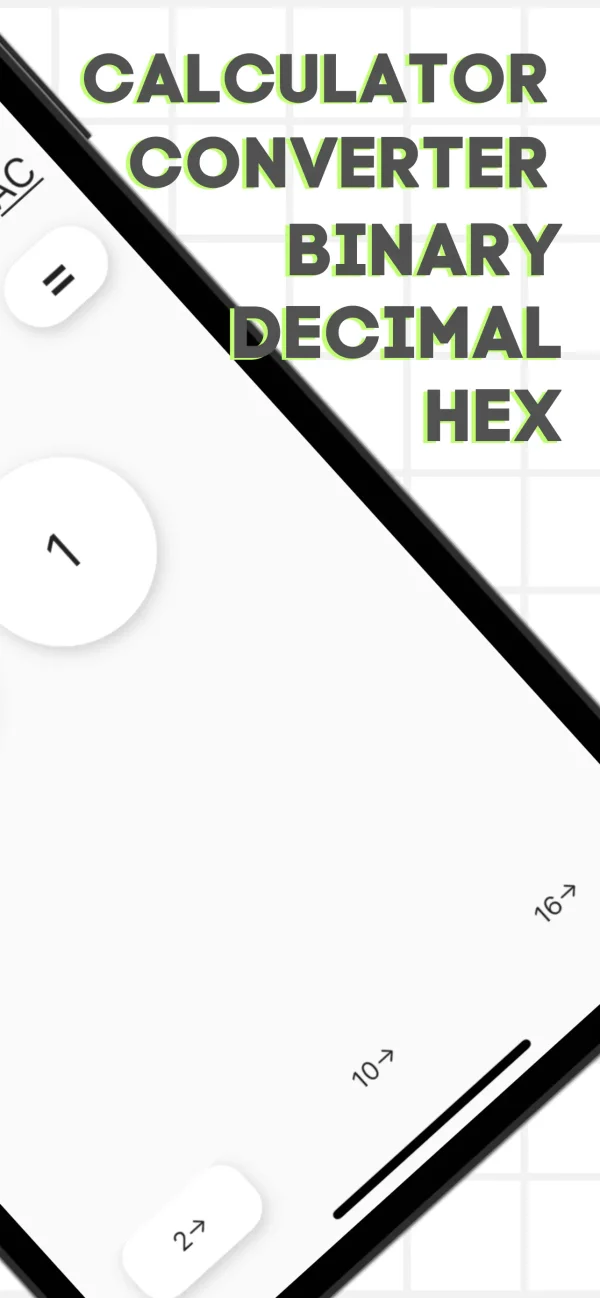
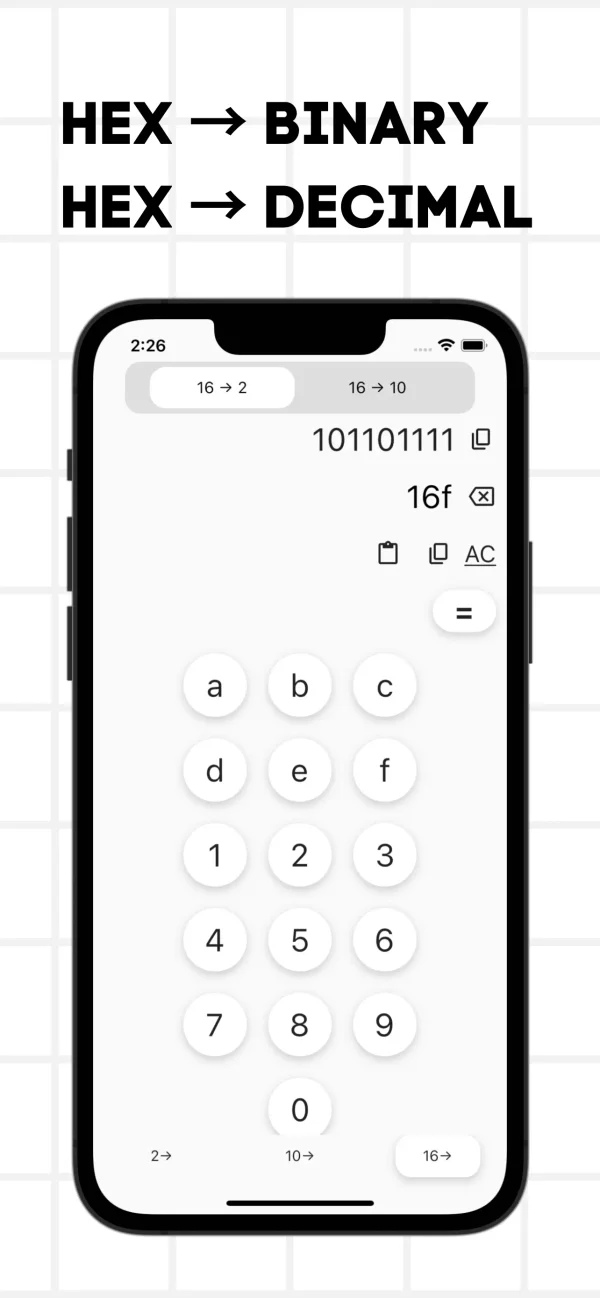
The Decimal Conversion App is a simple and easy-to-use tool. By using this app, easily convert between binary, decimal, and hexadecimal numbers.
The app supports the following three decimal formats:
1. Binary: This is a decimal number format that uses only two numbers, 0 and 1. For example, a number like "101011" is a binary number.
2. Decimal: This is the normal representation of numbers and uses digits from 0 to 9. For example, "42" is a decimal number.
3. Hexadecimal: This is a hexadecimal system that uses numbers from 0 to 9 and letters from A to F. For example, "2A" or "F" is a hexadecimal number. For example, a number like "2A" or "FF" is a hexadecimal number.
This application allows you to convert the above decimal formats to each other. For example, you can convert from binary to decimal, hexadecimal to binary, or decimal to hexadecimal.
It is very simple to use. Simply enter the number you wish to convert and select the decimal format you wish to use. The app instantly displays the conversion results.
The "Decimal Converter App" is a useful tool in programming, digital electronics, mathematics, and other related fields.
Anyone can easily use it, from beginners to advanced users.
If you need help converting numbers to decimal numbers, please use the "Decimal Number Converter App".
■Details of the functions of the Decimal Conversion App
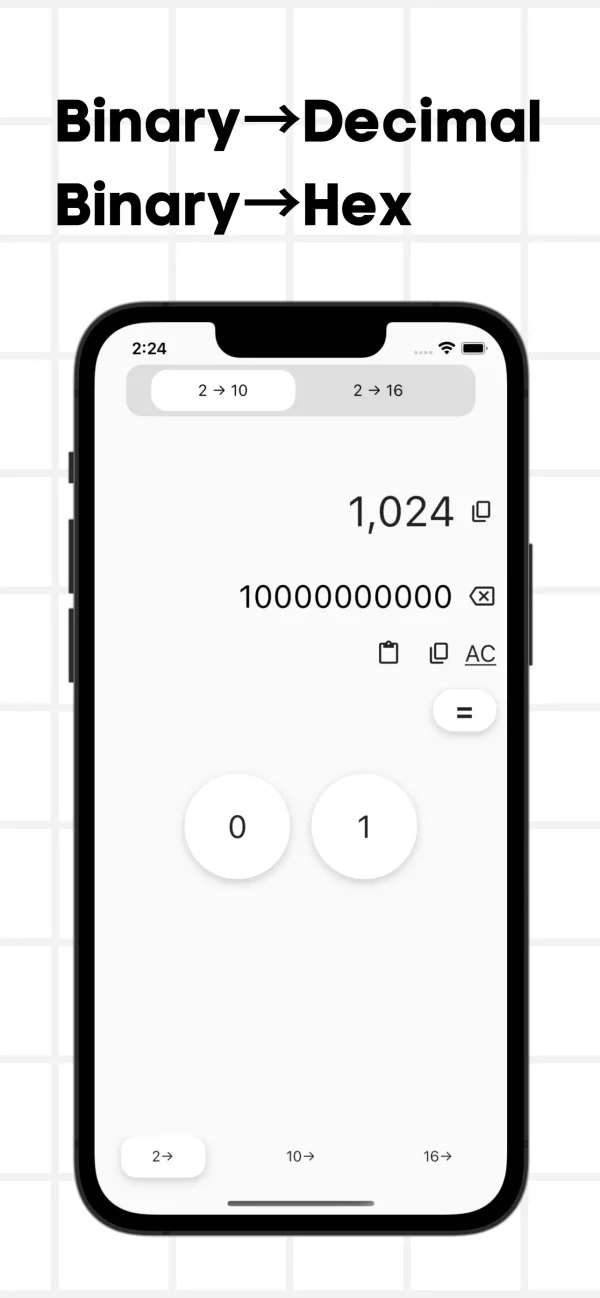
1. binary to decimal conversion:.
- The user enters a binary number.
- The app converts the number to decimal and displays the result.
2. Binary to hexadecimal conversion: The user enters a binary number.
- The user enters a binary number.
- The app converts the number to hexadecimal and displays the result.
3. Decimal to Binary: The user enters a decimal number.
- The user enters a decimal number.
- The app converts the number to binary and displays the result.
4. Decimal to Hex: The user enters a decimal number.
- The user enters a decimal number.
- The app converts the number to hexadecimal and displays the result.
5. Hex to binary conversion: The user enters a hexadecimal number.
- The user enters a hexadecimal number.
- The app converts the number to binary and displays the result.
6. Hex to decimal conversion: The user enters a hexadecimal number.
- The user enters a hexadecimal number.
- The app converts the number to decimal and displays the result.
This decimal converter application is designed to provide a simple and easy-to-use interface that allows users to easily perform decimal conversions of numbers. All the user has to do is enter the number to be converted, select the appropriate conversion mode, and the app instantly displays the conversion results.
The app is a useful tool in programming, digital electronics, mathematics, and related fields. Decimal conversions are important in a variety of applications, including bit operations, data processing, data display and conversion, encryption, and more.
These are the details of the functions of the decimal conversion application. If necessary, we would be happy to provide specific usage and operation instructions.
■ Use Cases
Some of the use cases of the decimal conversion application are shown below.
1. programming:.
- While developing a program, you may need to convert a number expressed in binary or hexadecimal to a decimal number. This application can be used to quickly perform the decimal conversion of a number.
Binary numbers are used in computers and machine logic circuits, while hexadecimal numbers are used in assembler and other machine languages.
2. digital electronics:.
- Binary and hexadecimal numbers are commonly used in the design of digital circuits and microprocessors. This application can be used to perform decimal conversions in circuit design and data analysis.
If you have needs related to the representation and conversion of numbers, this application can help you perform decimal conversions efficiently.
What’s new
Version 1.0.4 · Aug 18, 2025
We've fixed some bugs and improved performance to make Binary Calculator & Converter even smoother and more reliable. Thank you for your feedback and support!
App privacy
What MINERVA K.K. declares on the App Store about how this app handles data.
-
Data used to track you
May be used to track you across apps and websites owned by other companies.
- Location
- Identifiers
- Usage data
- Diagnostics
-
Data linked to you
May be collected and linked to your identity.
- Location
- Identifiers
- Usage data
- Diagnostics
-
Data not linked to you
May be collected but is not linked to your identity.
- Diagnostics
Privacy practices may vary, for example with the features you use or your age.
Information
- Seller
- MINERVA K.K.
- Category
- Productivity
- Version
- 1.0.4
- Updated
- Aug 18, 2025
- Released
- Jun 13, 2023
- Size
- 29.7 MB
- Requires
- iOS 13.0 or later
- Age rating
- 4+
- Price
- Free
- Languages
- English, Japanese
- Copyright
- © Minerva K.K
You might also like
-
 Computer Science CalculationsIT tools for your computer
-
 Pascal: 3-in-1 CalculatorRPN, Graphs and Bits
-
 IP Keypad - Subnet CalculatorSubnet Calculator
-
 Electronics Engineer HelperCalculators and references
-
 C/C++-programming languageGood helper for C/C++ Learning
-
 Electrical CalculationsCable sizing & capacity
-
 dmx calculatoreasy dmx calculator
-
 Flowdia DiagramsFlowchart & Diagramming
-
 Notepad ++Productivity
-
 iHP48The classic HP48 improved