Binary Clock: Standby
Ambient bedside desk clock
Designed for iPhone, iPad
Free · In-app purchases
- Age rating4+
- CategoryUtilities
- DeveloperSuper, Inc.
- LanguagesEnglish
- Size7.4 MB
Links to the official App Store page
Download.org hosts no file of Binary Clock: Standby. The button opens its official App Store page, published by Super, Inc. Listing last checked on Nov 18, 2026.
Screenshots


About
Binary Clock turns your iPhone into a beautiful binary timepiece for your desk, nightstand, or a charging dock in landscape.
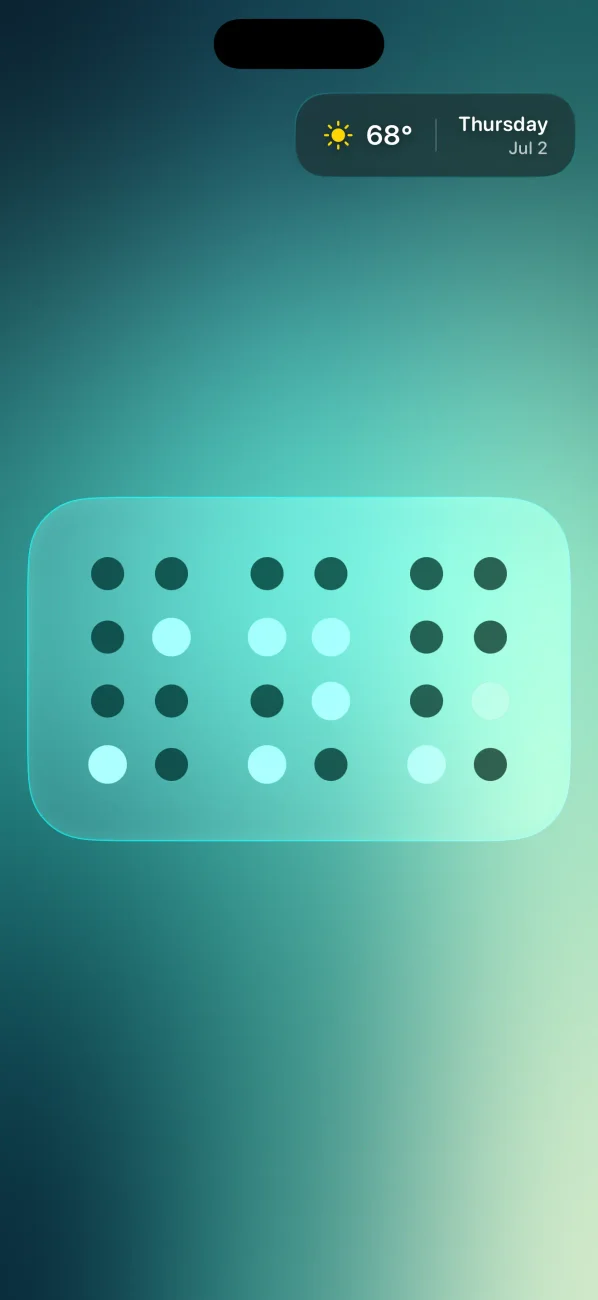
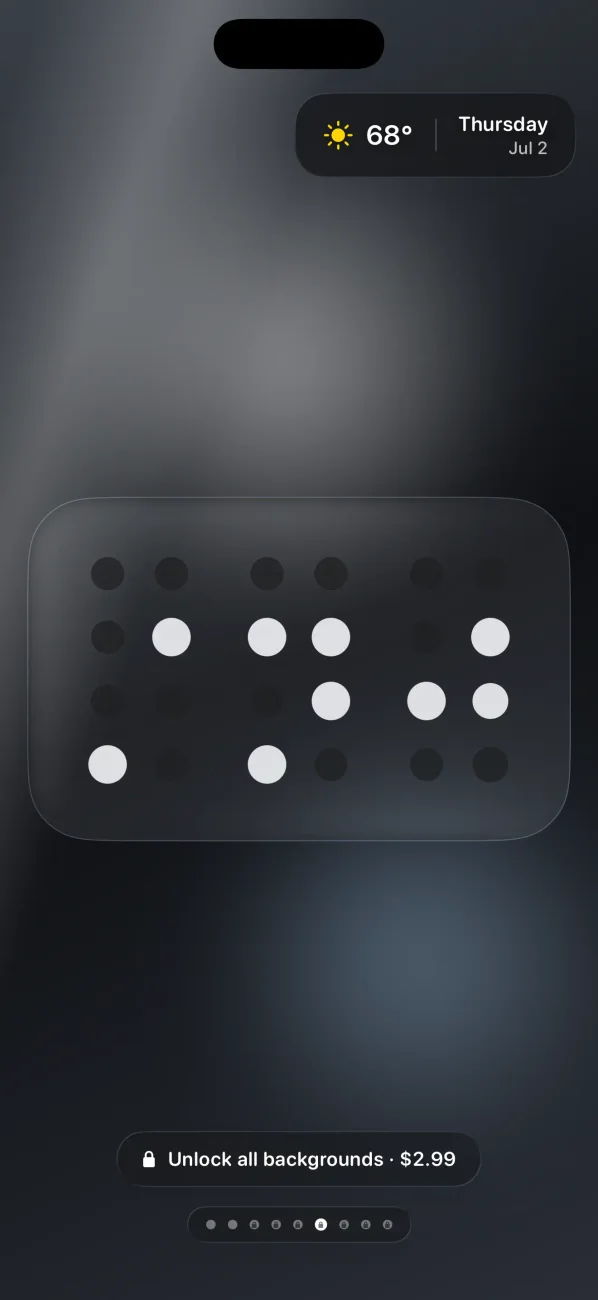
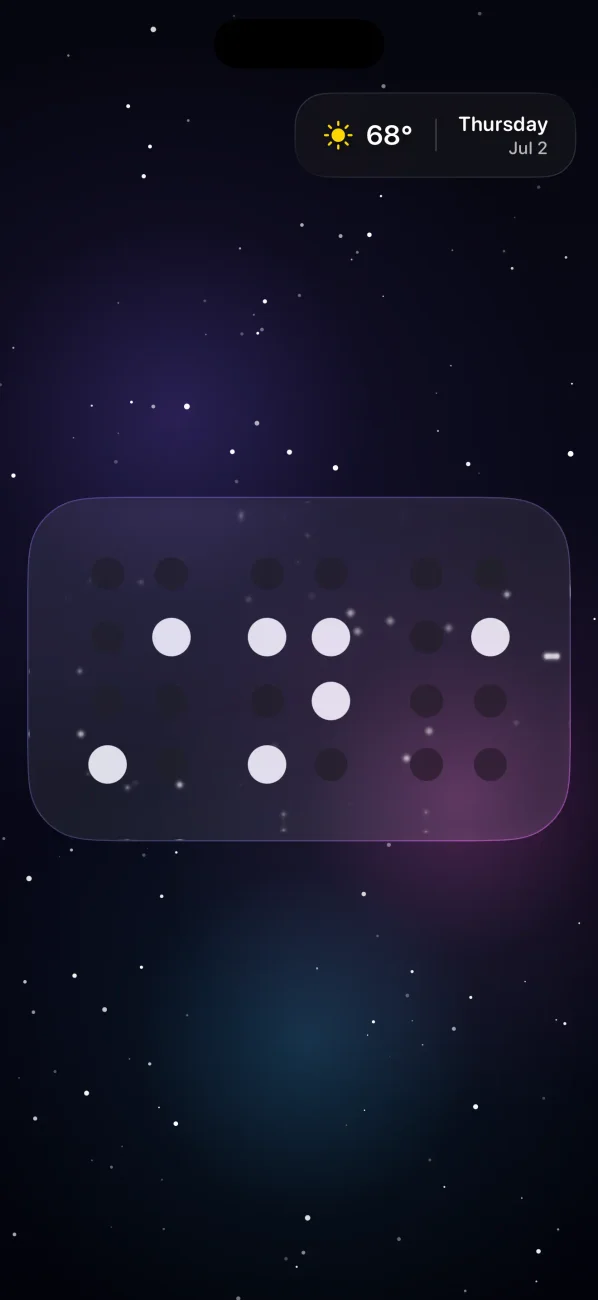
Read the time the elegant way. Six columns of glowing dots show the hours, minutes, and seconds in binary, floating on a pane of Liquid Glass over slow, living artwork.
LIVING BACKGROUNDS
Swipe through a gallery of hand-built backgrounds that drift, glow, and breathe:
- Aurora, a living color gradient
- Cosmos, deep nebula with a twinkling starfield
- Borealis, northern lights over a starry sky
- Horizon, a cinematic sunset
- Ridges, misty layered mountains
- Mercury, flowing liquid metal
- Artwork, an editorial sun over hills
- Contemporary, minimal drifting light
- Pattern, a pulsing halftone wave
MADE FOR STANDBY
Leave it running while charging and the screen stays awake with a calm, always-on display. A matching widget brings the binary clock to StandBy and your Lock Screen.
BEAUTIFUL BY DESIGN
- A Liquid Glass clock face with refractive, glassy dots
- Live local weather and the date
- Clean controls that fade away on their own
- Portrait and landscape, iPhone and iPad
NEW TO BINARY?
It is easy. Each column is one digit. A lit dot counts, from top to bottom, as 8, 4, 2, and 1. Add the lit dots in a column and you get the number. You will be reading it in a day.
PRO
One simple, one-time purchase unlocks every background, color themes, and the always-on standby display. No subscription, ever.
Tell the time in binary. Make it art.
Terms of Use (EULA): https://policies.superfuturelabs.com/binary-clock/terms
Privacy Policy: https://policies.superfuturelabs.com/binary-clock/privacy
What’s new
Version 1.2 · Jul 12, 2026
Fixes the apps button not responding, and adds a guide for putting Binary Clock into iOS StandBy so it can live on your nightstand.
App privacy
What Super, Inc. declares on the App Store about how this app handles data.
-
Data linked to you
May be collected and linked to your identity.
- Location
- Identifiers
- Usage data
- Diagnostics
Privacy practices may vary, for example with the features you use or your age.
Information
- Seller
- Super, Inc.
- Category
- Utilities
- Version
- 1.2
- Updated
- Jul 12, 2026
- Released
- Jul 9, 2026
- Size
- 7.4 MB
- Requires
- iOS 26.0 or later
- Age rating
- 4+
- Price
- Free
- In-app purchases
- Yes
- Languages
- English
- Copyright
- © 2026 Superfuture LLC
You might also like
-
 Binary Clock by Logical LabsUtilities
-
 XeniesYour AI. Your way.
-
 ClockAPX — Dynamic ClockClock on the External Display
-
 Lumi Clock: Flip Desk ClockA moving clock, nixie and neon
-
 Terminal TockA split-flap clock that slaps.
-
 Vintage 90s Clock90s Digital Watch Aesthetic
-
 BitTime - Binary ClockUtilities
-
 Binary-ClockUtilities
-
 Velo: ConverterTime zone & unit converter
-
 Pi Day Countdowncountdown to important dates