- Age rating4+
- CategoryHealth & Fitness
- DeveloperCirKadian
- LanguagesEnglish
- Size52.5 MB
Links to the official App Store page
Download.org hosts no file of BioRhythm MiMo. The button opens its official App Store page, published by CirKadian. Listing last checked on Nov 12, 2026.
Screenshots

About
Transform the way you start and end each day with MiMo.
Build a healthier daily rhythm through data with the MiMo app.
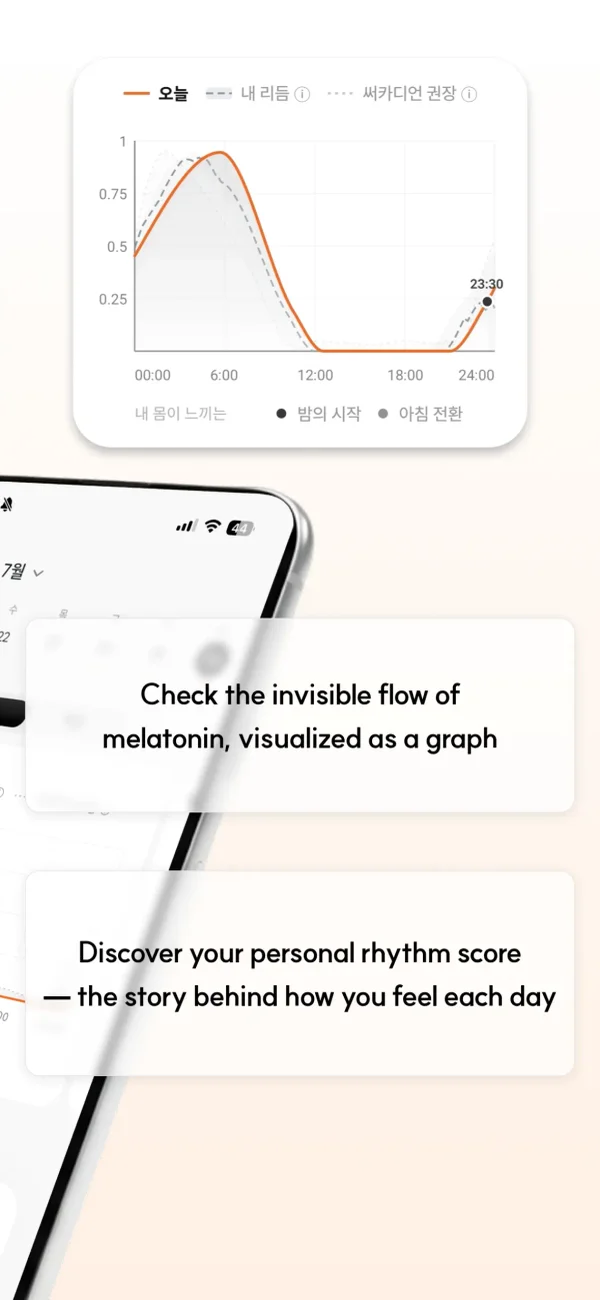
1. Melatonin Secretion Curve
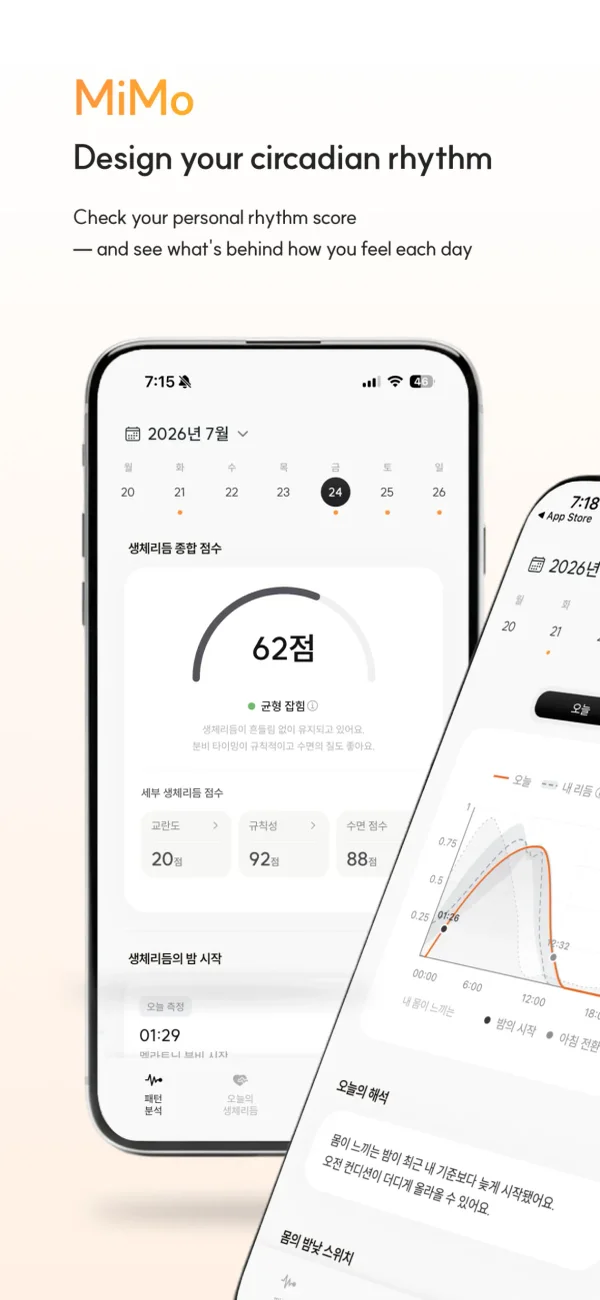
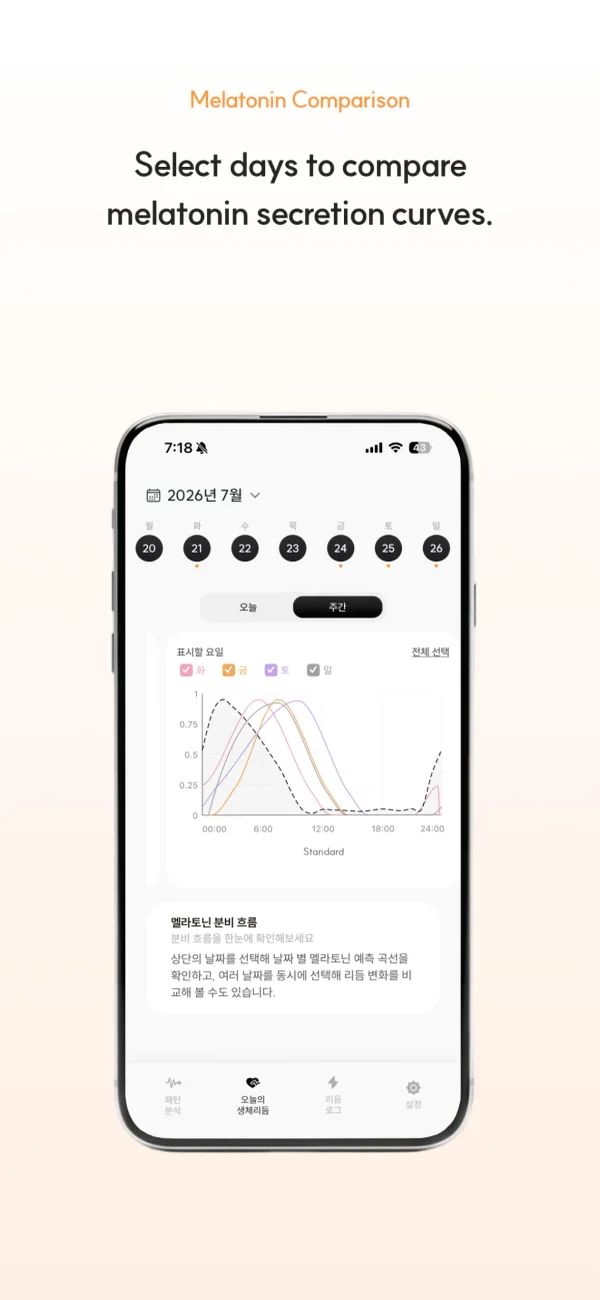
See how your body’s melatonin levels change throughout the day with an easy-to-read curve. Check when secretion begins and ends, how stable your secretion pattern has been over the past week, and how today’s level compares with the recommended range.
2. Circadian Rhythm Score
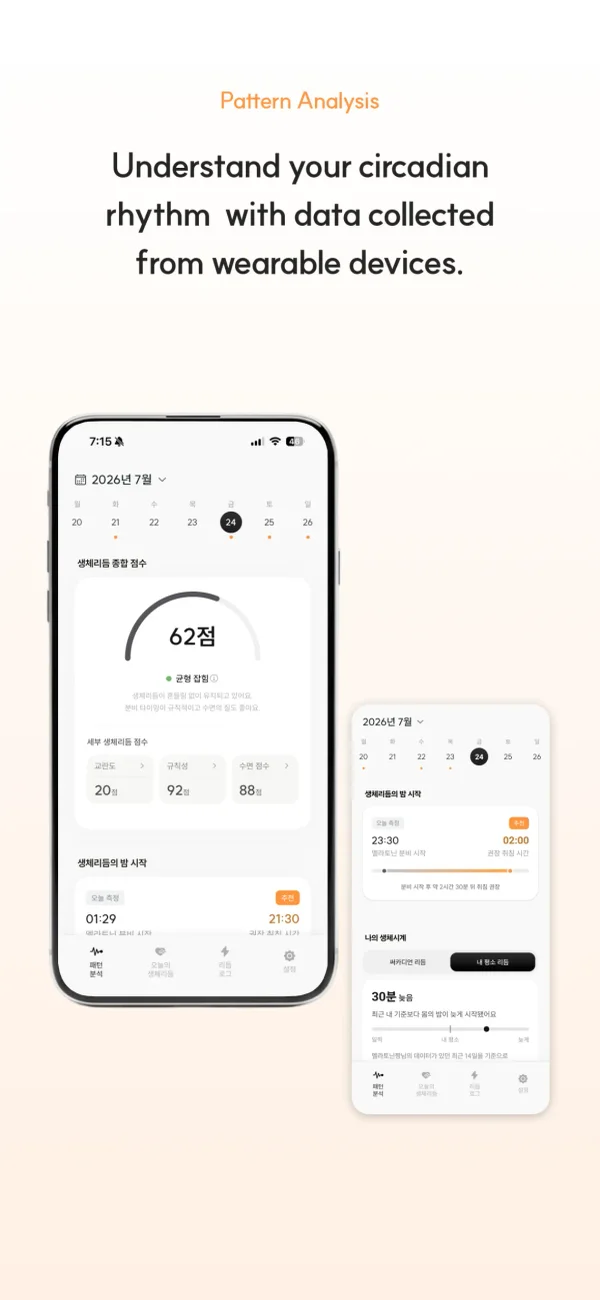
Understand your complex circadian rhythm with a simple score from 0 to 100. Track the timing, stability, secretion level, and efficiency of your daily rhythm.
3. Your Personal Chronotype
Discover which of eight chronotypes best matches you and explore your social jet lag—the difference between your weekday and weekend sleep schedules.
4. Weekly Comparison View
Overlay today’s rhythm with the previous six days in a single view to see how consistently your rhythm is maintained.
5. Rhythm Log
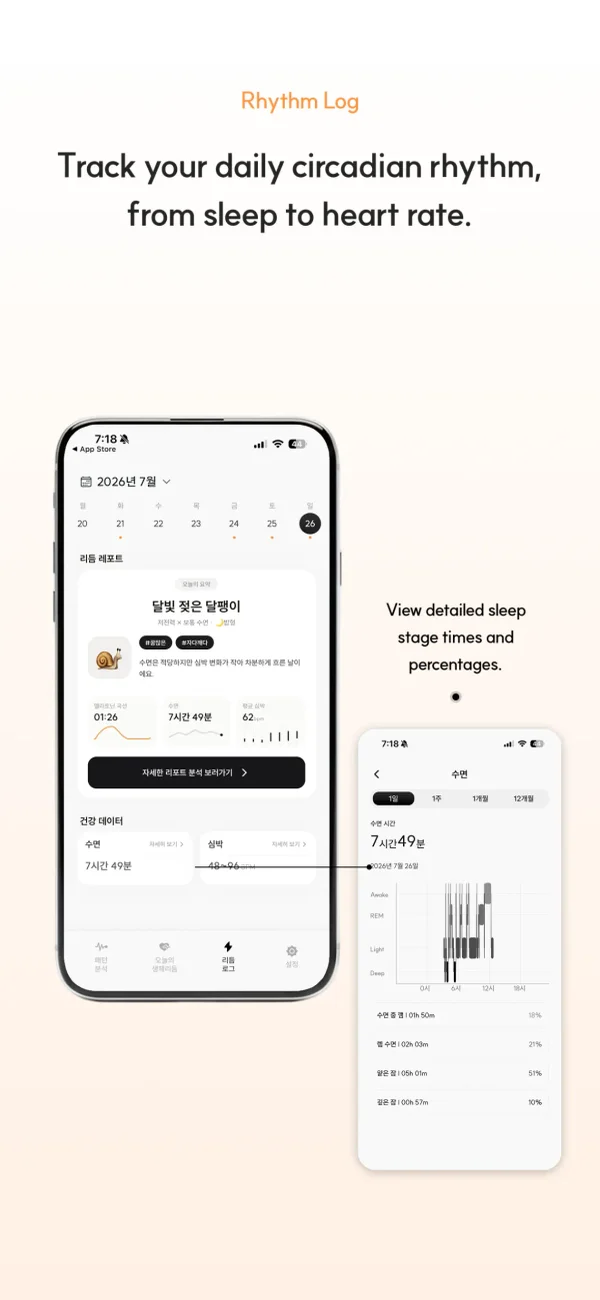
Track your sleep stages—including deep, REM, and light sleep—along with heart rate, step count, and active energy. Review your trends by day, week, month, or year.
[Wearable Device Guidelines]
For more accurate circadian rhythm analysis, please follow these wearable device guidelines.
1. Wear Your Device for at Least 13 Hours a Day
If your wear time is too short, melatonin analysis may not be available for that day.
2. Avoid Removing It for 7 Consecutive Hours or More
Brief periods without your device, such as while showering, are fine. Leaving it behind for an extended period may affect your analysis.
3. Wear It While You Sleep
Not wearing your device during sleep may affect the analysis for both that day and the previous day.
4. Wear It Consistently Every Day
A stability score requires at least four days of valid data within the most recent seven days. Consistent use provides more accurate and comprehensive results.
[Important Information]
• This app analyzes health data recorded in Apple HealthKit to provide information about your circadian rhythm. For accurate analysis, you must wear a compatible device and grant access to the required health data.
• This app is a lifestyle utility designed to support everyday well-being. It is not intended for medical diagnosis or treatment, nor is it intended to treat or improve sleep disorders.
[Customer Support]
If you experience any issues or have questions about the app, please contact us at:
What’s new
Version 1.3.1 · Oct 27, 2026
• Bedtime guidance now uses your average sleep onset over the past two weeks.
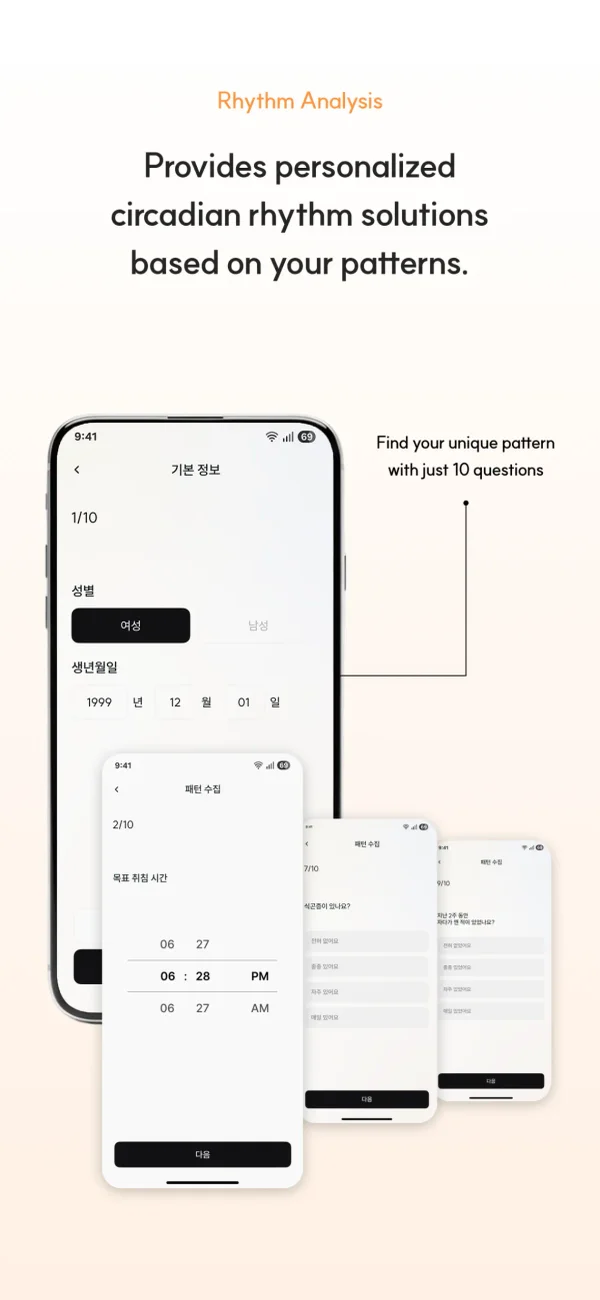
• Retake the survey from Settings — your previous answers are filled in to edit.
• Survey time entry switched to a 24-hour clock.
• Tidied App info and Guide screens, added a video guide.
• Fixed health data collection stopping while the app was closed.
App privacy
What CirKadian declares on the App Store about how this app handles data.
-
Data linked to you
May be collected and linked to your identity.
- Health and fitness
- Contact info
Privacy practices may vary, for example with the features you use or your age.
Information
- Seller
- CirKadian Co.,Ltd
- Category
- Health & Fitness
- Version
- 1.3.1
- Updated
- Oct 27, 2026
- Released
- Mar 31, 2026
- Size
- 52.5 MB
- Requires
- iOS 15.1 or later
- Age rating
- 4+
- Languages
- English
- Copyright
- © cirkadian