- Age rating4+
- CategoryPhoto & Video
- DeveloperBit Part LLC
- Size16.0 MB
Links to the official App Store page
Download.org hosts no file of bit.ctrl. The button opens its official App Store page, published by Bit Part LLC. Listing last checked on Nov 15, 2026.
Screenshots
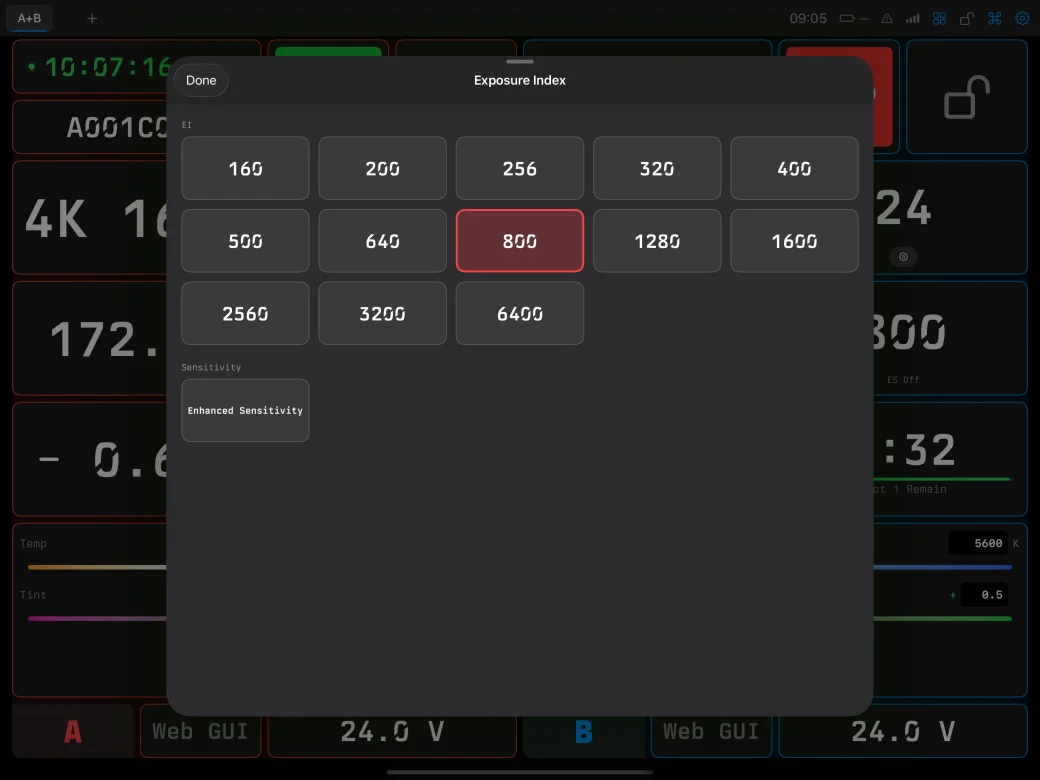
About
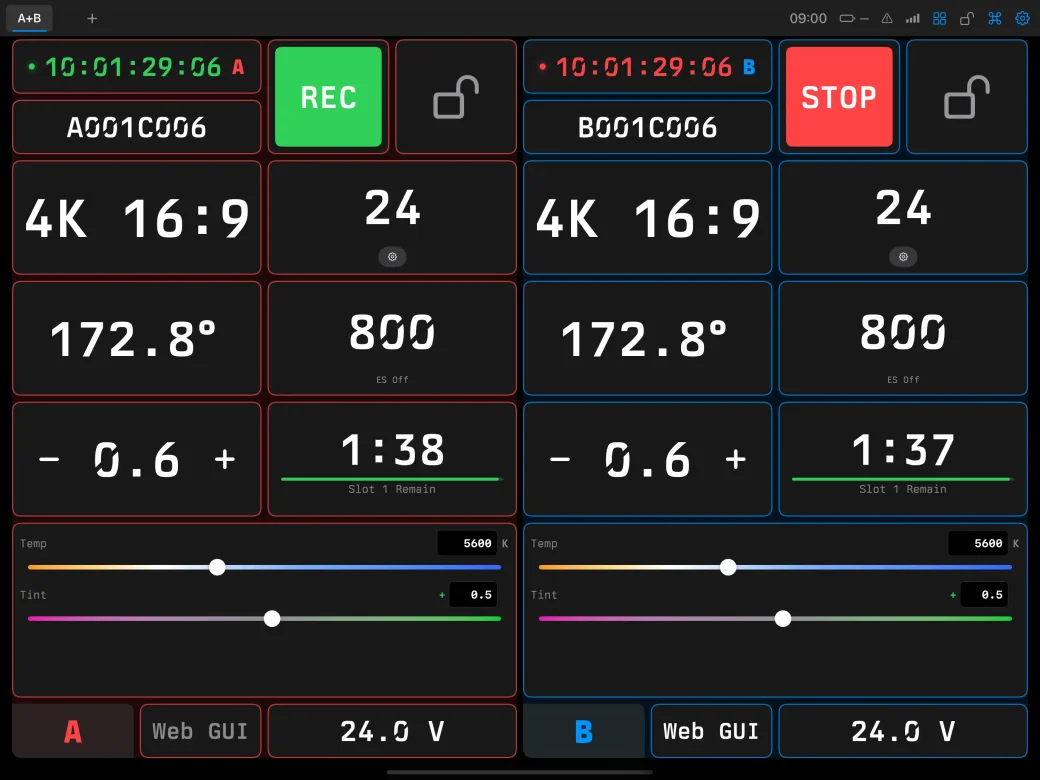
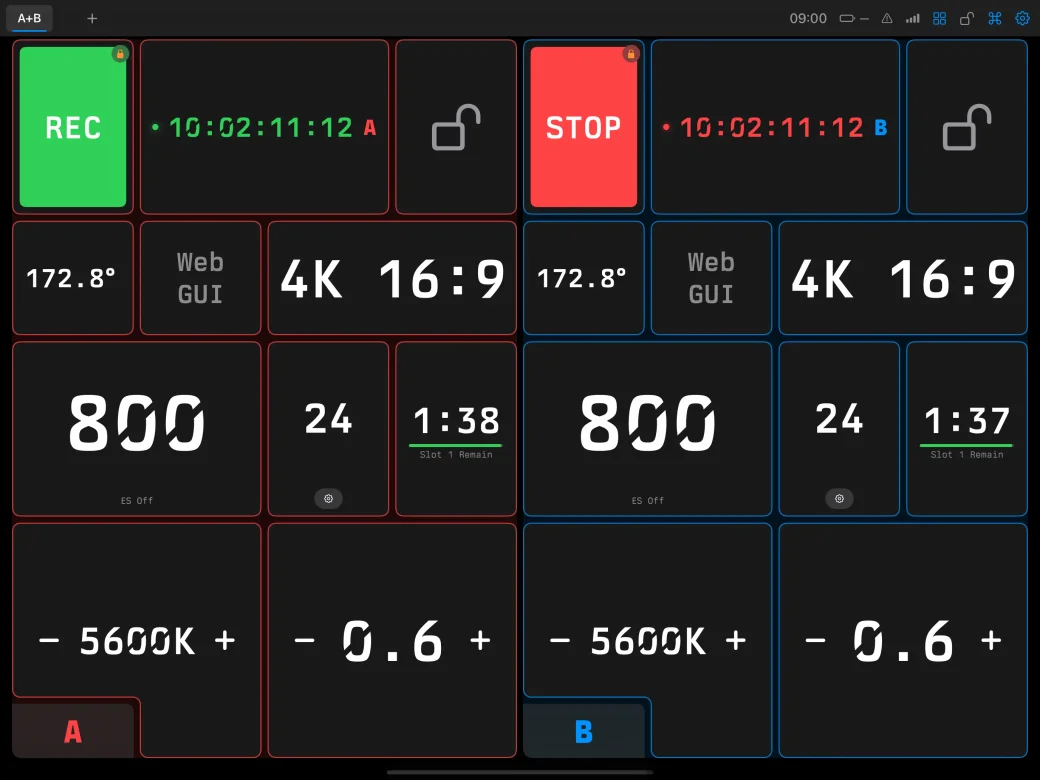
bit.ctrl is a wireless optimized professional cinema camera control app from Bit Part, the makers of bitbox. Build custom layouts of camera control widgets and macros. iCloud syncs layouts and macros across iPad and Mac.
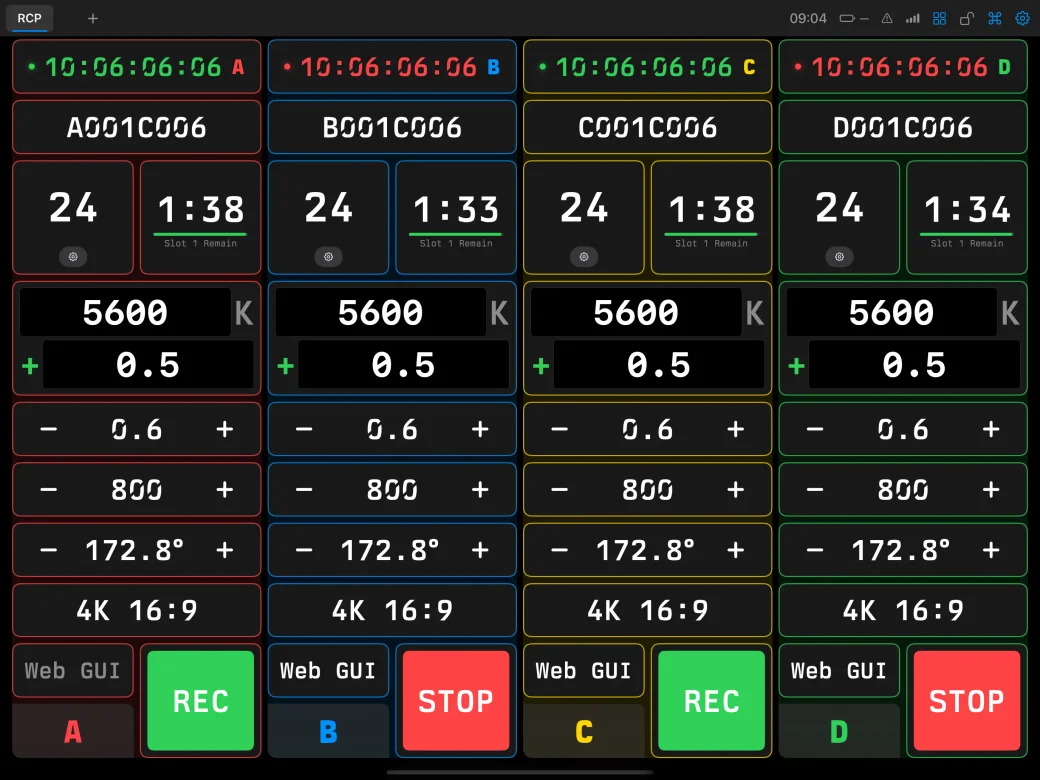
Designed for multi-camera shoots: assign each widget to a specific camera by letter, group cameras into link groups that step in unison, and save preset layouts for different shoot configurations. A separate Bitfocus Companion is available to extend functionality to physical controls on both iPad and macOS.
This is a subscription based application. Yearly, monthly, and weekly licenses are available as in-app purchases.
bit.ctrl is offered as an auto-renewing subscription. Try the demo mode to author layouts before subscribing.
Features:
Multi-camera, multi-manufacturer control over network with interchangeable controls
Layout editor with widgets, tabs, and presets
iCloud sync of layouts, macros, and backups
Transfer (and download) look files, framelines, lens tables, textures and setup files from Alexa cameras. Downloaded items are stored locally and synced via iCloud.
Bitfocus Companion module integration
Macros and device linking for one-tap automation
Universal Purchase across iPad and Mac
Demo mode for layout authoring without a subscription
Terms of Use (EULA): https://www.apple.com/legal/internet-services/itunes/dev/stdeula/
What’s new
Version 1.2.0 · Oct 28, 2026
What's new in bit.ctrl 1.2.0:
Alarms:
Now you will receive an alarm when a setting is changed outside of bit.ctrl. This can be disabled in settings, and any alarm can be ignored per camera. Record alarm is disabled by default, but can be enabled.
Assignment Zone:
Draw a square on the screen and any widget in that zone will be assigned to the camera selected. You can then easily toggle between cameras using the button at the bottom left corner of the zone. In options the label can be disabled. If you click on widget options and "duplicate" the assignment zone, it will automatically create an identical zone for the next camera letter.
Monitors:
Flanders Scientific monitor control
Support:
A new Settings › Support page with Send Support Log. Please use this to report issues.
Apple Pencil Only mode (iPad):
A pencil button in the tab bar turns it on. Then only the Pencil can be used for inputs.
Updates:
- Built-in layout presets. Single Camera Detailed, Two Camera Detailed, Single Camera Touch, Two Camera Touch and RCP Style.
- New default layout.
- Assignment Zones. Draw a zone around a group of widgets, and every widget inside it controls the zone's camera. Tap the zone's camera tab to switch cameras.
- Text Label widget
- UI cleanup. Resizing and moving widgets is now faster and simpler.
- On iPad, a swipe scrolls the page, and moving a widget starts after a short hold.
- Widget library redesigned for ease of use
- New and improved numpad entry on iPads
- Tab moves to the next field and Return sends the value. Fields are not left selected after Return.
- White Balance / Shutter preset and mode improvements
- Disconnect UI behavior improvements
- Linking button improvements
- Step button improvements
- Settings pane improvements
- Manual widget entry interaction improvements
- Mon out false color is now linkable
- Playback is now linkable
- Sensor flip is now linkable
- Zoom to fit
- Sizing improved on macOS when resizing window.
New Widgets:
- Battery and External Voltage
- Assignment Zone
- Text Label
- Note - with a short command to insert timecode, "tc:"
- Note Flag - adds a timecode flagged note.
- Save Shutter
- Save WB
- FSI monitor commands
- Output LUT widget redesigned
Sony VENICE
- V5.0 validated for VENICE 2
- Connectivity improvements
- An alarm when the image sensor gets too hot.
- The SDI Info, Mon Out Frameline and Mon Out Status buttons turn orange when their function is on.
- If the camera rejects your username or password, the app says "Wrong username or password" and stops trying until you change them.
- Controls stay accurate for the camera's sensor while the camera is disconnected.
- A camera with cards but no recorder selected shows "No Media" instead of "Standby".
- White balance improvements
ARRI
- ES mode is now linkable
- Sensor mode improvements
- Two letter camera IDs now supported
App privacy
What Bit Part LLC declares on the App Store about how this app handles data.
-
Data not collected
The developer does not collect any data from this app.
Privacy practices may vary, for example with the features you use or your age.
Information
- Seller
- Bit Part LLC
- Category
- Photo & Video
- Version
- 1.2.0
- Updated
- Oct 28, 2026
- Released
- May 30, 2026
- Size
- 16.0 MB
- Requires
- iOS 18.0 or later
- Age rating
- 4+
- Price
- Free
- In-app purchases
- Yes
- Copyright
- © 2026 Bit Part LLC
You might also like
-
 LookPocketColor grade cameras live
-
 Livegrade ViewerStreaming App for Livegrade
-
 Freefly EmberWireless control and playback
-
 Teradek TVView Production/Post Streams
-
 Teradek ServPhoto & Video
-
 Reeltime ViewerStreaming App for Reeltime Pro
-
 LensKit: Lens ToolsSpecs, coverage and more
-
 ZoeLogCamera Reports for Film & TV
-
 CameraKit: Camera ToolsSpecs, storage calc, and more
-
 Vuer HDRLive Video Monitor