- Age rating4+
- CategoryPhoto & Video
- DeveloperSteven Johnson
- LanguagesEnglish
- Size937.0 KB
Links to the official App Store page
Download.org hosts no file of Black Lens. The button opens its official App Store page, published by Steven Johnson. Listing last checked on Nov 17, 2026.
Screenshots


About
lackLens is an accessible camera app built for blind, low-vision, and fully sighted people who want better selfies without needing to see the screen.
Designed by legally blind founder Steve Johnson, BlackLens uses face detection, spoken feedback, haptics, high-contrast visuals, and automatic capture to help you frame photos confidently — whether you are using VoiceOver, shooting outdoors in bright sunlight, wearing sunglasses, doing sport, or taking a higher-quality selfie with the rear camera.
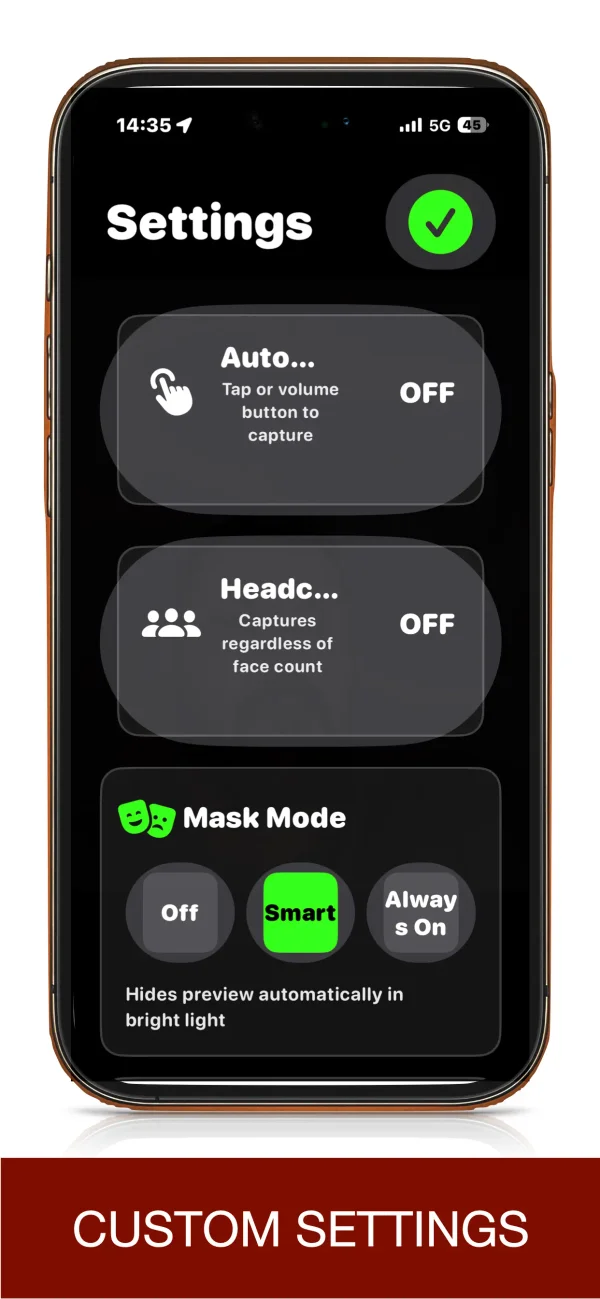
◆ AutoCapture
BlackLens can automatically take a photo when faces are detected, framed, and steady. No tiny shutter button. No guessing. Just hold the camera and let the app guide the shot.
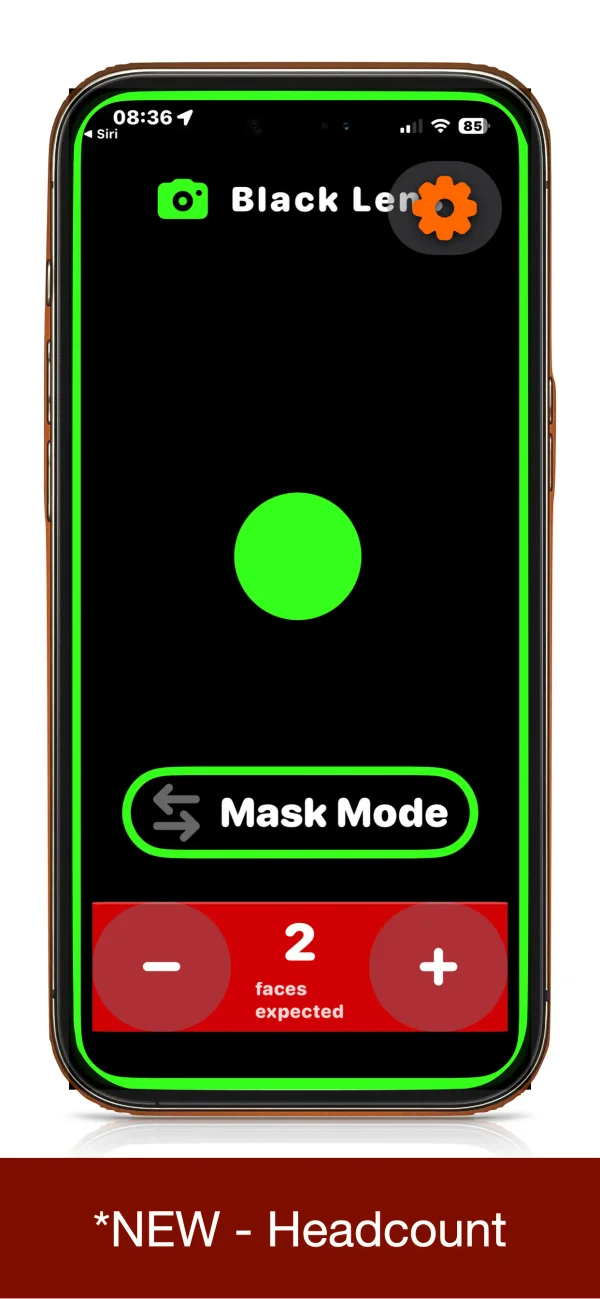
◆ Headcount
Taking a group photo? Turn on Headcount, choose how many faces you expect, and BlackLens helps make sure everyone is in frame before capture.
◆ Missile Lock
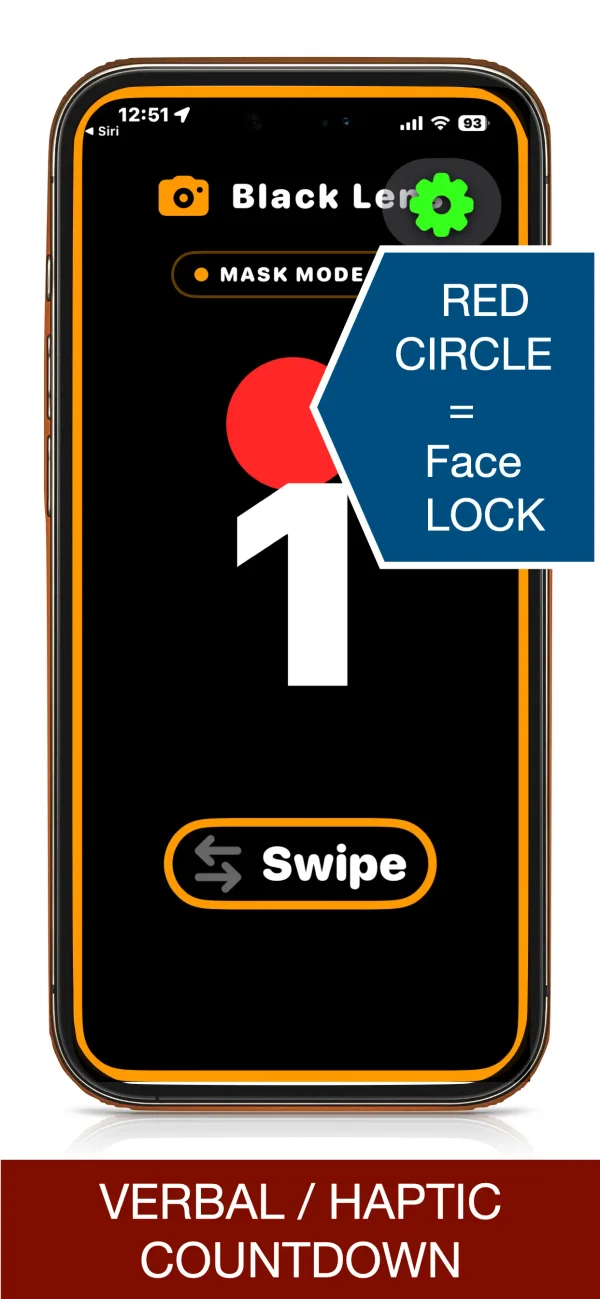
When AutoCapture is off, Missile Lock gives you an audio lock-on cue. A tracking tone helps you frame the shot, then a lock tone tells you when you are ready to tap or press volume to capture.
◆ Haptic Framing
Feel what the camera sees.
• Gentle vibration means a face is near the edge
• Stronger feedback means someone may be cut off
• No vibration means the framing is improving
This makes it easier to angle the phone without needing to inspect the screen.
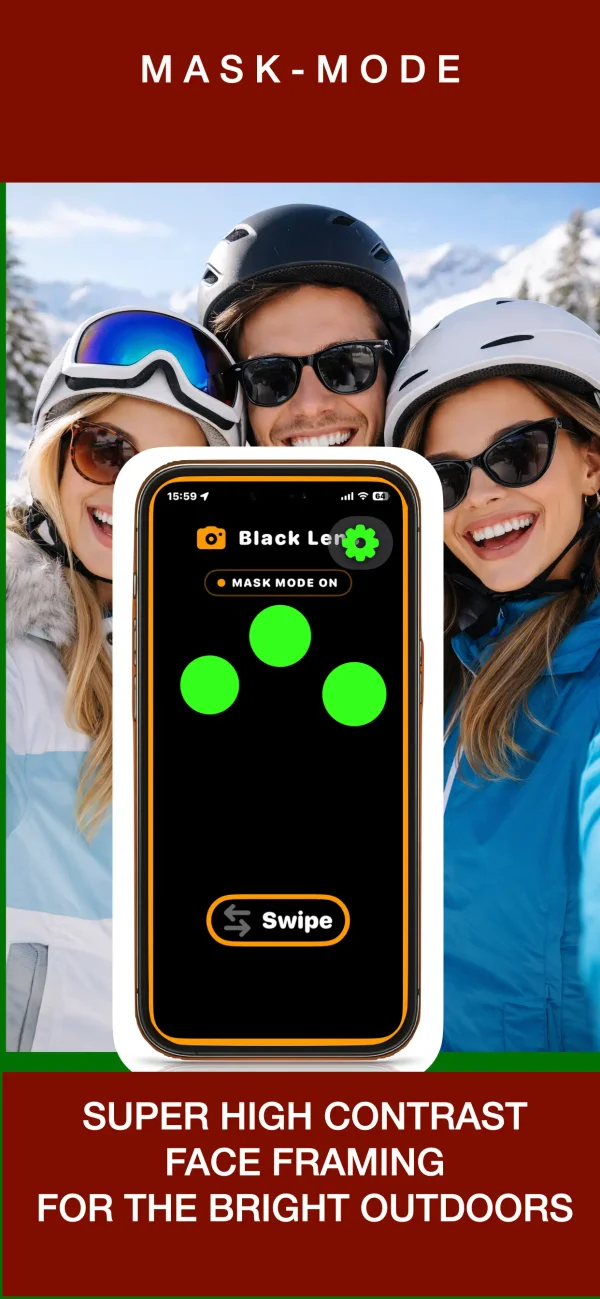
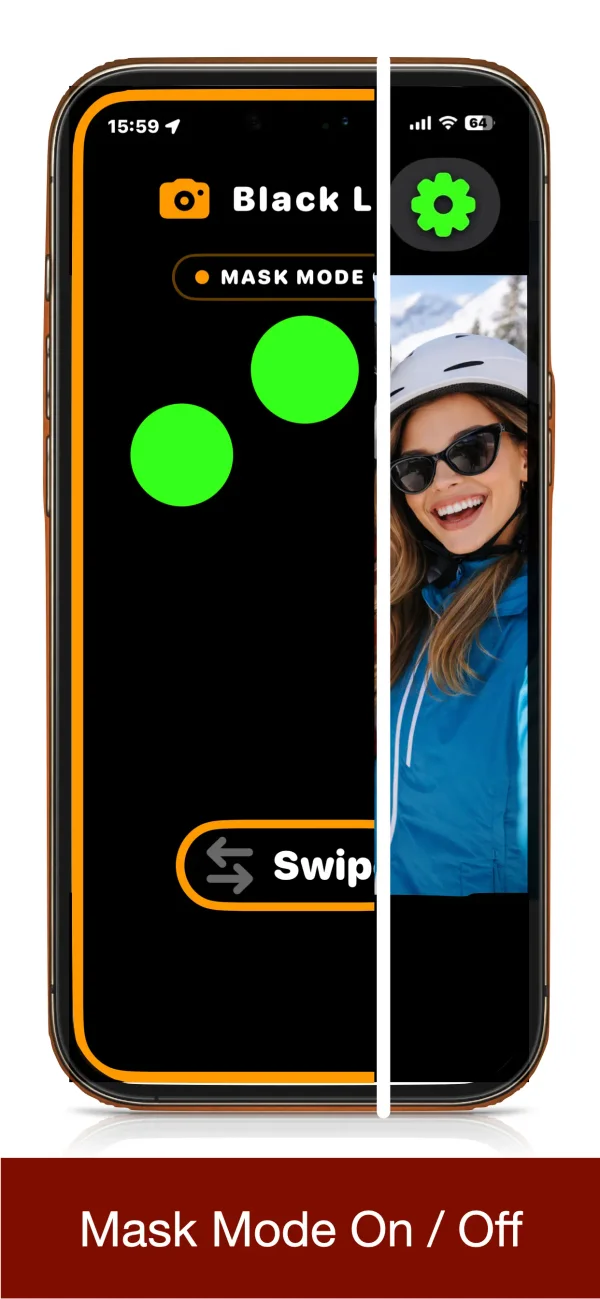
◆ Mask Mode
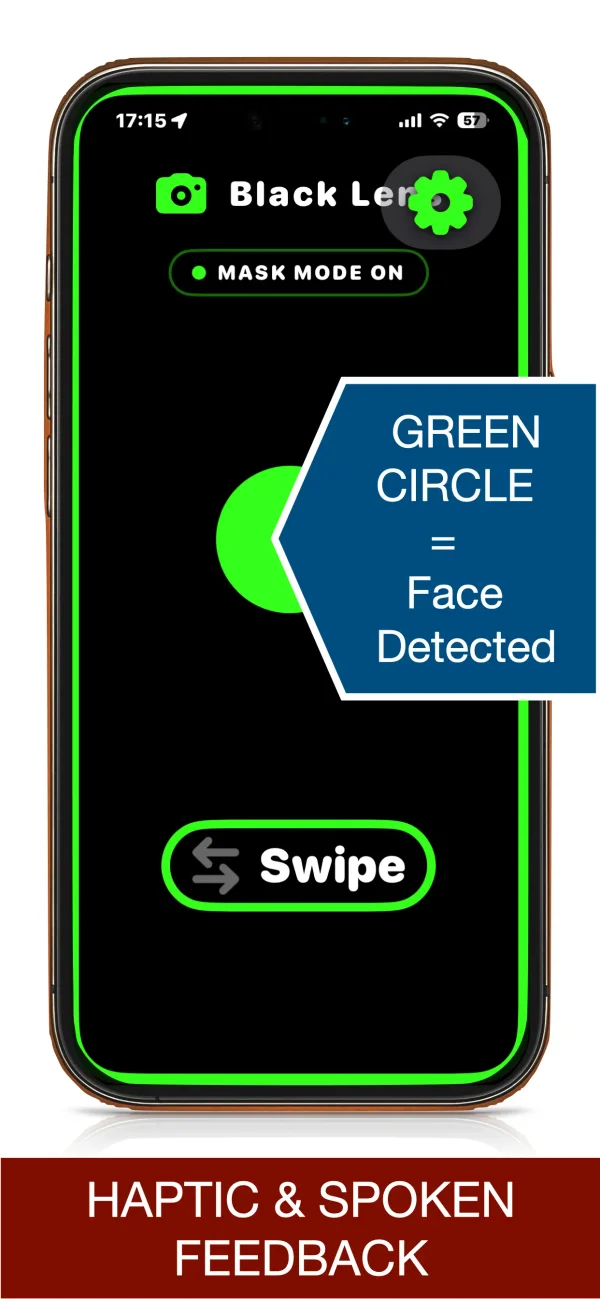
Mask Mode turns the screen into a bold, high-contrast framing surface. It is useful for low vision, bright sunlight, rear-camera selfies, and situations where the display is hard to see.
Faces appear as clear visual targets:
• Green means face detected
• Red means locked and ready
◆ VoiceOver-Friendly Controls
When VoiceOver is active, BlackLens provides dedicated accessible controls for key actions like switching cameras and toggling Mask Mode. Headcount can be adjusted with a simple VoiceOver swipe up or down.
◆ Simple Gestures
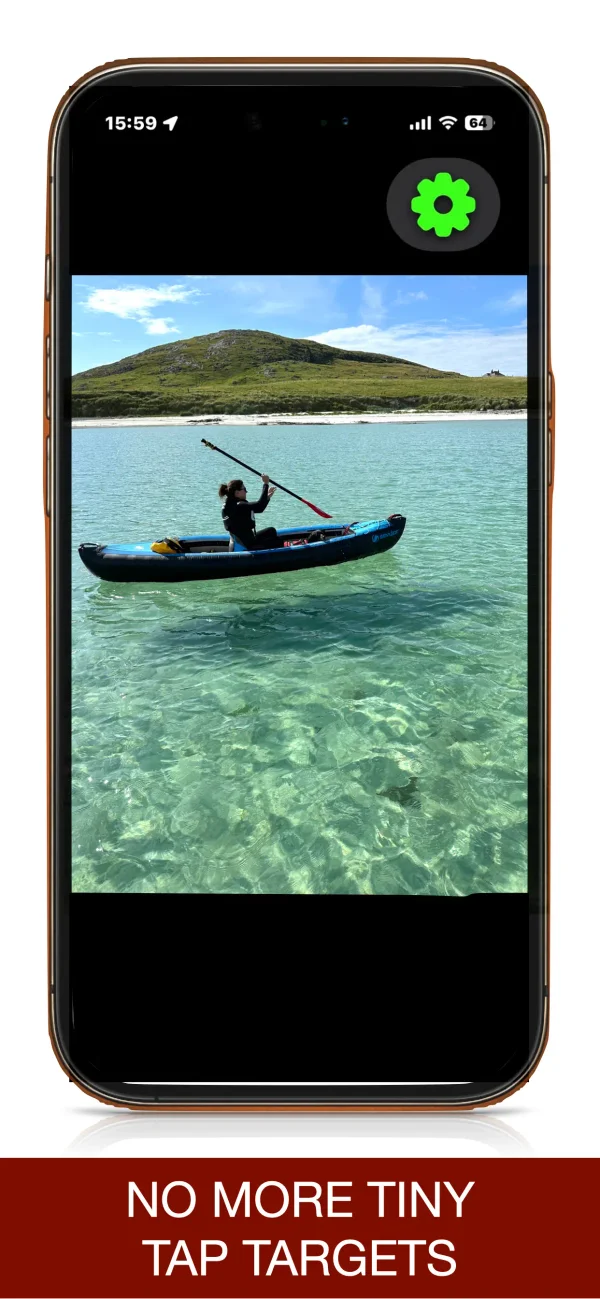
• Tap anywhere to capture manually
• Swipe up or down to switch cameras
• Swipe left or right to toggle Mask Mode
• Press a volume button to capture
◆ Better Rear-Camera Selfies
Use the higher-quality rear camera with confidence. BlackLens gives spoken, haptic, and visual feedback so you can frame yourself even when you cannot see the display.
◆ Private and Simple
No accounts. No subscriptions. No tracking. Just a focused camera tool designed to help more people take better photos.
What’s new
Version 3.0 · Jun 2, 2026
Version 3.0 adds Headcount for group photos, improved VoiceOver navigation, better burst-mode announcements, refined Mask Mode guidance, Missile Lock promotion, and silent camera-quality improvements for sharper face capture.
App privacy
What Steven Johnson declares on the App Store about how this app handles data.
-
Data not collected
The developer does not collect any data from this app.
Privacy practices may vary, for example with the features you use or your age.
Information
- Seller
- Steven Johnson
- Category
- Photo & Video
- Version
- 3.0
- Updated
- Jun 2, 2026
- Released
- Nov 19, 2025
- Size
- 937.0 KB
- Requires
- iOS 26.0 or later
- Age rating
- 4+
- Price
- $1.99
- Languages
- English
- Copyright
- © 2025 Steve Johnson
You might also like
-
 Memora: Photo GallerySimple, accessible gallery
-
 NarraCamUnderstand before you capture
-
 Rise SweepOwn it once, no subscription
-
 Engraver handmade etchingThe world of engraving art
-
 CaptureMeConsumer Feedback App
-
 Pose Camera, AI Coach: VoxmeraVoice Photo Tips, Selfie Timer
-
 Y2K Photo Editor: KIRAKIRAPurikura Sticker Cam & Filters
-
 PicPop: Photo & Video CleanerSwipe to Free Up Phone Storage
-
 Pixelate - AI Photo EnhancerUnblur Pic, Background Remover
-
 FoCal MobileTest and tune your DSLR focus.