BlaXpan Camera
Creative panoramas in realtime
Designed for iPhone, iPad
Free · In-app purchases
- Age rating4+
- CategoryPhoto & Video
- DeveloperLars Menzel
- LanguagesEnglish+ 6 more
- Size20.0 MB
Links to the official App Store page
Download.org hosts no file of BlaXpan Camera. The button opens its official App Store page, published by Lars Menzel. Listing last checked on Nov 14, 2026.
Screenshots

About
Fast. Cinematic. Effortless panorama photography.
Want to capture stunning panoramic photos quickly, creatively, and with less effort?
Want beautiful results right when you shoot, without spending time editing afterward?
Want a camera interface you can tailor to your own style and workflow?
BlaXpan is made for exactly that.
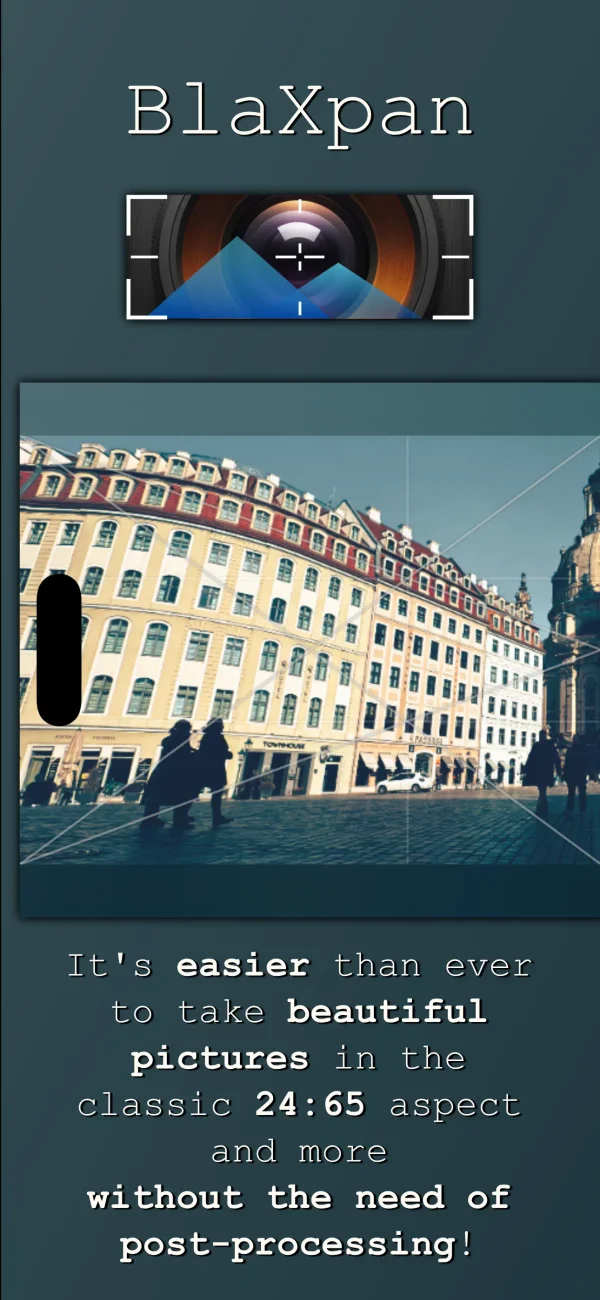
Created by a panorama photographer for panorama photographers, BlaXpan is built for fast, beautiful, and highly customizable panoramic photography — including the iconic 24:65 XPan-style format and much more.
Why BlaXpan?
• Capture striking panoramic images with ease
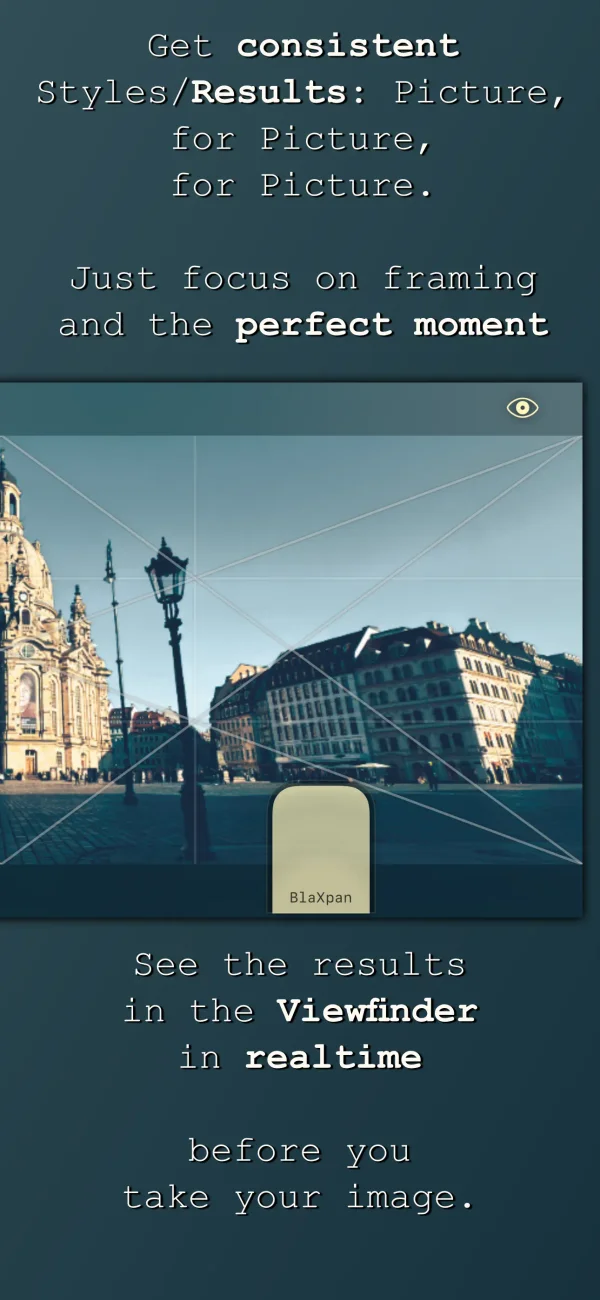
• See your final look before you take the shot
• Enjoy a huge live viewfinder with real-time preview
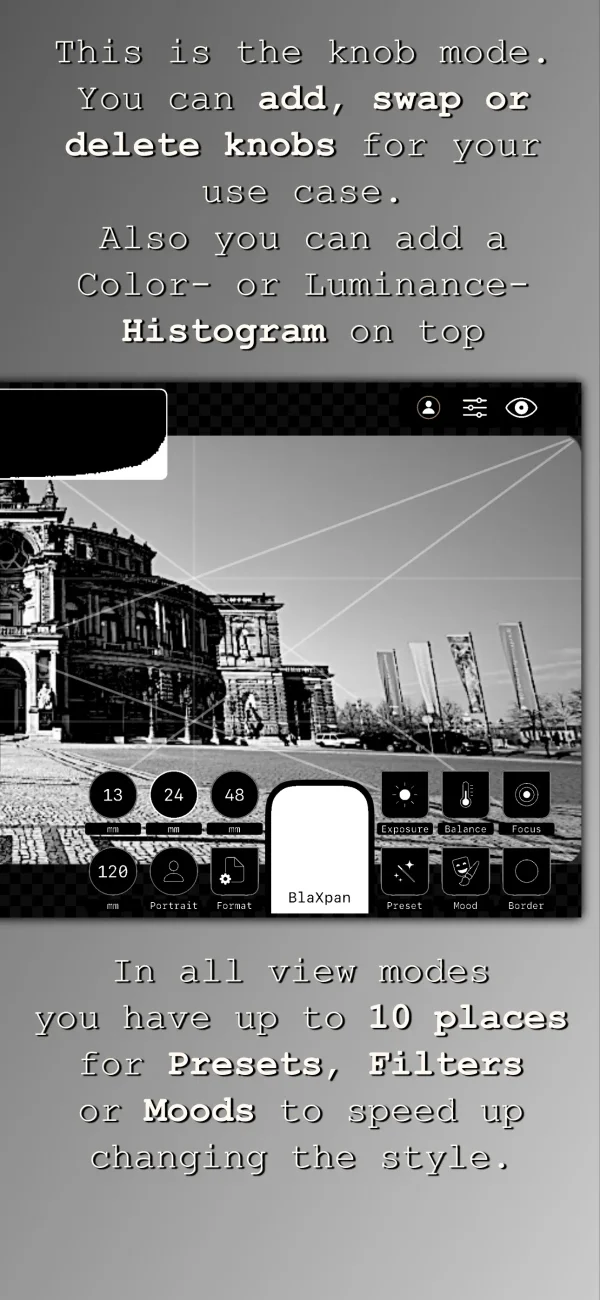
• Customize the interface to fit your workflow
• Create cinematic images without extra editing
• No ads. No subscription.
Free Features
• Beautiful 24:65 (XPan-style) aspect ratio
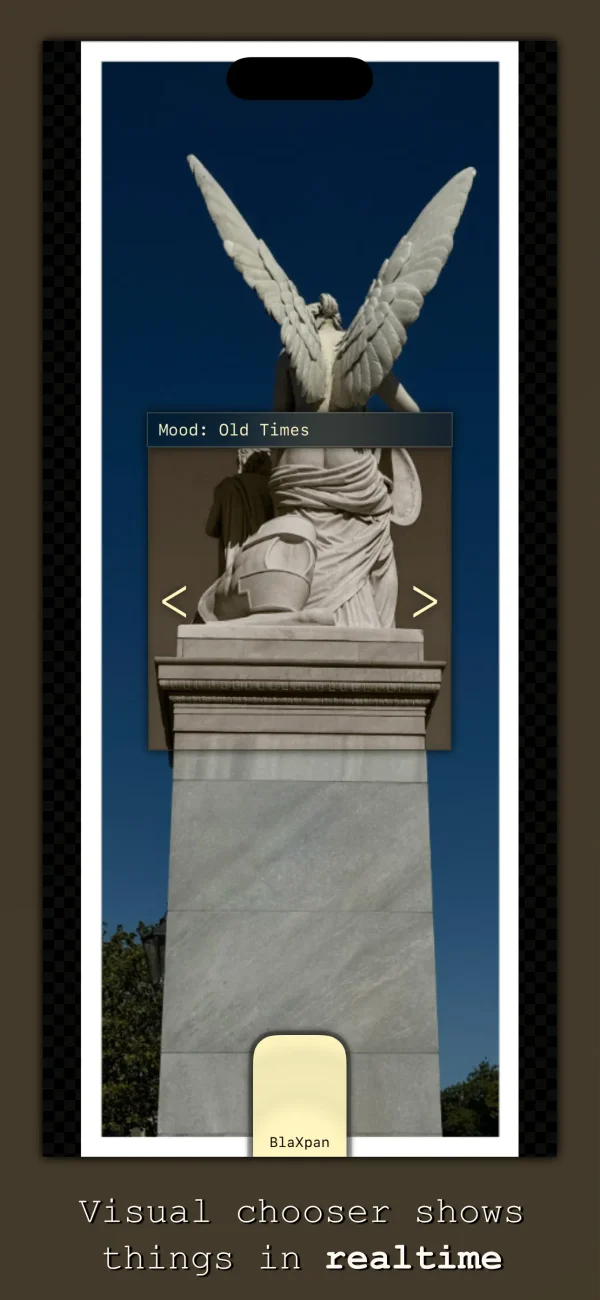
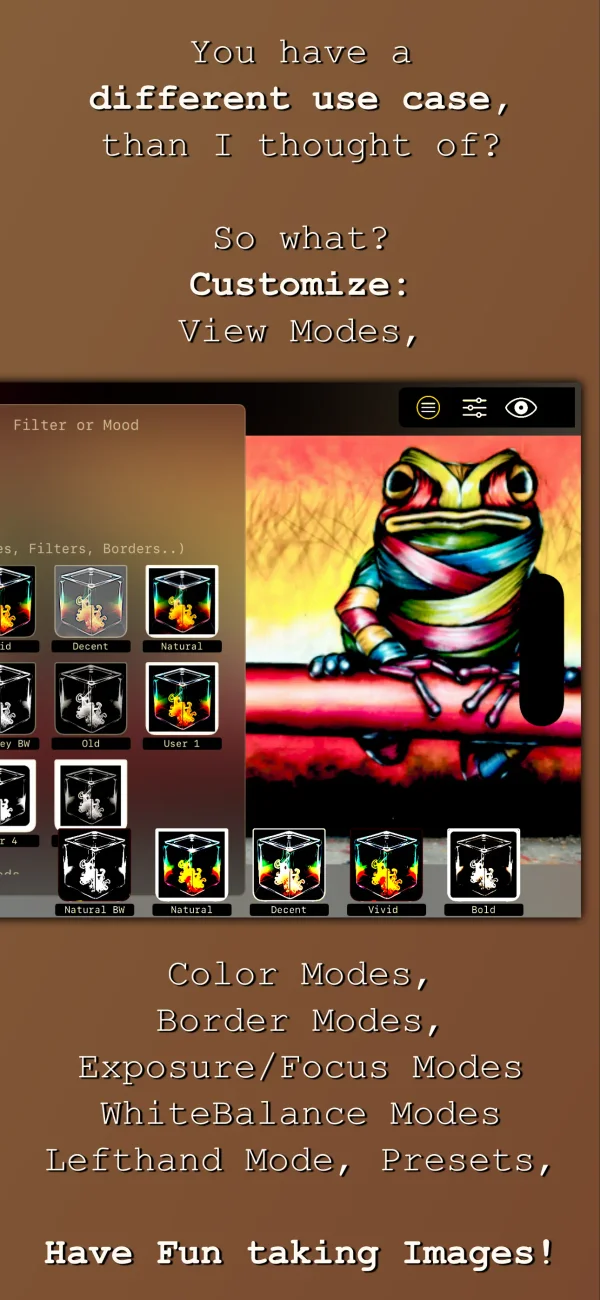
• Preview the final result with mood and border before shooting
• One of the largest live viewfinders available
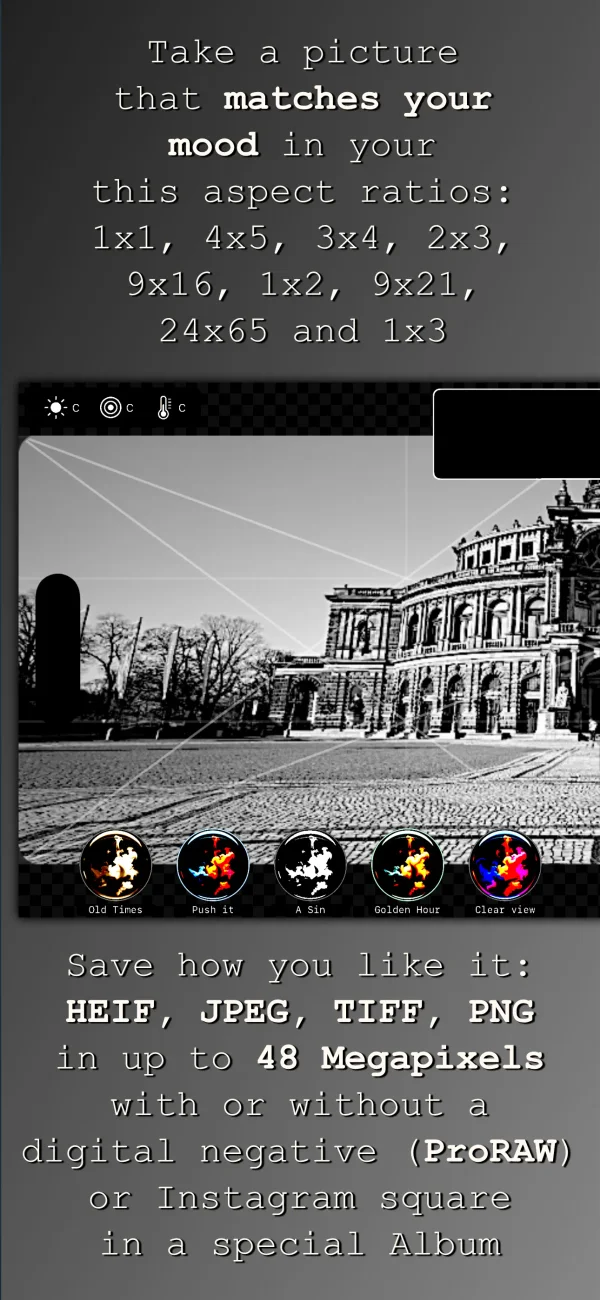
• Specialized presets in color and black & white
• Focus modes: Manual, Auto, Continuous
• Exposure modes: Manual, Auto, Continuous
• White balance modes: Manual, Continuous
• Pinch to zoom
• Tap in the viewfinder to focus and set exposure
• Lock Screen widgets, control widgets, and quick controls
• Adjust exposure compensation and zoom
• Use optimized themes or customize your own
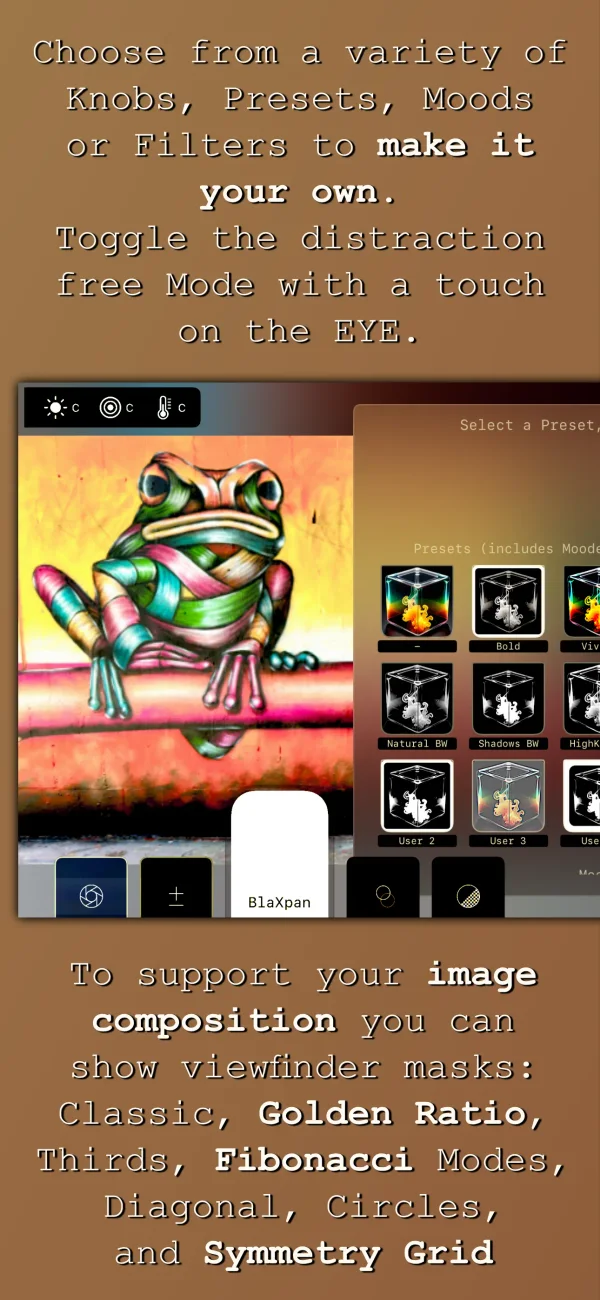
• Distraction-free mode
• Red mode for dark environments to protect your eyes
• Works on iPhone and iPad
• Extensive help content, continuously growing
• Fast support that truly listens to your needs
• No external ads
• No subscription
• Available in English, German, and French
Pro Features
For photographers who want maximum control and creative freedom:
• Customize your UI: presets, knobs, colors, moods
• Use classic photographic color filters
• Try a red filter against a blue sky for dramatic results
• Moods for expressive and atmospheric images
• Show sharp image areas on demand
• Color histogram and luminance histogram
• Spirit level (45°)
• Choose image format: HEIC, PNG, JPEG, TIFF
• Option to include GPS data
• 48 MP High-Res Mode, depending on device
• Capture digital negatives: Apple ProRAW, RAW, TIFF depending on device and lens
• Save an additional square photo for Instagram and more
• Configurable watermark with custom text and color
• Macro focus
• Use a gray card for white balance
• Additional aspect ratios: 1:1, 4:5, 3:4, 2:3, 9:16, 1:2, 9:21, 1:3
• Save images to a special album
• Set ISO and exposure duration separately in manual mode
• Bluetooth trigger
• Volume button trigger
• Self-timer: 2s, 5s, 15s, 30s, 60s, 120s
• Use the iPhone torch to illuminate the scene and adjust brightness
• One-time purchase. No extra cost. Ever.
Adjust Before You Shoot
With BlaXpan, you can shape your image before pressing the shutter.
Adjust:
• Border size, color, and style
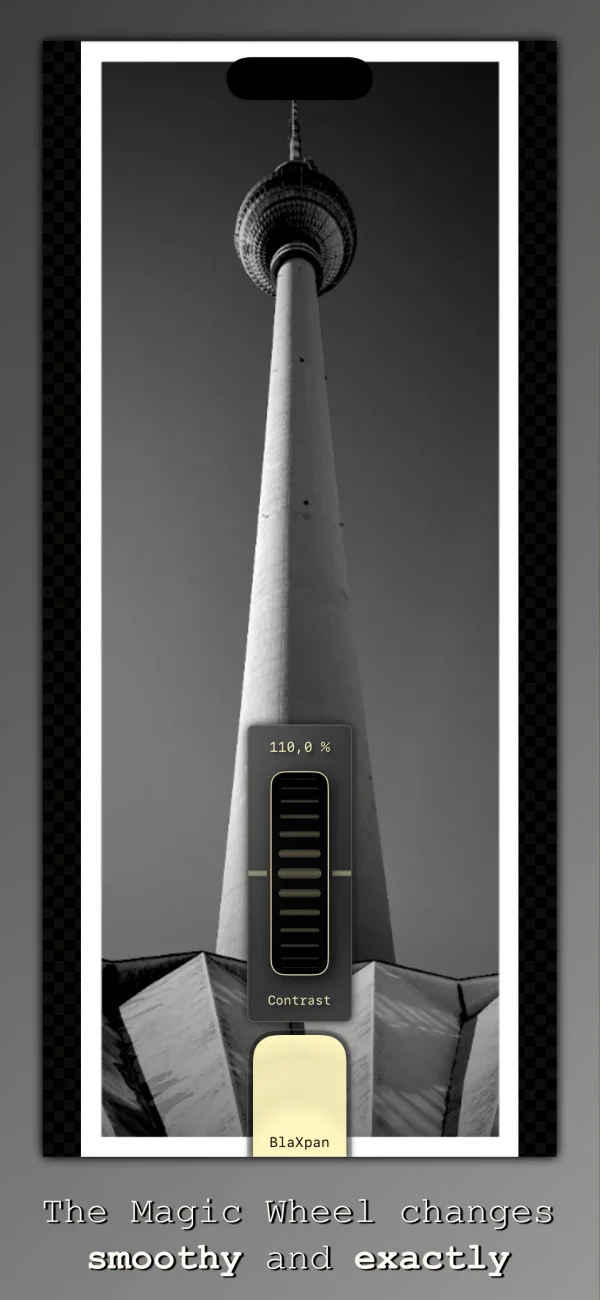
• Contrast
• Sharpness
• Saturation
• Vignette
• Mood
See the look before you take the photo.
Composition Tools
Choose a viewfinder mask for stronger composition:
• Classic
• Rule of Thirds
• Golden Ratio
• Fibonacci Spiral and Squares
• Fibonacci Squares
• Fibonacci Spiral
• Diagonal
• Circles
• Cross
• Symmetry Grid
Missing a composition guide you’d love to use?
Send me your idea — I’ll do my best to add it.
Support
Missing a feature or found a bug?
Contact: support@blaXpan.com
Learn more at: blaXpan.com
Requires iOS 17.1 or later
Thank you for your support!
BlaXpan
BlaX means rendering blacks at their extremes.
Pan lets you capture the world extra wide — or extra tall.
What’s new
Version 4.0.0 · May 6, 2026
New Features:
- 4 new languages added.
- 3 irregular/organic border shapes with adjustable intensity.
- Preset sharing via QR codes on preset cards.
- XPan lens simulation with 30mm, 45mm, and 90mm lenses and lens cycle button.
- New lens cycle knob.
- Screen cast mode with touch point display.
- Improved thumbnail positions.
- Viewfinder orientation and lens layout fix for iPhone 17 Pro (Max).
- Stability and performance improvements.
App privacy
What Lars Menzel declares on the App Store about how this app handles data.
-
Data not collected
The developer does not collect any data from this app.
Privacy practices may vary, for example with the features you use or your age.
Information
- Seller
- Lars Menzel
- Category
- Photo & Video
- Version
- 4.0.0
- Updated
- May 6, 2026
- Released
- Sep 16, 2024
- Size
- 20.0 MB
- Requires
- iOS 17.4 or later
- Age rating
- 4+
- Price
- Free
- In-app purchases
- Yes
- Languages
- English, French, German, Italian, Portuguese, Spanish, Swedish
- Copyright
- © Lars F. Menzel
You might also like
-
 65x24 Panoramic CameraPanoramic Pro Camera
-
 Kodist: Analog Film CameraVintage looks from RAW, no AI
-
 Viewfinder - Panorama CameraCinematic 65:24 Photography
-
 65×24 PANORAMIC CAMERAcapture gorgeous panoramas
-
 XP4NEvery Shot A Movie Still
-
 Bayer Camraw, unprocessed photography
-
 RNI AeroInfrared film simulation
-
 RitchieCam — Filter CameraEasy, no-edit filters
-
 Light Stack CameraAI-Stabilized Long Exposures
-
 Filmic Firstlight - Photo AppModern Photos with Analog Vibe