Blingo - Voice Support
Vision impairment assistant
Designed for iPhone, iPad, iPod touch
Free
- Age rating4+
- CategoryUtilities
- DeveloperNguyen Thi Oanh
- LanguagesEnglish+ 1 more
- Size53.9 MB
Links to the official App Store page
Download.org hosts no file of Blingo - Voice Support. The button opens its official App Store page, published by Nguyen Thi Oanh. Listing last checked on Nov 20, 2026.
Screenshots

About
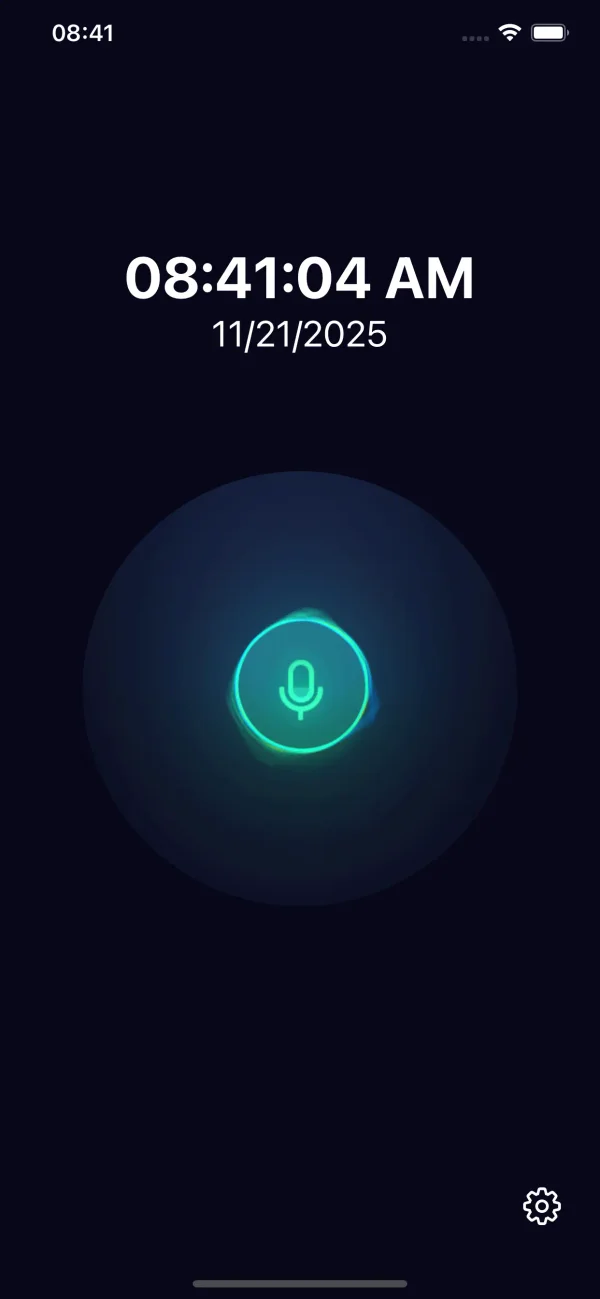
Blingo – Voice Assistance is designed to support people with visual impairments, older adults, and anyone who wants a more convenient AI assistant without relying on complex touch interactions. The app allows you to speak naturally with AI, use your phone’s camera to identify your surroundings, and quickly perform preset voice commands.
How to Use
Open the app by voice or by double-tapping the back of your phone.
When the app launches, the assistant will say: “Hello, how can I help you?”
After the assistant finishes speaking (about 1–2 seconds), you can make a request or ask a question. Conversations proceed in order between you and the assistant.
For detailed setup and usage instructions, please check the in-app guide or visit:
https://sites.google.com/view/hotrogiongnoiai/
Key Features
1. Preset Voice Commands
Ask for the time: “What time is it”, "What time"
Ask for the Gregorian date: “What day is it”, “What is the date today”
Listen to the usage guide: “User guide”, "Guide"
Increase/decrease speaking speed: “Increase reading speed”, “Decrease reading speed”
Stop the assistant: “Stop”, “Stop app”
2. Describe Surroundings Using the Camera
Activation commands: “Describe surroundings”, “Describe around me”
The assistant opens the camera; point your phone toward the area you want to identify and hold still for about 2 seconds.
The app can recognize people, dogs, cats, vehicles, tables, chairs, books, refrigerators, TVs, computers, and more.
Results are for reference only. In environments with many objects, counts may not be accurate.
3. Ask Questions & Chat with AI
You can ask anything about general knowledge, reasoning, writing, poetry, math, and more.
The assistant responds with voice output.
The current version does not support real-time information (e.g., weather, gold price, news).
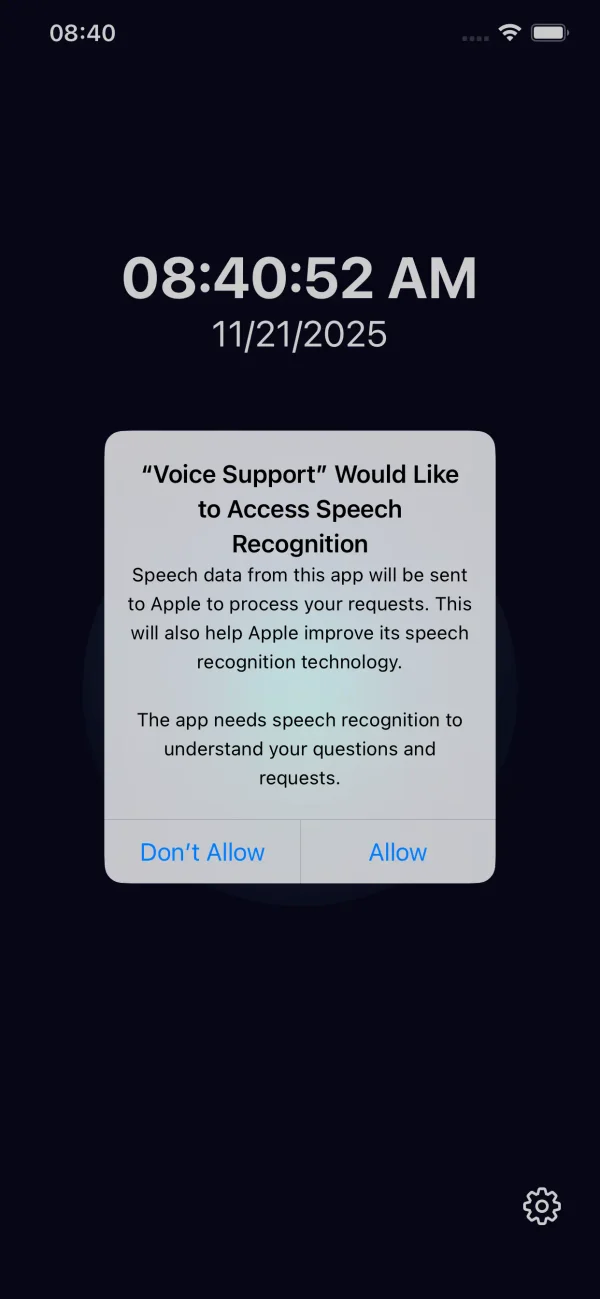
An internet connection is required. You can make 20 AI queries per day.
Customization
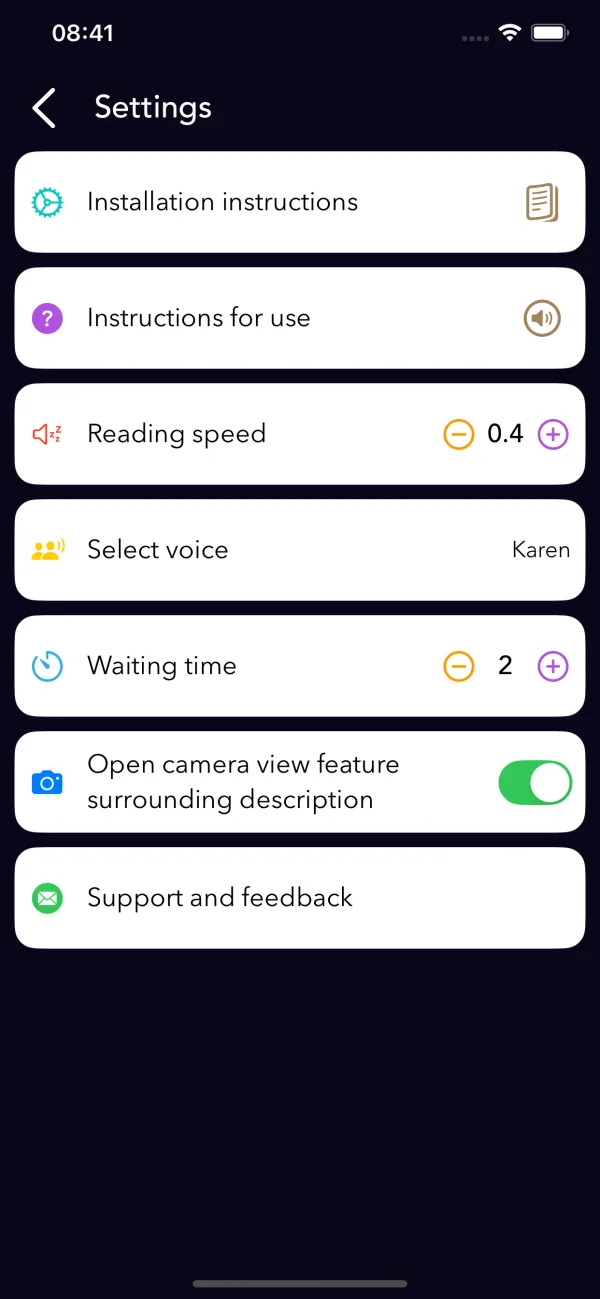
Change the voice style and speaking speed.
Adjust the number of reminders when no response is detected.
Enable/disable camera preview when describing surroundings.
Privacy & Data Policy
The app does not collect, store, or share personal data.
Questions and conversations are processed temporarily to generate responses and are not stored afterward.
The app connects to an intermediate server to forward requests to the OpenAI API. All data is processed instantly and not stored on the app or server.
Open Source
This application is developed under the AGPL-3.0 license.
Source code is publicly available at:
https://github.com/daothanhtungbca91/voice-assistant-ios.git
What’s new
Version 1.1.1 · Jun 5, 2026
English version
App privacy
What Nguyen Thi Oanh declares on the App Store about how this app handles data.
-
Data not collected
The developer does not collect any data from this app.
Privacy practices may vary, for example with the features you use or your age.
Information
- Seller
- Nguyen Thi Oanh
- Category
- Utilities
- Version
- 1.1.1
- Updated
- Jun 5, 2026
- Released
- Oct 7, 2025
- Size
- 53.9 MB
- Requires
- iOS 15.6 or later
- Age rating
- 4+
- Price
- Free
- Languages
- English, Vietnamese
- Copyright
- © @ntoanh
You might also like
-
 AnyLingualTranslate 200+ languages
-
 Project VisionaryFor The Visually Impaired
-
 EGD2021For Visually Impaired People
-
 ColorContrastCheckerUtilities
-
 Jyoti AI - Assistant for BlindUtilities
-
 GV ConnectCall & SMS for Google Voice
-
 WP.CraftsmanMake & Design your wallpaper.
-
 DualSpectraUtilities
-
 AppBookmarkNever Miss Apps You Like
-
 Wakil AIAI lawyer for Uzbekistan