
Blinkback: Replay Camera
Tap record after it happens
Designed for iPhone, iPad, iPod touch
In-app purchases
- Age rating4+
- CategoryPhoto & Video
- DeveloperDABBY TANGOG LEE
- LanguagesEnglish
- Size20.0 MB
Links to the official App Store page
Download.org hosts no file of Blinkback: Replay Camera. The button opens its official App Store page, published by DABBY TANGOG LEE. Listing last checked on Nov 8, 2026.
Screenshots
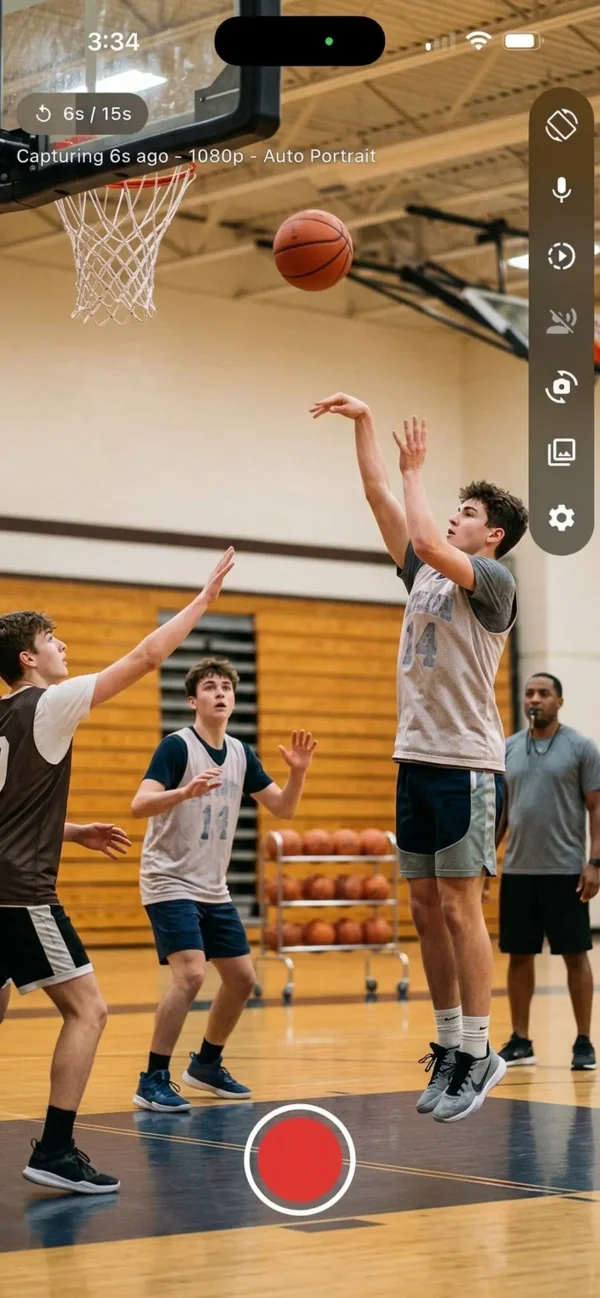
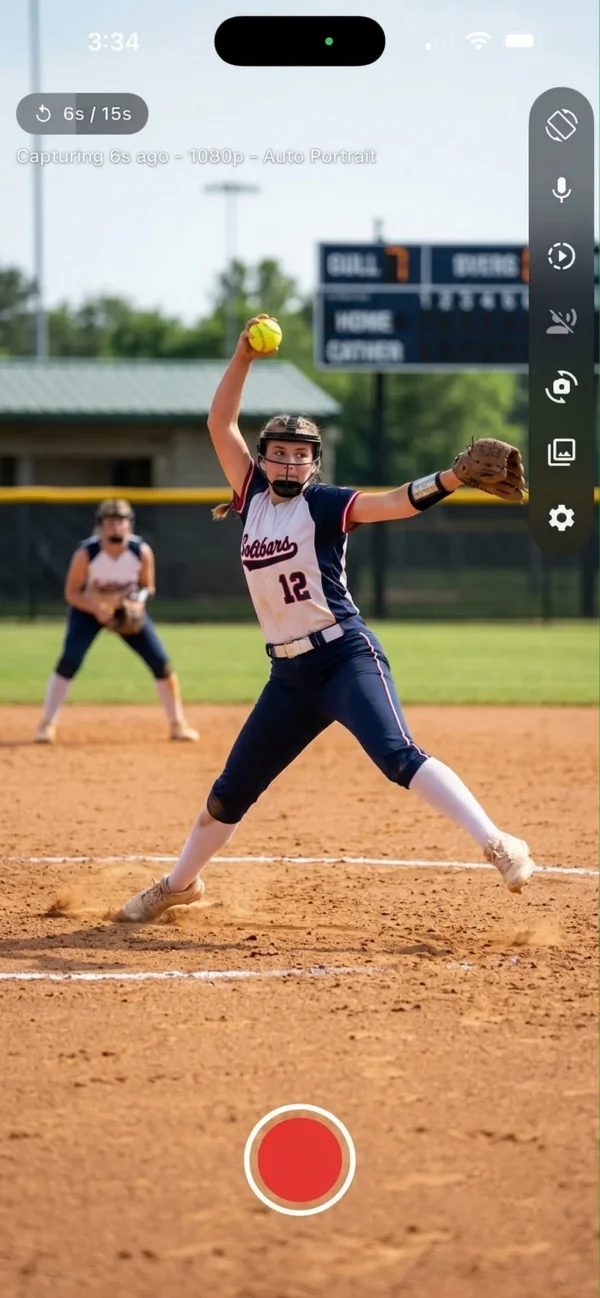
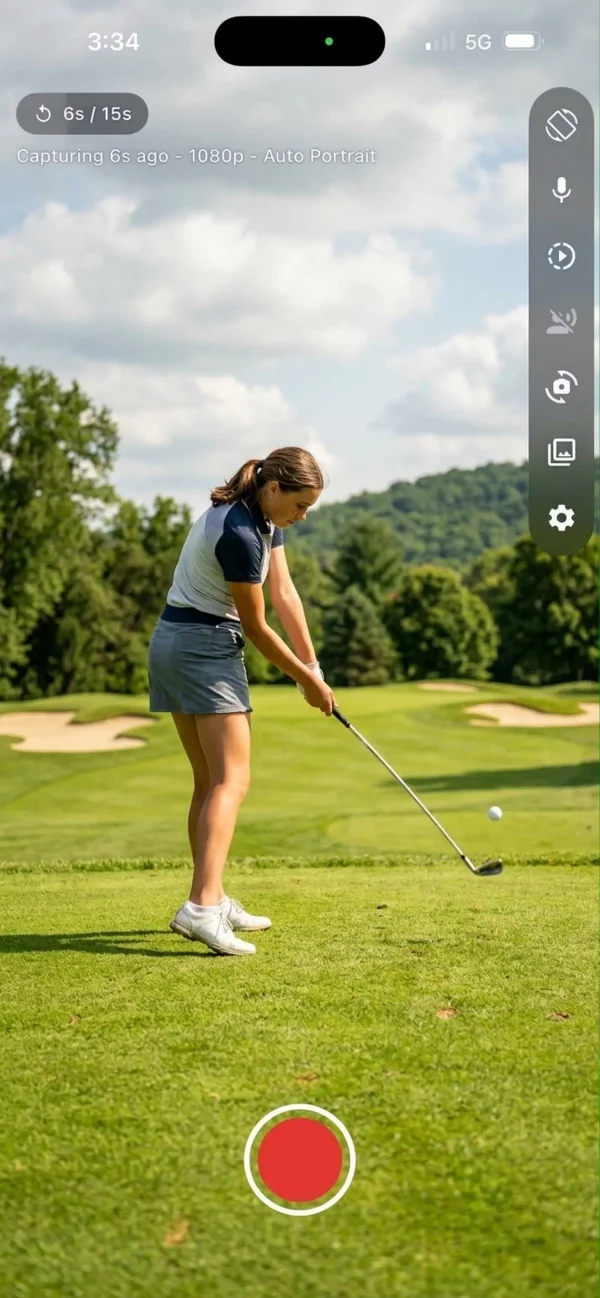
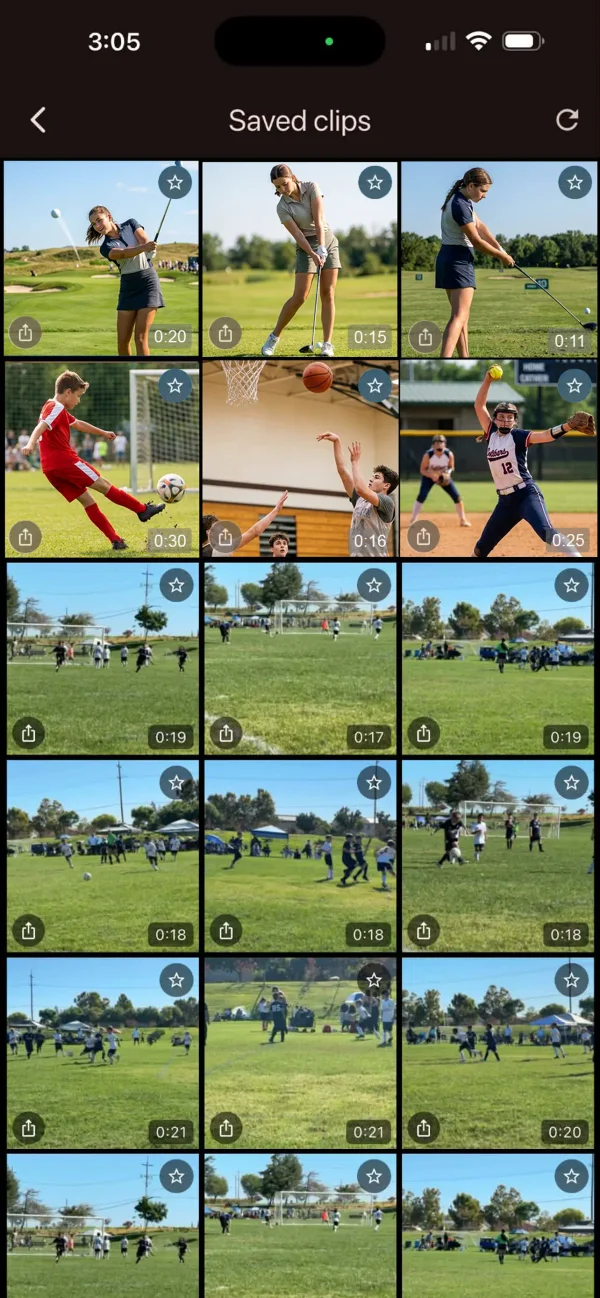
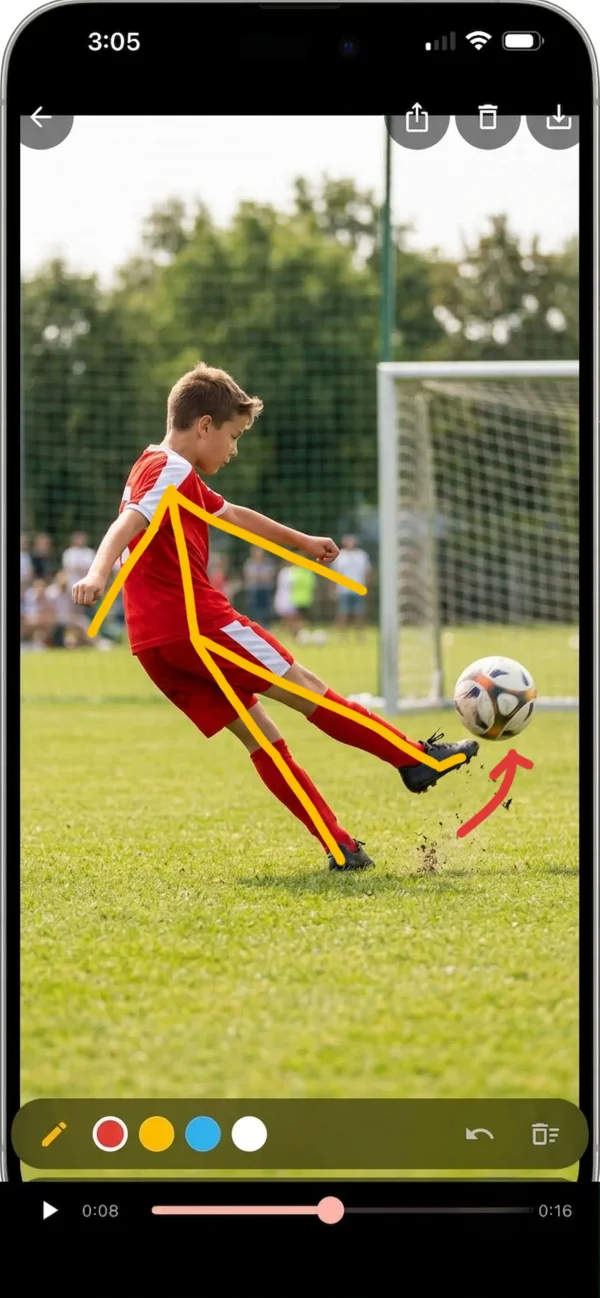
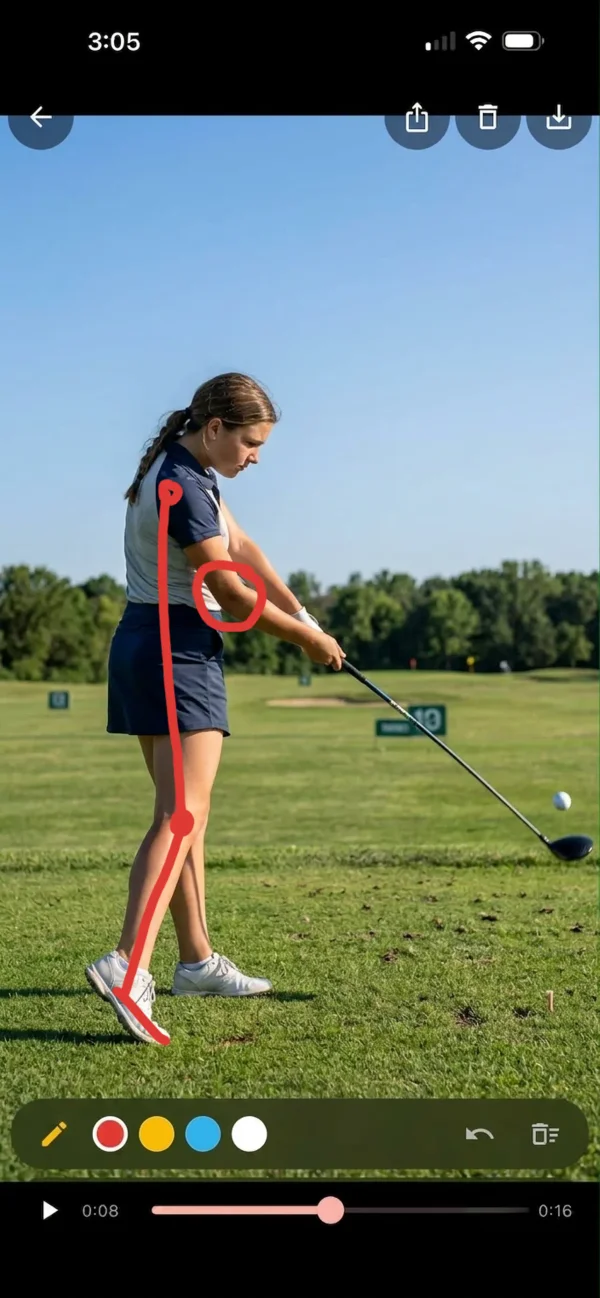
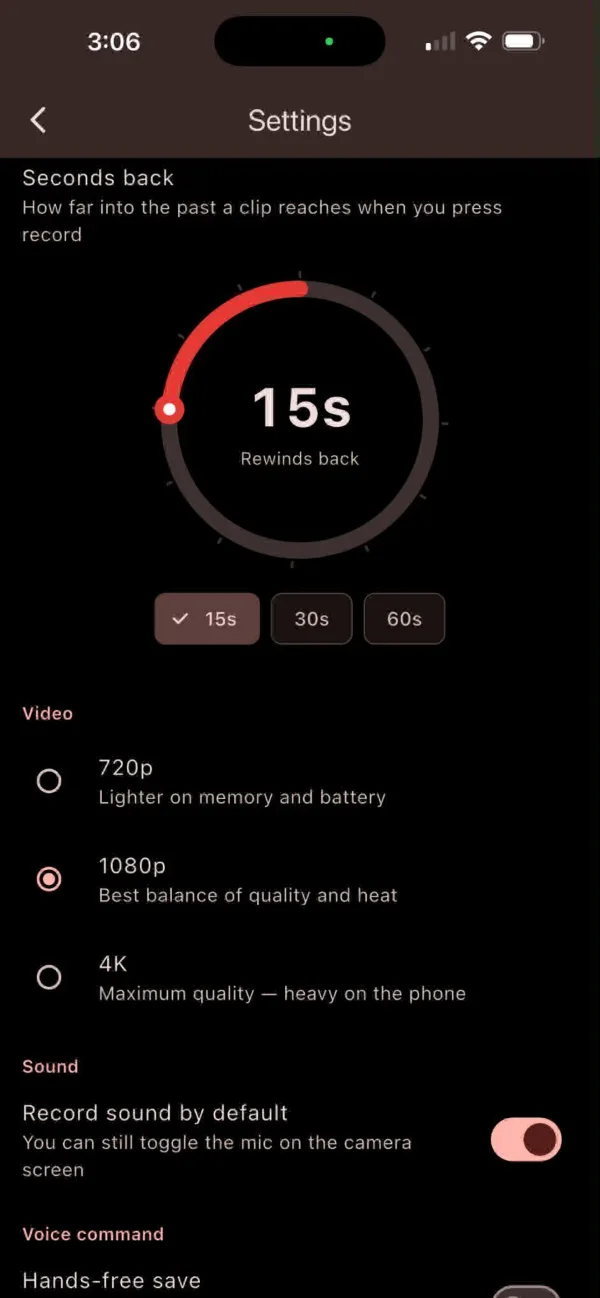
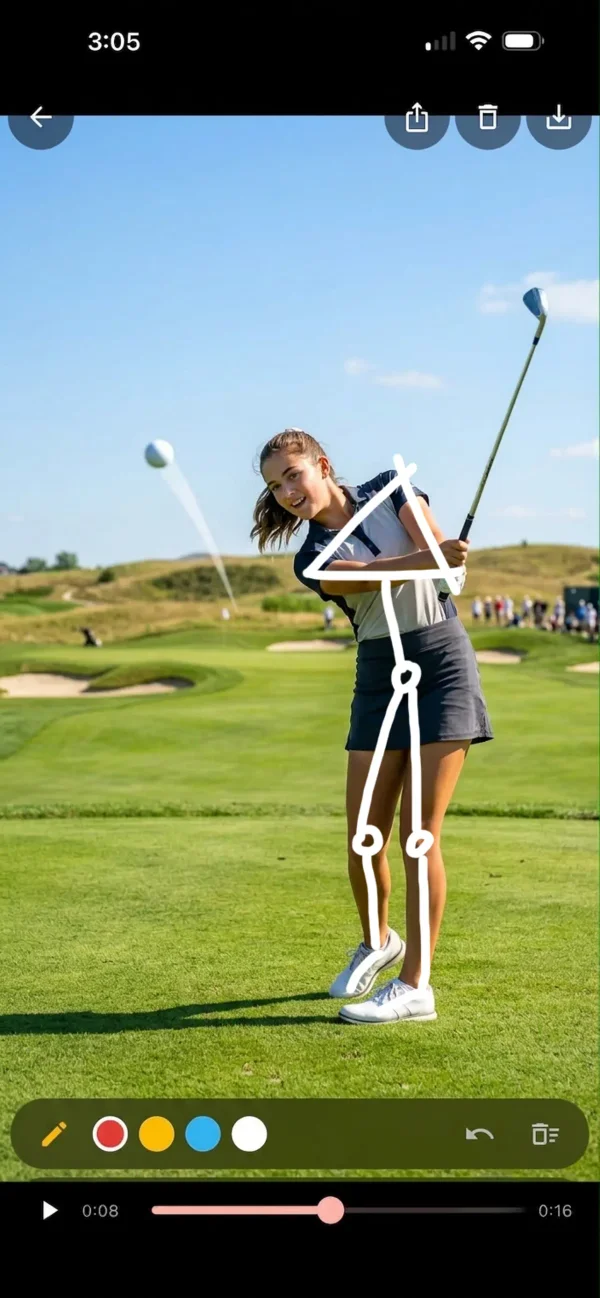
About
Kids don't warn you before their first steps. Dogs don't announce the zoomies. And nobody lands the trick while you're still opening the camera.
Blinkback fixes that. While the camera is open it keeps a rolling buffer of the last several seconds. When something great happens, tap record — or just say "Blink it" — and your clip starts in the PAST, before you pressed the button, then keeps recording until you stop. One smooth video, saved straight to your Photos.
It's the replay-buffer trick that broadcast sports and streamers use, finally in a camera anyone can use.
CATCH THE MOMENT THAT ALREADY HAPPENED
• Reach up to 60 seconds into the past
• One tap saves everything from before you pressed record
• No stitching, no glitch — just one clean clip
HANDS-FREE SAVING
• Say "Blink it!" and the clip saves itself
• "Blink stop" (or the record button) ends a recording
• Works with "Hey Siri, Blink it" too
MADE FOR REAL MOMENTS
• Pinch to zoom up to 10x — even while recording
• Slow-mo: 120 frames per second, played back slower to study the moment
• Up to 4K quality with clear sound
• Auto orientation — clips always play the right way up
REVIEW AND SHARE
• Built-in gallery with full-screen playback
• Draw over any frame with the telestrator pen — great for coaching
• Save an annotated frame, or share a clip anywhere
PRIVATE BY DESIGN
• No account, no cloud, no tracking
• Everything is captured and saved on your device
• Voice detection runs entirely on your phone
Try it free, then subscribe to keep saving without limits.
Perfect for parents, coaches, skaters, pet owners — anyone whose best moments show up without warning.
SUBSCRIPTION AND PURCHASE DETAILS
Blinkback Unlimited unlocks unlimited clips and every feature:
• Unlimited Yearly — $34.99 USD per year, starting with a free 7-day trial
• Unlimited Monthly — $5.99 USD per month, starting with a free 7-day trial
• Blinkback Lifetime — $119.99 USD one-time purchase (not a subscription)
The free trial is available to customers who haven't used it before, and the app shows the trial length and the price that follows before you confirm. Payment is charged to your Apple Account at confirmation of purchase. An auto-renewable subscription renews automatically unless auto-renew is turned off at least 24 hours before the end of the current period. Your Apple Account is charged for renewal within 24 hours before the end of the current period. You can manage or cancel your subscription in your Apple Account settings after purchase.
Privacy Policy: https://bi9dadi-cmd.github.io/blinkback-site/privacy.html
Terms of Use (EULA): https://www.apple.com/legal/internet-services/itunes/dev/stdeula/
What’s new
Version 1.2.0 · Sep 5, 2026
Rewind two minutes, slow it down further, and tap your wrist.
• The buffer dial now reaches 120 seconds
• Slow-mo at 240 fps (8× slower) on iPhone 8 and later, alongside 120 fps
• Apple Watch remote: keep the camera open on your iPhone and tap the button on your Watch to save the moment — it works just like "Blink it"
• Swipe left or right in the player to move through your clips
• Marked-up frames now save into the Blinkback album next to your clips and show in the gallery
• From 1.1: star your favourite clips, and the gallery rotates with your phone
App privacy
What DABBY TANGOG LEE declares on the App Store about how this app handles data.
-
Data not collected
The developer does not collect any data from this app.
Privacy practices may vary, for example with the features you use or your age.
Information
- Seller
- DABBY TANGOG LEE
- Category
- Photo & Video
- Version
- 1.2.0
- Updated
- Sep 5, 2026
- Released
- Aug 12, 2026
- Size
- 20.0 MB
- Requires
- iOS 15.0 or later
- Age rating
- 4+
- In-app purchases
- Yes
- Languages
- English
- Copyright
- © 2026 Dabby Tangog Lee
You might also like
-
 Live Action ReplayDo it live!
-
 15|30 Replay CameraCatch the moment you missed
-
 KPLAWY: Instant Replay CameraSave the play after it happens
-
 ReplayClip: Video Delay CameraForm check: dance, golf, gym
-
 SnapShot TimerSet Up Your Shot With SnapShot
-
 LiveTaggingFilm and tag video in moment
-
 Instant Replay Camera RecorderNever miss a big moment
-
 ClipBack: Instant ReplaySave the last 30 seconds
-
 FormTimedelayed video form improvement
-
 Video Buffer Pre-Recorder 4KDual Camera Sports Highlights