- Age rating4+
- CategoryUtilities
- DeveloperYU HENG TSAI
- LanguagesEnglish
- Size3.0 MB
Links to the official App Store page
Download.org hosts no file of Blinkboard. The button opens its official App Store page, published by YU HENG TSAI. Listing last checked on Nov 15, 2026.
Screenshots

About
The developer has not provided this text in your language.
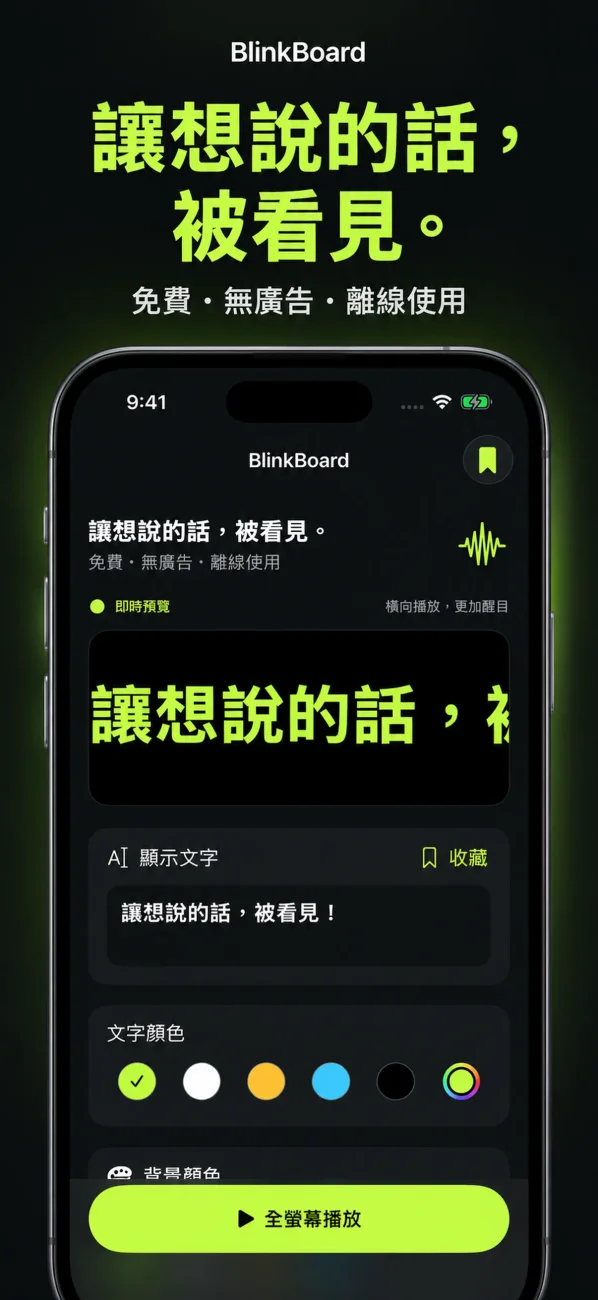
讓想說的話,被看見。
BlinkBoard 將你的手機和平板變成醒目的跑馬燈。輸入文字、選擇配色與效果,就能全螢幕播放。無論是演唱會應援、比賽加油、機場接人,或在聚會中傳達心意,都能用大字說出你想說的話。
【三種文字樣式】
• 一般文字:清楚俐落,讓訊息一目了然。
• LED 點陣:呈現燈珠質感,打造電子看板效果。
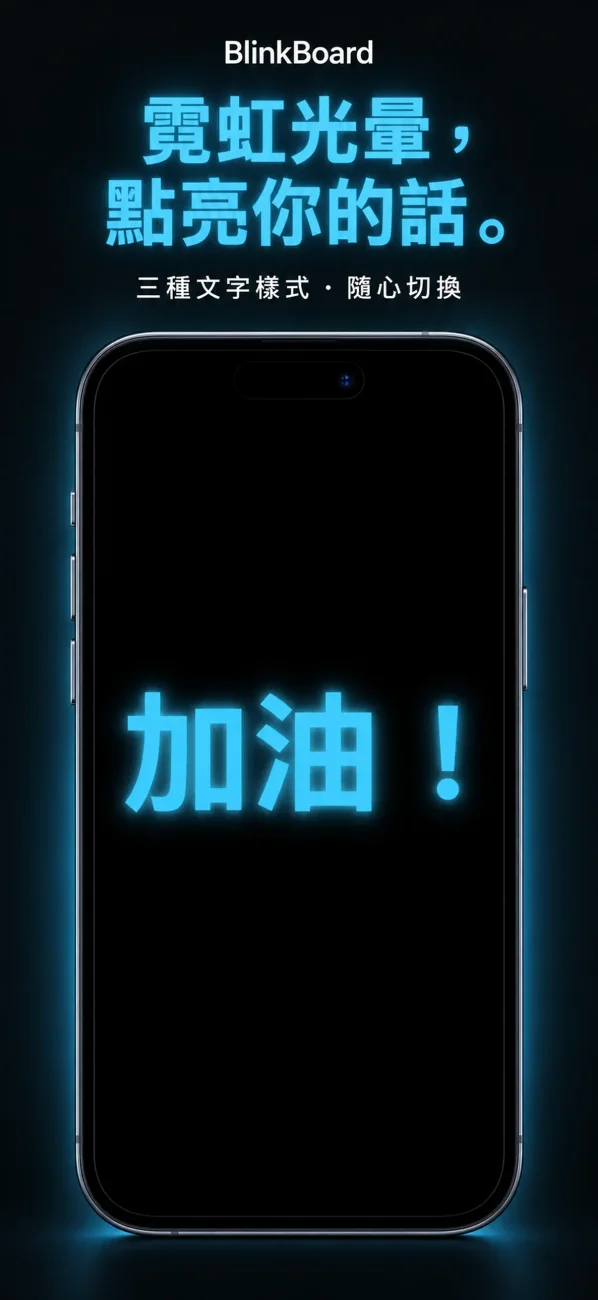
• 霓虹光暈:搭配文字顏色發光,讓畫面更有氣氛。
【自由調整你的看板】
• 自訂顯示文字,輸入想傳達的訊息。
• 分別設定文字與背景顏色,使用預設配色或自訂 RGB 顏色。
• 調整文字大小與捲動速度。
• 選擇向左、向右捲動,或固定顯示文字。
• 提供慢速、中速、快速閃爍,也能關閉閃爍。
• 即時預覽設定,播放前就能查看效果。
【全螢幕,讓文字成為焦點】
支援直向與橫向播放,依照使用情境選擇合適的方向。播放時螢幕保持開啟,控制列會自動隱藏;輕點畫面即可叫出控制列,隨時暫停、繼續或關閉播放。暫停時文字保持可見。
【收藏常用訊息】
將文字、配色、樣式、速度與閃爍設定一起加入收藏。下次使用時點選即可套用,也能重新命名、調整順序或刪除收藏。
【簡單使用,隨時表達】
免費、無廣告,無需登入帳號。所有功能皆可離線使用,設定與收藏保存在裝置上,重新開啟 App 也能接續使用。
從一句「加油!」到一聲「謝謝有你」,用 BlinkBoard 把心意放大。
App privacy
What YU HENG TSAI declares on the App Store about how this app handles data.
-
Data not collected
The developer does not collect any data from this app.
Privacy practices may vary, for example with the features you use or your age.
Information
- Seller
- YU HENG TSAI
- Category
- Utilities
- Version
- 1.0
- Updated
- Oct 27, 2026
- Released
- Oct 27, 2026
- Size
- 3.0 MB
- Requires
- iOS 17.0 or later
- Age rating
- 4+
- Price
- Free
- Languages
- English
- Copyright
- PonchiStudio © 2020
You might also like
-
 LED Banner: Marquee DisplaySimple & Custom LED Signboard
-
 Drone Map - 無人機行動服務Utilities
-
 黄历-日历万年历中华农历黄道吉日查询Utilities
-
 澳門公共服務一戶通Utilities
-
 臺灣職安卡Utilities
-
 Speedometer ∞ GPS SpeedLarge Display • Digital HUD
-
 OSLinkSecure remote desktop software
-
 LED Signboard : LED ScrollerLed Banner - Make it Big Text
-
 PokeHub - for TCG PocketComplete your TCGP Dex fast!
-
 LED Banner-LEDLED scroller text