
- Age rating4+
- CategoryUtilities
- DeveloperOUTSPRING Corp.
- LanguagesEnglish
- Size28.0 MB
Links to the official App Store page
Download.org hosts no file of Blinkit Alarm. The button opens its official App Store page, published by OUTSPRING Corp. Listing last checked on Nov 20, 2026.
Screenshots
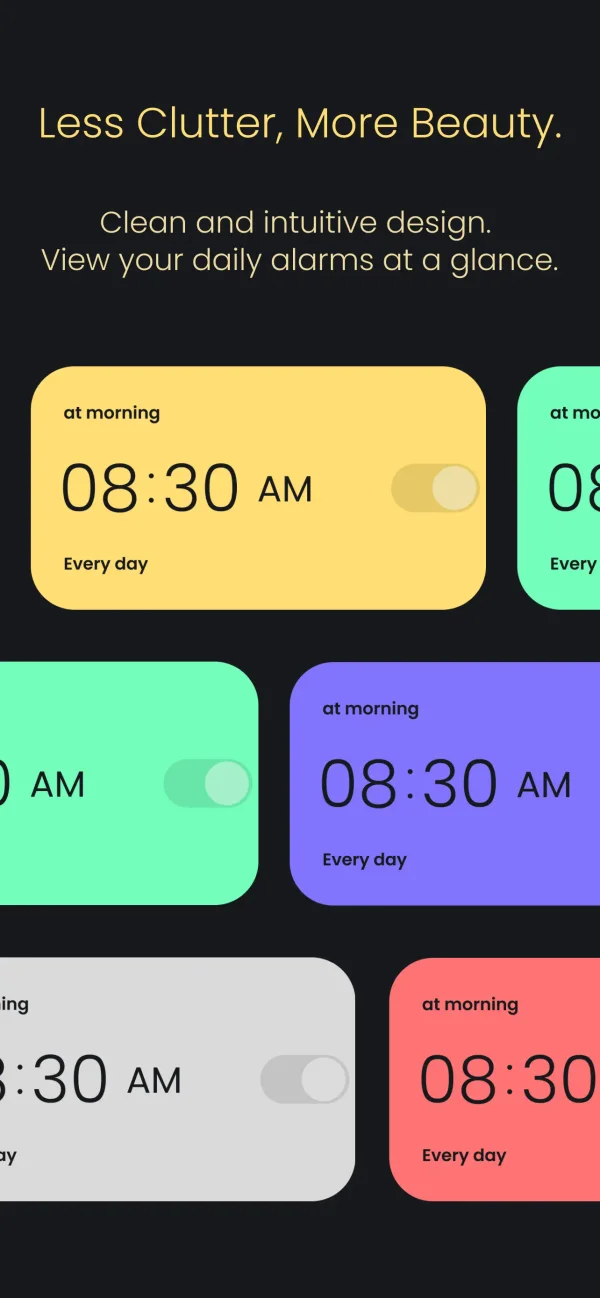
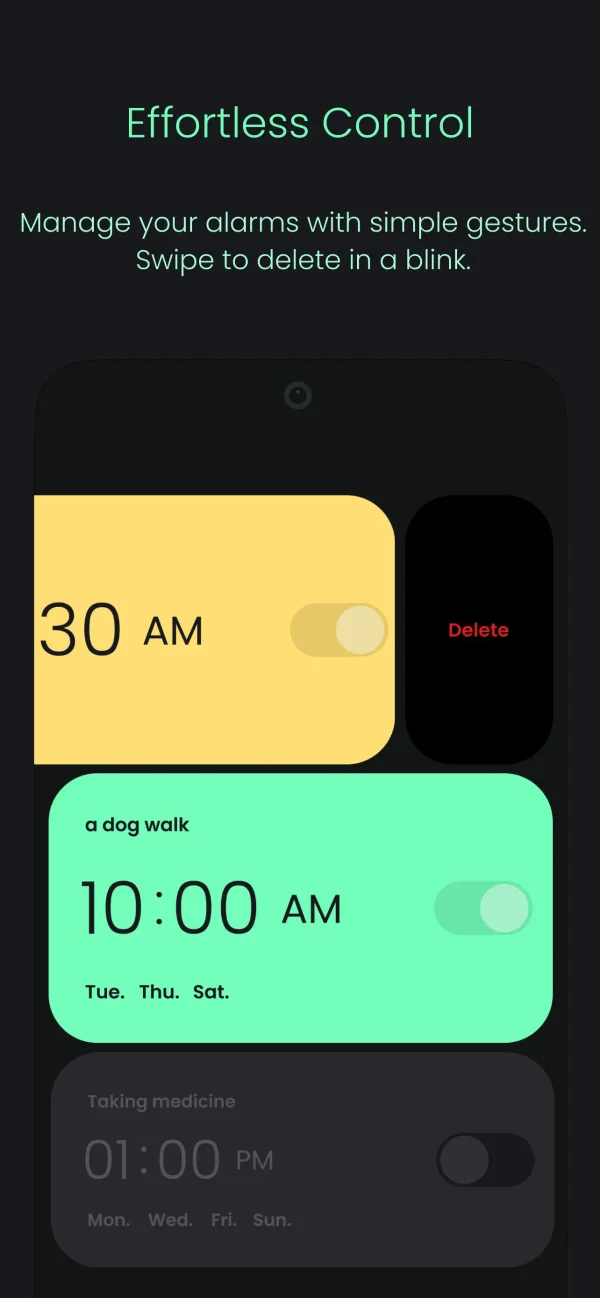

About
Wake up on time, every time. Blinkit Alarm is a clean, no-nonsense alarm clock built to actually get you out of bed — with loud full-screen alarms, easy snooze, and a simple slide-to-stop gesture.
No clutter, no confusing menus. Just set your alarm and trust it to ring.
KEY FEATURES
• Full-screen alarms — the alarm takes over your whole screen and rings even when your phone is locked, so you never sleep through it.
• Snooze — need five more minutes? Tap snooze and the alarm comes back. A built-in countdown shows exactly how long until it rings again.
• Slide to stop — dismiss the alarm with a deliberate swipe, so you can't turn it off half-asleep by accident.
• Sound & vibration control — turn ringtone and vibration on or off to match your morning.
• Custom alarm names — label your alarms (Work, Gym, Medicine) so you know what each one is for at a glance.
• Lightweight & fast — minimal design, quick to set up, easy on your battery.
WHY BLINKIT ALARM?
Most alarm apps are packed with features you'll never use. Blinkit Alarm focuses on the one thing that matters: waking you up reliably. The full-screen alarm and slide-to-stop design make sure you're actually awake before the alarm goes quiet — no more accidental dismissals and missed mornings.
HOW IT WORKS
1. Set your alarm time and name it.
2. Choose whether you want sound, vibration, or both.
3. When it's time, the alarm fills your screen and rings.
4. Slide to stop, or tap snooze for a few more minutes.
PERMISSIONS
To make sure your alarms always fire on time, Blinkit Alarm may ask for permission to display over other apps and to show full-screen notifications. These are used only to bring up the alarm screen when an alarm rings.
Download Blinkit Alarm and start every day on time.
App privacy
What OUTSPRING Corp. declares on the App Store about how this app handles data.
-
Data not collected
The developer does not collect any data from this app.
Privacy practices may vary, for example with the features you use or your age.
Information
- Seller
- OUTSPRING Corp.
- Category
- Utilities
- Version
- 1.0
- Updated
- Jun 27, 2026
- Released
- Jun 26, 2026
- Size
- 28.0 MB
- Requires
- iOS 15.1 or later
- Age rating
- 4+
- Price
- Free
- Languages
- English
- Copyright
- © OUTSPRING Corp.
You might also like
-
 Clean AlarmUtilities
-
 UpTime:Loud Alarm Clock,SleepSnore Tracker, Sleep Sounds
-
 Battery Charge Monitor - AlarmSmart Battery Notifications
-
 The Cat Show AppThe Cat Show App
-
 Find Bluetooth: device trackerLocate your smart band, watch
-
 Alarmate: Date Alarm ClockReminders for Tasks & Events
-
 Mobile Scanner PDF AppPDF Scanner App for Documents
-
 Wake Up Alarm - Move to StopMotion Alarm with Sleep Mode
-
 Alarm Clock Challenge: Wake UpWake Up with Alarm Challenges
-
 Charging Play Animation SoundsCharge Show & Battery Charger