
Blips - Subscription Tracker
Bills & Renewal Reminders
Designed for iPhone, iPad
Free · In-app purchases
- Age rating4+
- CategoryFinance
- DeveloperAndrija Urosevic
- LanguagesEnglish+ 18 more
- Size31.5 MB
Links to the official App Store page
Download.org hosts no file of Blips - Subscription Tracker. The button opens its official App Store page, published by Andrija Urosevic. Listing last checked on Nov 21, 2026.
Screenshots


About
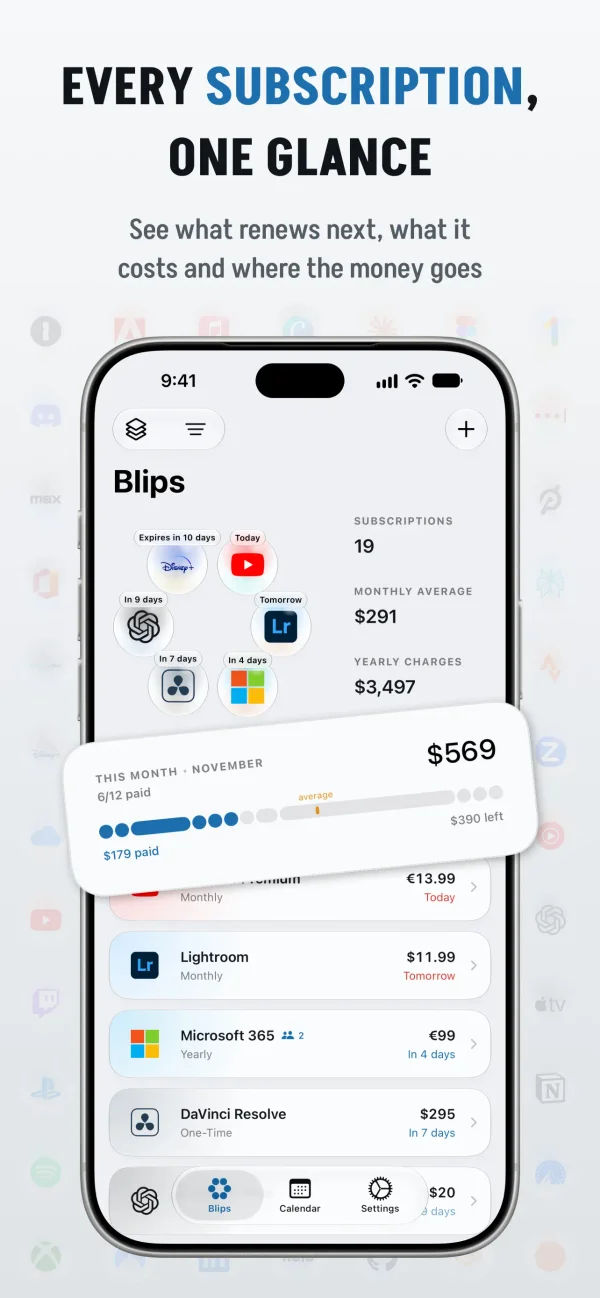
Every subscription, recurring bill, and one-time payment in one place, so nothing renews, charges, or expires without you knowing first.
Add a service in seconds. Search for it and Blips fills in the logo, category, typical billing cycle, and currency automatically, and on supported devices it suggests prices from the service's own plans. Everything Blips fills in for you is still yours to edit, and you can always add something manually with a custom icon or photo instead.
MAGIC IMPORT
Skip the typing. Hand Blips a screenshot of your App Store subscriptions, a bank statement, a PDF or CSV, or a list you keep in Notes, even several at once, and Apple Intelligence finds the subscriptions in it. You check each one before it's added. Everything is read on your device and with Private Cloud Compute, and Blips keeps only what you import.
STAY AHEAD OF EVERY RENEWAL
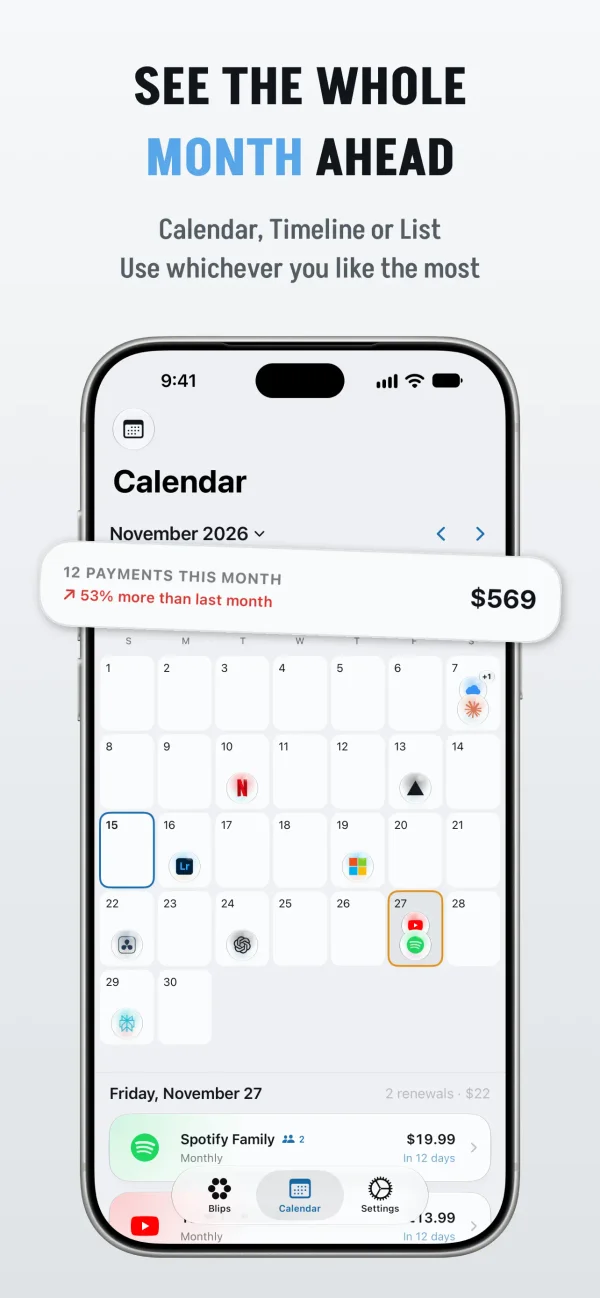
• Calendar and Timeline views show exactly what's due, day by day
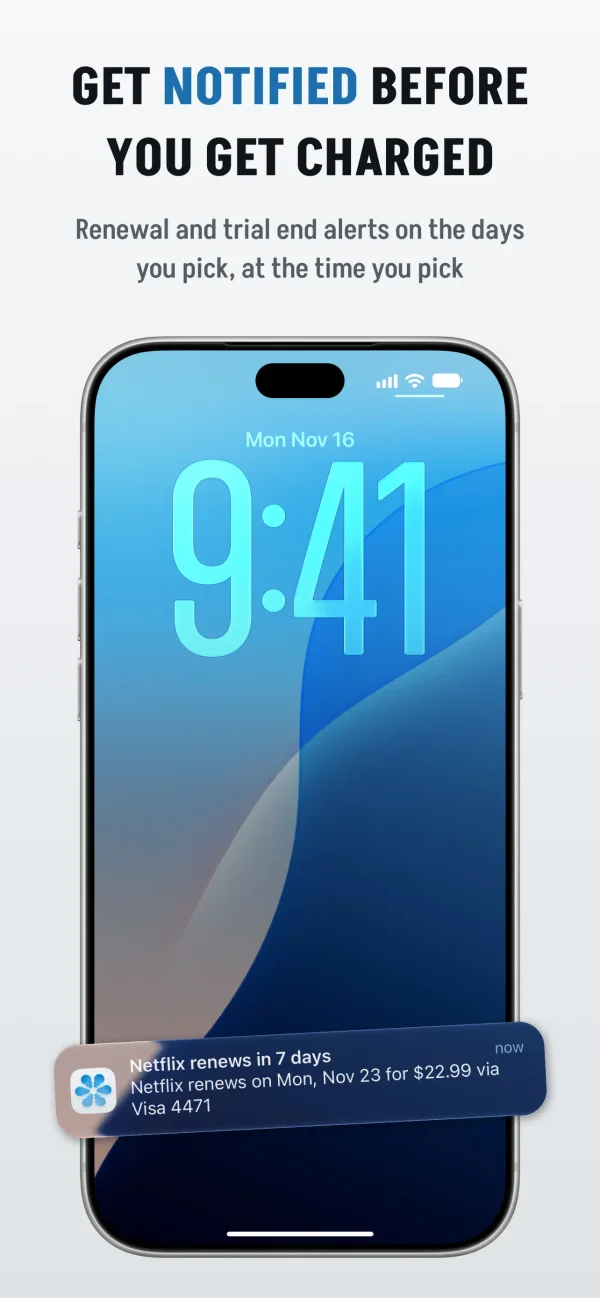
• Reminders arrive anywhere from 1 to 365 days before a renewal or a one-time payment is due
• Free trials get their own reminder before they convert to paid
• Pause, cancel, or schedule a status change in advance, and Blips keeps the full history
• Ask Siri what's due soon, when your next charge is, or which trials are ending
SEE THE REAL COST
• Any billing cycle: weekly, monthly, yearly, or your own, like every 4 weeks or every 2 years
• Track subscriptions in different currencies and see true totals converted to one
• Price history logs every time a subscription's cost changes
• If your actual charge date shifts, update it and every future charge follows
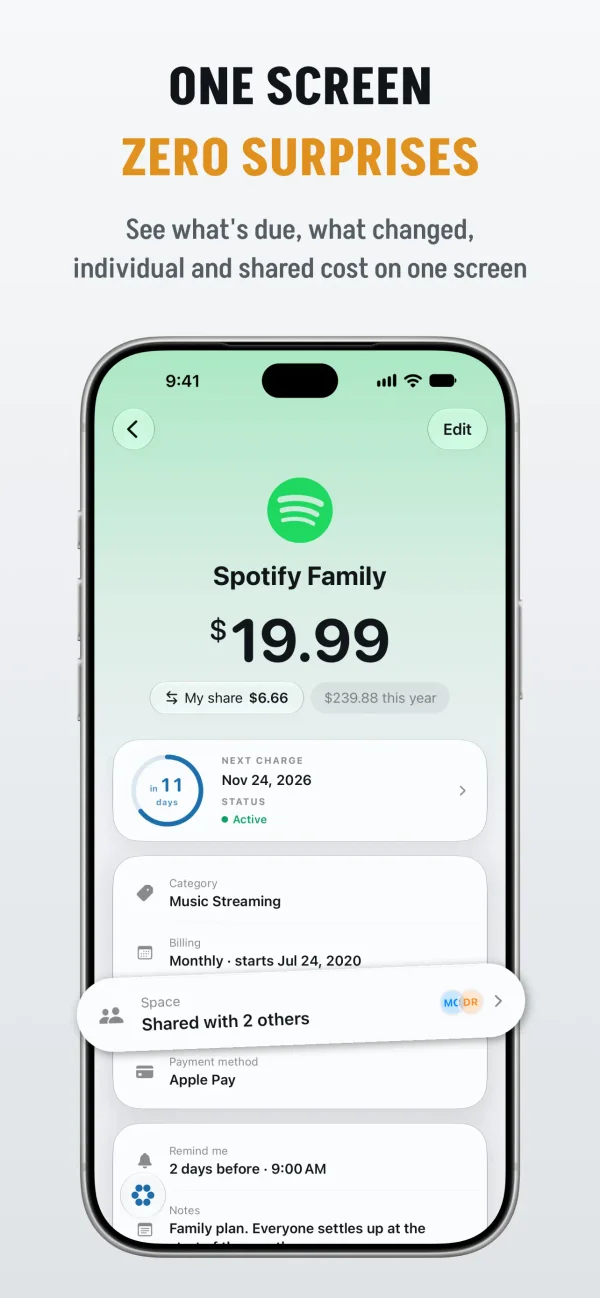
• What you owe on a shared subscription gets its own history, updated every time it changes
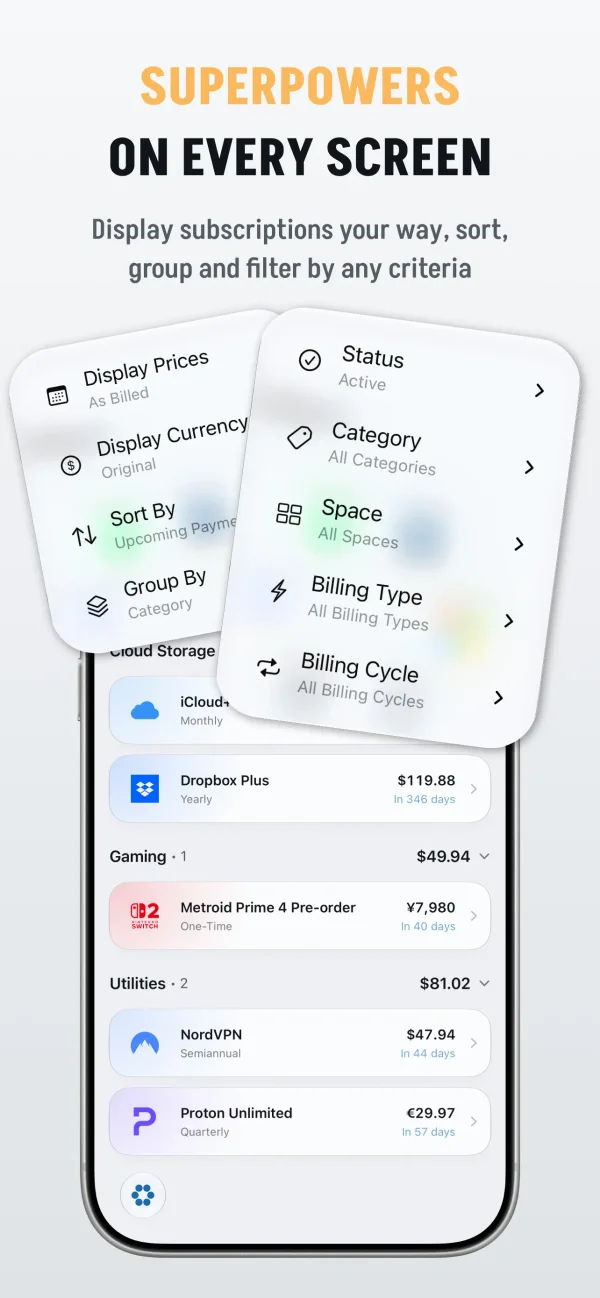
• Toggle any subscription between its as-billed price and a per-month or per-year estimate
• Group by status, category, space, or billing cycle, and sort by price to spot what's worth cutting
STAY ORGANIZED
• Group each subscription into a space: personal, shared, and work come built in, and you can filter or group by it
• Log one-time purchases too, and filter or group them apart from recurring subscriptions
• Preset categories for streaming, software, gaming, fitness, cloud storage, and more, picked for you on supported devices
• Tag each subscription with the payment method you used for it
• Mark a subscription as shared and split it with the people you share it with. Your totals count only your share, with the full price a tap away
• Use Blips in any of 19 languages, whatever your device is set to
YOUR DATA STAYS YOURS
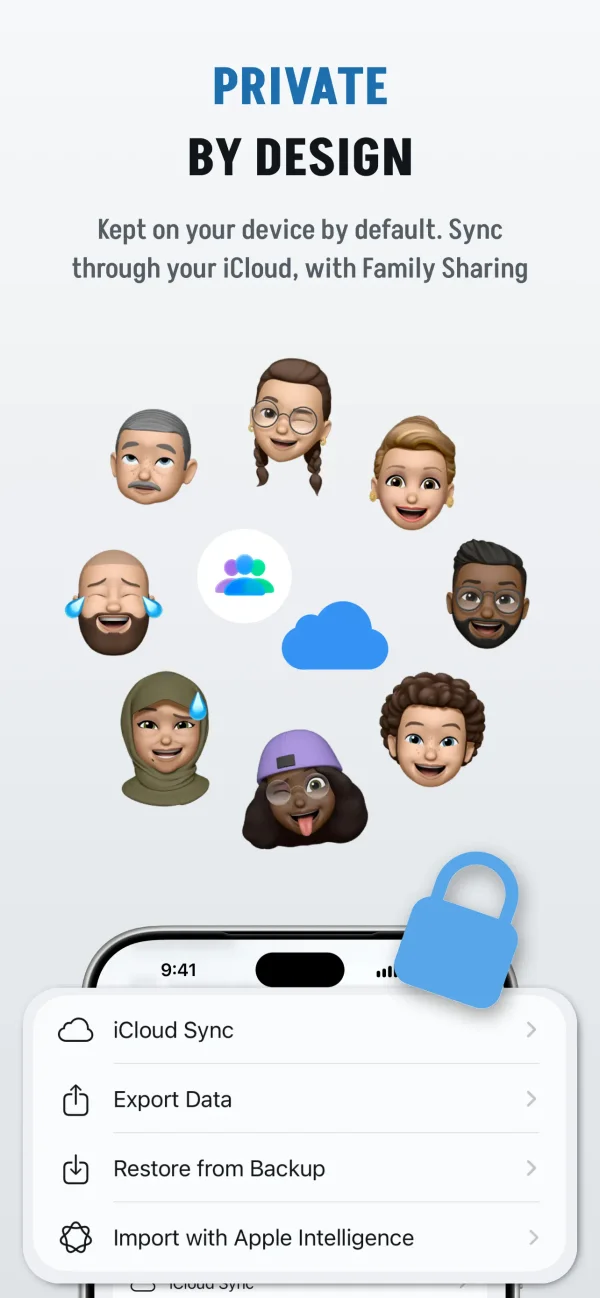
Blips has no analytics, no ads, and no outside trackers, ever. Your subscriptions are stored on your device by default. To sync them across your devices, turn on iCloud sync and they move to your own private iCloud account instead, since Blips itself has no server.
BLIPS PRO
Blips is free for up to 4 subscriptions, with reminders, Magic Import, Siri, cost splitting, and every view included. Blips Pro adds:
• Unlimited subscriptions
• iCloud sync across your devices
• Family Sharing, so your whole family gets Blips Pro from one purchase
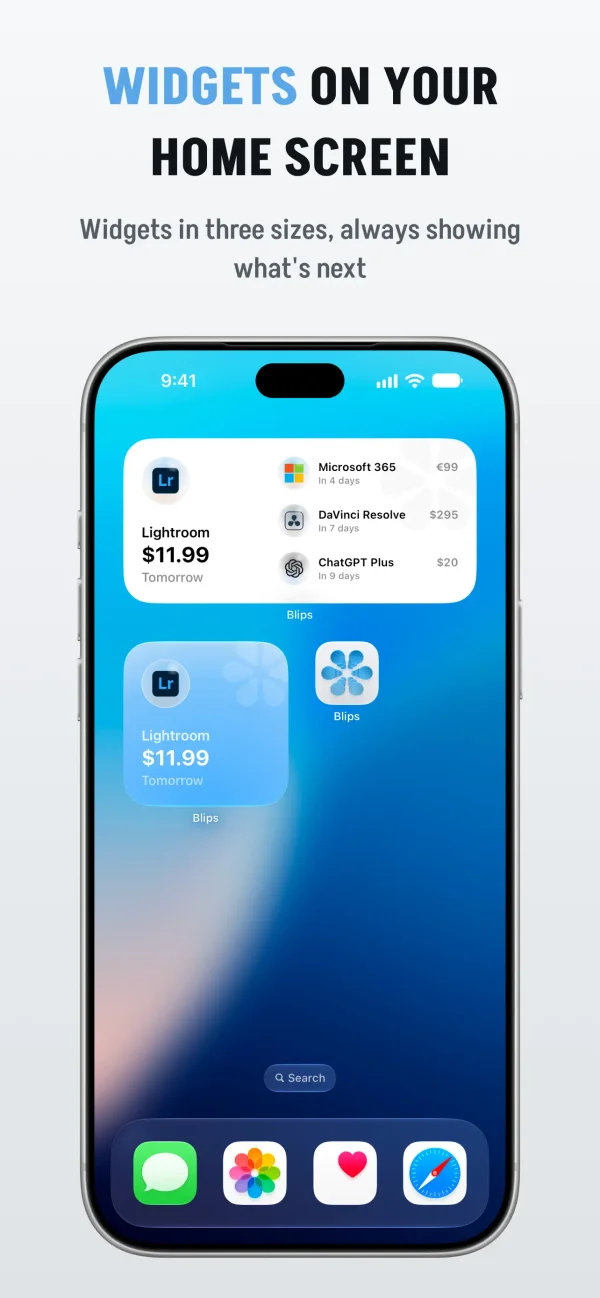
• Home Screen widgets for your upcoming renewals
• Custom reminder times
• Monthly or yearly budgets for any category or space, to see how your spending compares
• Your own categories and spaces, like family
• Backups you can export and import again, plus CSV export for spreadsheets
Download Blips and finally see everything you're paying for, all in one place.
Privacy Policy: https://blips.space/privacy/
Terms of Use: https://www.apple.com/legal/internet-services/itunes/dev/stdeula/
What’s new
Version 1.5.1 · Nov 16, 2026
New Features
• Magic Import. Add subscriptions straight from screenshots, PDFs or bank statements using Apple Intelligence, with a review step so you can check each one before it's added.
• Custom billing cycles. Every 4 weeks, every 6 months, every 2 years, or any interval you need.
Improvements
• Custom reminders. Set a reminder anywhere from 1 to 365 days ahead, at the time you choose.
• Closing an edit with unsaved changes now asks before discarding, so you won't lose your work by accident.
• Added a new welcome experience for anyone opening Blips for the first time.
App privacy
What Andrija Urosevic declares on the App Store about how this app handles data.
-
Data not collected
The developer does not collect any data from this app.
Privacy practices may vary, for example with the features you use or your age.
Information
- Seller
- Andrija Urosevic
- Category
- Finance
- Version
- 1.5.1
- Updated
- Nov 16, 2026
- Released
- Sep 2, 2026
- Size
- 31.5 MB
- Requires
- iOS 26.0 or later
- Age rating
- 4+
- Price
- Free
- In-app purchases
- Yes
- Languages
- English, Arabic, Czech, Dutch, French, German, Hindi, Hungarian, Italian, Japanese, Korean, Polish + 7 more
- Copyright
- © Andrija Urosevic
You might also like
-
 SubLab: Subscription TrackerBills, Budget & Reminders
-
 Subscription Manager: SubKitTrack Subscriptions & Bills
-
 Worth It! Subscription TrackerUsage, Expenses & Savings
-
 Subwise: Subscription TrackerControl Your Spending
-
 Subscrr: Subscription TrackerSee where your money goes
-
 Subscription Manager: SUBCANBill Reminder & Trial Tracker
-
 Remidue - Bill ReminderPayment Due Date Tracker
-
 Goose: Manual Expense TrackerIncome & Budget Spend Forecast
-
 Subscription & Budget TrackerManage your budgets
-
 Subby - Subscription ManagerRenewal Alerts & Trial Tracker