
Block It! - Block Apps & Focus
Screen Time Limits & Timer
Designed for iPhone, iPad
Free · In-app purchases
- Age rating4+
- CategoryHealth & Fitness
- DeveloperTingogo Inc
- LanguagesEnglish+ 12 more
- Size116.3 MB
Links to the official App Store page
Download.org hosts no file of Block It! - Block Apps & Focus. The button opens its official App Store page, published by Tingogo Inc. Listing last checked on Nov 14, 2026.
Screenshots

About
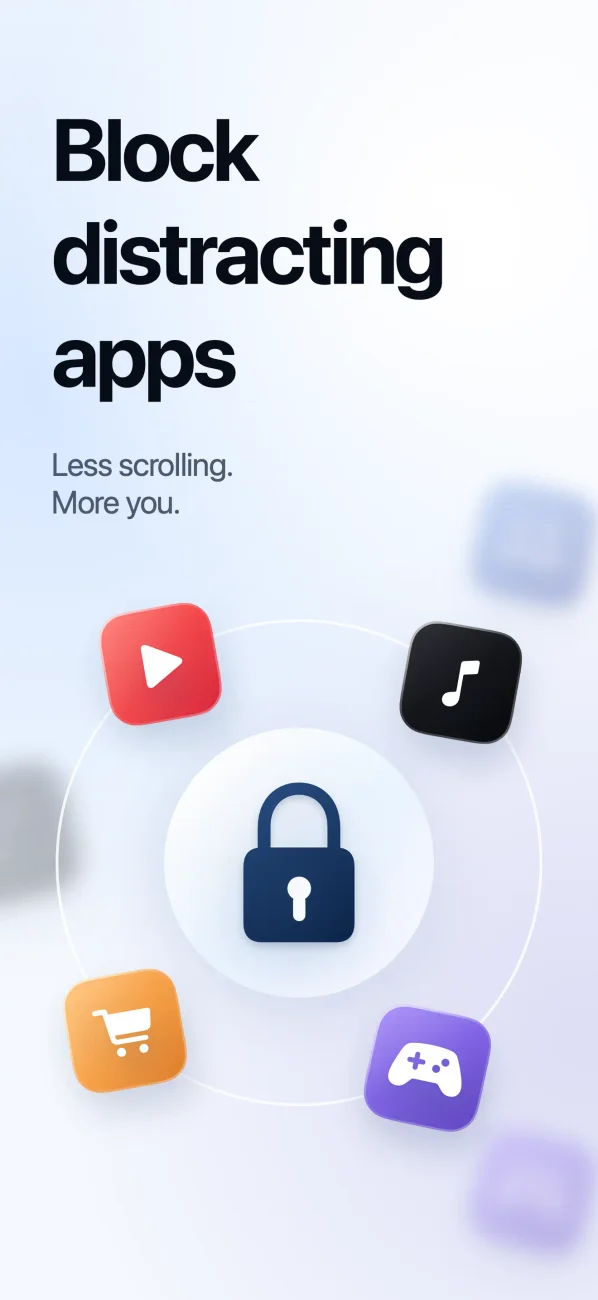
Stop mindless scrolling. Build intentional screen time.
We’ve all been there: you pick up your phone for a quick check, and thirty minutes disappear into endless feeds. You want help stepping away, without giving up the apps you need.
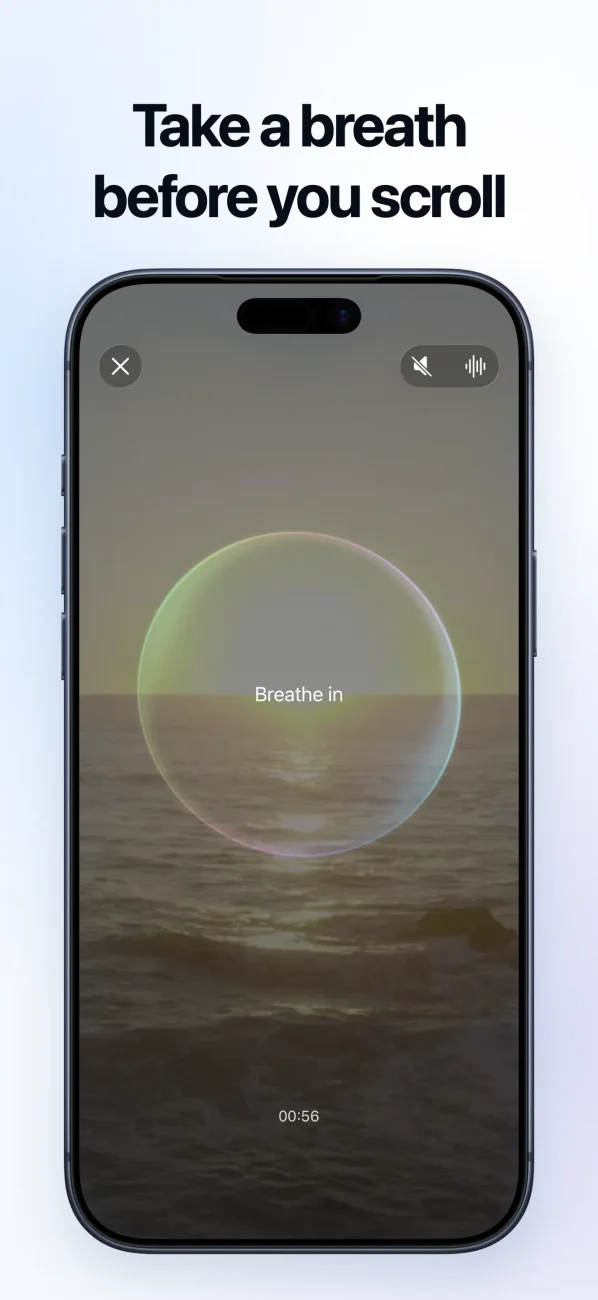
Block It! helps you find that balance. Block distracting apps and websites, protect your focus, and choose how to handle the urge before you unlock—with a short pause, a little movement, or a timed break.
◆ BLOCK DISTRACTIONS, KEEP ESSENTIALS
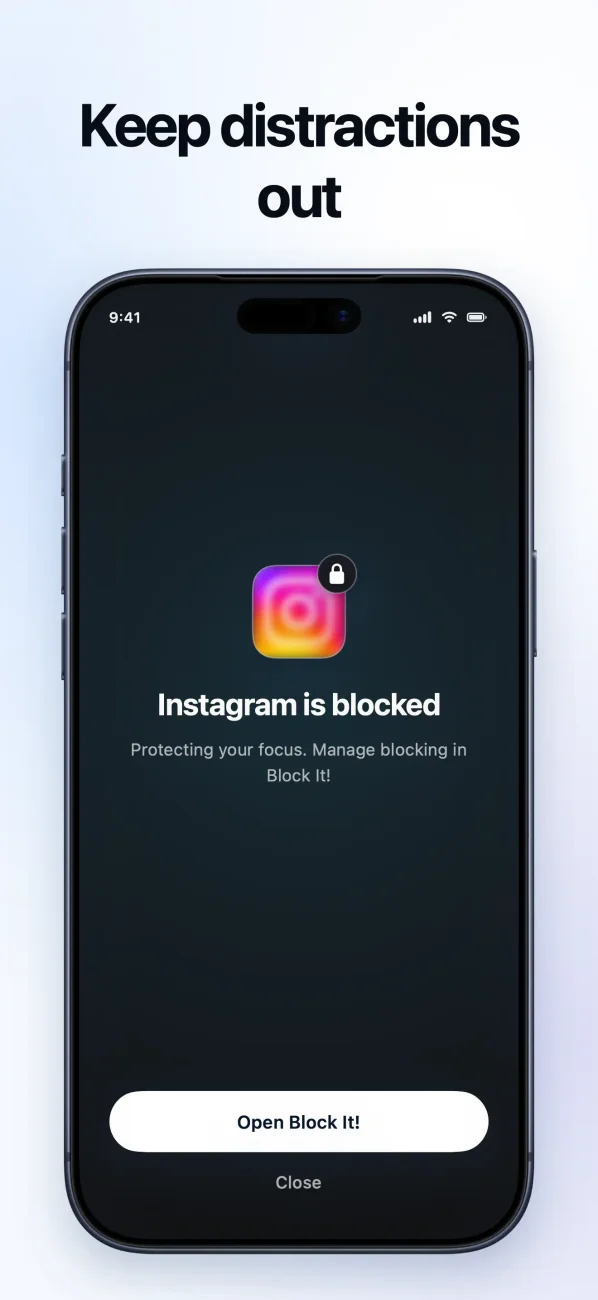
• Block distractions: Choose the apps and websites you want to block, such as social media, video feeds, games, or news.
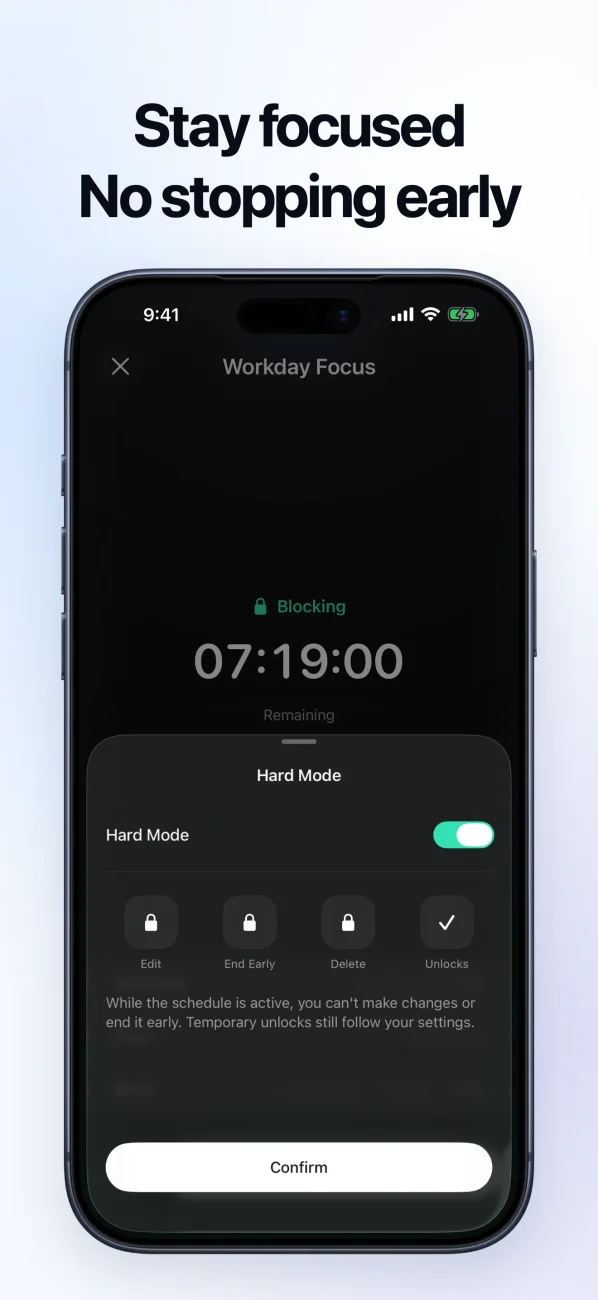
• Keep essentials: During focused time, allow only the apps you need, such as navigation, notes, or work messaging, while other supported apps stay blocked.
◆ 3 WAYS TO FIT YOUR ROUTINE
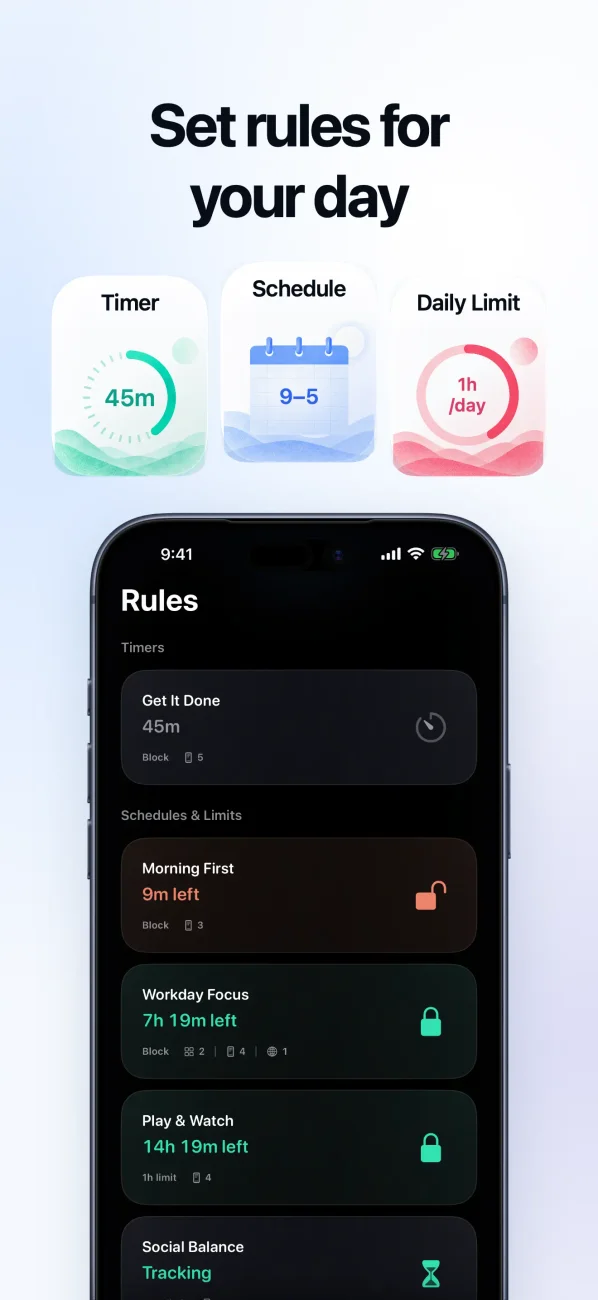
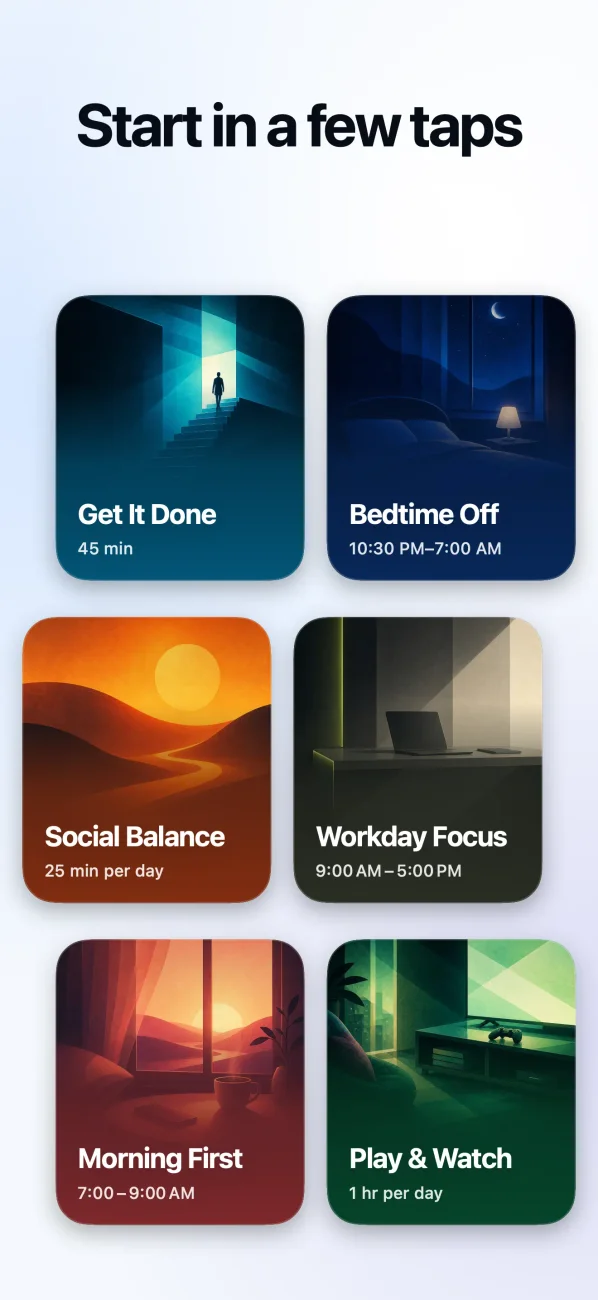
• Focus Timer: Start an on-demand block for deep work, reading, or study sessions—for example, 25 or 45 minutes.
• Automated Schedules: Set aside focused time around your regular routine—protect your work mornings, family dinners, or bedtime.
• Daily Allowances: Give yourself a daily time budget for selected apps—for example, 20 minutes of social media a day. Those apps are blocked automatically when the allowance is reached.
◆ PAUSE BEFORE YOU UNLOCK
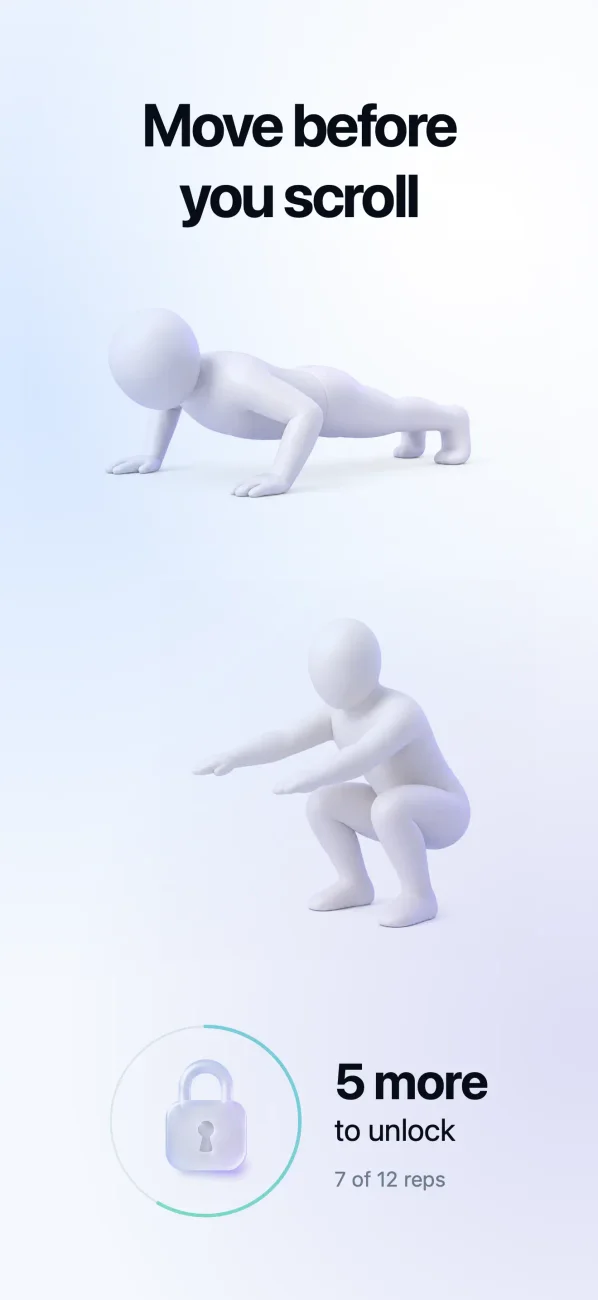
Choose a cooldown or guided breathing before temporary access, complete camera-counted squats or pushups, take a timed Quick Break, or disable breaks. Blocking resumes when access ends if the Rule is still active.
◆ SEE YOUR PROGRESS
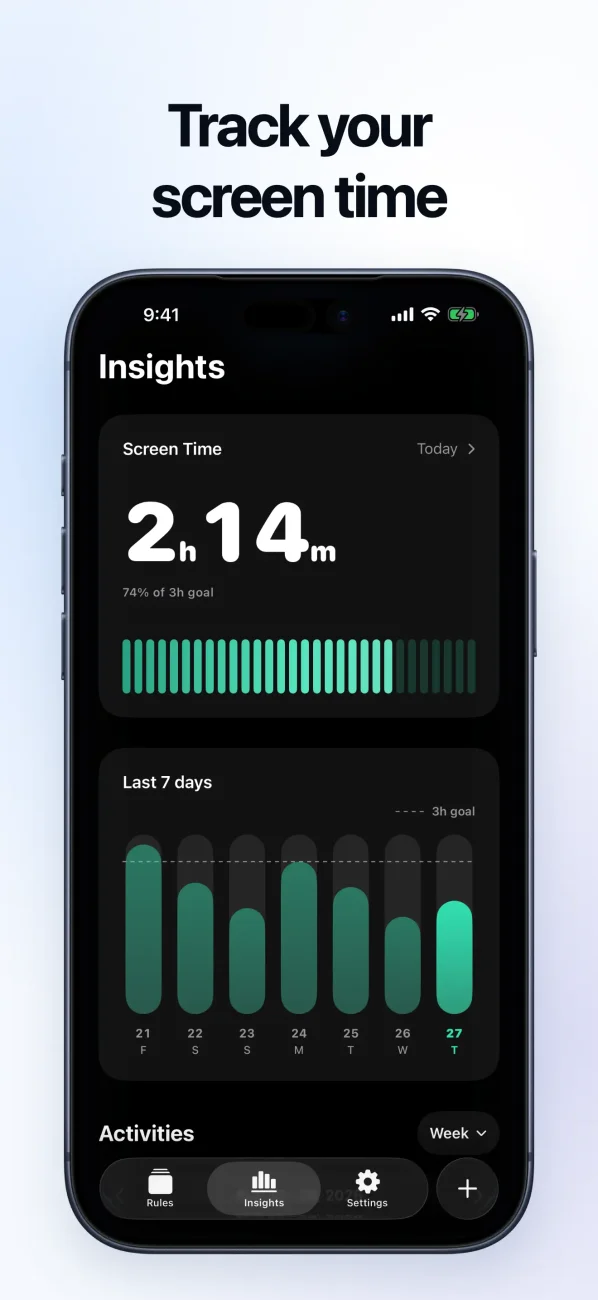
Manage your blocks in Rules, explore Screen Time in Insights, and find preferences in Settings.
• View today's Screen Time, the last seven days, and Day, Week, or Month reports. Browse available past periods with Pro.
• Choose apps to exclude from Block It! reports. This changes only these reports, not Apple's Screen Time totals, blocking Rules, or Daily Limits.
• In Activities, review completed breathing and cooldown durations and squat and pushup repetitions by week, month, or year.
◆ YOUR PRIVACY MATTERS
Your attention is personal, and so is your data.
• On-Device Movement Counting: Camera video used to count your squats and pushups is processed on your device.
• Local Settings: Your blocking setups and settings stay on this device. Only completed action history can sync through your private iCloud account when available.
Start with the app that distracts you most. Make more time for the things you want to do.
Some features require a Pro subscription.
Privacy Policy: https://blockit.tingogo.com/privacy/
Terms of Use: https://www.apple.com/legal/internet-services/itunes/dev/stdeula/
What’s new
Version 1.4 · Oct 6, 2026
• A new guided setup helps you create your first Rule.
• A redesigned Pro screen makes plans, trial eligibility, and renewal details clearer.
• Added a Refresh button when Screen Time reports remain stuck loading.
• Improved app startup and blocking reliability.
Thanks for using Block It! If it helps you make more time for what matters, consider leaving a rating or review. Your feedback helps us improve.
App privacy
What Tingogo Inc declares on the App Store about how this app handles data.
-
Data not collected
The developer does not collect any data from this app.
Privacy practices may vary, for example with the features you use or your age.
Information
- Seller
- Tingogo Inc
- Category
- Health & Fitness
- Version
- 1.4
- Updated
- Oct 6, 2026
- Released
- Sep 10, 2026
- Size
- 116.3 MB
- Requires
- iOS 26.0 or later
- Age rating
- 4+
- Price
- Free
- In-app purchases
- Yes
- Languages
- English, Dutch, French, German, Italian, Japanese, Korean, Polish, Portuguese, Simplified Chinese, Spanish, Traditional Chinese + 1 more
- Copyright
- © 2026 Tingogo Inc
You might also like
-
 EndScroll: Screen Time BlockerQuit doomscrolling, sleep more
-
 GolfScore ProTrack your tours like a Pro
-
 App Blocker & Focus: BlockMindBlock Sites, Reels & Shorts
-
 NoScrollHome: Ultimate FocusApps lock when you get home
-
 Stresscan:Your Alex 压力侦测辅助系统Health & Fitness
-
 StepLimit: Walk to UnlockBlock Apps. Earn Screen Time.
-
 DayHold: Screen Time + FocusBlock Apps You Can't Bypass
-
 Need for Steps: Walk to UnlockApp Blocker & Screen Time
-
 Pushbuddy: Pushup App BlockerExercise to Stop Doomscrolling
-
 wayfit co.Health & Fitness