
- Age rating4+
- CategoryProductivity
- DeveloperAlexander Kvamme
- LanguagesEnglish
- Size4.5 MB
Links to the official App Store page
Download.org hosts no file of BlockBuddy: Stop Scrolling. The button opens its official App Store page, published by Alexander Kvamme. Listing last checked on Nov 18, 2026.
Screenshots

About
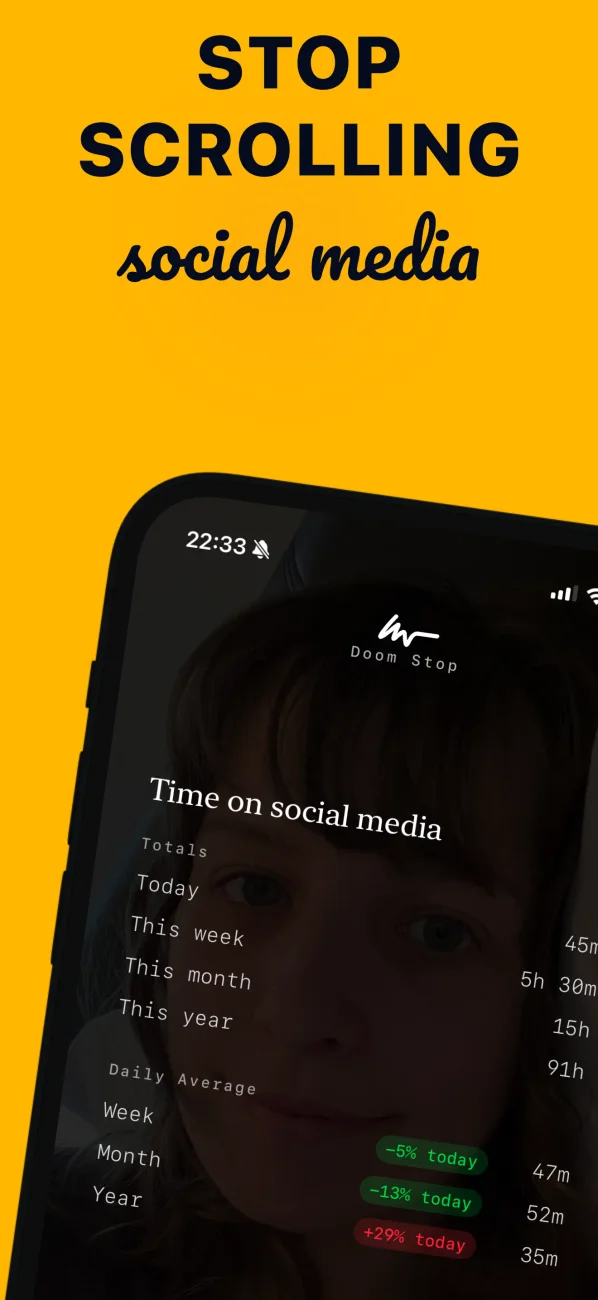
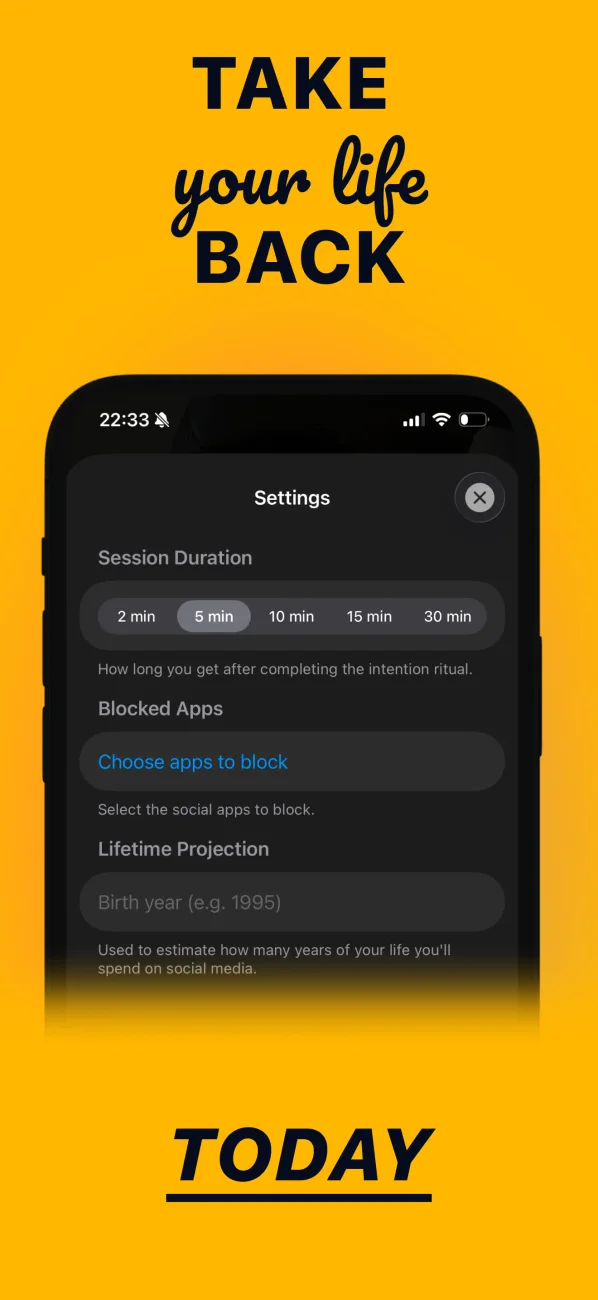
This app lets you do a lot of cool stuff, especially blocking all of your apps. You can’t open Instagram, Snapchat, or any other app unless you go through the Doom Stopper app first. There, you can unlock it for a set amount of time (for example, 5 minutes), and it helps you stay away from doom scrolling because when the time is up, you get kicked out of the app and have to go through Doom Stopper again.
What’s new
Version 1.3 · Sep 22, 2026
The app you tapped is now preselected when you land on the intention screen — no more picking Facebook again just because Instagram was remembered.
Bigger, easier-to-hit app icons on the main screen.
App privacy
What Alexander Kvamme declares on the App Store about how this app handles data.
-
Data not collected
The developer does not collect any data from this app.
Privacy practices may vary, for example with the features you use or your age.
Information
- Seller
- Alexander Kvamme
- Category
- Productivity
- Version
- 1.3
- Updated
- Sep 22, 2026
- Released
- May 11, 2026
- Size
- 4.5 MB
- Requires
- iOS 26.2 or later
- Age rating
- 4+
- Price
- Free
- Languages
- English
- Copyright
- © 2025 Home Offices International Inc
You might also like
-
 Unfeed: Scroll BlockerGuard your focus & screen time
-
 ReadLofttext to speech book, PDF & web
-
 Narc: Screen Time ControlsBlock your friend's scrolling!
-
 Unscroll: Less ScrollingMore time for what matters.
-
 MindFort: App Blocker & FocusLimit Screen Time, Block Sites
-
 Focus WaveProductivity
-
 Moai: Screen Time ControlScreen Time & App Blocker
-
 DoomGuard: Stop DoomscrollingScreen Time & Focus Coach
-
 No Scroll: Block Reels & ShortHide feed, shorts, explore
-
 Typace: AI Keyboard & PromptsGrammar, Rewrite & Translate