Blockd: Mindful Screen Time
Block apps & reclaim focus
Designed for iPhone
In-app purchases
- Age rating4+
- CategoryProductivity
- DeveloperSteven Rylski
- LanguagesEnglish+ 1 more
- Size130.4 MB
Links to the official App Store page
Download.org hosts no file of Blockd: Mindful Screen Time. The button opens its official App Store page, published by Steven Rylski. Listing last checked on Nov 12, 2026.
Screenshots


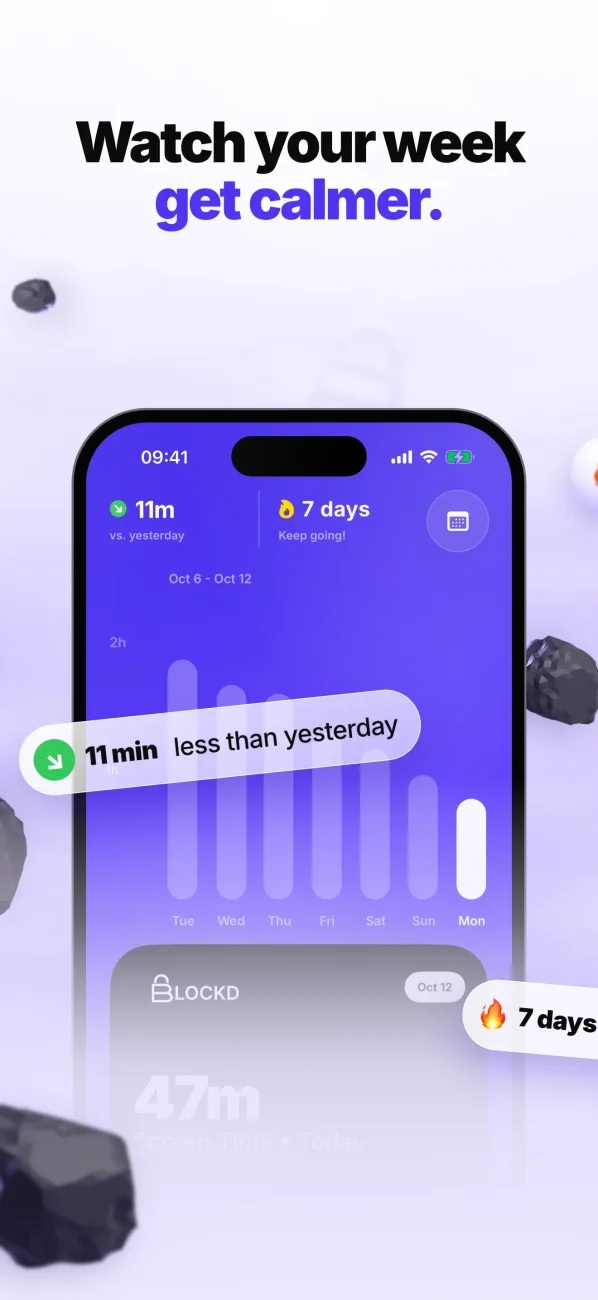
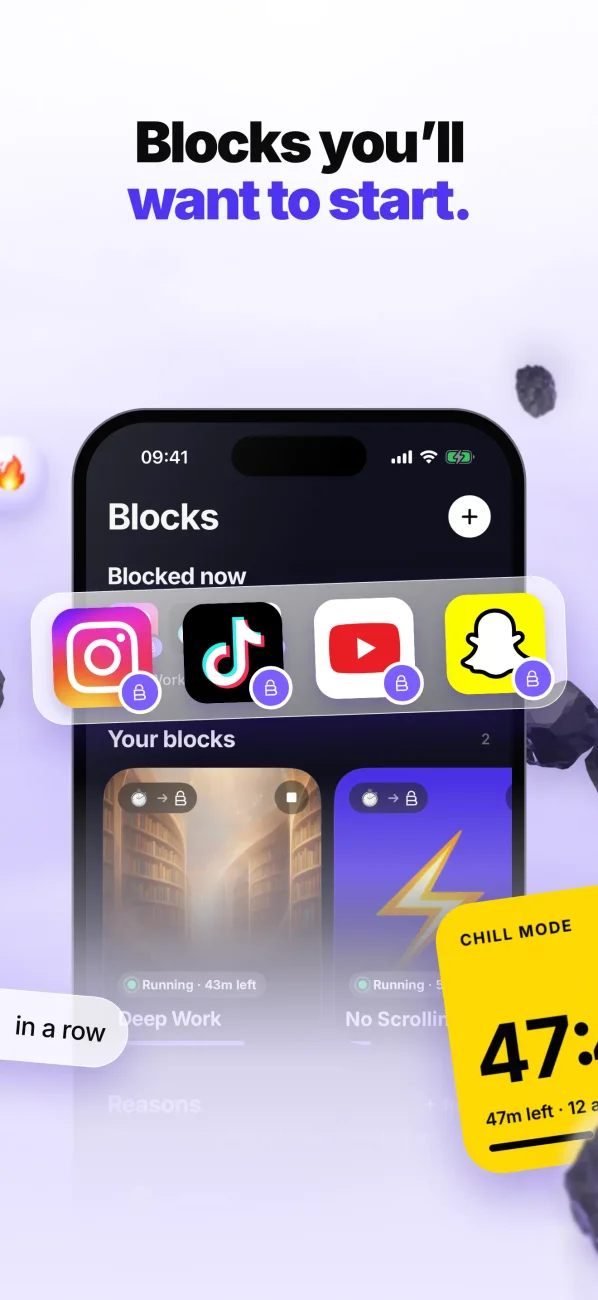
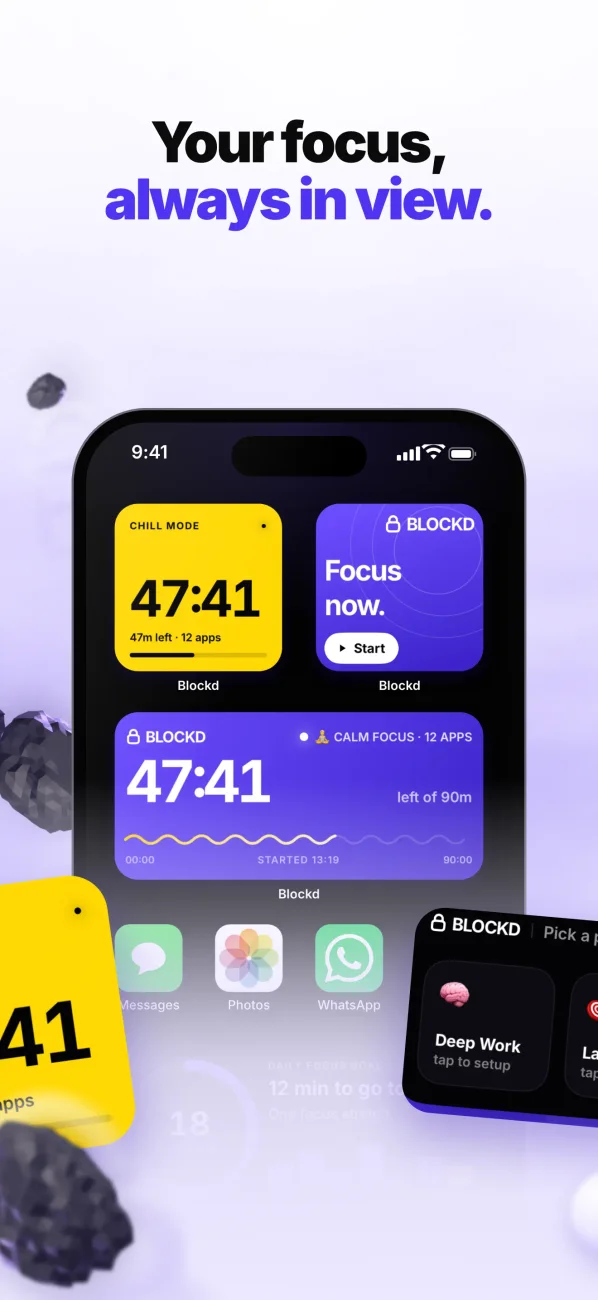

About
Blockd helps you create a pause before distractions take over.
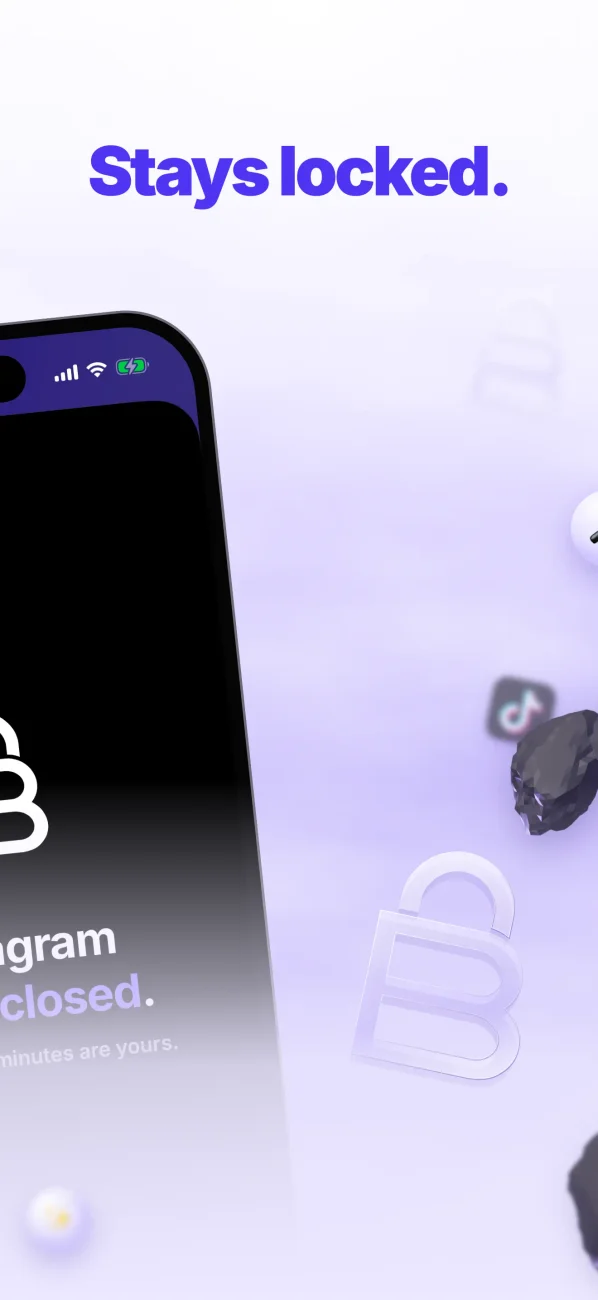
Built with Apple Screen Time, BLOCKD lets you block distracting apps and websites, set intentional limits, and build calmer phone habits without making your device feel hostile. Instead of relying on willpower in the exact moment you are about to open a distracting app, BLOCKD adds structure around that decision.
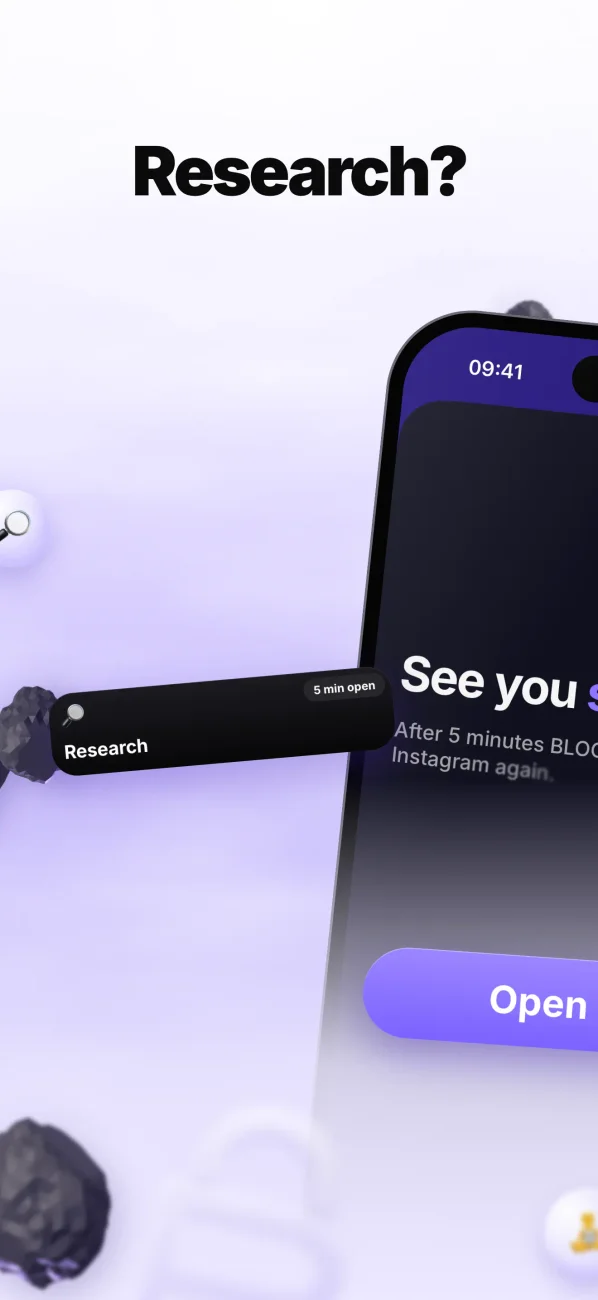
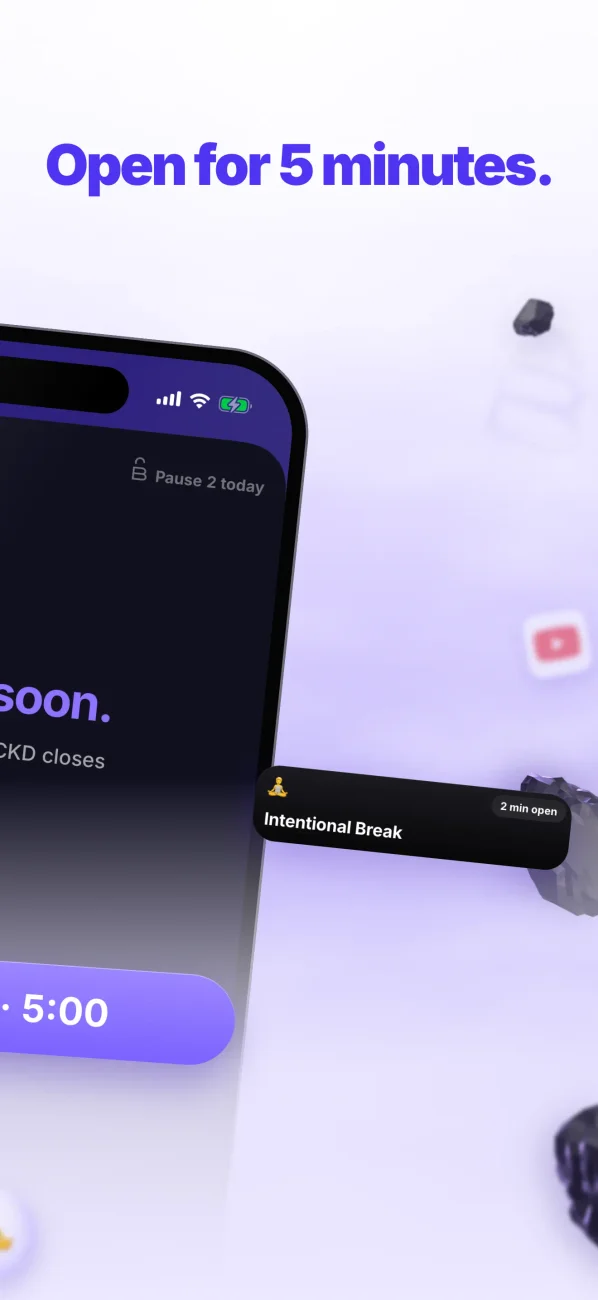
When you try to open a blocked app, BLOCKD interrupts the habit loop and creates a short moment to check in with yourself. If you still need access, you can choose a reason and, depending on that reason, unlock the app for a short period of time. This makes it easier to separate mindless scrolling from intentional use.
What you can do with BLOCKD:
• Block distracting apps with Apple Screen Time
• Start focus sessions for work, study, rest, or personal time
• Create app limits that support your daily goals
• Set up scheduled blocking sessions for recurring routines
• Use a reason-based unlock flow for more intentional decisions
• Temporarily unlock an app for things like research or a short break
• Review daily Screen Time and usage patterns
• Track how your time is distributed across apps
• Build simple routines that are easier to stick to over time
BLOCKD is designed to feel calm, clear, and practical. The goal is not to shame you for using your phone. The goal is to help you notice the moment before an automatic tap turns into lost time.
Privacy matters. Your Screen Time data is protected by Apple, and sensitive usage data stays on your device.
BLOCKD requires Screen Time / Family Controls permission so it can apply the blocking, limit, and insight features you choose.
Terms of Use (EULA): https://www.apple.com/legal/internet-services/itunes/dev/stdeula/
Privacy Policy: https://blockd-app.com/datenschutz/
What’s new
Version 2.0.2 · Oct 19, 2026
Short breaks now work reliably.
• Unlocking works again: hold your reason and the app opens for the time you chose – including apps you blocked through a category.
• Quicker to choose: holding a reason now takes less time.
• After your break, the app locks again reliably, even if you don't open Blockd.
• The notification after "Choose a reason" arrives faster. Didn't get it? Tap again and it's sent once more.
• Scheduled blocks stay within their time window and no longer start early after a break.
• The Screen Time card on the Home screen is no longer cut off.
• Other improvements and bug fixes.
App privacy
What Steven Rylski declares on the App Store about how this app handles data.
-
Data used to track you
May be used to track you across apps and websites owned by other companies.
- Purchases
- Identifiers
-
Data linked to you
May be collected and linked to your identity.
- Purchases
- Identifiers
- Usage data
-
Data not linked to you
May be collected but is not linked to your identity.
- Purchases
- Identifiers
Privacy practices may vary, for example with the features you use or your age.
Information
- Seller
- Steven Rylski
- Category
- Productivity
- Version
- 2.0.2
- Updated
- Oct 19, 2026
- Released
- Jun 2, 2026
- Size
- 130.4 MB
- Requires
- iOS 18.6 or later
- Age rating
- 4+
- In-app purchases
- Yes
- Languages
- English, German
- Copyright
- © 2026 Steven Rylski
You might also like
-
 EVOLVE AI: Self ImprovementProgress made visible
-
 LOCKEDIN: Focus & FitnessClimb Ranks, Change Your Life
-
 LockedIn: Earn Screen TimeHabittracker & Focus
-
 Braino: Focus & Study BlockerLimit Apps & Stay On Task
-
 Slofy - Less ScreentimeSmart App Blocking
-
 Well Earned: Earn Screen TimeHabit Tracker & App Blocker
-
 FocusLoot: Focus Timer & HabitMake starting feel good
-
 NEXUS - Personal GrowthSelf Improvement AI
-
 Koia: Earn Your Screen TimeHabit Tracker, App Blocker
-
 Screen Time Limit - DisconnectSocial Media & App Blocker