
BlockMap
Turn real places into worlds
Designed for iPhone, iPad
Free · In-app purchases
- Age rating4+
- CategoryUtilities
- DeveloperNikandr Surkov
- LanguagesEnglish+ 71 more
- Size69.2 MB
Links to the official App Store page
Download.org hosts no file of BlockMap. The button opens its official App Store page, published by Nikandr Surkov. Listing last checked on Nov 20, 2026.
Screenshots
About
BlockMap turns any real place on Earth into a playable Minecraft world. Search your city, your street, your school or a famous landmark, tap once, and get a ready-to-play world file (.mcworld) that opens straight in Minecraft on your phone or tablet.
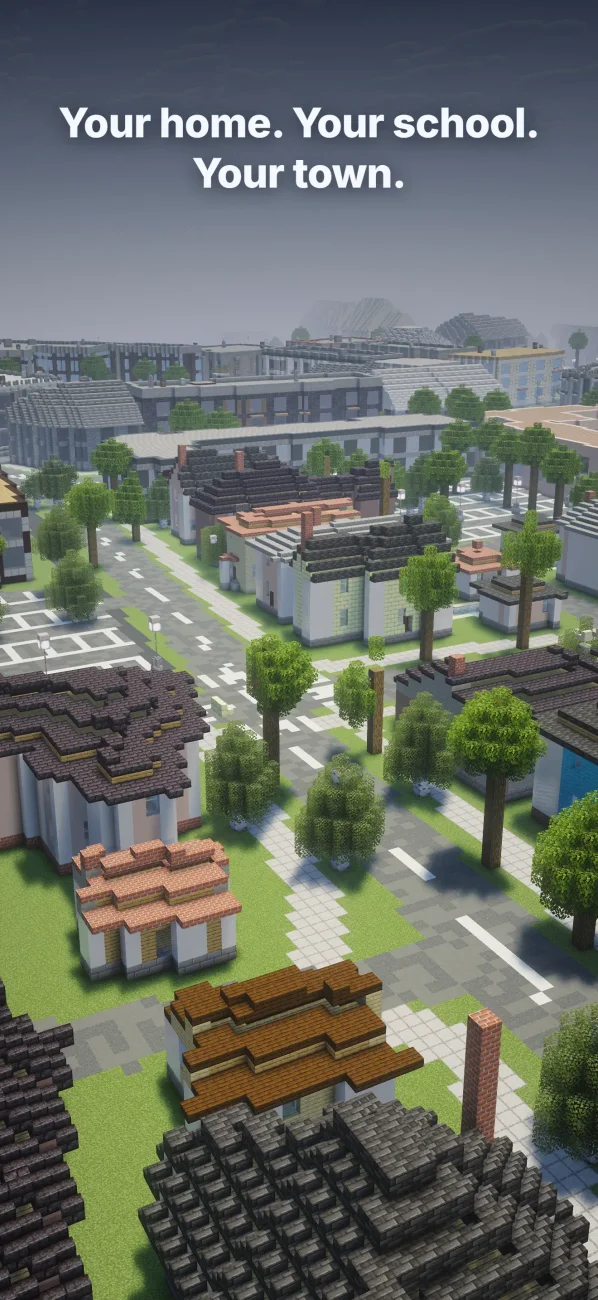
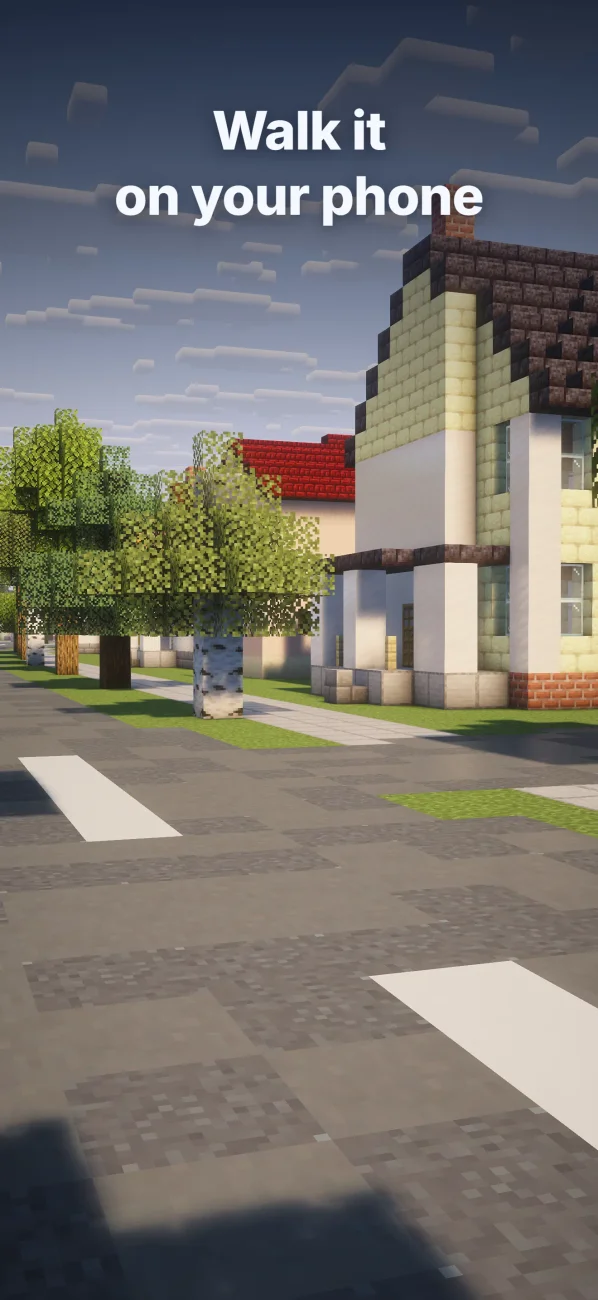
Every world is built from real map data: real streets and roads, real building footprints and heights, rivers, lakes, parks, railways and terrain. Walk around a block version of your own neighborhood, or start a survival, creative, parkour or roleplay world in a place you actually know.
HOW IT WORKS
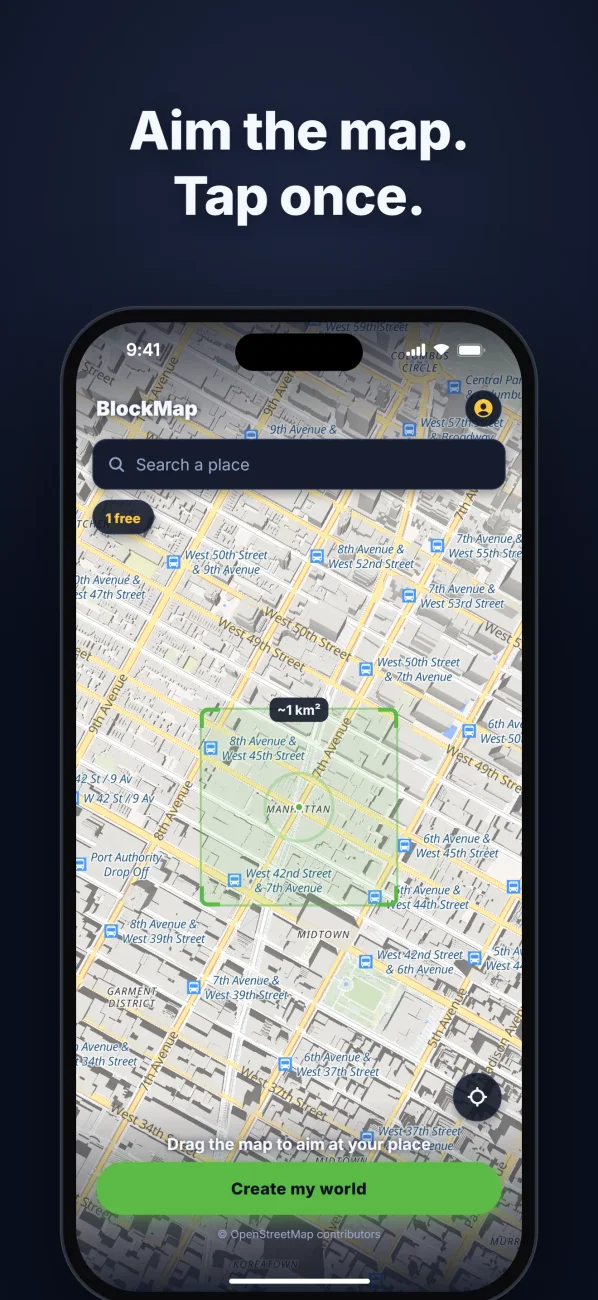
1. Search any place - an address, a city, a landmark.
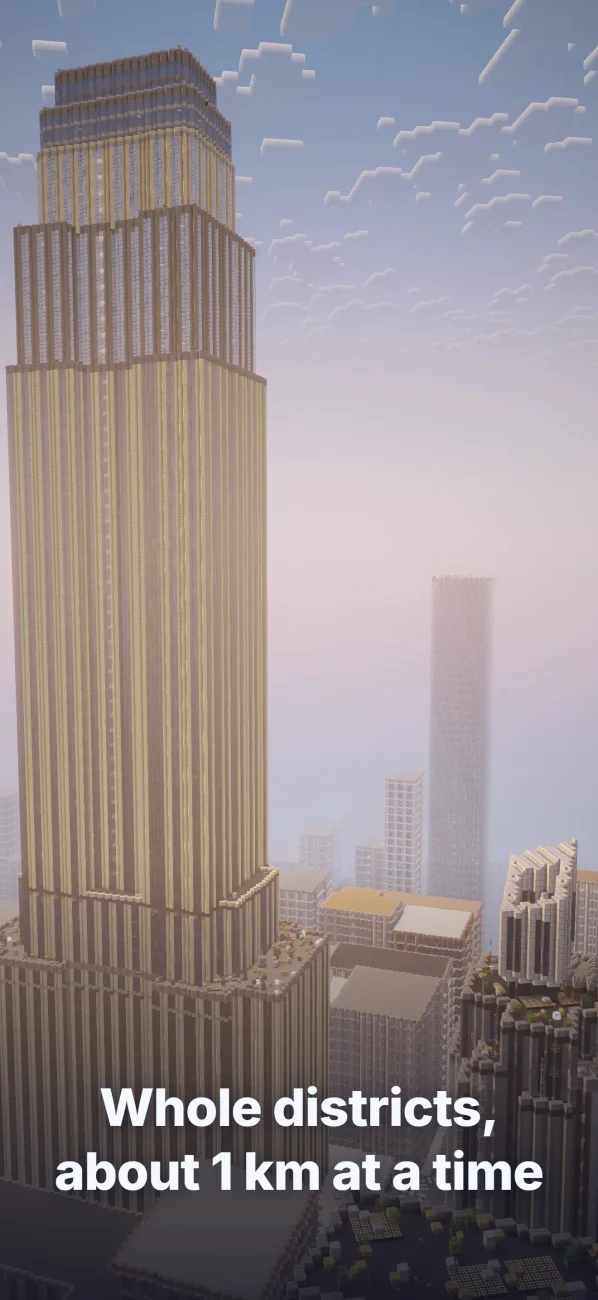
2. Aim the map at the area you want (about 1 km across).
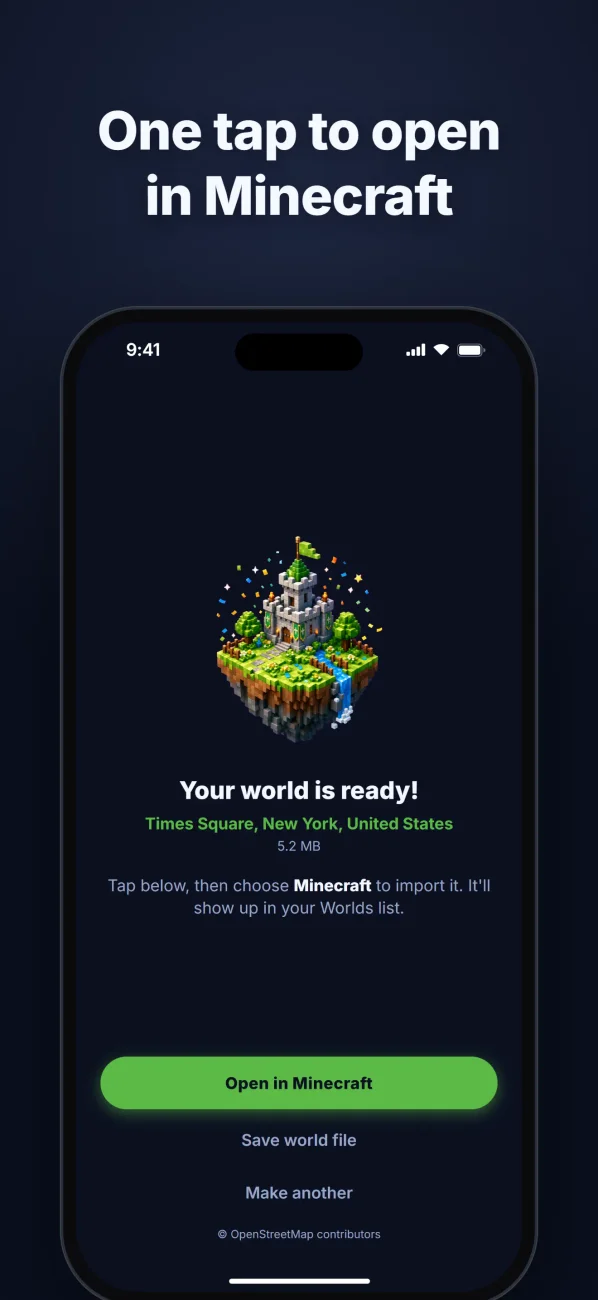
3. Tap "Create my world". BlockMap builds it in seconds.
4. Open it in Minecraft (Bedrock Edition) and play.
PLACES TO TRY
- New York: Times Square, Central Park and the Manhattan skyscrapers.
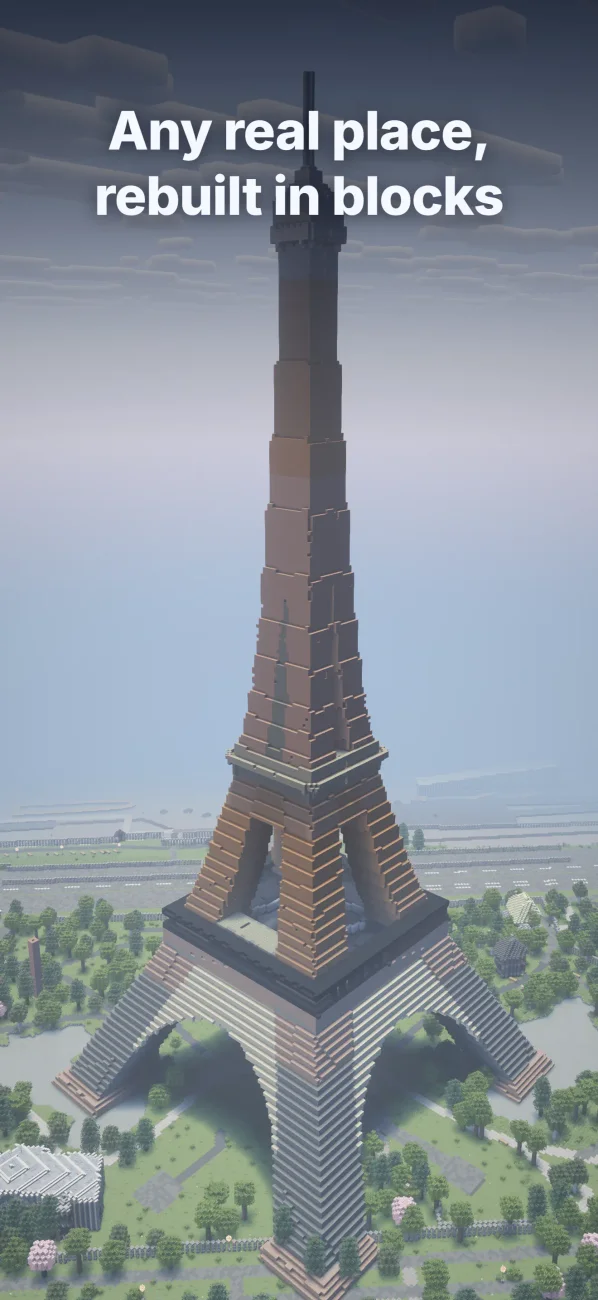
- Paris: the Eiffel Tower and the streets around it.
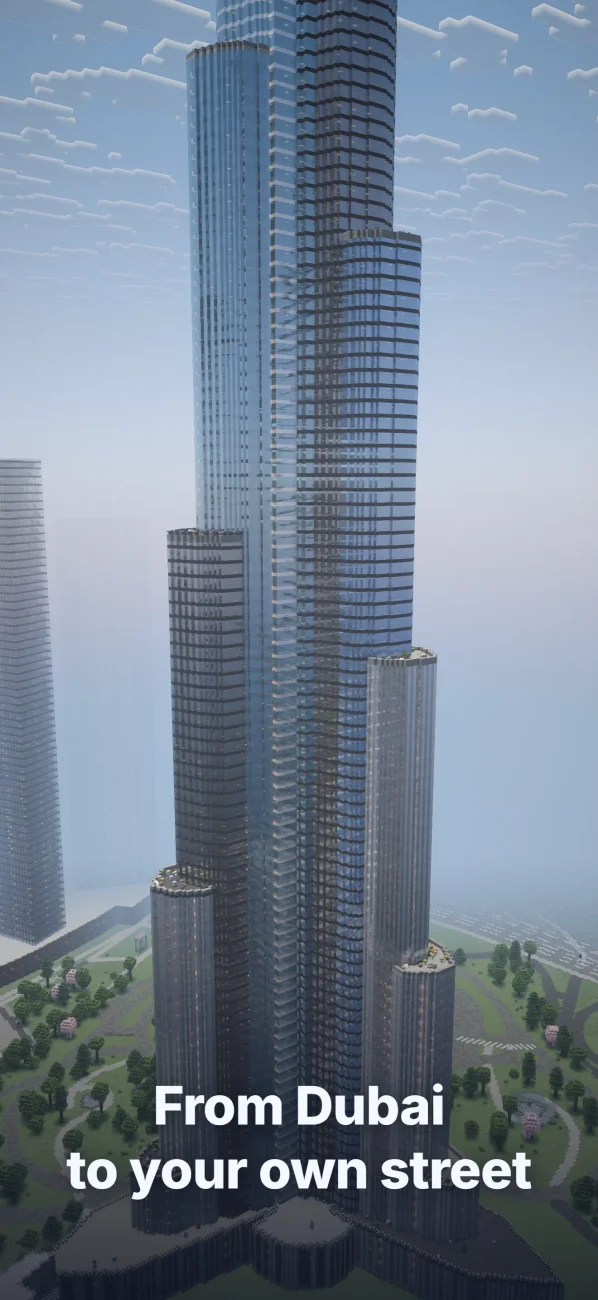
- Dubai: Burj Khalifa and the downtown towers.
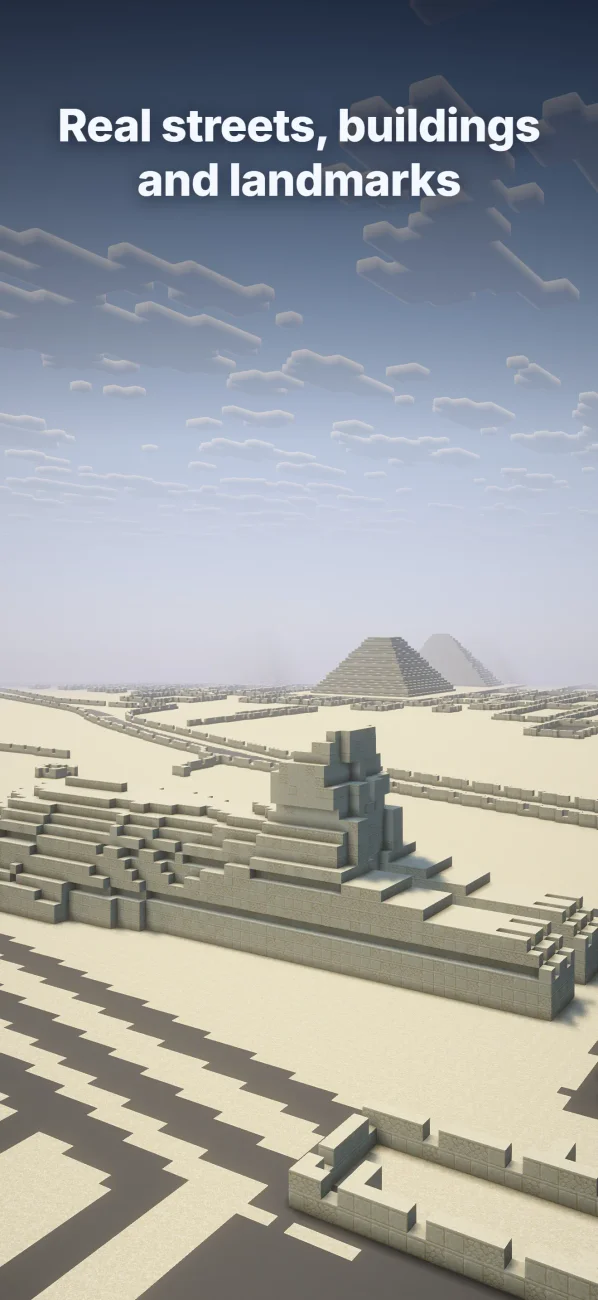
- Giza: the Great Pyramid, the pyramids of Khafre and Menkaure, and the Sphinx.
- Barcelona: Sagrada Familia. Moscow: Red Square. Washington: the White House.
- London, Tokyo, Rome, Istanbul, Seoul, Sydney, Sao Paulo, Mexico City - any city on the map.
- Your home, your school, your street, your hometown.
WHAT YOU GET
- A real-world map for Minecraft Bedrock Edition (the mobile edition, formerly Pocket Edition) in the .mcworld format.
- Real building shapes and heights, roads, water, greenery and terrain from OpenStreetMap.
- One-tap generation on your phone - no PC, no mods, no commands, no seeds to hunt for.
- Worlds open directly in Minecraft. You can also save the .mcworld file and share it with friends.
- Some famous places hide hand-built details waiting to be found.
- Interface in 72 languages.
GOOD FOR
- Building a block version of your hometown, campus or school.
- Exploring famous cities and landmarks in Minecraft.
- Custom survival and creative maps based on a real place.
- Map making, city building, roleplay and parkour courses on real streets.
- Geography and city-planning projects with real map data.
SUBSCRIPTION
Your first world is free. Unlimited worlds with a BlockMap subscription (weekly or annual), with a free trial on the annual plan. Prices are shown in the app; manage or cancel anytime in the App Store.
Map data (c) OpenStreetMap contributors.
BlockMap is not an official Minecraft product and is not approved by or associated with Mojang or Microsoft. Minecraft is a trademark of Mojang Studios. Worlds are generated in the Bedrock world format.
Terms of Use (EULA): https://blockmap.app/terms
Privacy Policy: https://blockmap.app/privacy
What’s new
Version 1.8 · Nov 18, 2026
Small improvements and fixes.
App privacy
What Nikandr Surkov declares on the App Store about how this app handles data.
-
Data not linked to you
May be collected but is not linked to your identity.
- Purchases
- Location
- Identifiers
Privacy practices may vary, for example with the features you use or your age.
Information
- Seller
- Nikandr Surkov
- Category
- Utilities
- Version
- 1.8
- Updated
- Nov 18, 2026
- Released
- Sep 9, 2026
- Size
- 69.2 MB
- Requires
- iOS 16.4 or later
- Age rating
- 4+
- Price
- Free
- In-app purchases
- Yes
- Languages
- English, Afrikaans, Albanian, Amharic, Arabic, Armenian, Azerbaijani, Basque, Belarusian, Bengali, Bulgarian, Burmese + 60 more
- Copyright
- © 2026 Nikandr Surkov
You might also like
-
 Easy Text to Speech ReaderClone Any Voice TTS Reader
-
 Maps for Minecraft & AddonsUltimate maps, addons for MCPE
-
 IPA Installer: Dev UtilityFor developers & QA Teams
-
 Melon Mods For RagdollsAddons for Ragdolls
-
 Master AddOns for Minecraft PEMCPE AddOn Resource Map Skin
-
 Tripo AI: 3D Model GeneratorImage & Text to Game Assets
-
 Phone Guardian Safe Mobile VPNSecure WiFi & Online Privacy
-
 Fish AudioAI Voice & Text to Speech
-
 MCPEDL for MinecraftMods, Maps, Skins, Textures
-
 BedrockTogetherBedrock Server Connector