BlockTick - Schedule Planner
Time blocks · On-time rate
Designed for iPhone, iPad, Mac
Free · In-app purchases
- Age rating4+
- CategoryProductivity
- Developer锁利 俱
- LanguagesEnglish+ 23 more
- Size30.6 MB
Links to the official App Store page
Download.org hosts no file of BlockTick - Schedule Planner. The button opens its official App Store page, published by 锁利 俱. Listing last checked on Nov 23, 2026.
Screenshots

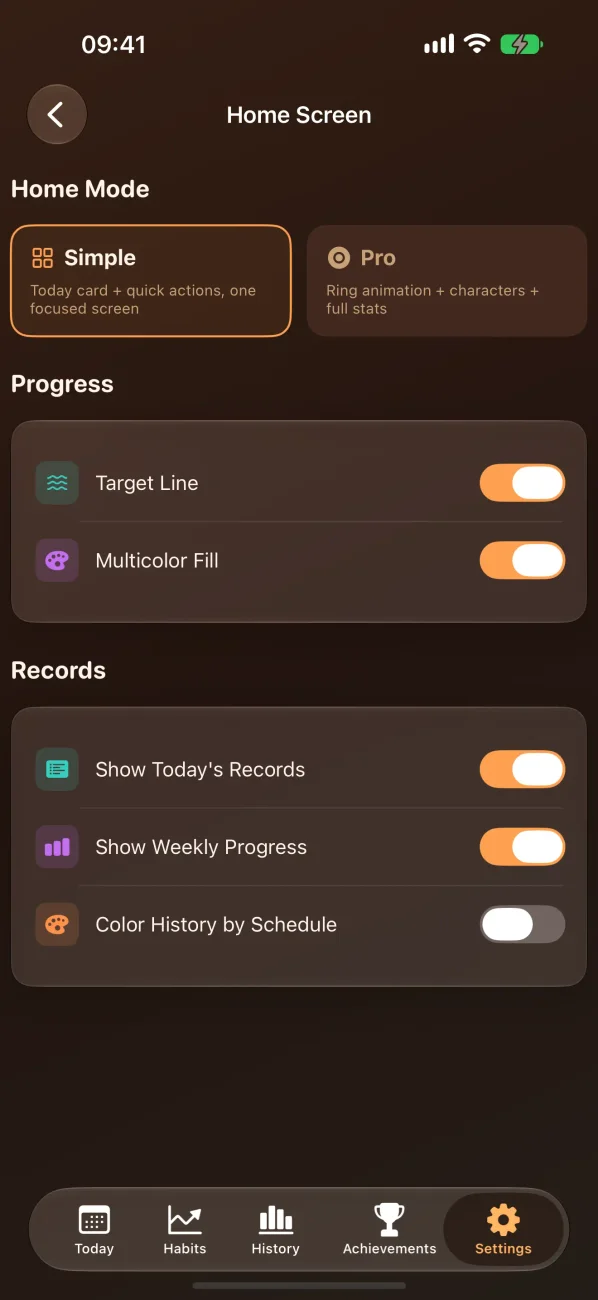
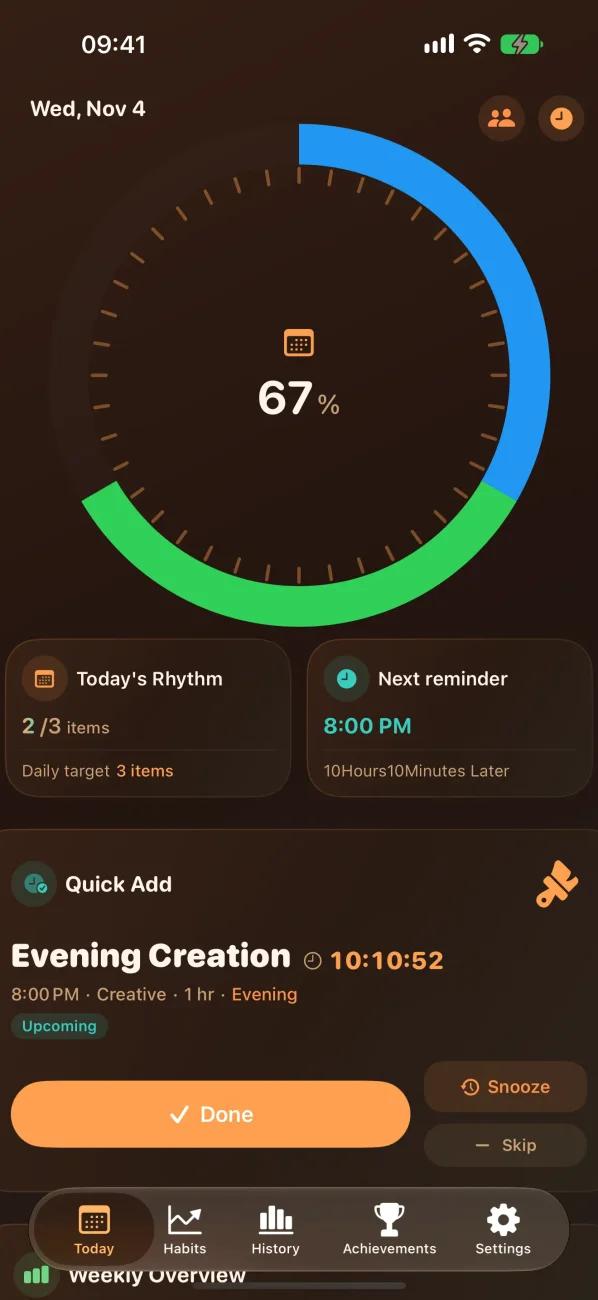
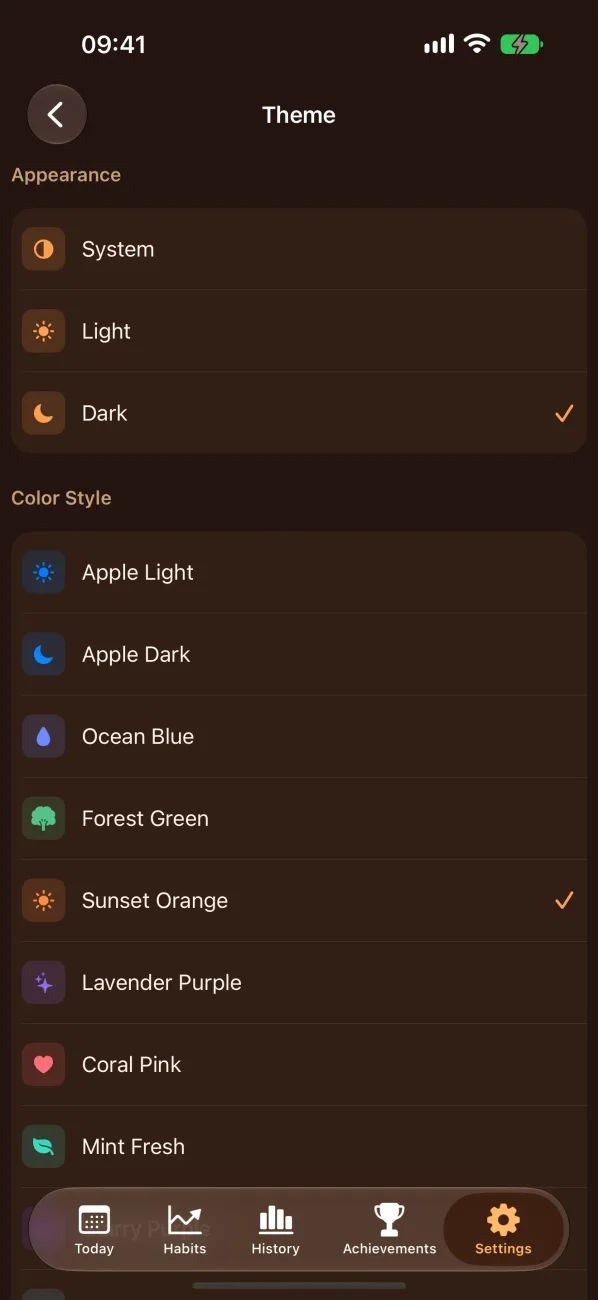
About
BlockTick — your schedule assistant and an execution system for your plans.
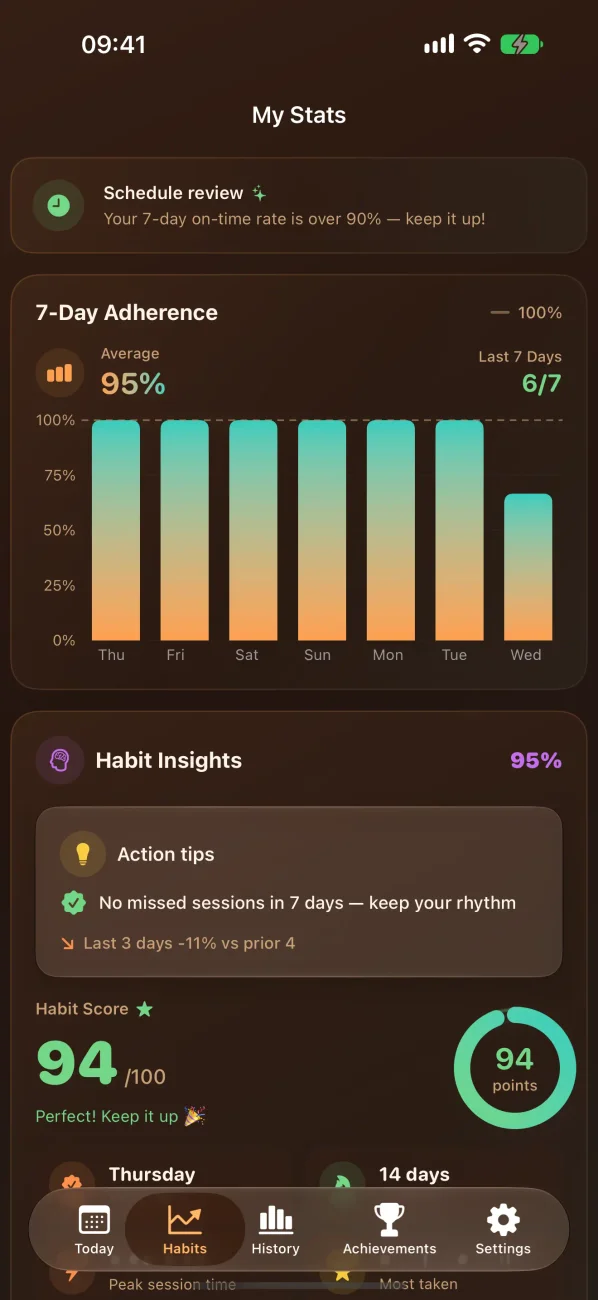
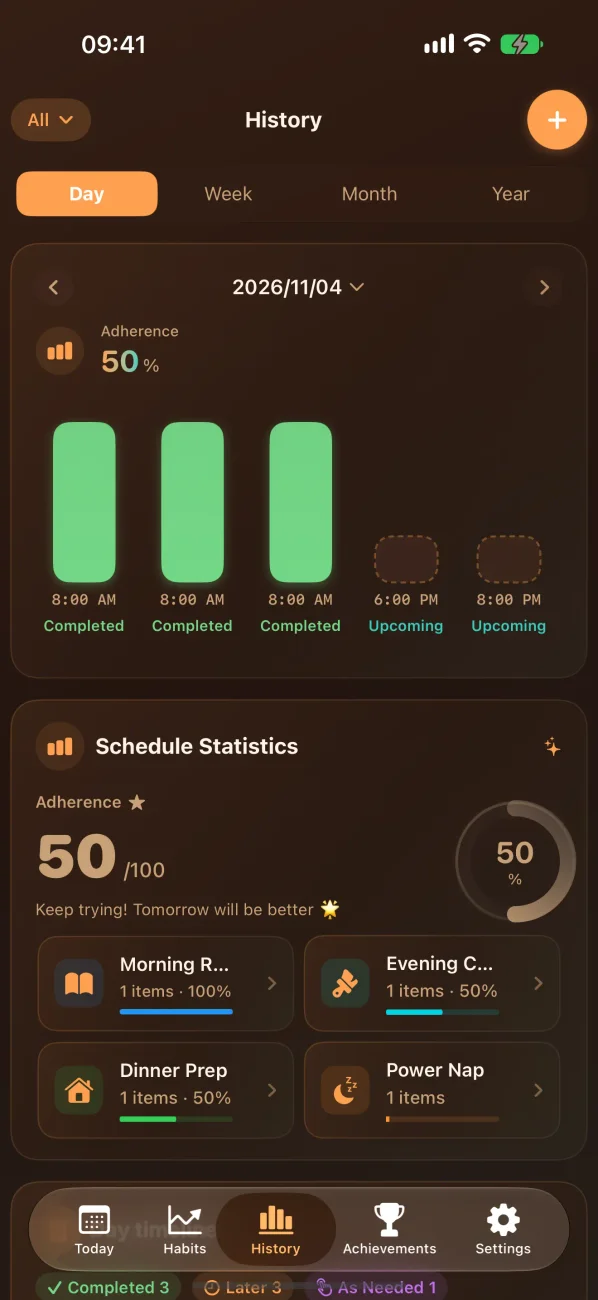
You make plans, but never start? BlockTick does one thing: get you started on time. Split the day into time blocks, get a reminder when a block begins, a countdown while it runs, and an on-time rate that makes daily follow-through visible. It is not another to-do list — what matters is starting on time, not just writing things down.
Rather not plan from scratch? 386 ready-made schedules are grouped into 38 profession and lifestyle sets — everyday groups free, 30 profession groups with Pro. Pick several and create them all at once — start time, duration and repeat cycle are pre-filled, so your day runs right away.
TEMPLATE LIBRARY: 386 READY-MADE SCHEDULES — everyday groups free, 30 profession groups with Pro
• 38 groups: Morning, Work & Focus, Study, Fitness & Health, Life & Family, Creative & Fun, Wind-down, Weekend & Seasonal, plus healthcare, teaching, development, sales, F&B, logistics, finance, accounting, HR, marketing, e-commerce, construction, manufacturing, real estate, insurance, beauty, writing, research, media, hospitality, pet care and social work
• Select and create: multi-select a whole set, no form filling item by item
• Edit afterwards: what you generate is an ordinary schedule — change time, duration or repeat anytime
• Search: type a profession or keyword to find the right template
FEATURES
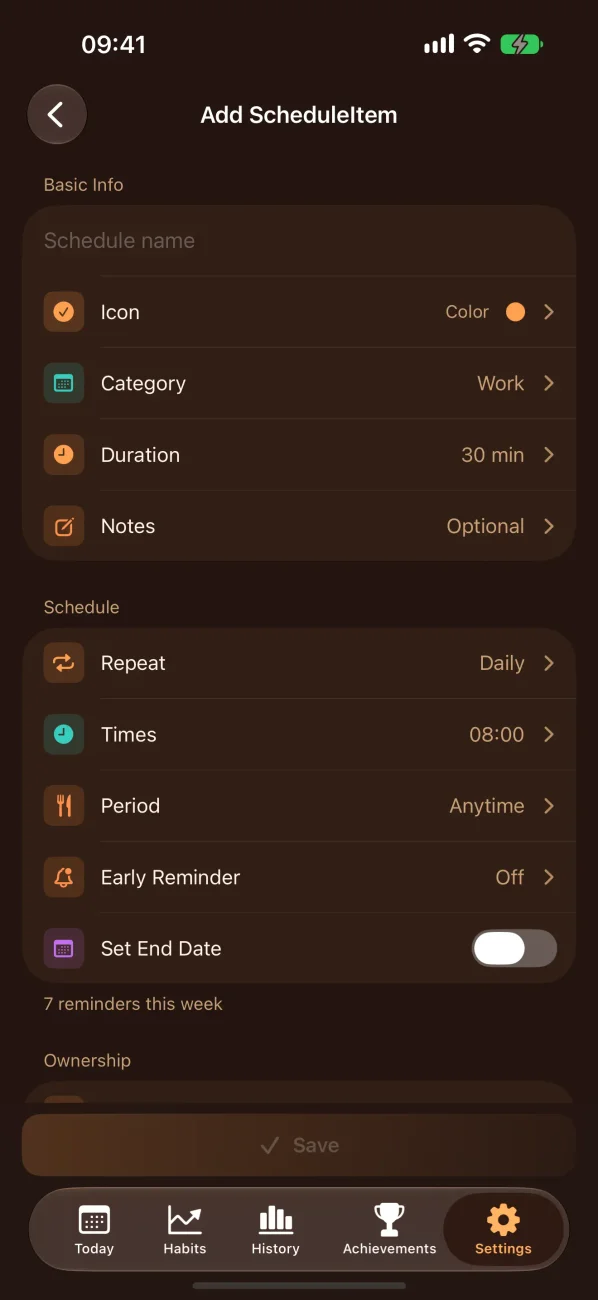
• Time-block schedules: a start time and a duration for each task (30 min reading, 1 h workout…), repeating daily / every N days / on chosen weekdays / yearly
• On-time reminders: first alert, follow-up if unconfirmed, snooze; time-sensitive notifications break through Focus
• In-progress state: a running block is marked in progress with a live mm:ss countdown; between blocks the countdown points to the next block
• On-time rate: daily, weekly, monthly and yearly stats plus streaks
• Yearly and festival schedules: Spring Festival, Mid-Autumn, Qingming, China's National Day and more repeat every year; lunar dates are converted automatically; the Chinese holiday group is hidden outside Chinese regions
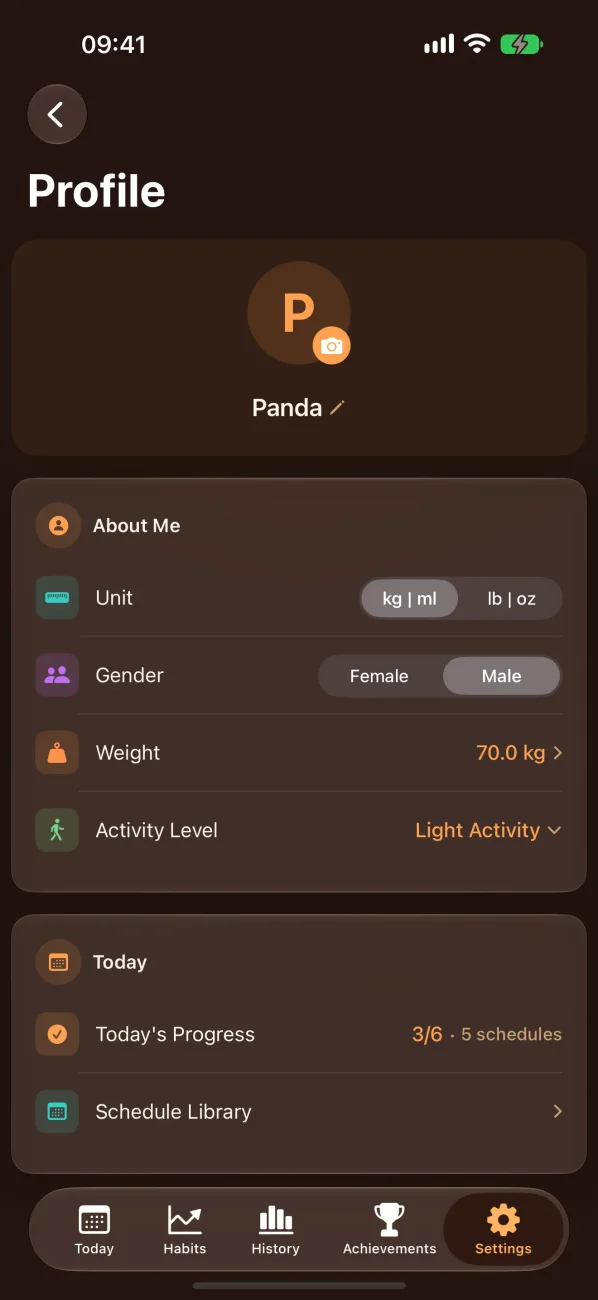
• Family members: separate routines for each family member (free covers your own profile; add family with Pro), with independent reminders and stats
• Truly native on iPhone, iPad, Apple Watch, Mac and desktop widgets, synced via iCloud
• Apple Watch app: today's schedule on your wrist; complete records right on the watch
• Widgets: today's progress and next-block countdown, one-tap complete
• Siri shortcuts: "Hey Siri, log a schedule with BlockTick"
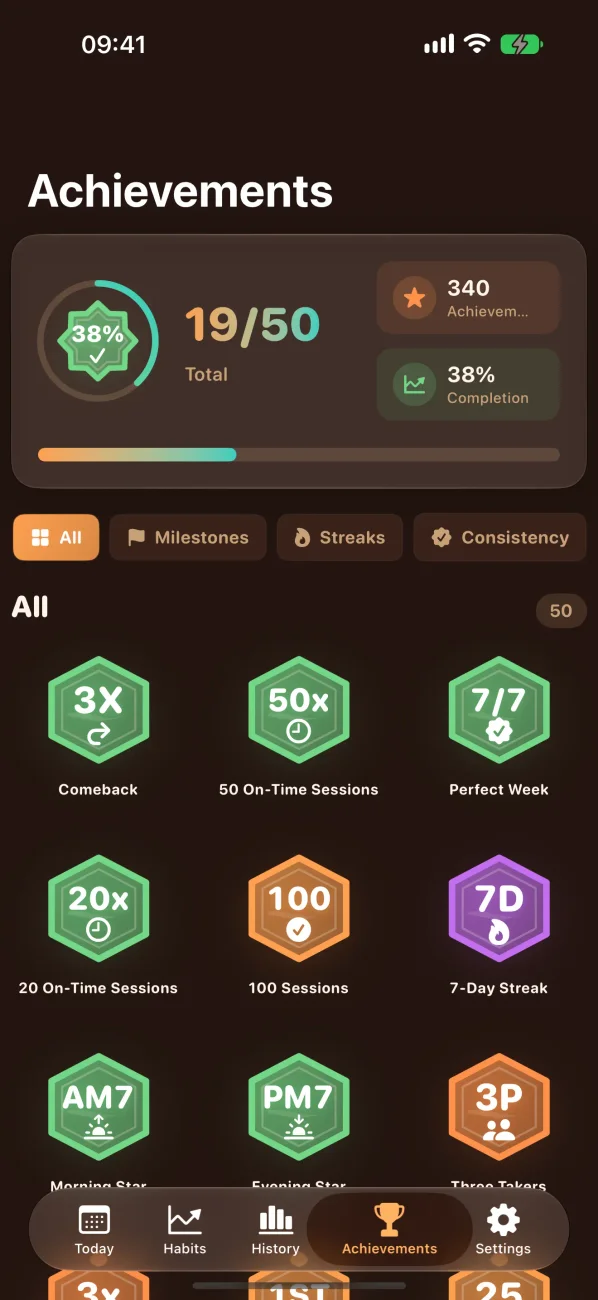
• Achievements: streaks, perfect weeks and milestones
• 12 schedule categories, morning / afternoon / evening tags
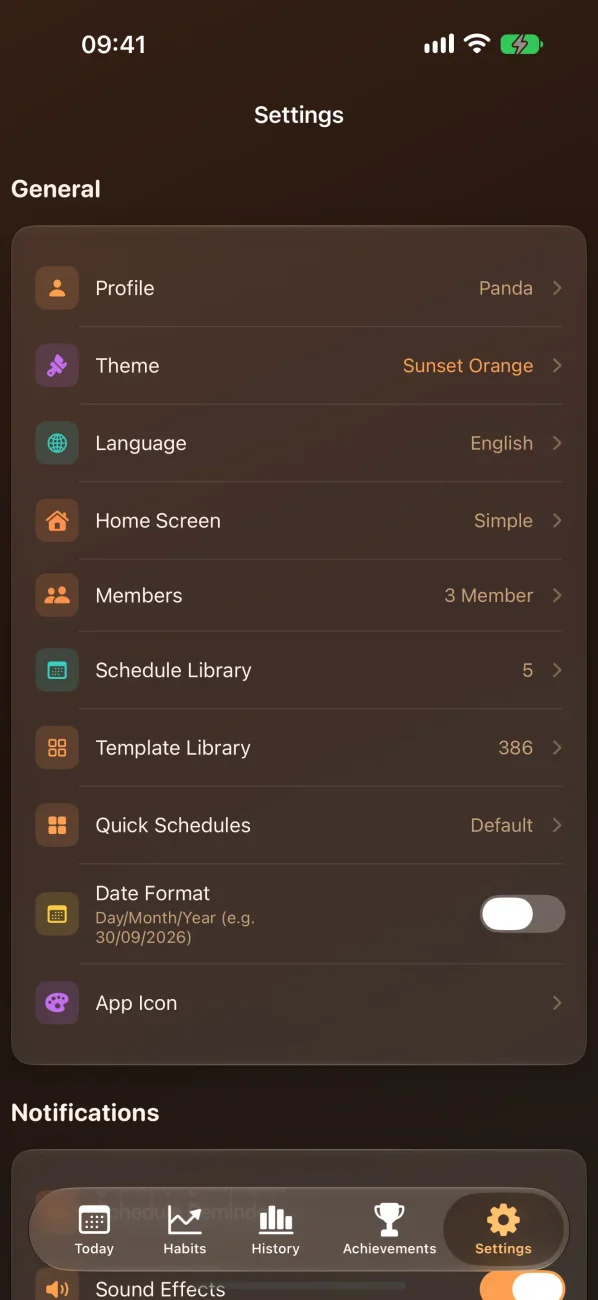
• 15 alternate icons and multiple themes with light and dark variants
• Data stays private: iCloud private database, no third-party analytics or ad SDKs
PRO
Free: 3 schedules, your own profile, full reminder chain, Watch, widgets, iCloud sync, daily/weekly stats
Pro (monthly / yearly / lifetime): unlimited schedules and members, 287 profession templates across 30 industries, monthly/yearly stats, focus sound, export and full backup
SUBSCRIPTION
• Monthly and yearly plans are auto-renewable subscriptions, charged within 24 hours before the end of the current period through your App Store account; manage or cancel anytime in your account settings
• Privacy Policy: https://jusuoli.github.io/BlockTick-support/privacy-policy_en.html
• Terms of Use: https://jusuoli.github.io/BlockTick-support/terms_en.html
BlockTick is a productivity tool that helps you execute your own plans; it does not provide medical, psychological or professional time-management advice.
Keep the rhythm — every day counts.
What’s new
Version 1.0.1 · Nov 21, 2026
This update includes:
- New app icons in several styles for richer personalization
- A redesigned membership card — subscribing is more straightforward
- More timely schedule sync on Apple Watch — your watch face stays up to date
- Various detail improvements
- Fixed some known issues for a more stable experience
App privacy
What 锁利 俱 declares on the App Store about how this app handles data.
-
Data not collected
The developer does not collect any data from this app.
Privacy practices may vary, for example with the features you use or your age.
Information
- Seller
- 锁利 俱
- Category
- Productivity
- Version
- 1.0.1
- Updated
- Nov 21, 2026
- Released
- Nov 9, 2026
- Size
- 30.6 MB
- Requires
- iOS 17.0 or later
- Age rating
- 4+
- Price
- Free
- In-app purchases
- Yes
- Languages
- English, Arabic, Czech, Dutch, French, German, Hindi, Hungarian, Indonesian, Italian, Japanese, Korean + 12 more
- Copyright
- Copyright © 2026 Suoli Ju. All Rights Reserved