- Age rating4+
- CategoryProductivity
- DeveloperVigneshwaran Elangovan
- LanguagesEnglish
- Size4.2 MB
Links to the official App Store page
Download.org hosts no file of BLOX: Stop Doomscrolling. The button opens its official App Store page, published by Vigneshwaran Elangovan. Listing last checked on Nov 20, 2026.
Screenshots
About
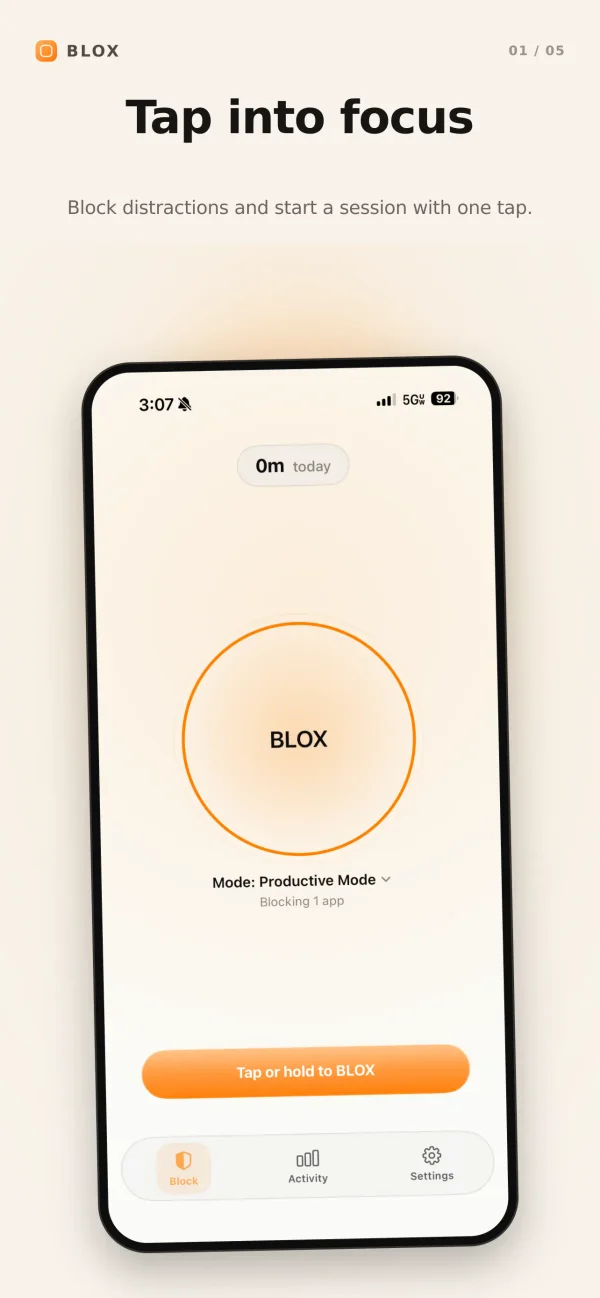
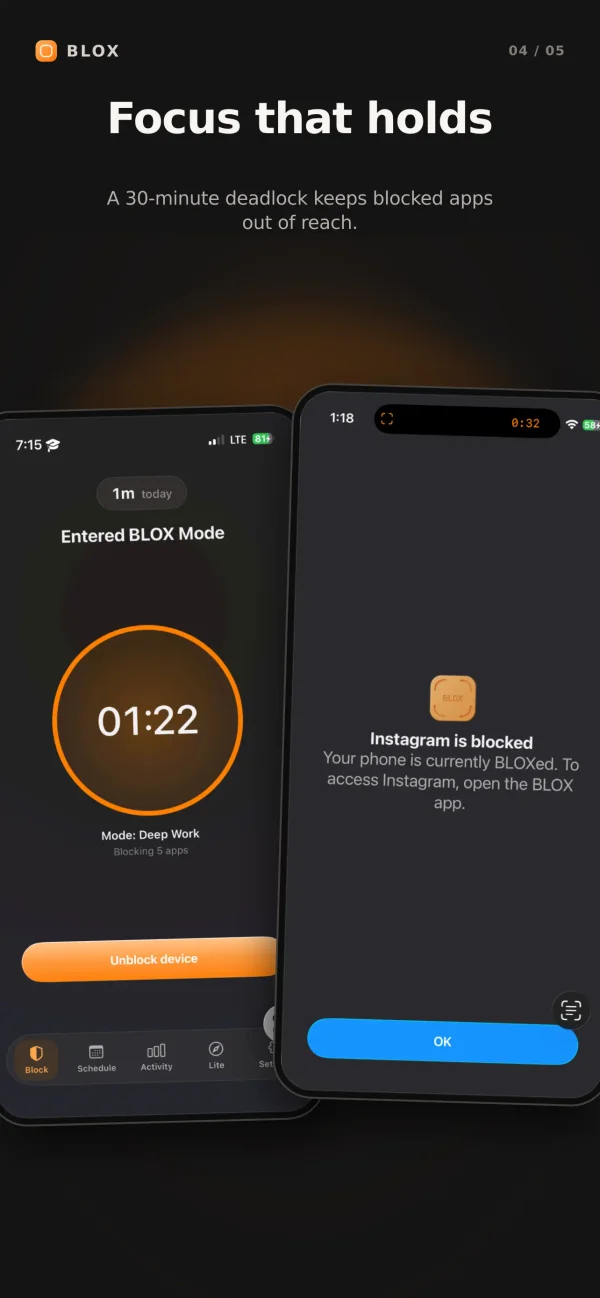
BLOX helps you stop doomscrolling by adding a physical step between you and distracting apps.
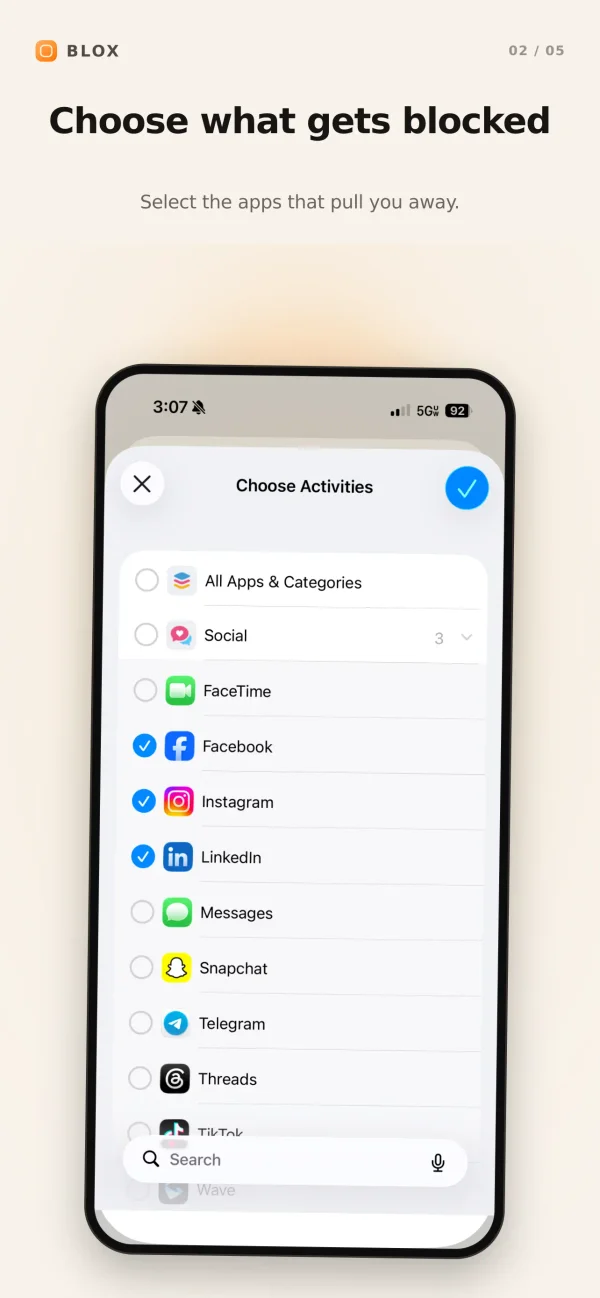
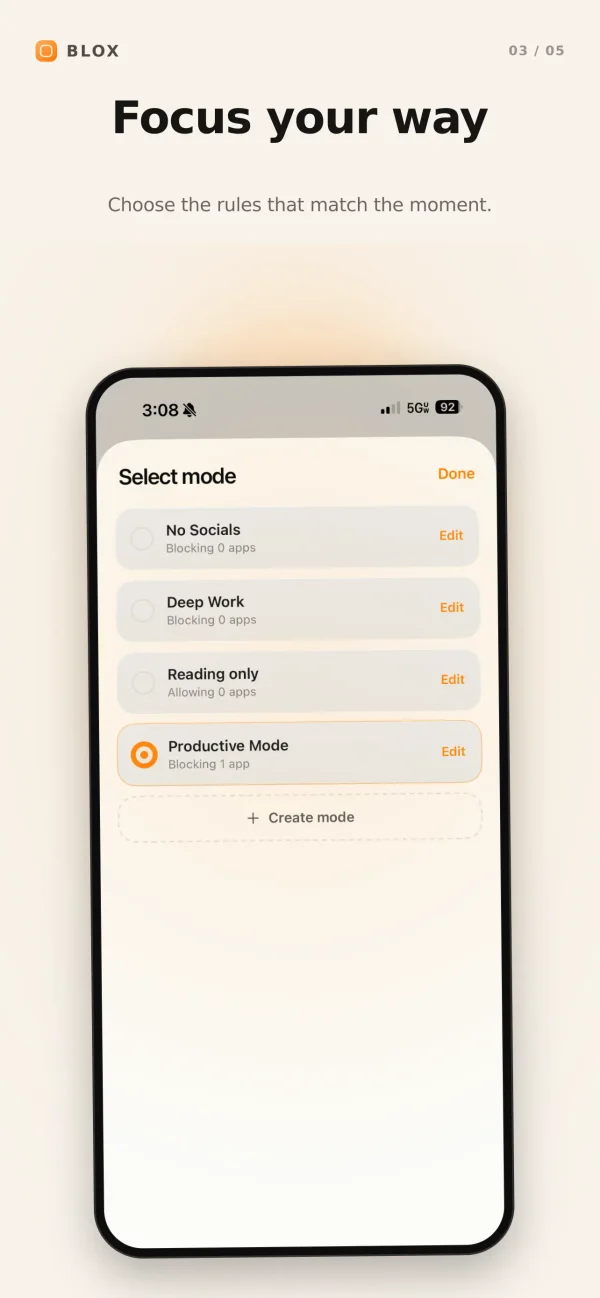
Choose the apps and categories you want to block, create a focus mode, then tap your iPhone on a compatible NFC tag to begin. Once a session starts, BLOX applies your selected restrictions and activates a 30-minute deadlock. After the deadlock ends, tap the tag again to finish your session.
FEATURES
• Block selected apps and categories using Apple’s Screen Time controls
• Create reusable focus modes
• Schedule focused time
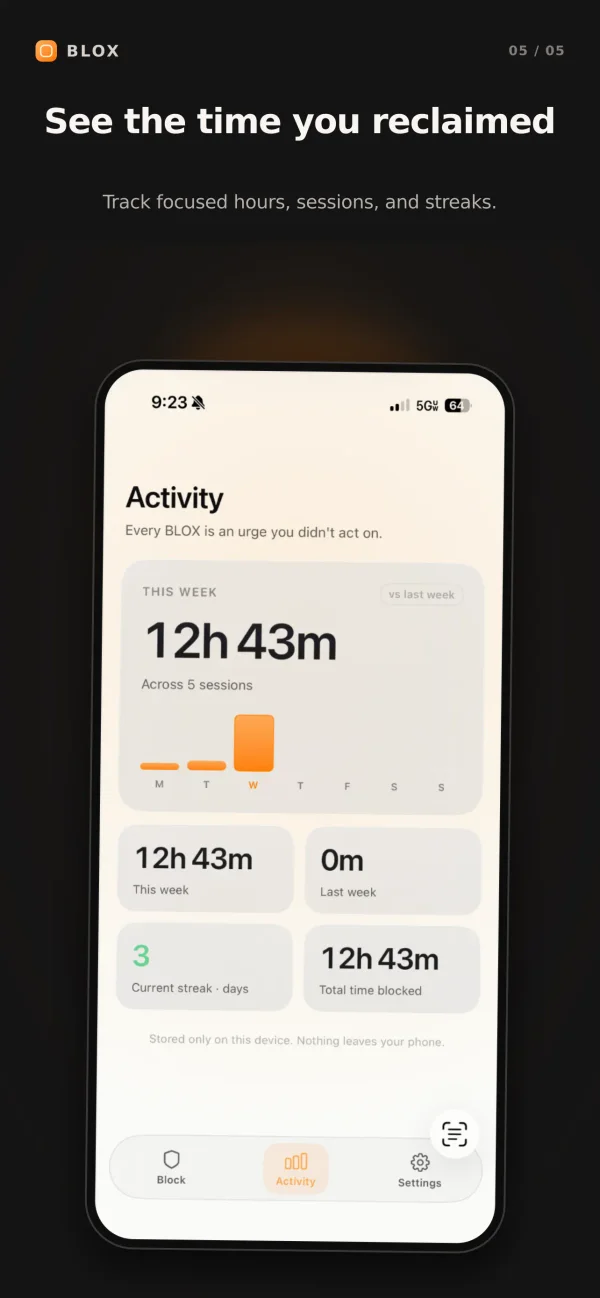
• Track sessions, focused time, and streaks
• Five emergency unblocks per month for genuine emergencies
• Account-free experience
• Focus information remains on your device
BLOX requires an iPhone with NFC support and Screen Time authorization. A compatible NFC tag is required and sold separately.
Take back your attention—one tap at a time.
App privacy
What Vigneshwaran Elangovan declares on the App Store about how this app handles data.
-
Data not collected
The developer does not collect any data from this app.
Privacy practices may vary, for example with the features you use or your age.
Information
- Seller
- Vigneshwaran Elangovan
- Category
- Productivity
- Version
- 1.0
- Updated
- Sep 14, 2026
- Released
- Sep 14, 2026
- Size
- 4.2 MB
- Requires
- iOS 18.6 or later
- Age rating
- 4+
- Price
- Free
- Languages
- English
- Copyright
- © 2026 Vigneshwaran Elangovan
You might also like
-
 Domain Watch: Expiry TrackerWHOIS Alerts & AI Finder
-
 Brainrot: Focus & Screen TimeScreen Time Control
-
 DoomSafe: Stop ScrollingSocial media without scroll
-
 BRIGADE NXT WTCProductivity
-
 Brigade NXTManage campus experience
-
 FlowCrypt: Encrypted EmailEasiest PGP Mail Encryption
-
 Earnings for AdsterraUltimate Adsterra companion
-
 Dark Reader: PDF ViewerRead PDF in Night Mode
-
 Dots: Habit Tracker WidgetDaily Routine, Goal & Planner
-
 Futureland – Goal TrackerJournal & Track Anything