Blue-AC Console
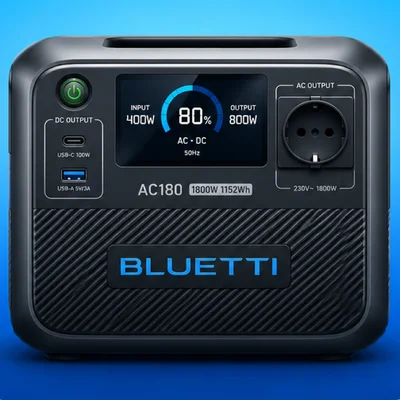
Bluetti AC180 & AC70 Monitor
Designed for iPhone, iPad
Free · In-app purchases
- Age rating4+
- CategoryUtilities
- DeveloperMarco Frigerio
- Size15.0 MB
Links to the official App Store page
Download.org hosts no file of Blue-AC Console. The button opens its official App Store page, published by Marco Frigerio. Listing last checked on Nov 23, 2026.
Screenshots
About
Blue-AC Console gives you a fast, focused way to monitor your Bluetti AC180, AC70 or Elite 200 V2 portable power station — on iPhone, in CarPlay, on your Lock Screen and Dynamic Island, and on Apple Watch.
Connect over Bluetooth LE and see battery level, runtime, voltage, AC and DC input and output power, charging source and internal temperature update live. No cloud account, no data collection — everything is read and decoded locally on your iPhone, and your history never leaves it.
FEATURES
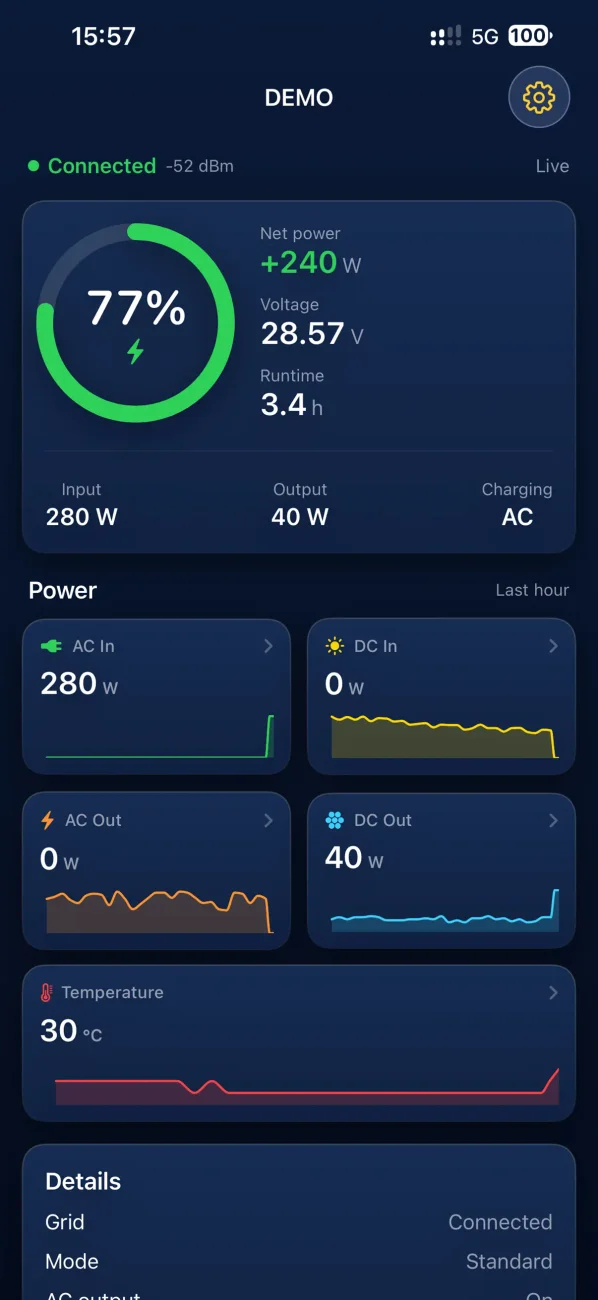
• Dark navy and gold iPhone dashboard with state of charge, runtime, net power, live power flow and connection signal strength
• History charts for AC In, DC In, AC Out, DC Out and Temperature over 1 hour, 6 hours, 24 hours or 7 days, with minimum, average, maximum and energy
• Alarms: a notification when the grid is lost and when it comes back, and when the battery drops below a level you choose
• Separate detection of AC (grid) and DC (solar or car) charging, so you always know what's powering your unit
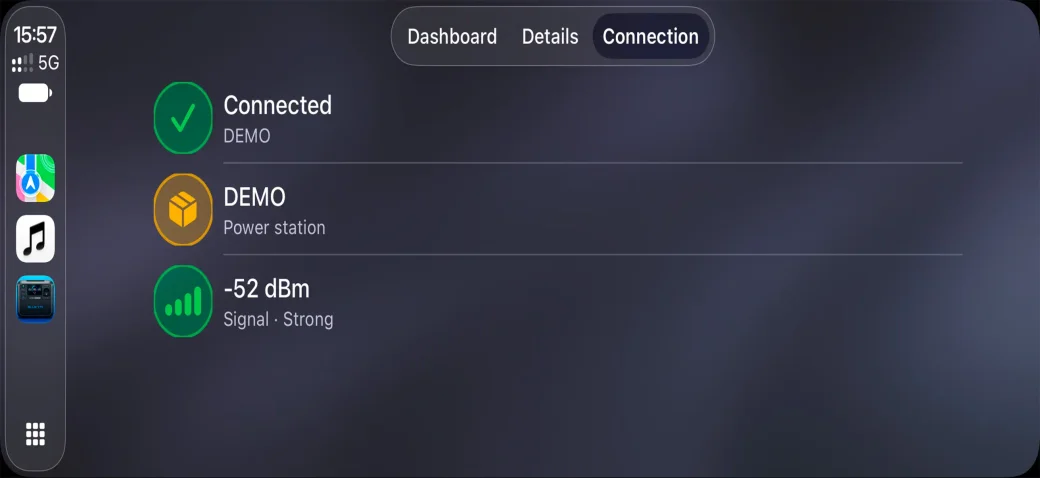
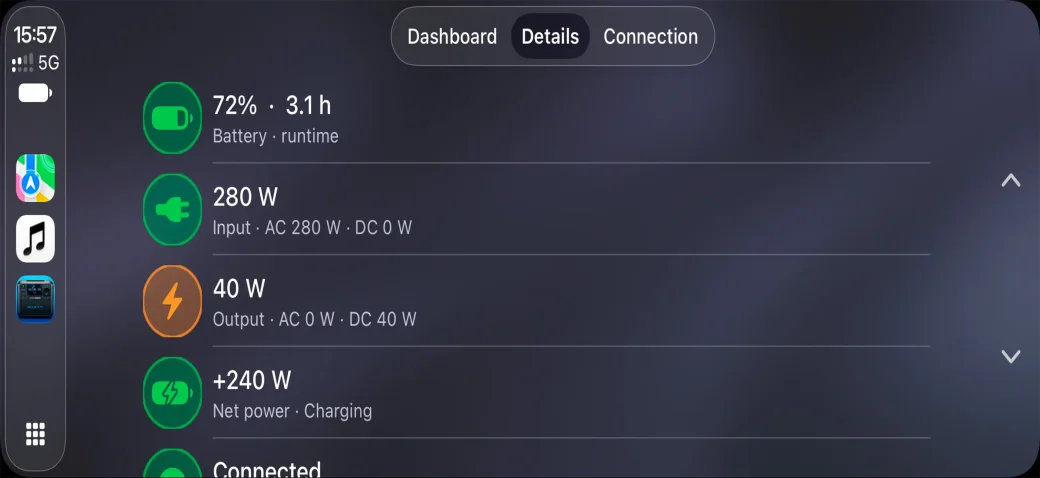
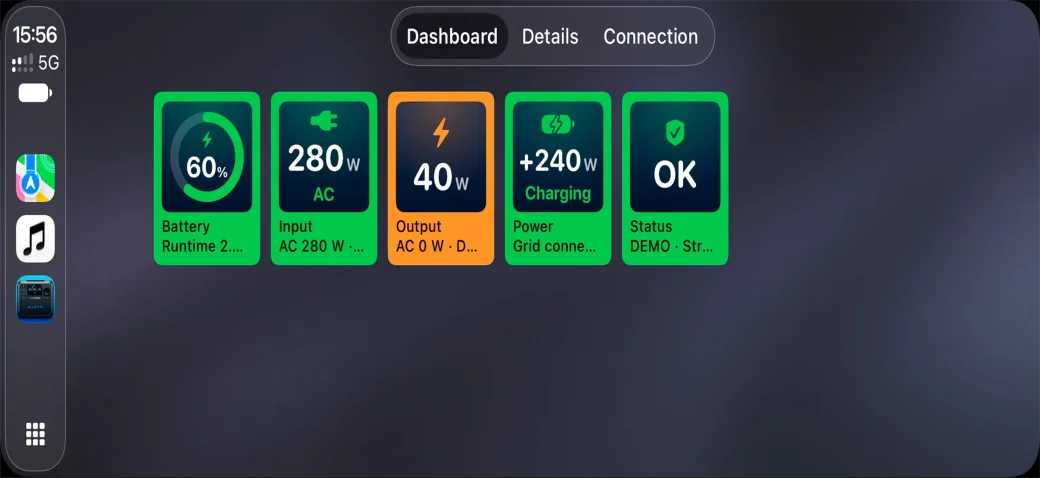
• CarPlay Dashboard, Details and Connection screens built for driving, with large colored cards and spoken voice readouts in English, Italian, French, German and Spanish
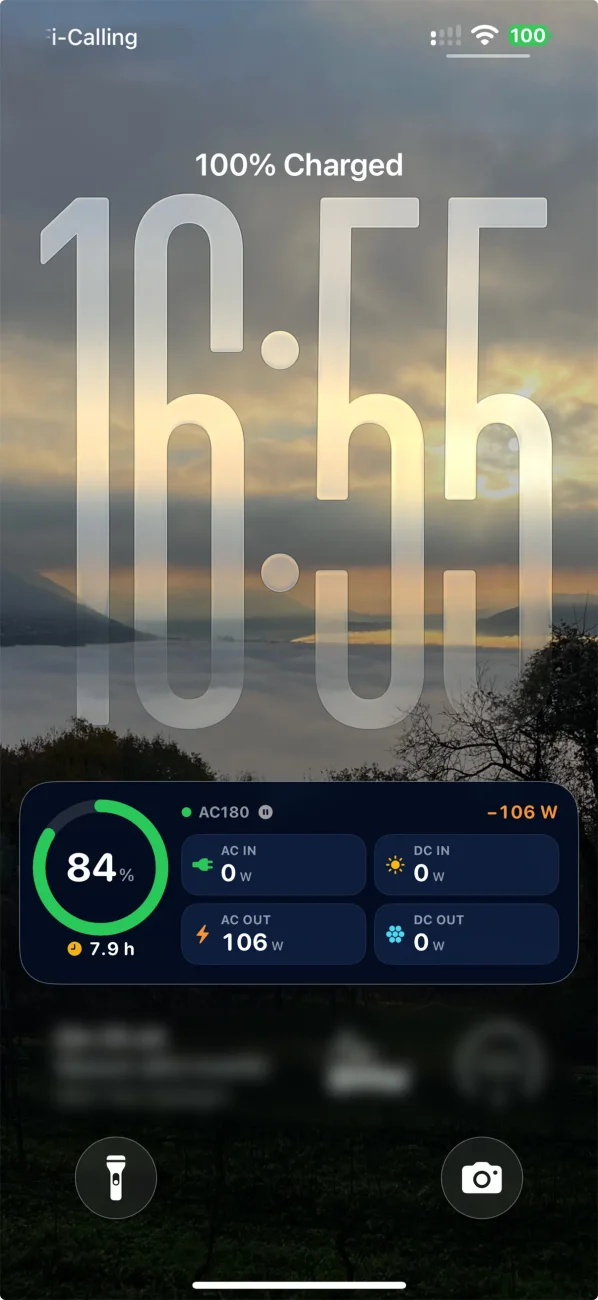
• Lock Screen and Dynamic Island Live Activity with the charge ring, also available on CarPlay's Widgets page
• Apple Watch app with Battery, Power and Details pages, plus a watch face complication
• Home Screen widget in small, medium and large sizes, with charge, power in and out and a chart of the last hour
• Runs on iPad as a compact, resizable floating window you can place next to other apps
• Demo Mode: see the full app in action with simulated data, including a week of history, no power station required
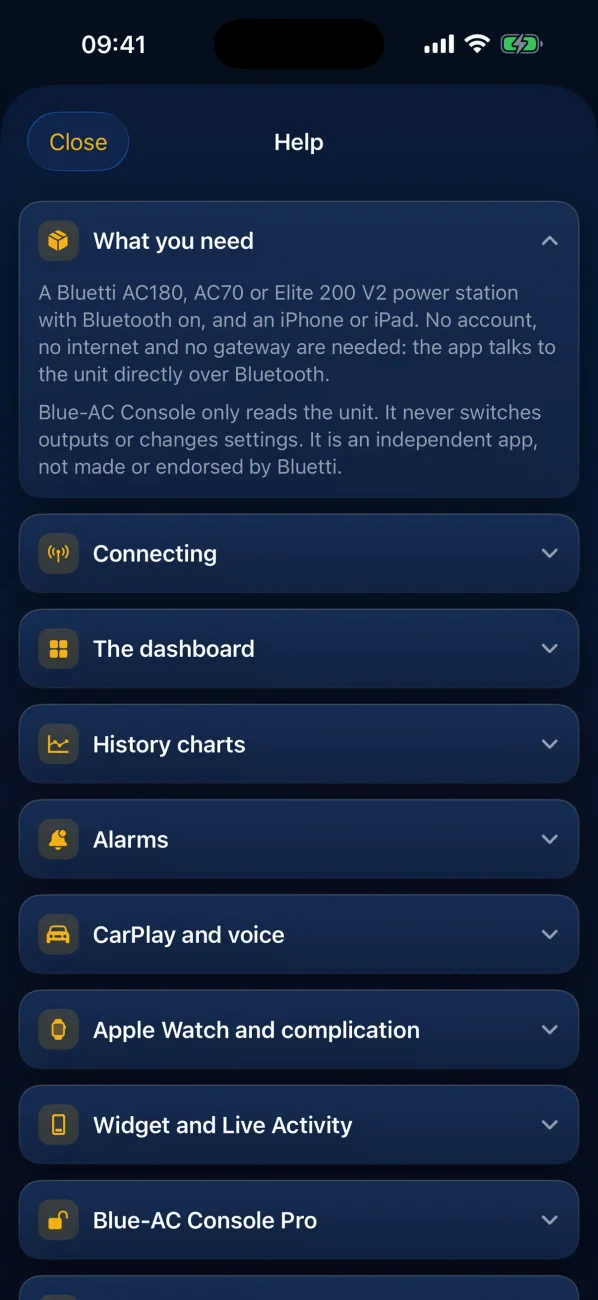
• Built-in Help with a guide to every screen
• Automatic reconnection handling and a live Bluetooth signal indicator
SUPPORTED DEVICES
• Bluetti AC180
• Bluetti AC70
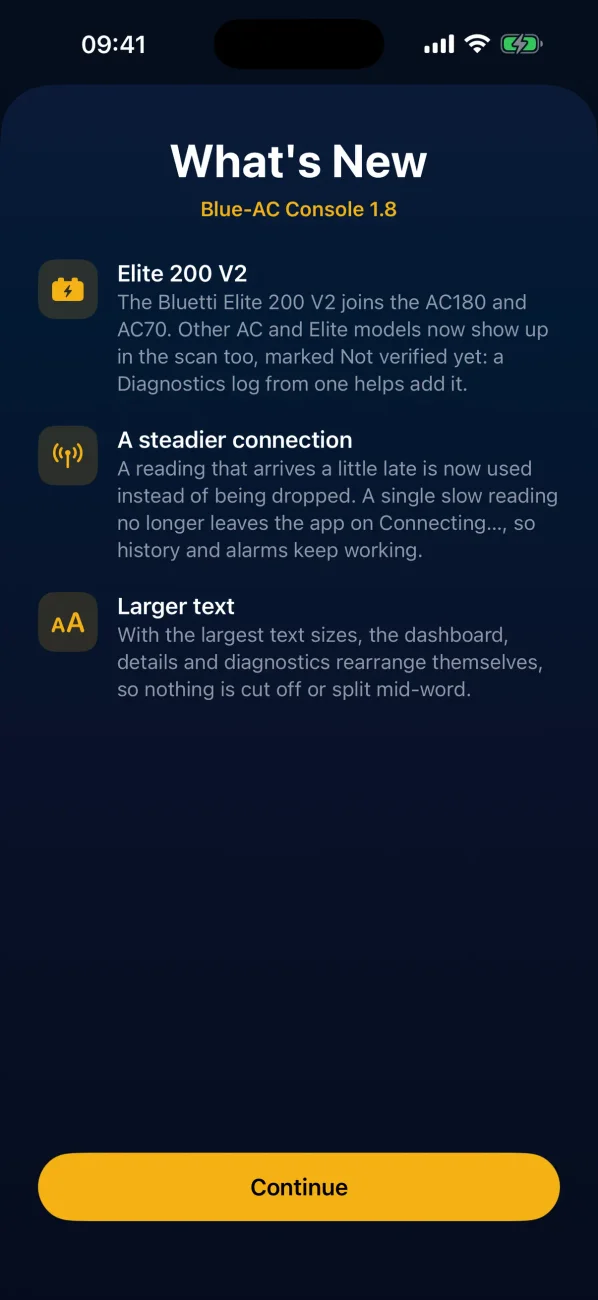
• Bluetti Elite 200 V2
Other Bluetti AC and Elite models appear in the scan marked Not verified yet: they may connect, but some readings can be missing or wrong.
Blue-AC Console is an independent app and is not affiliated with, endorsed by, or sponsored by Bluetti.
Blue-AC Console is free to try: one free CarPlay session, one free Live Activity session, one free voice readout and one free Apple Watch session are included. Blue-AC Console Pro, a one-time purchase with no subscription, unlocks unlimited use of all four, plus the history charts, alarms and the Home Screen widget.
What’s new
Version 1.9 · Nov 20, 2026
Blue-AC Console 1.9 fixes the connection with the newest Bluetti AC180 units.
CONNECTION
• Newer AC180 units set up a secure Bluetooth session before they send any data. The app now waits for it, so these units connect first time and stay connected, instead of dropping a moment after connecting and retrying over and over
• Each reading is now matched to the request it answers, so a late reply can no longer put a wrong value on screen for a moment, such as an impossible voltage
GRID
• When the grid is plugged in but not charging, for example with a full battery, the app now shows the grid as connected instead of disconnected
DIAGNOSTICS
• Diagnostics logs are shorter and easier to read. For Bluetti models not verified yet, they also include the extra readings needed to add support
If your AC180 would not connect with an earlier version, just update and try again: there is no need to send a new log.
App privacy
What Marco Frigerio declares on the App Store about how this app handles data.
-
Data not collected
The developer does not collect any data from this app.
Privacy practices may vary, for example with the features you use or your age.
Information
- Seller
- Marco Frigerio
- Category
- Utilities
- Version
- 1.9
- Updated
- Nov 20, 2026
- Released
- Jul 16, 2026
- Size
- 15.0 MB
- Requires
- iOS 18.0 or later
- Age rating
- 4+
- Price
- Free
- In-app purchases
- Yes
- Copyright
- © 2026 MF-lab.com