
Bluetooth Device Finder App
Find Lost Earbuds & Devices
Designed for iPhone, iPad, iPod touch
Free
- Age rating4+
- CategoryLifestyle
- DeveloperArslan Ahmad
- LanguagesEnglish
- Size111.6 MB
Links to the official App Store page
Download.org hosts no file of Bluetooth Device Finder App. The button opens its official App Store page, published by Arslan Ahmad. Listing last checked on Nov 17, 2026.
Screenshots

About
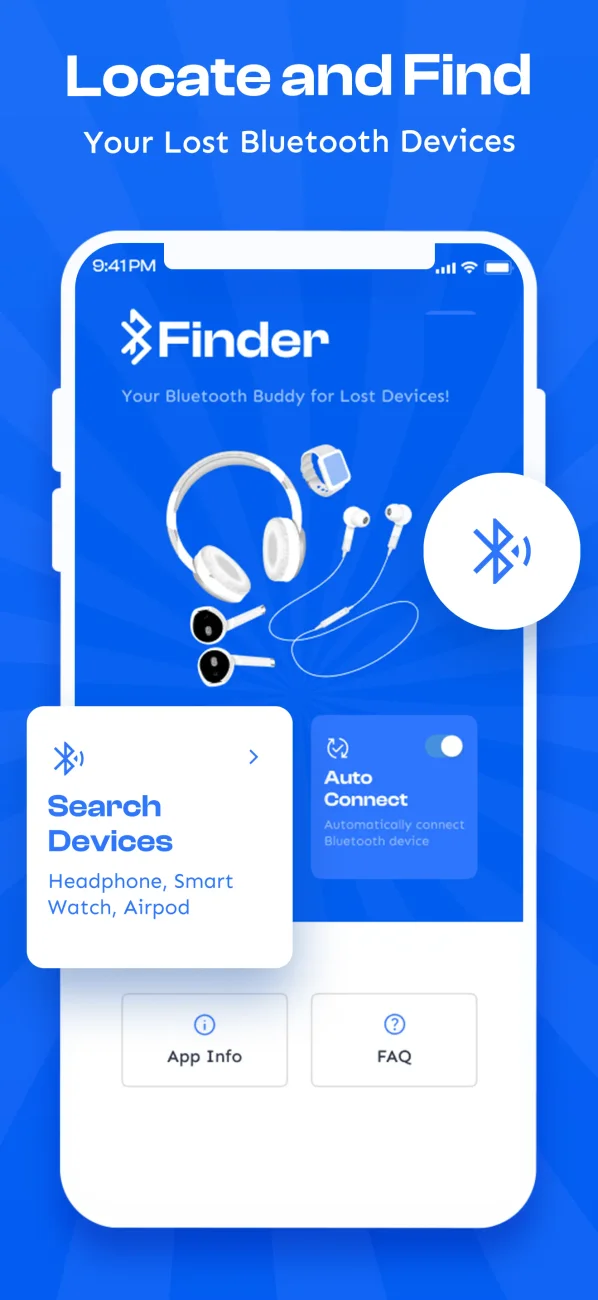
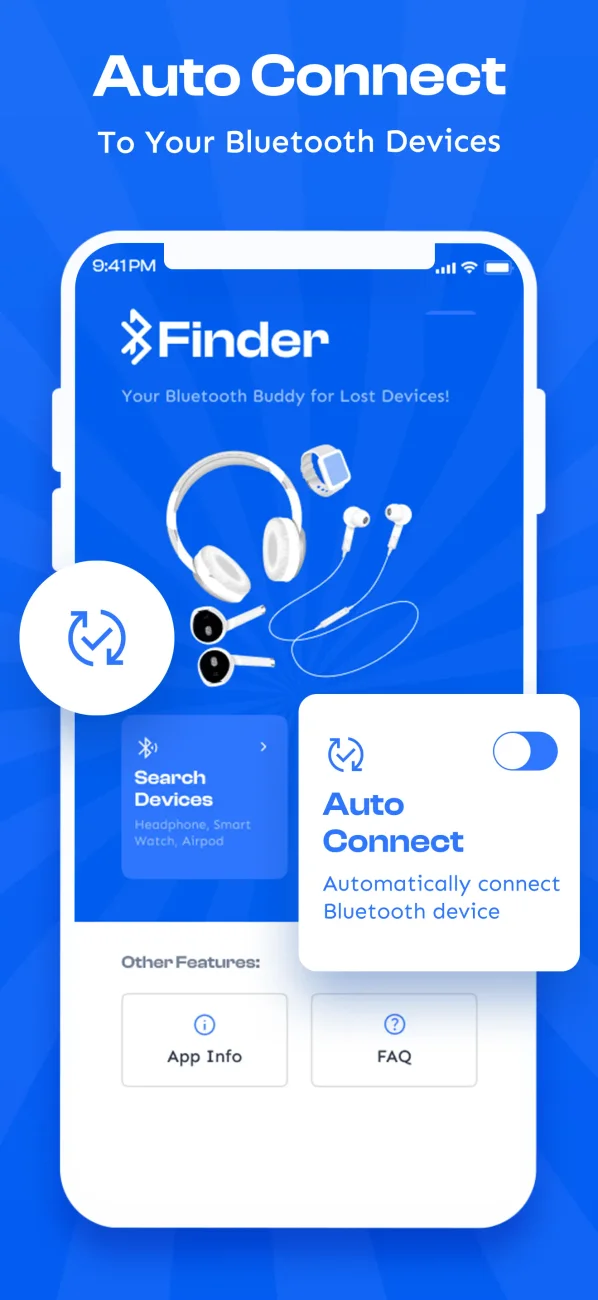
Find your lost AirPods, Apple Watch, headphones, and other Bluetooth devices quickly and easily with Bluetooth Finder – the smart Bluetooth device tracker made for Apple users.
Losing your wireless devices like AirPods or an Apple Watch is incredibly frustrating. Whether they’ve slipped between couch cushions, been left at the gym, or fallen under your bed, Bluetooth Finder is your go-to solution. Our app uses signal strength indicators and intelligent device detection to help you locate your missing gadgets with confidence. It’s simple, fast, and made to work seamlessly with your iPhone or iPad.
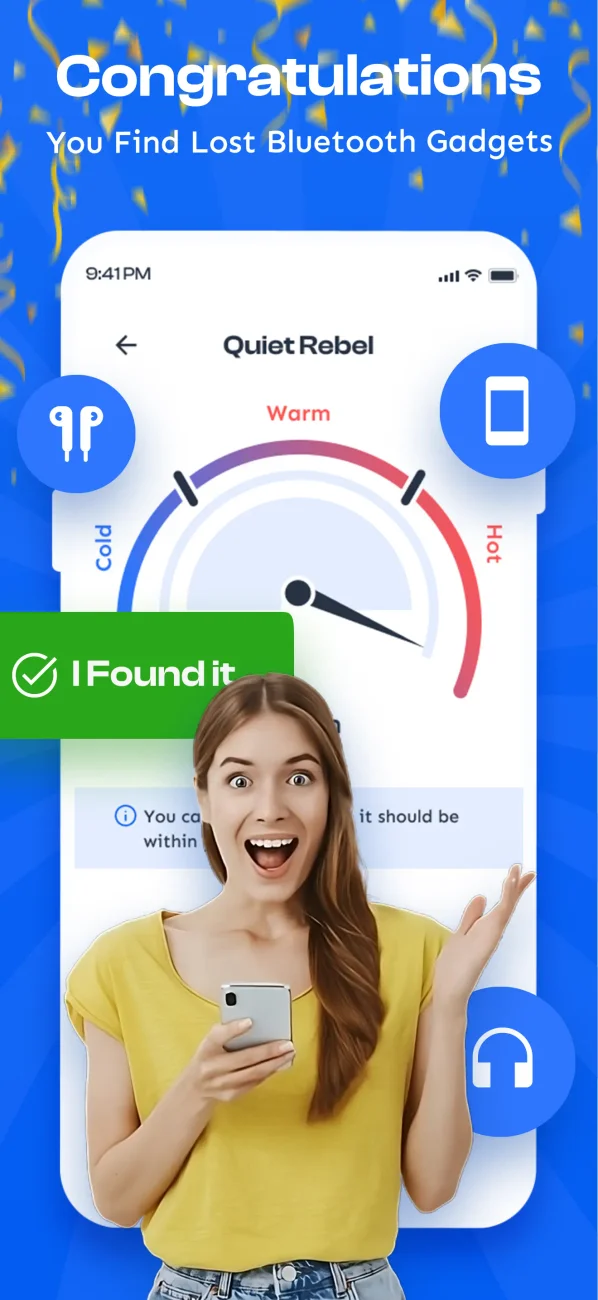
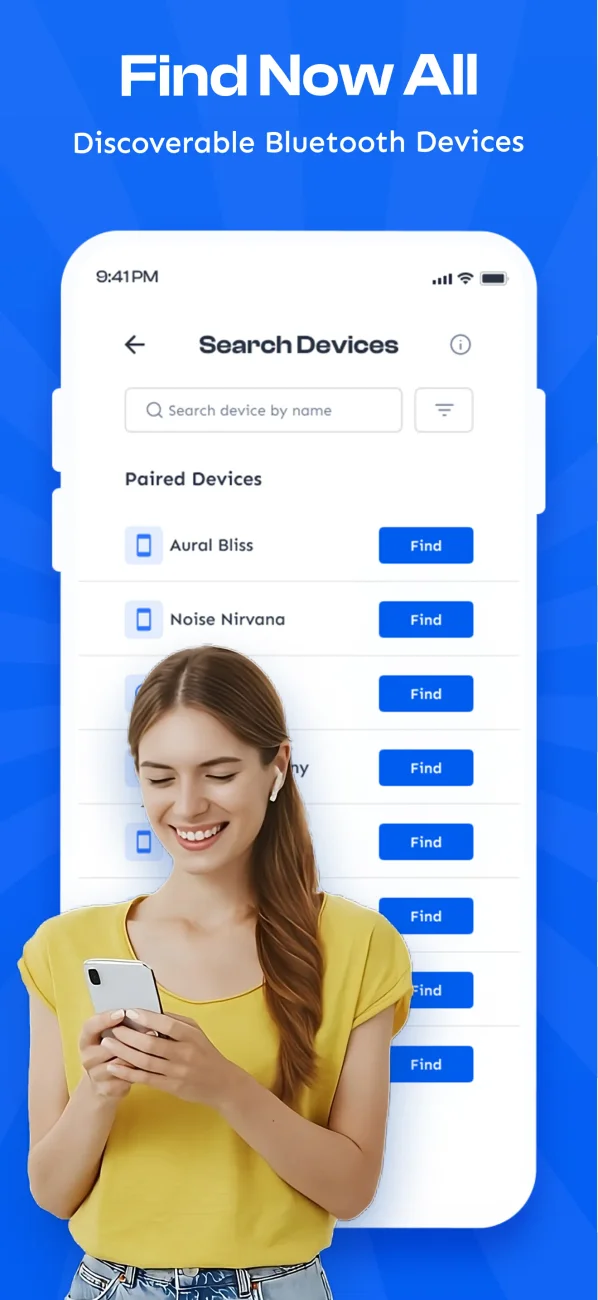
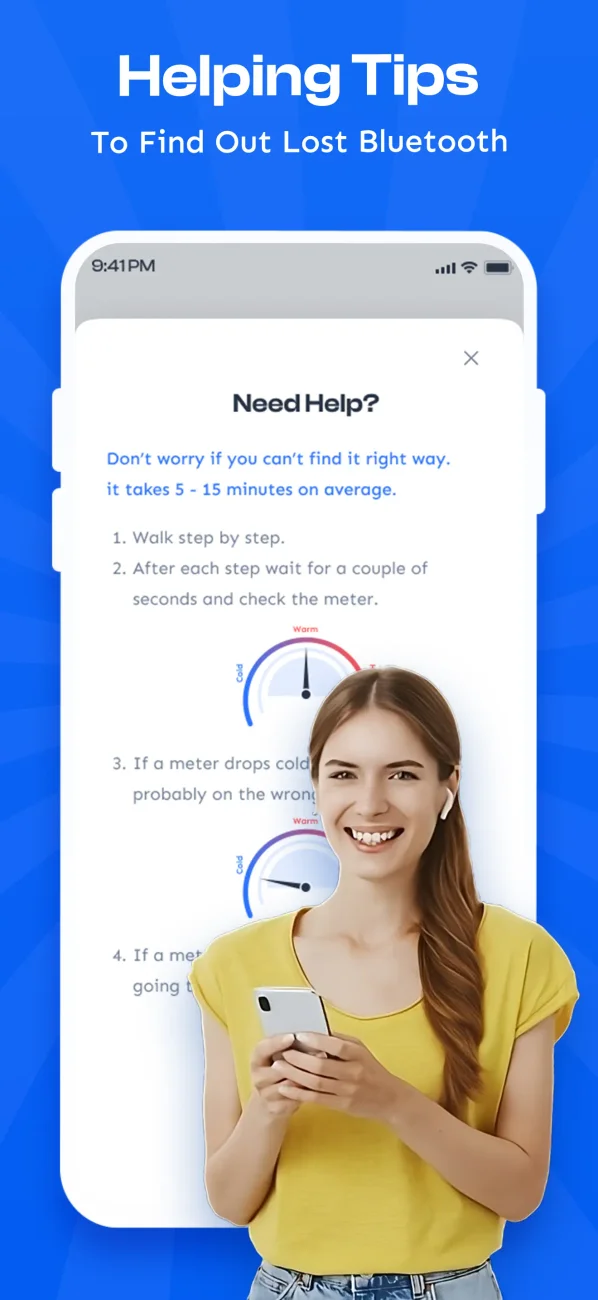
Bluetooth Finder works by scanning your environment for nearby Bluetooth Low Energy (BLE) signals. When your lost device is within range, you’ll see it appear in the list — complete with its signal strength and distance score. As you walk around, our real-time signal meter helps guide you toward your device. The stronger the signal, the closer you are. It’s like a game of “hot and cold,” but with precision tracking that really works.
Powerful Features for Apple Users
• Find My AirPods & Headphones
Misplaced your AirPods or wireless earbuds? Our AirPods Finder mode helps detect their signal even if they’re not in the charging case (depending on model). Stop the panic and start scanning!
• Apple Watch Locator
Whether it’s fallen behind your nightstand or left in your bag, your Apple Watch can be tracked using Bluetooth signal strength and distance guidance.
• Supports Most Bluetooth Devices
Find not just Apple products, but any Bluetooth-enabled accessories such as speakers, fitness trackers (like Fitbit or WHOOP), smartwatches, and more.
• Live Distance Meter
Watch the signal get stronger as you get closer. Our proximity-based scoring system gives you live feedback to zero in on your lost device.
• Favorites & Quick Access
Add frequently used devices to a favorites list so you can track them faster whenever you need to.
• Device Details
View helpful info such as signal strength, device name, manufacturer, and more.
• Smart Map Integration
While Bluetooth doesn’t support GPS tracking, our app intelligently shows the last known area where your device was connected, giving you a helpful starting point.
Simple Steps to Use
- Open Bluetooth Finder and scan for nearby devices.
- Select your lost item from the list.
- Move around slowly while watching the signal strength increase.
- As the signal strengthens, you’re getting closer — your device is nearby!
No setup is required. Just launch the app and start scanning. Whether your device is stuck in a drawer, lost under the car seat, or dropped in your home, Bluetooth Finder helps you find it fast.
Whether you're trying to recover a lost pair of AirPods, headphones, your Apple Watch, or another Bluetooth-enabled gadget, Bluetooth Finder has you covered. It’s like having “Find My” for more of your everyday tech — even if they're not connected to iCloud.
Works With:
• AirPods (All Generations, including Pro and Max)
• Beats headphones
• Apple Watch (Series 1–9 and Ultra)
• Wireless earbuds
• Bluetooth speakers
• Smartwatches and fitness bands (e.g., Fitbit, WHOOP)
• BLE-compatible gadgets
Important Notes:
• The lost device must be powered on and within Bluetooth range (~30–60 feet indoors).
• The app does not use GPS — it works via Bluetooth proximity signals.
• Signal strength may vary based on interference, environment, or device placement.
Disclaimer:
This app is not affiliated with or endorsed by Apple Inc. “AirPods,” “Apple Watch,” and other product names are trademarks of their respective owners. Bluetooth Finder is an independent app designed to help you locate your devices using Bluetooth technology.
What’s new
Version 1.1.3 · Nov 21, 2025
Bugs Fixed
App privacy
What Arslan Ahmad declares on the App Store about how this app handles data.
-
Data used to track you
May be used to track you across apps and websites owned by other companies.
- Identifiers
-
Data not linked to you
May be collected but is not linked to your identity.
- Identifiers
Privacy practices may vary, for example with the features you use or your age.
Information
- Seller
- Arslan Ahmad
- Category
- Lifestyle
- Version
- 1.1.3
- Updated
- Nov 21, 2025
- Released
- May 14, 2025
- Size
- 111.6 MB
- Requires
- iOS 15.6 or later
- Age rating
- 4+
- Price
- Free
- Languages
- English
- Copyright
- © Arslan Ahmad
You might also like
-
 ReceiptScan: Warranty TrackerScan Receipts &Return Reminder
-
 RecaughtThe Flyfisherman's tool
-
 MI Quotes - Daily InspirationYour Daily Dose of Motivation
-
 Fit Drop AI - Outfit PlannerWeather Based Smart Closet
-
 Kind of Day: Mood TrackerSelf Care Journal & Daily Log
-
 Quittable - Quit VapingYour Vaping Tracker
-
 Arguelyzer : Argument AnalyzerAI: Conflict Resolver Summary
-
 Photo Vault - Todo LockPrivate Photo & Video Vault
-
 Prophetic SignsAre We In The End Times
-
 Detect Camera・Device Cam FindDevice Detector & Bug Finder