Bluetooth+ for Blackmagic
Pocket 4K / 6K & Ursa Mini Pro
Designed for iPhone, iPad, iPod touch
$5.99 · In-app purchases
- Age rating4+
- CategoryPhoto & Video
- DeveloperWe Are Empire PTY LTD
- LanguagesEnglish
- Size16.7 MB
Links to the official App Store page
Download.org hosts no file of Bluetooth+ for Blackmagic. The button opens its official App Store page, published by We Are Empire PTY LTD. Listing last checked on Nov 25, 2026.
Screenshots

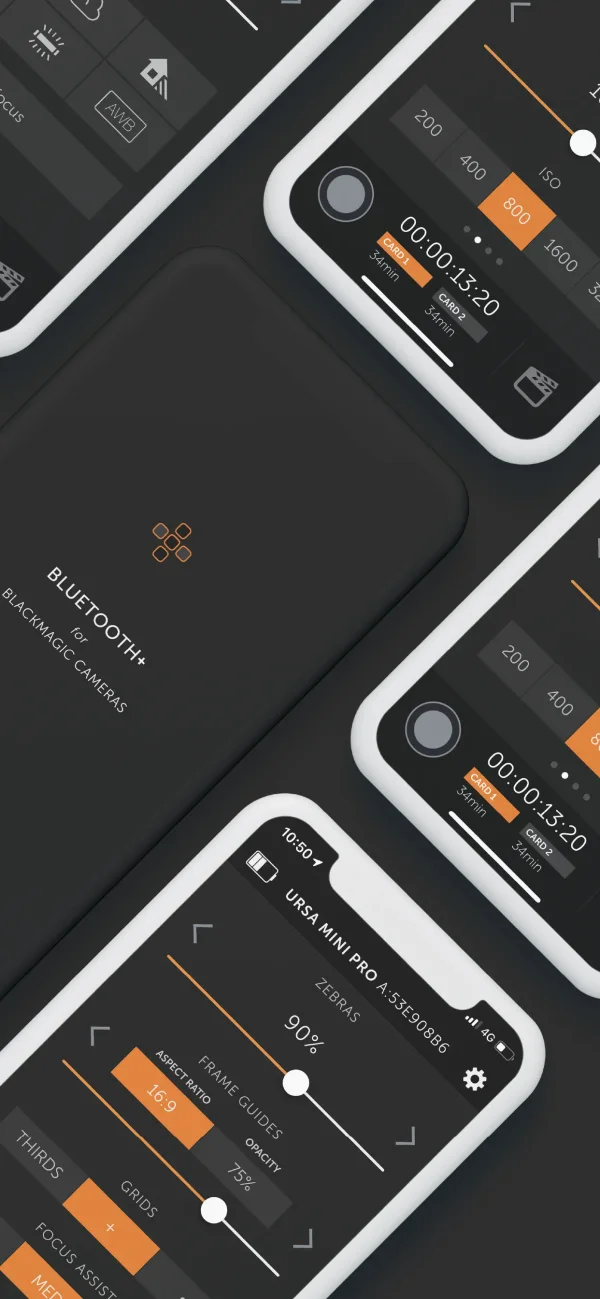
About
-- NEW External Controllers --
Connect Tilta Nucleus Nano & Nucleus-M to control Focus, Iris and Zoom, as well as Start & Stop Recording.
Zoom and Focus control supported on Pocket 4K only.
This is part of the new Pro feature set, which also includes Multi-Cam mode.
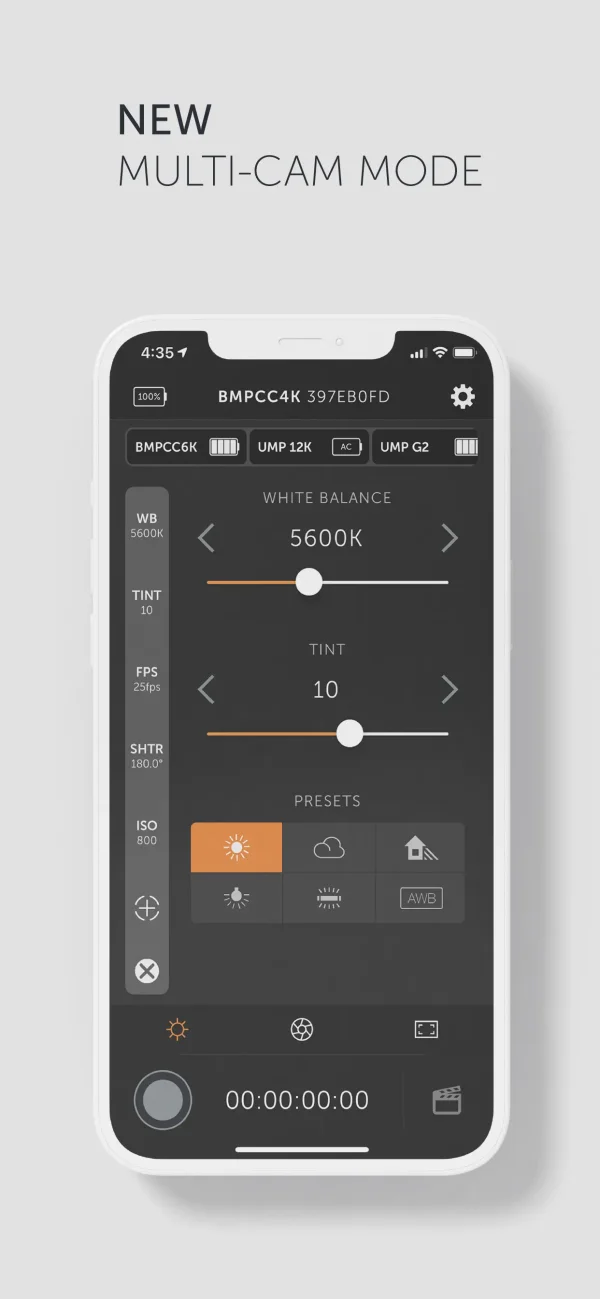
-- MULTI-CAM MODE --
Multi-Cam Mode is now part of the Pro feature set, and includes these fantastic features:
• Control up to 12 Blackmagic cameras at once
• Create up to 3 distinct Control Groups, to give you fine-grain control over different settings for different cameras
• You can choose to have changes made on one camera automatically update all the other cameras in its Control Group, or control everything straight from Bluetooth+
• Give your cameras Nicknames to quick, easy control
Multi-Cam gives you control over the following features synced across an entire Group:
• Start/Stop Recording
• White Balance + Tint
• Project frame rate (off-speed frame rates not supported)
• Shutter Angle/Speed
• ISO
• Overlays
• Slate
• Trigger Auto-focus
You can still control all other settings on a camera-by-camera basis, including:
• Trigger stills capture
• Iris control
• Focus + Zoom (on supported lenses)
• Codec + Resolution
• Playback control
• You can also set ISO specifically, rather than by camera group
And of course, everyone has access to all of these amazing features:
• Follow Focus (limited support for EF Mount cameras). See below for more info
• Zoom Control on supported lenses
• Trigger Stills capture
• Record Start/Stop
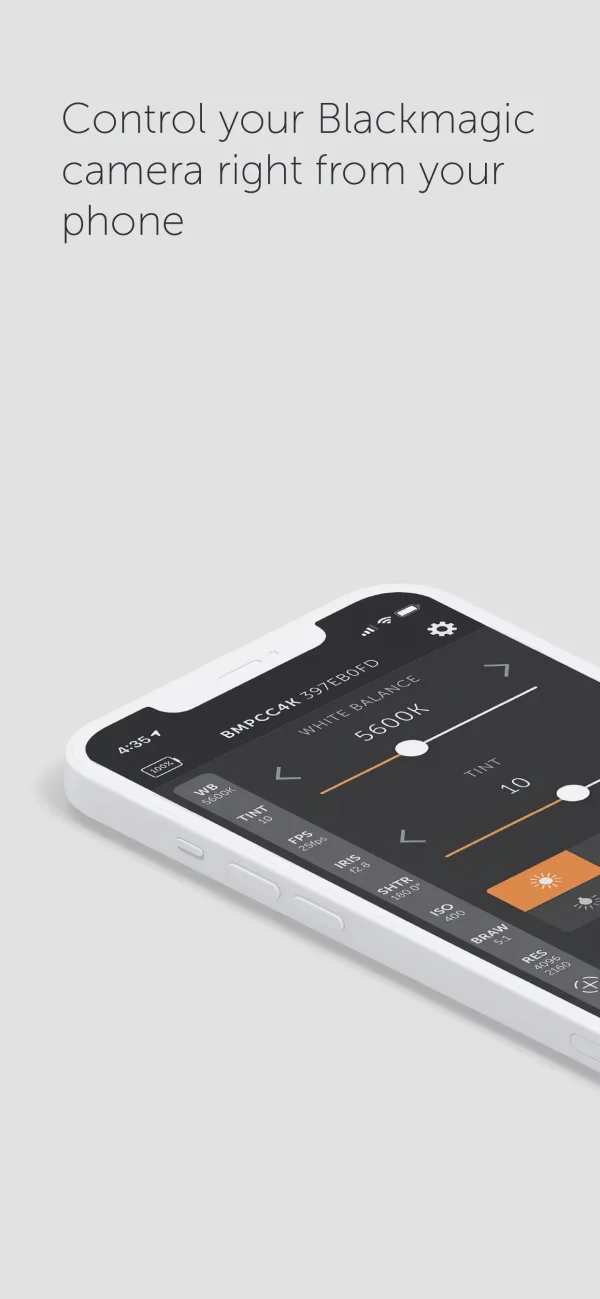
• White Balance + Tint, including 5 helpful presets and Auto White Balance
• Audio Controls
• Trigger Autofocus (for supported electronic lenses with autofocus enabled on lens)
• Off-speed frame rates
• Aperture (for supported electronic lenses)
• Shutter Angle
• ISO
• Auto-Exposure Control
• Active Card
• Power On/Off
• Monitor Overlays
• Codec & Resolution
• Enter metadata in the Digital Slate (including location data from your iPhone or iPad if you give permission)
• Control Lock - locks critical controls while recording, preventing accidental settings changes during takes
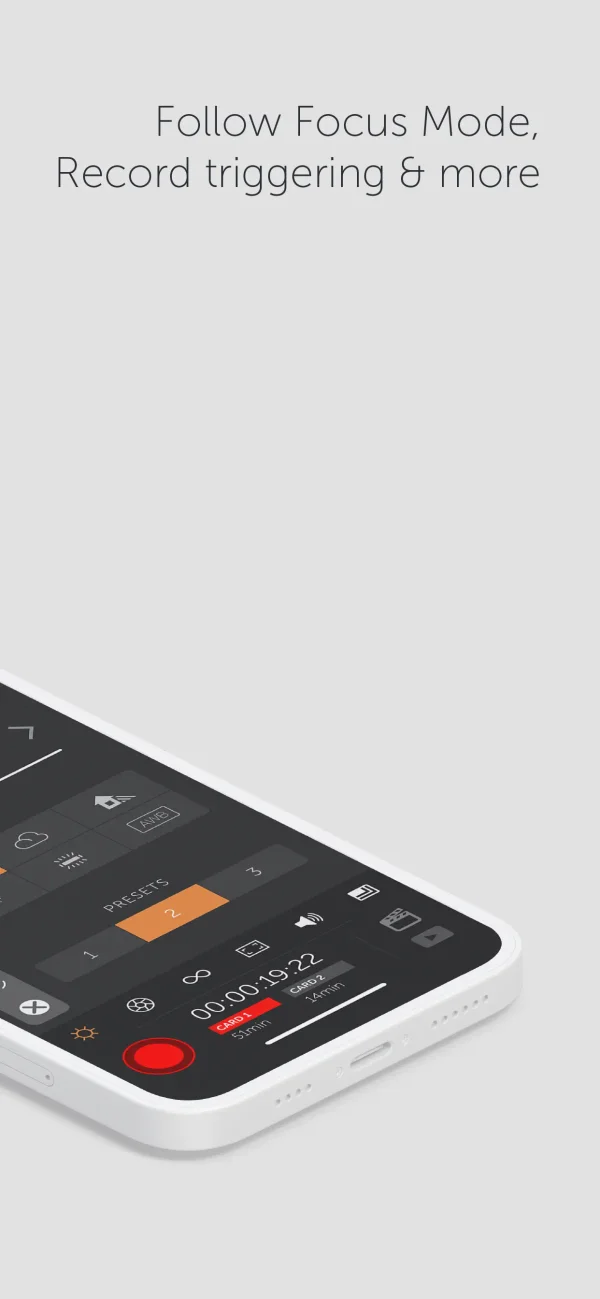
-- Follow Focus --
You can now pull focus wirelessly right from your iPhone or iPad. There are some limitations outlined below.
• Currently only fully supports Pocket 4K, but as of v1.4 we now have limited support for EF mount cameras - Pocket 6K, Ursa Mini Pro G1 & G2
• The camera does not supply the app with any information on the lenses current focus distance, so the app will not update in real time if you pull focus manually on the lens
• Due to the nature of bluetooth, focus pulls may not be 100% smooth. It works well for nice slow pulls, but fast pulls my not feel entirely natural and organic. Unfortunately this is a limitation of the available technology.
• On EF mount cameras, we can only offset focus from its current position, with no broader knowledge of where the lens is in its focus range. This means that focus marks are not possible. In addition, focus pulls on EF mount cameras can be quite jerky depending on the lens in use.
-- Playback Control --
With Bluetooth+ you can control the playback of clips right from your iOS device. There are some notable limitations at this point. Currently you can:
• Start playing a clip, either forwards or backwards
• Navigate between clips, either forwards or backwards
For now, you will not be able to:
• Pause a clip that is already playing
• Change the speed of a clip that is already playing
• Control clip looping
-- Zoom Control --
Control the zoom level on supported lenses. For the most part, this will only work on MFT lenses with electronic zoom. We are currently unaware of EF lenses that support this feature
-- Slate-Only Mode --
As the name suggests, this feature locks the app into Slate-Only mode, without the ability to change critical camera settings or start/stop recording. This means you can let an assistant keep metadata up to date without the fear of interfering with important camera settings.
What’s new
Version 2.3.4 · Jun 13, 2024
- Support for Cinema Camera 6K
- Fixed issue where app would fail to stop recording
App privacy
What We Are Empire PTY LTD declares on the App Store about how this app handles data.
-
Data not linked to you
May be collected but is not linked to your identity.
- Location
- Usage data
- Diagnostics
Privacy practices may vary, for example with the features you use or your age.
Information
- Seller
- We Are Empire PTY LTD
- Category
- Photo & Video
- Version
- 2.3.4
- Updated
- Jun 13, 2024
- Released
- May 9, 2018
- Size
- 16.7 MB
- Requires
- iOS 13.0 or later
- Age rating
- 4+
- Price
- $5.99
- In-app purchases
- Yes
- Languages
- English
- Copyright
- © 2024 We Are Empire PTY LTD
You might also like
-
 MovieSlate® 8Clapperboard, Logging, Reports
-
 BM ControllerBlackmagic API Controller
-
 RED_CONTROLTake control of your RED®
-
 Magic Cinema ViewFinderBMD's Director's Viewfinder
-
 Shot DesignerPhoto & Video
-
 Cadrage Director's ViewfinderViewfinder for Directors & DPs
-
 Blackmagic Remote MonitorPhoto & Video
-
 MixEffect (Trial & Pro Unlock)ATEM Switcher Remote Control
-
 Marker for Creators: TimecodeTimecode Notes while filming
-
 CameraKit: Camera ToolsSpecs, storage calc, and more