Bluetooth Scanner. Find Device
Lost Device Scanner, Detector
Designed for iPhone, iPad, iPod touch
Free · In-app purchases
- Age rating4+
- CategoryUtilities
- DeveloperLIONSPACE GLOBAL TECH LTD
- LanguagesEnglish+ 9 more
- Size91.5 MB
Links to the official App Store page
Download.org hosts no file of Bluetooth Scanner. Find Device. The button opens its official App Store page, published by LIONSPACE GLOBAL TECH LTD. Listing last checked on Nov 12, 2026.
Screenshots

About
Bluetooth Scanner · Find Device
Lost a device? No problem.
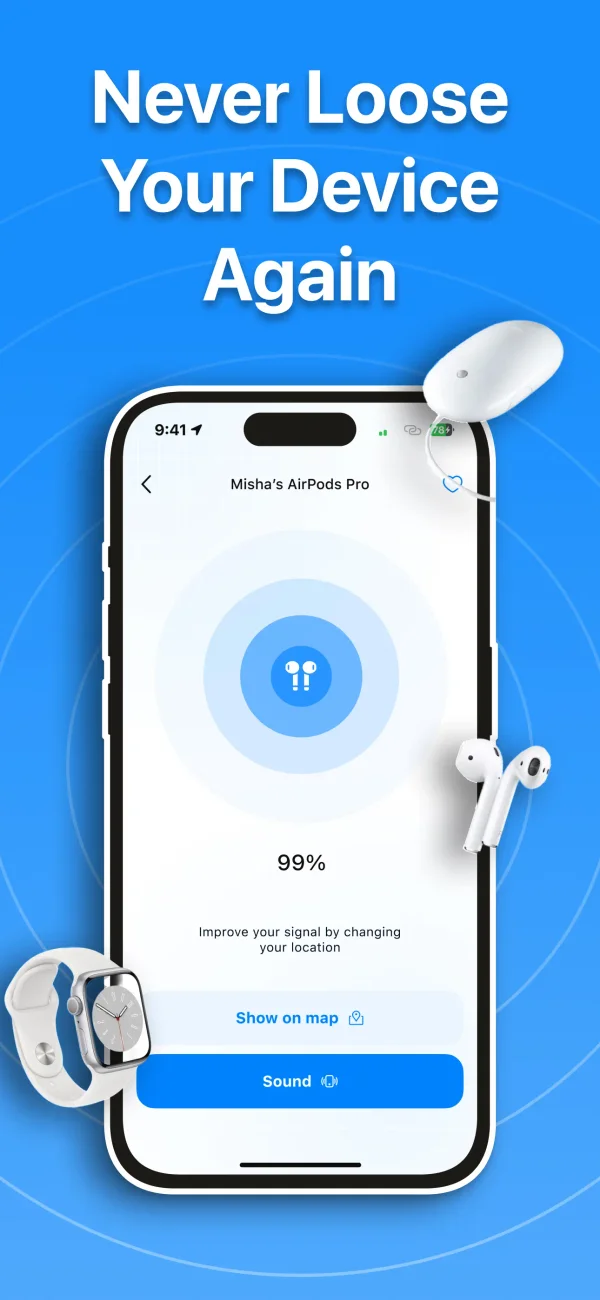
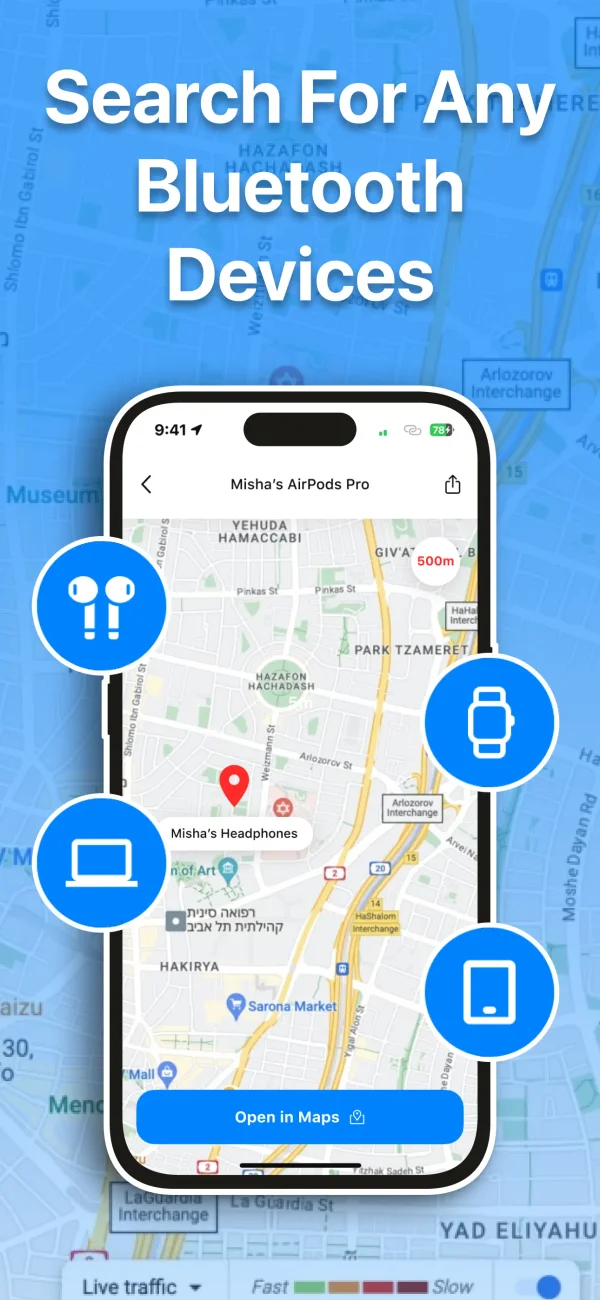
Bluetooth Scanner · Find Device helps you quickly find nearby Bluetooth devices and understand how close they are. Whether it’s wireless headphones, a smartwatch, a tracker, or any other Bluetooth gadget, the app makes device searching simple and effective.
Key Benefits:
- Find lost Bluetooth devices nearby
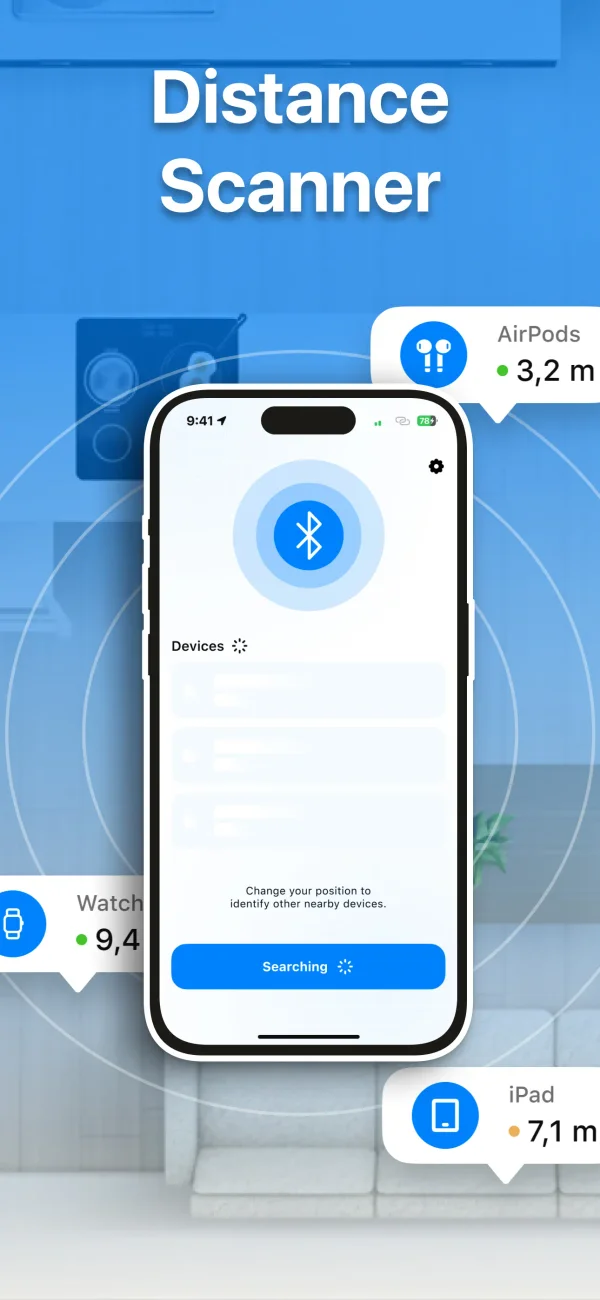
- See signal strength to estimate distance
- Save time and avoid unnecessary stress
- Useful at home, at work, or while traveling
- Works with most Bluetooth-enabled devices
If your device is nearby, Bluetooth Scanner · Find Device helps you locate it faster.
App Features:
- Scan all nearby Bluetooth devices
- Real-time signal strength (RSSI) monitoring
- Fast and accurate device detection
- Clean and easy-to-use interface
- Low battery consumption
- Privacy-friendly: no personal data collected
Free Version:
- Scan nearby Bluetooth devices
- View basic device information
- Check signal strength to estimate proximity
Premium Version:
- Access full and detailed device information
- View extended technical data for each device
- No limitations while scanning devices
- Best choice for advanced users and precise device identification
How to Use:
1. Open Bluetooth Scanner · Find Device
2. Allow Bluetooth access
3. Start scanning nearby devices
4. Select the device you want to find
5. Move around and follow the signal strength — a stronger signal means you are closer
Finding your device is quick and straightforward.
Perfect For Finding:
- Wireless headphones and earbuds
- Smartwatches and fitness trackers
- Bluetooth tags and trackers
- Speakers, remotes, and other Bluetooth devices
Download Bluetooth Scanner · Find Device and stop worrying about lost devices.
Find them easily, quickly, and efficiently.
Privacy Policy: https://telegra.ph/Privacy-Policy-06-26-102
Terms & Conditions: https://telegra.ph/Terms--Conditions-06-26-5
App privacy
What LIONSPACE GLOBAL TECH LTD declares on the App Store about how this app handles data.
-
Data used to track you
May be used to track you across apps and websites owned by other companies.
- Usage data
- Diagnostics
-
Data not linked to you
May be collected but is not linked to your identity.
- Usage data
- Diagnostics
Privacy practices may vary, for example with the features you use or your age.
Information
- Seller
- LIONSPACE GLOBAL TECH LTD
- Category
- Utilities
- Version
- 1.0
- Updated
- Mar 4, 2026
- Released
- Mar 4, 2026
- Size
- 91.5 MB
- Requires
- iOS 16 or later
- Age rating
- 4+
- Price
- Free
- In-app purchases
- Yes
- Languages
- English, Arabic, French, German, Italian, Japanese, Portuguese, Russian, Simplified Chinese, Spanish
- Copyright
- © LIONSPACE GLOBAL TECH LTD
You might also like
-
 Acuter SkyUtilities
-
 Phone Cleaner Free Up SpaceRemove Duplicates & Declutter
-
 Flying WorldFlying World
-
 AC ControlVent / heatpump controller
-
 DAEVIRemote1.0Utilities
-
 AutoWeb - Website MonitorAuto Refresher
-
 HFC Manager+WISI amplifier & node Manager
-
 CrowdSenseMobile Sensing Tool
-
 Agidin - Access Global AIBuild & Share Your AI Apps
-
 NutribalanUtilities