Blur Faces - HiddenFace
Hide & Pixelate Photos & Video
Designed for iPhone, iPad
Free · In-app purchases
- Age rating4+
- CategoryPhoto & Video
- DeveloperDavid Collado Sela
- LanguagesEnglish+ 2 more
- Size88.5 MB
Links to the official App Store page
Download.org hosts no file of Blur Faces - HiddenFace. The button opens its official App Store page, published by David Collado Sela. Listing last checked on Nov 22, 2026.
Screenshots



About
Protect your privacy and your loved ones before sharing photos and videos on social media.
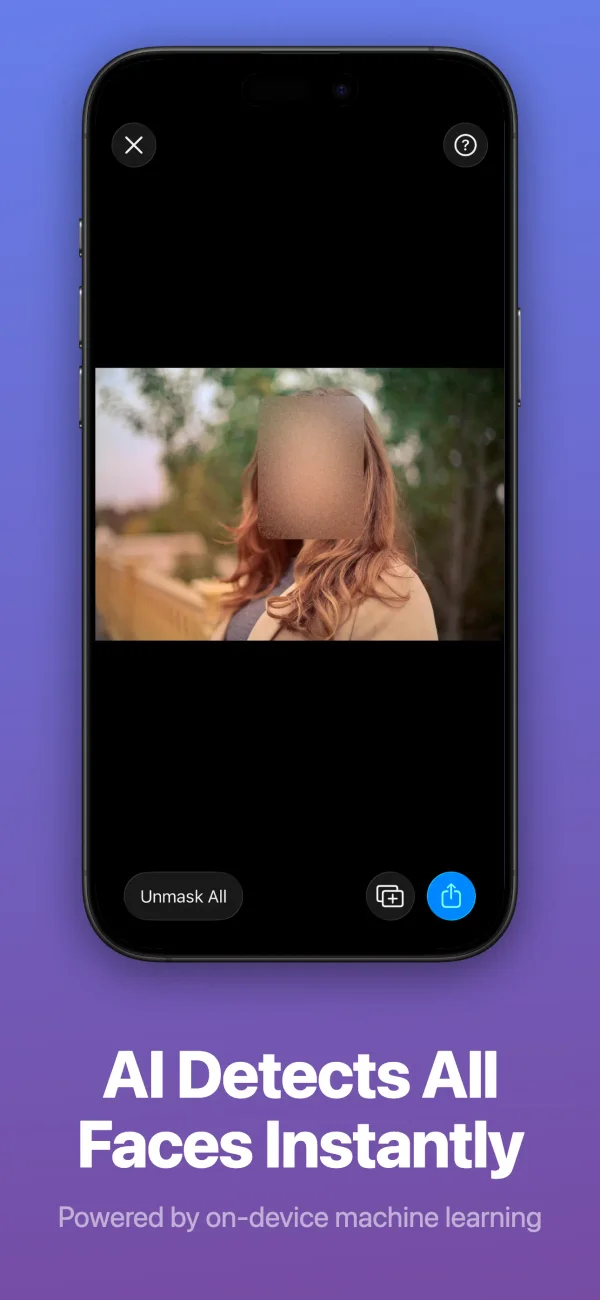
HiddenFace uses AI to automatically detect faces in your photos and videos, letting you blur, pixelate, or cover them with emojis before posting online.
NEW IN v2.0:
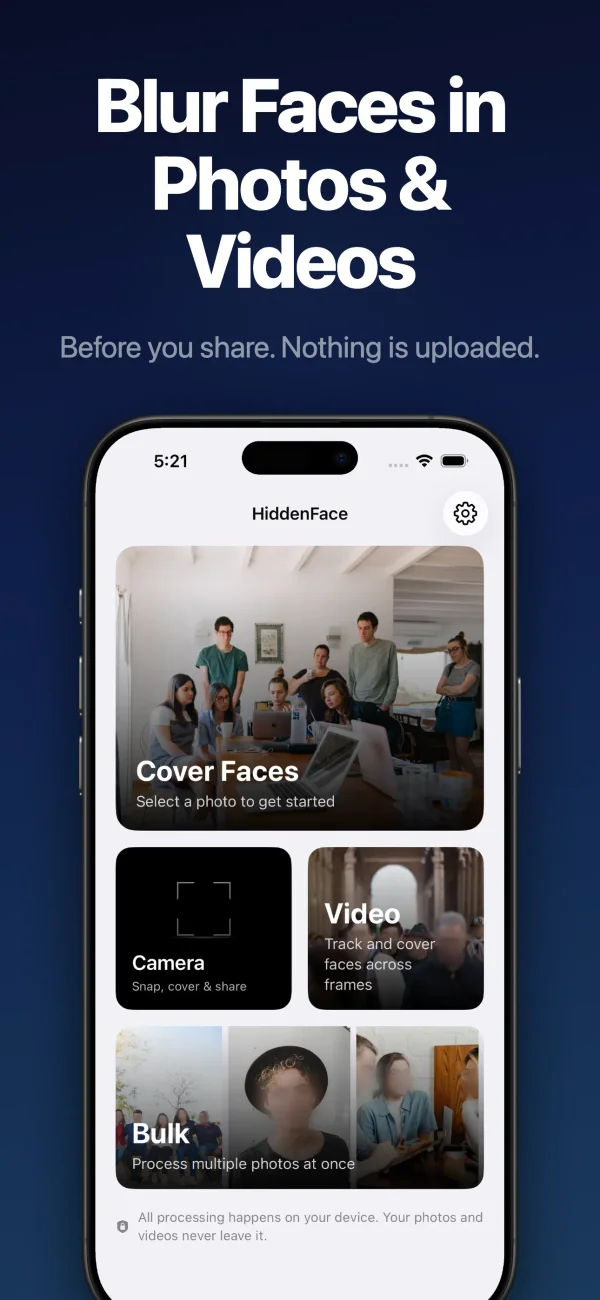
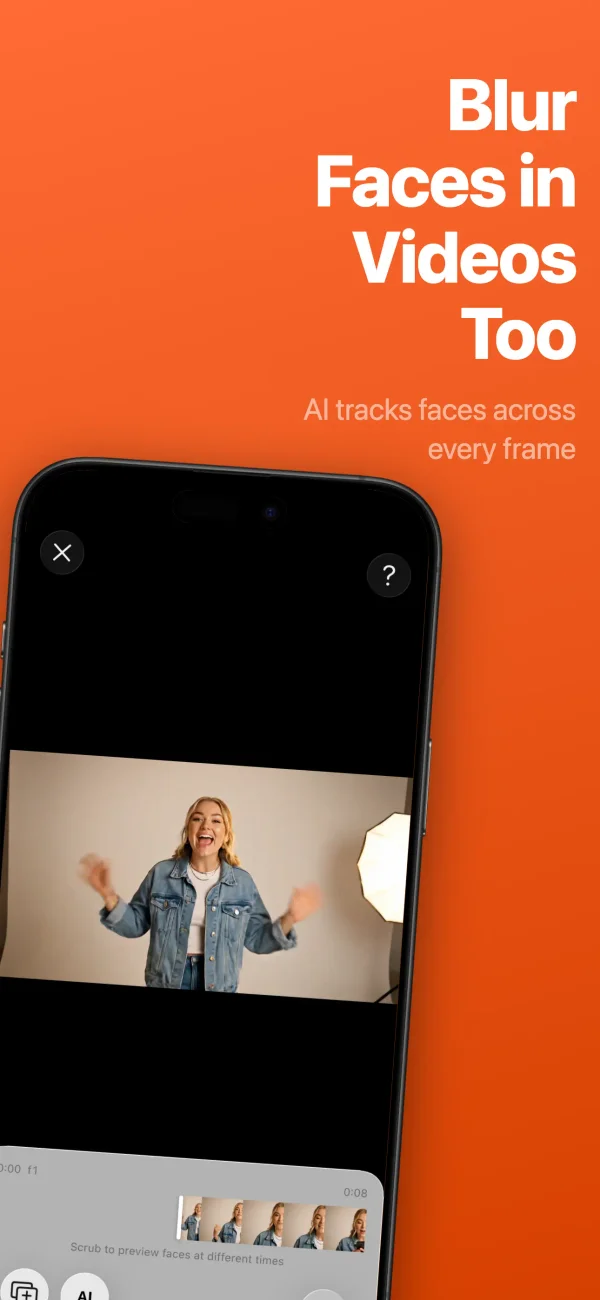
• Video face tracking — detect and cover faces across entire videos
• Bulk photo processing — process multiple photos at once
• Camera capture — take a photo and blur faces instantly
• Timeline editing — trim, split, and keyframe video segments
• Undo/redo — multi-level undo in photo and video editors
KEY FEATURES:
• AI-powered face detection for photos and video (YOLOv8, on-device)
• Multiple cover options: blur, pixelate, emoji, solid color
• Manual area placement for custom coverage
• Multi-track timeline with pinch-to-zoom
• Face clustering across bulk imports
• 100% on-device processing
• Your photos and videos never leave your device
WORKS WHERE YOU ARE:
• In Photos, tap Share → "Cover faces with HiddenFace" and the photo opens ready to cover
• Use the Shortcuts app to cover every face in a photo automatically, without opening HiddenFace
WHY USE HIDDENFACE?
Facial recognition companies scrape billions of photos from social media. Unlike passwords, your facial data cannot be changed once leaked. Protect yourself and your family.
EASY TO USE:
• Tap faces to toggle cover on/off
• Long press to change cover type
• Add custom areas manually
• Pinch to zoom the video timeline
PRIVACY FIRST:
All processing happens on your device. We never see, store, or upload your photos or videos.
Terms of Use (EULA): https://www.apple.com/legal/internet-services/itunes/dev/stdeula/
What’s new
Version 2.5.1 · Nov 17, 2026
Fixed an issue that could remove the audio from exported videos. Thanks to Vic for reporting the audio problem!
Playing a video or moving through its timeline no longer triggers a save. Changes to your edit still save automatically.
Made for iPhone Duo
• Unfolded, Home shows every tool side by side, Bulk results fill the screen and the video timeline leaves room for your clip.
• Folded or on its side, nothing on the welcome, plans and share screens hides behind their button any more.
• Fixed: the mask bar no longer stays on top of your Bulk results.
As always, your photos and videos never leave your device.
App privacy
What David Collado Sela declares on the App Store about how this app handles data.
-
Data not linked to you
May be collected but is not linked to your identity.
- Usage data
- Diagnostics
Privacy practices may vary, for example with the features you use or your age.
Information
- Seller
- David Collado Sela
- Category
- Photo & Video
- Version
- 2.5.1
- Updated
- Nov 17, 2026
- Released
- Dec 4, 2025
- Size
- 88.5 MB
- Requires
- iOS 26.0 or later
- Age rating
- 4+
- Price
- Free
- In-app purchases
- Yes
- Languages
- English, German, Spanish
- Copyright
- © 2025 David Collado
You might also like
-
 Hidden Face – AI PrivacyPhoto&Video FacePrivacyShield
-
 Deface: Blur Faces in VideoCensor, Pixelate & Hide Photo
-
 Blur Face - photo & videoCensor, Mosaic, Pixelate, Hide
-
 BlurQ: Face Blur Photo & VideoCensor, Pixelate & Mosaic Tool
-
 Face Blur on PhotoBlurry Faces in Seconds
-
 BlurFaceAutomatically pixelate faces.
-
 Kloak Blur Video & PhotoAuto Cover Faces
-
 Blur Faces And License PlatesHide faces and license plates
-
 Blur Video AI: Face & MosaicCensor & Pixelate Background
-
 Blur ImagePhoto & Video