
Blur Video: Face & Background
Censor Video & Background Blur
Designed for iPhone
Free · In-app purchases
- Age rating4+
- CategoryPhoto & Video
- DeveloperXiamen Youyou Information Technology Co., Ltd.
- LanguagesEnglish+ 36 more
- Size38.0 MB
Links to the official App Store page
Download.org hosts no file of Blur Video: Face & Background. The button opens its official App Store page, published by Xiamen Youyou Information Technology Co., Ltd. Listing last checked on Nov 23, 2026.
Screenshots

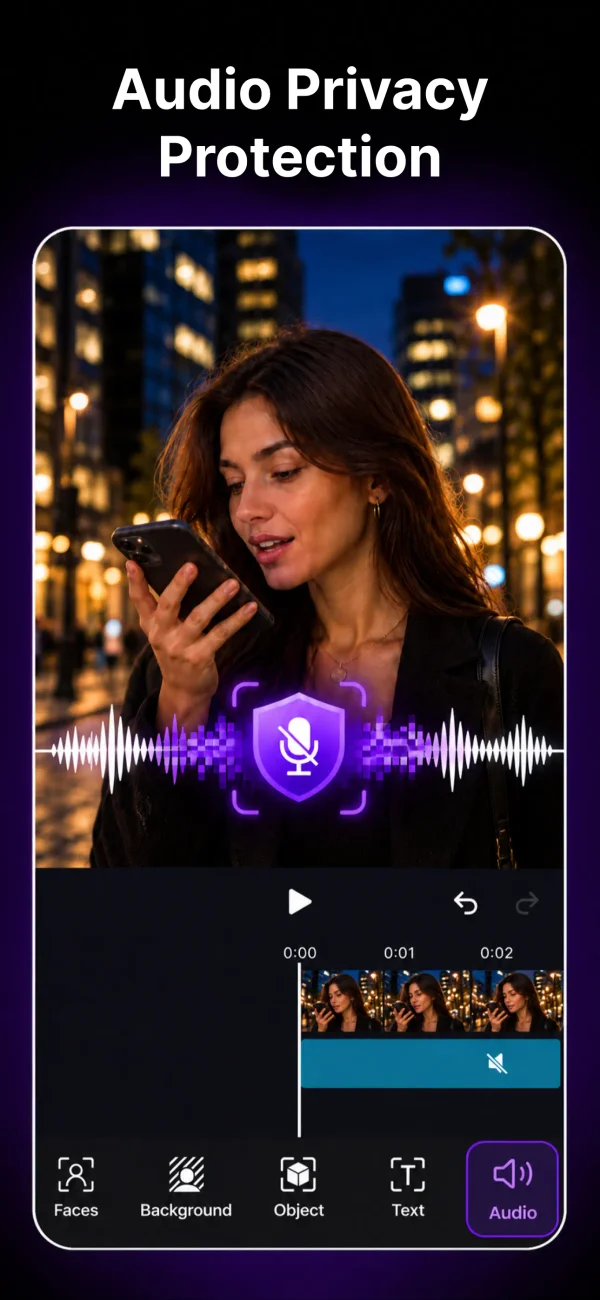

About
Protect privacy in your videos directly on your iPhone.
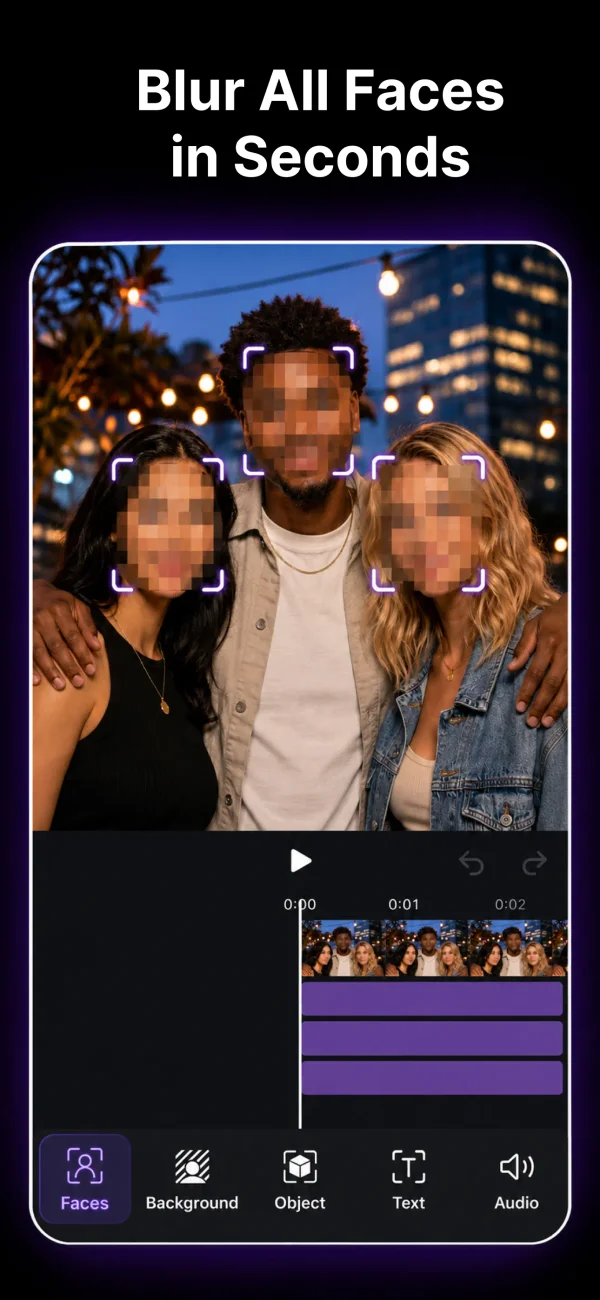
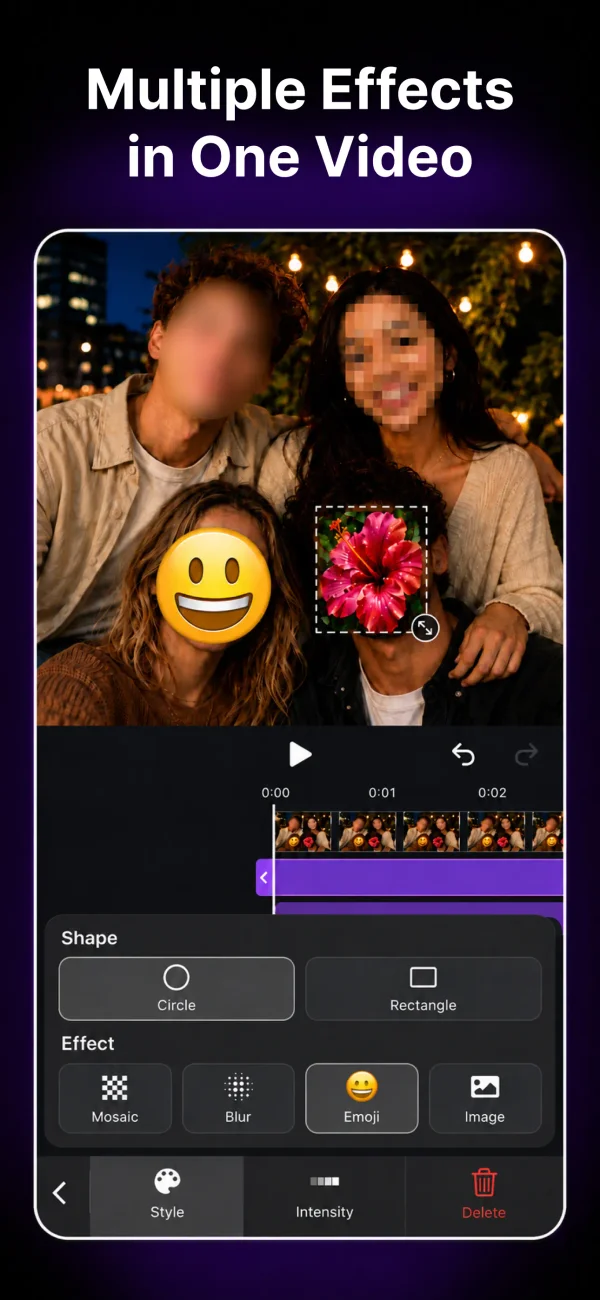
Video Blur automatically detects faces in your videos and gives you flexible tools to hide people, protect identities, and edit sensitive areas. Choose from blur, mosaic, Emoji, or your own custom image to cover faces the way you want.
All editing features are available for free. Free users can preview and edit without feature restrictions, with limitations applied only when exporting.
Your video files, frames, face analysis, editing choices, and exports stay on your device.
KEY FEATURES
• Automatically detect faces in videos
• Choose which faces to hide
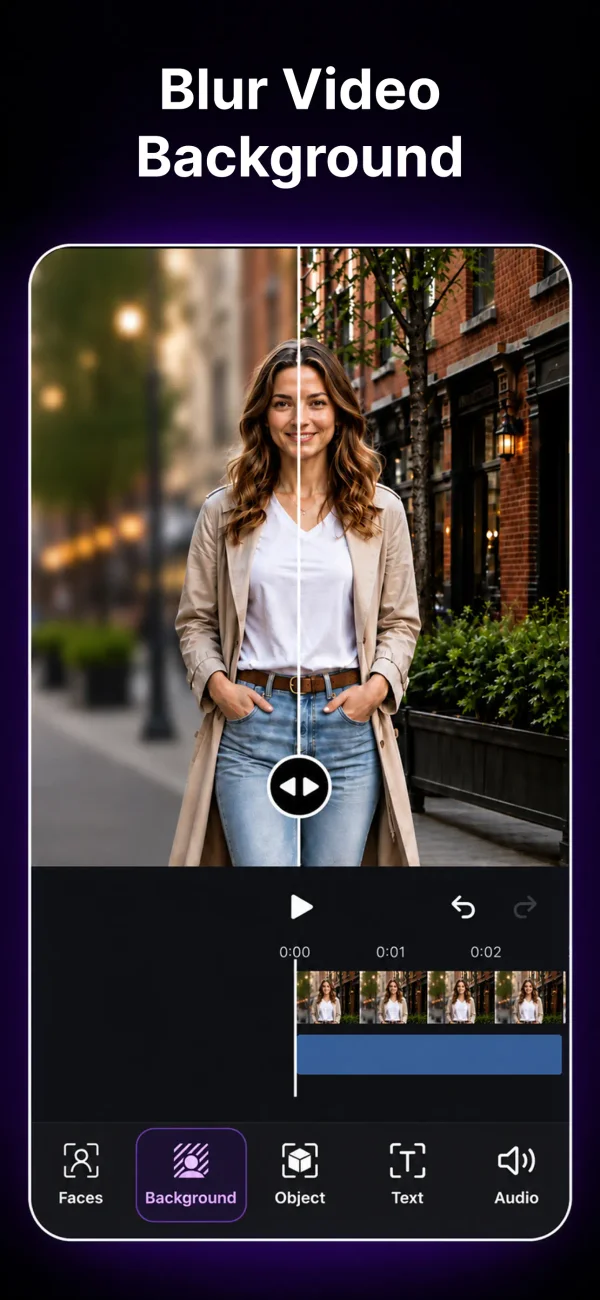
• Blur the video background
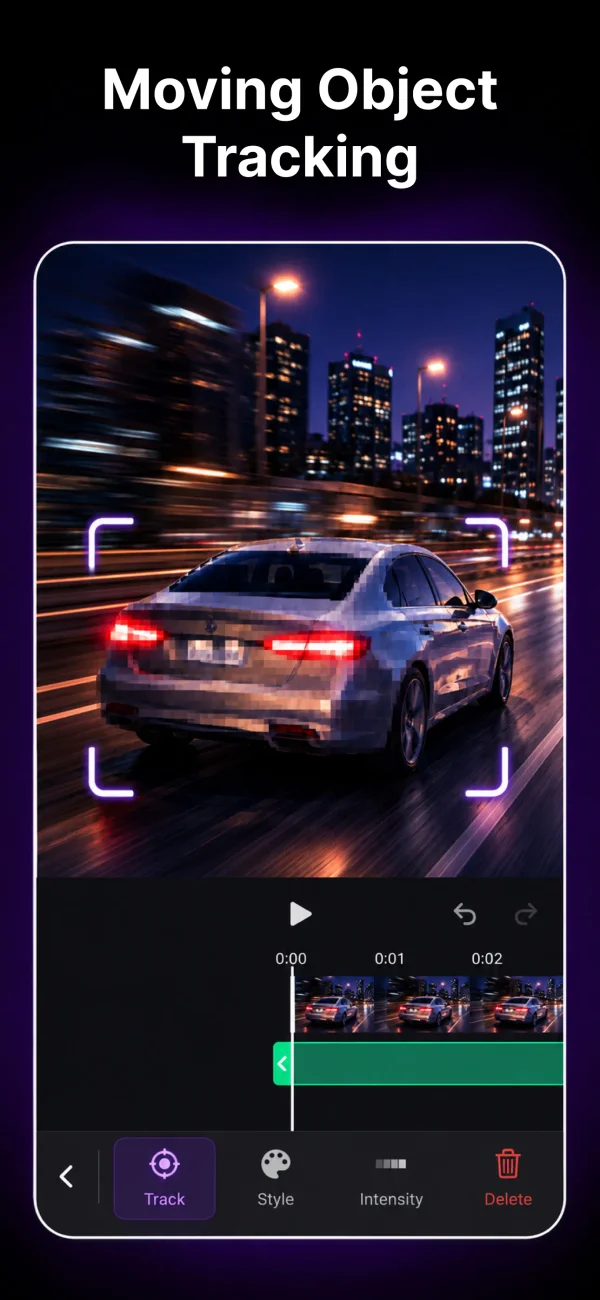
• Apply smooth blur or mosaic effects
• Cover faces with Emoji
• Use your own custom image as a face cover
• Adjust blur and mosaic intensity
• Preview edits before exporting
• Export or share the finished video
• On-device processing for better privacy
FREE exports are limited to:
• Up to 720p resolution
• The first 60 seconds of videos longer than 60 seconds
VIDEO BLUR PRO
Upgrade to Video Blur Pro to remove export limitations.
Pro includes:
• Export videos at the original supported resolution
• Export the full video duration
• No 60-second export limit
• No 720p export limit
Video Blur Pro is available as a weekly or yearly auto-renewable subscription, or as a one-time Lifetime purchase.
Subscriptions renew automatically unless canceled at least 24 hours before the end of the current period. Lifetime is a one-time purchase and does not renew. You can manage or cancel subscriptions in your Apple Account settings.
Privacy Policy:
https://video-blur.vhoto.ai/agreement/privacy-policy
Terms of Use:
https://video-blur.vhoto.ai/agreement/terms-of-service
What’s new
Version 1.10.1 · Nov 20, 2026
• Added 29 interface languages.
• Improved responsiveness when dragging the intensity slider.
• Fixed an echo that could occur when previewing or exporting videos with two audio tracks.
• Optimized exported video file sizes.
App privacy
What Xiamen Youyou Information Technology Co., Ltd. declares on the App Store about how this app handles data.
-
Data linked to you
May be collected and linked to your identity.
- Identifiers
-
Data not linked to you
May be collected but is not linked to your identity.
- Purchases
- Location
- Identifiers
- Usage data
- Diagnostics
Privacy practices may vary, for example with the features you use or your age.
Information
- Seller
- Xiamen Youyou Information Technology Co., Ltd.
- Category
- Photo & Video
- Version
- 1.10.1
- Updated
- Nov 20, 2026
- Released
- Aug 6, 2026
- Size
- 38.0 MB
- Requires
- iOS 17.0 or later
- Age rating
- 4+
- Price
- Free
- In-app purchases
- Yes
- Languages
- English, Arabic, Bulgarian, Catalan, Croatian, Czech, Danish, Dutch, Estonian, Finnish, French, German + 25 more
- Copyright
- © Xiamen Youyou Information Technology Co., Ltd
You might also like
-
 Face Blur Video: Auto TrackingMosaic, pixelate & black boxes
-
 Blur Video - Blur Video EditorFace Blur, Video Background
-
 Face Blur Photo & VideoCensor faces in photos & video
-
 Face Blur for Video: AnonimoPixelate Faces or Add Emoji
-
 BlurOne: Blur Video, Face BlurCensor, Pixelate & Hide Faces
-
 Poof Auto Blur Faces in VideoHide faces in photos & video
-
 Video Blur & Face CensorPixelate & Mosaic Videos
-
 FaceHider: Blur Video & FaceAI Track, Mosaic, Censor, Hide
-
 Video Blur Maker: Censor FaceAuto Hide Person Background
-
 Blur Photo Face & BackgroundPixelate, Censor & Lens Effect