
- Age rating+4
- CategoryUtilities
- DeveloperAndre Brito
- LanguagesPortuguese+ 5 more
- Size8.2 MB
Links to the official App Store page
Download.org hosts no file of Blurly. The button opens its official App Store page, published by Andre Brito. Listing last checked on Nov 12, 2026.
Screenshots

About
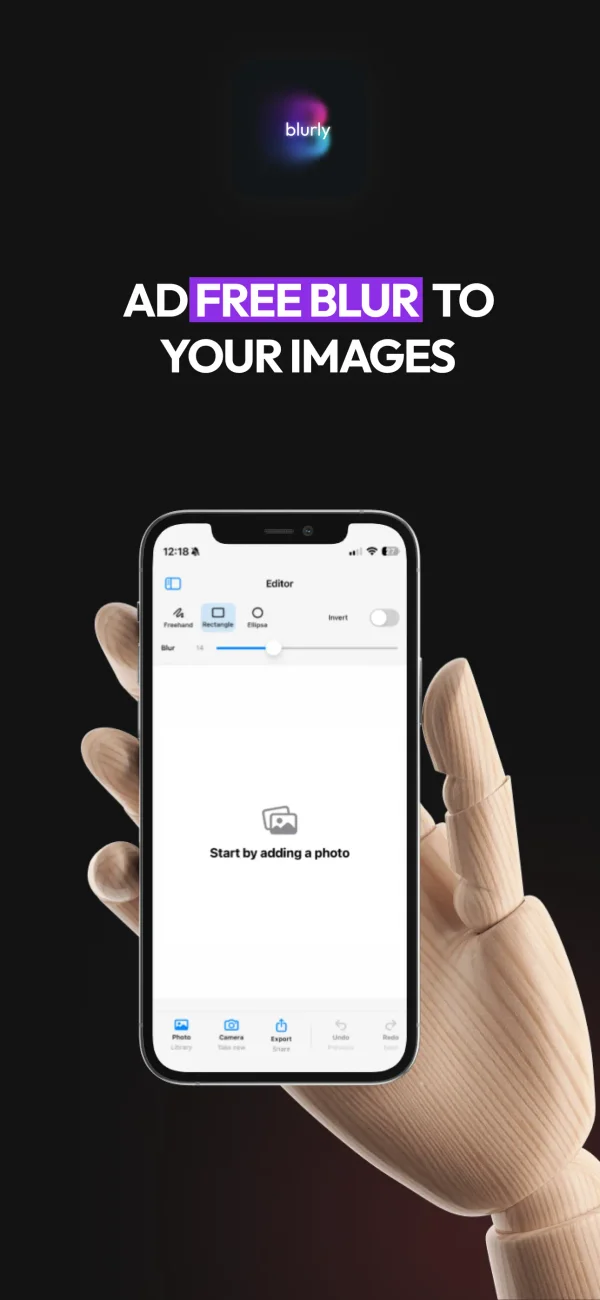
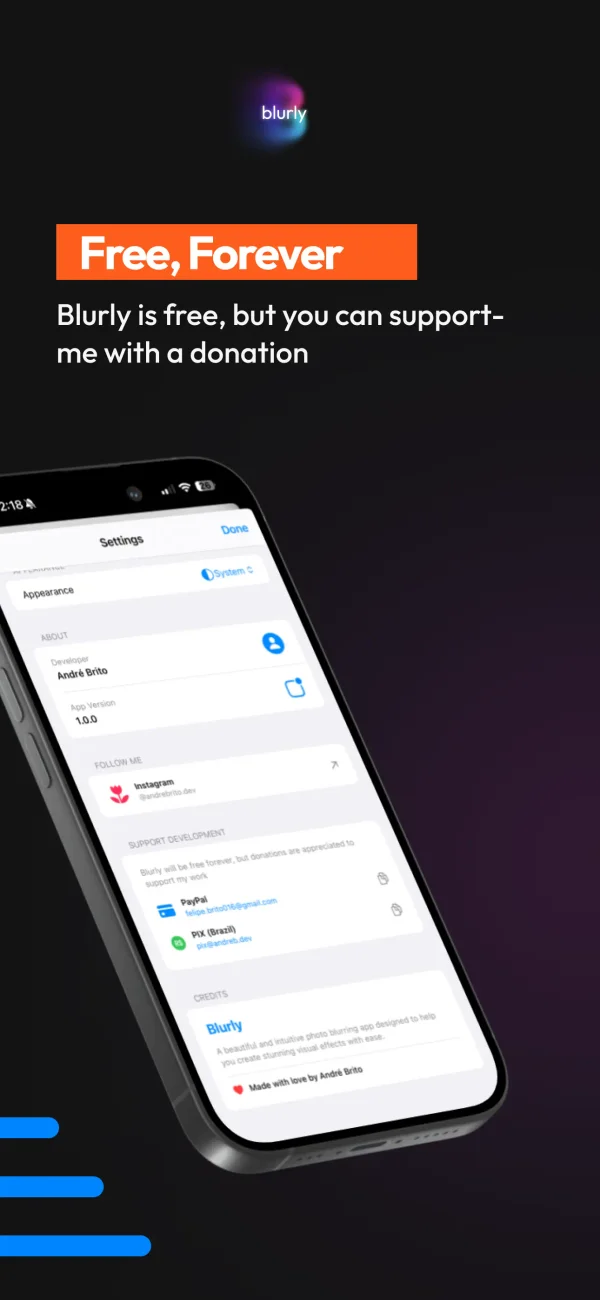
Blurly is the ultimate tool for quick, precise, and stylish blurring. Whether you’re protecting privacy, removing distractions, or adding a creative touch, Blurly makes it effortless.
Why Blurly?
• Selective Blur – Tap and drag to blur only the areas you want.
• Multiple Styles – Choose from Gaussian, mosaic, or frosted glass effects.
• Adjustable Strength – Fine-tune your blur intensity for the perfect look.
• High Resolution – Preserve image quality while editing.
• No Watermarks – Your photo, your way.
• Privacy First – All edits happen on your device, nothing is uploaded.
Perfect for:
• Hiding faces, license plates, addresses, and personal info
• Enhancing focus on key elements in a photo
• Creating stylish, professional-looking images
Whether you’re a casual user or a content creator, Blurly is the easiest way to make your photos both secure and stunning.
Download Blurly and take control of your images today.
What’s new
Version 1.1.0 · Jul 29, 2026
Improved the blur masks.
App privacy
What Andre Brito declares on the App Store about how this app handles data.
-
Data not linked to you
May be collected but is not linked to your identity.
- User content
Privacy practices may vary, for example with the features you use or your age.
Information
- Seller
- Andre Brito
- Category
- Utilities
- Version
- 1.1.0
- Updated
- Jul 29, 2026
- Released
- Aug 15, 2025
- Size
- 8.2 MB
- Requires
- iOS 17.6 or later
- Age rating
- +4
- Languages
- Portuguese, German, Spanish, French, English, Italian
- Copyright
- © 2025 André Brito
You might also like
-
 ListadellaUtilities
-
 Flags: Widgets & FacesYour flag, where you'll see it
-
 CaptóleoUtilities
-
 Video Tools: Edit & ConvertCompress, Trim, Merge & Resize
-
 DomoMeter - Meter ReadingsElectricity, gas & water
-
 CloseTabs for SafariSmarter Tab Cleanup
-
 RouteViewsUtilities
-
 TheDevConfUtilities
-
 Memento Mori - CountdownMake Every Day Count
-
 Audio QRUtilities