Bode Plot Calculator
Bode plots, Nyquist diagrams
Designed for iPhone, iPad, iPod touch
$3.99
- Age rating4+
- CategoryEducation
- DeveloperEdoardo Orzes
- LanguagesEnglish+ 7 more
- Size8.7 MB
Links to the official App Store page
Download.org hosts no file of Bode Plot Calculator. The button opens its official App Store page, published by Edoardo Orzes. Listing last checked on Nov 18, 2026.
Screenshots


About
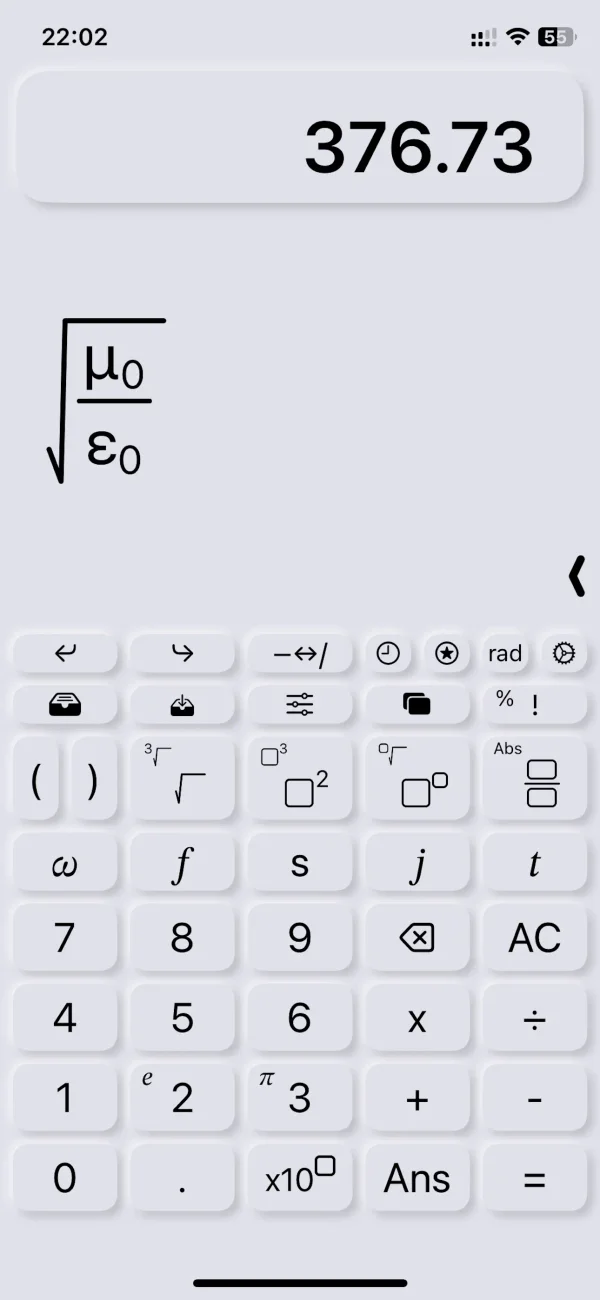
This is not a standard scientific calculator, it is optimized to evaluate Bode plots and Nyquist diagrams.
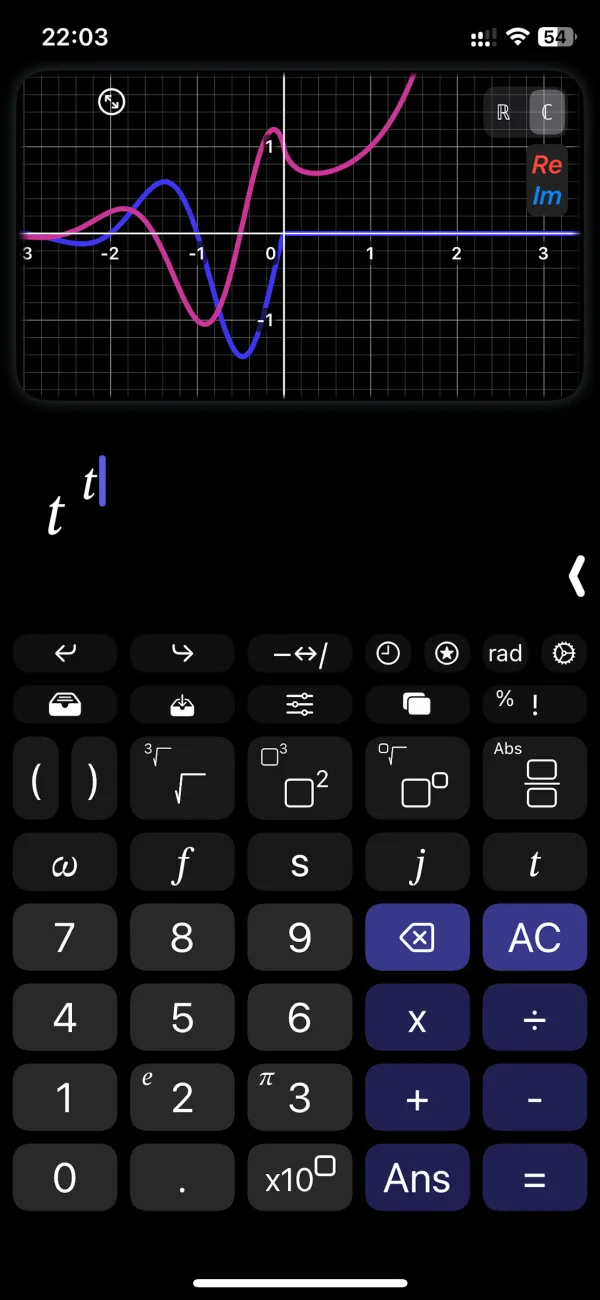
This calculator is also fully compatible with the complex domain and standard graphs in time domain (linear).
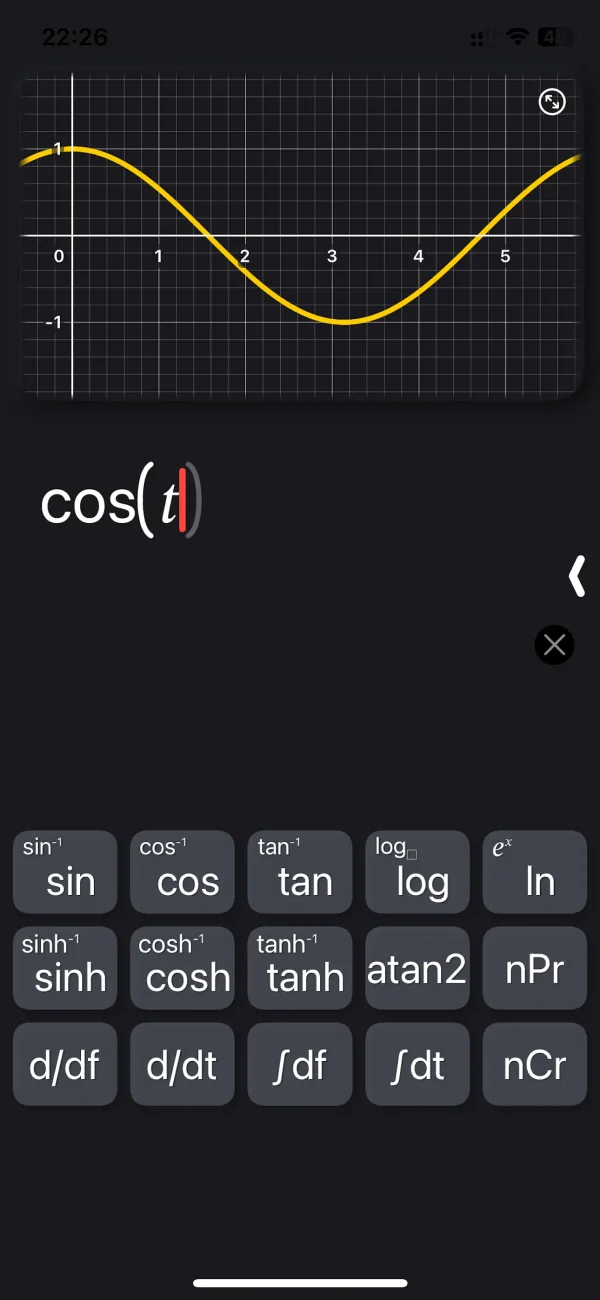
Writing a calculation produces the numeric result, as any calculator, while adding the variable t produces a plot in time domain.
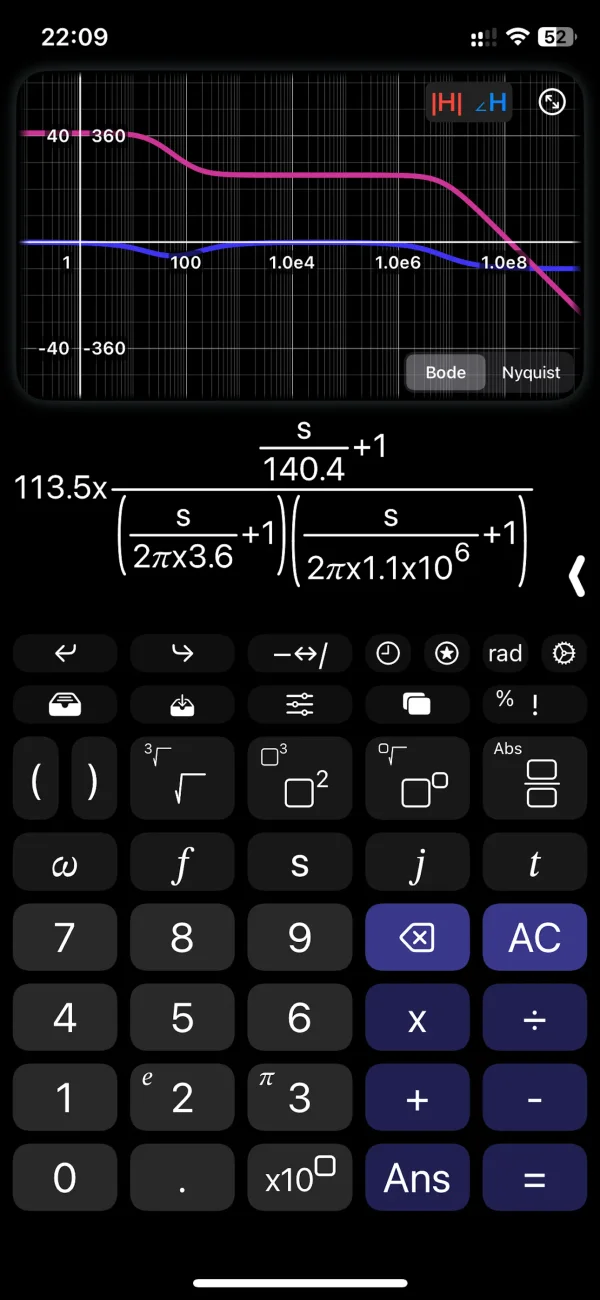
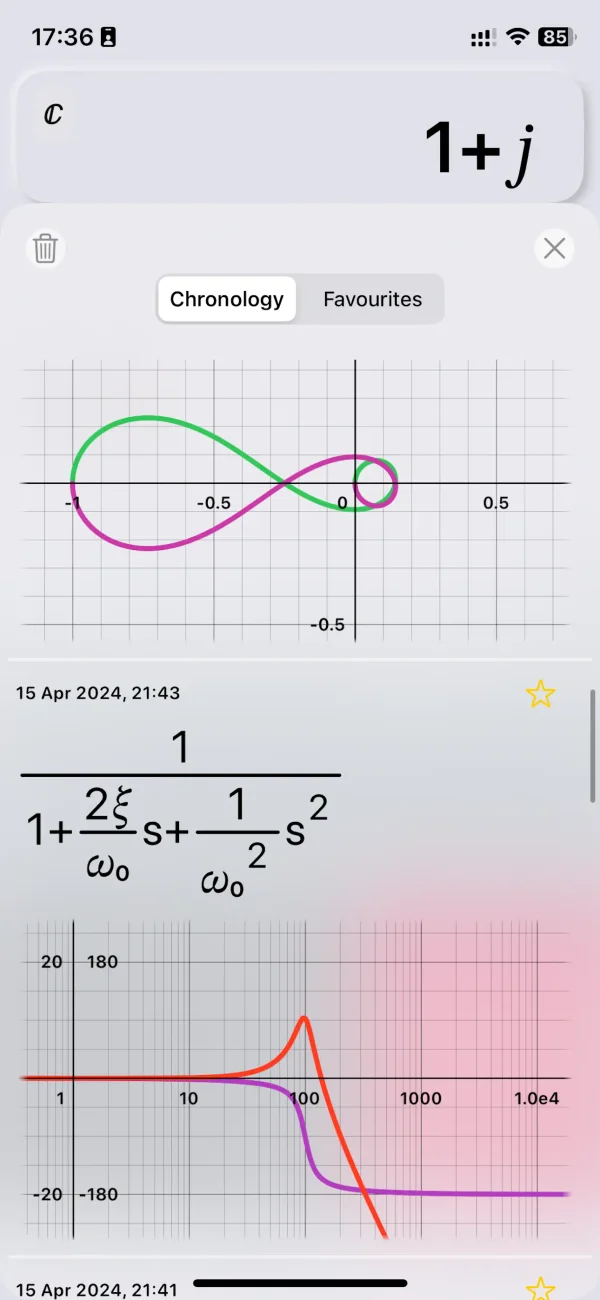
Inserting f, omega or s instead, produces the Bode Plot, then it is possible to switch to the Nyquist diagram.
Functionalities:
- Nice looking interface, intuitive, immediate and able to not only replace, but to enrich hardware calculators.
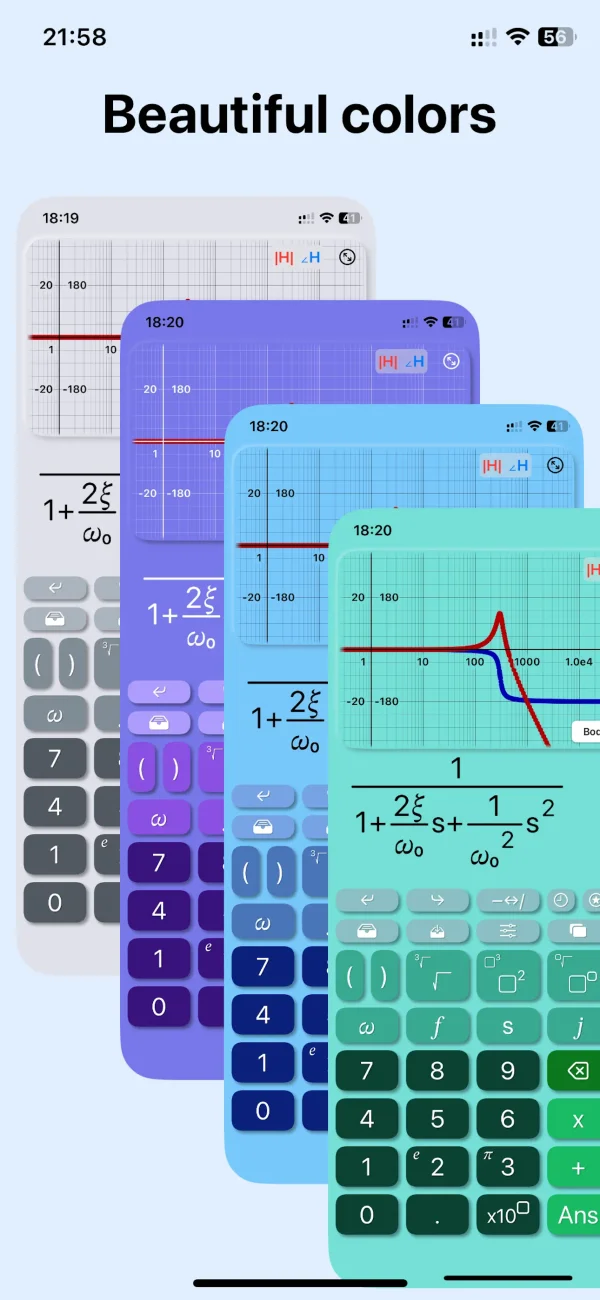
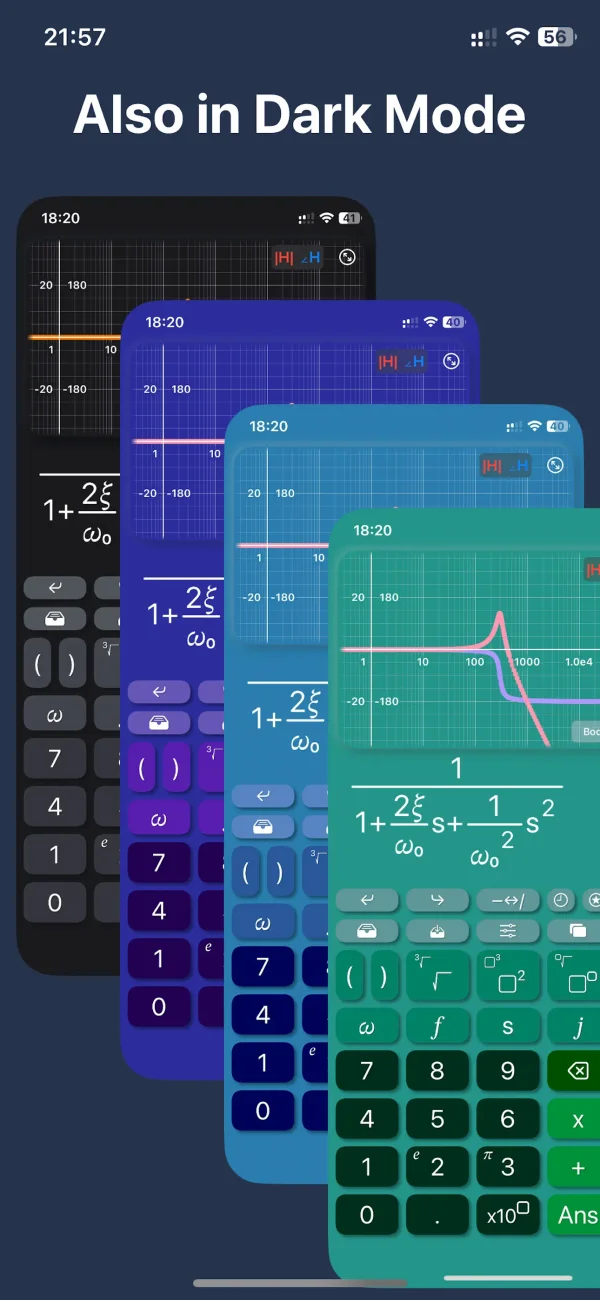
- Elegant and modern themes and colors to choose from, all included in the first purchase.
- A little magic feature: in scientific notation, swipe over the result to move the decimal dot and see the ten power change :)
- All scientific function (sin, cos, tan, ..., log, ln, exp, ..., atan2).
- Calculation structured in 2D, with fractions, powers, roots, brackets and so on, with very easy to nest operations, no limits!
- Tap on the calculation to place the cursor and write.
- Undo/Redo buttons
- A catalog with 40 physics fundamentals constants, with name and unit of measure, ready to be inserted.
- Possibility to store values.
- Chronology.
- Sliders: yes, you can insert many parameters and change them swiping on a slider to see the effect in real time.
- Spaces: access to up to 4 spaces on which you can edit and keep calculations, useful also to superpose different plots.
- Joystick mode: swipe over the buttons to move the cursor (still in beta).
- Bode Plots: inserting a variable, s, omega or f, produces the Bode Plot, toggling on the button it switches to the Nyquist diagram.
- Linear Plots: inserting the t variable, produces a plot in a linear domain.
- Complex numbers: the app automatically uses complex numbers when needed, no need to set the complex mode.
- Plots also support for complex values.
- Integrals and derivatives (in the future also limits).
- Export plot and calculation as image/PDF, copy result as text
What’s new
Version 1.3 · Sep 18, 2026
iOS27 compatibility
Bug fixes, improvements
App privacy
What Edoardo Orzes declares on the App Store about how this app handles data.
-
Data not collected
The developer does not collect any data from this app.
Privacy practices may vary, for example with the features you use or your age.
Information
- Seller
- Edoardo Orzes
- Category
- Education
- Version
- 1.3
- Updated
- Sep 18, 2026
- Released
- Apr 19, 2024
- Size
- 8.7 MB
- Requires
- iOS 15 or later
- Age rating
- 4+
- Price
- $3.99
- Languages
- English, Arabic, French, Hindi, Italian, Portuguese, Simplified Chinese, Spanish
- Copyright
- © 2024 Edoardo Orzes
You might also like
-
 Root Locus PlotterEducation
-
 SISO CalculatorEducation
-
 ASIC & FPGA Design StudioVerilog · VHDL · RTL Toolkit
-
 RST 599TK ProReal CW QSO Simulator
-
 CloudLabs Graphs and MatricesEducation
-
 RST 599 ProCW QSO Simulator
-
 Learn Python Data ScienceData Science Math & Coding
-
 GlobeViewer PROWorld Globe & 3D Maps
-
 Lbs Commands- Daily commandLinux for Windows and Mac OS X
-
 Learn Frontend Web Dev OfflineBe a Frontend Web Developer