
Boki: Focus Timer, App Blocker
Cozy study & screen time detox
Designed for iPhone
Free · In-app purchases
- Age rating4+
- CategoryProductivity
- DeveloperDong Seok Lee
- LanguagesEnglish+ 2 more
- Size35.1 MB
Links to the official App Store page
Download.org hosts no file of Boki: Focus Timer, App Blocker. The button opens its official App Store page, published by Dong Seok Lee. Listing last checked on Nov 23, 2026.
Screenshots


About
Start focusing, and Boki heads off on an adventure.
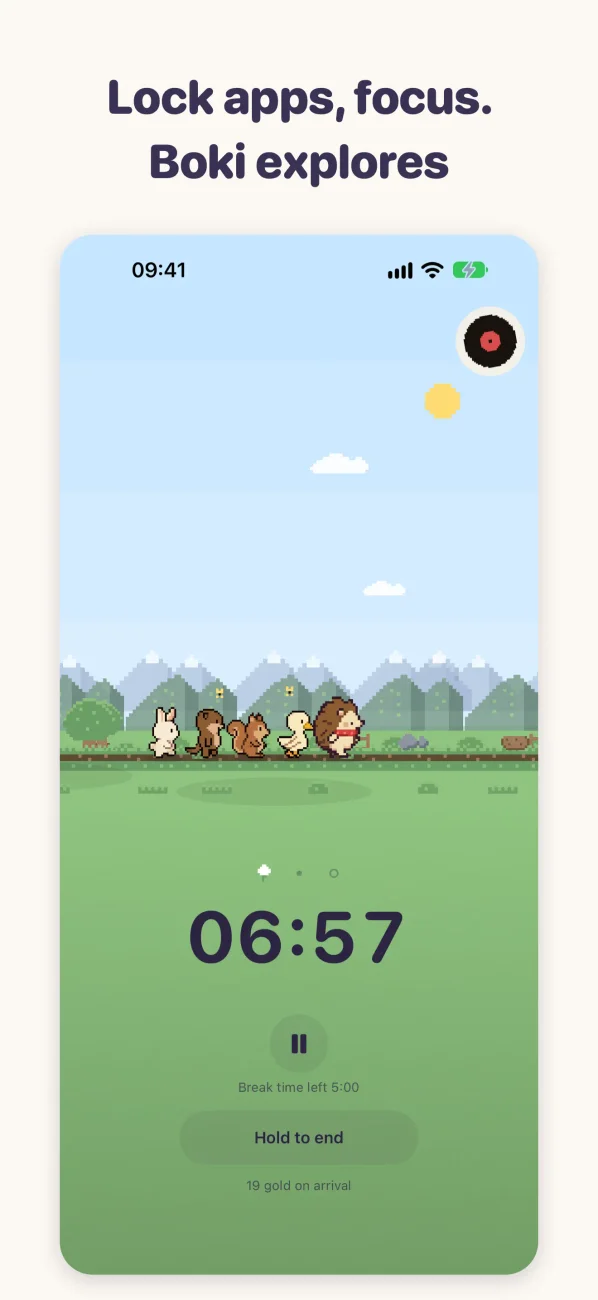
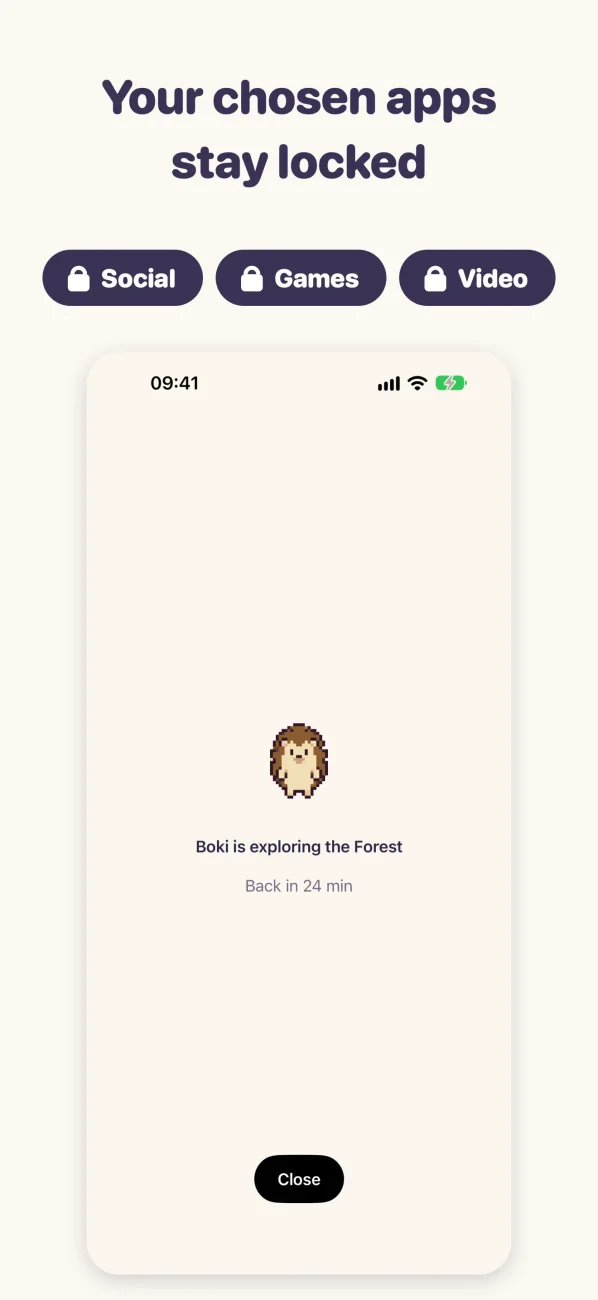
Pick the apps that pull you away — social media, games, video. While you focus, they stay locked, and Boki the hedgehog goes exploring. The longer you focus, the farther Boki goes and the more Boki brings back.
How it works
• Choose the apps to lock. No limit on how many.
• Set how long you want to focus and start.
• Boki walks through the back hill, forest, river, cave and sea while your apps stay locked.
• When time is up, Boki comes home with finds, gold and experience.
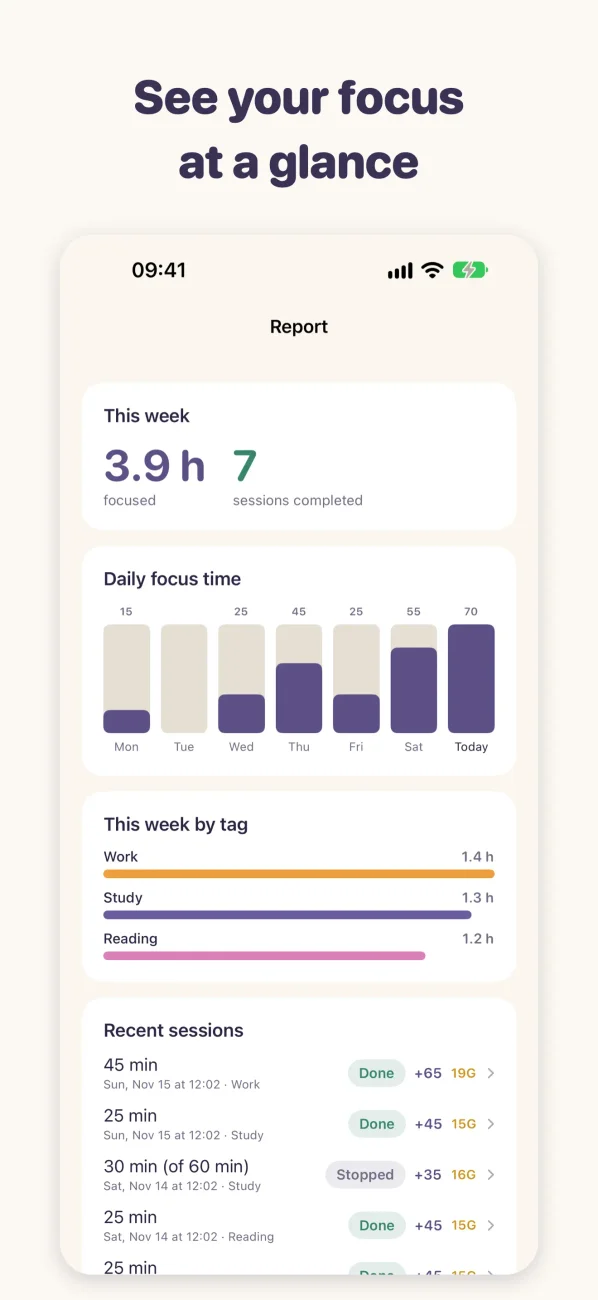
• Add tags like Study or Work to see your focus time by tag. Each tag can lock its own set of apps.
• See the time left right on your Lock Screen.
What you'll find
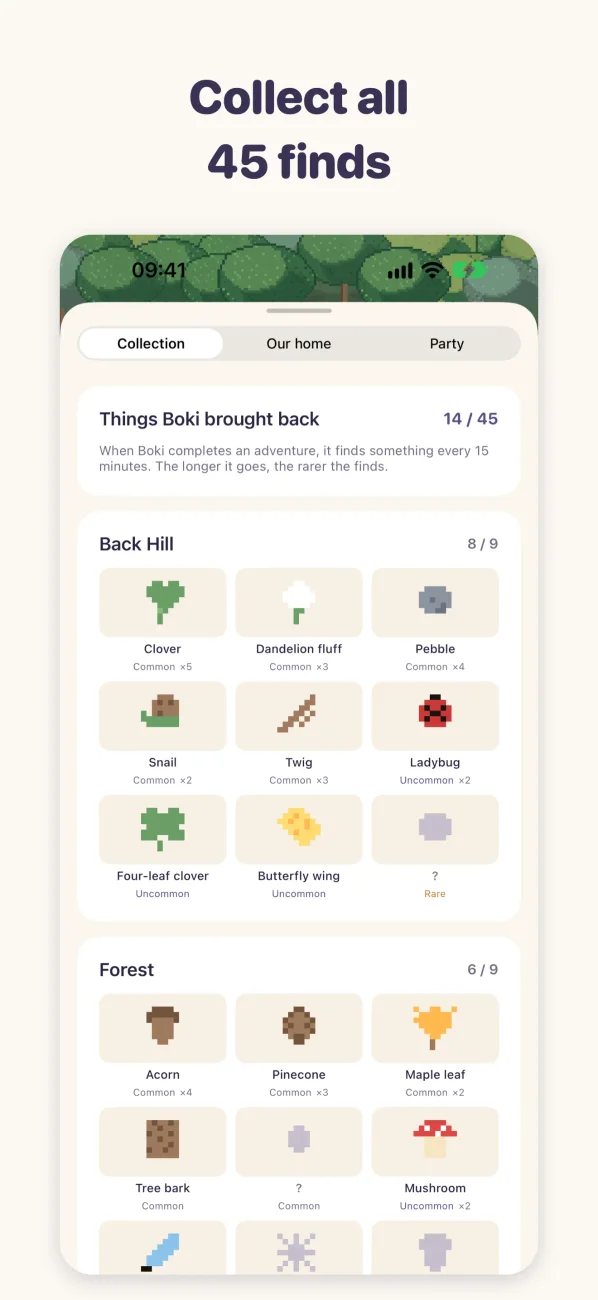
• 5 places to explore and 45 things to collect. Every 15 minutes Boki picks something up — longer sessions find rarer things.
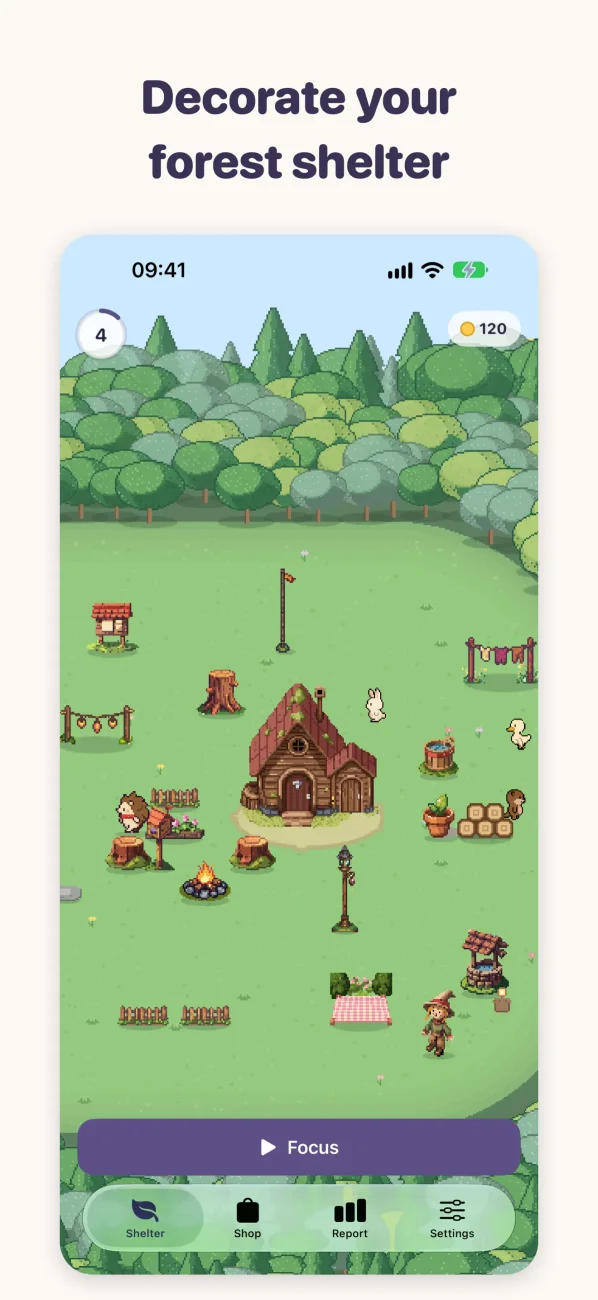
• A shelter in the woods that grows as you level up.
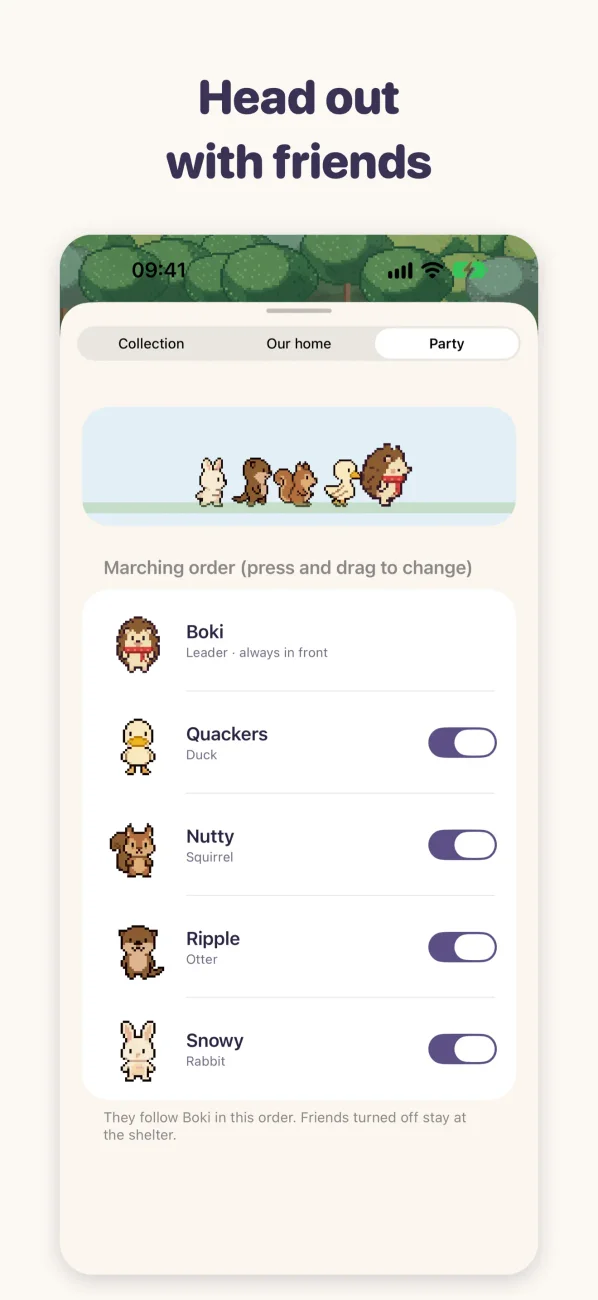
• Outfits, decorations and animal friends who join Boki's party.
Sounds for focus
• Nature sounds like meadow, forest, stream, rain, waves, campfire and café, plus white noise.
• Lo-fi and ambient music.
• Mix several sounds, set each volume, and save your favorite mixes as albums.
• A cheer or fanfare lets you know when your focus time is done.
When you really need an app
Take a short break — up to 5 minutes for every hour. Boki just comes back a little later, and your rewards stay the same.
Private by design
No account. Your records stay on your iPhone, and if you use iCloud they're backed up to your own iCloud so you can restore them after reinstalling. Boki uses Apple's Screen Time, so which apps you use never leaves your device.
Boki Pass
Boki is unlocked with Boki Pass: monthly, yearly (with a 7-day free trial) or lifetime. You can try a 3-minute adventure first when you start.
• Payment is charged to your Apple Account at confirmation of purchase.
• Subscriptions renew automatically unless canceled at least 24 hours before the end of the current period. Your account is charged for renewal within 24 hours before the period ends.
• Manage or cancel anytime in Settings → Apple Account → Subscriptions.
• Any unused part of a free trial is forfeited when you purchase a subscription.
Terms of Use: https://boki.appstdo.com/en/terms/
Privacy Policy: https://boki.appstdo.com/en/privacy/
What’s new
Version 1.2.0 · Nov 16, 2026
Added a sound that plays when your focus session ends. Choose between a cheer, a fanfare, or the default alert sound in Settings. New users can now try a 3-minute adventure before getting started. The collection of things Boki brings back is now simply called "Collection". Also includes minor bug fixes and stability improvements.
App privacy
What Dong Seok Lee declares on the App Store about how this app handles data.
-
Data not linked to you
May be collected but is not linked to your identity.
- Purchases
- Location
- User content
- Identifiers
- Usage data
- Diagnostics
Privacy practices may vary, for example with the features you use or your age.
Information
- Seller
- Dong Seok Lee
- Category
- Productivity
- Version
- 1.2.0
- Updated
- Nov 16, 2026
- Released
- Oct 25, 2026
- Size
- 35.1 MB
- Requires
- iOS 17.0 or later
- Age rating
- 4+
- Price
- Free
- In-app purchases
- Yes
- Languages
- English, Japanese, Korean
- Copyright
- © 2026 appstdo
You might also like
-
 NightMeow - Cat Study TimerFocus and collect cozy cats
-
 Catena: Pomodoro & Focus TimerStudy with friends & cute cats
-
 MindfulBlock: App BlockerJournal to Unlock Screen Time
-
 PetBloom: Focus With Your CatPomodoro Timer & Study Streaks
-
 Ferd FocusTravel while you focus
-
 Screen Time Control app +App Blocker, Focus & Timer
-
 Pomodoro Flip Clock & TimerFocus Timer & Ambient Sounds
-
 Cozy Focus PalStudy Timer & Focus Buddy
-
 Dig Time - Focus TimerFlip-to-Focus Study Timer
-
 kokopi: screen time + focusscroll. on purpose.