
BookFusion
eBook Reader, Manager & Cloud
Designed for iPhone, iPad, iPod touch
Free · In-app purchases
- Age rating12+
- CategoryBooks
- DeveloperBookFusion
- LanguagesEnglish+ 5 more
- Size154.9 MB
Links to the official App Store page
Download.org hosts no file of BookFusion. The button opens its official App Store page, published by BookFusion. Listing last checked on Nov 21, 2026.
Screenshots



About
Thousands of readers use BookFusion to manage, read and enjoy over 2 million eBooks.
BookFusion is the best cross platform eBook reader and manager with cloud sync that allows you to easily read, organize and manage your eBooks across all your devices.
◇ Features ◇
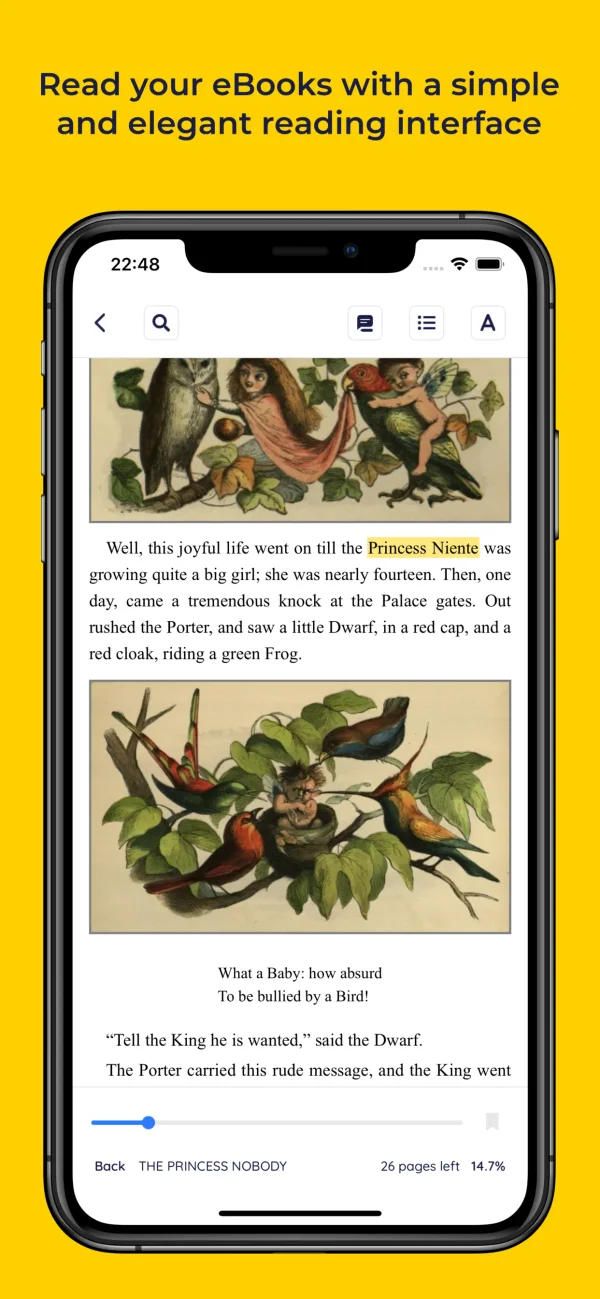
Integrated Reader - Read all your EPUB, PDF, & CBZ/CBR eBooks both online and offline with clean and intuitive interface .
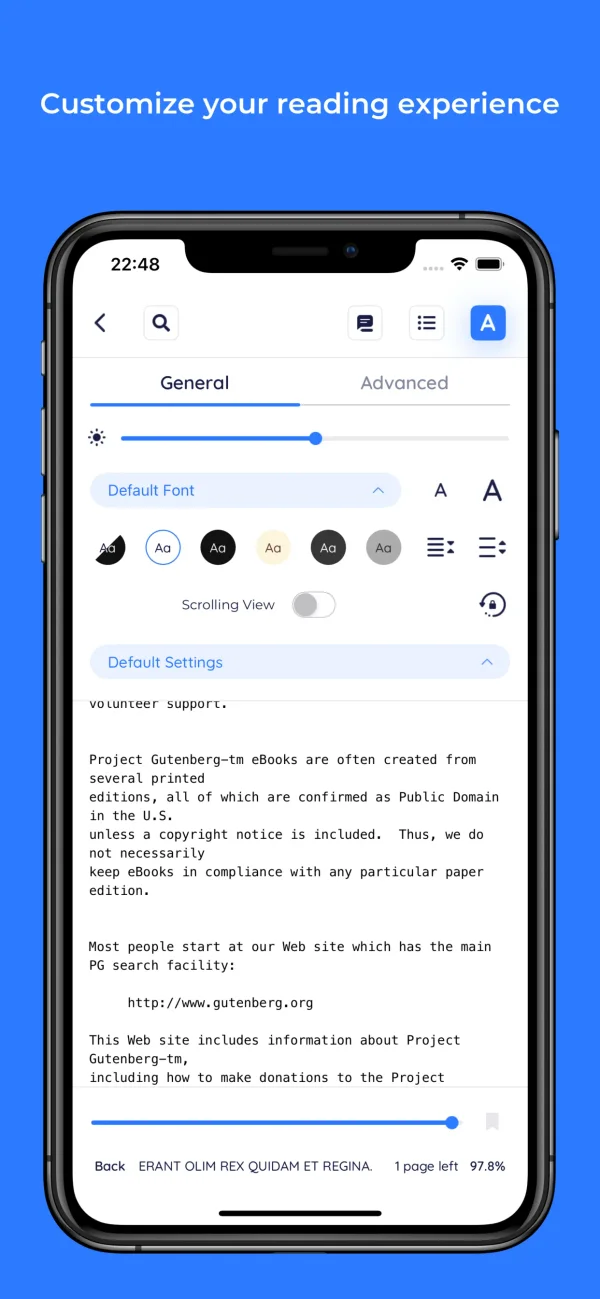
Extensive Reader Settings - Customize your reading experience from vertical/horizontal margins, line spacing, fonts, bold/italics, colors and much more.
Seamless Syncing - Sync your reading progress, highlights & annotations, eBooks and bookmarks across all devices. Pick up exactly where you left off.
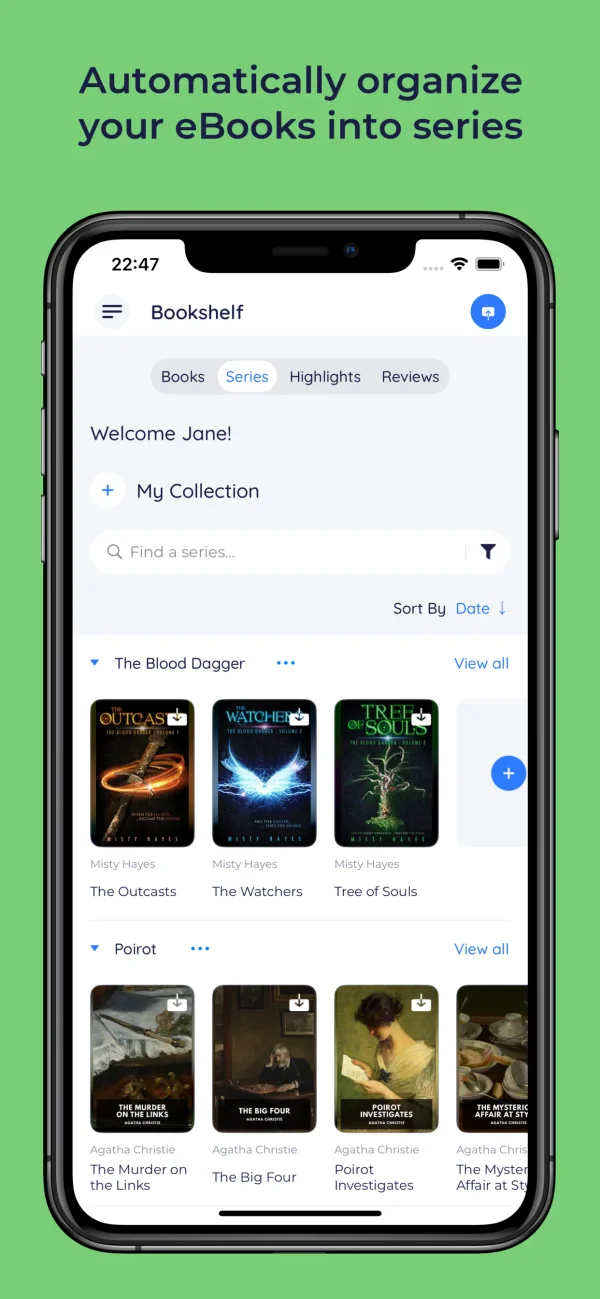
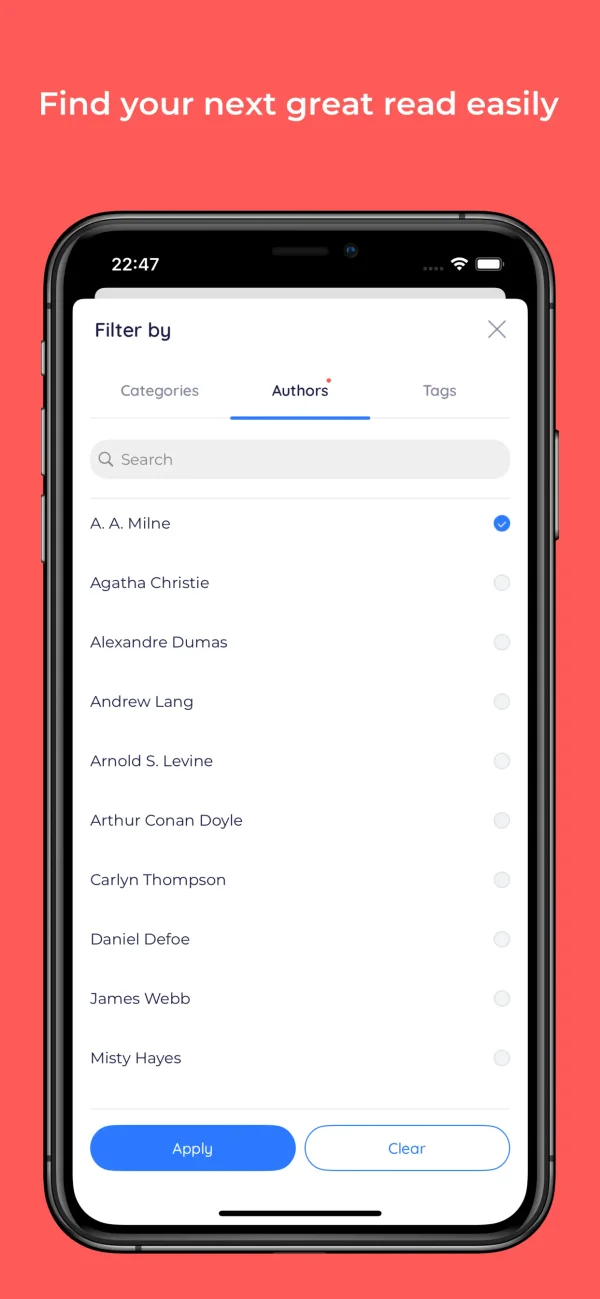
Organize & Manage - Easily organize and access all your eBooks seamlessly whether offline or online. Organize your eBooks using virtual bookshelves or place them into Series. Quickly find the eBook you are looking for using the category, tags or author filters. The perfect eBook Organizer & eBook Manager in one.
Light & Dark Mode – Dark or Light the preference is yours!
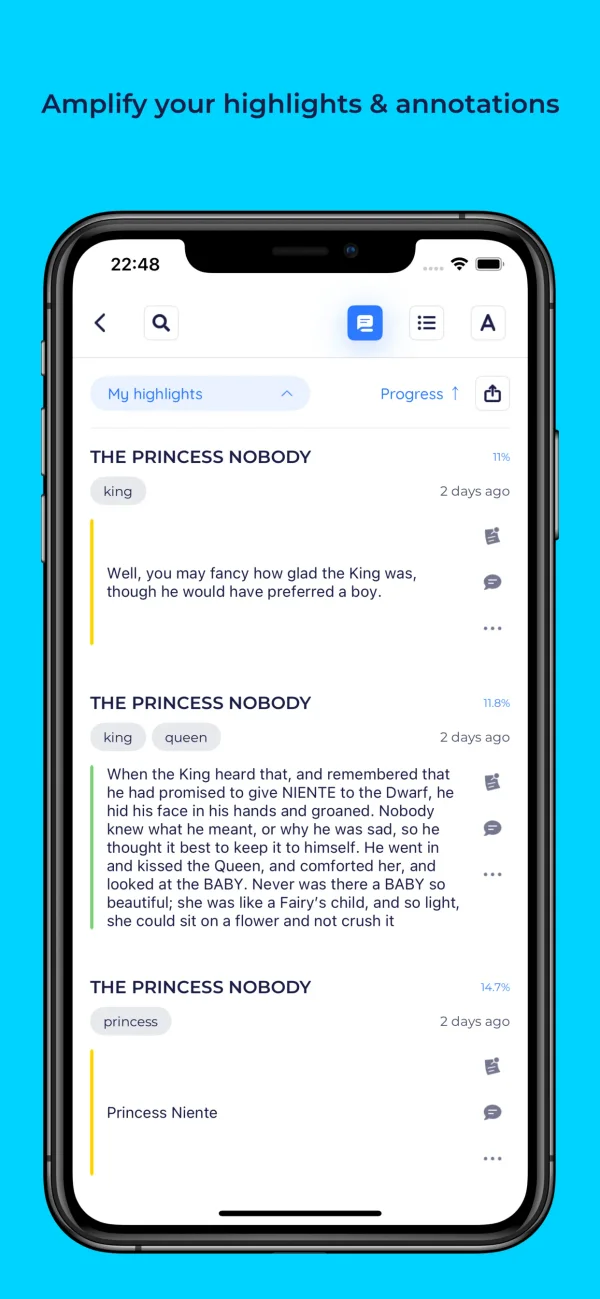
Highlights & Annotations - Highlight with your preferred colors and add tags to highlights to keep them organized. Sort your highlights by date or reading progress and easily export them to use in other apps in CSV, Markdown, HTML and PDF formats
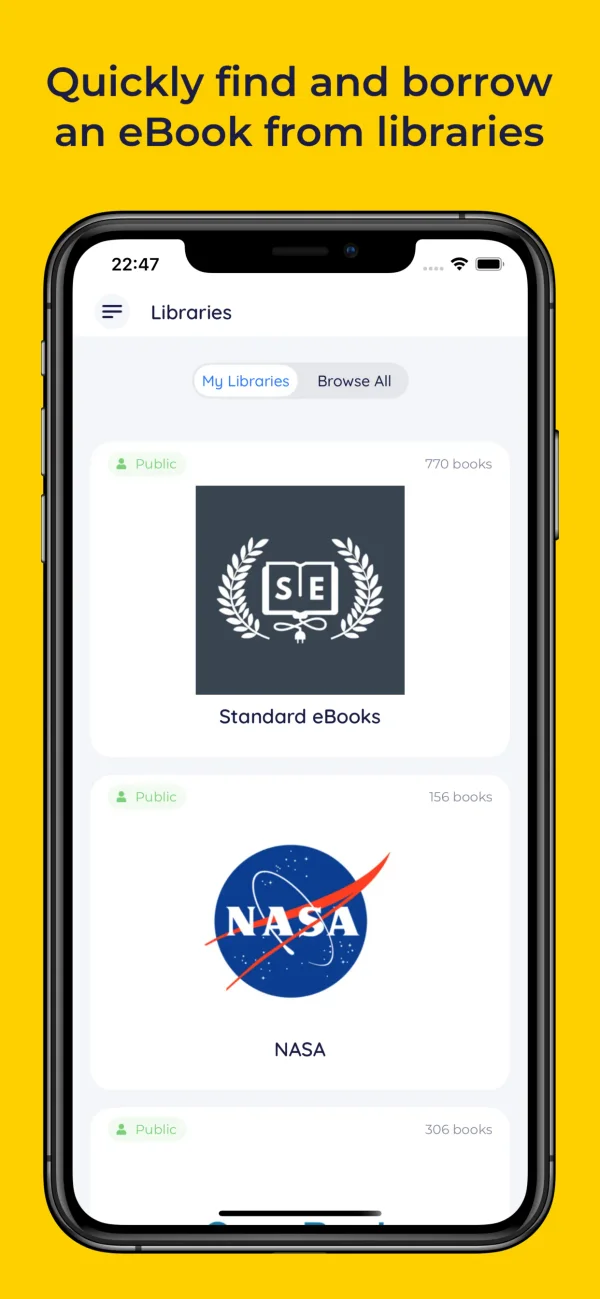
eBook Cloud - Keep your entire eBook collection at the tips of your fingers by storing them in the cloud and downloading them to read offline only when you need to. Any title just a click away.
Text-to-Speech (TTS) - Listen to your favorite eBooks with Apple's native natural-sounding text-to-speech feature. Customize reading speed, voice and accessibility. Ideal for audiobook lovers busy lifestyles and accessible for all readers.
Send to Kindle – Organize and quickly send your next read to your Kindle device with one click.
Calibre Integration - The perfect Calibre Ally. Sync metadata, custom columns, series, tags and incremental updated PDF & EPUB files to all your devices. Your entire Calibre library on your devices when you need it.
Vertical Writing Support - Read Chinese, Vietnamese, Korean, and Japanese eBooks with ease.
Image/Area Highlights & Annotations (PDFs) - Easily annotate/highlight images, tables, graphs or even text. Any element at all in your PDF can now be highlighted and annotated.
EPUB 3 Support - With support for the full EPUB 3 spec. You can read eBooks with rich interactivity support that includes video, audio, Q&A, games and much more.
Widgets – Quickly view and jump back into your last read, currently reading, or highlights right from your home screen with iOS Widgets.
Multi-Window Support (iPadOS & macOS) – Open multiple books side by side, drag books into Split View, or read and view highlights simultaneously. Perfect for multitasking, studying, or comparing texts.
NOTE: You will need to install the BookFusion Calibre Plugin to sync your eBooks to all your devices. See the tutorial at https://support.bookfusion.com/hc/en-us/articles/360018852052-Installing-Using-the-BookFusion-Plugin-for-Calibre
Open With - Don’t like the integrated reader? Use the open with functionality to send and read your eBooks with your preferred app. No lock-in
Metadata & Book Details – Know what an eBook is about at a glance or easily edit the cover, description, author tags and other information.
Additional Formats Supported via Web - These include: AZW, AZW3, AZW4, CBC, CHM, DJVU, DOCX, FB2, FBZ, HTML, HTMLZ, LIT, LRF, PRC, PDB, PML, RB, RTF, SNB, TCR, TXT, TXTZ in a single app. These must be uploaded via the Web App before using the iOS App
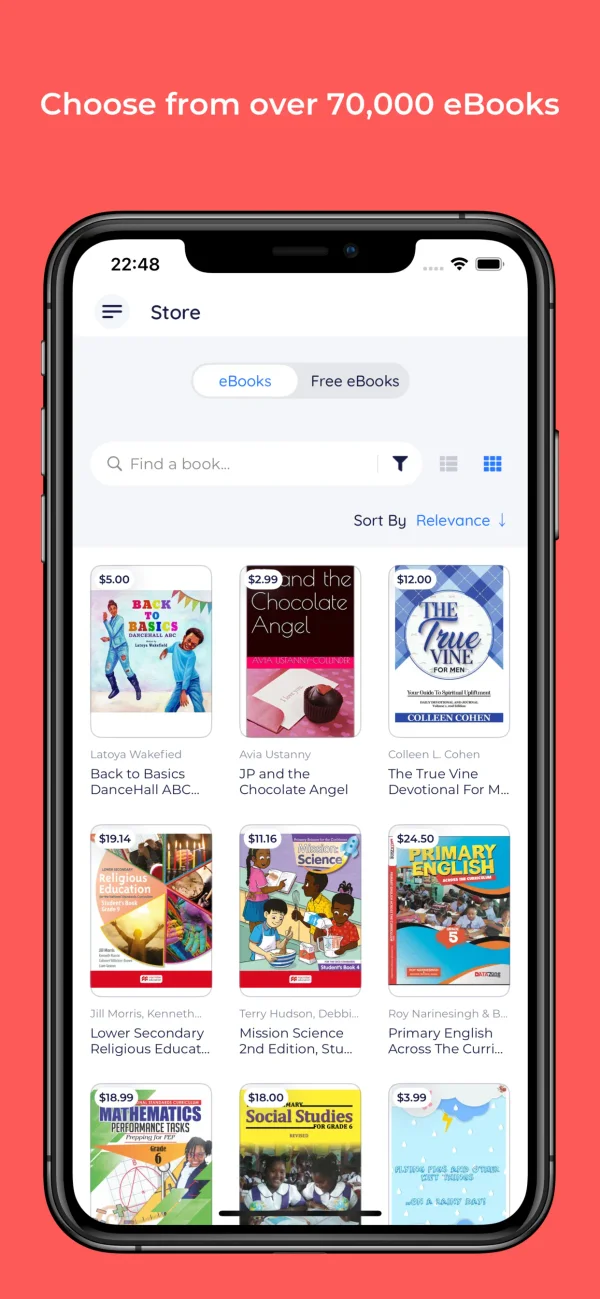
Choose from over 70,000 eBooks
◇ Other ◇
Have feedback or just want to chat? We would love to hear from you. Drop us a line at support@bookfusion.com or join us for a chat on Discord at https://www.discord.gg/7v34UYq
Terms of Service - https://www.bookfusion.com/terms
Privacy Policy - https://www.bookfusion.com/privacy
What’s new
Version 1.44.4 · Nov 20, 2026
**New**
- Improvements for Apple silicon Mac laptops and desktops. You can now open multiple books and choose whether they open in tabs or in separate windows. Tabs and windows also display the title of the book or article that's open, making it easier to quickly find and switch to what you want to read
- Natural Page Curl - In two-column mode, pages now curl from the middle, just like a real book, across all your devices, including iPhone Duo
**Fixes**
- On iPhone Duo, text on the front screen is no longer covered by the camera
- On Mac, the reader now shows the correct mouse pointer
- Faster opening of large comic archives (CBR/RAR)
- Fixed empty content when saving articles from websites with CORS protection
App privacy
What BookFusion declares on the App Store about how this app handles data.
-
Data linked to you
May be collected and linked to your identity.
- Contact info
- User content
-
Data not linked to you
May be collected but is not linked to your identity.
- Usage data
- Diagnostics
Privacy practices may vary, for example with the features you use or your age.
Information
- Seller
- BookFusion Inc.
- Category
- Books
- Version
- 1.44.4
- Updated
- Nov 20, 2026
- Released
- Sep 6, 2016
- Size
- 154.9 MB
- Requires
- iOS 15.1 or later
- Age rating
- 12+
- Price
- Free
- In-app purchases
- Yes
- Languages
- English, Arabic, Polish, Portuguese, Spanish, Ukrainian
- Copyright
- © BookFusion 2026
You might also like
-
 Yomu EBook ReaderAn independent reader
-
 Readest - eBook ReaderEPUB, PDF, sync & read aloud
-
 MapleRead CXEPUB Reader
-
 Calibre CompanionBooks
-
 PocketBook ReaderPDF, EPUB, FB2, Audiobooks
-
 plappaSelf-hosted Audiobooks
-
 Prologue Audiobook PlayerFor Plex & Audiobookshelf
-
 PureLibro: eBook ReaderRead EPUB, MOBI, PDF & comics
-
 Calibre ConnectorBooks
-
 FBReader: ePub and fb2 readerFavorite book reader