
Bookmarks - Send To Self
Text Yourself Links & Notes
Designed for iPhone, iPad
Free · In-app purchases
- Age rating4+
- CategoryProductivity
- DeveloperGILI
- LanguagesEnglish+ 3 more
- Size5.1 MB
Links to the official App Store page
Download.org hosts no file of Bookmarks - Send To Self. The button opens its official App Store page, published by GILI. Listing last checked on Nov 13, 2026.
Screenshots
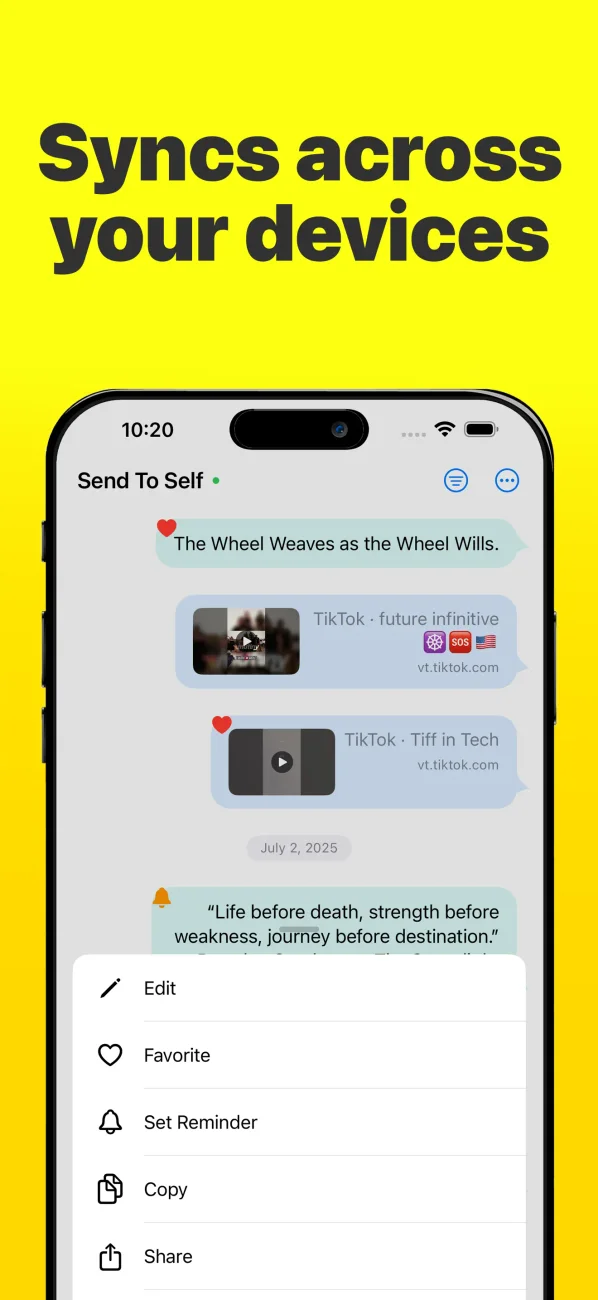
About
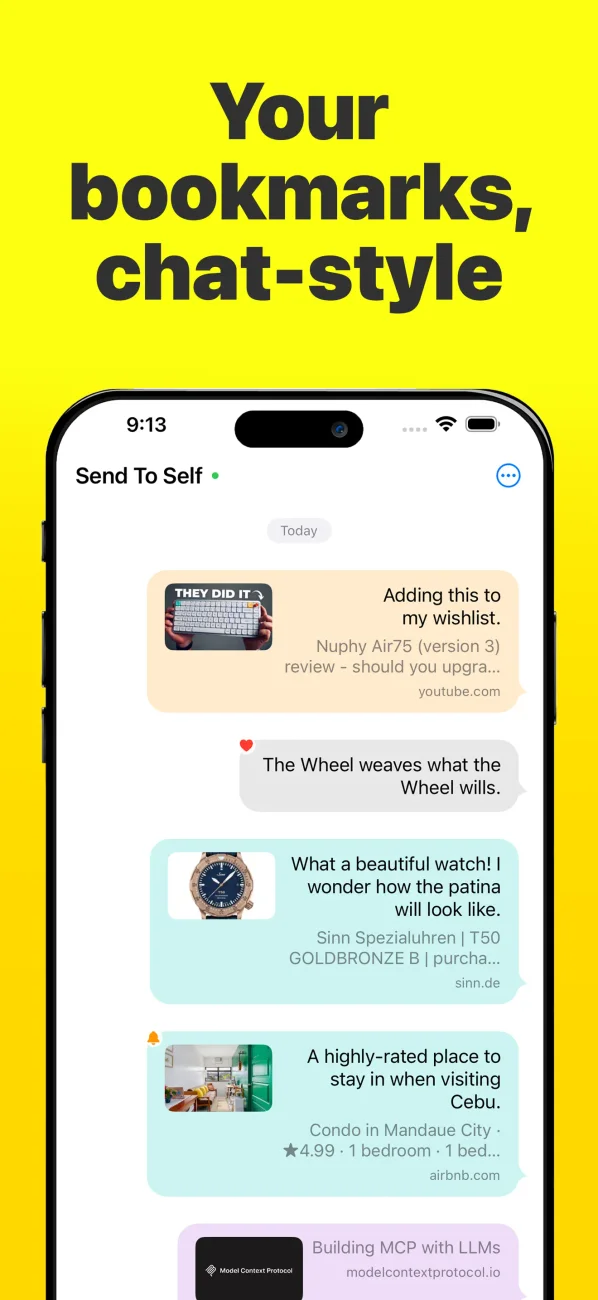
Text yourself that link, note, PDF, or photo with Send To Self and stop losing content you care about.
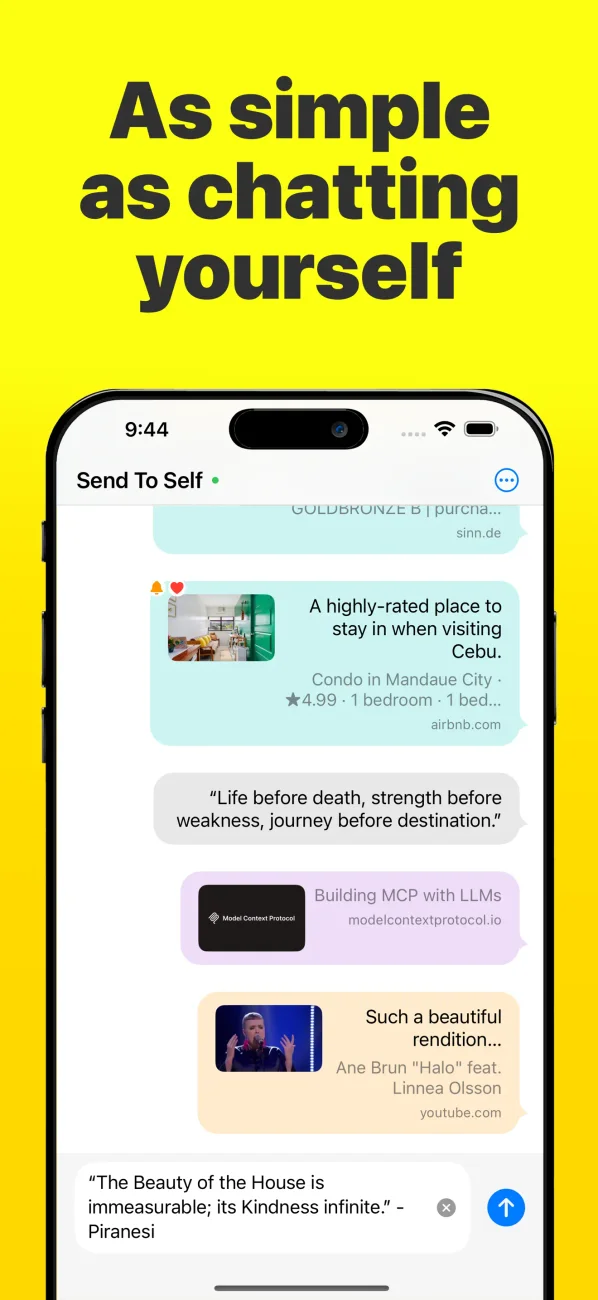
Send to Self is your personal private messenger that mimics the familiar chat interface you love and adds the organization you need with categories, reminders and favorites. It now supports iOS 26’ liquid glass update.
Here’s Why You’ll Love This Smart Bookmarking App:
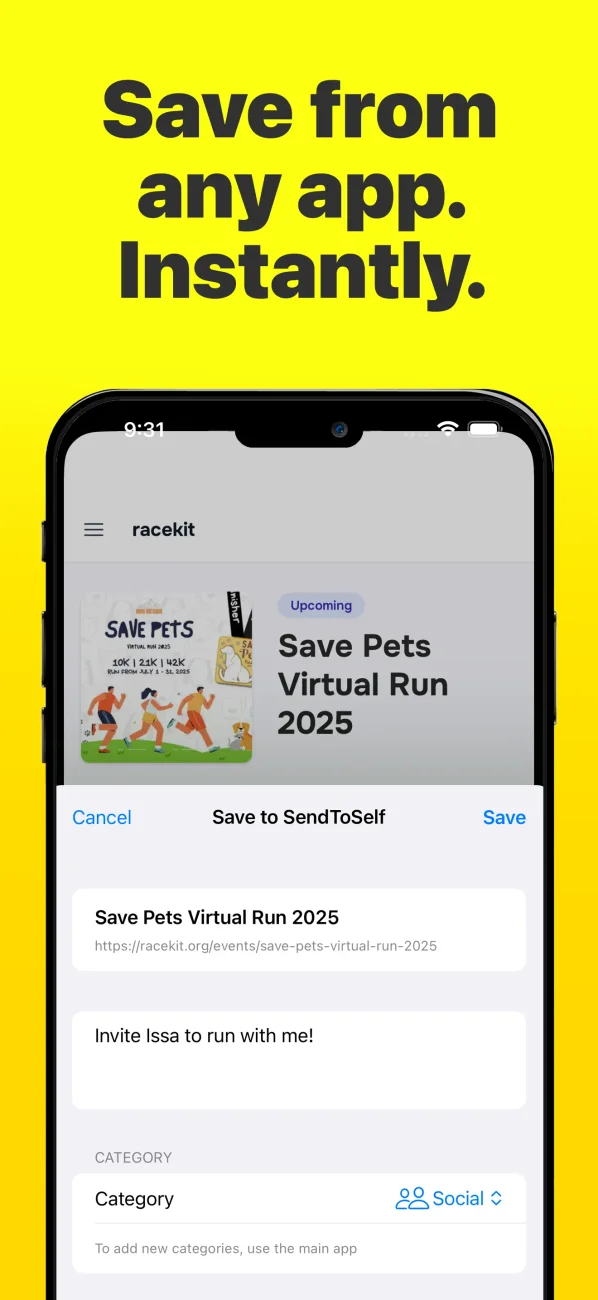
- Save in Seconds from Any App
Share directly from Safari, Reddit, TikTok, YouTube, and 200+ other websites and apps. One tap and it’s saved! See your newest saves at the bottom. It’s like messaging yourself, but organized and searchable.
- Organize Without the Effort
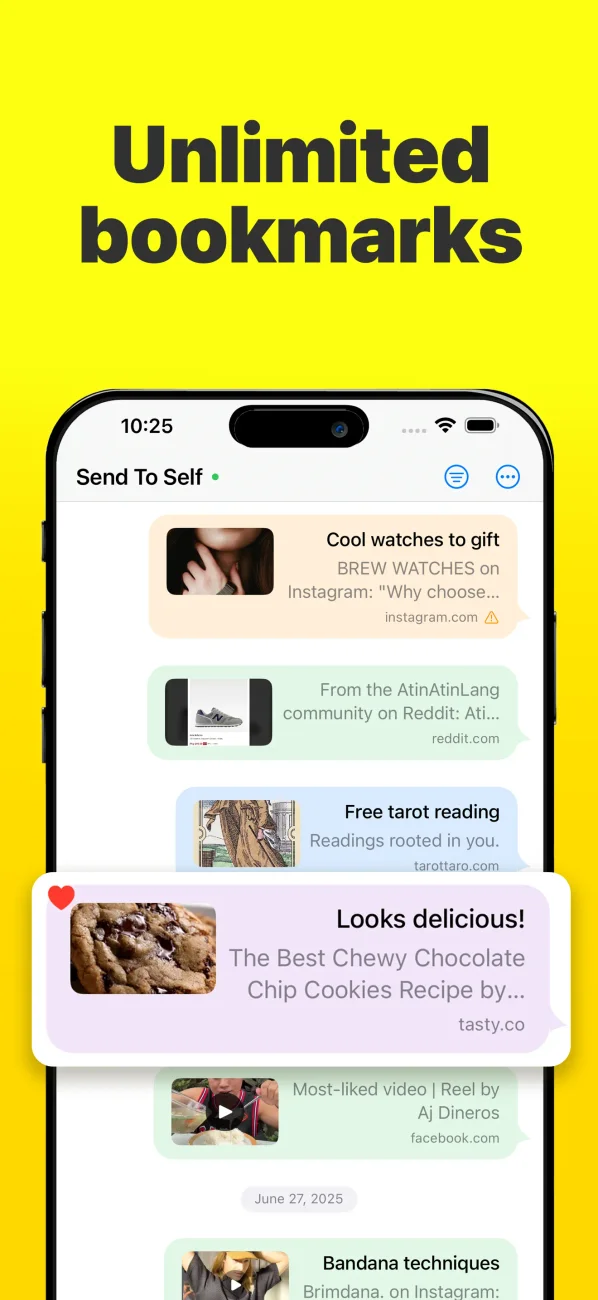
Don’t let your bookmarks rot. Add notes to your saves, set reminders and categorize each content instantly with a tap so you can find that reel, article, or image three months from now.
- Bookmark With Privacy
You love texting yourself reels, passwords, or notes, but you don’t want anyone else to see or own your data. Send-to-Self gives you that familiar chat interface for saving digital finds without the corporate servers. Your data stays on your device and your personal iCloud 100%. No ads, no sign-in, and no sign-ups required, just download the app and start.
- Sync Instantly Across Apple Devices
Pick up exactly where you left off. Save a long article on your iPhone during a long commute, and it’s waiting on your iPad when you get home. No accounts to manage, no "sync buttons" to press. It just works.
- Built for Speed and Focus
Designed for your workflow on Mac and iPad with Split-Screen Support. Use split-screen to drag-and-drop links while researching. The app works 100% offline and auto-syncs the moment you’re back online.
PREMIUM FEATURES
The core app is completely free (no ads!). We believe in owning your software, not renting it. Pay once to unlock Premium features:
- Get unlimited categories
Don't be forced to choose. Create as many folders as your brain needs, from
"Watches to Buy" to "Tax Docs" and color-code them for instant visual recognition.
- Private folders with FaceID/TouchID
Turn specific folders into a digital vault. Perfect for sensitive medical results, financial screenshots, or surprise gift lists you don't want anyone else to see.
- No Subscriptions: One-time purchase. Yours for life.
Tired of monthly fees? So are we. Pay one small fee to own Premium for life. No recurring charges, ever.
- Support indie development
Your purchase of the Premium version directly supports independent software that respects your privacy.
Perfect for:
- Researchers collecting sources
- Students saving study materials
- Shoppers tracking product
- Content creators gathering inspiration
- Anyone who DM's themselves links, notes, PDF's, or photos
Send To Self is crafted with love by an independent developer who uses it every day. Your feedback helps shape every update.
Download the app now and never lose another great find!
What’s new
Version 1.6.3 · May 19, 2026
This update is all about feel. Long lists scroll smoother, saves land faster, and broken links no longer slow you down.
What's new
• iOS 26 Liquid Glass refresh: the bottom toolbar feels right at home on iOS 26
• "Content unavailable" treatment for dead links. Messenger-style, with a 24-hour cache so we stop retrying broken URLs
• Top bar and Quick Add composer polish, single-row layout, tap-outside to dismiss, faster keyboard focus
Improvements
• Smoother infinite scroll on long lists: pagination keeps your place; no more scroll jumps
• Pre-fetching tuned so older bookmarks appear before you reach them
• Background work pauses while loading more, no stutter on long lists
• Faster thumbnails via a reworked image cache
• Swipe down to dismiss the image viewer
• Snappier iPad and Mac keyboard shortcuts
Fixes
• Search now matches accents, umlauts, and CJK characters correctly (e.g., café, fließend, 漢字)
• CloudKit sync hardened: fewer cross-device hiccups
• Clearer auth messages when iCloud sign-in isn't available
• Now requires iOS 18 for a more stable foundation
Thanks for sending things to yourself.
App privacy
What GILI declares on the App Store about how this app handles data.
-
Data linked to you
May be collected and linked to your identity.
- User content
Privacy practices may vary, for example with the features you use or your age.
Information
- Seller
- GILI SOFTWARE OPC
- Category
- Productivity
- Version
- 1.6.3
- Updated
- May 19, 2026
- Released
- Jul 1, 2025
- Size
- 5.1 MB
- Requires
- iOS 18.0 or later
- Age rating
- 4+
- Price
- Free
- In-app purchases
- Yes
- Languages
- English, German, Japanese, Simplified Chinese
- Copyright
- © 2025 Gili Software OPC
You might also like
-
 LLM Shortcut ToolkitAI shortcuts for productivity
-
 InspireNote: Prompt Deck NoteBrainstorming Ideation Cards
-
 Ghost Capture AppCapture your best ideas
-
 Save for Later:Links OrganiserYour Social Bookmark Manager
-
 AI Link Checker and SaverKeep Privacy Safe & Protected
-
 oioSendSend files instantly, securely
-
 Dumai: AI Voice Notes & ChatRecord. Summarize. Ask AI.
-
 NoteCard - Simplest Memo AppWant a Simple and Easy Memo?
-
 AI Podcast MakerPodcast generator
-
 SnappyNotesProductivity