BookyAI
Edit the text in your PDFs
Designed for iPhone, iPad, Mac
Free · In-app purchases
- Age rating12+
- CategoryProductivity
- DeveloperDIGITAL APP
- LanguagesEnglish+ 16 more
- Size11.3 MB
Links to the official App Store page
Download.org hosts no file of BookyAI. The button opens its official App Store page, published by DIGITAL APP. Listing last checked on Nov 12, 2026.
Screenshots

About
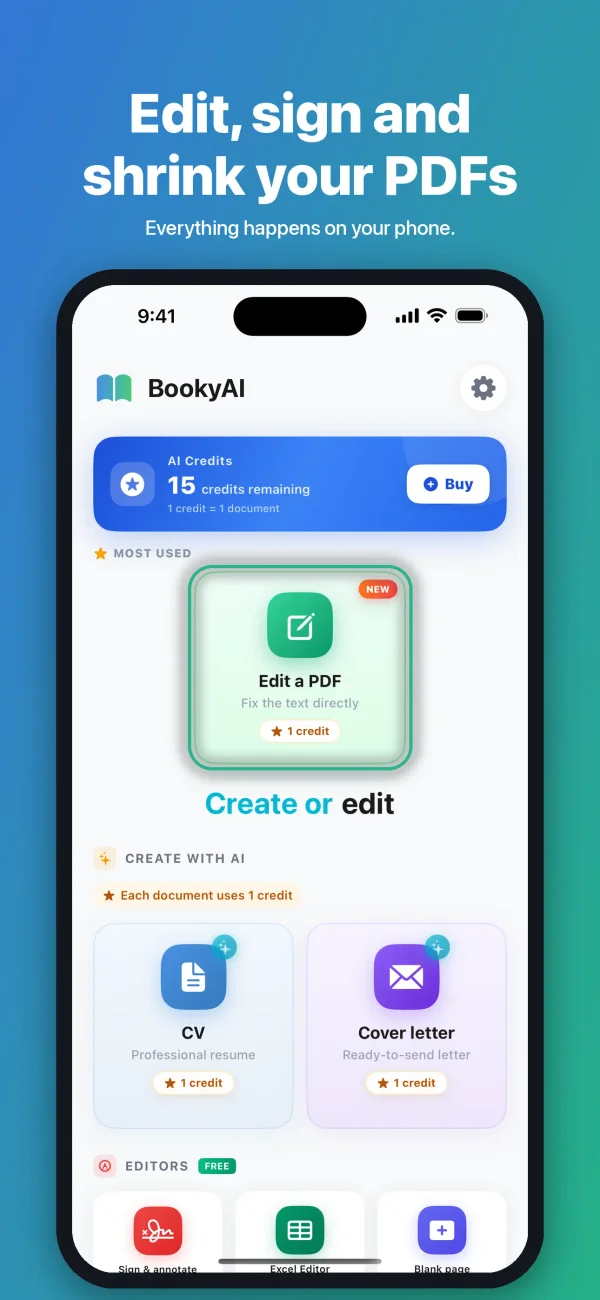
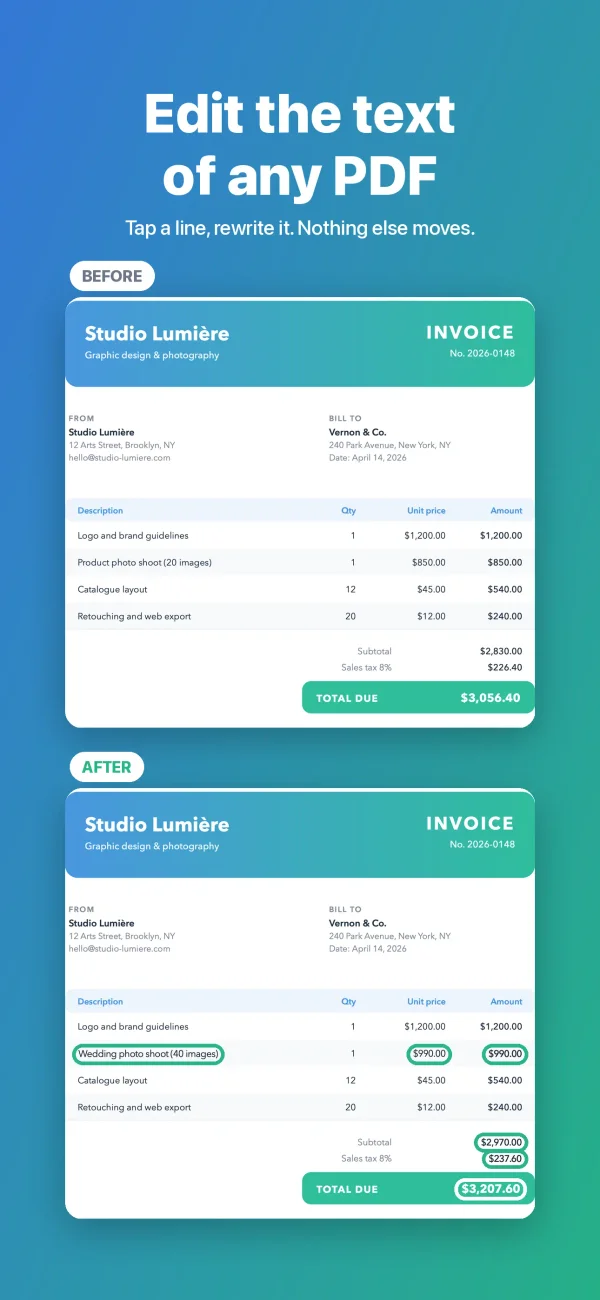
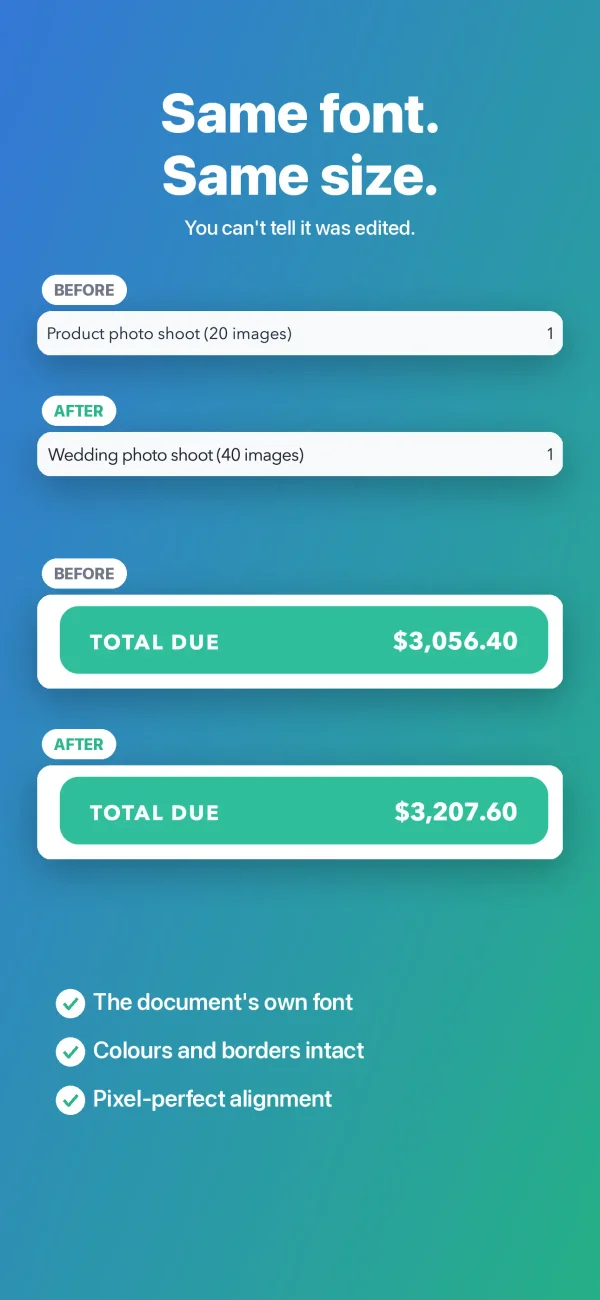
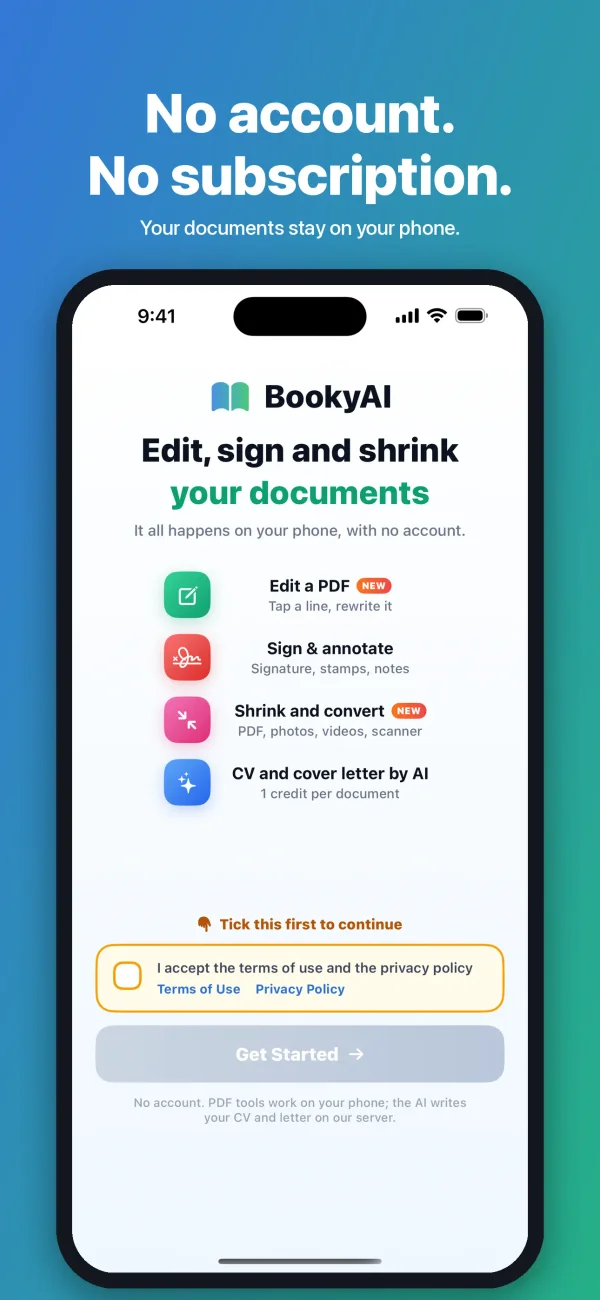
Fix a typo on an invoice. Change a date on a contract. No computer, no software, no account.
EDIT THE TEXT OF A PDF
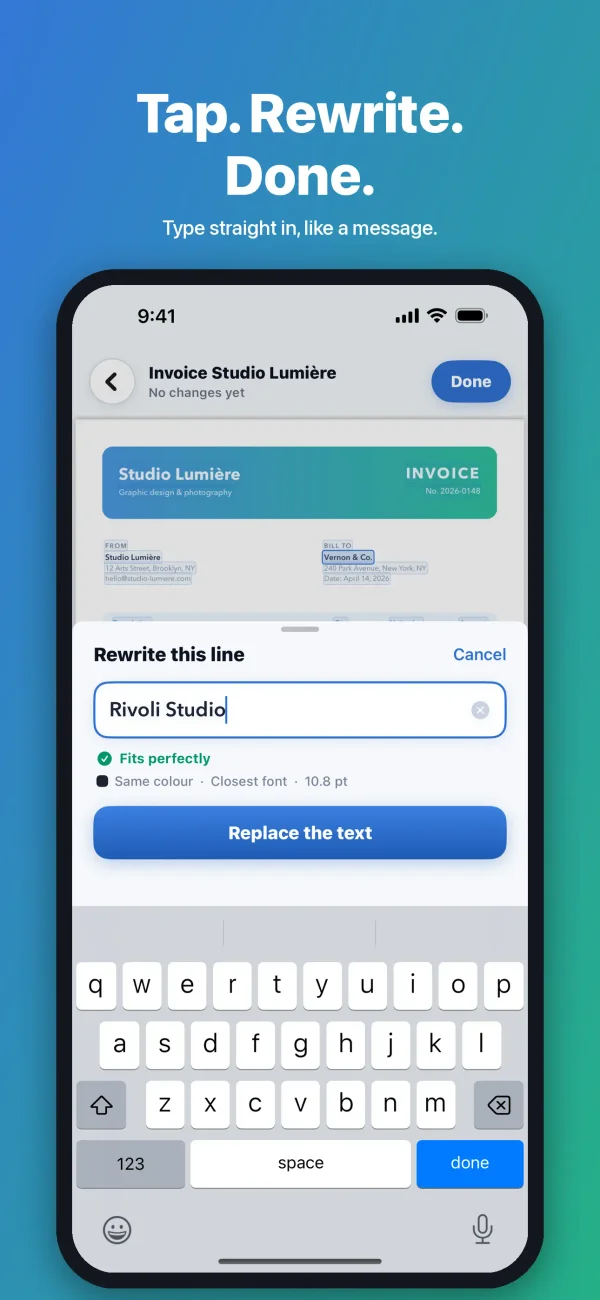
Tap a line, rewrite it. The original font, size and colour are kept — nothing else on the page moves. Almost no app can do this on a phone.
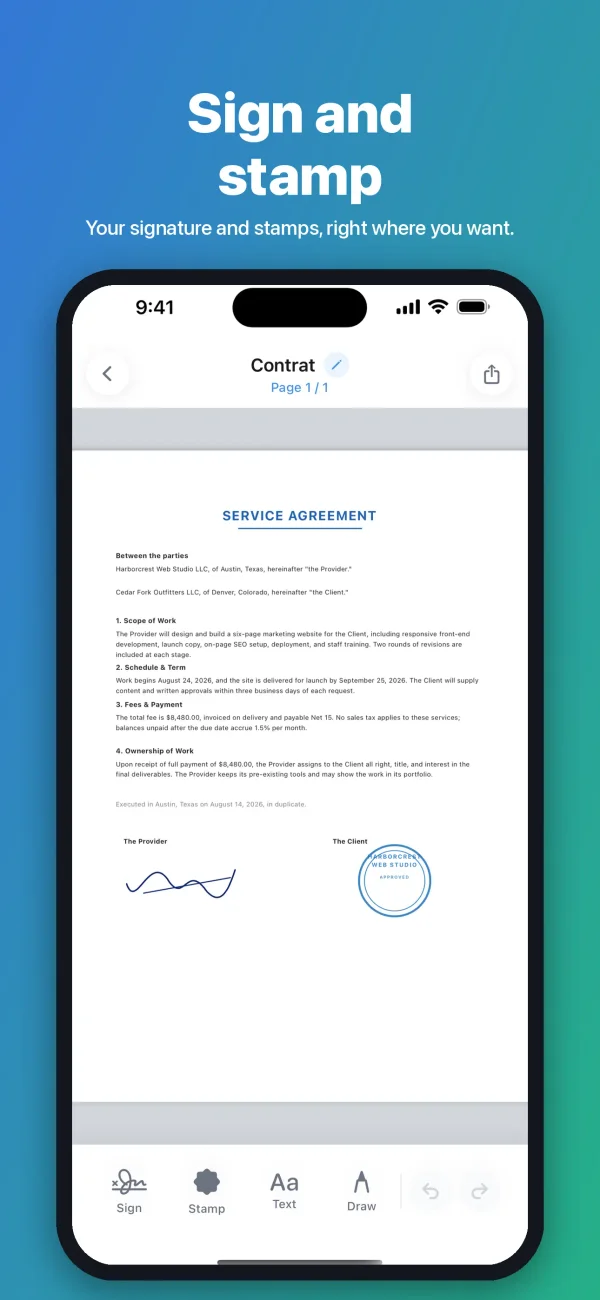
SIGN AND ANNOTATE
Your signature drawn with a finger, your stamps, text, drawings. Save your signatures and stamps once and they are waiting for you on the next document.
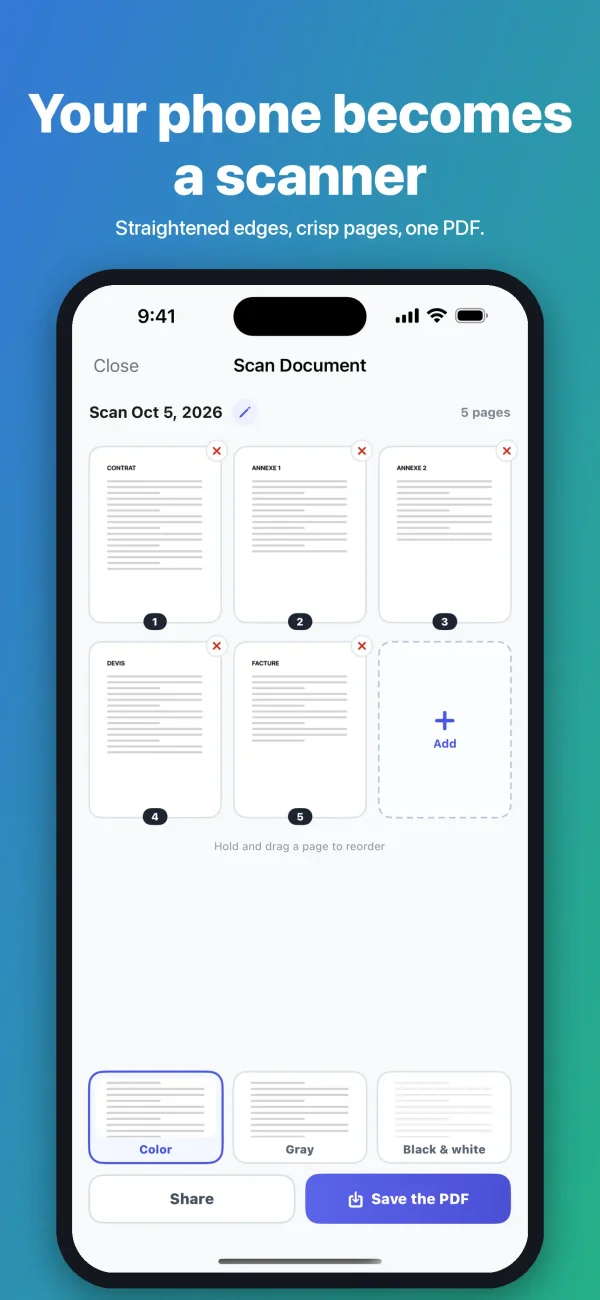
SCAN
The camera straightens the page by itself. Several pages in a row, colour, grey or black-and-white filters, and you can adjust the edges by hand.
COMPRESS
A PDF, some photos or a video, in three plain choices. The final size is written on every choice before you decide, and when a file cannot be made smaller, the app says so instead of making you wait.
CONVERT
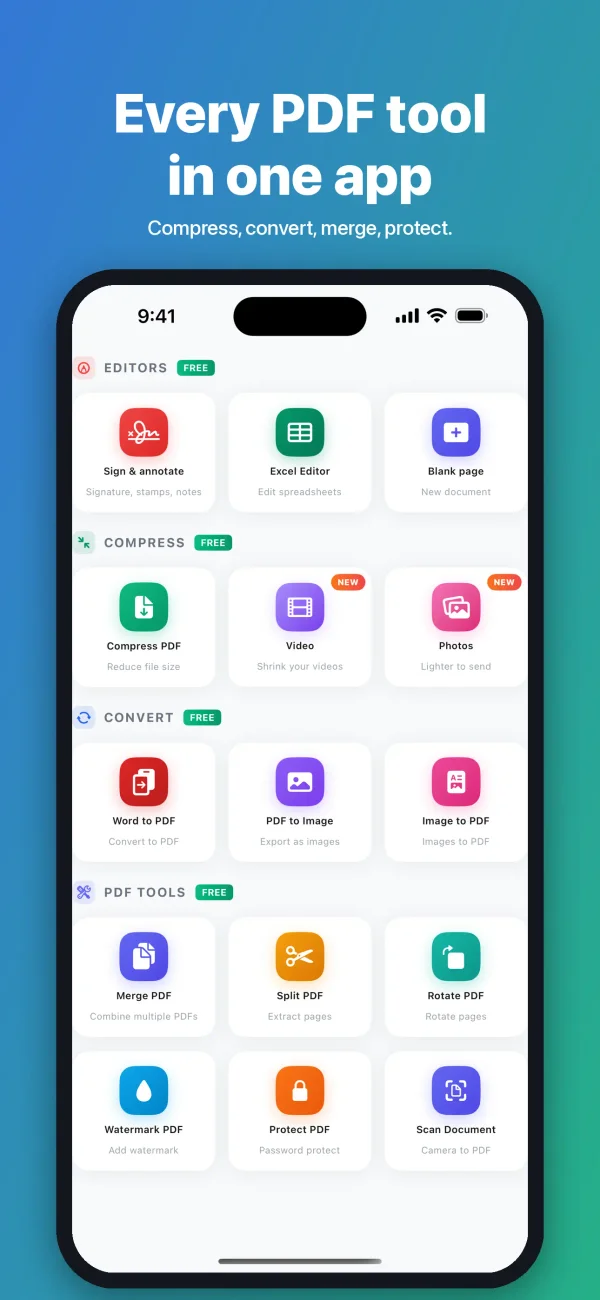
Word to PDF, PDF to images, images to PDF.
BLANK PAGE
A real Word editor: headings, bold, colours, lists, and templates ready to write in — letter, note, invoice, report.
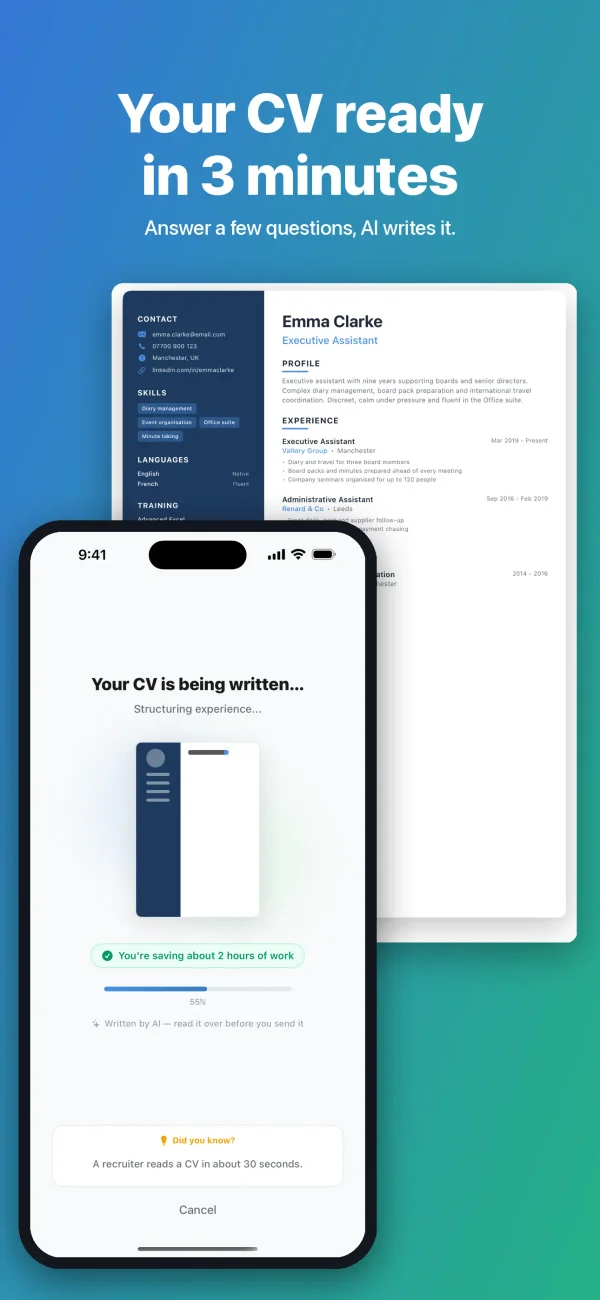
CV AND COVER LETTER WRITTEN BY AI
Answer a few questions and the AI writes. Professional templates, export to PDF or Word.
NO SUBSCRIPTION
The PDF tools, scanning, compression and signing are free and unlimited.
The rest runs on credits: 1 credit = 1 document. You pay once for a document, then you export it as many times as you like, even after correcting it again. Credits never expire.
NO ACCOUNT
No sign-up. The PDF tools, scanning and compression work on your phone. Only the CV and the cover letter go through our server, for as long as it takes to write them.
BookyAI speaks 17 languages.
What’s new
Version 3.5 · Oct 5, 2026
Editing a PDF, even simpler:
• Tap a line and it's always the right one that opens, even zoomed in or in a tight table.
• One text field, set in the document's own font. Long sentences show in full.
• The document's name and your number of changes sit at the top.
• One Done button to save, or share as PDF or images.
• A thumb-friendly toolbar: Undo, Redo, Preview, Before.
App privacy
What DIGITAL APP declares on the App Store about how this app handles data.
-
Data not linked to you
May be collected but is not linked to your identity.
- Purchases
- User content
Privacy practices may vary, for example with the features you use or your age.
Information
- Seller
- DIGITAL APP LLC
- Category
- Productivity
- Version
- 3.5
- Updated
- Oct 5, 2026
- Released
- Jan 15, 2026
- Size
- 11.3 MB
- Requires
- iOS 17.0 or later
- Age rating
- 12+
- Price
- Free
- In-app purchases
- Yes
- Languages
- English, Arabic, Dutch, French, German, Indonesian, Italian, Japanese, Korean, Polish, Portuguese, Russian + 5 more
- Copyright
- © 2026 Digital App LLC
You might also like
-
 DoklyPDF Editor, Document Scanner
-
 Nlarj for ChurchesLead and grow your church
-
 PDF Editor: Scan, Sign, FillConvert, Read & Edit Documents
-
 OctodoneProductivity
-
 PDF Tools Pro — ScannerThe best PDF Tools
-
 Tertiary NotePadProductivity
-
 Docs & PDF Editor & ScannerSpreadsheets & Presentations
-
 Nib - Handwritten DiaryYour daily writing companion
-
 AI Document Manager :DocIDScan Sign or Edit pdf ID photo
-
 minuit.appProductivity