Boop - Never Send Plain Text
Kaomoji Keyboard & Text Faces
Designed for iPhone, Mac
Free
- Age rating9+
- CategoryUtilities
- DeveloperMadhav Oberoi
- LanguagesEnglish
- Size18.9 MB
Links to the official App Store page
Download.org hosts no file of Boop - Never Send Plain Text. The button opens its official App Store page, published by Madhav Oberoi. Listing last checked on Nov 21, 2026.
Screenshots
About
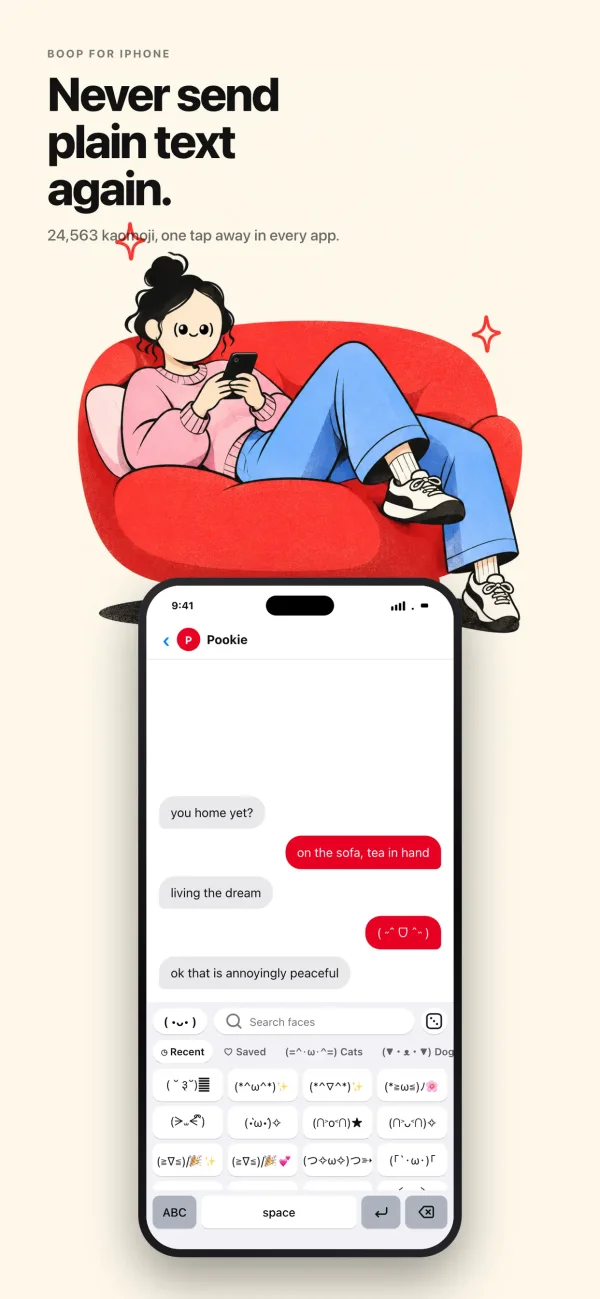
Boop is a kaomoji keyboard for iPhone: 24,563 cute Japanese text faces and emoticons, sorted by mood, searchable in a tap, and ready in every app you type in.
EVERY FACE, ONE TAP AWAY
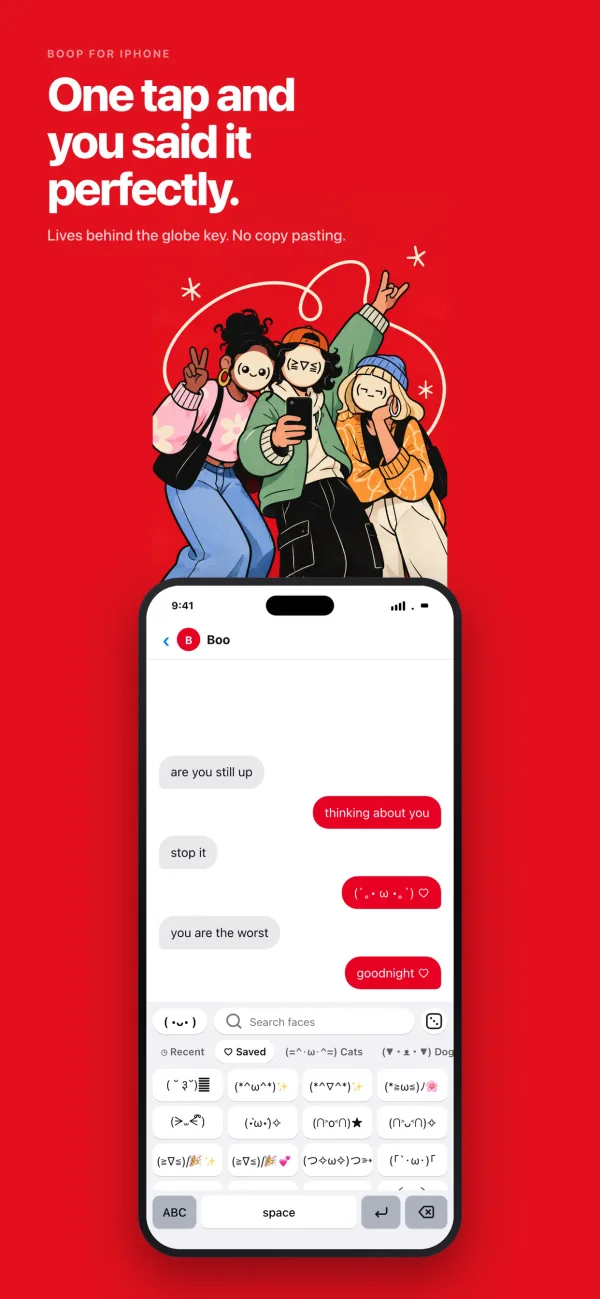
Boop lives in your keyboard, so the faces come with you. Chats, DMs, notes, email, comments, anywhere there is a text field. Tap a face and it lands in your text. No copy and paste.
SORTED BY MOOD
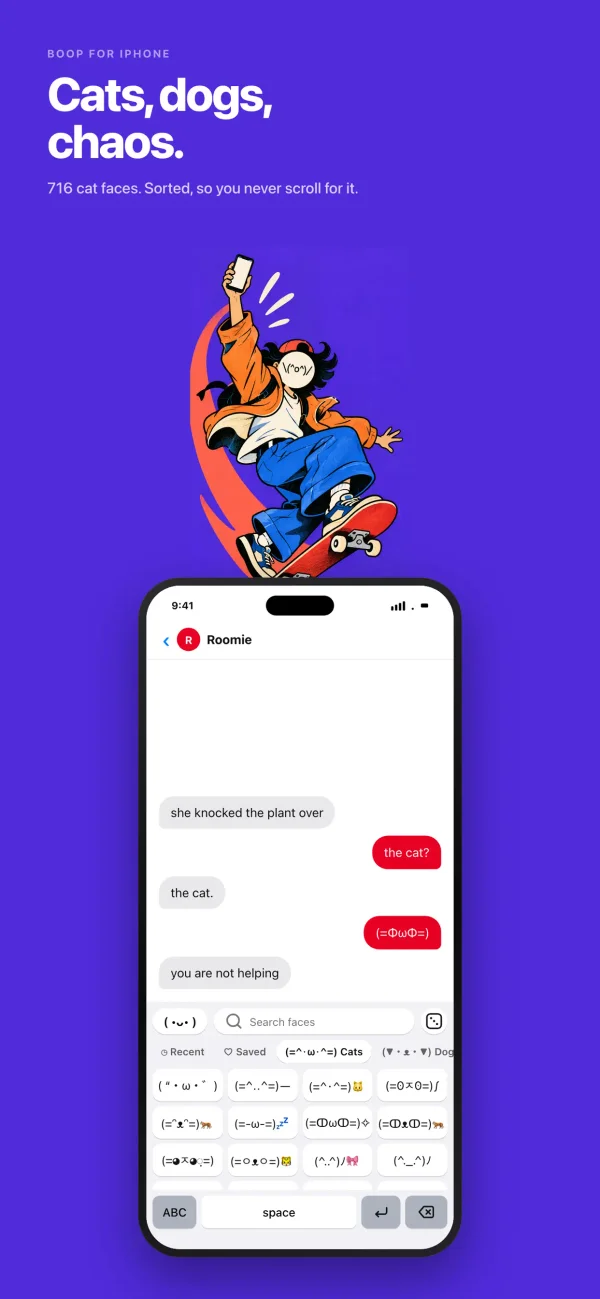
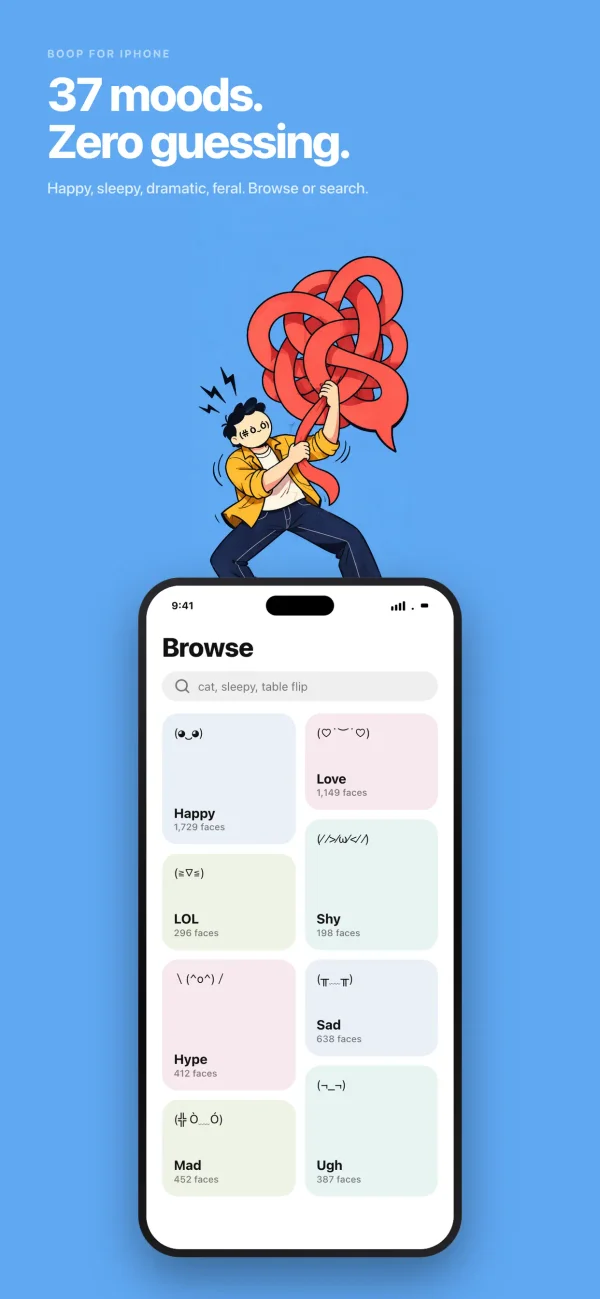
37 moods. Happy, love, sad, cats, dogs, bears, sleepy, dramatic, table flipping, shrugs, sparkles and more. Browse the mood you are in instead of scrolling one endless list.
SEARCH THAT FINDS FACES
Type happy, bear, angry, shrug or cat and get the faces that match, instantly, on a keyboard that feels like the real one. The whole library is indexed and searched on your phone.
SAVE THE ONES YOU USE
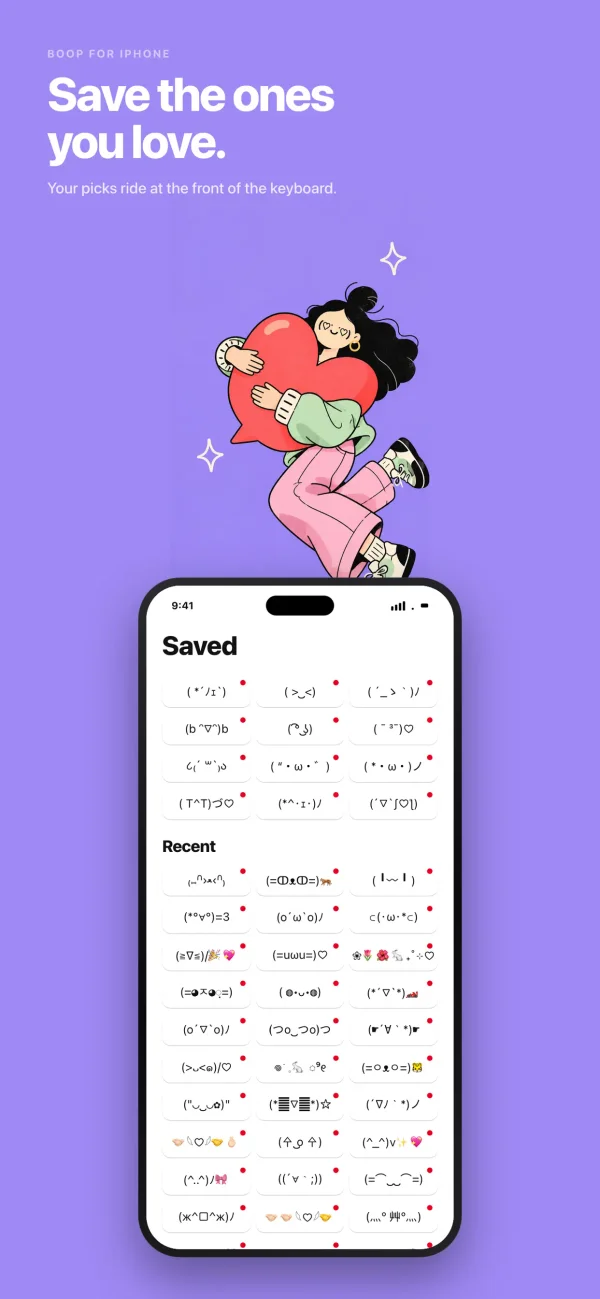
Press and hold a face to save it. Saved faces ride at the front of the keyboard, and they show up in the app too.
BUILT TO FEEL FAST
The library ships inside the app as a local database, so opening the keyboard, switching moods and searching never wait on anything.
FREE, AND ACTUALLY FREE
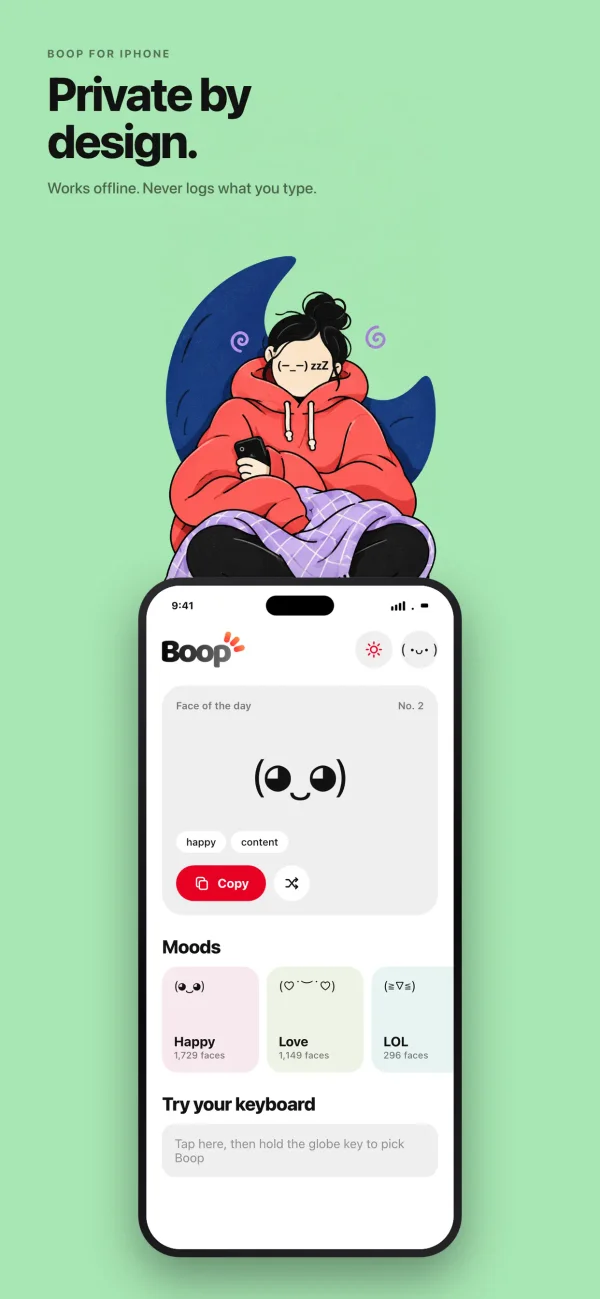
No ads. No accounts. No subscriptions. No analytics. No network code at all.
ABOUT FULL ACCESS
iOS asks for Full Access before any third-party keyboard can do more than type. Boop uses it for two things: keeping your saved faces in sync with the app, and haptic feedback when you tap a key. Boop has no network code, so nothing you type can leave your phone, ever. The keyboard works without Full Access too, you just lose sync and haptics.
Kaomoji, emoticons, Japanese emoji, text faces, lenny faces, ASCII faces, whatever you call them. They are all in here.
What’s new
Version 1.0.3 · Oct 7, 2026
Fixed: Recents and Saved could come back empty, most often when Allow Full Access was off. They are now kept safely either way, with a backup.
The app now tells you when Full Access needs checking, so Saved and Recents can sync.
Faster: the keyboard opens quicker, and no longer stutters right after it opens.
App privacy
What Madhav Oberoi declares on the App Store about how this app handles data.
-
Data not collected
The developer does not collect any data from this app.
Privacy practices may vary, for example with the features you use or your age.
Information
- Seller
- Madhav Oberoi
- Category
- Utilities
- Version
- 1.0.3
- Updated
- Oct 7, 2026
- Released
- Sep 22, 2026
- Size
- 18.9 MB
- Requires
- iOS 17.0 or later
- Age rating
- 9+
- Price
- Free
- Languages
- English
- Copyright
- © 2026 Madhav Oberoi
You might also like
-
 TwinimyCalls & texts of your Android
-
 Peptide Tracker & GLP-1: MilosTirzepatide Dose & Shot Log
-
 HelloAndByeUtilities
-
 Fontessa - Fonts KeyboardText styles, symbols, themes
-
 MY DICTIONARY - KeyboardThe keyboard of your data
-
 Nelos: Location Without SignalTrack Pets & Family, No SIM
-
 ShortMemo - Idea, Draft, etc.Jot down daily information.
-
 StyleKeys Keyboard & ThemesFonts, Stickers & Clipboard
-
 SoundAid AI Voice AmplifierAI Volume Boost Denoise
-
 TwoLine: Second Phone NumberSecond Number for SMS