BoothLog - Craft Fair Tracker
Fairs & markets: till & stock
Designed for iPhone, iPad, iPod touch
Free · In-app purchases
- Age rating4+
- CategoryBusiness
- DeveloperArtlet Lab
- LanguagesEnglish+ 30 more
- Size74.8 MB
Links to the official App Store page
Download.org hosts no file of BoothLog - Craft Fair Tracker. The button opens its official App Store page, published by Artlet Lab. Listing last checked on Nov 23, 2026.
Screenshots


About
BoothLog is a sales tracker for vendors at craft fairs, craft shows, artist alley at comic and anime events, farmers markets, flea markets, school fairs and pop-up shops.
Tap an item to ring it up, see the change, and watch your stock count down. Your totals by day and by item are worked out for you.
It is a simple cash register and sales log (a basic POS) that works offline, with no account.
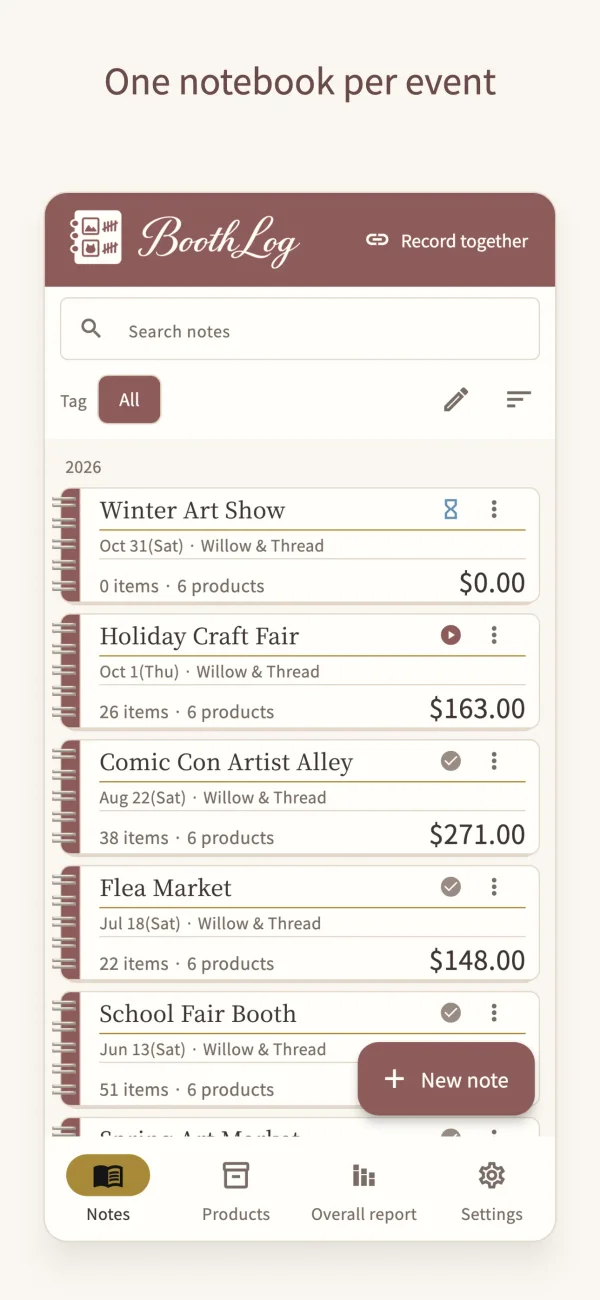
One notebook per event
Create a notebook for each event and set which items you are bringing and how many. Multi-day events get one page per day.
Check out in 3 taps
Tap an item, tap Checkout, then confirm. Choose the amount the customer paid and BoothLog shows the change. Items sold, stock left and each item's inventory update right away.
BoothLog does not take card payments or print receipts.
Record in bulk later
Too busy to ring up every sale? Enter just the quantities sold afterwards, all at once.
Sales report
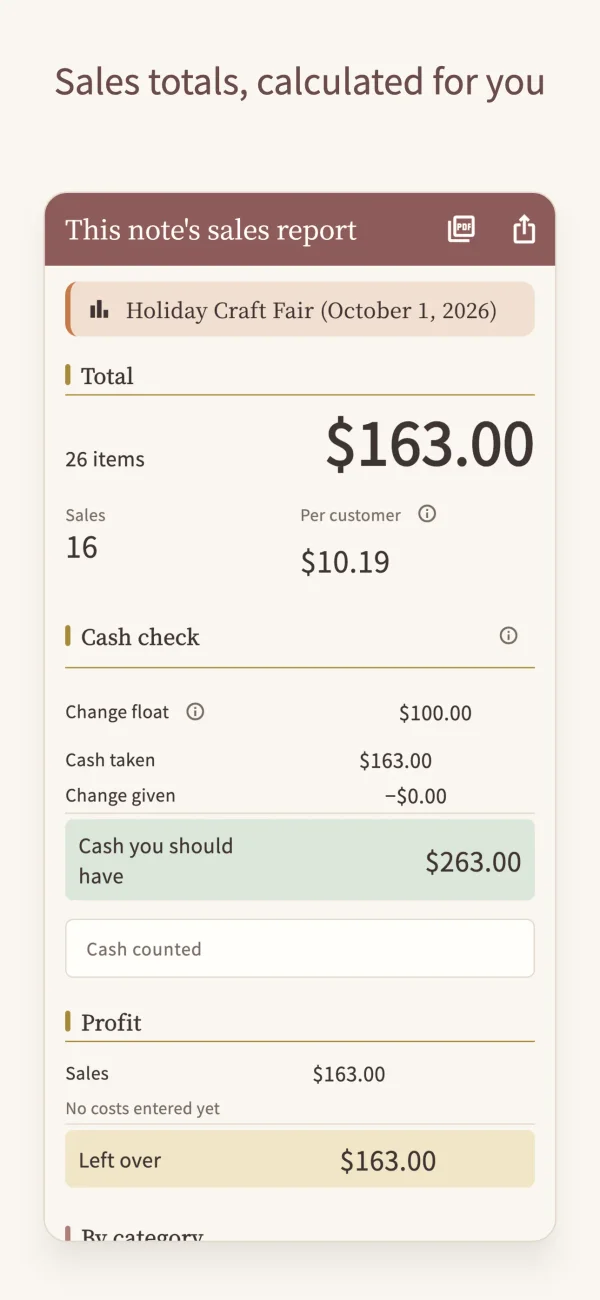
See your total, number of checkouts, average sale, and sales by hour, by item and by category, with tables and charts. Enter your starting cash and BoothLog works out how much cash you should have on hand. Add your expenses to see your sales minus expenses (cost of goods and profit per item are not calculated).
Overall report
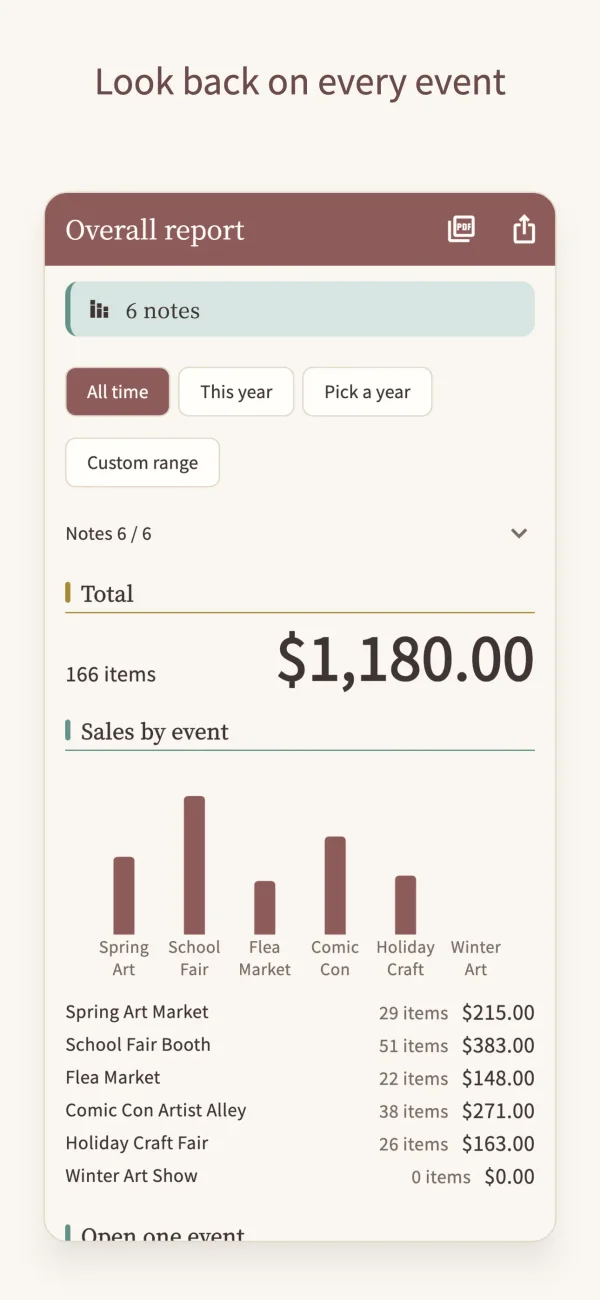
Look back on all your events together, by event or by period.
Your items
Give each item a name, a price and a photo. Organize items by artwork and by category, and filter them on the checkout screen.
Inventory by item
Enter how many of an item you have, and its inventory goes down by itself whenever it sells, in any notebook. Checkouts and bulk entries both count, and recording on two devices never takes it down twice. Tap the inventory to add stock (+1, +5, +10, your usual quantity, or any number), recount it to match what you really have, or see the inventory changes. Each item's inventory is shown when you create a notebook, and spreadsheet exports include the current inventory.
Inventory tracking works without a purchase. It counts what you have on hand; it is not for purchasing, cost accounting or official bookkeeping.
Journal
Keep notes and photos about each day.
And more
Choose from 14 color themes. Available in 31 languages, with support for local currencies.
Unlock everything with a one-time purchase
Recording sales and viewing reports work without a purchase. A one-time purchase unlocks the following. It is not a subscription and never renews automatically.
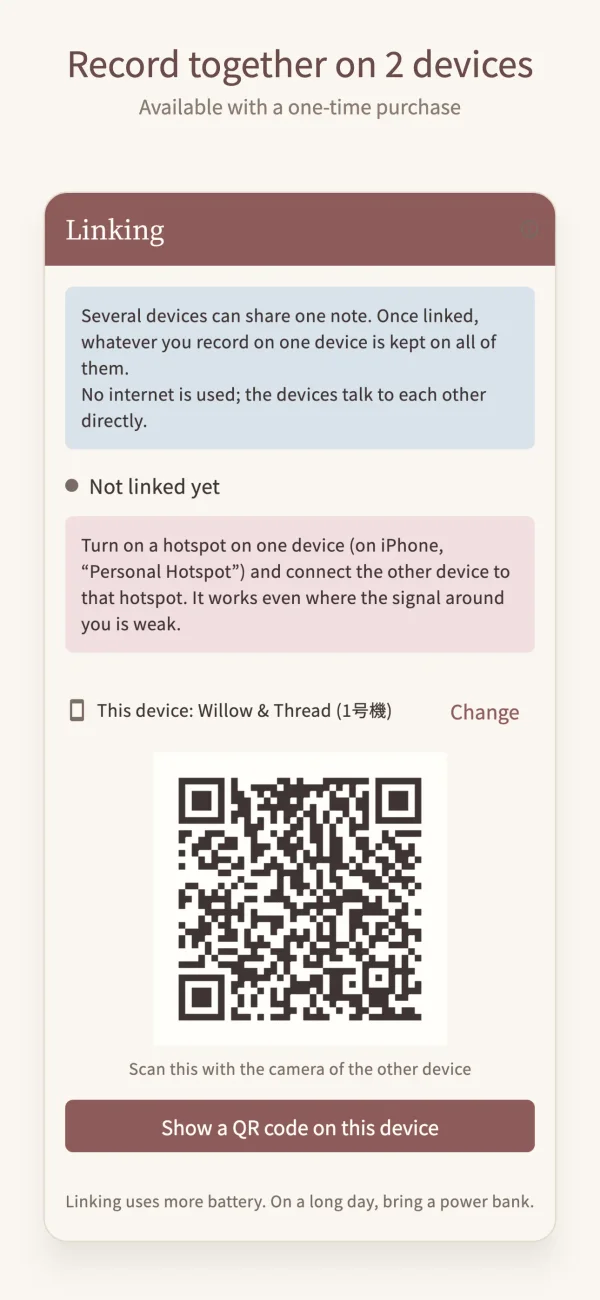
- Link two or more devices and record in the same notebook together, for example when you share the stall with a friend or helper
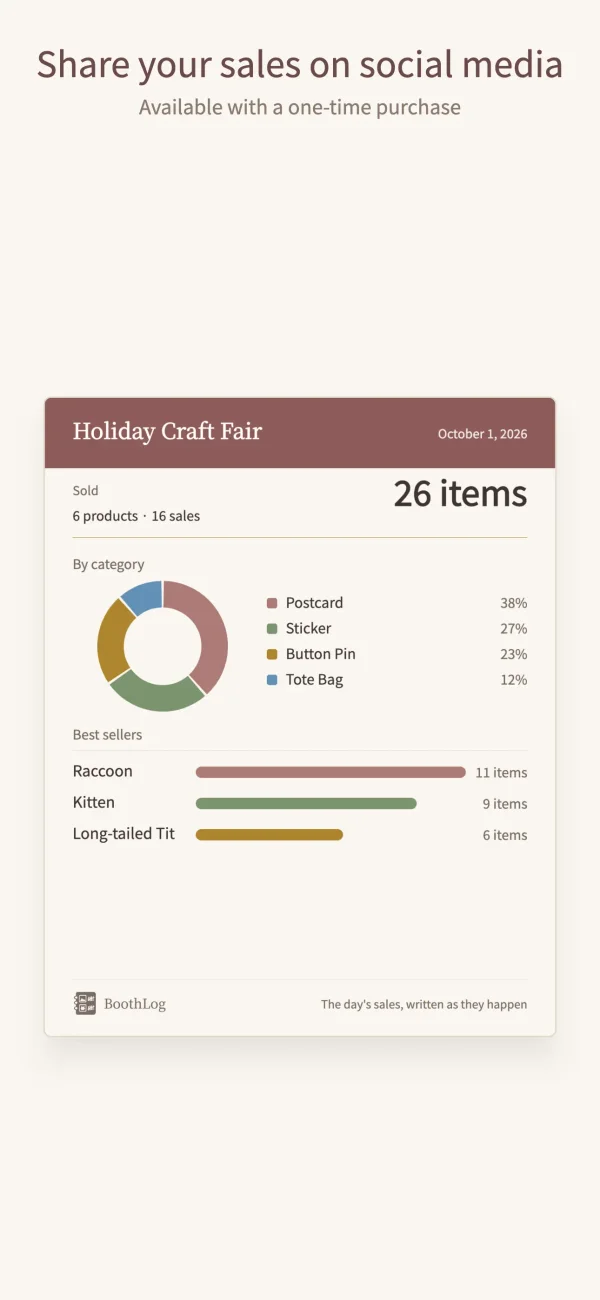
- Export sales reports as PDF, spreadsheet files, images to post on social media, and files for your tax records
- Hand a notebook to someone far away as a file, and get it back
- Export all your data and restore it on another device
- Change the app icon to the color you like
- Remove ads
If you change phones, tap Restore purchase with the same account to unlock everything again.
About ads
Without the purchase, ads are shown on some screens. Only ads that are not based on your interests are shown. After the purchase, ads are no longer shown.
Even without the purchase, you can watch an ad to create one image to post.
About your records
Your records are kept only on your device and are never sent to our servers. No account is needed.
The app connects to the internet only to show ads and to check your purchase. At venues with no signal, checkout and reports keep working.
When you record on two or more devices, they talk to each other directly.
When you change or reinstall your phone, your records can be restored from your device backup.
Please note
- BoothLog does not make tax judgments. Please check tax matters yourself or with a tax professional.
Support
https://artlet-lab.com/boothlog/en
Privacy policy
https://artlet-lab.com/boothlog/en/privacy
Terms of use
https://artlet-lab.com/boothlog/en/terms
What’s new
Version 1.1.3 · Nov 18, 2026
Every report breakdown can now be sorted, including by hour, payment method, device and event. Hours also sort by checkouts or time, and events by date.
The category share in the overall report now opens by quantity.
Event names no longer get squeezed: scroll the charts sideways, and tap a bar to highlight its row.
App privacy
What Artlet Lab declares on the App Store about how this app handles data.
-
Data not linked to you
May be collected but is not linked to your identity.
- Location
- Identifiers
- Usage data
- Diagnostics
Privacy practices may vary, for example with the features you use or your age.
Information
- Seller
- Artlet Lab
- Category
- Business
- Version
- 1.1.3
- Updated
- Nov 18, 2026
- Released
- Oct 15, 2026
- Size
- 74.8 MB
- Requires
- iOS 15.0 or later
- Age rating
- 4+
- Price
- Free
- In-app purchases
- Yes
- Languages
- English, Arabic, Bengali, Dutch, Filipino, French, German, Gujarati, Hindi, Indonesian, Italian, Japanese + 19 more
- Copyright
- © 2026 Artlet Lab
You might also like
-
 Booth Math: Craft Fair ProfitVendor & Craft Show Calculator
-
 LQTTA POSPoint of sale for restaurants
-
 Masil POSCounter POS for restaurants
-
 摊簿Business
-
 POS WAI - ระบบขายหน้าร้านBusiness
-
 Infinite ProBusiness
-
 CafintyBusiness
-
 QfatoraBusiness
-
 Makers Media SourceBusiness
-
 DingPOS: Offline CashierRuns fully local. No account.