
- Age rating17+
- CategoryProductivity
- DeveloperSatyam Tiwari
- LanguagesEnglish
- Size4.2 MB
Links to the official App Store page
Download.org hosts no file of Boring Widget. The button opens its official App Store page, published by Satyam Tiwari. Listing last checked on Nov 18, 2026.
Screenshots
About
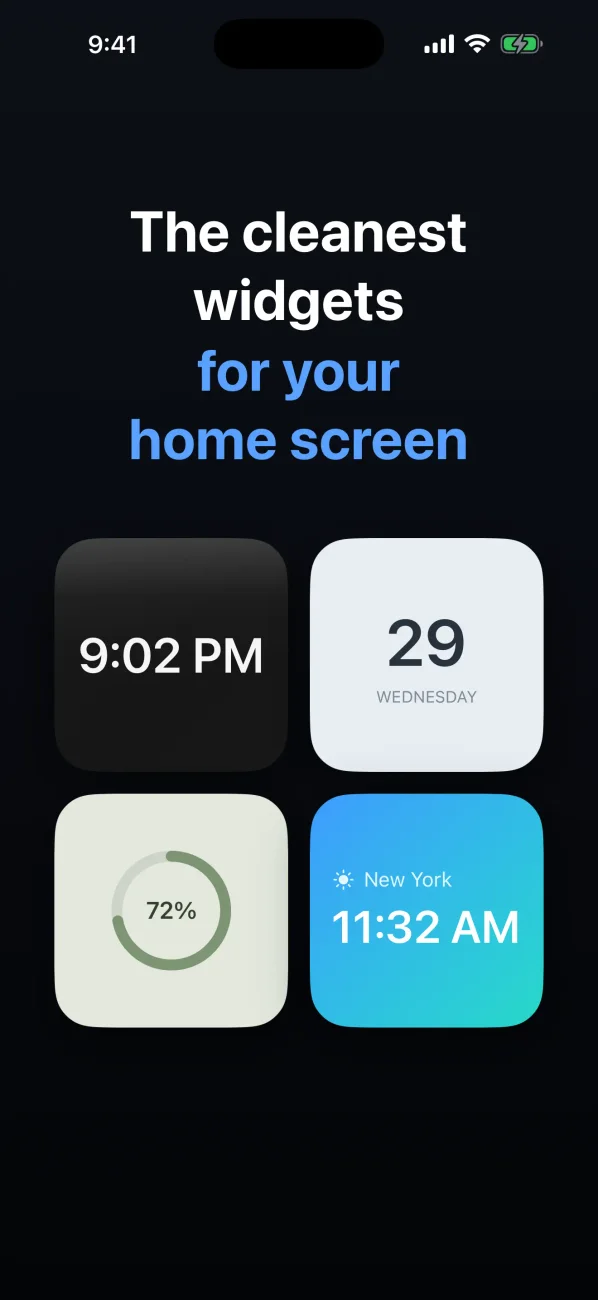
Boring Widget turns your Home Screen into something you actually enjoy looking at — minimal, monochrome-first widgets with real customization, not endless clutter.
WIDGETS
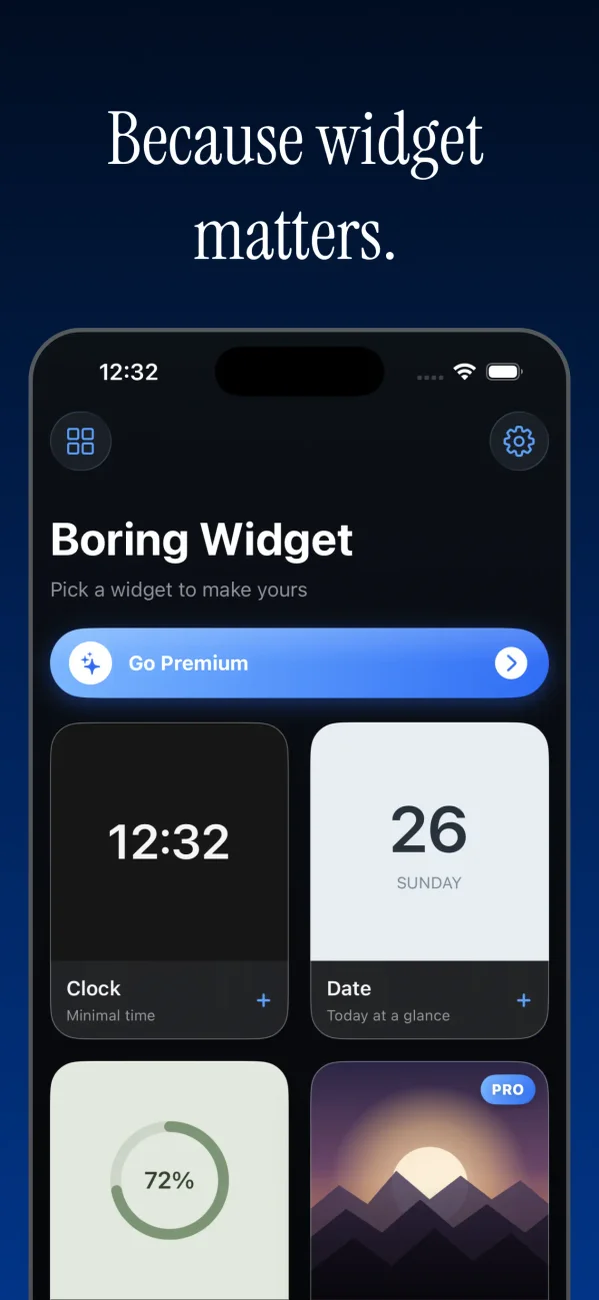
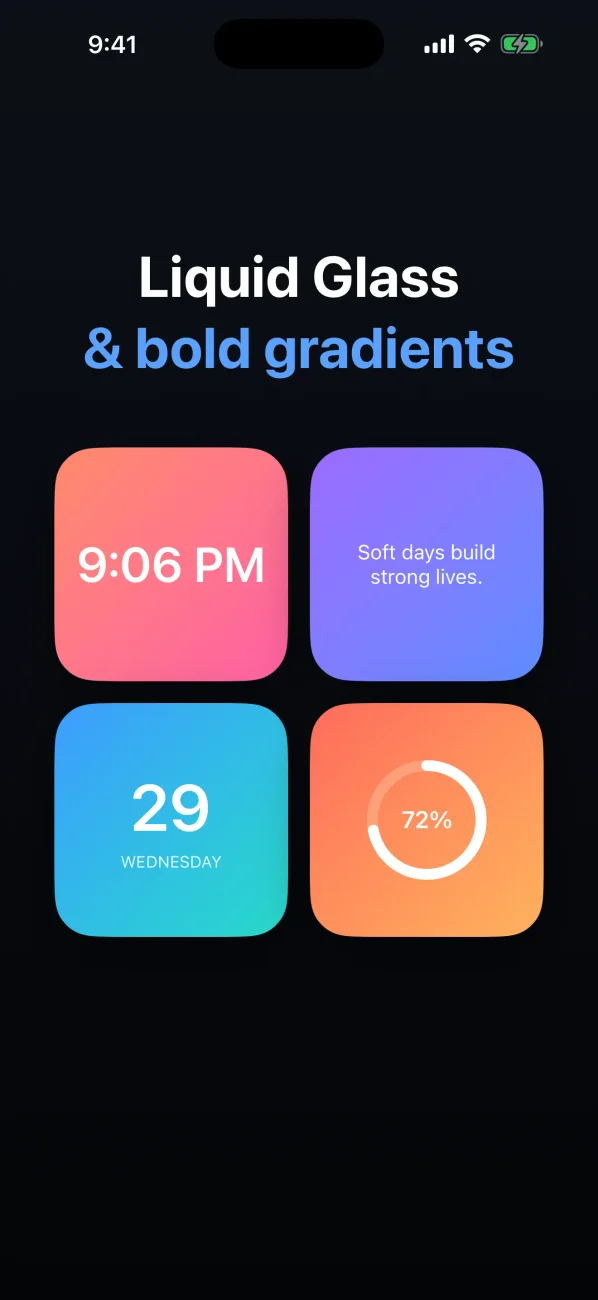
• Clock — a clean, distraction-free time display
• Date — day and date at a glance
• Battery — an elegant charge ring
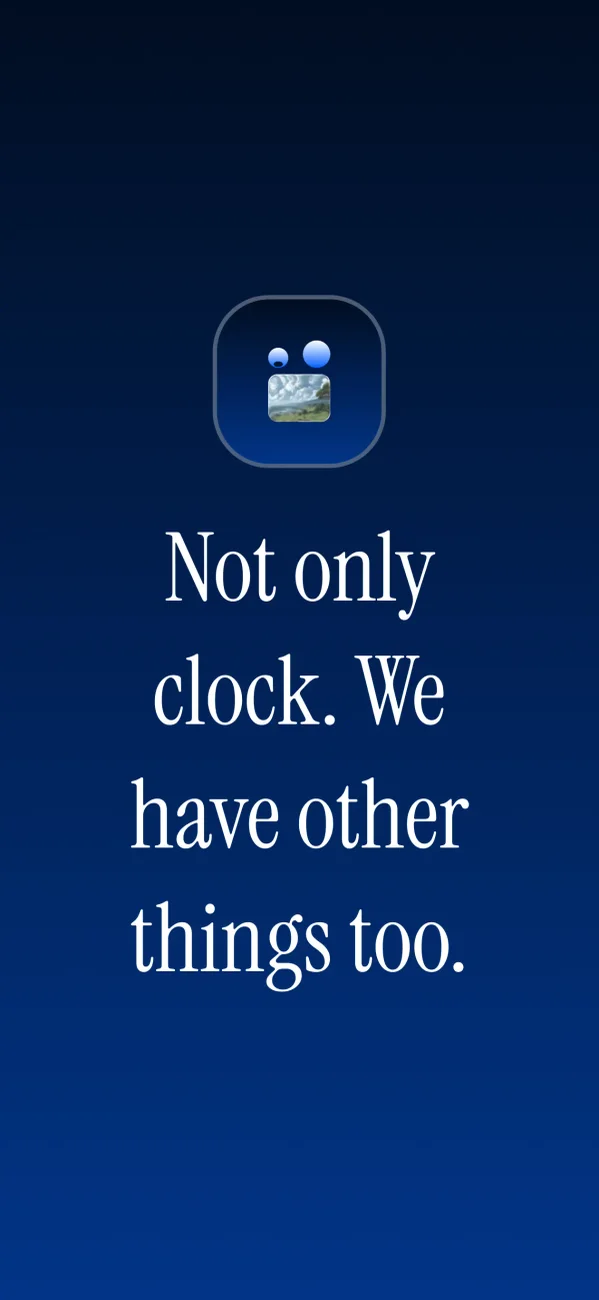
• Photo — your own picture, beautifully framed
• Countdown — track days until anything that matters
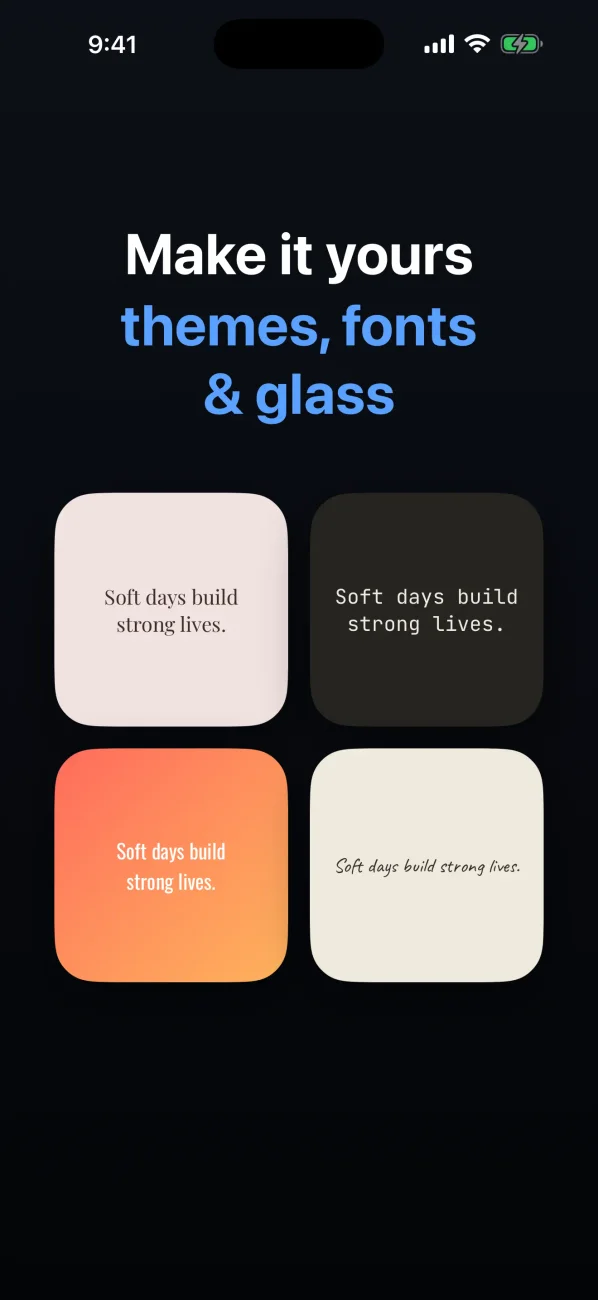
• Quote — a rotating line of inspiration, every day
MAKE IT YOURS
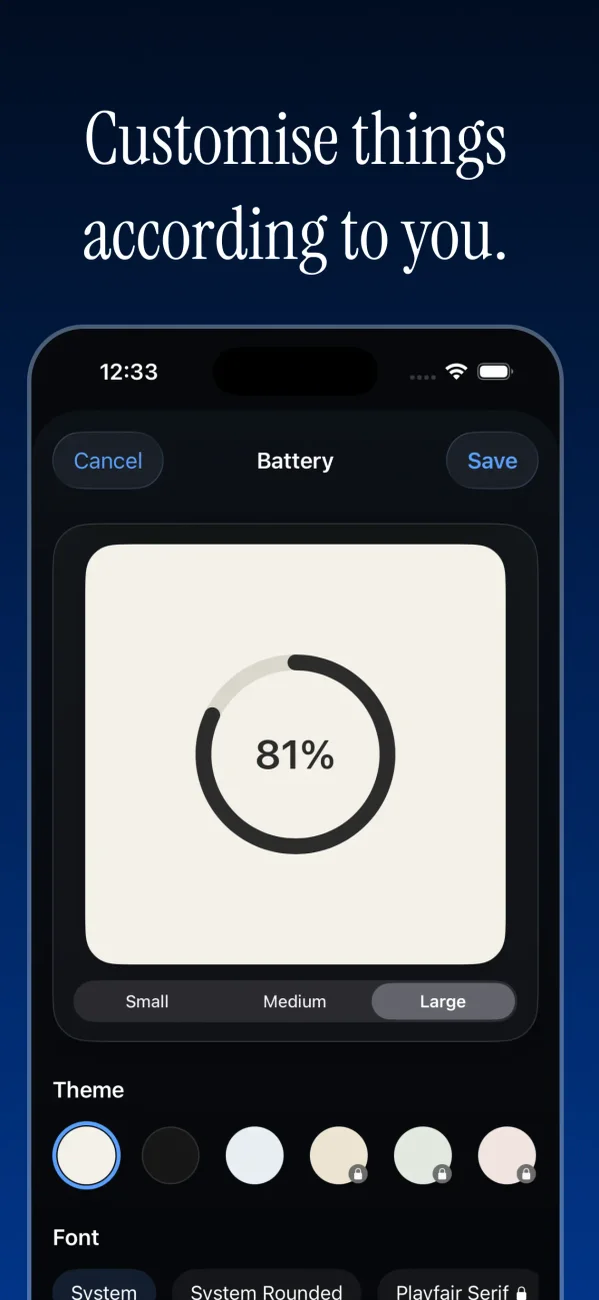
Every widget supports multiple themes and fonts, from soft neutrals to bold monochrome, so your Home Screen matches your style — not the other way around.
SIMPLE TO ADD
Design your widget in the app, then add it to your Home Screen in a few taps. Change your mind anytime — edit any widget's look whenever you like.
GO PREMIUM
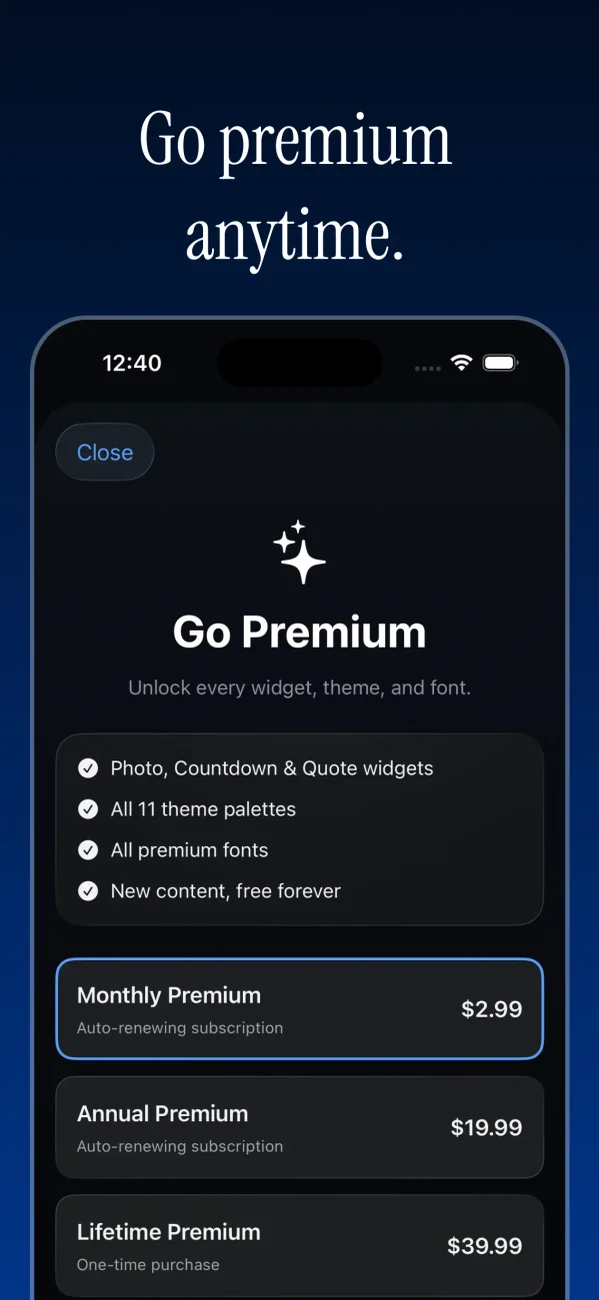
Unlock every widget type, all theme palettes, and every premium font with a single subscription or one-time purchase — no ads, ever.
Boring Widget is built for people who want their phone to feel calm, clean, and entirely their own.
Terms of Use (EULA): https://www.apple.com/legal/internet-services/itunes/dev/stdeula/
What’s new
Version 1.3 · Oct 21, 2026
A calmer Boring Widget.
This update brings a fresh, paper-inspired look that steps back and
lets your widgets be the only color on the screen.
• A quieter new design — clean, minimal, and easy on the eyes
• Live Home Screen preview — see exactly how a widget looks among
your apps while you design it
• Light & dark mode — follows your iPhone, or pick one in
Settings → Appearance
• Duplicate your designs — long-press any saved widget to edit,
duplicate or delete
• Widgets are now grouped by category, so the one you want is
easier to find
One clean aesthetic. No clutter. No account needed.
App privacy
What Satyam Tiwari declares on the App Store about how this app handles data.
-
Data not collected
The developer does not collect any data from this app.
Privacy practices may vary, for example with the features you use or your age.
Information
- Seller
- Satyam Tiwari
- Category
- Productivity
- Version
- 1.3
- Updated
- Oct 21, 2026
- Released
- Jul 29, 2026
- Size
- 4.2 MB
- Requires
- iOS 16.0 or later
- Age rating
- 17+
- Price
- Free
- In-app purchases
- Yes
- Languages
- English
- Copyright
- © 2026 Satyam Tiwari
You might also like
-
 Cue - Simple Task ManagerADHD tasks, focus & routines
-
 Chip: ADHD AssistantOne task at a time
-
 Showing Up Organize your lifeCompound your personal growth
-
 Brain Dump - Thoughts to TasksVoice-Powered ADHD Planner
-
 Omucloud: Business EmailEmail for your custom domain
-
 Facet: AI Widget Maker & ThemeCustom widgets for school+life
-
 WritersLock: Journal & BlockWrite daily, unlock your apps
-
 Pin: Minimal WidgetsPin text to your Lock Screen
-
 Calendar Widget: GlowMake your widget glow
-
 BugMe - ADHD RemindersPersistent reminders for ADHD