- Age rating4+
- CategoryHealth & Fitness
- DeveloperDavid Bosze
- LanguagesEnglish+ 5 more
- Size2.8 MB
Links to the official App Store page
Download.org hosts no file of Box Breathing: Breva. The button opens its official App Store page, published by David Bosze. Listing last checked on Nov 27, 2026.
Screenshots

About
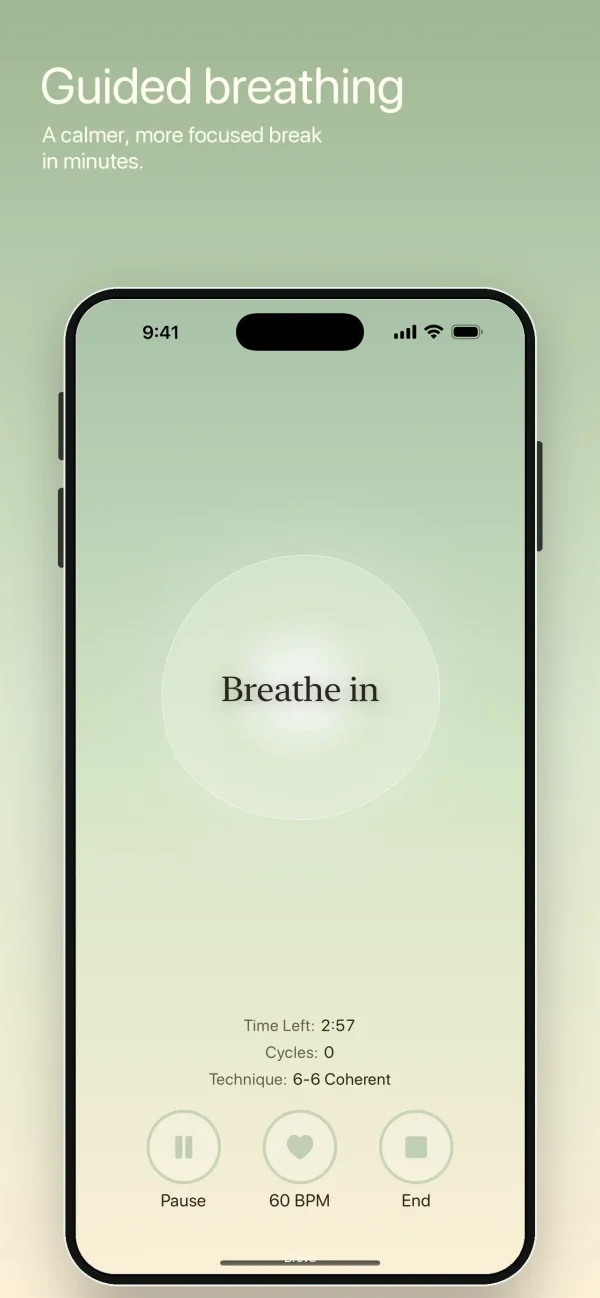
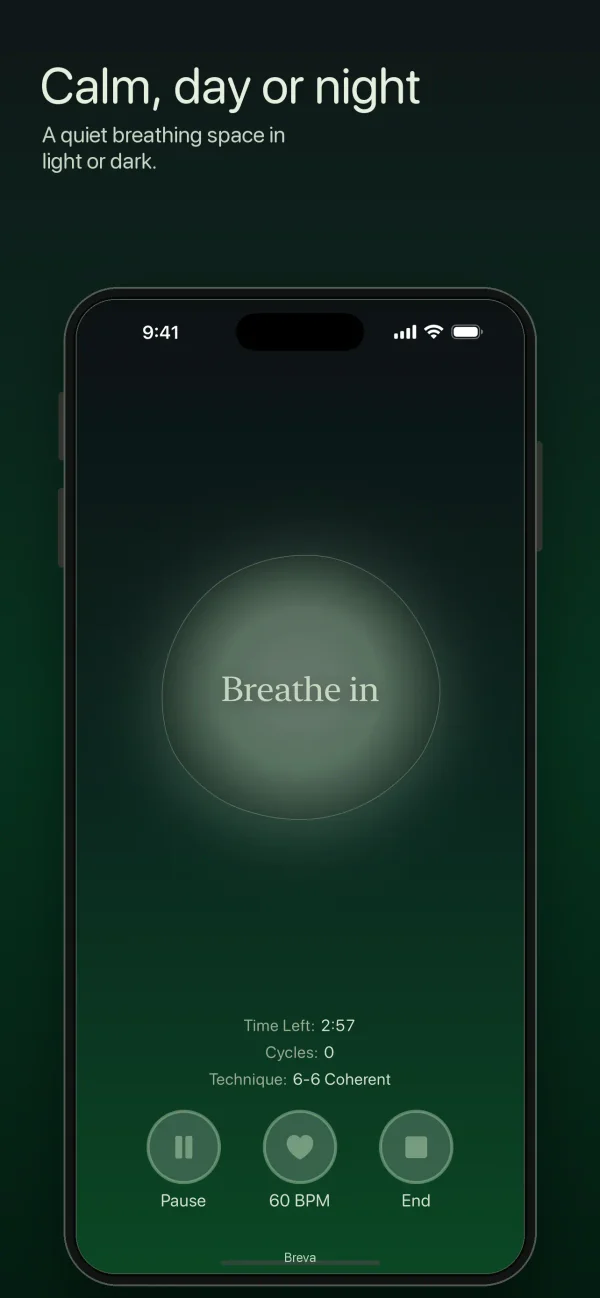
Breva is a guided breathing app for Mac and iPhone, made for people who want a short reset between tasks or a quiet way to wind down. Follow a breathing orb and optional sound cues, with tactile feedback on supported devices.
A BREATHING RHYTHM AND A TACTILE HEARTBEAT
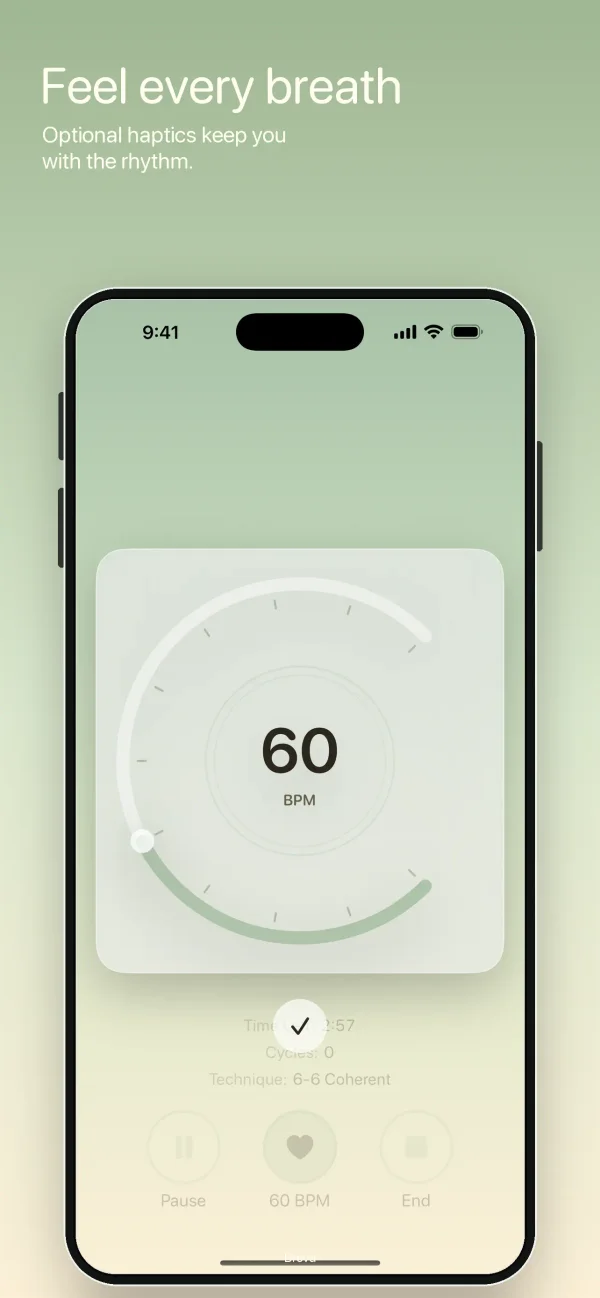
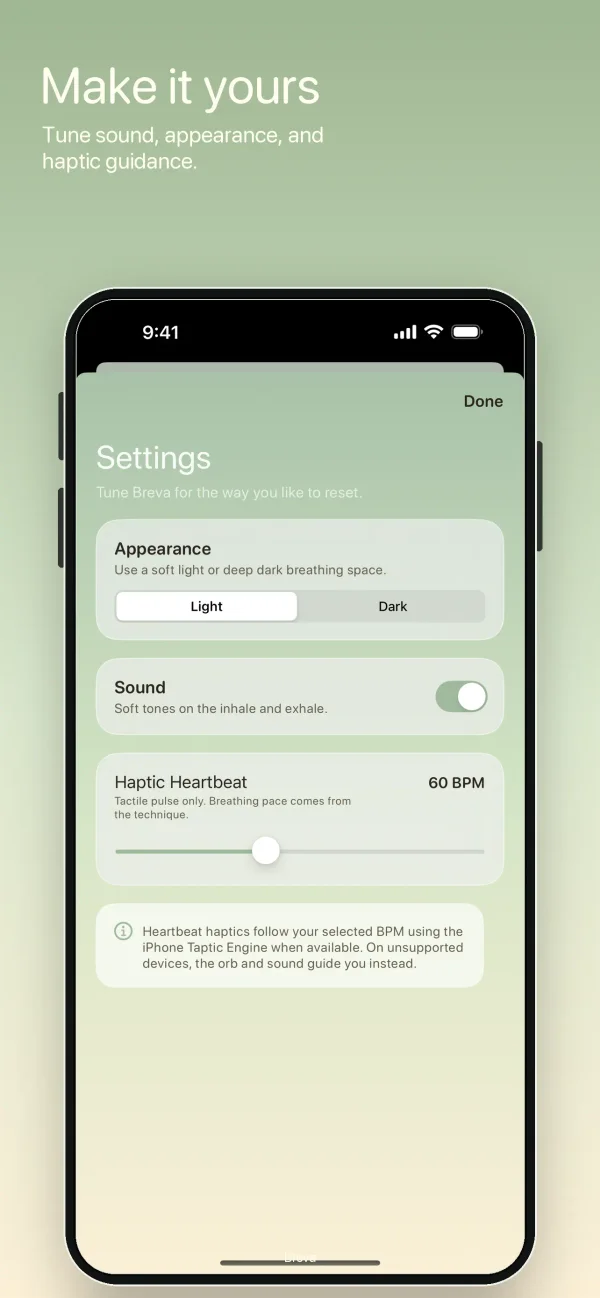
Choose your breathing technique, then set a heartbeat-style haptic pulse separately from 40 to 90 BPM in 5 BPM steps. The tactile pulse does not change the technique's inhale, hold, or exhale timing.
On iPhone, Breva uses the Taptic Engine for heartbeat pulses and gentle inhale and exhale cues. On Mac, feel the heartbeat through a Force Touch trackpad, built in or a Magic Trackpad, with “Force Click and haptic feedback” enabled. The breathing orb and optional tones guide you when haptics are unavailable.
SIX BUILT-IN BREATHING PATTERNS
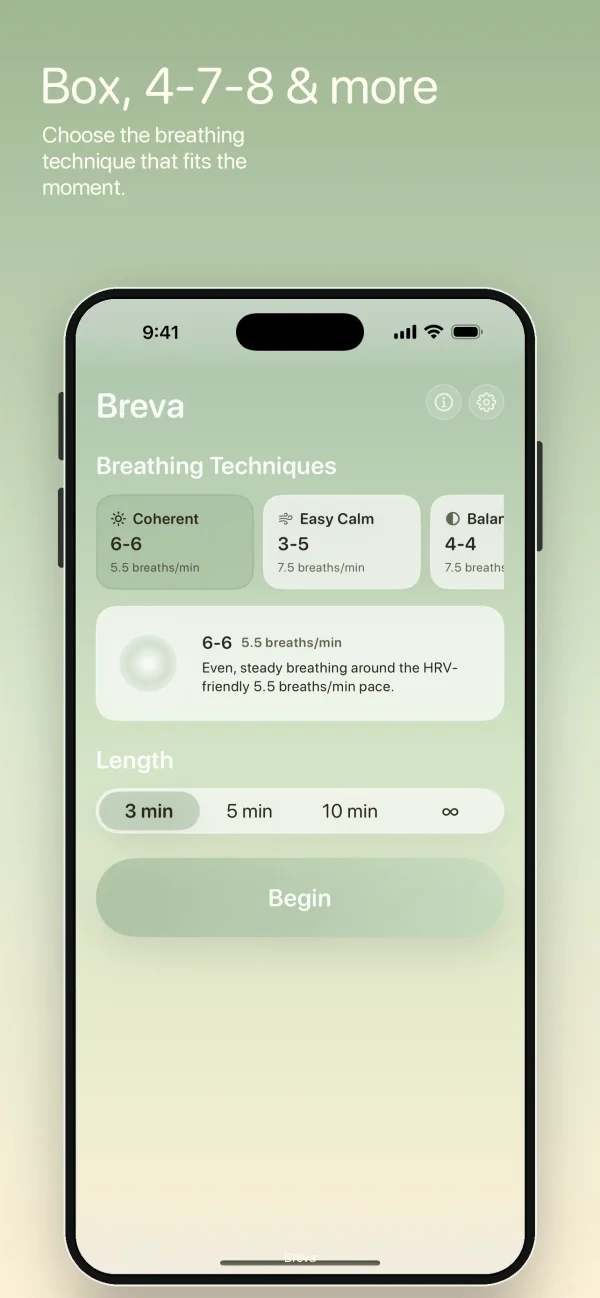
• Box: inhale, hold, exhale, and hold for 4 seconds each.
• Coherent: inhale for 5.5 seconds and exhale for 5.5 seconds, without holds.
• Easy Calm: inhale for 3 seconds and exhale for 5 seconds, without holds.
• Balanced: inhale for 4 seconds and exhale for 4 seconds, without holds.
• Calm: inhale for 4 seconds and exhale for 6 seconds, without holds.
• 4-7-8 Sleep: inhale for 4 seconds, hold for 7 seconds, and exhale for 8 seconds.
SHORT BREAKS, YOUR WAY
Choose a 3, 5, or 10 minute session, or use the unlimited option. Turn inhale and exhale tones on or off, choose a light or dark appearance, and look back at recent sessions without streak pressure.
On Mac, start a technique from the menu bar, then pause, resume, or end the session there. Keyboard controls are also available during sessions.
Use Breva for a breathing break between meetings, a pause after concentrated work, or a slower rhythm at the end of the day.
No account. No tracking. Your preferences and session history stay on your device.
Breva is a wellness tool, not medical care. Stop a session if you feel dizzy or uncomfortable. Do not use Breva while driving, operating machinery, or doing anything that requires your full attention.
What’s new
Version 2.0.1 · Nov 26, 2026
Take a moment to breathe with Breva.
App privacy
What David Bosze declares on the App Store about how this app handles data.
-
Data not collected
The developer does not collect any data from this app.
Privacy practices may vary, for example with the features you use or your age.
Information
- Seller
- Dávid Bosze
- Category
- Health & Fitness
- Version
- 2.0.1
- Updated
- Nov 26, 2026
- Released
- Jul 12, 2026
- Size
- 2.8 MB
- Requires
- iOS 17.0 or later
- Age rating
- 4+
- Price
- Free
- Languages
- English, French, German, Japanese, Portuguese, Spanish
- Copyright
- © 2026 BrevaApp.
You might also like
-
 MeowBreathe: Cat BreathingDeep breaths, guided by a cat
-
 Breva: Calm SoundscapesFocus, sleep, rest, meditation
-
 HapticMind – Meditate by TouchBreathing you can feel
-
 FlöBreathSleep Breathing · Haptic Guide
-
 Kalos : WorkoutHealth & Fitness
-
 Heart Relay: Watch HR to BikeWatch heart rate to your bike
-
 Pranayama Calm: Box BreathingPranayama Calm: Box Breathing
-
 Oaso: Meditation & BreathingGuided Mindfulness & Sleep
-
 Tap: Haptic InhalerGuided breathing with haptics
-
 Braele: Box & 4-7-8 BreathingCalm anxiety, focus & sleep