Box Remote Pop Compatible
Remote for your FreeBox Player
Designed for iPhone, iPad
In-app purchases
- Age rating4+
- CategoryUtilities
- DeveloperNiamorDev
- LanguagesEnglish+ 2 more
- Size106.1 MB
Links to the official App Store page
Download.org hosts no file of Box Remote Pop Compatible. The button opens its official App Store page, published by NiamorDev. Listing last checked on Nov 21, 2026.
Screenshots

About
Turn your phone into a remote for your Freebox Player, or for the Free TV app on your TV.
No more hunting for the remote or replacing dead batteries: control your Player straight from your smartphone, in seconds, anywhere in your home.
FEATURES
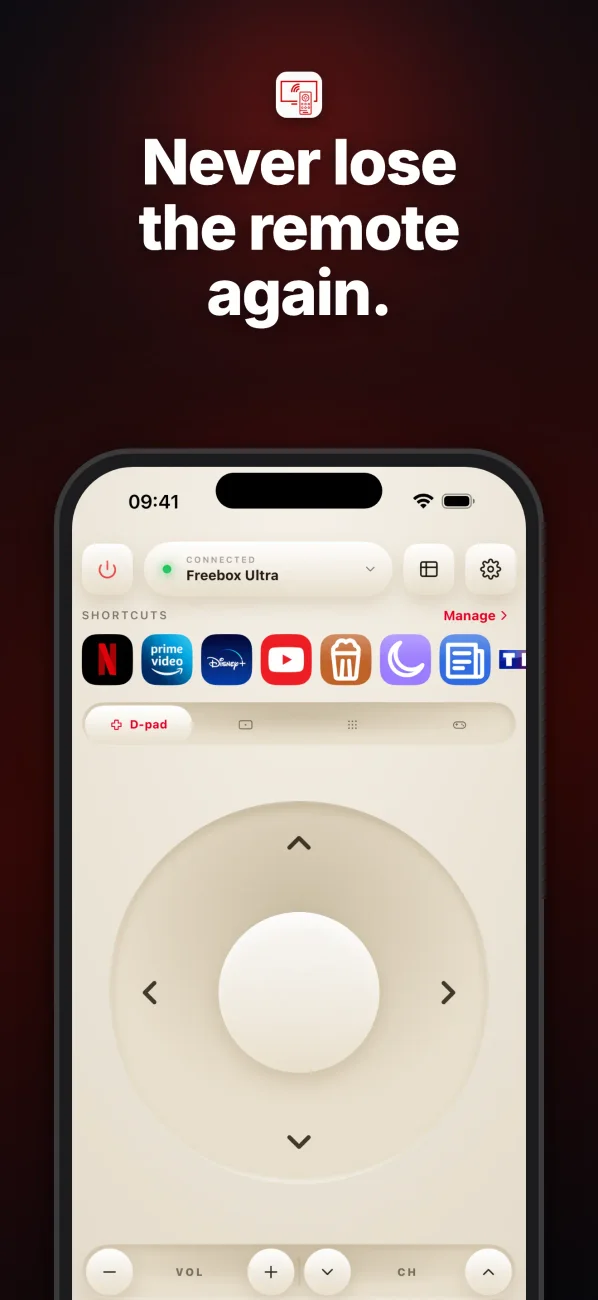
• Full remote: D-pad, volume, channels, playback, menu and more
• Works with Freebox Delta, One, Révolution, Crystal, V5, Pop, Mini 4K and Ultra
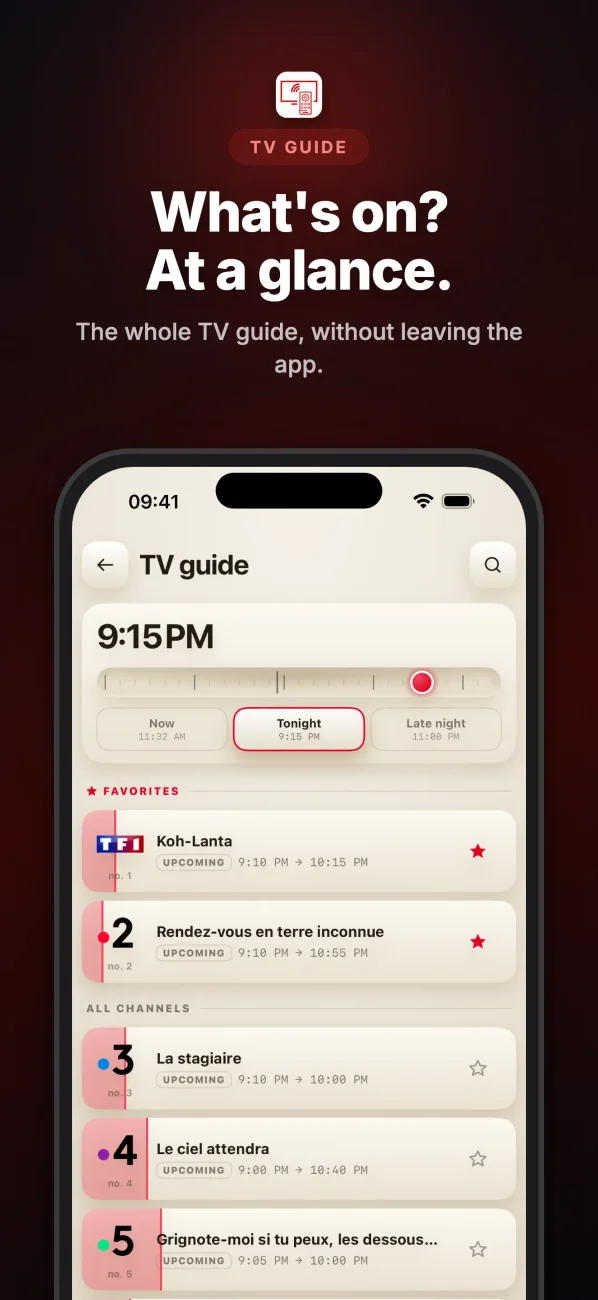
• Built-in TV guide: see what's on now, tonight or later, without leaving the app
• Voice search and keyboard on the Pop, Mini 4K and Ultra Players
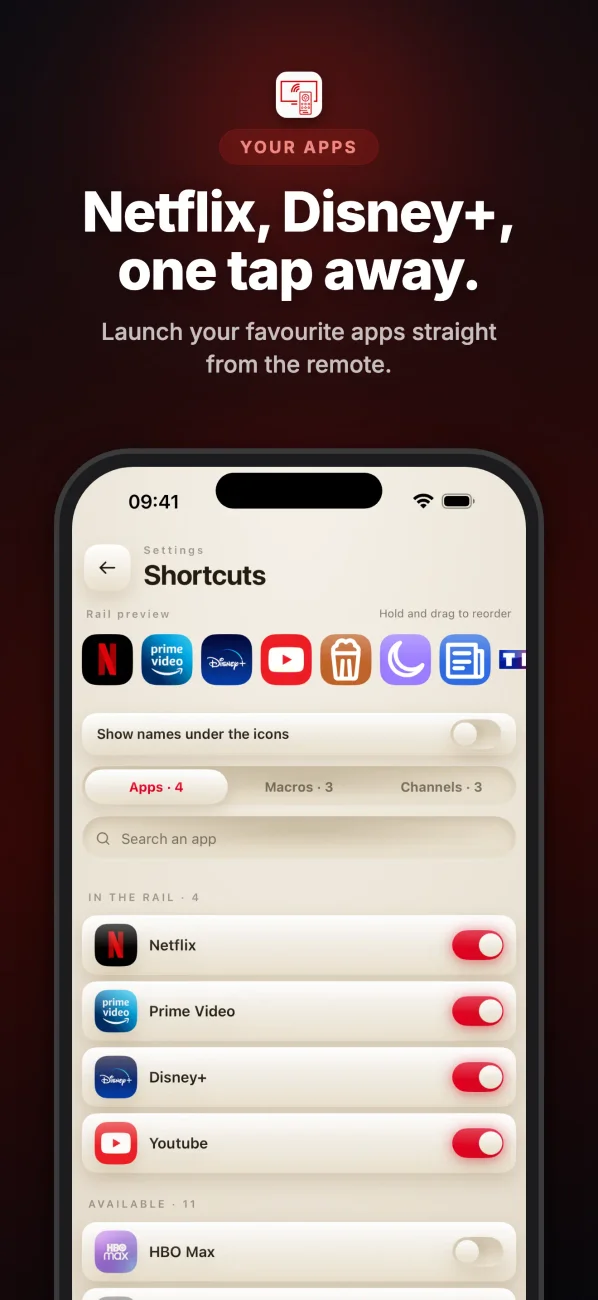
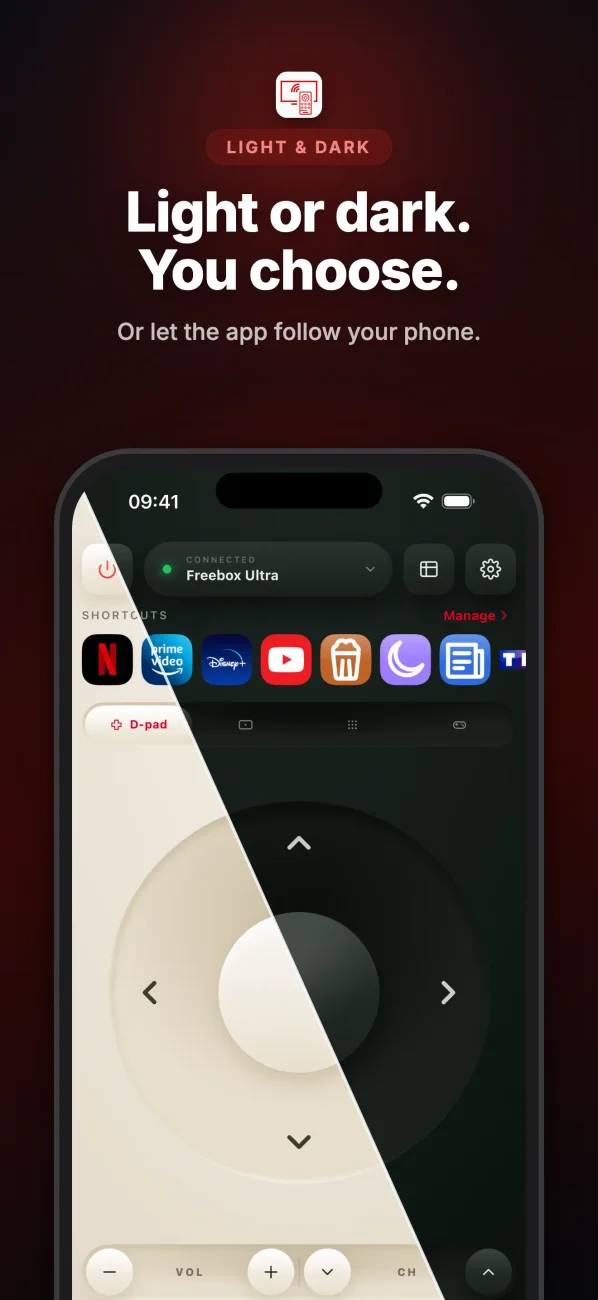
• Shortcuts bar: your apps, channels and macros under the remote, rearranged in one gesture
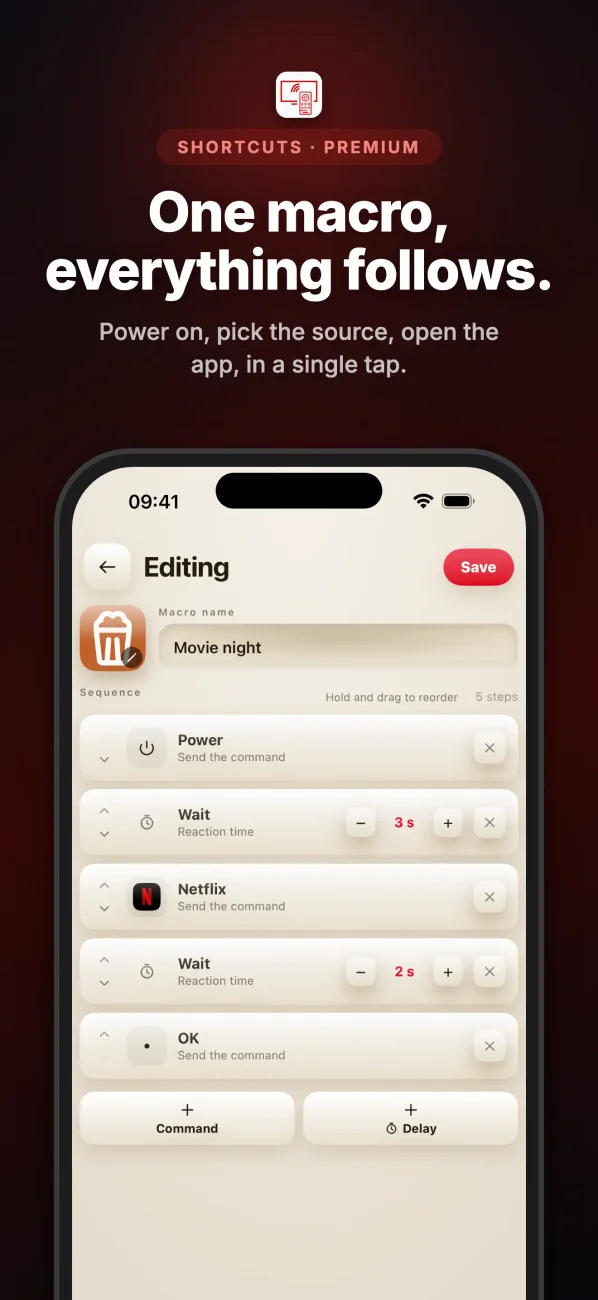
• Macros: chain several keys in a single tap (power on, pick the channel, set the volume…)
• Layout editor: move, resize or remove each block to design your own remote
• Home screen widgets: change channels or open an app without even opening the app
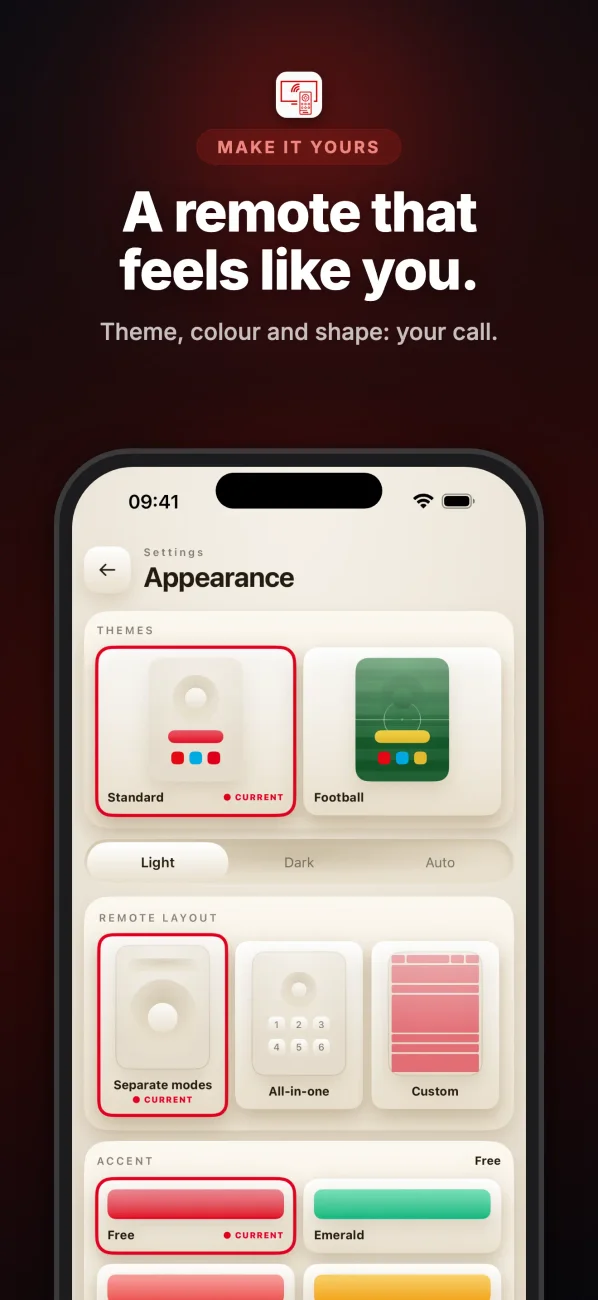
• Make it yours: light or dark theme, accent colour and button shape
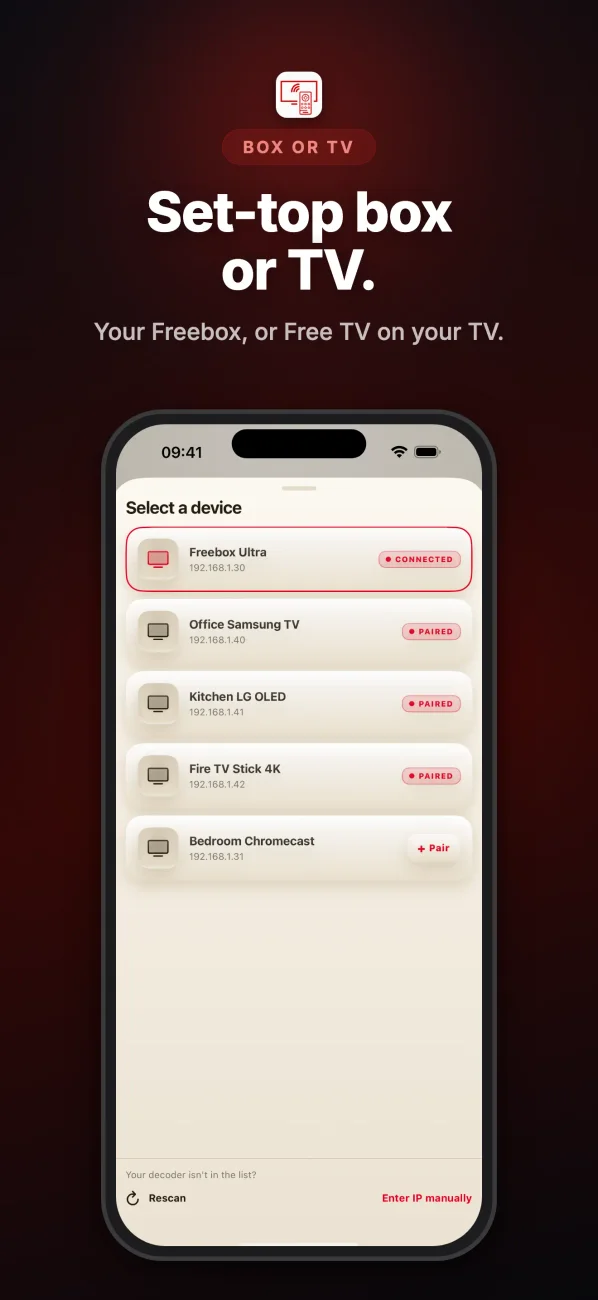
• Multi-device: Player 1, Player 2, TVs… switch between them in one tap
NO PLAYER?
Watching TV through the Free TV app on an Google TV, a Fire TV, a Samsung or an LG? The remote drives it too: navigation, channel numbers and opening the app.
PREMIUM
No ads, unlimited macros, the layout editor and widgets. Monthly, yearly (auto-renewing) or a one-off lifetime purchase. The app stays free with ads.
HOW IT WORKS
The app connects to your Player or your TV over your home Wi-Fi. Make sure your phone and the device are on the same network.
Independent app, not affiliated with Free. "Freebox" and "Free TV" are trademarks of their respective owner, mentioned for compatibility purposes only, as are Google TV, Fire TV, Samsung and LG.
EULA can be found here: https://www.apple.com/legal/internet-services/itunes/dev/stdeula/
What’s new
Version 2.1.1 · Oct 9, 2026
• A message tells you when the TV you picked does not answer.
• A back button on the setup steps that had none.
• After "Reconfigure", you come back to the settings.
• The Auto theme follows the phone's light or dark setting again.
• With no Mail app, the contact address is copied for you.
• Fixes and improvements.
App privacy
What NiamorDev declares on the App Store about how this app handles data.
-
Data used to track you
May be used to track you across apps and websites owned by other companies.
- Identifiers
- Usage data
-
Data linked to you
May be collected and linked to your identity.
- Identifiers
-
Data not linked to you
May be collected but is not linked to your identity.
- Usage data
- Diagnostics
Privacy practices may vary, for example with the features you use or your age.
Information
- Seller
- NiamorDev
- Category
- Utilities
- Version
- 2.1.1
- Updated
- Oct 9, 2026
- Released
- Oct 14, 2020
- Size
- 106.1 MB
- Requires
- iOS 17.0 or later
- Age rating
- 4+
- In-app purchases
- Yes
- Languages
- English, French, Spanish
- Copyright
- © 2026 NiamorDev
You might also like
-
 Zapette for Freebox RemoteTV Guide & Remote Control
-
 Telecommande Pour FreeBox BoxUtilities
-
 Télécommande box universelleUtilities
-
 TélécBox : télécommande box tvUtilities
-
 Box & SmartTV remoteSee list in description
-
 Freebox FilesUtilities
-
 FreeUtilities
-
 Remote Control for Orange TVLivebox Controller
-
 in'li.FRUtilities
-
 Direct AssuranceUtilities