
Braces Bands : Braces Timer
Wear Daily! Track Fully!
Designed for iPhone, iPod touch
Free · In-app purchases
- Age rating4+
- CategoryLifestyle
- DeveloperKimgrowth
- LanguagesEnglish+ 6 more
- Size96.6 MB
Links to the official App Store page
Download.org hosts no file of Braces Bands : Braces Timer. The button opens its official App Store page, published by Kimgrowth. Listing last checked on Nov 14, 2026.
Screenshots


About
Built by a Korean who had braces for a long time.
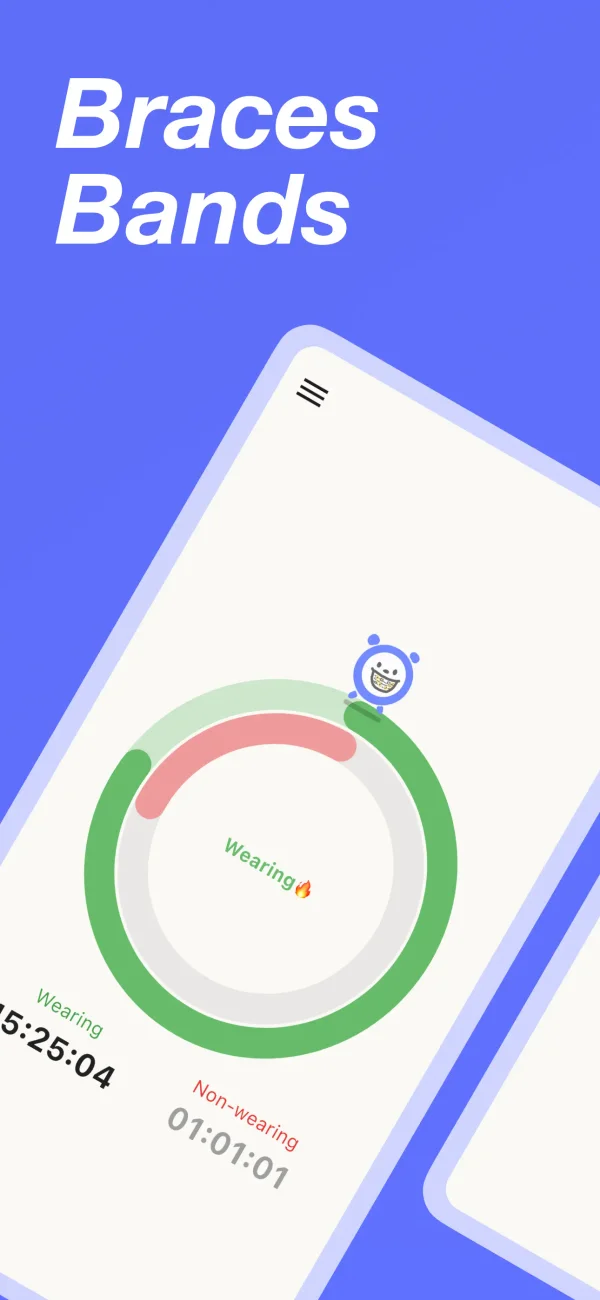
Braces Bands is an app designed to help you build a healthy habit of wearing your orthodontic elastics (rubber bands).
Track your wear time, set daily goals, and make consistent progress in your braces journey.
** Key Features
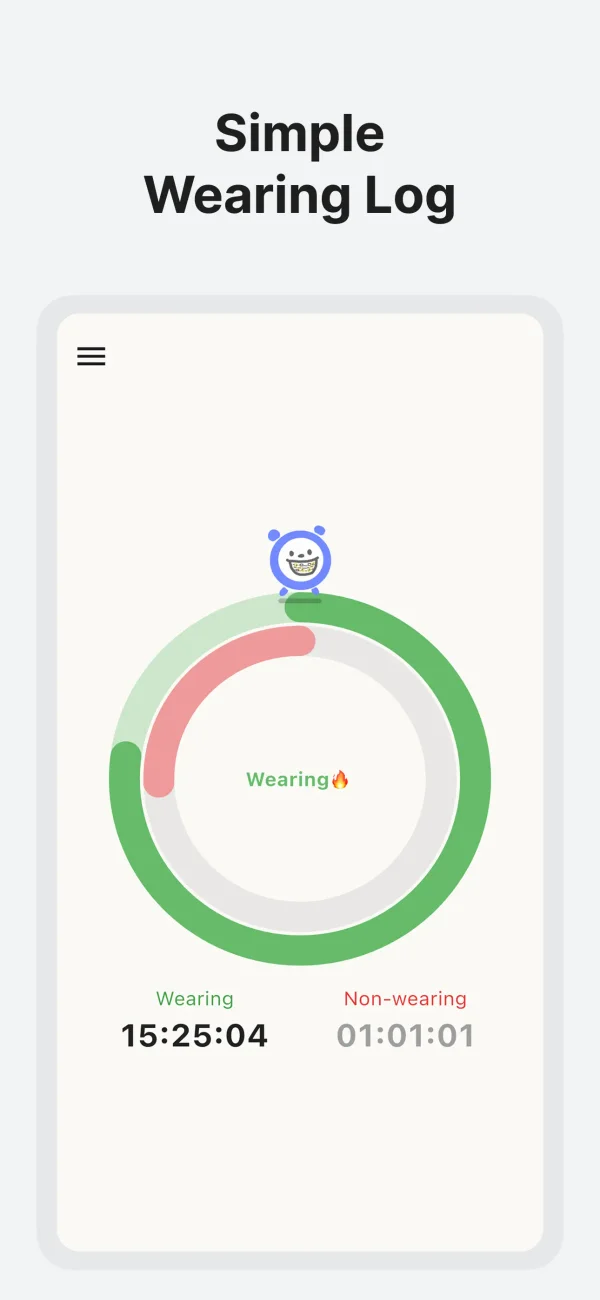
- Wear Timer : Start or stop the timer with a single tap to easily log your wear time.
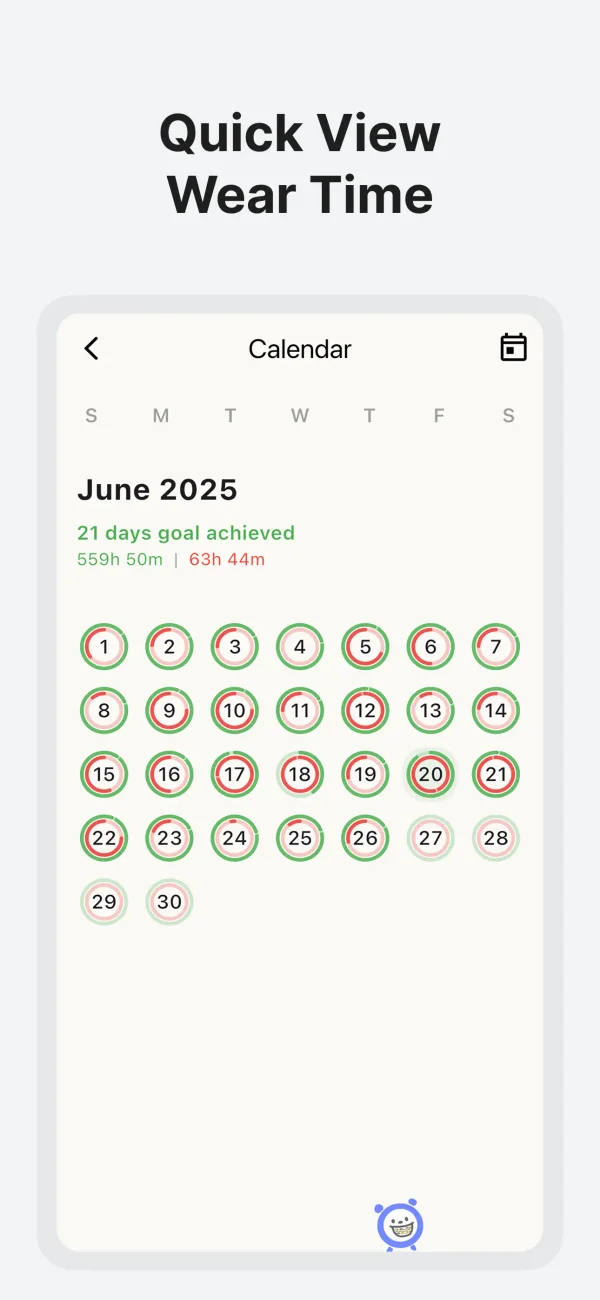
- Wear Calendar : See your daily records at a glance and stay motivated.
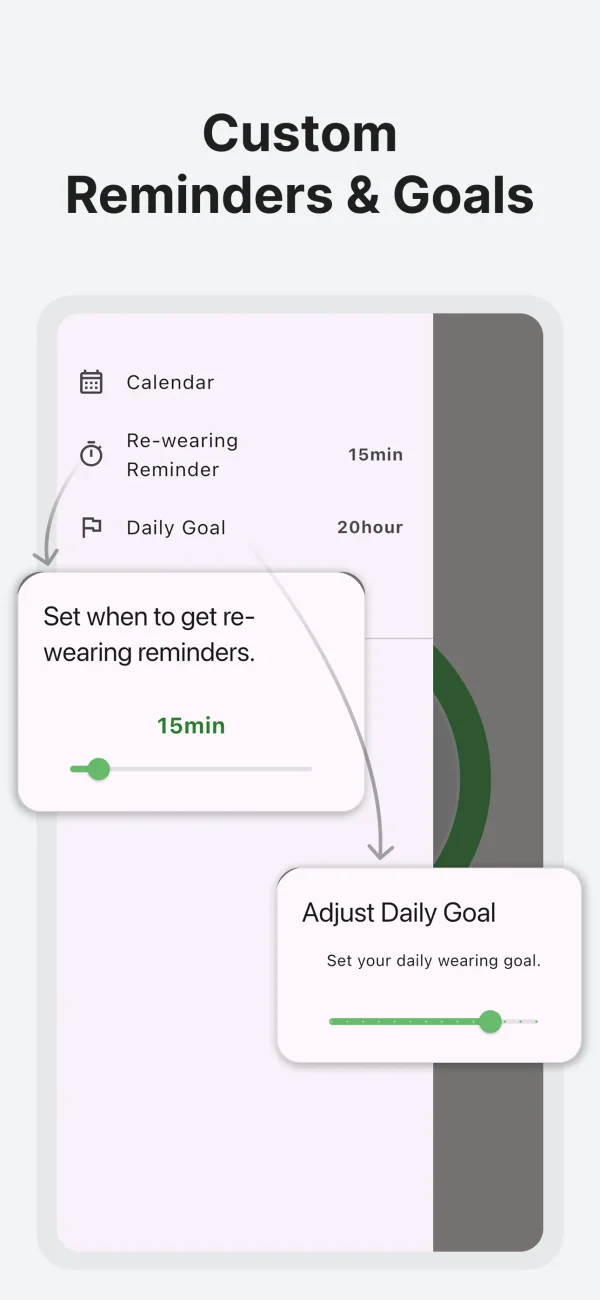
- Re-wear Reminder : Get notified if you forget to wear your bands for too long.
- Goal & Reminder Settings : Customize your daily wear goal and re-wear alert interval.
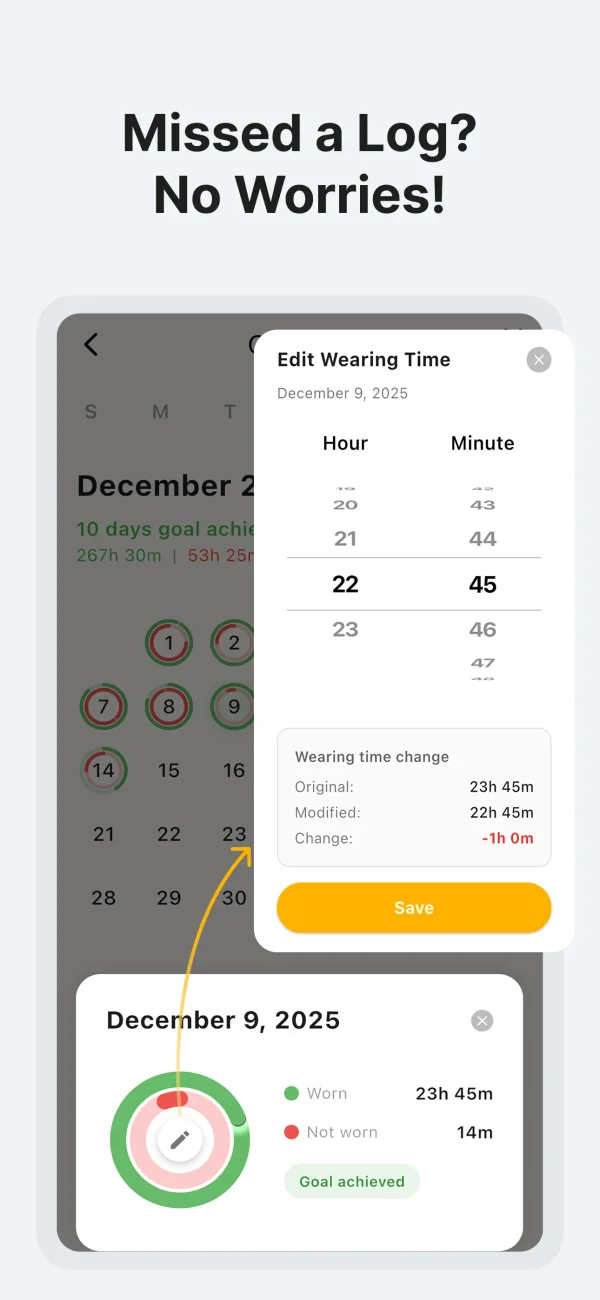
- Edit Wear Time : Forgot to start the timer? No problem—just tap the calendar to edit your wear time later.
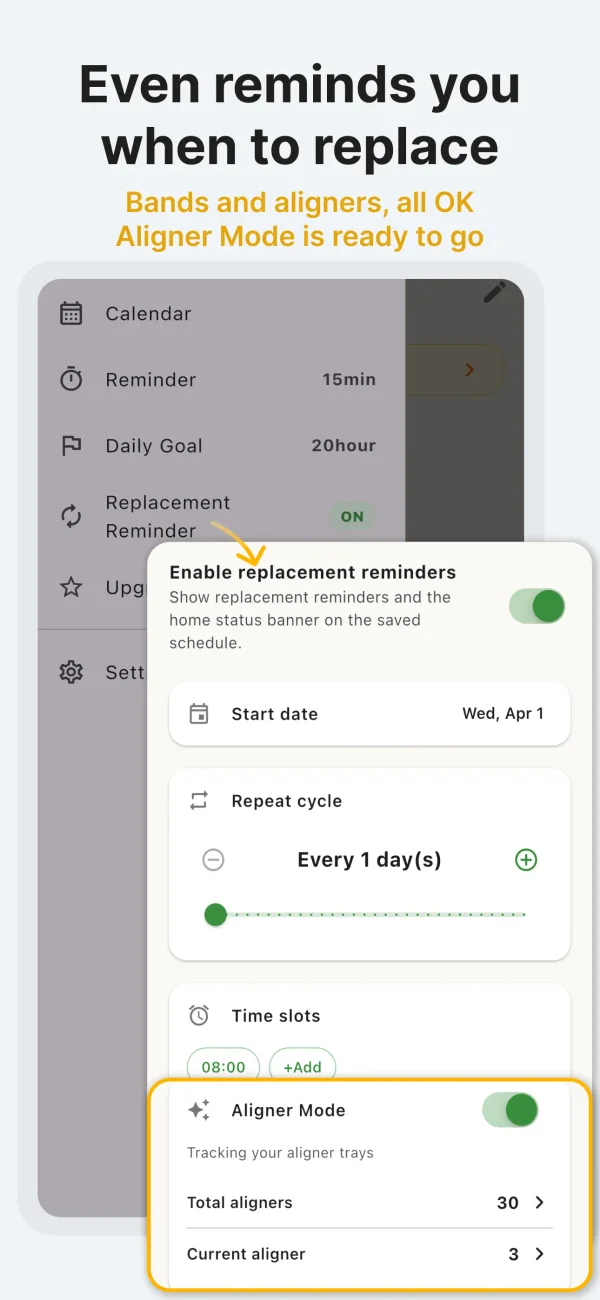
- Band Replacement Reminder : Set a replacement schedule—start date, interval, and alert times—to get notified and log each band change.
- Aligner Mode : Track your Invisalign or clear aligner trays. Enter total and current tray numbers, see progress on your calendar.
- Dental Appointment Reminder : Save your next visit and get alerted before you go. Appointment days are marked right on your calendar.
- Visit Notes : Keep your dentist's instructions and band or wire changes as dated notes you can revisit anytime.
- Teeth Photos : Snap or pick photos for any calendar date to track how your teeth change. Days with photos are marked right on your calendar. (Up to 3 per day)
** How to Use
When you open the app, the timer starts in wearing mode.
Tap the timer when you take off your bands—like during meals or brushing—to log non-wear time.
Set your daily goal and reminder interval to stay on track.
Forgot to use the timer? Edit your records anytime via the calendar.
**Premium Features
- Remove Ads : Enjoy the app without any ads.
- Home Widget : Check your wear status right from your home screen.
- Cloud Backup : Automatically back up your wear records, replacement records, goal/reminder settings, and teeth photos using your social login account, and restore them anytime by signing in with the same account on a new device.
(Note: Restoring purchases and restoring cloud backups are different processes. Cloud backup restoration is done through your signed-in social account, while your Premium subscription must be purchased/restored separately on the store you're using.)
**Subscription Notice
Subscription automatically renews unless cancelled at least 24 hours before the end of the current period.
You can manage or cancel subscriptions in your Apple ID account settings after purchase.
Active subscriptions cannot be cancelled during the current billing period.
Start tracking your wear time today, and build a healthy habit that sticks!
Terms of Use (EULA): https://www.apple.com/legal/internet-services/itunes/dev/stdeula/
Privacy Policy: https://kbpzdm.com/apps/braces-bands/privacy
What’s new
Version 1.4.86 · Oct 7, 2026
Fixed a bug related to the upgrade screen after subscribing.
App privacy
What Kimgrowth declares on the App Store about how this app handles data.
-
Data linked to you
May be collected and linked to your identity.
- Health and fitness
- Purchases
- Contact info
- User content
- Identifiers
-
Data not linked to you
May be collected but is not linked to your identity.
- Identifiers
- Usage data
- Diagnostics
Privacy practices may vary, for example with the features you use or your age.
Information
- Seller
- Kimgrowth
- Category
- Lifestyle
- Version
- 1.4.86
- Updated
- Oct 7, 2026
- Released
- Jul 10, 2025
- Size
- 96.6 MB
- Requires
- iOS 15.0 or later
- Age rating
- 4+
- Price
- Free
- In-app purchases
- Yes
- Languages
- English, German, Indonesian, Japanese, Korean, Portuguese, Spanish
- Copyright
- Copyright © 2026 kbpzdm. All Rights Reserved.
You might also like
-
 Braces diary - BracelyTeeth journey: photos & care
-
 Braces DiaryTrack your braces wearing path
-
 AlignerPro: Aligner TrackerInvisalign Tracking App
-
 Scrunchie: Curly Hair CareAI Scan, Routine & Frizz
-
 Aligner Smile TrackerTracker for Aligner Users
-
 우쥬메리미 - 결혼준비 웨딩플래너Lifestyle
-
 펫터니아Lifestyle
-
 DaylyxDaily routine for your rhythm
-
 Rubber Band HabitsTrack habits, snap into goals
-
 Pill Reminder: Pet MedsVet Health Log: Dogs & Cats