Bracket Maker: Tournament
Playoffs, Leagues & Contests
Designed for iPhone, iPad, iPod touch
Free · In-app purchases
- Age rating4+
- CategoryUtilities
- DeveloperAllegro Digital
- LanguagesEnglish+ 12 more
- Size7.5 MB
Links to the official App Store page
Download.org hosts no file of Bracket Maker: Tournament. The button opens its official App Store page, published by Allegro Digital. Listing last checked on Nov 21, 2026.
Screenshots


About
Run tournaments like a pro. Bracket Maker is the fastest way to build, score, and share brackets for any sport, game, or event — from a kitchen-table card night to a full league season.
WHY BRACKET MAKER
- Fast, native, and offline
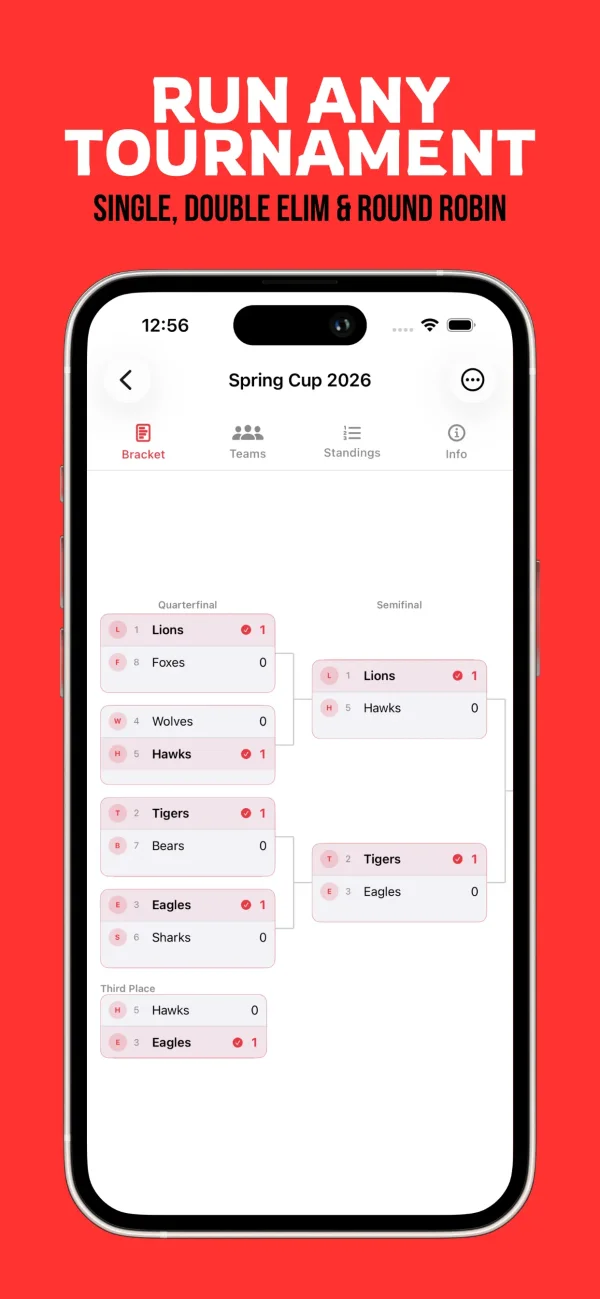
- Single Elimination, Double Elimination, or Round Robin
- Up to 64 teams with automatic BYEs and smart seeding
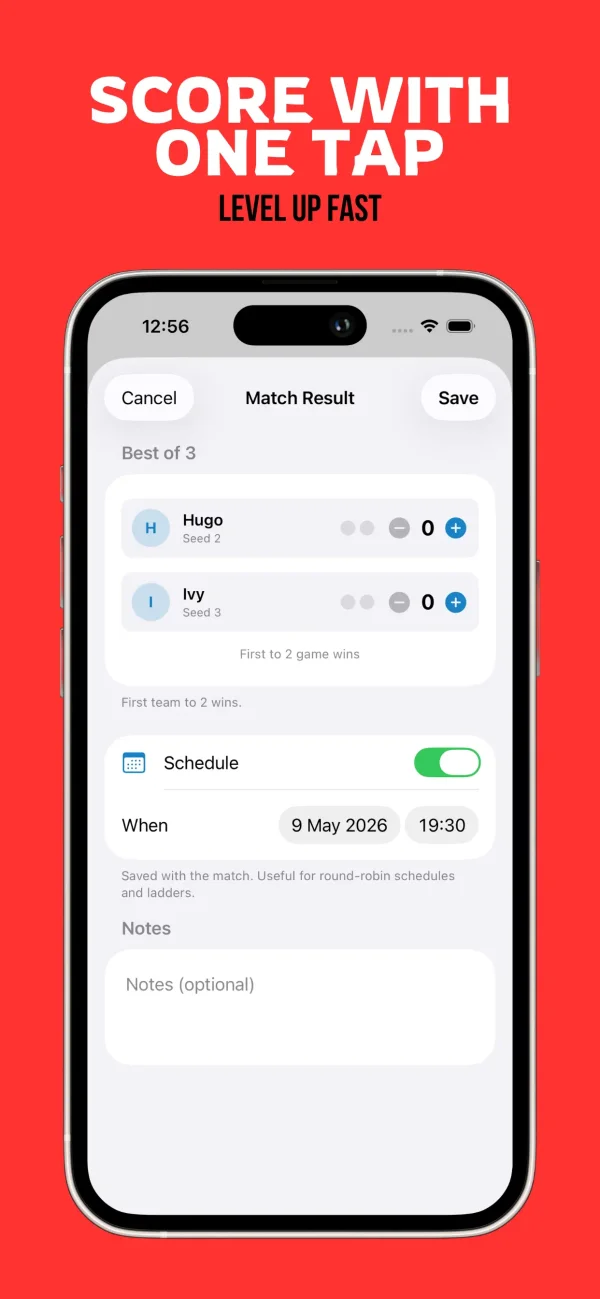
- One-tap scoring or detailed point tracking
- Live standings with proper head-to-head tiebreakers
- Brackets you'll actually want to share
FORMATS THAT FIT YOUR EVENT
- Single Elimination — fast and decisive, perfect for one-day events
- Double Elimination — give every team a second chance, with grand final reset
- Round Robin — everyone plays everyone, full league-style standings
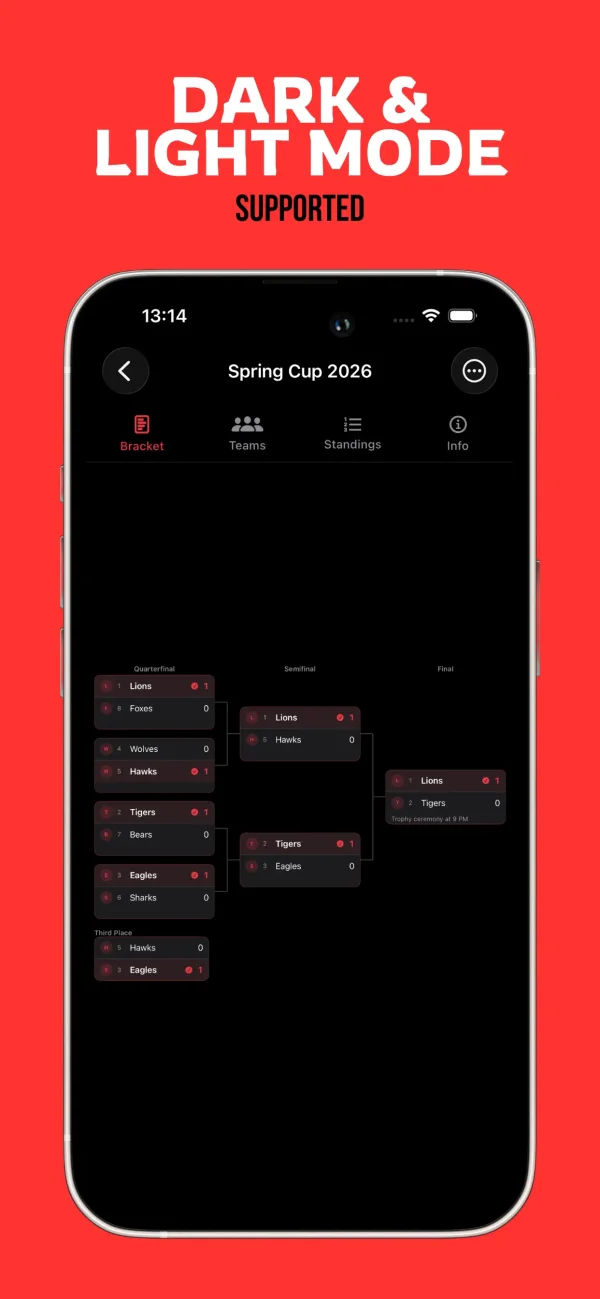
- Optional 3rd-place match for the bronze podium
SCORING THAT JUST WORKS
Pick the method that matches your game:
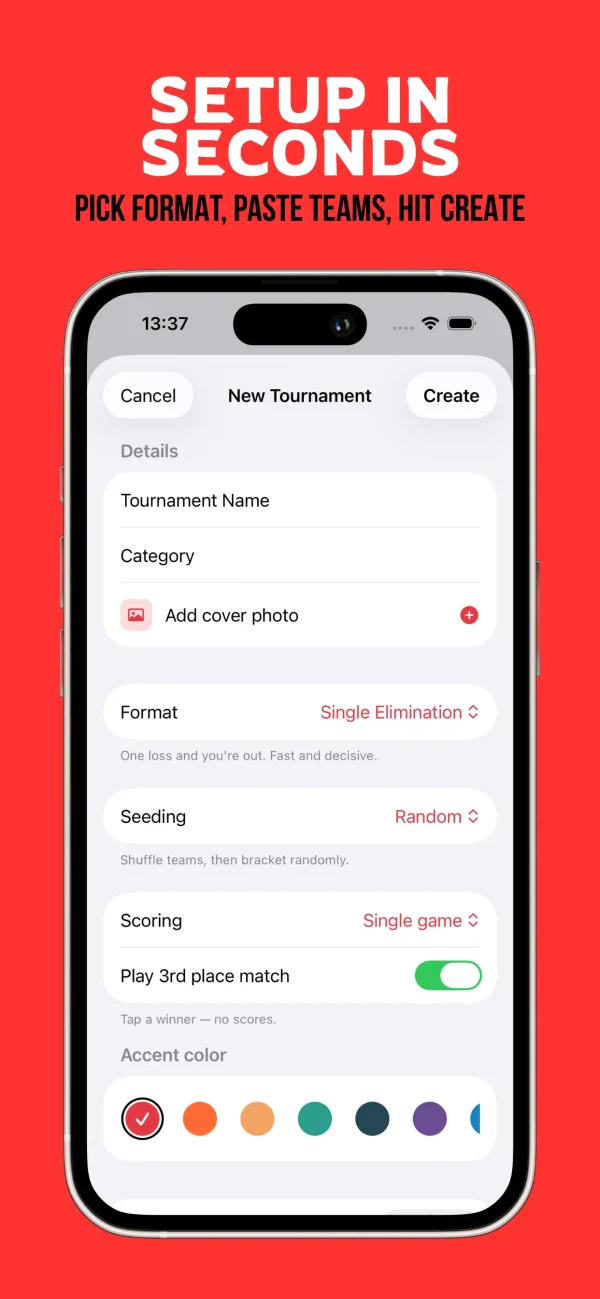
- Single game — one tap declares the winner
- Best of 3, 5, or 7 — visual circle indicators per team
- Free points — open scoring with totals
Winners advance automatically as soon as you record a result.
SEEDING & ROSTERS
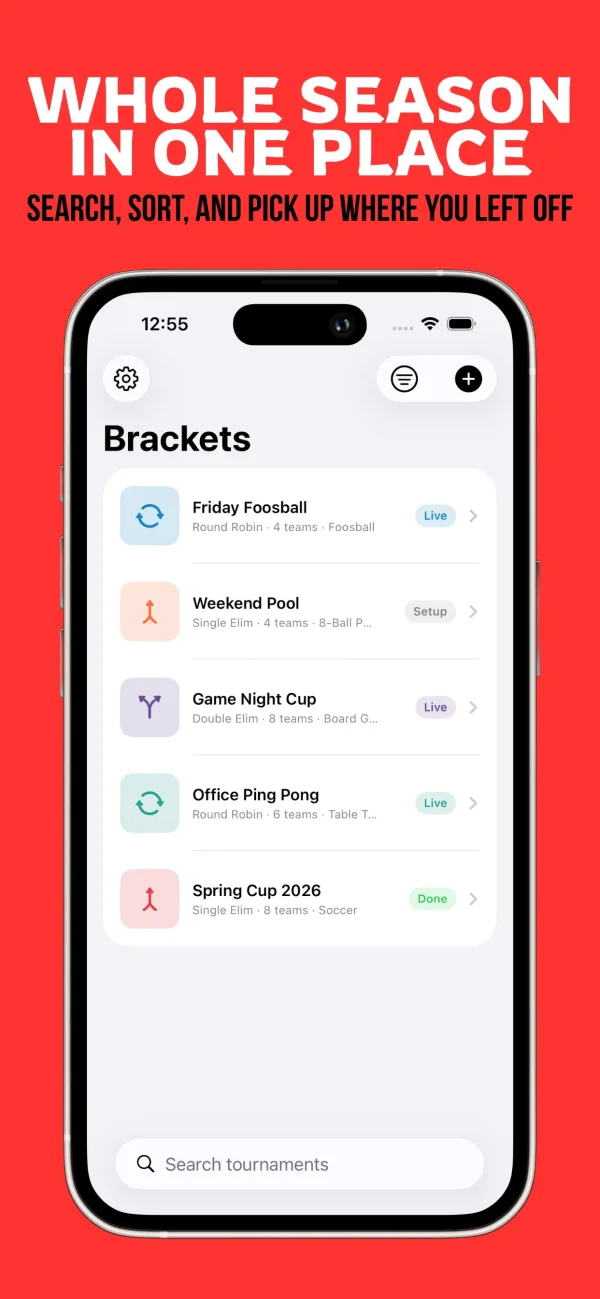
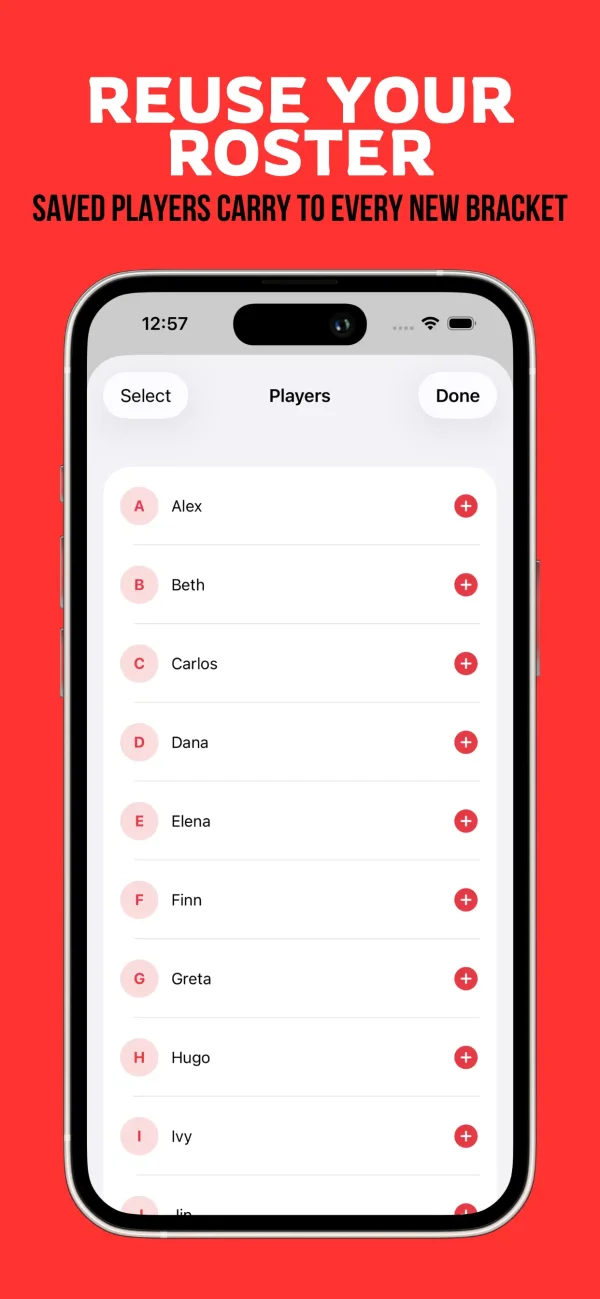
Random shuffle, standard tournament seeding (1 vs 16 etc.), or "as listed" — your call. Save players and reuse them in future tournaments. Multi-select to drop a whole roster into a new bracket in seconds, or paste a list of names and you're done.
MAKE IT YOURS
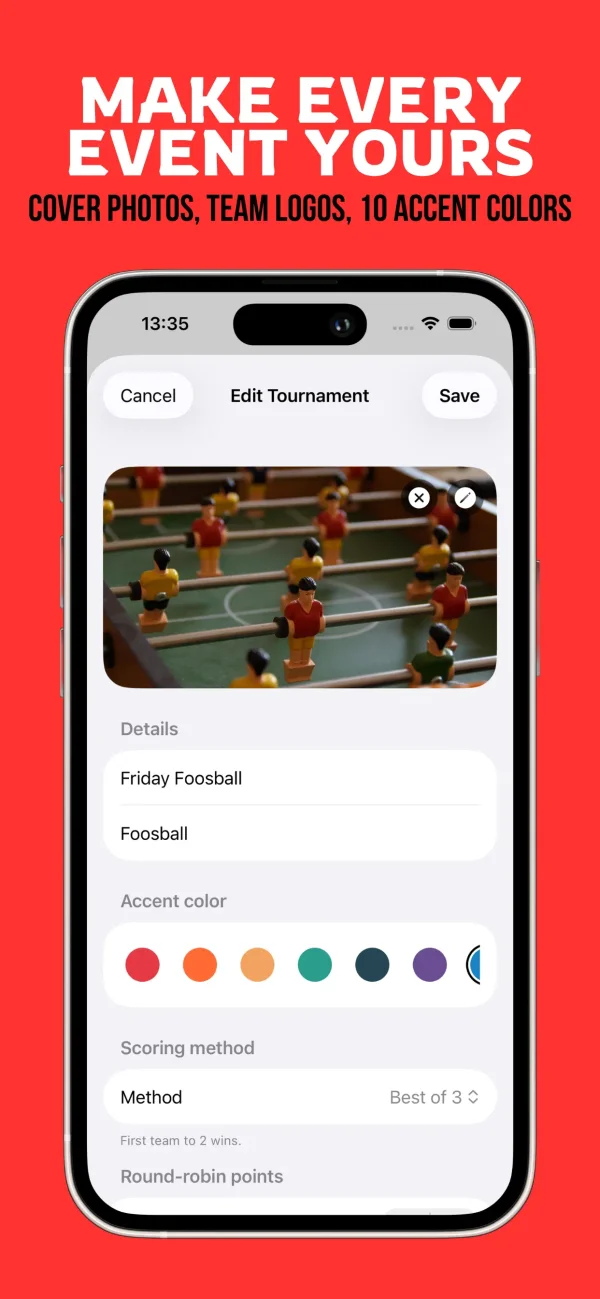
Drop in a cover photo, add team logos, pick from 10 accent colors, and watch every screen rebrand around your event. Crop exactly the part of the photo you want with a built-in editor.
SCHEDULE & ANNOTATE
Set match dates and add notes per game. Schedule shows up right on the bracket card — perfect for league weeks and venue assignments.
PINCH, ZOOM, PAN
Native pinch-to-zoom, smooth pan, and double-tap-to-fit. See the entire bracket at a glance or zoom into a single match. Connector lines keep the structure crystal clear at every zoom level.
EXPORT & SHARE
Export as a high-res image or PDF for AirDrop, Messages, Mail, or social. Save to Photos or Files. The print-friendly layout keeps connectors, scores, and the champion in one clean view.
CHAMPION CELEBRATION
When the final match is decided, the winner gets the spotlight: a confetti hero screen with team logo, name, and instant share.
PERFECT FOR
- Pool, foosball, and ping pong tournaments
- Office and school events
- Family gatherings and game nights
- eSports and gaming sessions
- Sports leagues and clubs
- Live event check-ins
PRO UNLOCKS
Upgrade to Pro for unlimited tournaments, cover photos, team logos, Double Elimination, and Round Robin formats. Try Pro free for 3 days; cancel anytime.
PRIVACY-FIRST
All your tournaments and rosters live on your device. No accounts. No tracking. No servers.
Build your next bracket in seconds. Download Bracket Maker.
To have access to the premium content and functionality, you can choose between our auto-renewable subscriptions. We offer auto-renewable subscriptions within the selection of Yearly Subscription, Weekly Subscription or if you want to try before you can choose Free Trial. If you choose Free Trial, after the 3 days free trial the subscription automatically renews annual. This is a recurring transaction that will be charged to your iTunes Account at confirmation of purchase and will automatically renew unless you cancel it at least 24 hours before the end of your subscription. Renewals will be charged the same cost within 24 hours prior to the end of the current period. You can manage your subscriptions and auto-renewal can be turned off by going to your iTunes Account Settings after purchase.
Privacy Policy: https://sites.google.com/view/allegrodigital/privacy-policy
Terms of Use: https://sites.google.com/view/allegrodigital/terms-of-use
App privacy
What Allegro Digital declares on the App Store about how this app handles data.
-
Data not collected
The developer does not collect any data from this app.
Privacy practices may vary, for example with the features you use or your age.
Information
- Seller
- ALLEGRO DIGITAL LTD
- Category
- Utilities
- Version
- 1.0
- Updated
- May 12, 2026
- Released
- May 12, 2026
- Size
- 7.5 MB
- Requires
- iOS 15.0 or later
- Age rating
- 4+
- Price
- Free
- In-app purchases
- Yes
- Languages
- English, Dutch, French, German, Italian, Japanese, Norwegian Bokmål, Polish, Portuguese, Russian, Spanish, Swedish + 1 more
- Copyright
- © 2026 Allegro Digital
You might also like
-
 Bracket Maker: Team TournamentPlayoff Scoreboard Generator
-
 Bracket Maker: TournamentsTourney Scoreboard & Brackets
-
 EasyTourneyQuick tournament maker
-
 Bracket Genie - All in OneTeam and bracket creation
-
 Super Bracket BuilderBuild and manage tournaments.
-
 Versus PocketQuick, Easy and Simple App
-
 Referee Yellow card, Whistlejudgment of something
-
 RankChart: Tier ListTier List Maker for rankings
-
 Auto Clicker - Auto Click AIAuto clicker automatic tap
-
 IPA Installer: Dev UtilityFor developers & QA Teams