Braille Translator & Scanner
AI reads braille from photos
Designed for iPhone, iPad, iPod touch
Free · In-app purchases
- Age rating4+
- CategoryEducation
- DeveloperMukhammadkodir Abduvoitov
- LanguagesEnglish+ 7 more
- Size45.9 MB
Links to the official App Store page
Download.org hosts no file of Braille Translator & Scanner. The button opens its official App Store page, published by Mukhammadkodir Abduvoitov. Listing last checked on Nov 23, 2026.
Screenshots


About
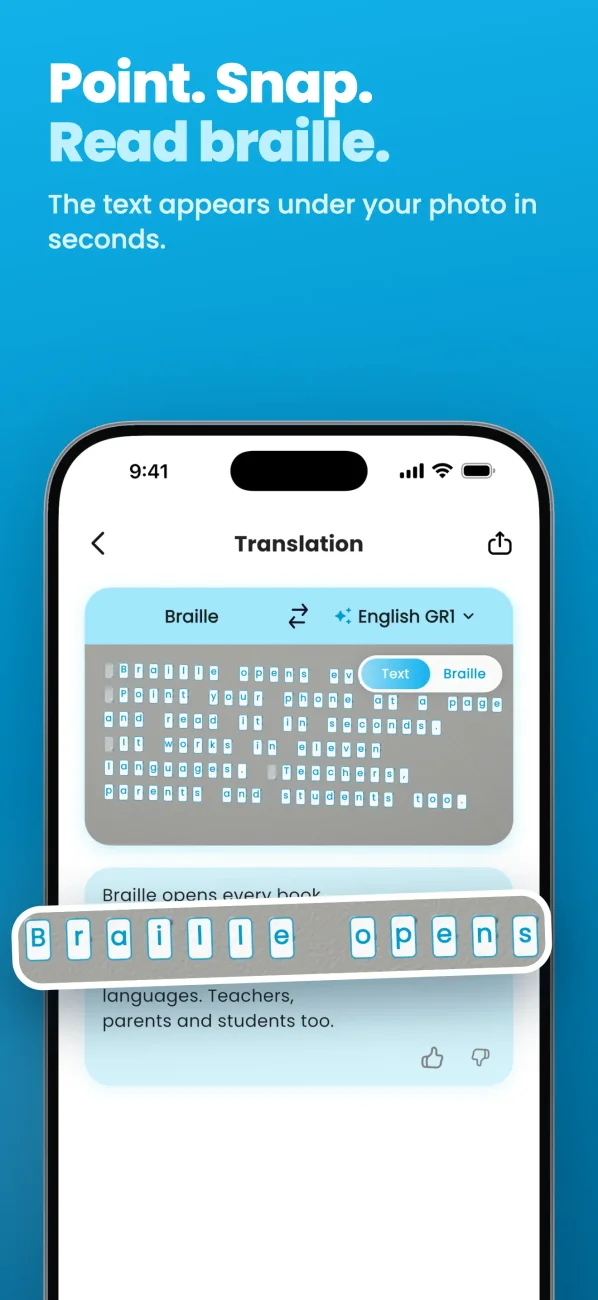
Braille Translator & Scanner turns a photo of braille into text. Point your camera at an embossed page and the app marks every braille cell with the letter it stands for, then gives you the whole text to read, copy or share. A braille reader, braille translator and braille scanner in one app.
Made for teachers, parents and students who work with braille, and for anyone learning to read it.
HOW IT WORKS
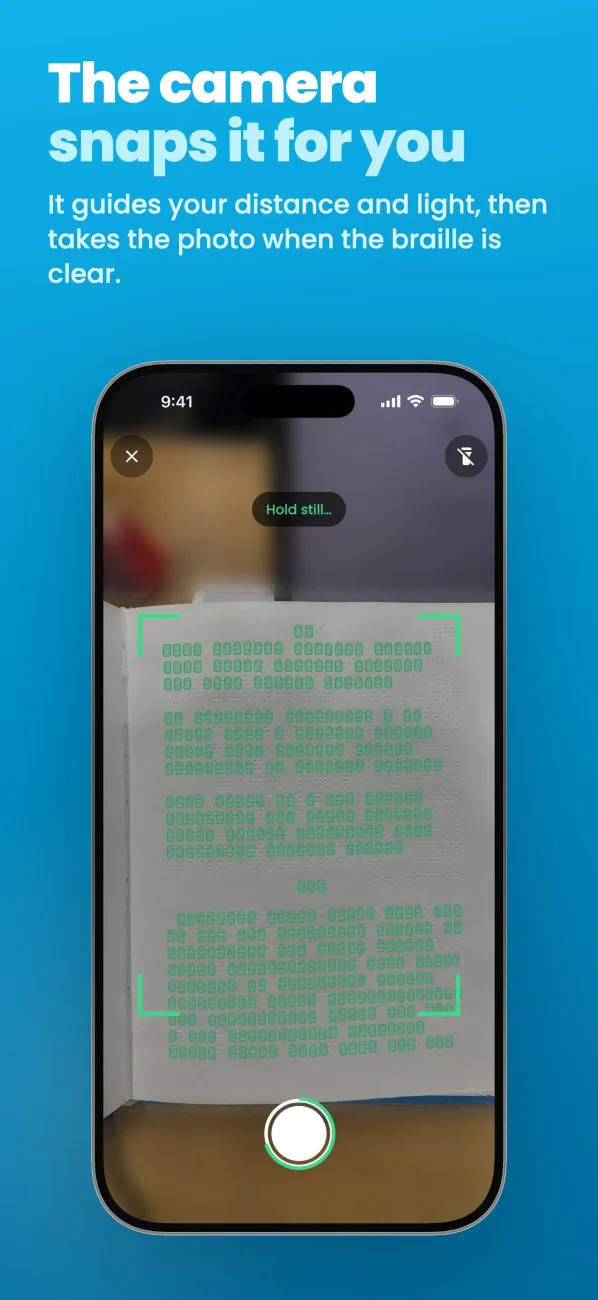
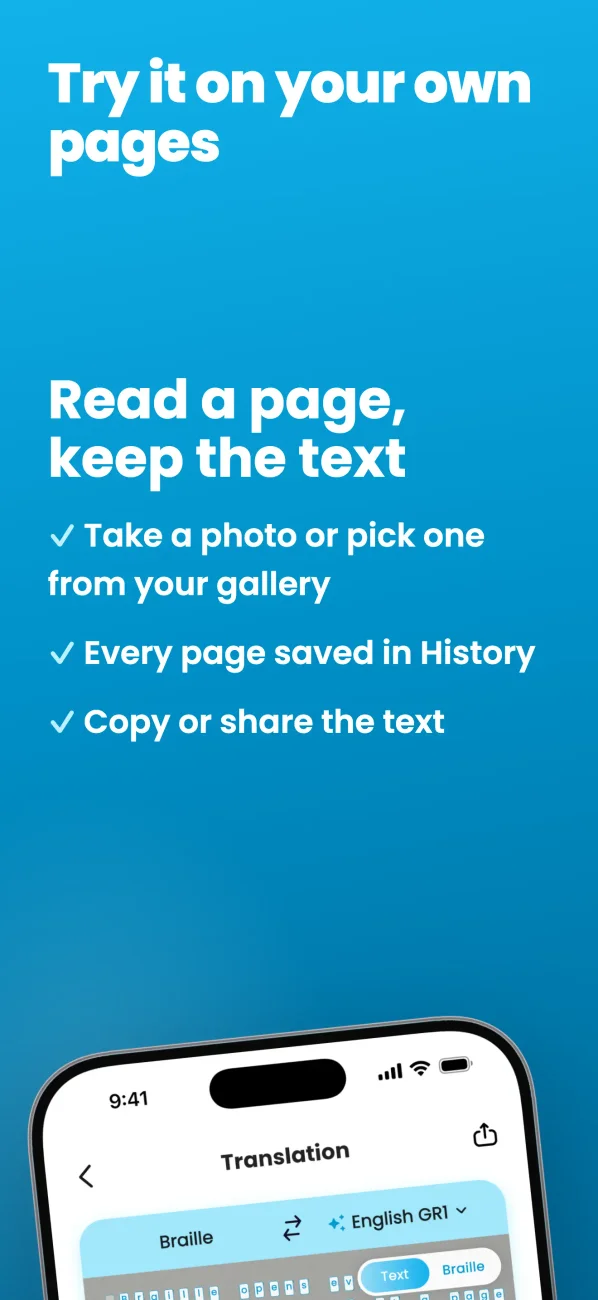
• Take a photo of a braille page, or import one from your gallery
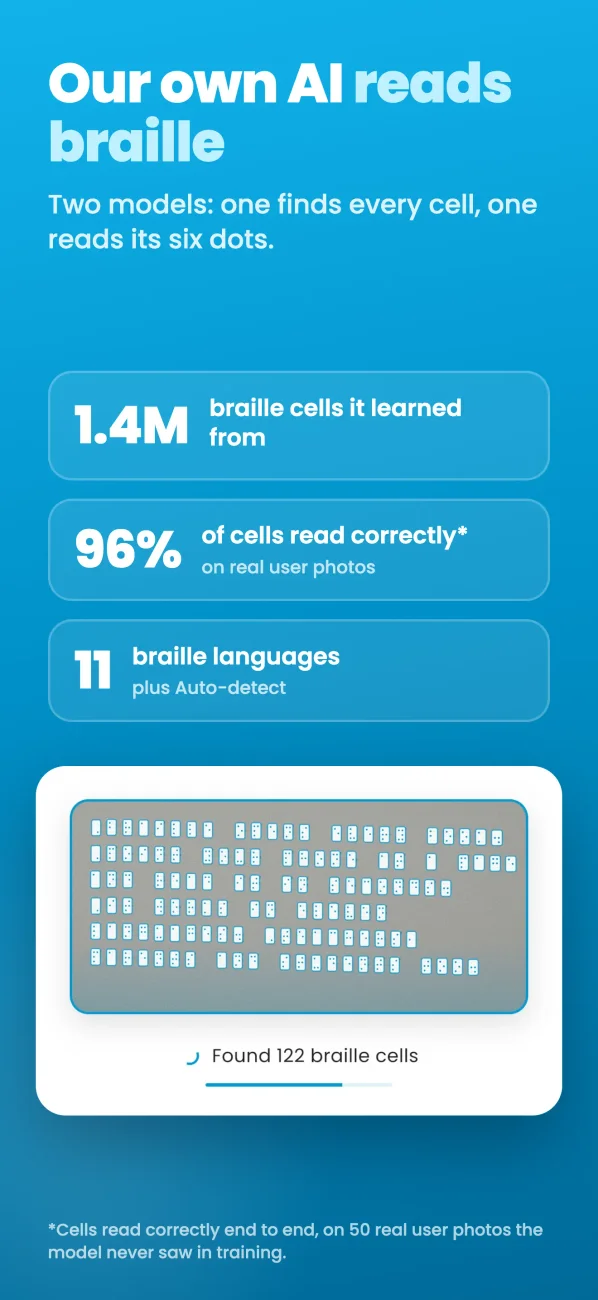
• The AI finds every cell and reads its six dots
• Read the text under your photo, with each letter right on its cell
• Switch the photo between letters and braille with one tap to check any cell
OUR OWN BRAILLE AI
We trained our own models for braille: one finds the cells, the other reads the dots. They learned from 1.4 million braille cells and read 96% of cells correctly, end to end, on real user photos they never saw in training.
11 BRAILLE LANGUAGES
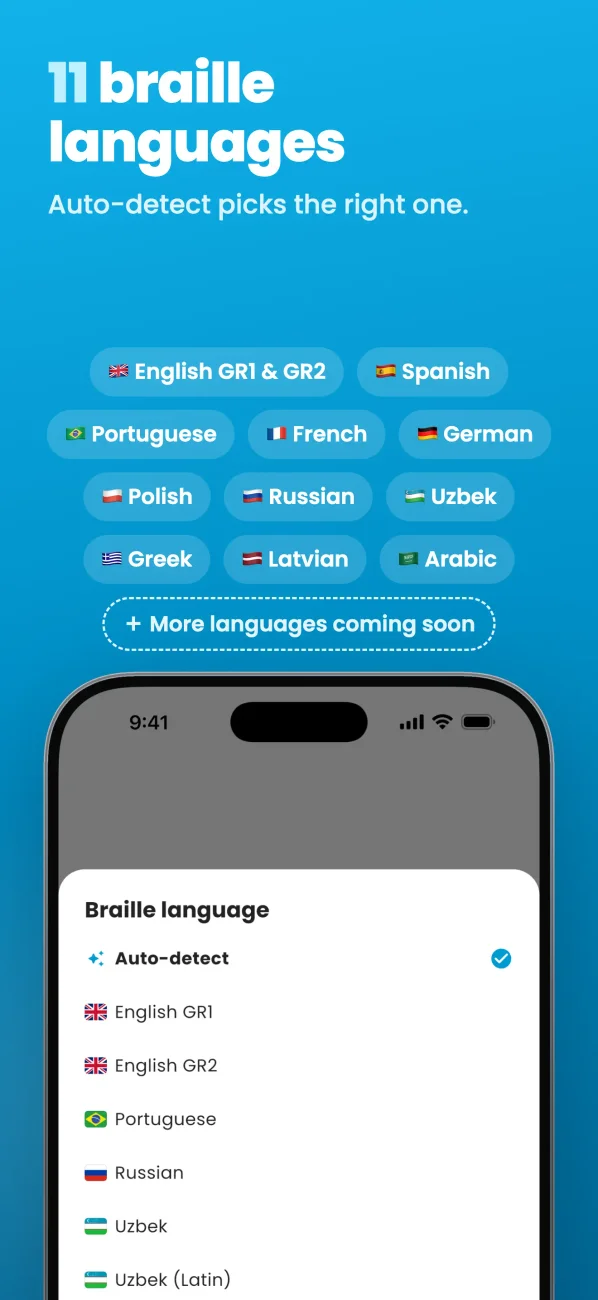
English (Grade 1 and Grade 2), Spanish, Portuguese, French, German, Polish, Russian, Uzbek, Greek, Latvian and Arabic. Auto-detect picks the right one for you. More languages are coming soon.
BRAILLE KEYBOARD AND CHART
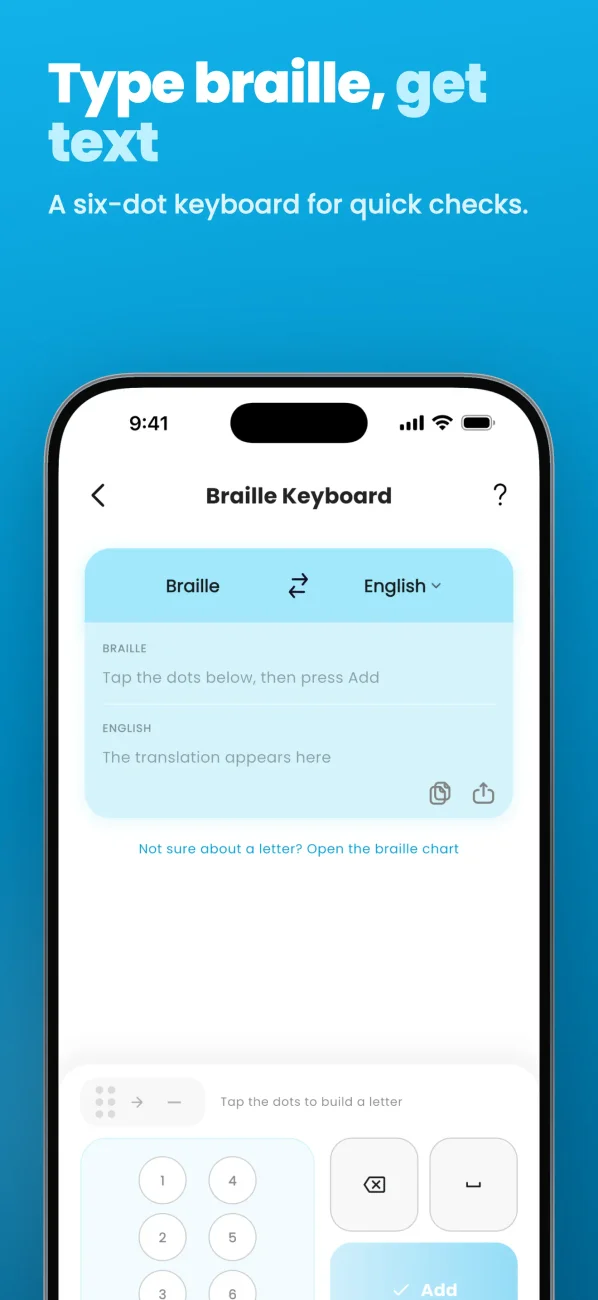
Type braille on a six-dot keyboard and get text, or type text and see it in braille. When you're not sure about a letter, the braille chart is one tap away. The keyboard is free.
FOR TEACHERS AND PARENTS
Check braille homework without knowing braille yourself. Follow the page cell by cell and spot the cell that doesn't match.
HISTORY AND FAVOURITES
Your translations are saved in History, so you can come back to them. Star the ones you need often.
CLEAR PHOTOS, BETTER RESULTS
The app is made for braille embossed on paper, photographed from straight above in soft light. Built-in tips show you how.
FREE TO TRY
Your first 5 photo translations are free. Premium unlocks unlimited translation and your full history. Cancel any time.
Premium is an auto-renewing subscription. Payment is charged to your Apple ID. It renews automatically unless cancelled at least 24 hours before the end of the current period. Manage or cancel it in your App Store account settings.
Terms of Use (EULA): https://braillerecognition.alfocus.uz/terms-of-use
Privacy Policy: https://braillerecognition.alfocus.uz/privacy-policy
What’s new
Version 4.5.0 · Nov 20, 2026
• Delete a scan from your history: swipe it to the left, or tap the trash icon on its page.
• New Lifetime plan: pay once and keep Premium for good.
• A new welcome guide, with tips on how to take a clear photo of braille.
• A more accurate recognition model, trained on more pages photographed by our users.
• Small fixes.
App privacy
What Mukhammadkodir Abduvoitov declares on the App Store about how this app handles data.
-
Data not linked to you
May be collected but is not linked to your identity.
- Identifiers
Privacy practices may vary, for example with the features you use or your age.
Information
- Seller
- Mukhammadkodir Abduvoitov
- Category
- Education
- Version
- 4.5.0
- Updated
- Nov 20, 2026
- Released
- Feb 2, 2023
- Size
- 45.9 MB
- Requires
- iOS 15.6 or later
- Age rating
- 4+
- Price
- Free
- In-app purchases
- Yes
- Languages
- English, French, German, Italian, Polish, Portuguese, Russian, Spanish
- Copyright
- © Абдувоитов Мухаммадкодир
You might also like
-
 Braille DecodedLearn & practice UEB braille
-
 Braille TypingLearn braille by typing it
-
 BrailleBuzzEducation
-
 Braille Academy: Play & LearnLearn and train touch reading
-
 Braille Keyboard WriterA new take on keyboards
-
 Braille Study LiteEducation
-
 BrailleReference
-
 Bonocle AlphabetLearn braille the easy way
-
 Quick and Easy ECCEducation
-
 CT Braille LiteEducation