
BrainRest: Screen Time Limit
App blocker, focus & bedtime
Designed for iPhone, iPad
Free · In-app purchases
- Age rating4+
- CategoryProductivity
- DeveloperNguyen Thanh Thien
- LanguagesEnglish+ 16 more
- Size103.4 MB
Links to the official App Store page
Download.org hosts no file of BrainRest: Screen Time Limit. The button opens its official App Store page, published by Nguyen Thanh Thien. Listing last checked on Nov 24, 2026.
Screenshots


About
Set screen time limits, block distracting apps and take your hours back with BrainRest. Hatch a Brain Buddy, give your apps a rest in a blanket fort, and build small phone-free habits every day.
BrainRest is free for everyone right now. All current features are available with no subscription and no paywall.
MEET YOUR BRAIN BUDDY
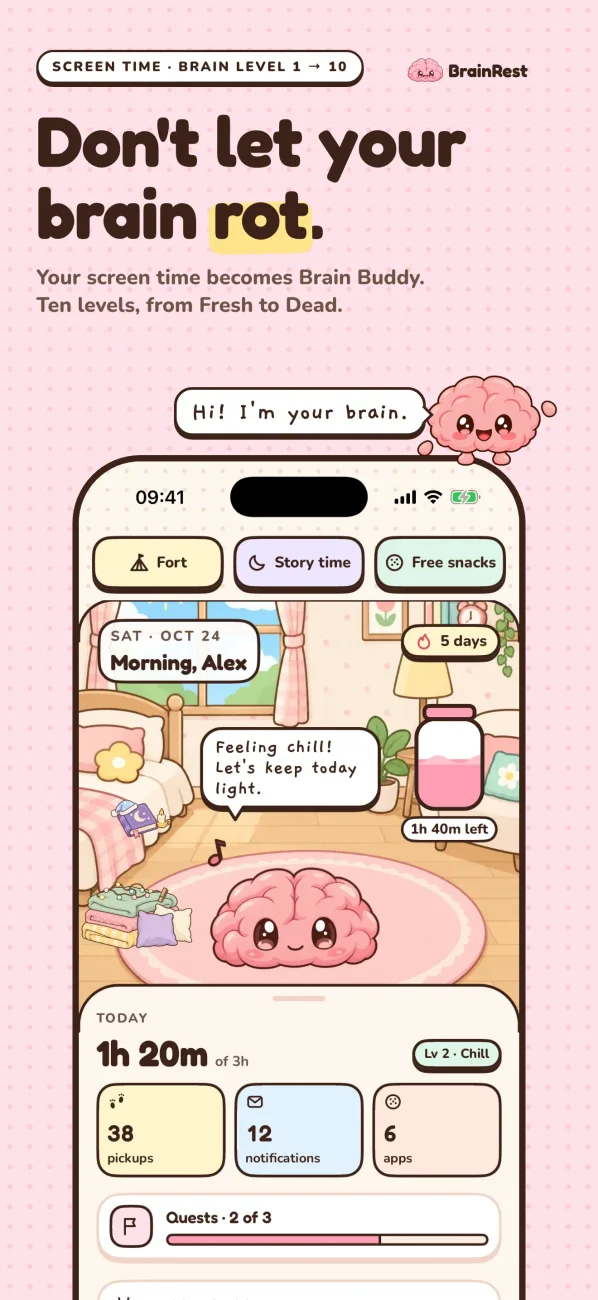
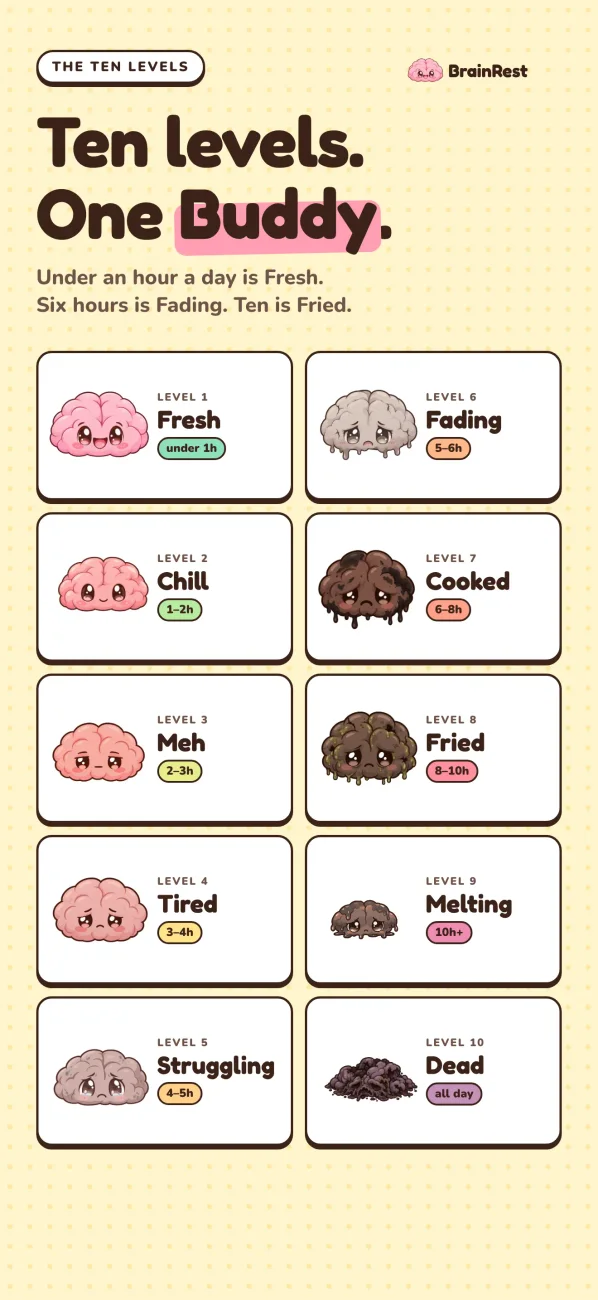
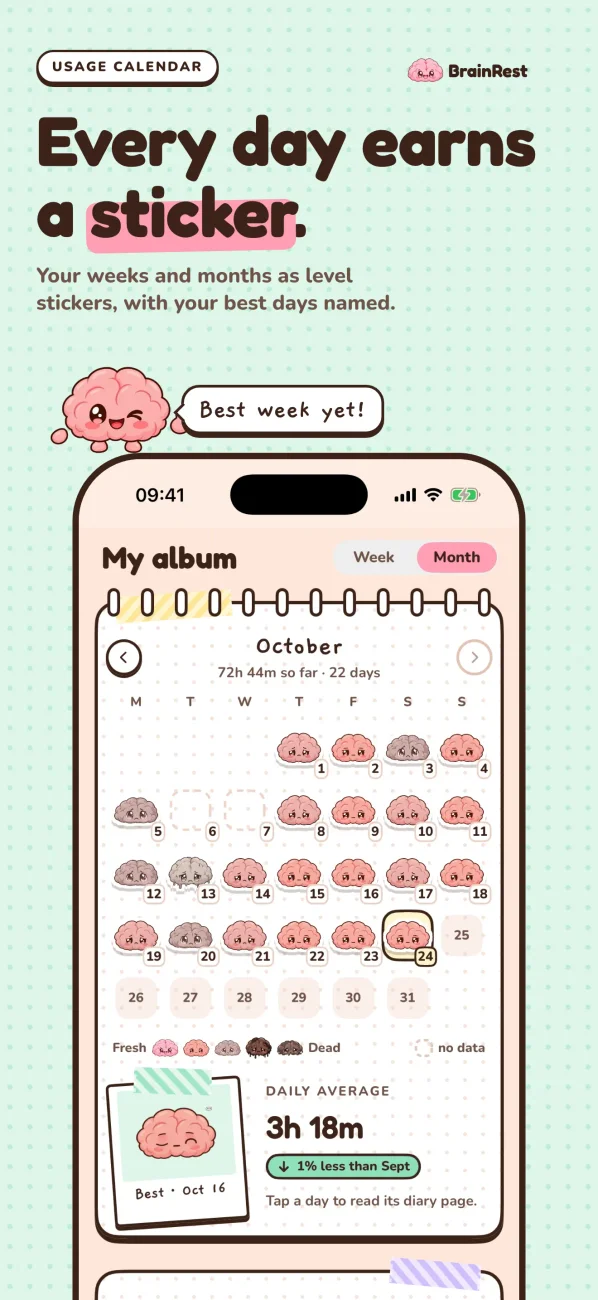
Your screen time has a face. Watch Buddy move through ten levels, from Fresh to Fried and beyond, as your phone use adds up. Check your day at a glance instead of getting lost in another chart.
SET A DAILY LIMIT
Give your day a jelly jar. Choose your screen time goal, see how much time is left, and let your chosen apps rest when your limit is reached.
BUILD A BLANKET FORT
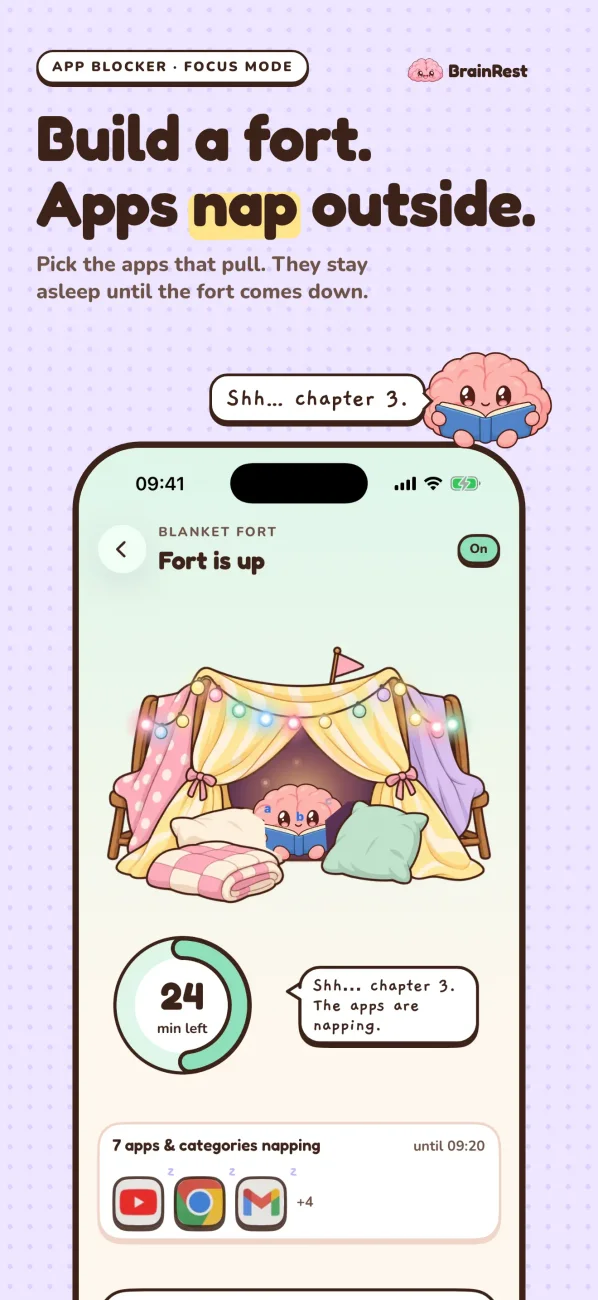
Start a focus session and choose the apps you want to block. They nap outside while Buddy keeps you company inside. Set an end time for your session and make room for studying, work or a phone-free break.
WIND DOWN AT BEDTIME
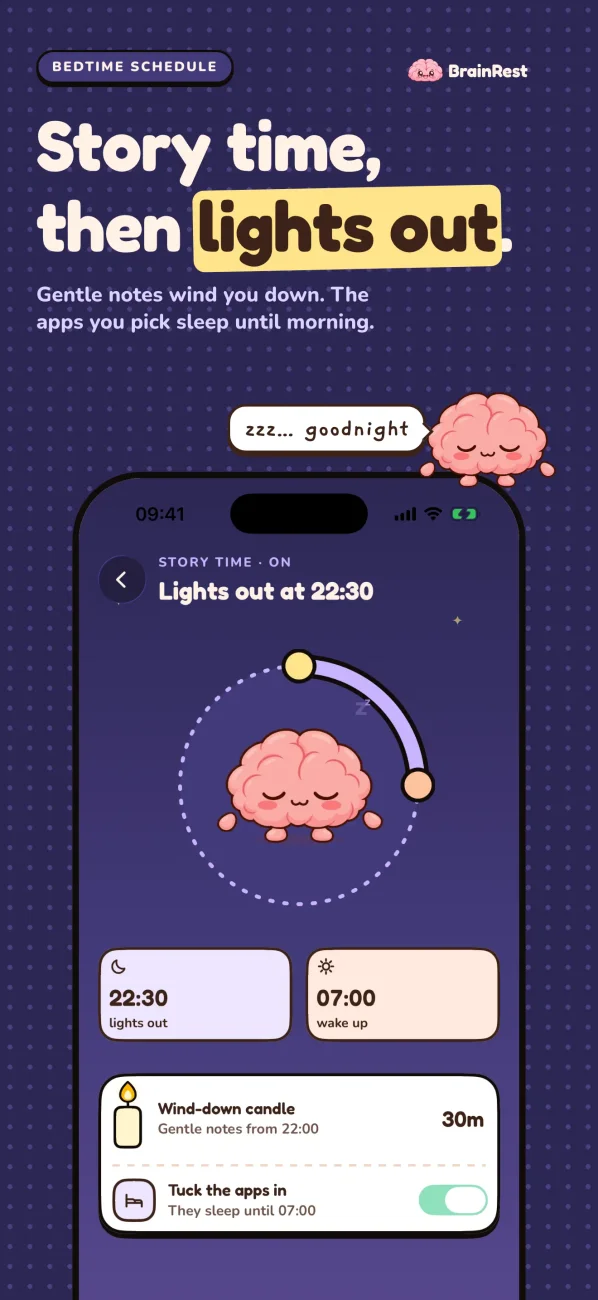
Choose when your selected apps rest at night and wake in the morning. Story Time adds gentle wind-down notes before lights out.
MAKE SMALL WINS VISIBLE
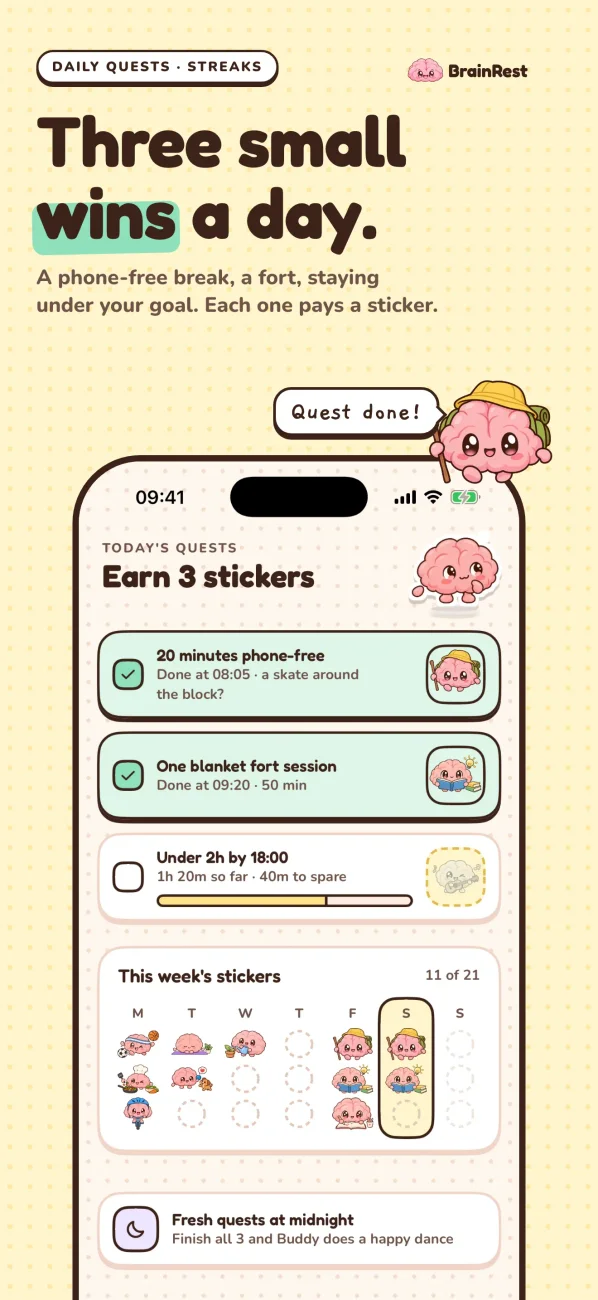
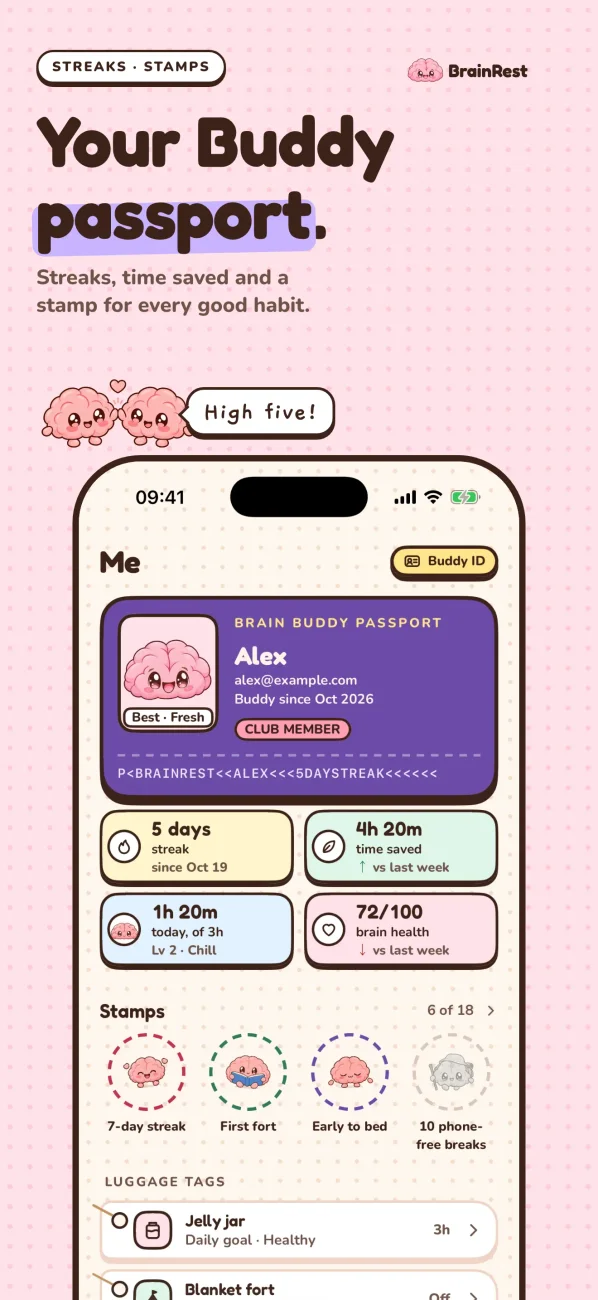
Complete daily quests, earn stickers and collect your days in an album. Your Buddy passport brings your streaks and stamps together, so a little progress has somewhere to live.
KEEP BUDDY ON YOUR HOME SCREEN
Widgets show your Brain Level, time left and focus session without opening the app. Daily and weekly views help you notice which apps use your time.
YOUR SCREEN TIME STAYS WITH YOU
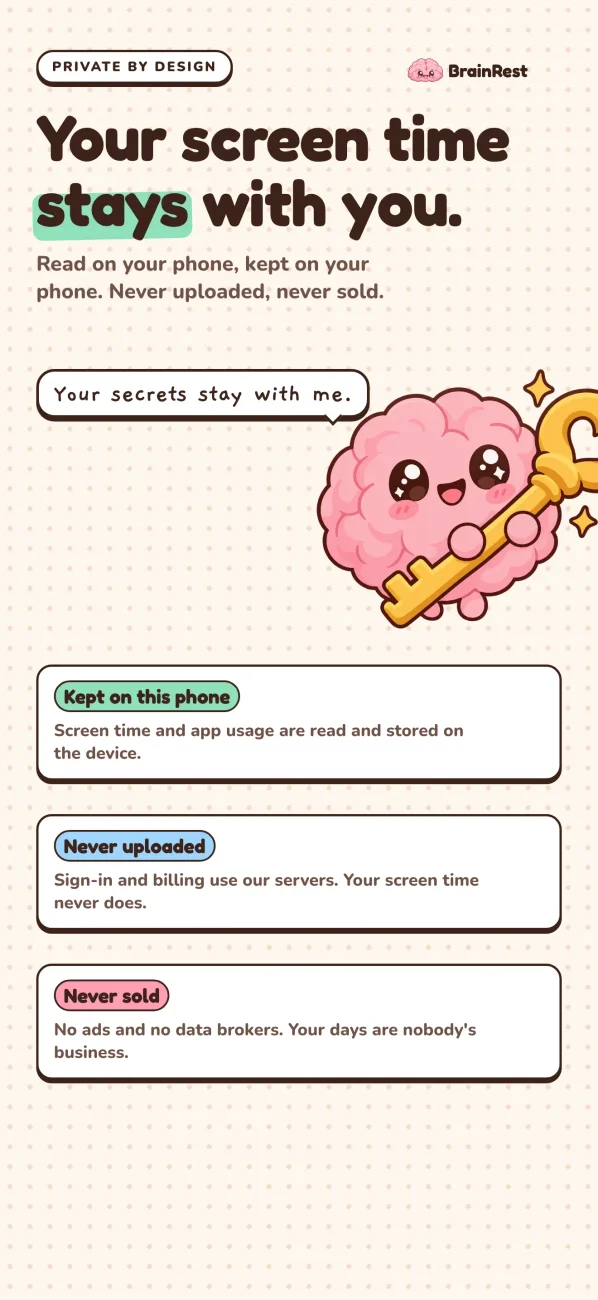
Screen time and per-app usage stay on your device. They are not uploaded or sold, and there is no cloud backup of your usage history. Your account is separate from that on-device history.
Give your next break a Buddy. Set your first limit and put a few apps down for a nap.
Terms of Use: https://brainrest.pro/terms
Privacy Policy: https://brainrest.pro/privacy
What’s new
Version 1.5.3 · Nov 23, 2026
iPad pals, sorry: Apple's app list got squished and cut in two.
Now it has room to stretch, with the "all apps" row right on top for you.
Looking for your account? It says so now: Me › Account · Buddy ID,
and "Delete account" waits right there, plain as can be.
After a win, Buddy may now and then hand you the store's star card:
rate, write, or swipe it away. Buddy cheers for you, no matter how hard!
App privacy
What Nguyen Thanh Thien declares on the App Store about how this app handles data.
-
Data linked to you
May be collected and linked to your identity.
- Contact info
- Identifiers
- Usage data
-
Data not linked to you
May be collected but is not linked to your identity.
- User content
Privacy practices may vary, for example with the features you use or your age.
Information
- Seller
- Nguyen Thanh Thien
- Category
- Productivity
- Version
- 1.5.3
- Updated
- Nov 23, 2026
- Released
- Aug 16, 2026
- Size
- 103.4 MB
- Requires
- iOS 17.0 or later
- Age rating
- 4+
- Price
- Free
- In-app purchases
- Yes
- Languages
- English, Arabic, French, German, Indonesian, Italian, Japanese, Korean, Polish, Portuguese, Russian, Simplified Chinese + 5 more
- Copyright
- © 2026 Nguyen Thanh Thien
You might also like
-
 Page by a-gntClip it here, read it anywhere
-
 Jakobs UmzügeProductivity
-
 Les Gardiens of SilenceLimit distractions in one tap
-
 AI Meeting Note Taker AirNoteContext For Claude & ChatGPT
-
 Screen Time Control - PetACatapp blocker limit social media
-
 Focus Cat: Earn Screen TimeADHD focus & app blocker
-
 RotStop: Screen Time BlockerBe Productive, Unlock Screens
-
 PDF Reader: Document ViewerWord,Excel,PPT & Image to PDF
-
 Focusone: Screen Time ControlFocus, App Blocker & Timer
-
 Supsis AIProductivity