BrewPilot: Coffee Ratio Timer
Pour Over, Espresso & Brew Log
Designed for iPhone, iPad, iPod touch
Free · In-app purchases
- Age rating4+
- CategoryFood & Drink
- DeveloperAlex Galkin
- LanguagesEnglish
- Size9.5 MB
Links to the official App Store page
Download.org hosts no file of BrewPilot: Coffee Ratio Timer. The button opens its official App Store page, published by Alex Galkin. Listing last checked on Nov 18, 2026.
Screenshots
About
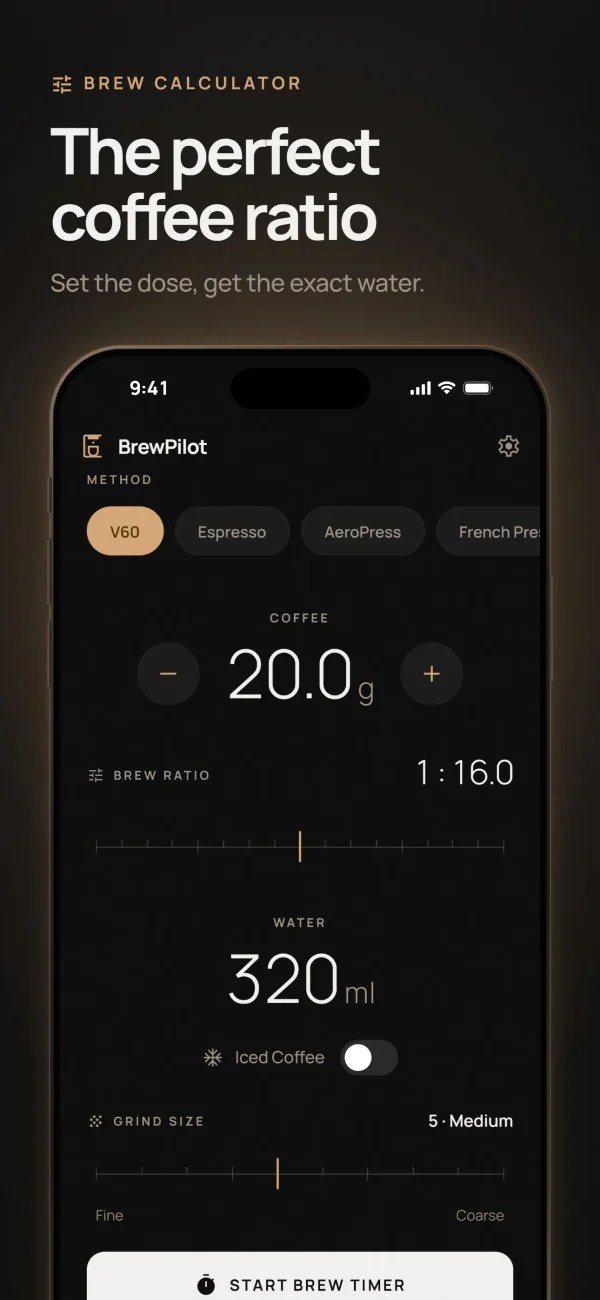
BrewPilot works out the water for your coffee dose and walks you through every pour, timed to the second.
RATIO CALCULATOR
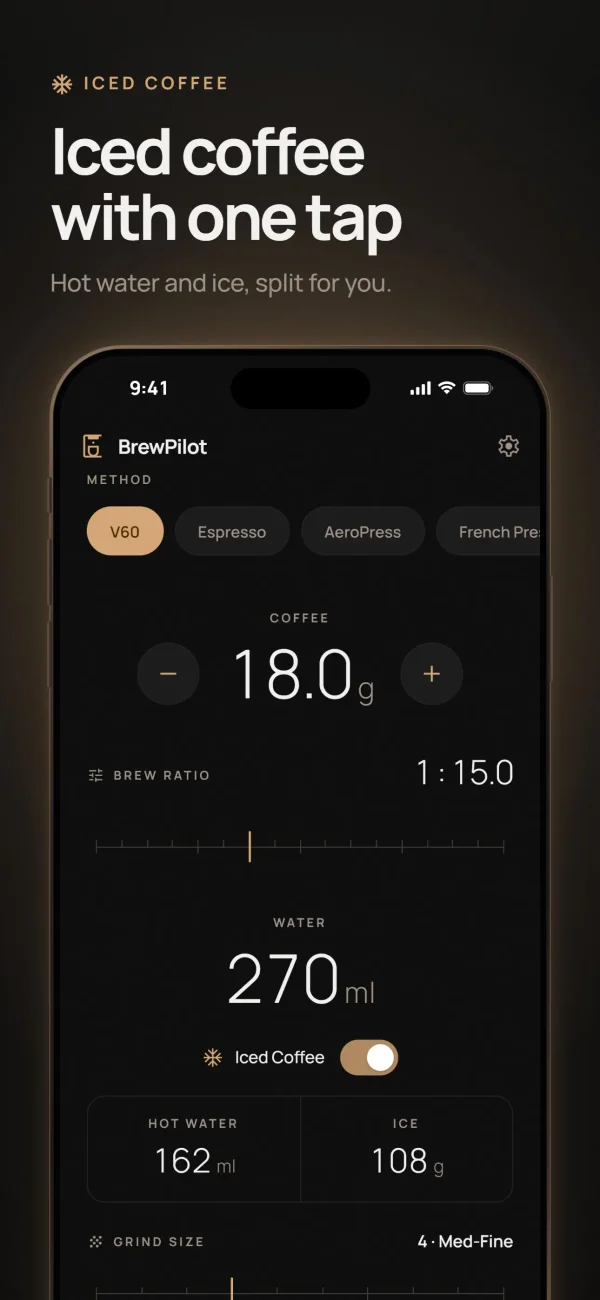
Pick one of ten methods: V60, Kalita Wave, Chemex, AeroPress, Clever Dripper, French press, espresso, moka pot, Turkish coffee or cold brew. Set your dose and ratio, and the water follows. Measure in grams or ounces, or the coffee in tablespoons. BrewPilot keeps your dose, ratio and grind for each method.
GRIND SETTING
A grind slider for each method, with as many steps as your grinder has.
ICED COFFEE
One switch splits the water into hot water and ice. The pours then target the hot water only.
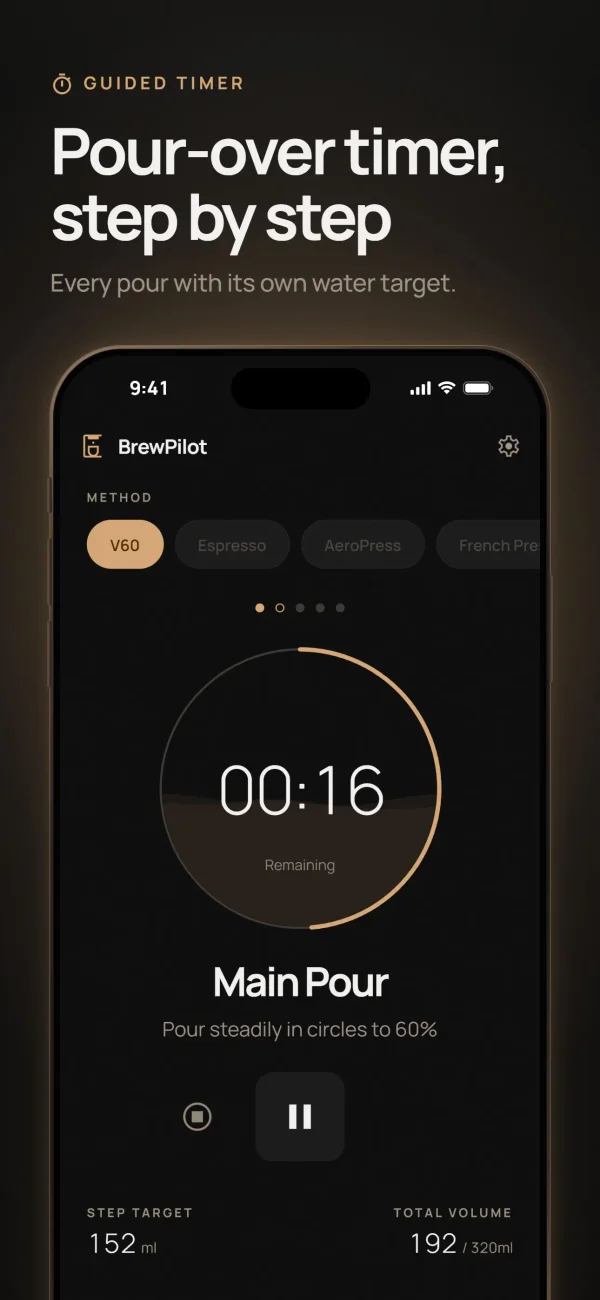
GUIDED POUR-OVER TIMER
Step-by-step timers for V60, Kalita Wave, Chemex, AeroPress, Clever Dripper and French press. Each pour shows how much water to add. Steps can move on by themselves, and your iPhone can vibrate at every change. The timer keeps running when your iPhone locks, and a notification tells you when each step ends.
ESPRESSO, MOKA POT AND TURKISH COFFEE
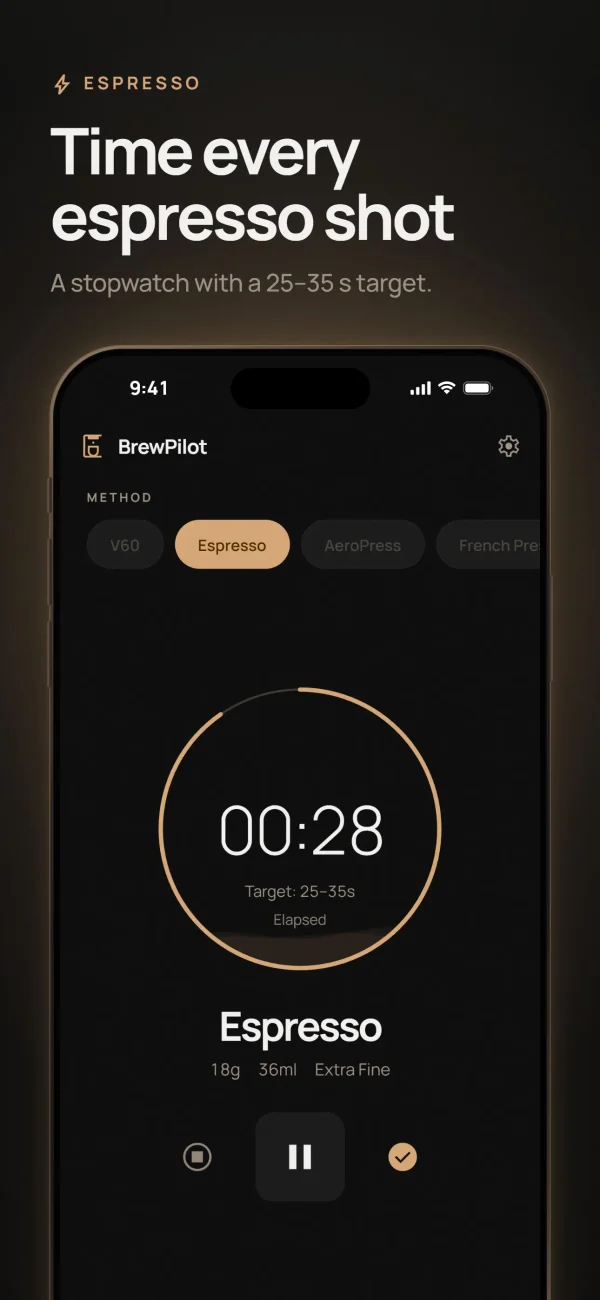
A stopwatch for each. The espresso timer shows a 25 to 35 second target window.
COLD BREW
A long countdown that sends a notification when your cold brew is ready.
COFFEE BEANS
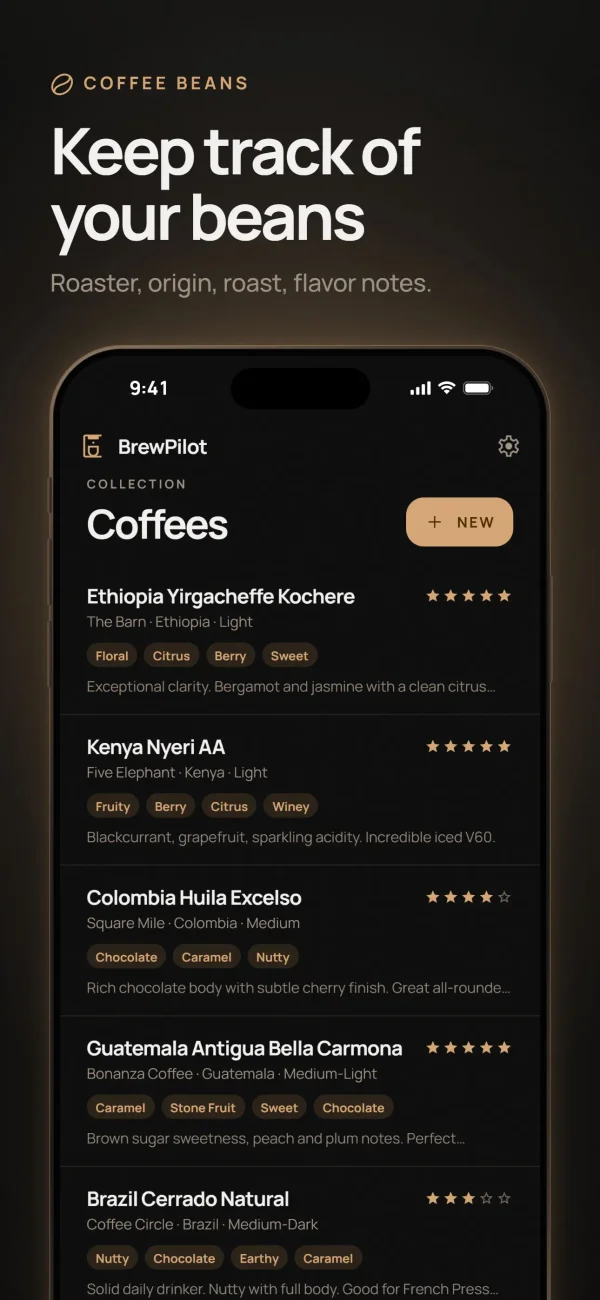
Keep the beans you have at home with roaster, origin, process, roast level, roast date and flavor notes. Three coffees are free, more with Pro.
BREW LOG (PRO)
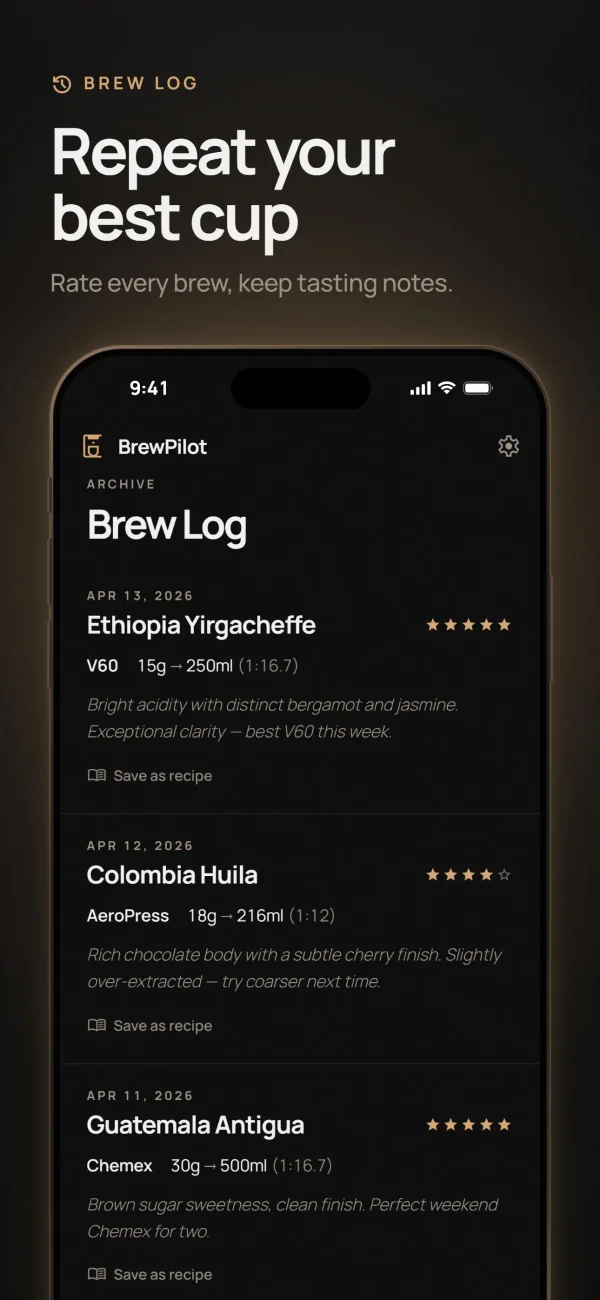
Rate each cup and write down what you tasted, so you know which beans and recipes worked. Export the log as a CSV file.
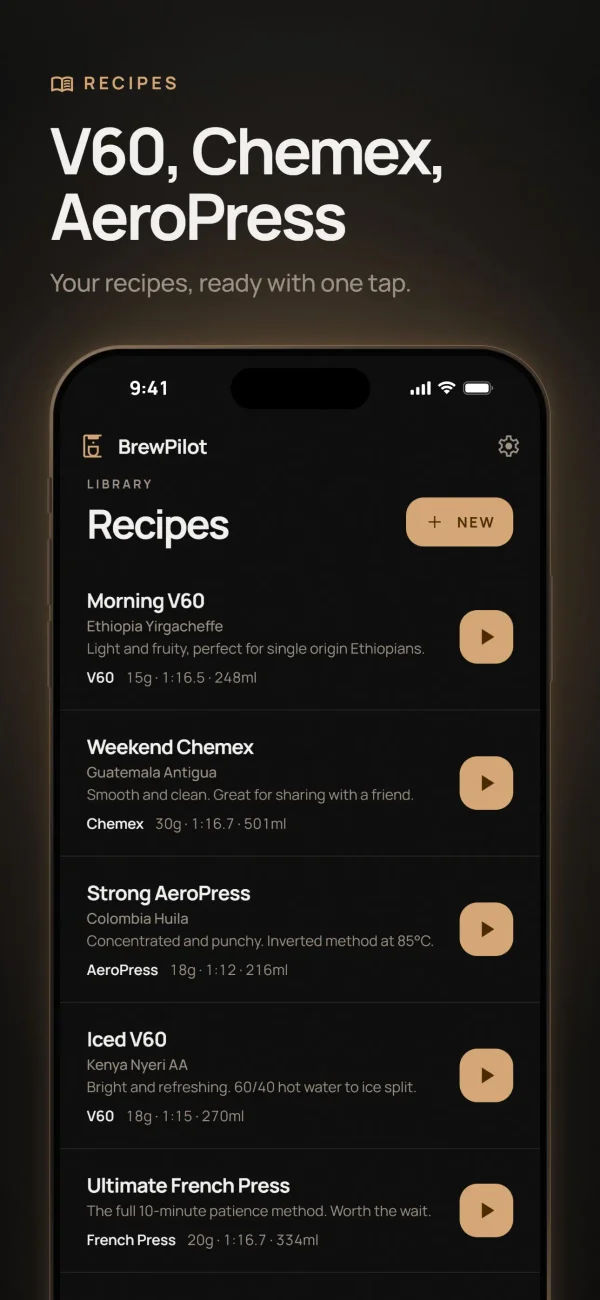
YOUR OWN RECIPES (PRO)
Save your own steps, temperature and iced split, load a recipe into the timer with one tap, and send it to a friend as a link.
ICLOUD SYNC
Your brews, coffees and recipes reach your other Apple devices through your own iCloud. You can turn sync off in Settings.
PRIVACY
No account and no BrewPilot server. No analytics, no ads, no tracking. Notifications are scheduled on your iPhone and never pass through a server.
FREE AND PRO
Free: the ratio calculator, every timer, iced coffee and up to three coffees. BrewPilot Pro adds the brew log, your own recipes, unlimited coffees and CSV export.
Pro is available as a monthly or yearly subscription, or as a one-time lifetime purchase. The price is shown in the app before you buy. Payment is charged to your Apple ID when you confirm the purchase. A subscription renews automatically unless you cancel it at least 24 hours before the end of the current period, and the renewal is charged within the 24 hours before the period ends. You can manage or cancel it in your iPhone's Settings under your name, then Subscriptions.
Help: https://apps.alexgalkin.de/brewpilot/
Privacy policy: https://apps.alexgalkin.de/brewpilot/privacy/
Terms of use: https://www.apple.com/legal/internet-services/itunes/dev/stdeula/
What’s new
Version 1.0.2 · Oct 28, 2026
• Timers keep running when your iPhone locks, with a notification at every pour step
• oz and tbsp now convert the amounts, and unit changes apply right away
• Your settings for each brew method are kept between launches
• Recipes start with their own steps, temperature and iced split
• Iced coffee: pours now target the hot water only
• CSV export saves a real file
• iCloud sync: deleted brews, recipes and coffees stay deleted on all your devices
• On iPad, coffee and water sit side by side, the timer ring is larger, and recipes, coffees and your log fill the screen in columns
• Settings link to the terms, privacy policy and legal notice
• A cleaner, easier to read design and better VoiceOver support
App privacy
What Alex Galkin declares on the App Store about how this app handles data.
-
Data not linked to you
May be collected but is not linked to your identity.
- Purchases
Privacy practices may vary, for example with the features you use or your age.
Information
- Seller
- Alex Galkin
- Category
- Food & Drink
- Version
- 1.0.2
- Updated
- Oct 28, 2026
- Released
- Apr 16, 2026
- Size
- 9.5 MB
- Requires
- iOS 15.0 or later
- Age rating
- 4+
- Price
- Free
- In-app purchases
- Yes
- Languages
- English
- Copyright
- © 2026 Alex Galkin
You might also like
-
 Brewio: Coffee Journal & TimerBrew log, recipes & bean stash
-
 Grind Convert: Coffee DialCoffee Grinder Settings
-
 Ratio, Nau: Specialty CoffeeYour recipes, pour by pour
-
 Sixteen to OneCoffee ratios perfected
-
 Brew – AI BaristaFood & Drink
-
 Coffee Ratio - Brew CalculatorV60 Espresso Cold Brew & More
-
 BrewJournalCoffee Brewing Log & Notes
-
 Coffee Lab AI - Brew SmarterPourover Brew Recipe Assistant
-
 Roast Master: Coffee JournalFood & Drink
-
 Pour - Brewing Scale & TimerPerfect Pour-Over, Every Time